

Thrustmaster TCA Officer Pack Airbus Edition (PC) – sidestick & throttle quadrant for Microsoft Flight Simulator
Product description
What it is (and why people buy it)
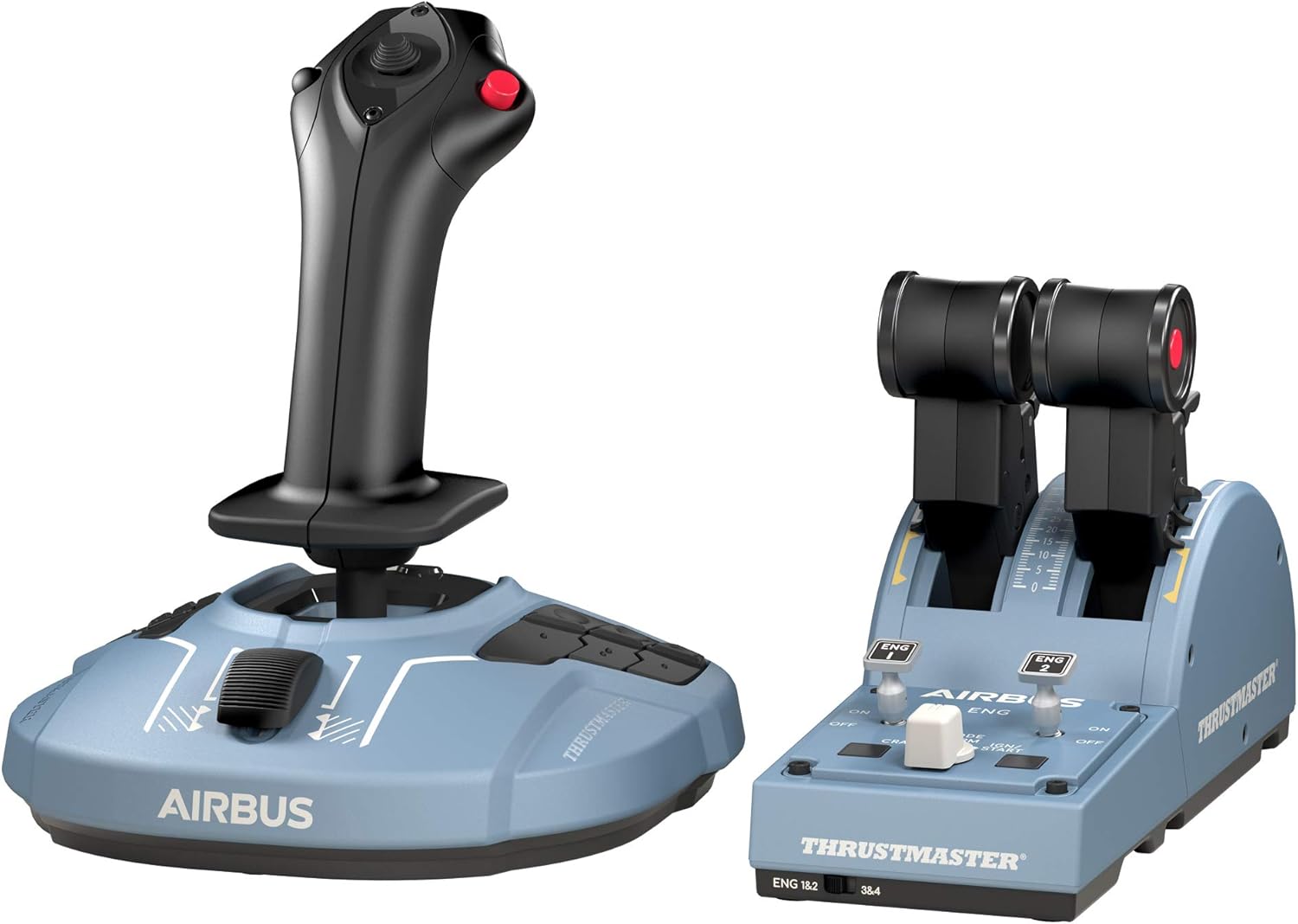
The Thrustmaster TCA Officer Pack Airbus Edition is a PC flight-sim control set aimed at people who want a more “sit in the cockpit” feel than you’ll get from a basic joystick and a couple of generic sliders. On paper, it’s designed to recreate the Airbus-style sidestick and throttle quadrant experience, with ergonomic shaping, a realistic thrust reverser mechanism, and a build that’s focused on precise input rather than quick-and-cheerful controls.
This is the sort of pack you tend to choose when you’re already flying airliners in Microsoft Flight Simulator and you care about muscle memory—where a lever sits, how it moves through detents, and what “idle” versus “climb” feels like. It’s also modular, which matters if you share your setup or if you change your handedness for comfort.
One small limitation to bear in mind: with sim hardware, immersion is only as good as your mapping and your chosen aircraft procedures. If you’re not using Airbus aircraft often, or you mostly fly smaller GA planes where throttle mechanics and detents matter less, the pack may feel like more hardware than you actually need.
Key features worth noticing
The headline idea here is “magnetic precision” and a layout that’s meant to mirror a real Airbus control flow.
For the sidestick and throttle quadrant, the pack uses H.E.A.R.T magnetic technology. The provided details state 14-bit resolution on the sidestick and 16-bit on the throttle. The practical takeaway is the promise of precision that doesn’t degrade over time in the same way mechanical potentiometers can—because, as described, there are no mechanical potentiometers to wear out.
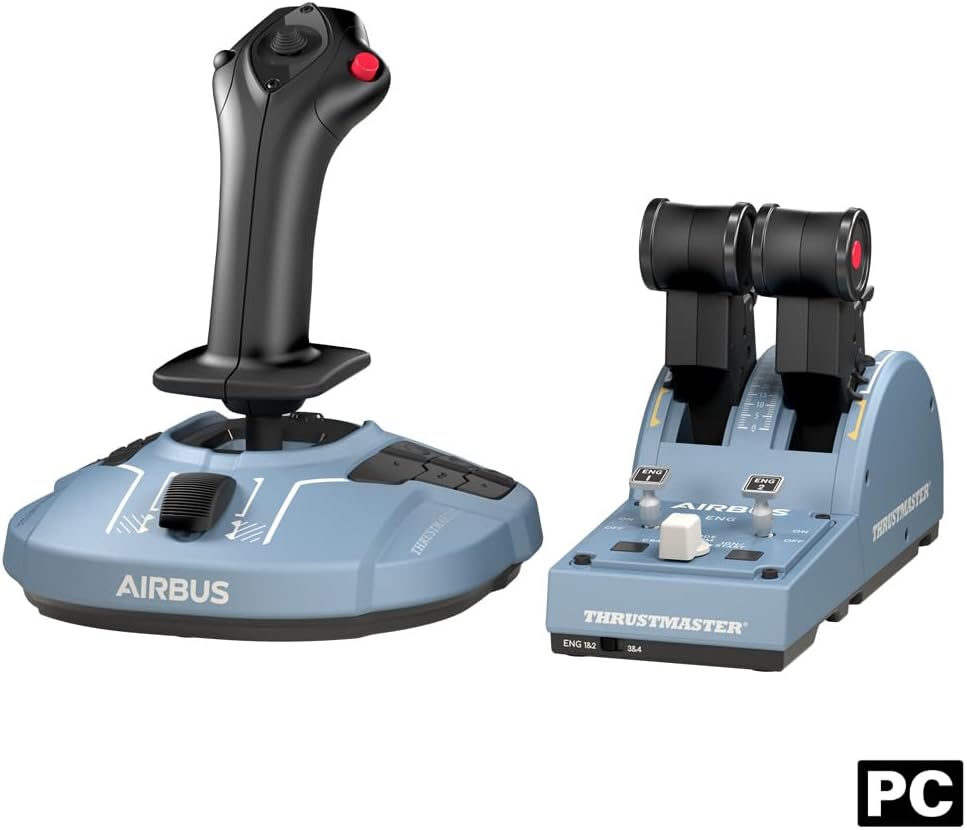
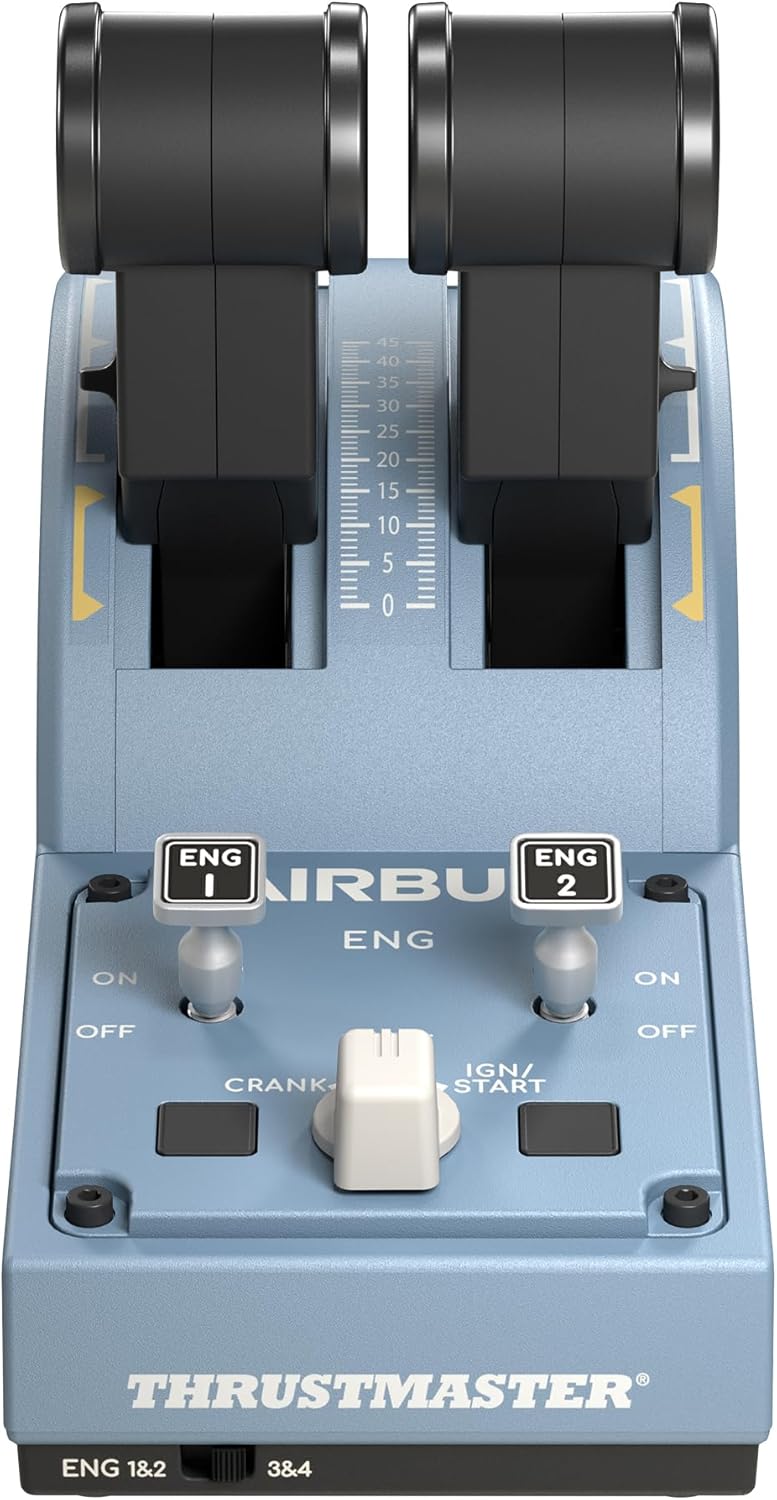
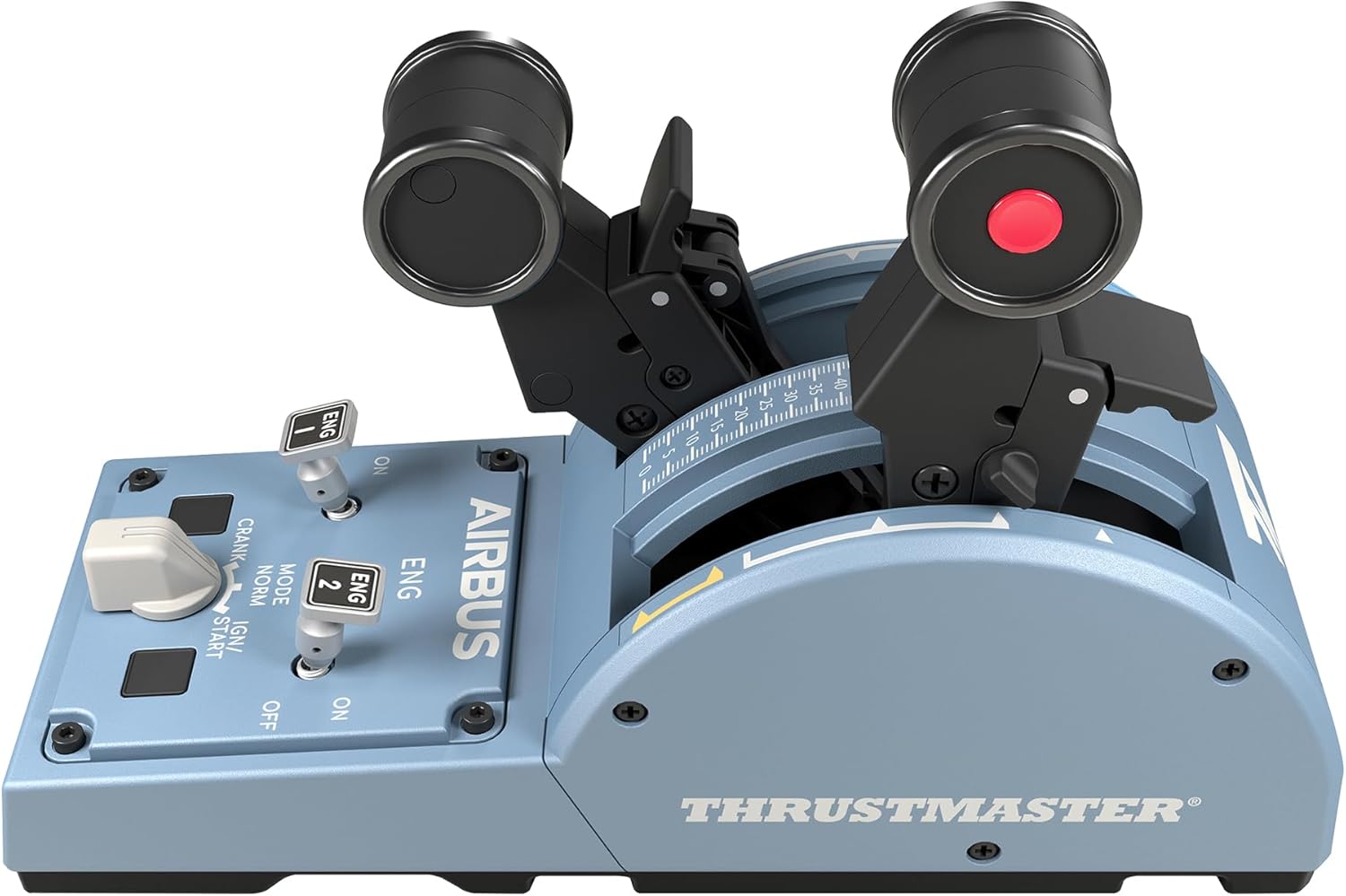
Then there’s the thrust reverser mechanism. If you care about touchdown and rollout realism, it’s a concrete feature rather than a cosmetic one. The throttle levers also come with detents described as Idle / Climb / Flex / TO/GA, giving you tactile “checkpoints” when you advance the power.
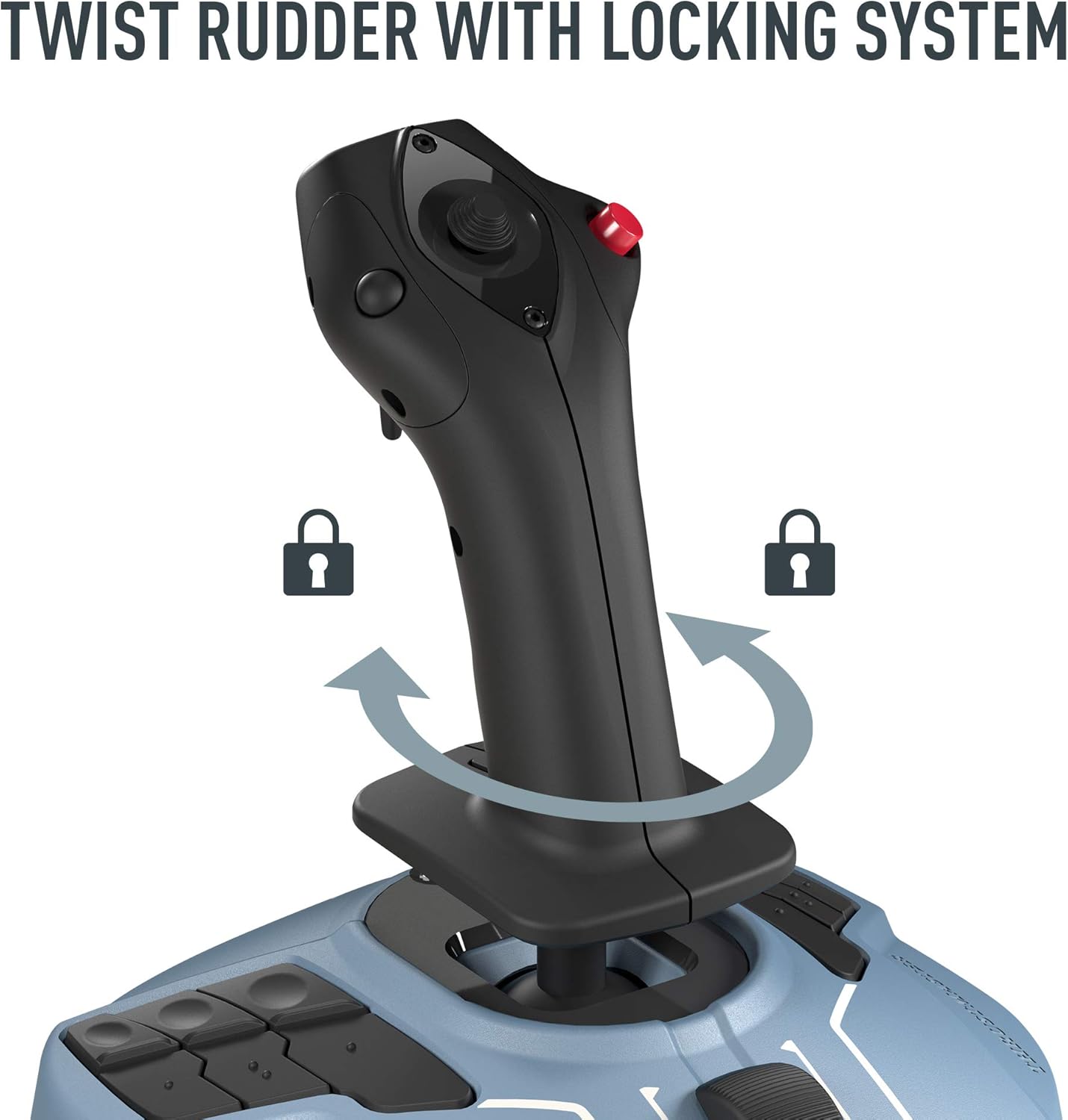
On top of that, you get 12 remappable buttons on the base and 4 axes, plus a built-in twist rudder that can be locked. There are also “Engine Master” switches intended for a more realistic startup sequence. If you’re the kind of simmer who likes doing flows and checklists properly (not just jumping straight to take-off), this is where the pack earns its keep.
Key takeaways for setup and day-to-day use
This pack is presented as natively integrated with Microsoft Flight Simulator, with a “Plug & Play” approach. The key point in the description is that the device is automatically recognised in MSFS 2020/2024, with buttons and axes pre-configured for Airbus aircraft.
In practice, that matters because the first session after purchase can be either smooth or fiddly depending on the device. Here, the intention is that you get airborne in seconds rather than spending your evening hunting through control profiles.
A micro example: imagine you’re preparing for an airliner flight. You load the aircraft, land on the Airbus cockpit position, and you want to quickly verify that throttle detents line up with your in-sim thrust levers, and that your sidestick inputs feel consistent. A pre-configured setup reduces that “does this axis map correctly?” uncertainty.
Ambidextrous and modular (but check your preference)
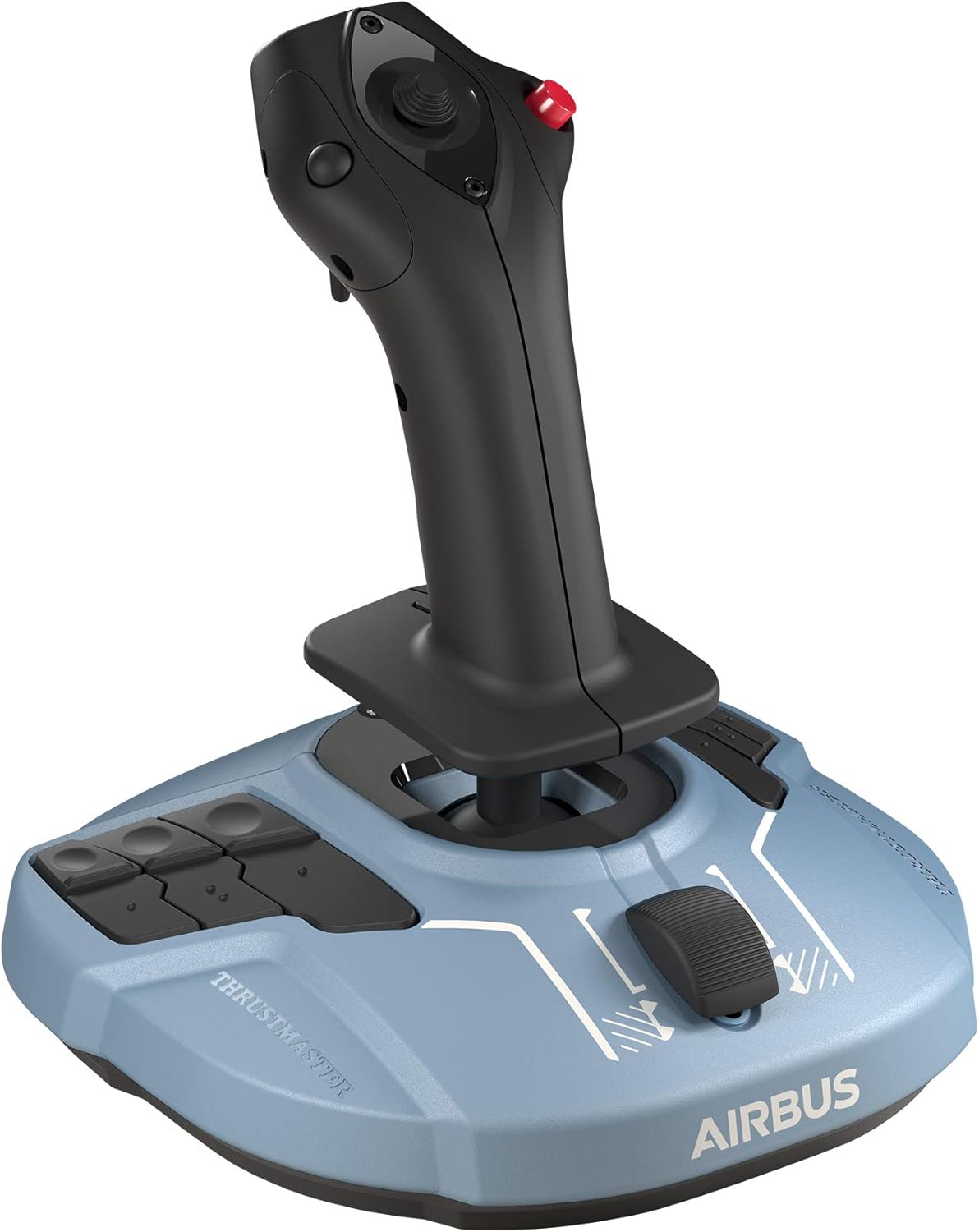
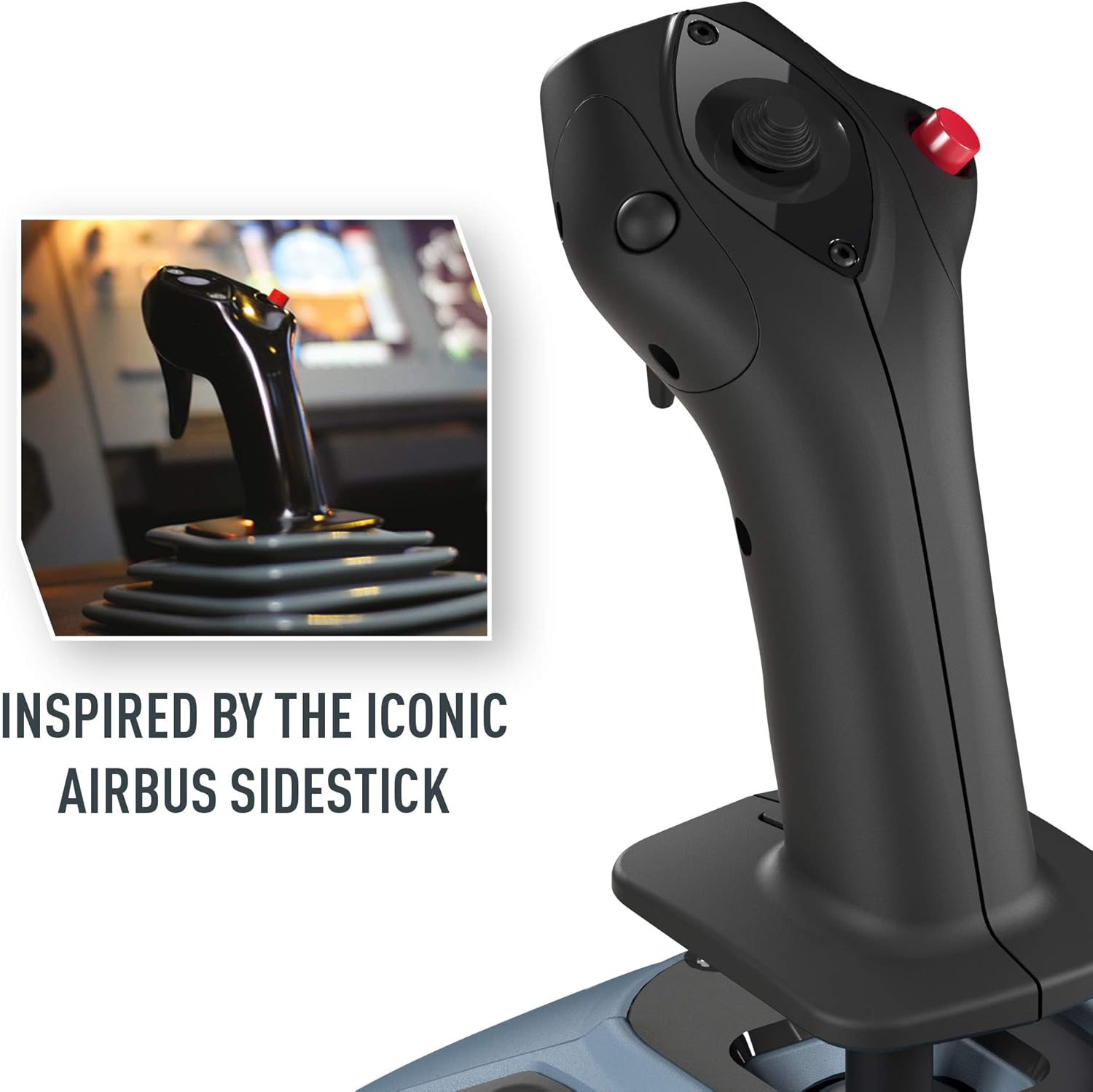
The sidestick is described as ambidextrous and modular. It uses four swappable head button modules so you can configure it for left-handed, right-handed, or centre-stick operation. The description also frames this as useful for switching between Captain and Co-pilot roles.
It’s a clever concept if you frequently adjust your cockpit position, share the setup, or simply prefer different handling. Still, you’ll want to consider whether you personally need that flexibility. If you already fly exclusively in one handed configuration and you’re unlikely to swap modules, it’s a nice-to-have feature rather than a deal-maker.
Also, “compatible” integration is strong, but your specific in-game binding workflow can still vary depending on how you fly and which panels or extra avionics you use. It’s worth checking your controller settings in MSFS the moment you install, even with pre-configuration.
Tech summary
Tech specs
- Sidestick resolution: 14-bit
- Throttle resolution: 16-bit
- Sensor technology: H.E.A.R.T magnetic technology
- Buttons: 12 remappable buttons on the base
- Axes: 4 independent axes
- Rudder: built-in twist rudder (lockable)
- Ambidextrous setup: configurable using four swappable head button modules
- Throttle detents: Idle / Climb / Flex / TO/GA
- Startup-related switches: includes “Engine Master” switches
- Compatibility: Microsoft Flight Simulator (MSFS 2020/2024)
Is it for you? The buying verdict
It’s a solid pick if you want Airbus-flavoured control feel in MSFS, and especially if you value realistic throttle detents, thrust reverser handling, and a more “procedure-friendly” cockpit setup with remappable buttons and startup switches.
It might not be the best match if your flights are mostly non-Airbus aircraft, you don’t care about Airbus-style detents and flows, or you’re mainly looking for a compact, simpler controller solution. In those cases, the extra hardware and the Airbus-centric pre-configuration could end up feeling like wasted complexity.
So, should you buy it? Worth considering if you’re committed to airliner flying in MSFS and you want durable-feeling precision with magnetic sensing, plus controls that are already set up for Airbus aircraft. If you’re still experimenting with what kinds of aircraft you fly most, you may want to be a bit cautious—because this pack is clearly built around the Airbus A320-style experience.
Small FAQ
Quick questions before you commit
-
Is it compatible with MSFS on PC? Yes—it's described as natively integrated and automatically recognised in Microsoft Flight Simulator, including MSFS 2020 and 2024.
-
Does it need lots of remapping? The description says it’s “Plug & Play” with buttons and axes pre-configured for Airbus aircraft, which should reduce setup time.
-
What’s the advantage of the magnetic technology? The pack uses H.E.A.R.T magnetic technology, with stated resolutions of 14-bit (sidestick) and 16-bit (throttle), and it’s positioned as avoiding mechanical potentiometers that can wear out.
-
Can the sidestick be used left-handed or right-handed? Yes. It’s described as fully ambidextrous via four swappable head button modules, allowing left-handed, right-handed, or centre-stick operation.
-
Does the throttle include realistic thrust reverser control? The description says there’s an integrated thrust reverser mechanism.
Final verdict
It’s a buy-worthy choice for Airbus-focused MSFS PC simmers who want tactile throttle detents, thrust-reverser realism, and a cockpit-style sidestick that’s built around magnetic sensing—just make sure you’ll actually fly Airbus often enough for the Airbus-centric design to feel like value rather than overkill.