

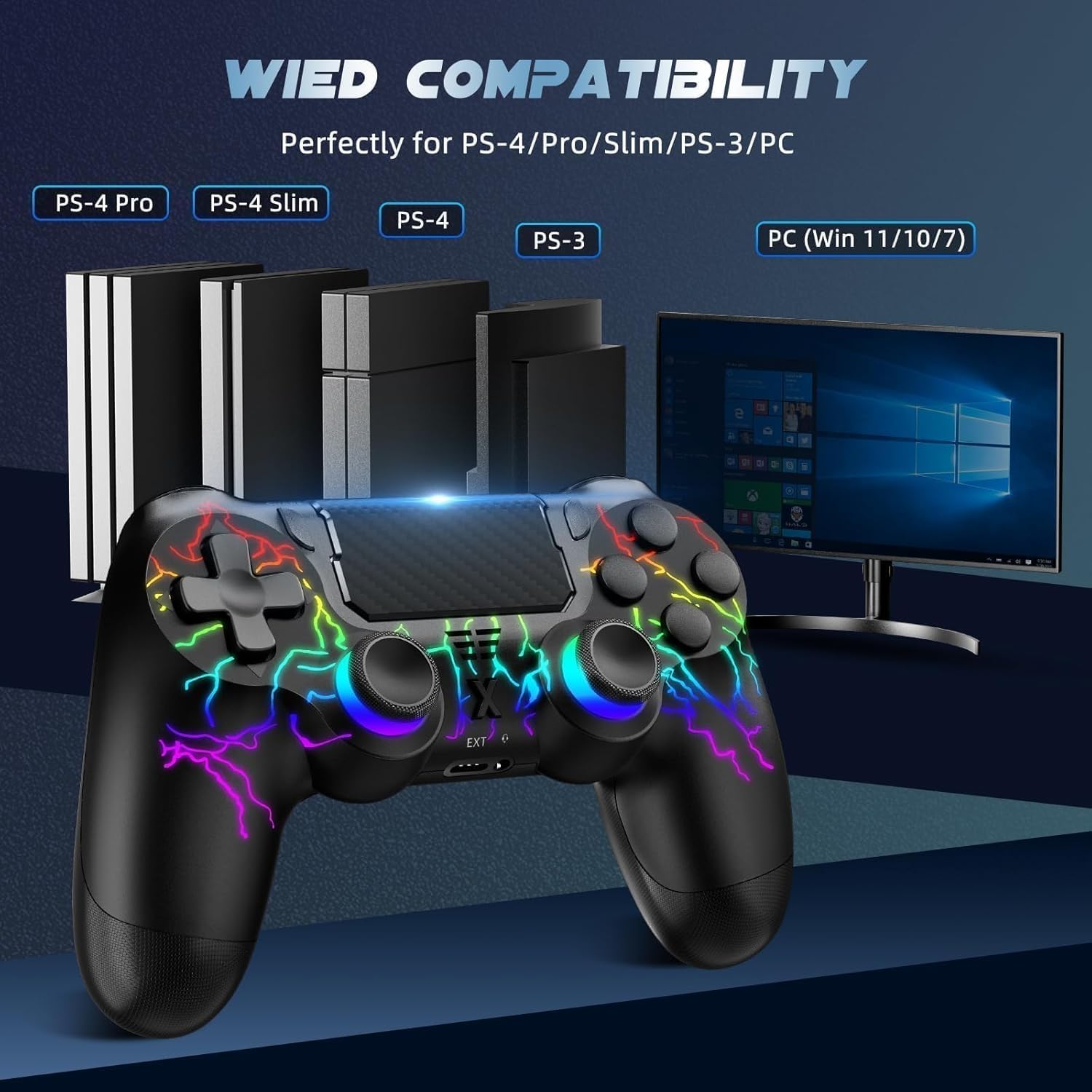
Suoxiom Wireless Controller for P4 (P4 Pro, P4 Slim) & PC with Bluetooth, Touch Panel, 3.5mm Audio Jack and Vibration
Product description
Key takeaways
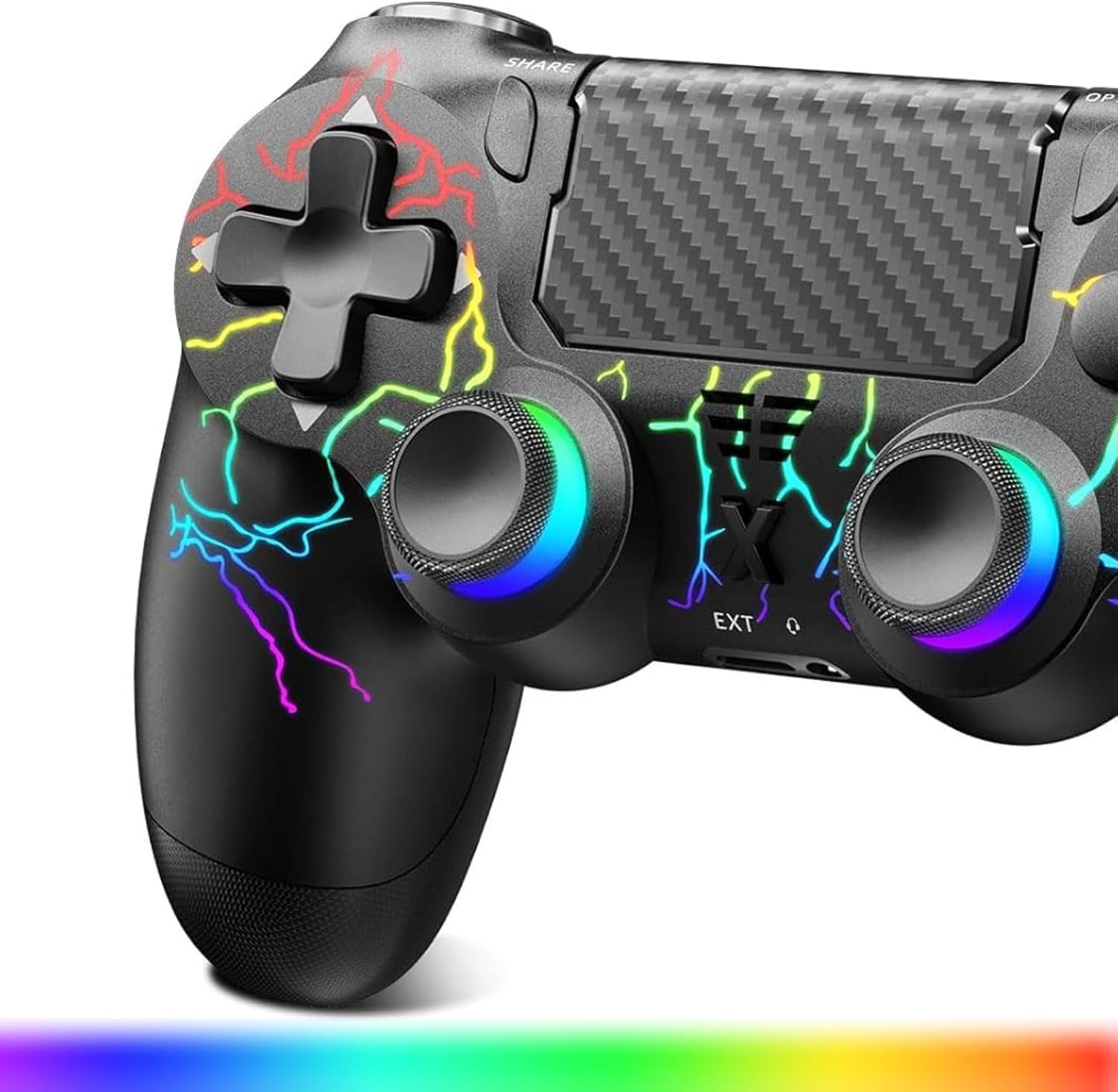
If you’re after a wireless gamepad with a more “feature-rich” control layout than the most basic options, the Suoxiom Wireless Controller for P4 looks like it’s aimed at exactly that. On paper, it combines a touch panel, vibration feedback, a 6-axis gyro sensor and a 3.5mm audio jack in one controller, which is handy for both relaxed play and situations where you want in-game comms.
That said, a controller like this is always a little dependent on what you’re playing and how comfortable you find the button layout. The description covers a lot of functions, but it doesn’t spell out things like support for particular game settings, so it’s worth checking that your typical games behave the way you expect.
The essentials
This is a Bluetooth wireless controller designed for use with P4, P4 Slim and P4 Pro, plus PC on Windows 7/8/10. The key idea is multi-platform convenience: you’re not buying separate controllers for each device.
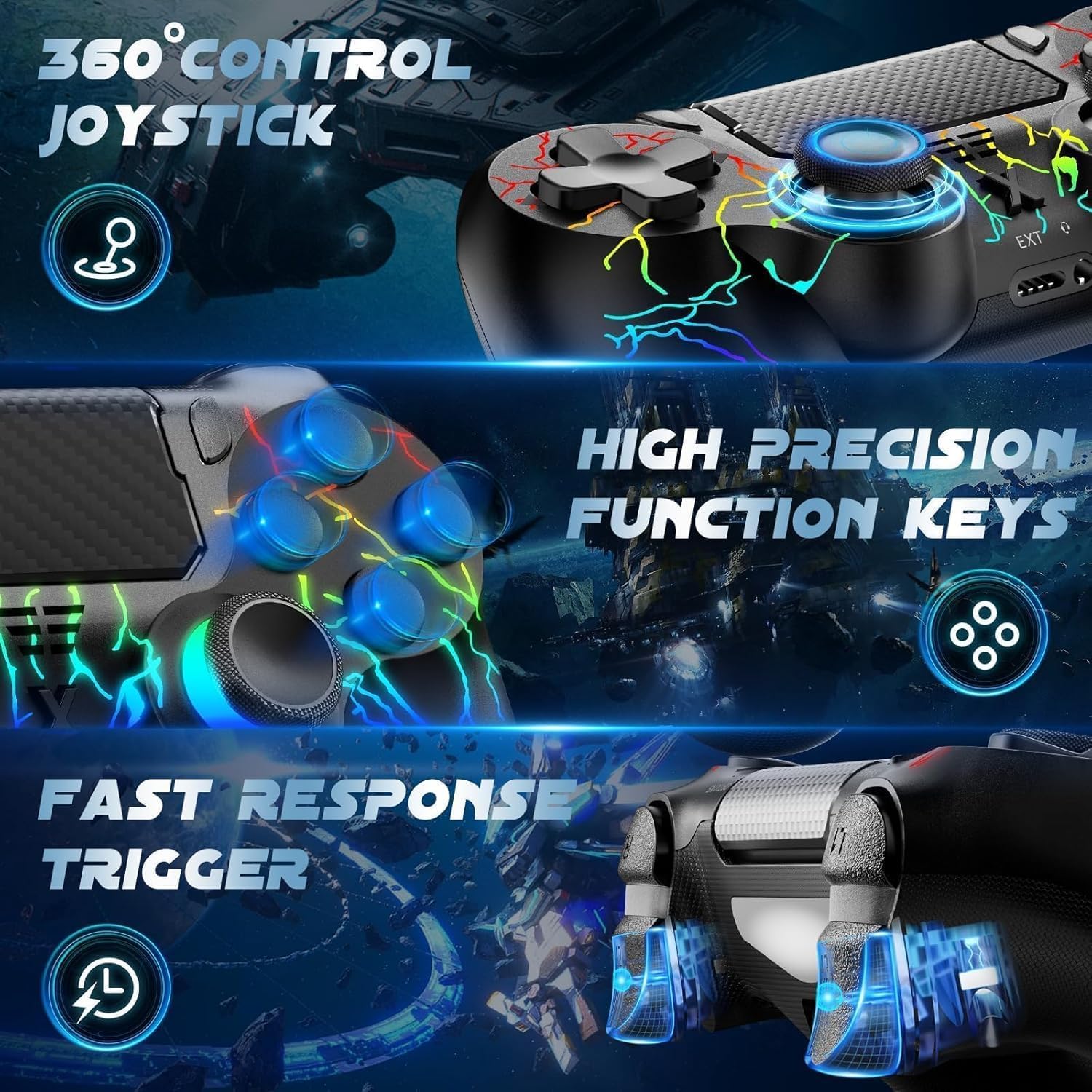
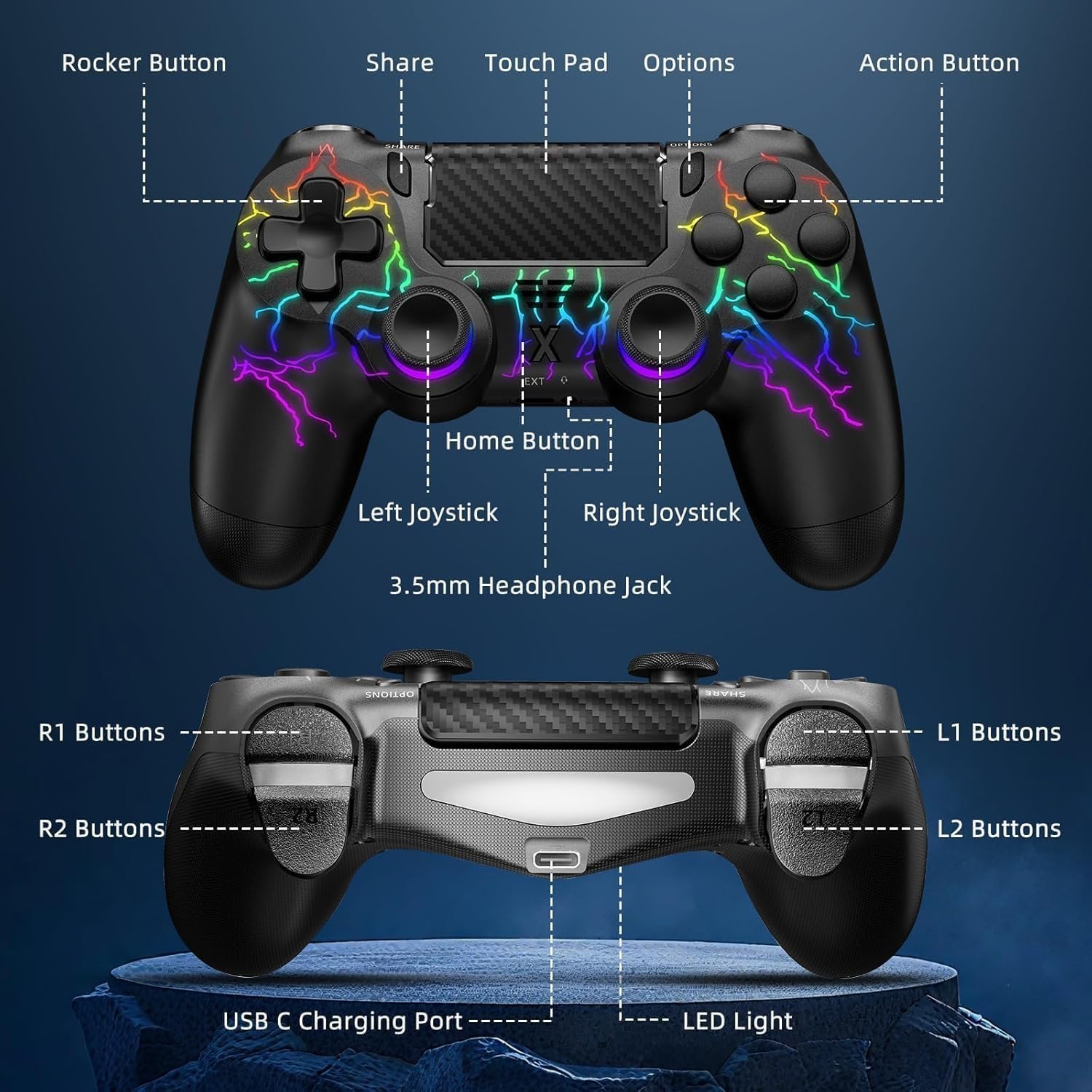
For day-to-day use, the touch panel is there to make navigation feel more intuitive, rather than relying purely on stick-and-button inputs. Meanwhile, vibration is included to deliver different feedback depending on the scenario. In practical terms, that means you may feel anything from light cues to stronger impacts during gameplay, which can make the experience feel more grounded.
The 3.5mm audio jack is one of the more “utility” features. If you use a stereo headset or a microphone, it gives you a route to plug in directly for voice chat or clearer audio. It’s one of those add-ons that sounds niche until you actually want simple communication without extra fuss.
What stands out
What you’ll notice day to day is the combination of extra controls and feedback:
- Touch panel for navigation: on-screen movement and menu handling can feel less rigid, depending on how a game maps the touch input.
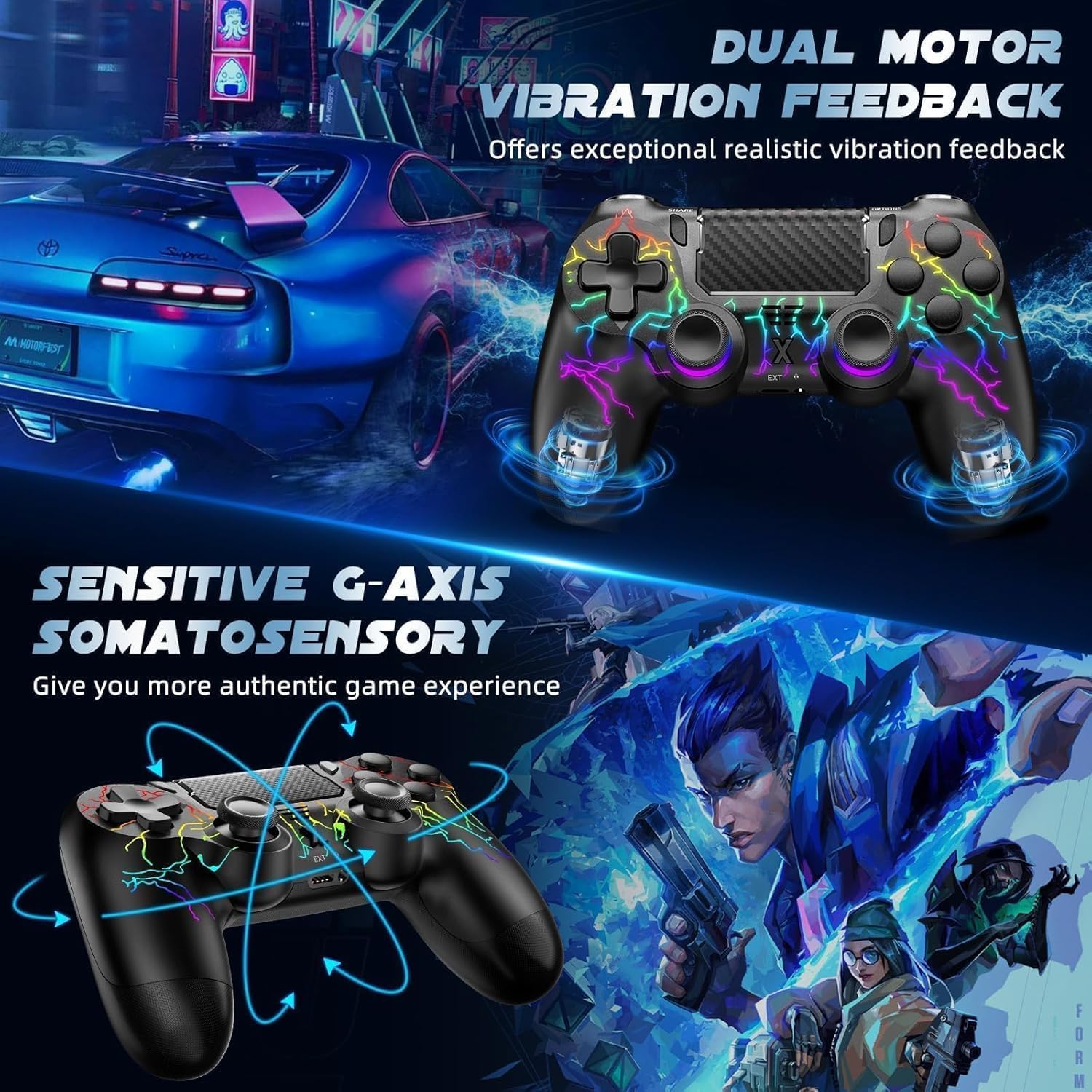
- Vibration feedback: not just on/off rumble, but different vibration responses tied to game scenarios, which can add immersion.
- Upgraded six-axis sensor: the controller includes a 6-axis gyro sensor, which suggests it’s intended for more responsive motion-style control setups.
- Ergonomic grip: comfort matters for longer sessions. The description specifically mentions an ergonomic approach and a layout designed to reduce hand fatigue.
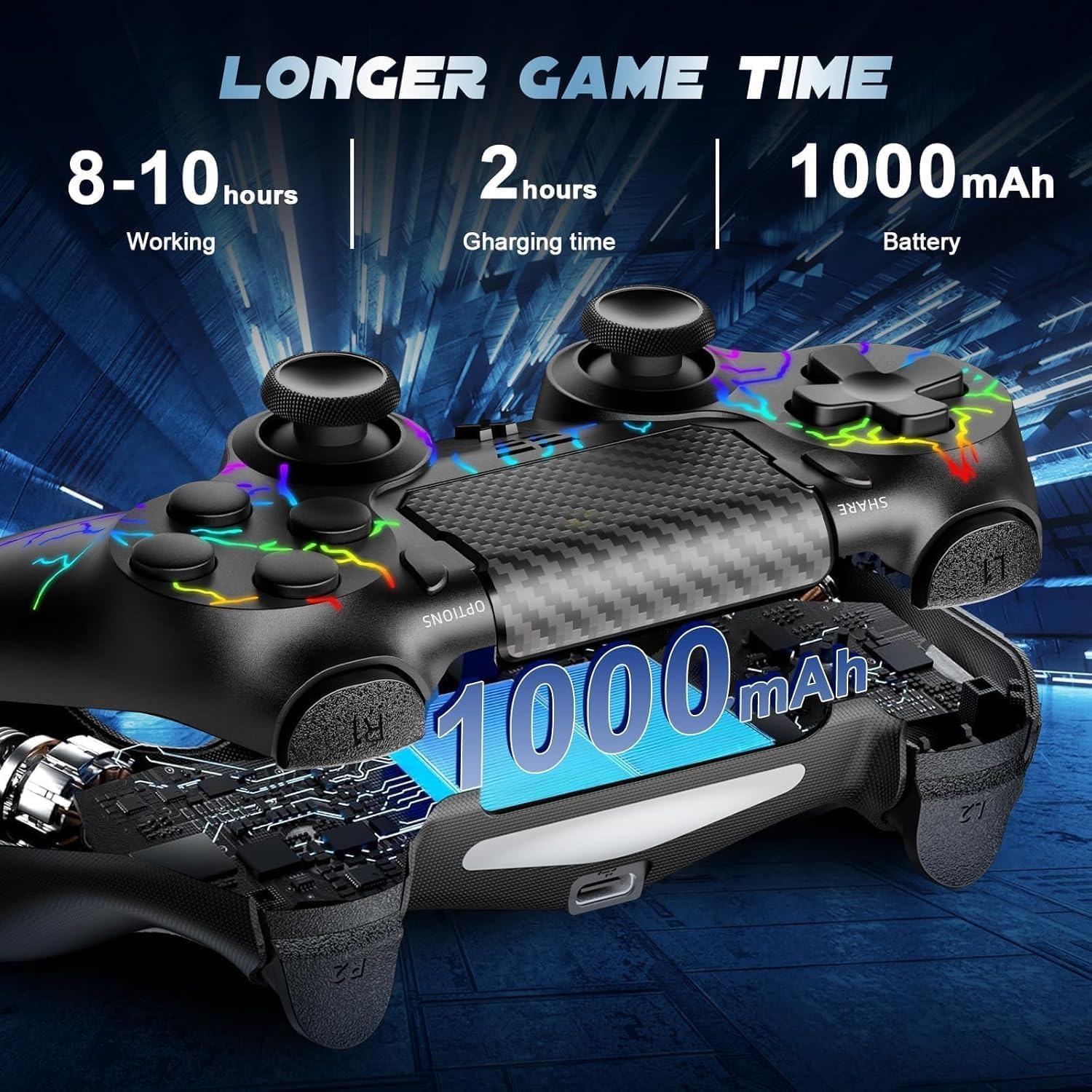
No controller is perfect for every hand size or grip style, but the stated focus on ergonomics is a positive sign if you’re the type who plays for a while at a time.
Tech specs
- Type: Wireless game controller (Bluetooth)
- Compatibility: P4, P4 Slim, P4 Pro, and PC (Windows 7/8/10)
- Sensors: Six-axis gyro sensor
- Audio: 3.5mm audio jack
- Features: Touch panel, vibration function
- Charging: USB-C charging cable (included)
- Package contents: USB-C charging cable, user manual
Who it’s for (and when it may fall short)
It makes sense if you want one wireless controller that can move between P4-family consoles and a Windows PC, while also having extra inputs (touch panel) and feedback (vibration). If you regularly join team chat, the 3.5mm audio jack is a practical bonus rather than a gimmick.
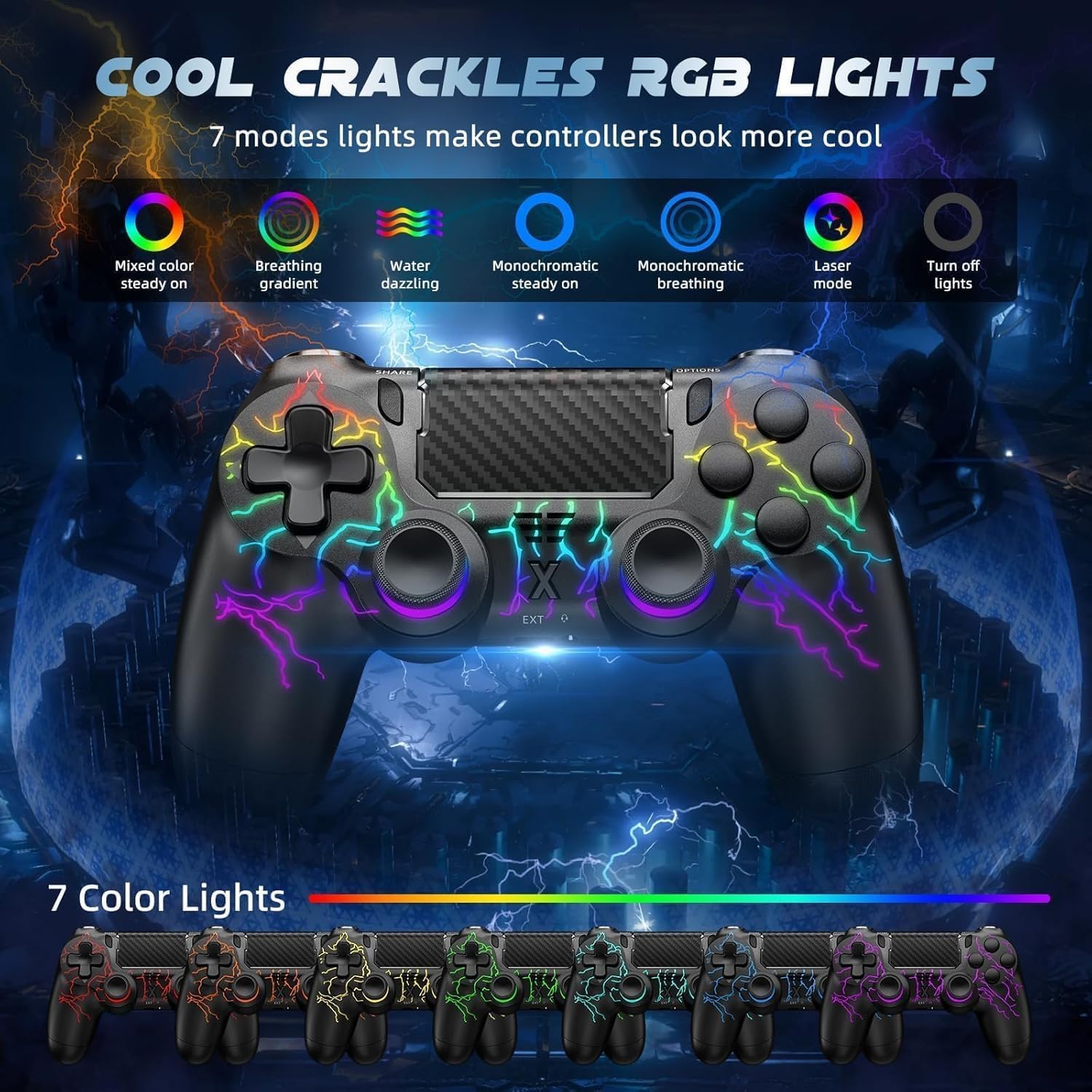
It may not suit you if you prefer controllers with very specific, widely documented support for certain game features, because the information provided doesn’t detail how every game handles the touch panel, gyro, or audio connection. Also, if you only need the simplest button-and-stick setup, you might feel this is more “controller features” than you actually want.
Practical tips for getting the best results
If you buy this, it’s worth doing a quick setup check before committing to long sessions. Pair it via Bluetooth as intended for your device, then spend a few minutes in a game/menu you know well:
- Test navigation using the touch panel, especially in menus or UI-heavy areas.
- Check the vibration feel in a familiar title (light effects versus stronger impacts).
- If you plan to use voice chat, plug in your headset/microphone via the 3.5mm audio jack and confirm audio routing.
A small caution: depending on your game, touch/gyro controls can feel great or awkward, so don’t judge it fairly until you’ve tried a couple of control situations.
Is it worth it?
You should buy the Suoxiom Wireless Controller for P4 if you’re looking for a wireless Bluetooth pad with multi-platform compatibility across P4 (including Slim/Pro) and PC (Windows 7/8/10), and you value extras like vibration feedback, a touch panel, a 3.5mm audio jack and a 6-axis gyro sensor. It also reads well for longer sessions thanks to the stated ergonomic grip.
You may want to skip it if your main priority is a straightforward, minimal controller experience, or if you’re buying with very specific expectations about touch/gyro behaviour in particular games—this description doesn’t confirm those fine details. If you’re comfortable doing a quick test in your favourite titles, it’s a solid “feature-forward” option on paper.