

The Magnet Shop Magnetic Photo Paper (A4, matt effect) for Inkjet Printers – 10 Pack
Product description
What it is and why people buy it
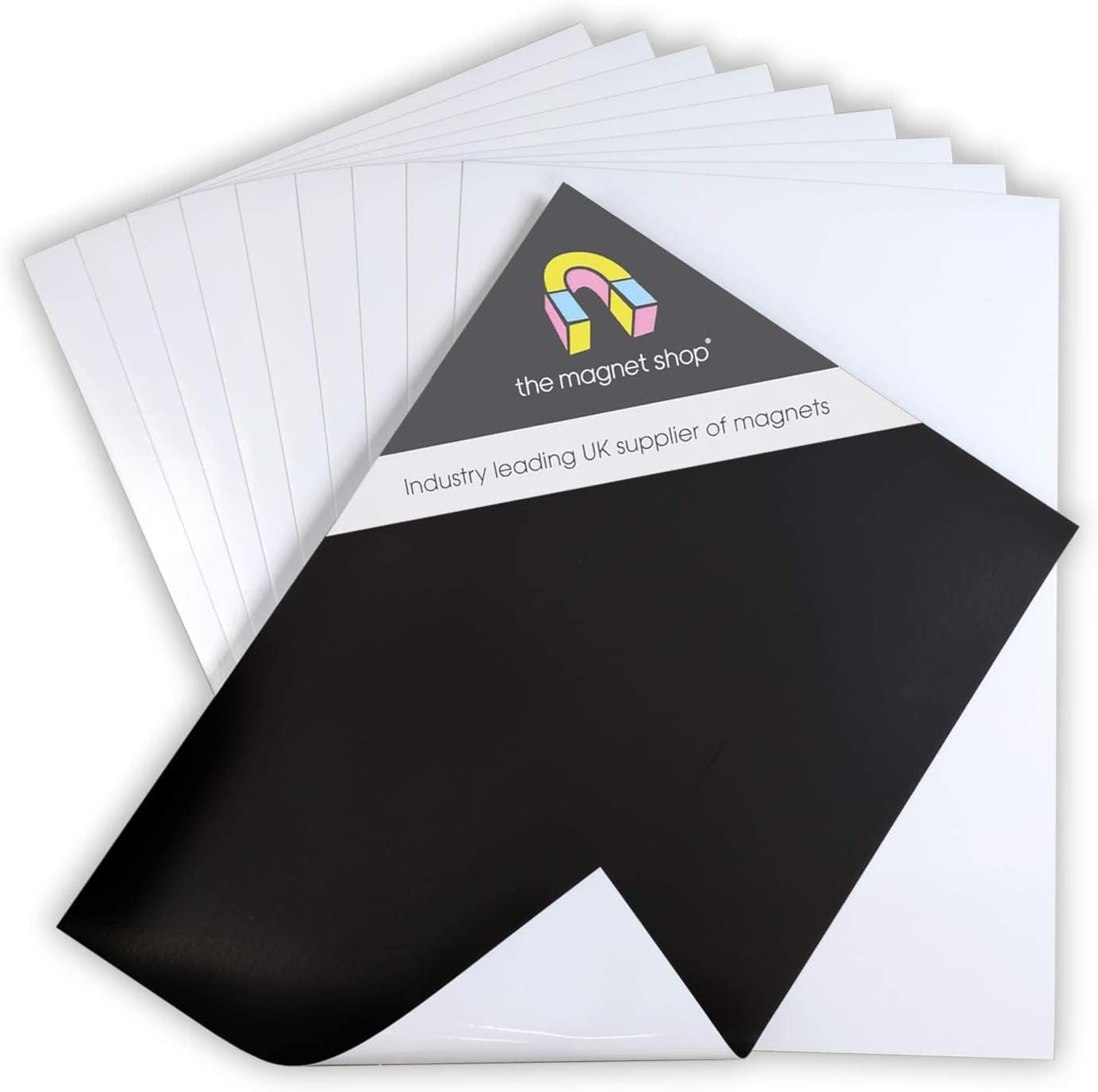
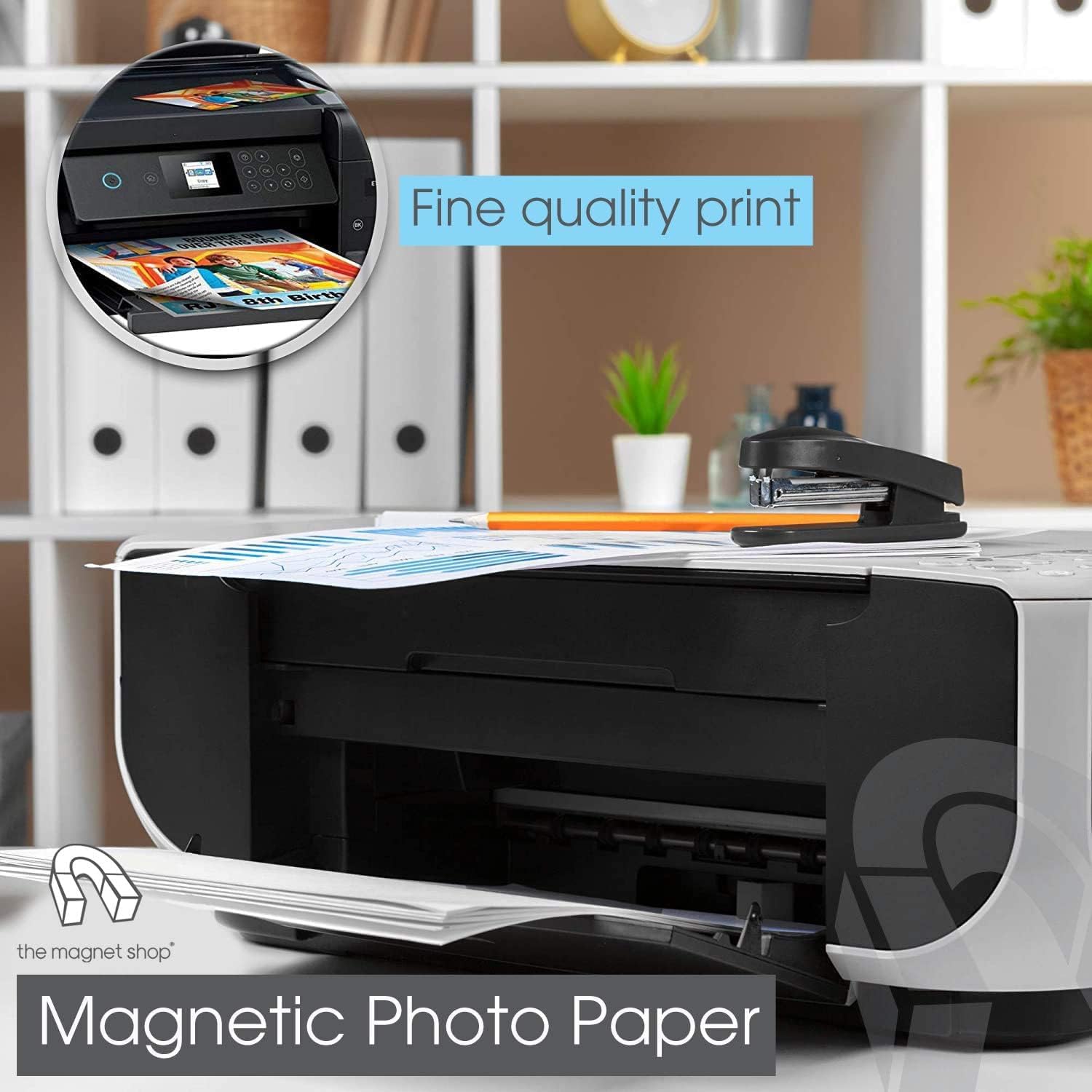
The Magnet Shop Magnetic Photo Paper is a sheet format, magnet-backed paper made for printing at home or in the office. The key idea is simple: you print your design, then the magnetic backing lets you stick it onto a fridge or any other magnet-friendly surface.
On paper (so to speak), it’s an easy way to turn everyday images into practical, display-ready pieces. Think recipe magnets, children’s artwork cut down to size, quick labels for cupboards, or simple promotional-style prints for events—without needing specialised mounting hardware.
That said, it’s not a “one size fits all” solution for every printer type, and the finish is described as a matt effect rather than a totally neutral matte everywhere (your results can depend a bit on how your printer lays down ink).
Where it fits best (and where it doesn’t)
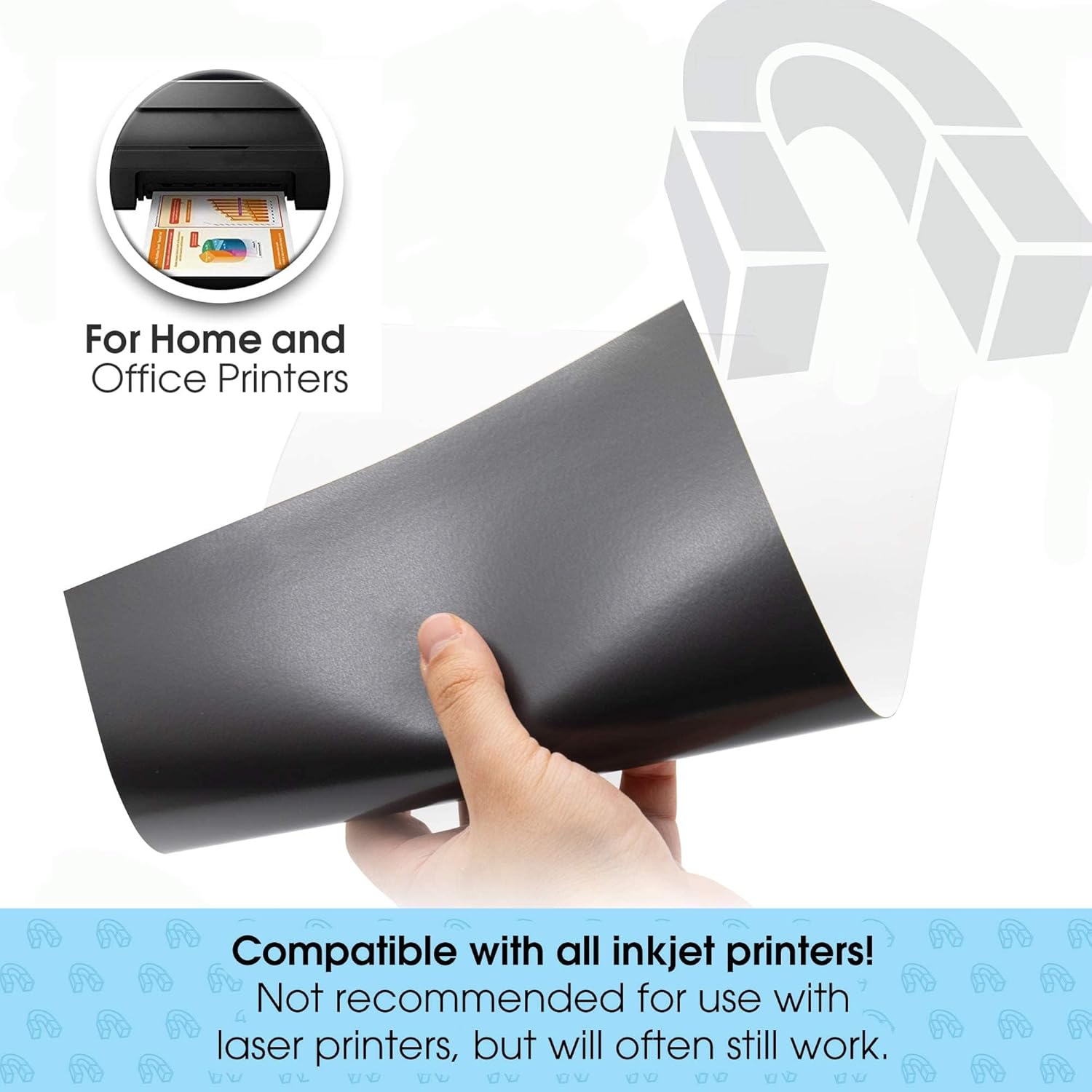
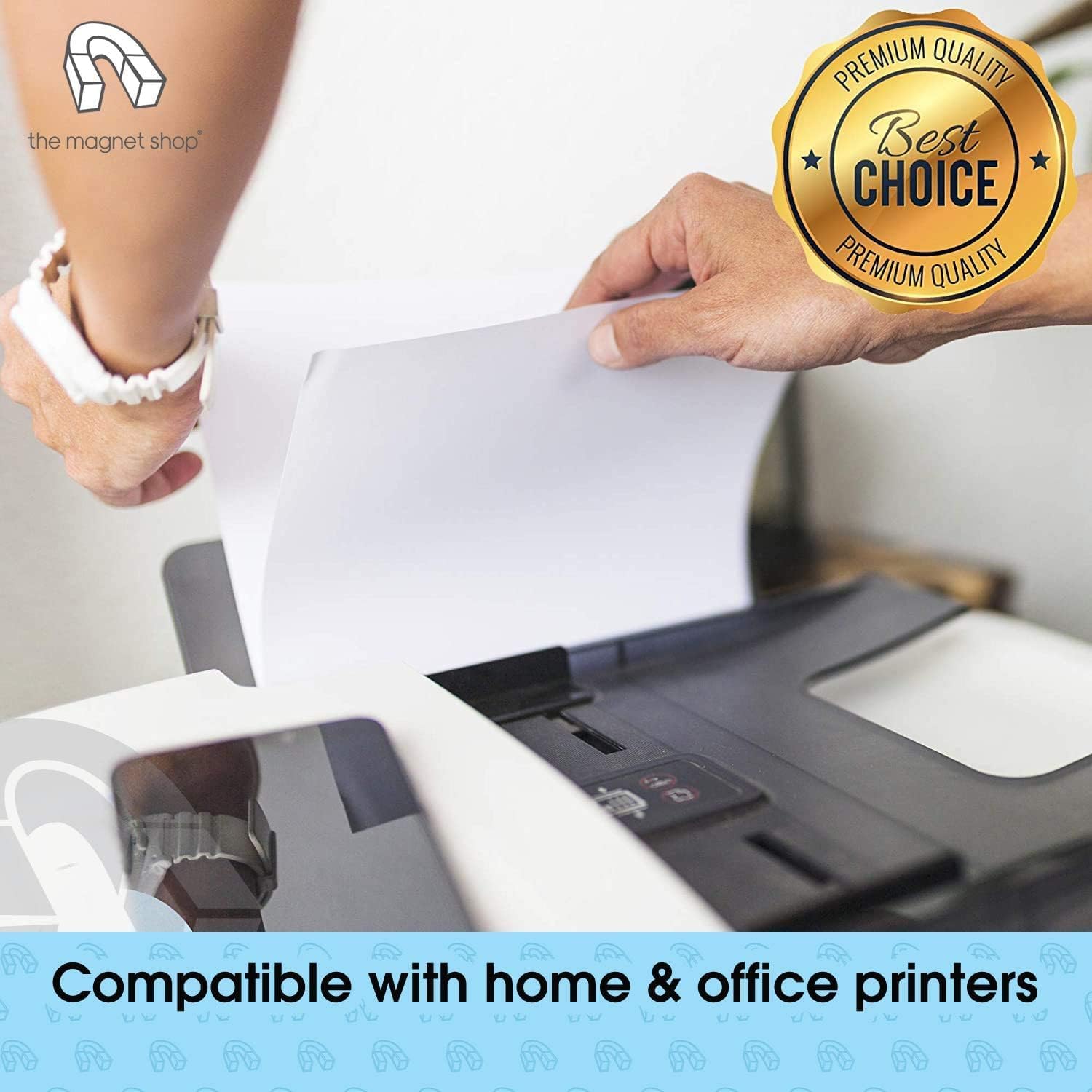
It’s aimed at people using inkjet printers. The listing notes compatibility with all inkjet printers, which is helpful if you’re trying to avoid the trial-and-error phase.
However, it’s not recommended for laser printers. Even though it may still work sometimes, you’re really being advised to avoid it if you rely on laser as your main printing method. With magnetic media, it’s usually the heat and fusing process that causes problems, so it makes sense to treat this as an inkjet-first product.
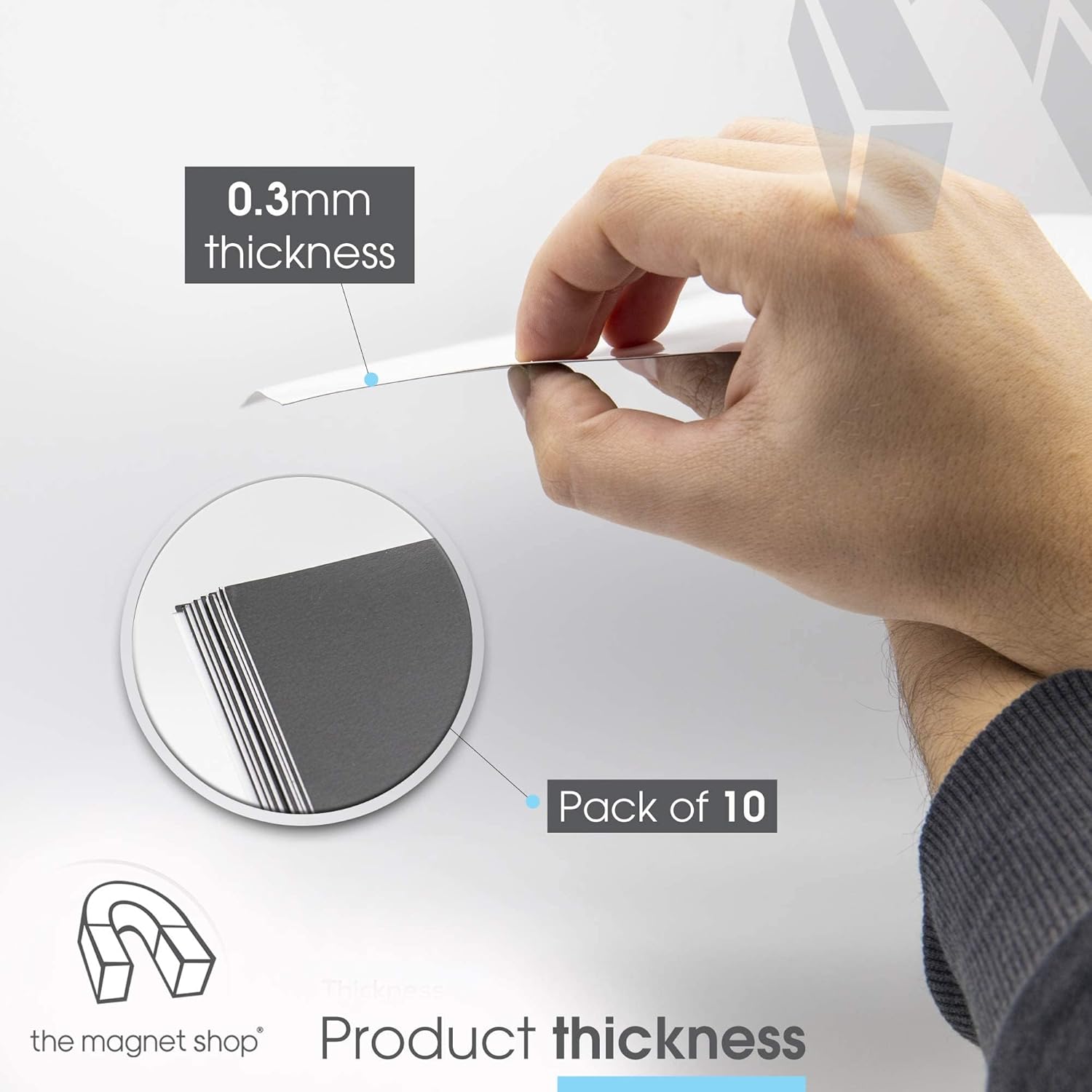
It also suits buyers who want something flexible: the magnet backing is described as strong enough to adhere to a fridge or similar surface, while still thin enough to feed through a printer.
Key takeaways you’ll notice in everyday use
What stands out in the way this is set up for normal print-and-go habits:
- You place the sheet into your printer’s paper tray and print, rather than applying any separate film or laminate first.
- The sheets can be trimmed with scissors, which is handy if your end goal isn’t full A4 coverage.
- The magnetic backing is flexible, designed to be both “grippy” enough for magnet surfaces and manageable enough to pass through your printer.
One practical way to use it: print a set of small address labels or a photo montage on an A4 sheet, then trim into rectangles and stick them on a fridge or notice board. It’s a straightforward workflow—print, cut, stick.
Just be aware that trimming is on you. If you need perfectly uniform edges (or very fine shapes), you may want to measure carefully before cutting.
Technical details at a glance
What to know before you buy
A4 size is convenient because it works with the standard paper format most people already have. The pack includes 10 sheets, which can be enough for a few batches of small projects, rather than a one-off experiment.
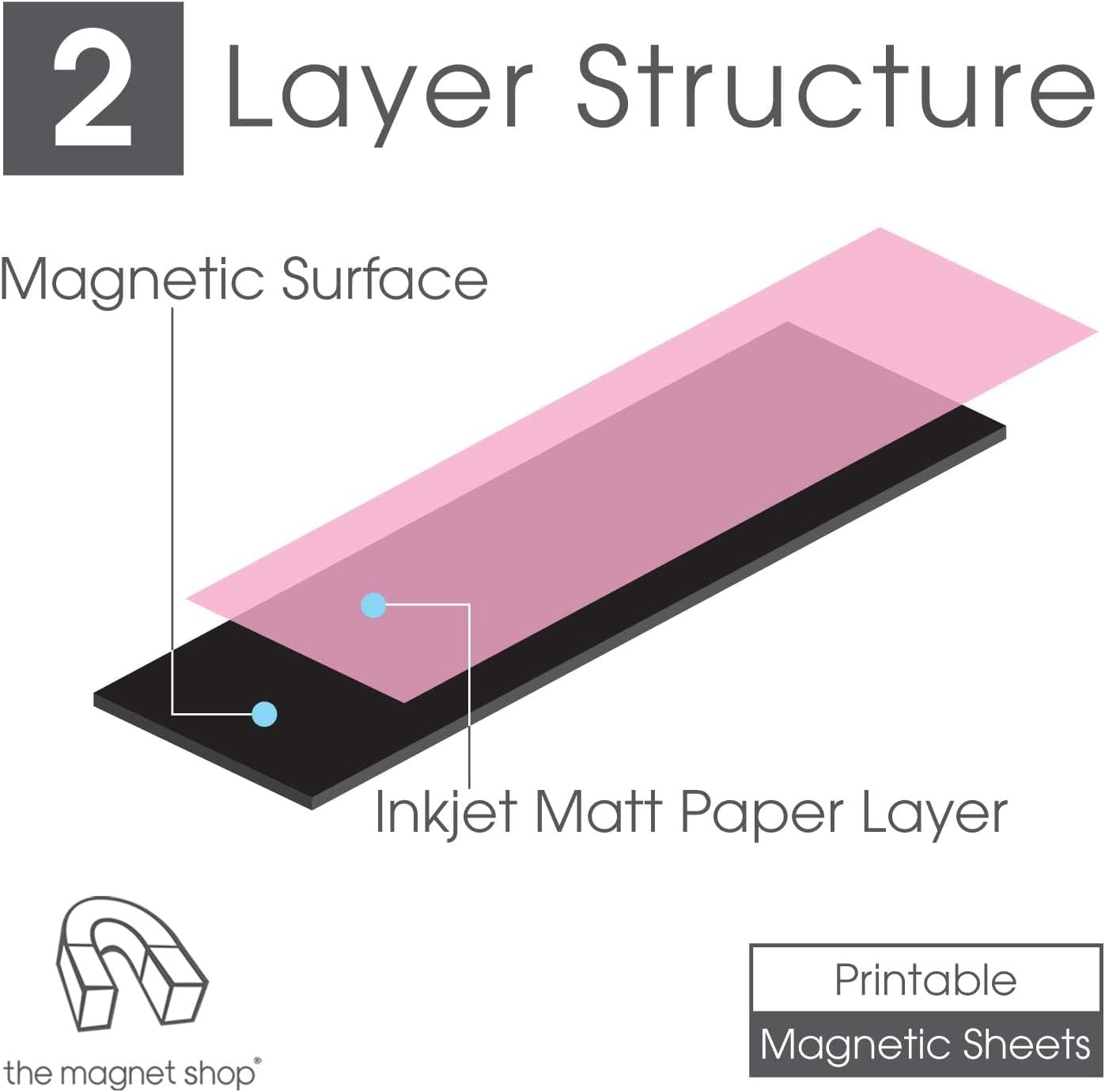
Also, consider your print style: the listing describes a glossy finish coated with inkjet-printable magnetic paper, yet the product title mentions matt effect. If you care a lot about the exact look, it’s worth double-checking the listing images or description details before committing—sometimes listings can be a little inconsistent in how they describe the final appearance.
Finally, if you’re planning a large print run for office signage, you might find more specialised magnetic display materials easier—but for home and light office use, this can be the more approachable route.
Care, handling and compatibility notes
Because this is flexible magnetic paper, you’ll likely get the best results by handling the sheets gently and feeding them carefully through your printer. Trimming with scissors is explicitly supported, so cutting after printing is part of the intended workflow.
If you’re switching between paper types frequently, allow a little time to get the feed right. Thin magnetic media can behave slightly differently to plain paper depending on your printer model and settings—nothing dramatic, but it’s worth paying attention.
Mini FAQ
Is it compatible with inkjet printers?
Yes. The listing states it is compatible with all inkjet printers.
Can I use it in a laser printer?
It is not recommended for use with laser printers, though it may sometimes work. If you use laser as your default, you’re better off choosing magnetic media meant for that process.
Will the magnets stick to a fridge?
The flexible magnet backing is described as strong enough to adhere to a fridge or other magnet receptive surface.
Can I trim the sheets?
Yes, the sheets can be trimmed to size with scissors.
Final verdict
It makes sense if you want a simple, inkjet-friendly way to print photos or designs and turn them into fridge-ready magnets without extra mounting steps. The A4 format and scissors trimming make it practical for smaller, custom shapes too.
It may not be the best match if you rely on a laser printer, because the listing explicitly advises against that use. And if you’re extremely particular about the exact surface look (glossy versus matt effect), it’s worth taking a careful look at the product images and wording before you buy.
For home users and everyday office projects, this type of magnetic photo paper is a straightforward buy—just make sure inkjet is your printing route first.