

TMS Magnetic Photo Paper (A4) with Glossy Finish | 10-pack for Inkjet Printers
Product description
The essentials
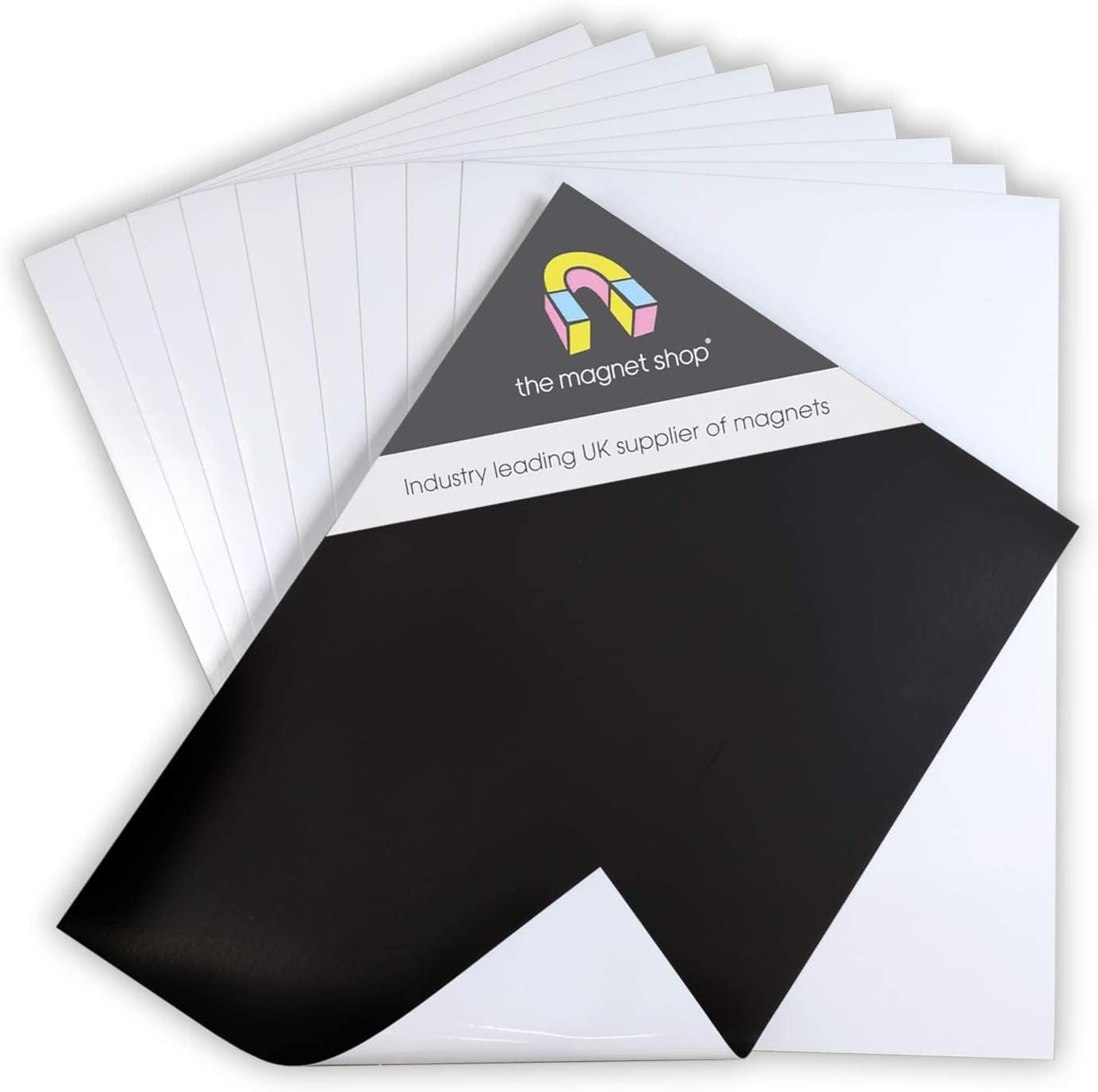
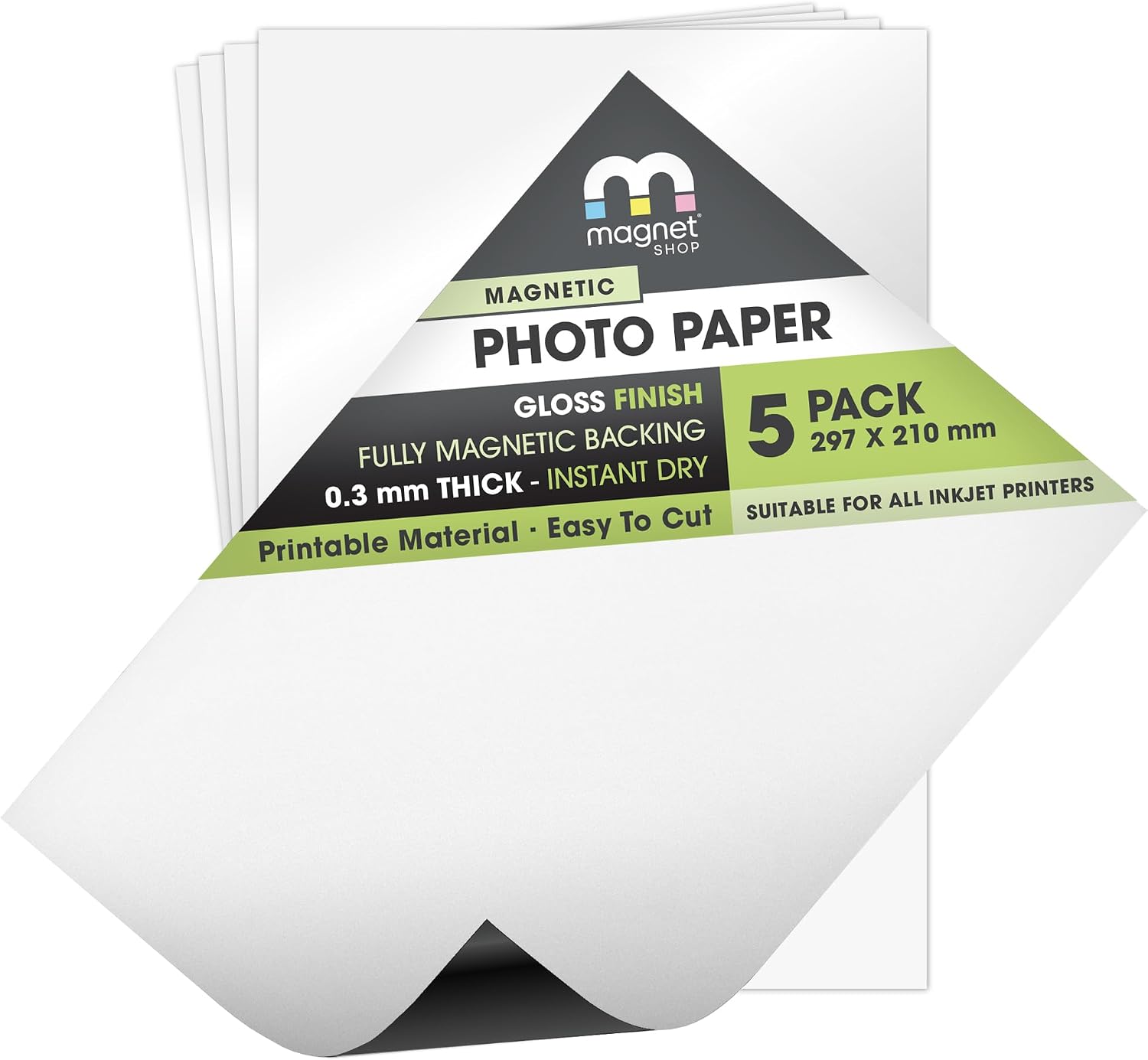
TMS Magnetic Photo Paper is a simple way to turn your printer into a “make-and-stick” photo or image maker. This 10-pack of A4 sheets uses a glossy finish and a flexible magnetic backing, so once you print, you can attach the sheet to a fridge or any other magnet-friendly surface.
The idea is straightforward: print your design, cut to size if needed, then the magnetic layer does the holding. It’s the sort of product that can be surprisingly handy at home or in an office that does anything practical with printed labels, visuals, or display items.
What you get and how it works
This pack includes 10 sheets of printable magnetic paper with a glossy coating. For use, you place the sheet in your printer’s paper tray like standard paper.
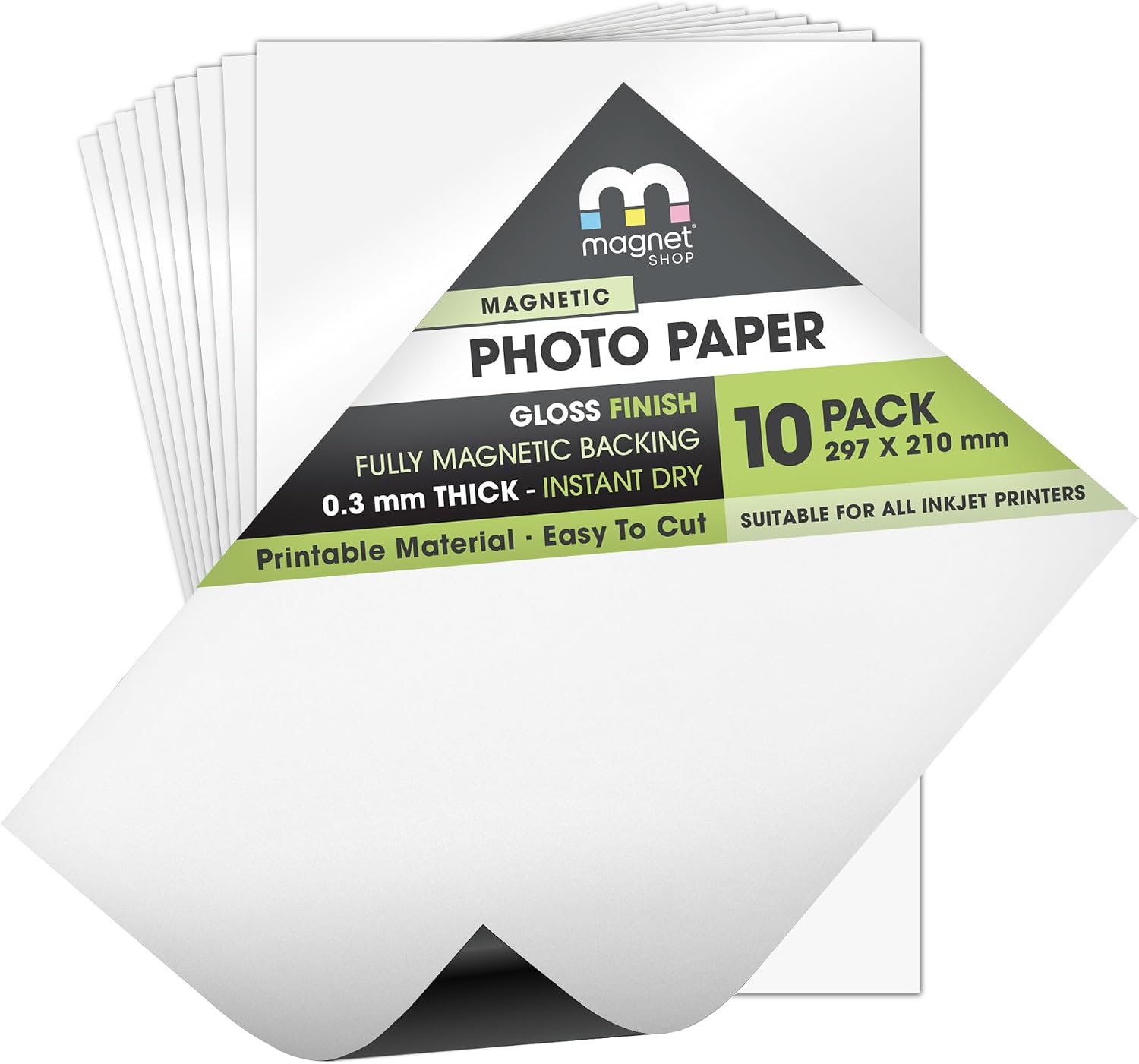
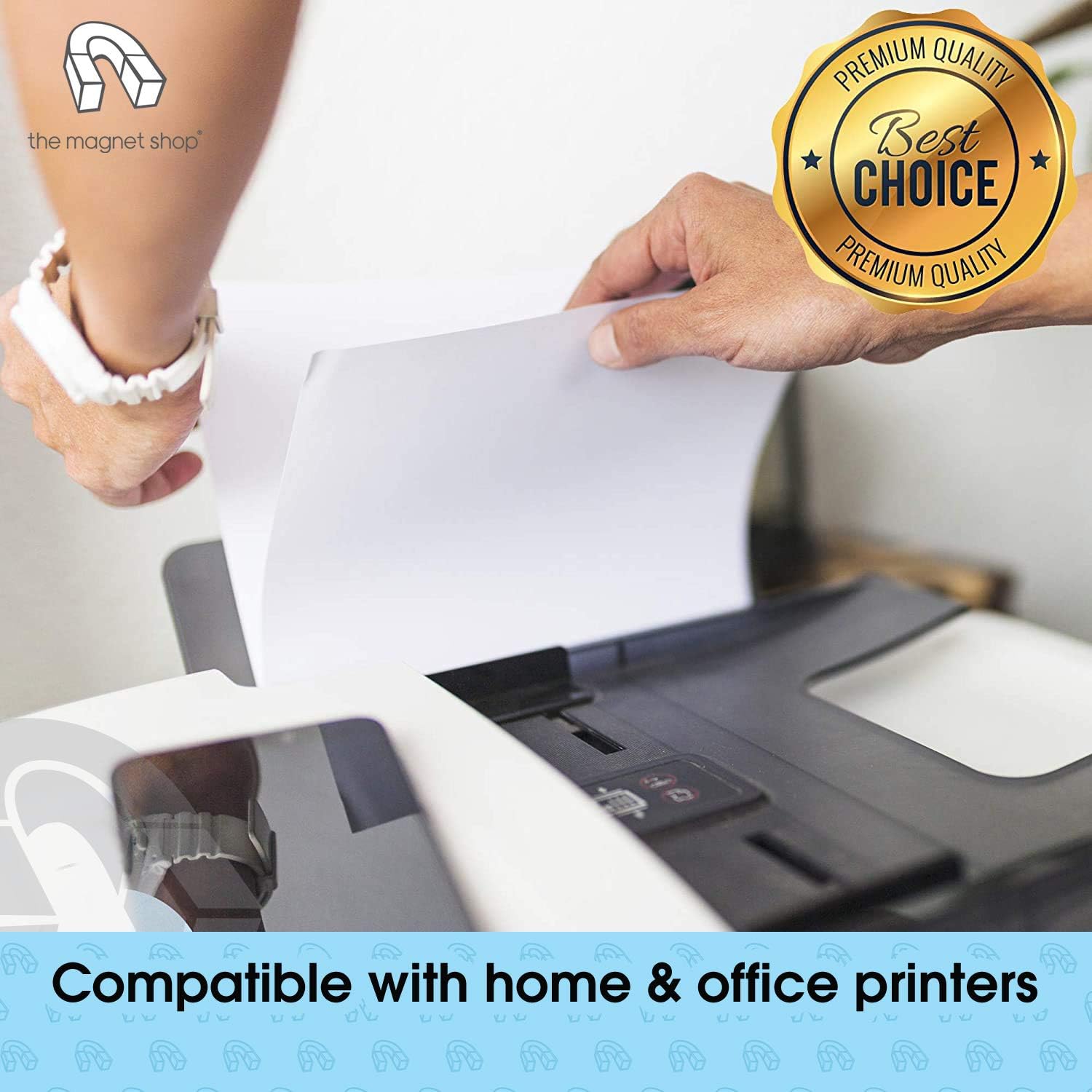
On inkjet printers, it’s described as compatible with “all inkjet printers”, and it’s thin and flexible enough to feed through your printer with relative ease. There’s no complicated setup: you’re basically printing onto a material that will later behave like a magnet.
One practical tip: because it’s magnetic-backed paper, it helps to plan your layout so you can cut cleanly after printing. The sheets can be trimmed with scissors.
Key features that matter in day-to-day use
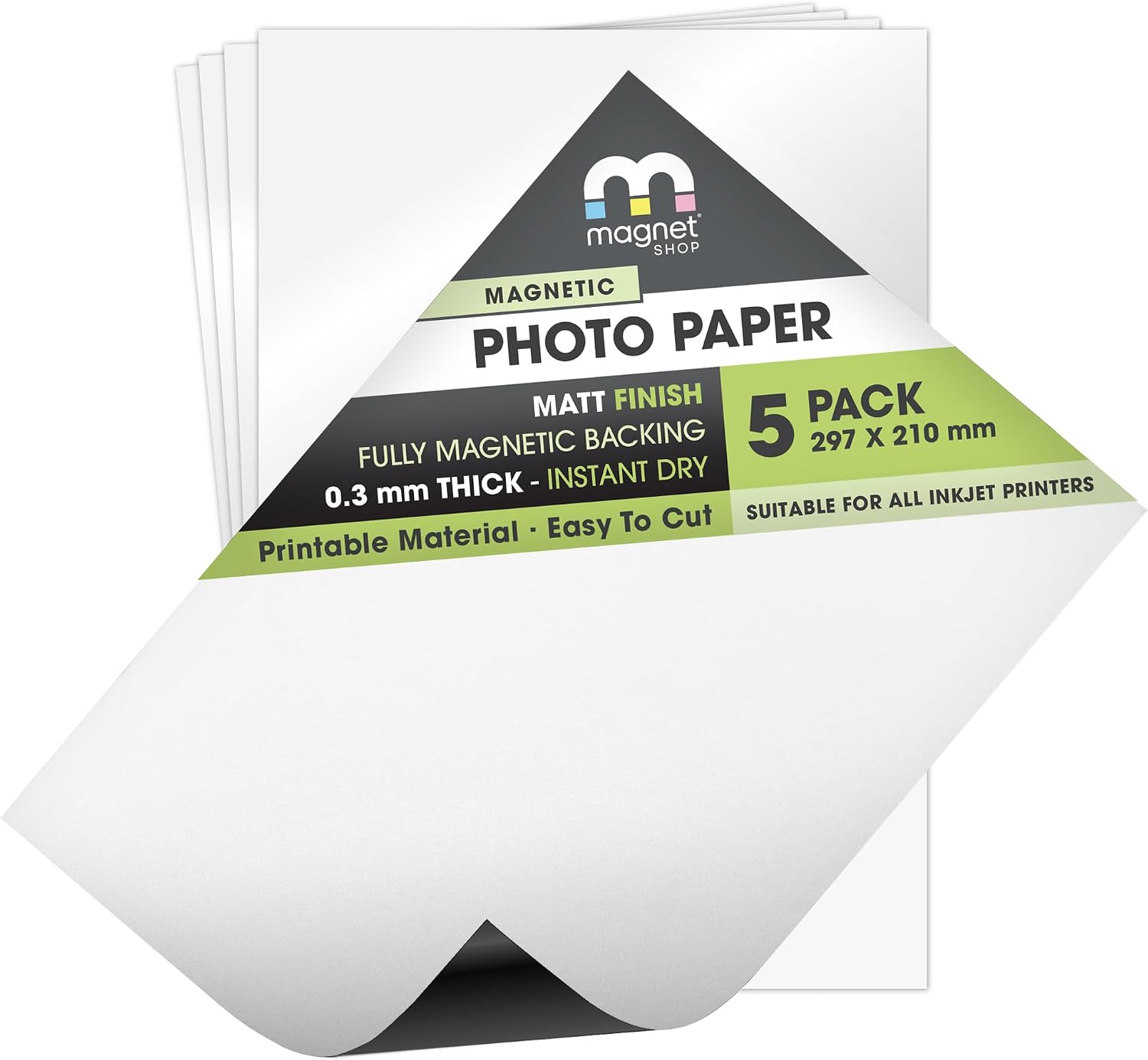
The glossy finish is the main “photo” angle here. It’s likely to suit images, printed graphics, and anything where you want colours to look punchy rather than flat.
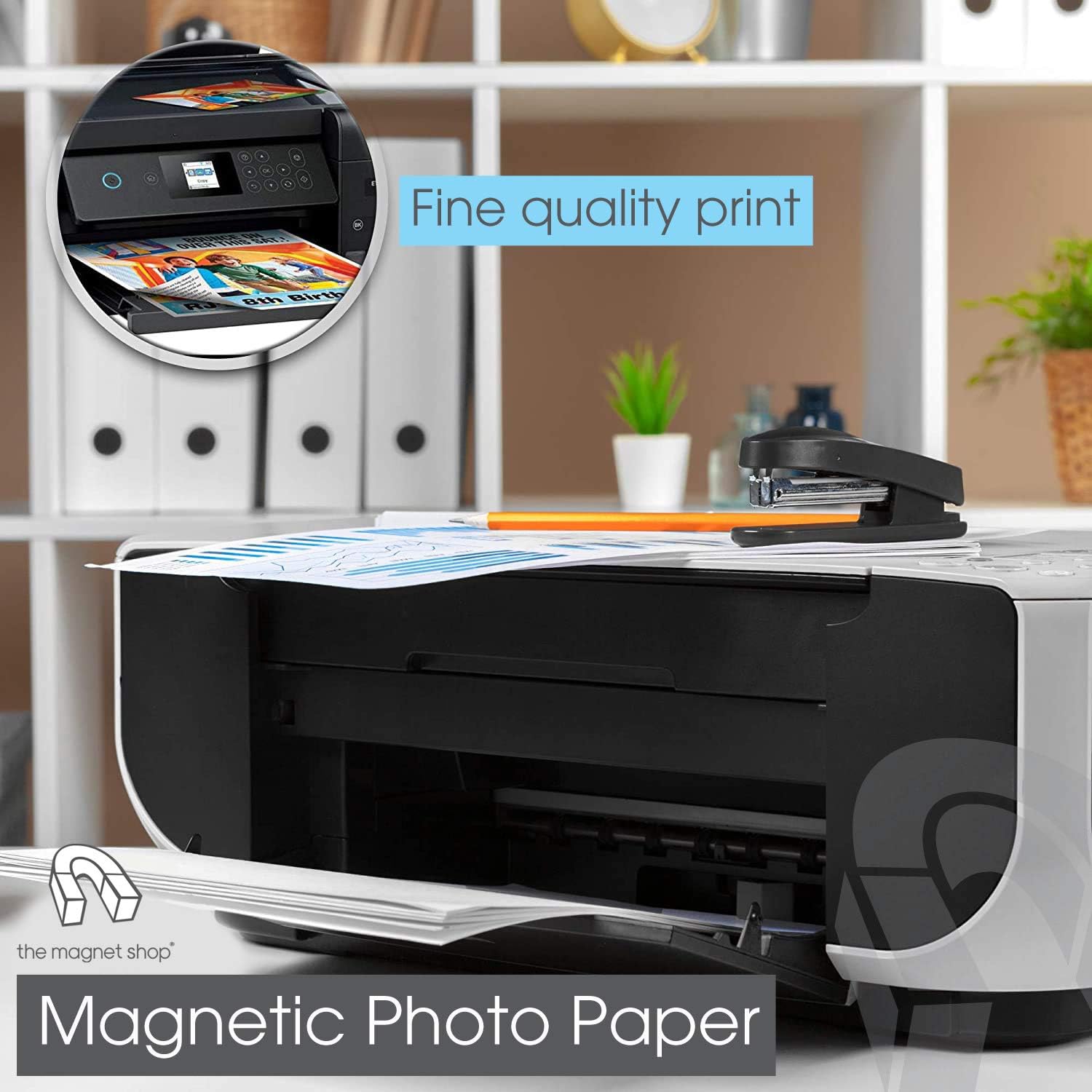
The magnet backing is also a big part of the appeal. It’s strong enough to adhere to a fridge or other magnet receptive surface, but it’s thin enough to go through the printer. That combination is what makes this usable rather than just decorative.
Worth noting, though: glossy photo-style output doesn’t always match every kind of document. If you mostly print text-heavy pages, you may not get much extra value from the glossy coating.
Compatibility and the laser limitation
It’s intended for inkjet printers. The guidance also says it’s not recommended for use with laser printers, although it will often still work.
That “often” is a fair warning. If you rely on a laser printer in a busy office and you can’t afford occasional misfeeds or unpredictable results, you’ll want to be cautious and consider sticking to inkjet workflows.
It’s a good fit if you: - use an inkjet printer for home, school, or office tasks - want to print images or labels that need to stick to magnetic surfaces - are happy to trim sheets to size after printing
It may not suit you if you: - only have a laser printer and don’t want to experiment - want a plug-and-play magnet photo product with zero cutting or layout planning
What to check before you buy
Before committing, double-check a few basics: - Printer type: this is designed with inkjet in mind. - Paper tray fit: magnetic-backed sheets are thinner than many “specialty” materials, but your printer still needs to handle the sheet reliably. - Your intended image size and trimming: A4 is generous, yet real-life projects often need trimming to shape. - Output expectations: glossy finish is great for visuals, but it’s not the same as matte or “normal paper” look.
Also, if you’re printing something that must look perfect at the edges, plan margins accordingly. The ability to trim helps, but you still need room for clean cutting.
Pros and where it makes sense
On paper, this kind of magnetic printable paper is a practical alternative to buying pre-made magnet sheets or sticking separate labels onto magnets. You’re creating the design on demand.
Where it shines is everyday use: imagine printing a family photo or an event poster, then trimming it to a simple rounded rectangle and placing it on a fridge door the same day. Or, in an office, you can print a quick visual reminder or product-style image to display on a magnetic board.
The main limitation is also clear: it’s not positioned for laser printers, and glossy output is best when you’re actually aiming for that photo-style finish.
Quick FAQ
Is it really printable straight from the printer?
Yes—according to the product guidance, you simply place the sheet in your printer’s paper tray and print.
Can I trim the sheets?
Yes. The sheets can be trimmed with scissors.
Will it work with laser printers?
It’s not recommended for laser use, though it may still work in some cases. If your setup is laser-only, it’s sensible to treat that as a potential workaround, not a guarantee.
What surfaces does the magnet stick to?
It’s described as adhering to a fridge or other magnet receptive surface.
Should you buy it?
TMS Magnetic Photo Paper is worth considering if you’ve got an inkjet printer and you want printable images or visuals that also stick like a magnet. The glossy finish and magnetic backing are the two reasons it’s different from normal photo paper, and the A4 size with a 10-pack gives you enough sheets to try a few layouts.
You may want to skip it if you only use a laser printer and can’t afford any “not recommended but might work” uncertainty, or if your projects are mostly text-only and you don’t care about the photo-gloss look.
It makes the most sense for people who are happy to design for trimming and use the printed pieces on magnetic surfaces at home or in the office.