


TECKNET Classic Bluetooth Mouse: 4800 DPI, dual BT modes and 24‑month battery life
Product description
What it is
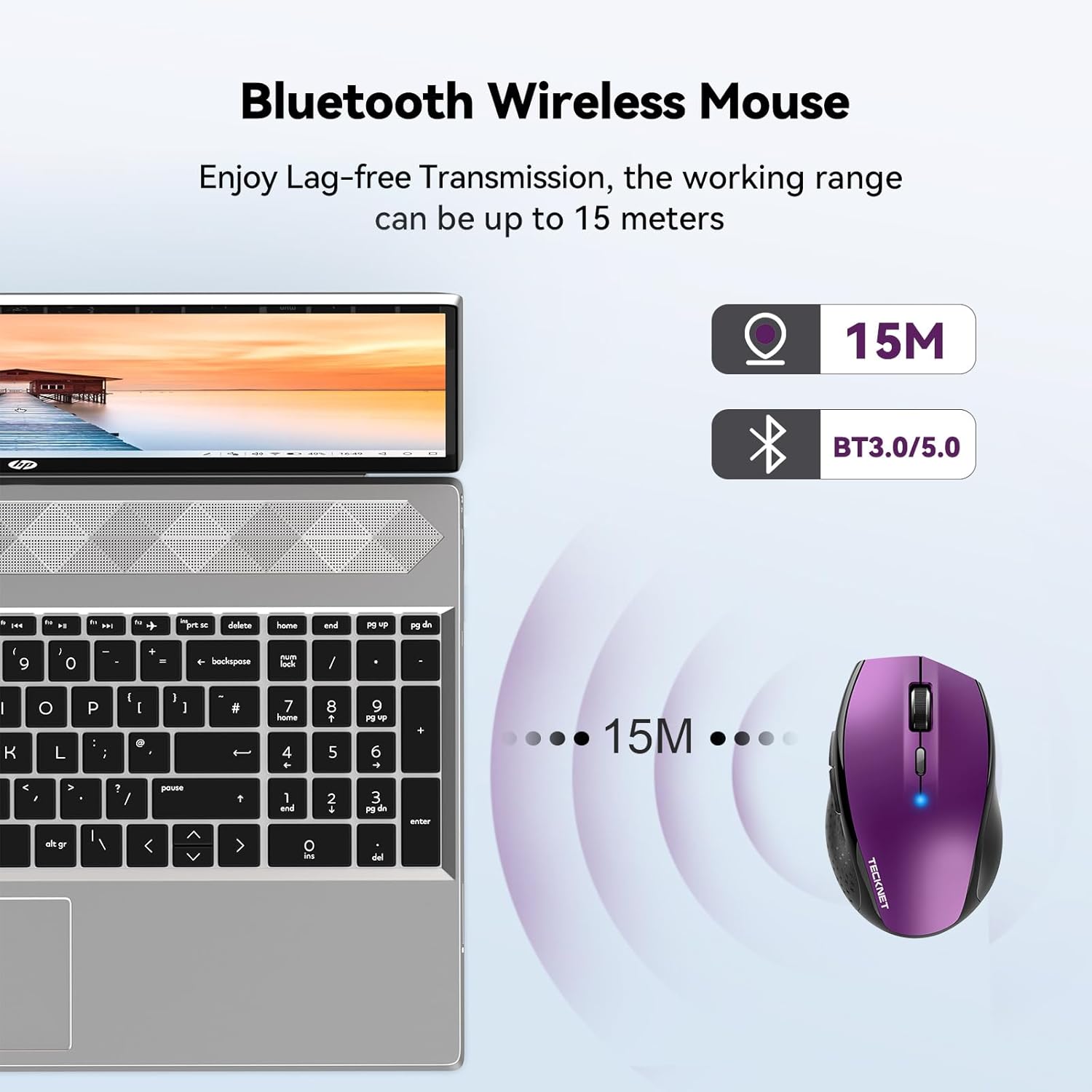
The TECKNET Classic Bluetooth Mouse is a cordless, portable pointing device designed for laptops, desktops and Mac systems. It connects via Bluetooth in two modes (BT 3.0 and BT 5.0) so you can pair without a separate receiver. On paper, it looks like a straightforward option for everyday office and travel use, with a focus on reliable wireless connectivity and a compact form factor.
How it performs
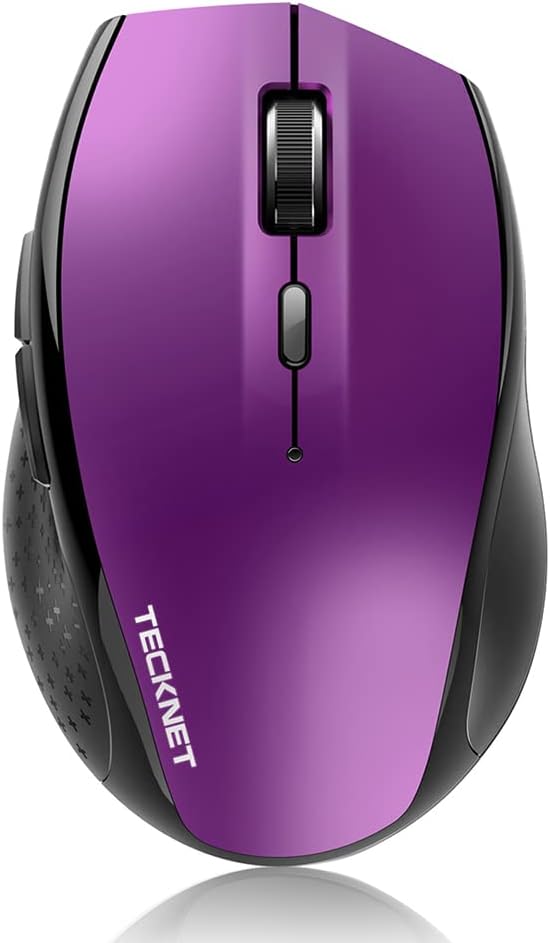
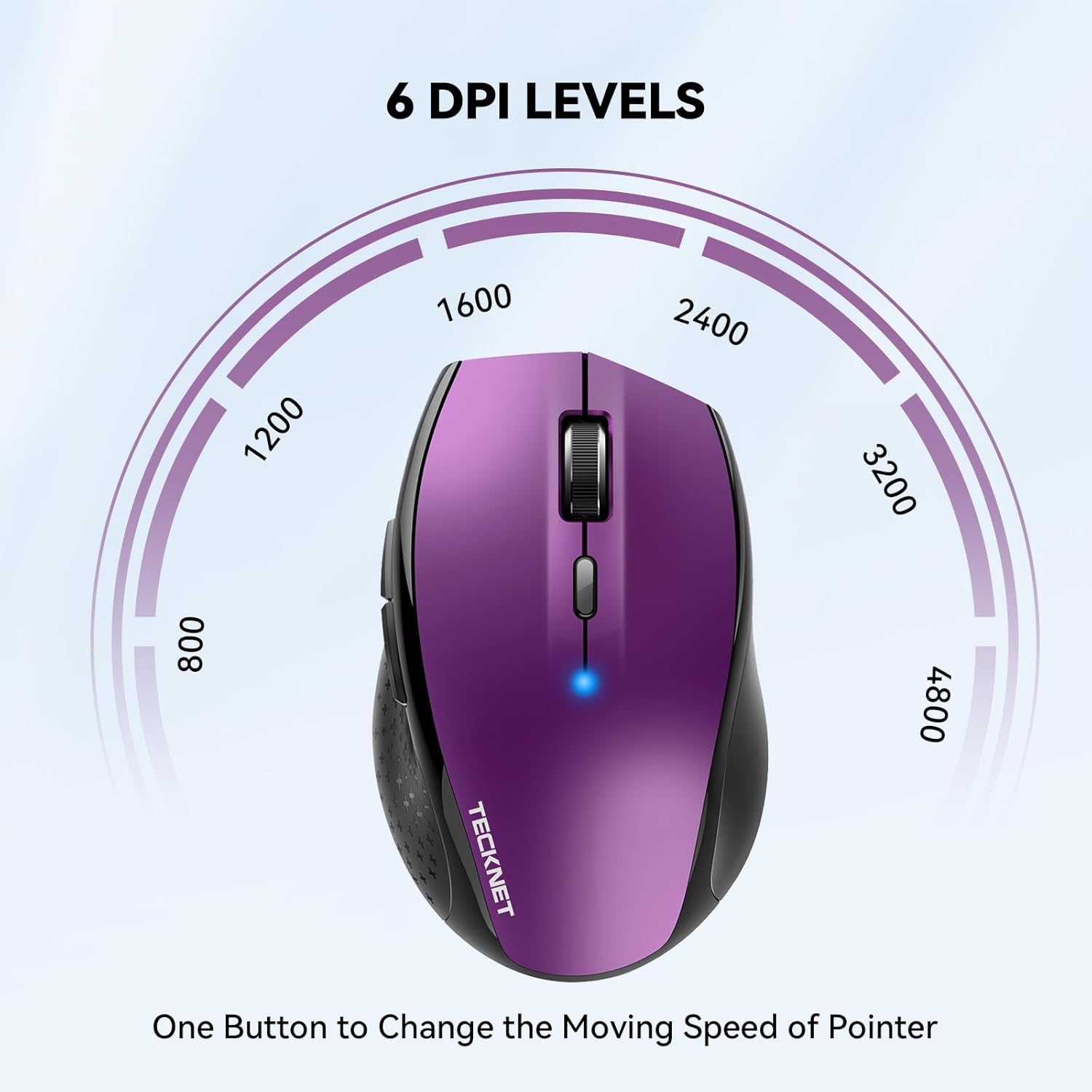
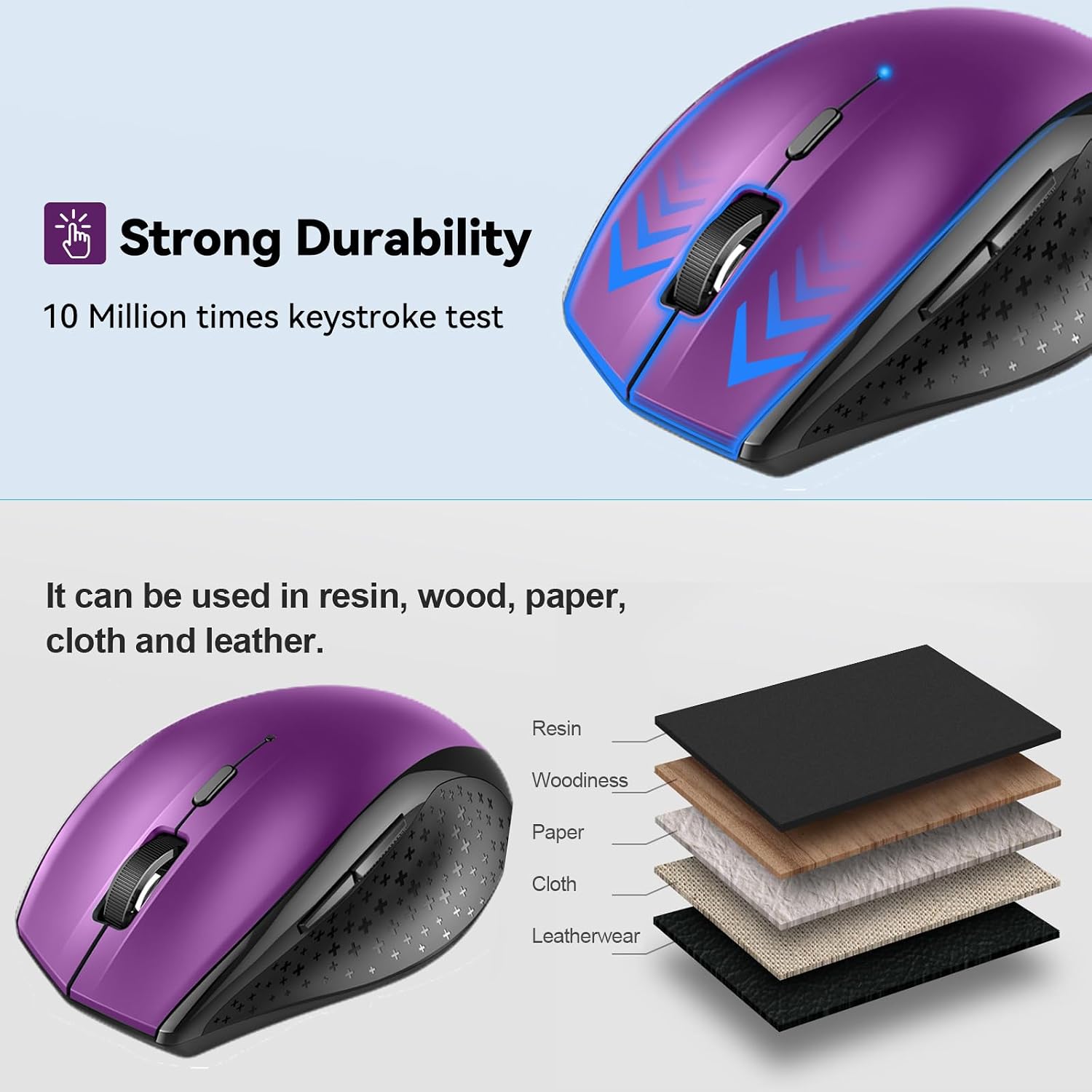
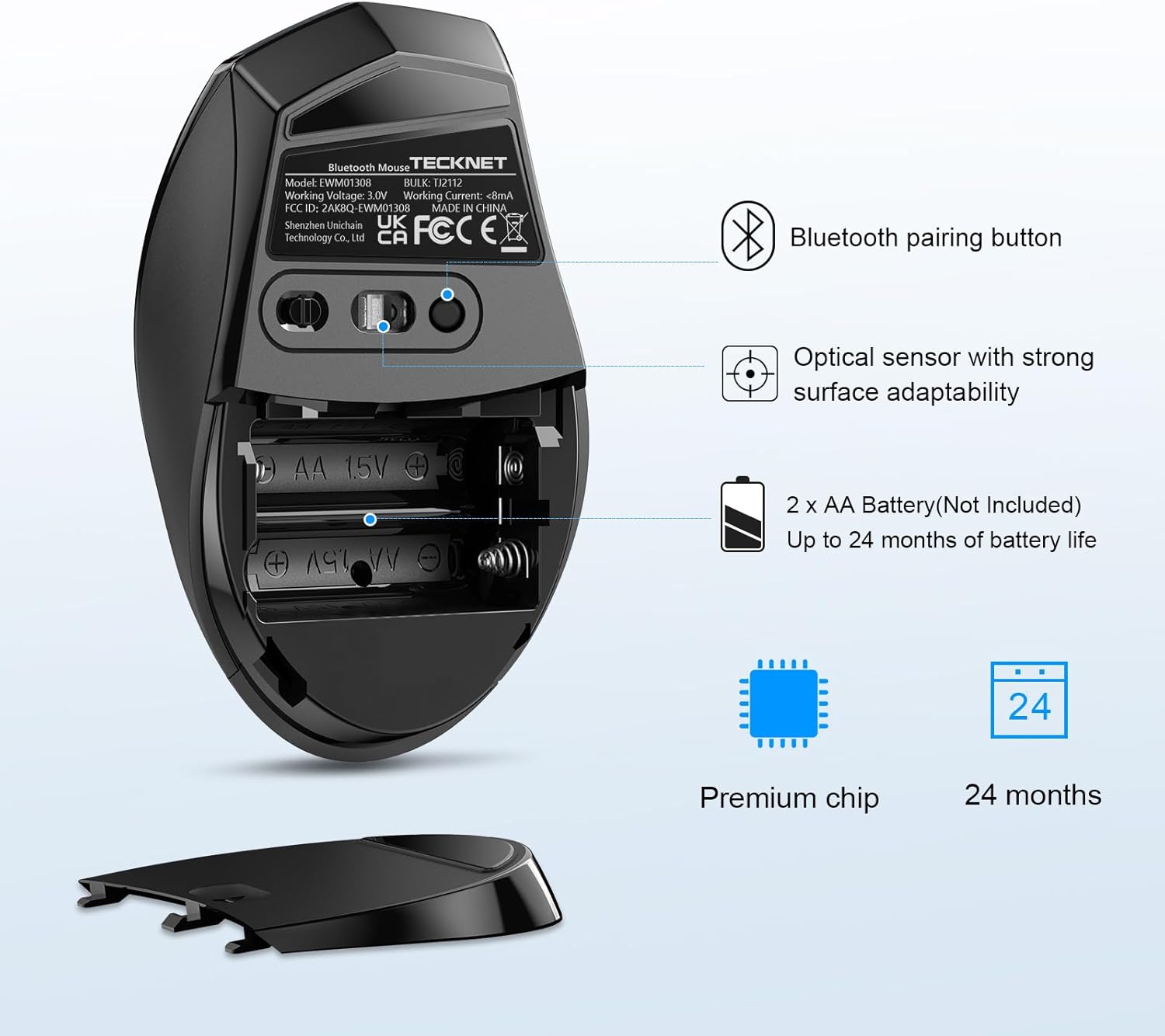
The mouse offers six DPI levels (4800/3200/2400/1600/1200/800) to adapt cursor speed to different surfaces and tasks. The DPI switch is accessible for quick adjustments, which can be handy when moving between presentations, design work, or general navigating. TECKNET promotes durability, claiming testing up to 10 million clicks, which suggests a long lifespan for everyday use. Battery life is a significant selling point: with two AA batteries and smart energy features (on/off and sleep mode), the device claims up to 24 months of operation and a battery indicator to alert when replacement is needed.
What stands out
Two important practical strengths are the dual Bluetooth modes and long battery life. The former makes it versatile across a broad range of laptops and PCs that support Bluetooth, while the latter helps reduce the hassle of frequent battery changes—especially useful for travel or shared workspaces.
Limitations and caveats
If you rely on Mac OS, note that TECKNET specifies side buttons may not function on Mac. The device is described as universally compatible with Windows and Mac systems, but some features can be limited depending on the OS and device configuration. The market positioning here is more mid-range in nature, it’s not marketed as a premium gaming mouse, and the precision is adequate for everyday tasks but not a high-performance alternative for specialist design or gaming.
Who it’s for
This mouse will suit someone who needs a dependable, travel-friendly Bluetooth option without a dongle, and who values long battery life and a clickable DPI switch for different tasks. It’s a reasonable fit for students, remote workers, and home office setups where mobility and simplicity matter more than ultra-high precision.

Who it’s not for
If you require advanced macro capabilities, extreme gaming precision, or full feature parity on Mac OS (including all side buttons), this model may fall short. It also may not be the best pick if you work primarily on non‑stick surfaces and want a higher-end sensor, the 4800 DPI is solid for general use but not extraordinary in professional graphic workflows.
When it makes sense to buy
Consider this TECKNET mouse if you want a compact, wireless companion with decent DPI range, a straightforward Bluetooth pairing experience, and a long battery life without needing USB receivers. It’s also sensible if you often switch between devices or work on-the-go and want to avoid clutter and adaptivity across Windows and Mac environments.
What to check before buying
- Confirm your primary devices support Bluetooth without additional drivers if you plan to pair in BT modes.
- Check whether the Mac usage case aligns with your need for side-button functions.
- Ensure you’re comfortable with two AA batteries and the stated 24‑month life, noting real-world usage can vary with brightness, motion, and sleep settings.
- Consider whether a 4800 DPI option covers your typical tasks, if you need ultra-fine precision for design work, you may want a model geared more towards that niche.
Practical usage example
Imagine lugging your laptop into a coffee shop for a presentation. With the TECKNET mouse, you connect via Bluetooth, adjust the DPI once to a comfortable speed, and navigate slides smoothly while the battery indicator quietly reminds you when a fresh pair of AAs would be wise to have in your bag.
FAQ
- How do I switch between Bluetooth modes? The mouse supports BT 3.0 and BT 5.0, you’ll typically switch modes through the device’s Bluetooth settings on your computer.
- Will the side buttons work on Windows and Mac? Windows is supported for full functionality, Mac users may find some side buttons do not work as indicated.
- How long does the battery actually last in practice? TECKNET claims up to 24 months with two AA batteries, subject to usage patterns and sleep settings.
Should you buy it?
Is it worth it? Yes for those prioritising long battery life, portable design and straightforward Bluetooth pairing, provided you don’t require full Mac side-button compatibility or ultra-high sensors for specialised tasks.