

Logitech Pebble Mouse 2 M350s Slim Bluetooth Wireless Mouse (Graphite) – A lightweight, quiet companion for everyday use
Reviews
Price
Product description
What type of product is this and what needs does it meet?
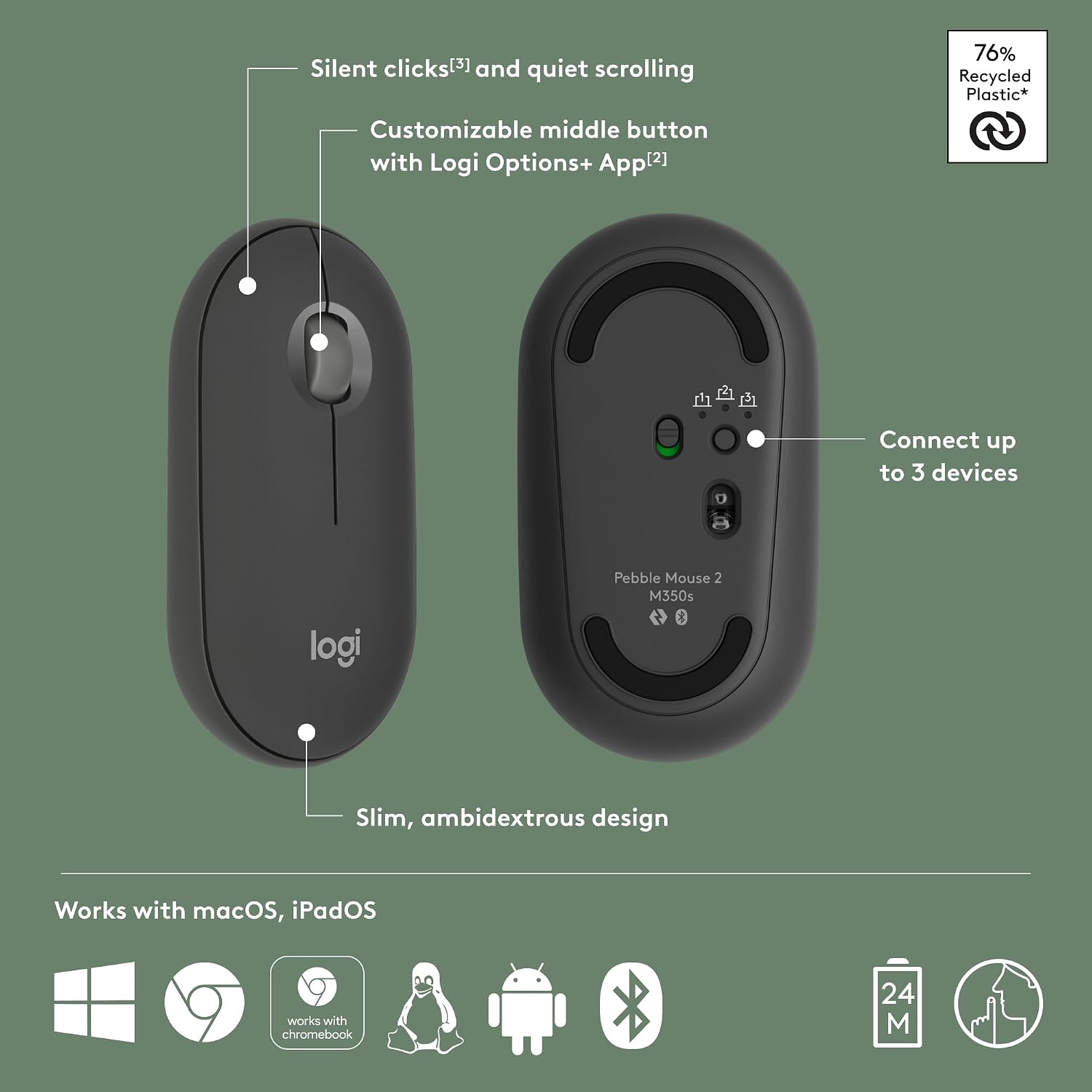
The Logitech Pebble Mouse 2 M350s is a slim, Bluetooth wireless mouse designed for portability and everyday tasks. Its minimalist, round profile and lightweight construction aim to reduce fatigue during long sessions and make it easy to carry between home, office or travel. It supports multi‑device use via Easy-Switch, so you can connect to up to three devices across Windows, macOS, iPadOS and ChromeOS, switching between them with a single button.
How it feels in use
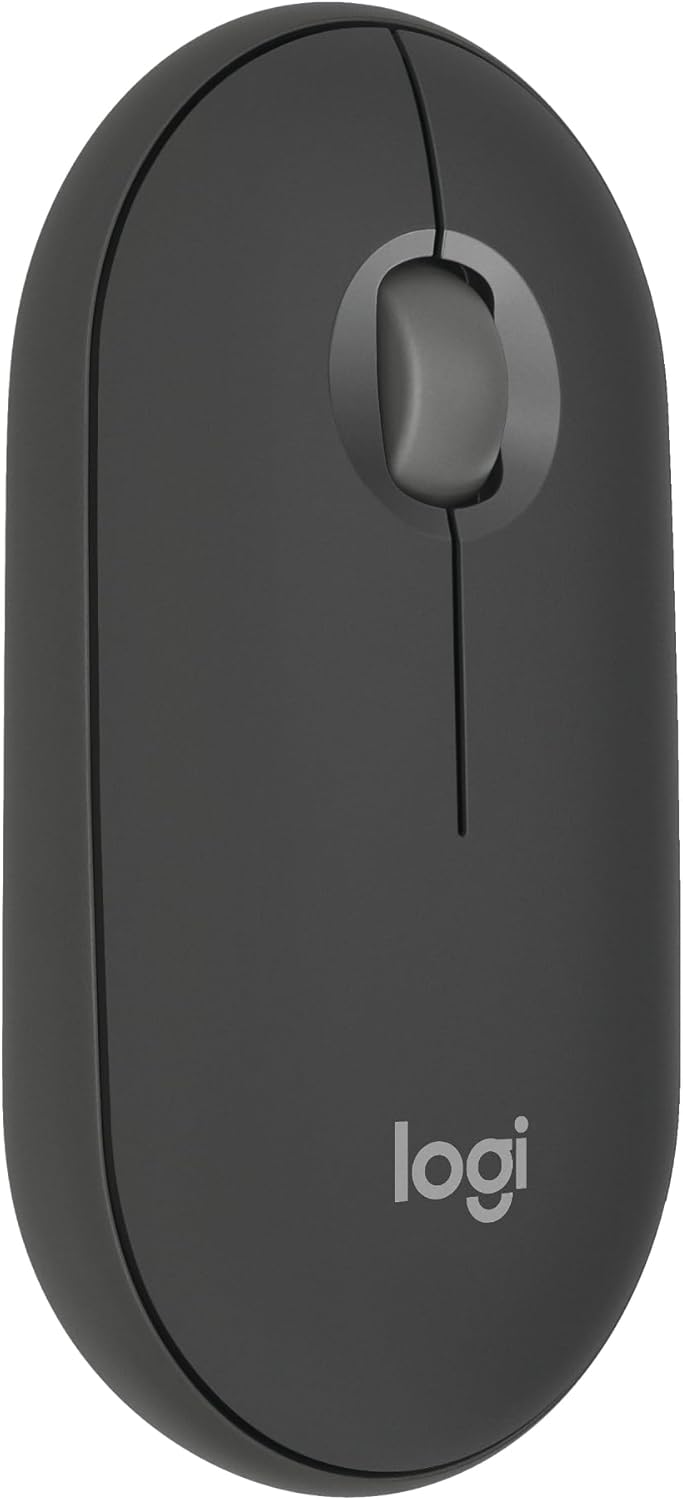
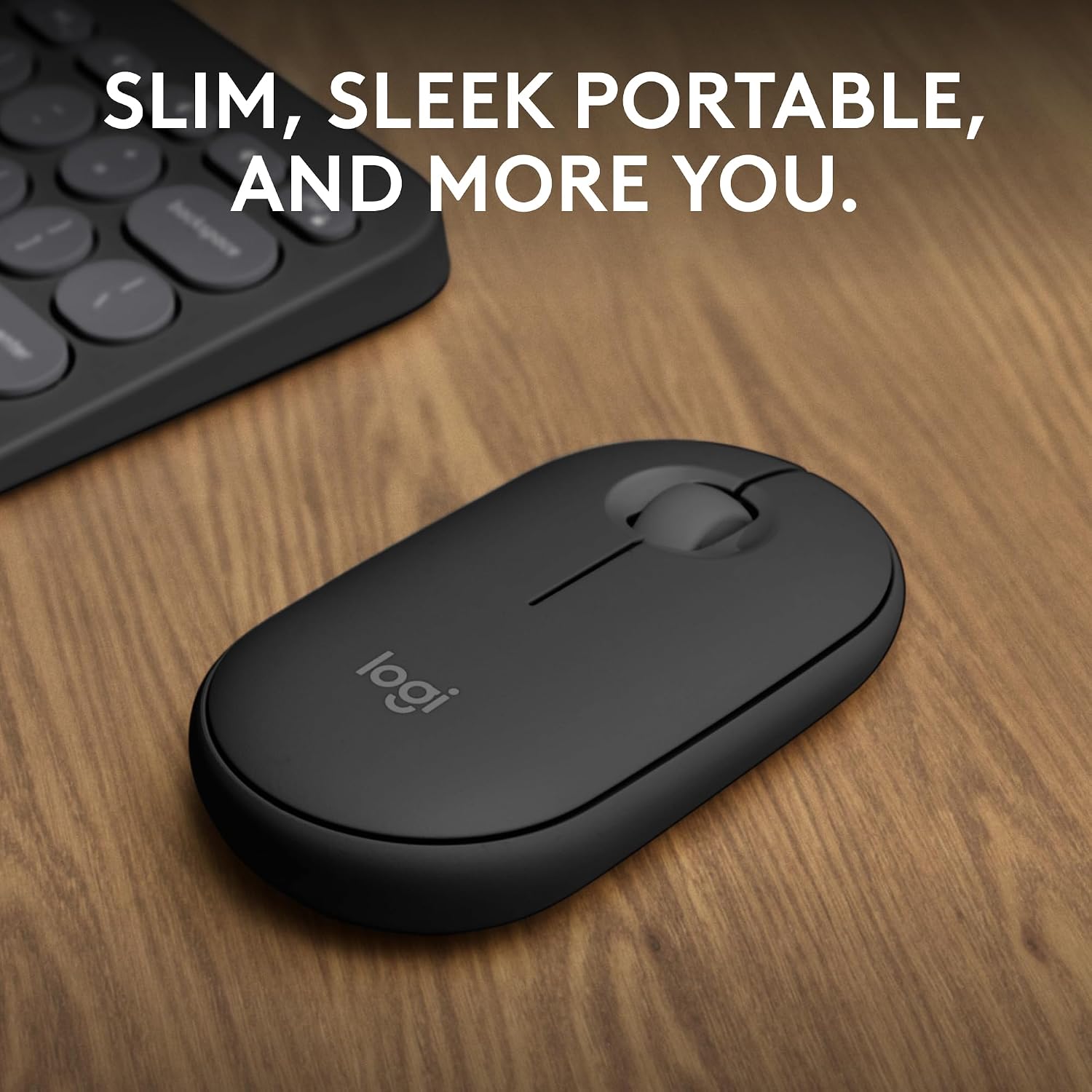
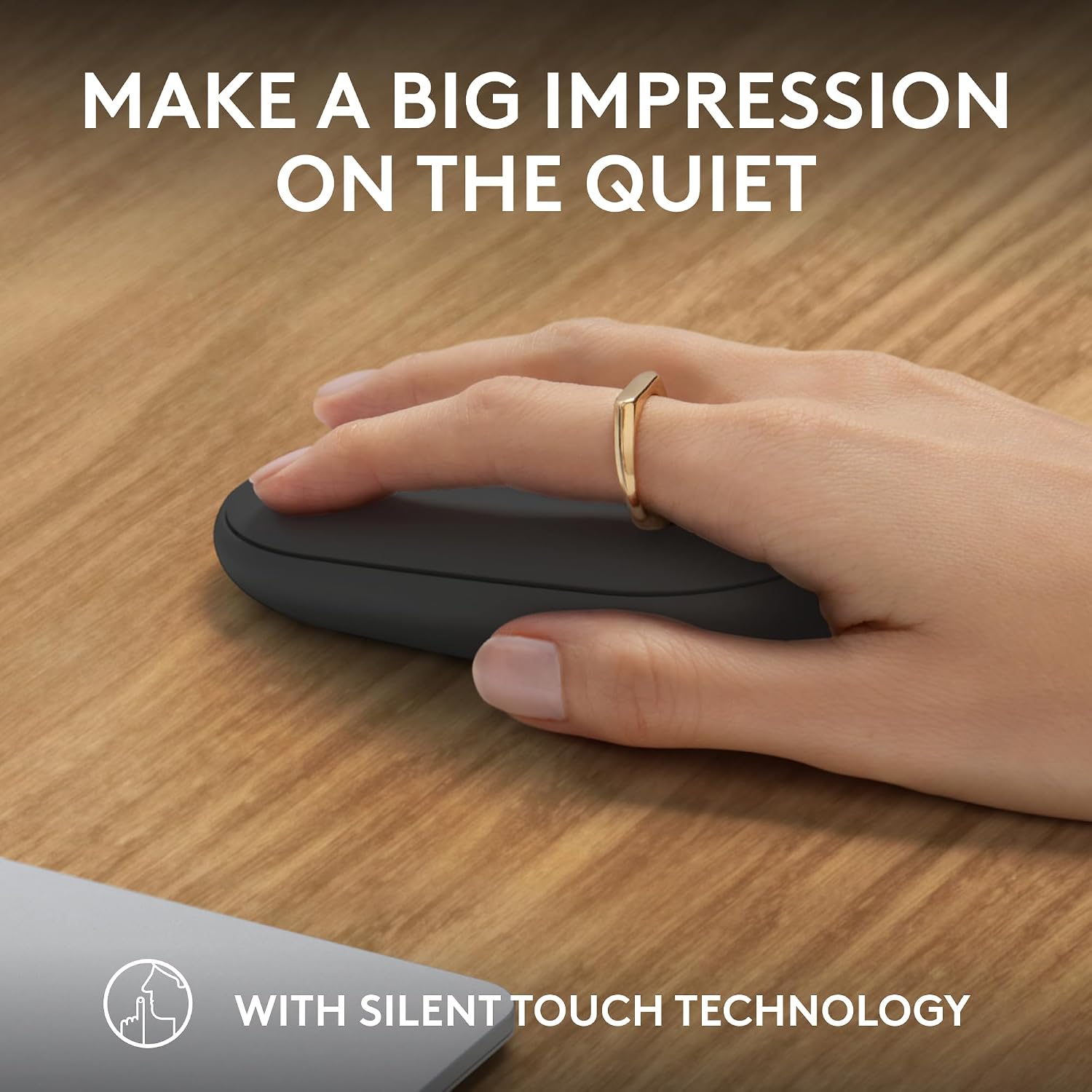
On the desk, the Pebble 2 M350s emphasises quiet operation. Thanks to Silent Touch Technology, it claims to reduce click noise by a large margin, which can be a real help in shared spaces or quiet environments. The mid‑size shape and smooth edge provide comfortable handling for most users, and its slim form makes it easy to slide into a bag for work or travel.
What stands out on paper (pros)
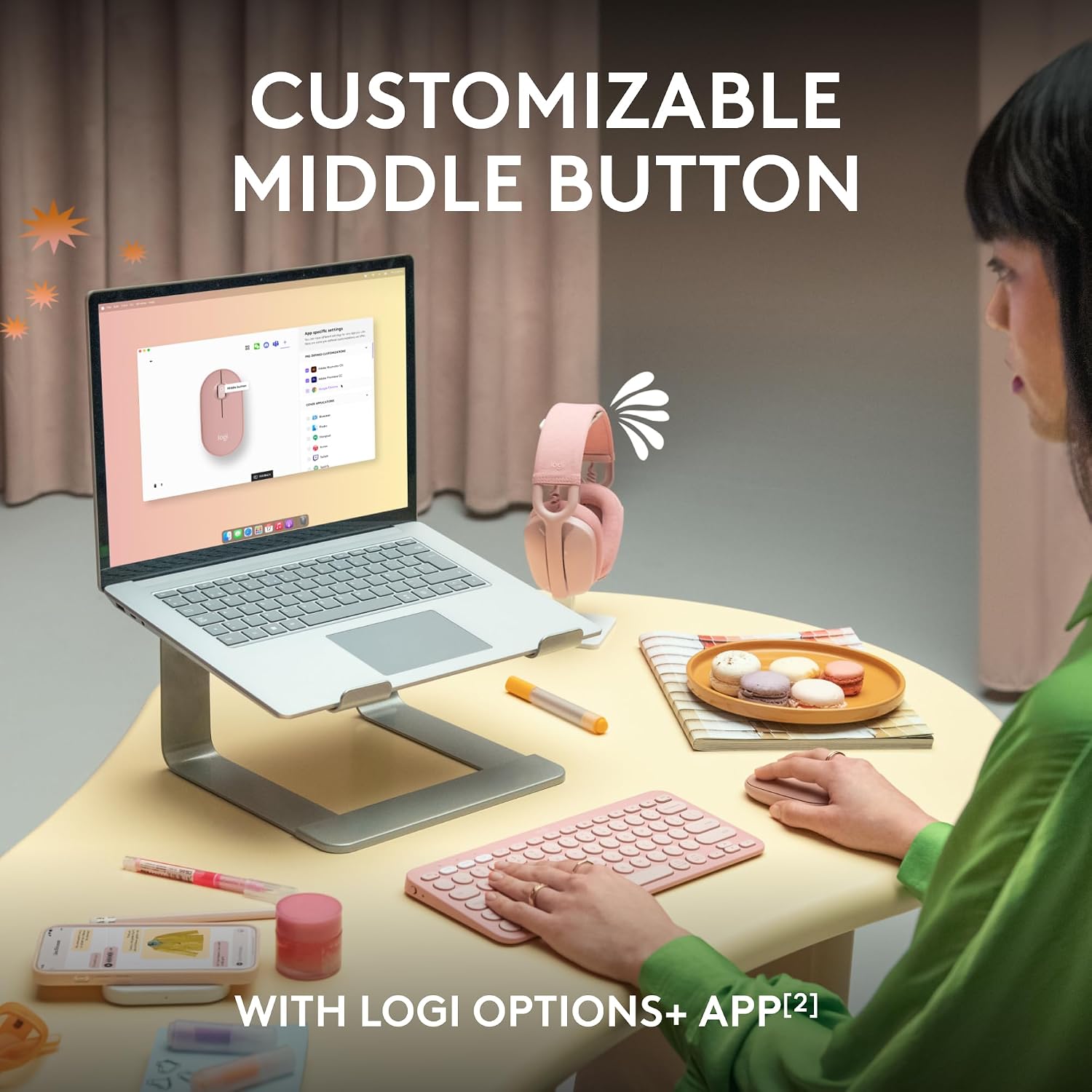
Its standout features include: - Multi‑device pairing with Easy-Switch for quick transitions between devices, a practical setup for people who juggle a laptop, tablet and phone. - Personalisation through Logi Options+ for the middle button, enabling shortcuts to apps you use often, which can save time if you rely on quick launches. - Silent clicking to minimise disturbances, helpful in open offices or late-night work from home. - A battery life claim of up to 2 years with auto‑sleep to reduce the need for frequent charging or replacements. - A portion of recycled plastic in the shell, aligning with eco‑conscious choices and reducing the product’s environmental footprint.
What might not convince everyone (cons/limitations)
- It’s a compact, minimalist mouse. If you prefer a more substantial grip or a larger palm‑filling shape, this model may feel too small or lacking in support for long, precise sessions.
- Being a Bluetooth device, performance can be influenced by the host device’s Bluetooth stability or interference in busy wireless environments.
- Personalisation is via Logi Options+, if you don’t plan to use customised shortcuts, the benefit is mainly in the core multi‑device switching.
- The description promises up to 2 years of battery life under typical use, but real‑world longevity depends on battery type and how often you switch devices.
Who it’s for (use cases and target audience)
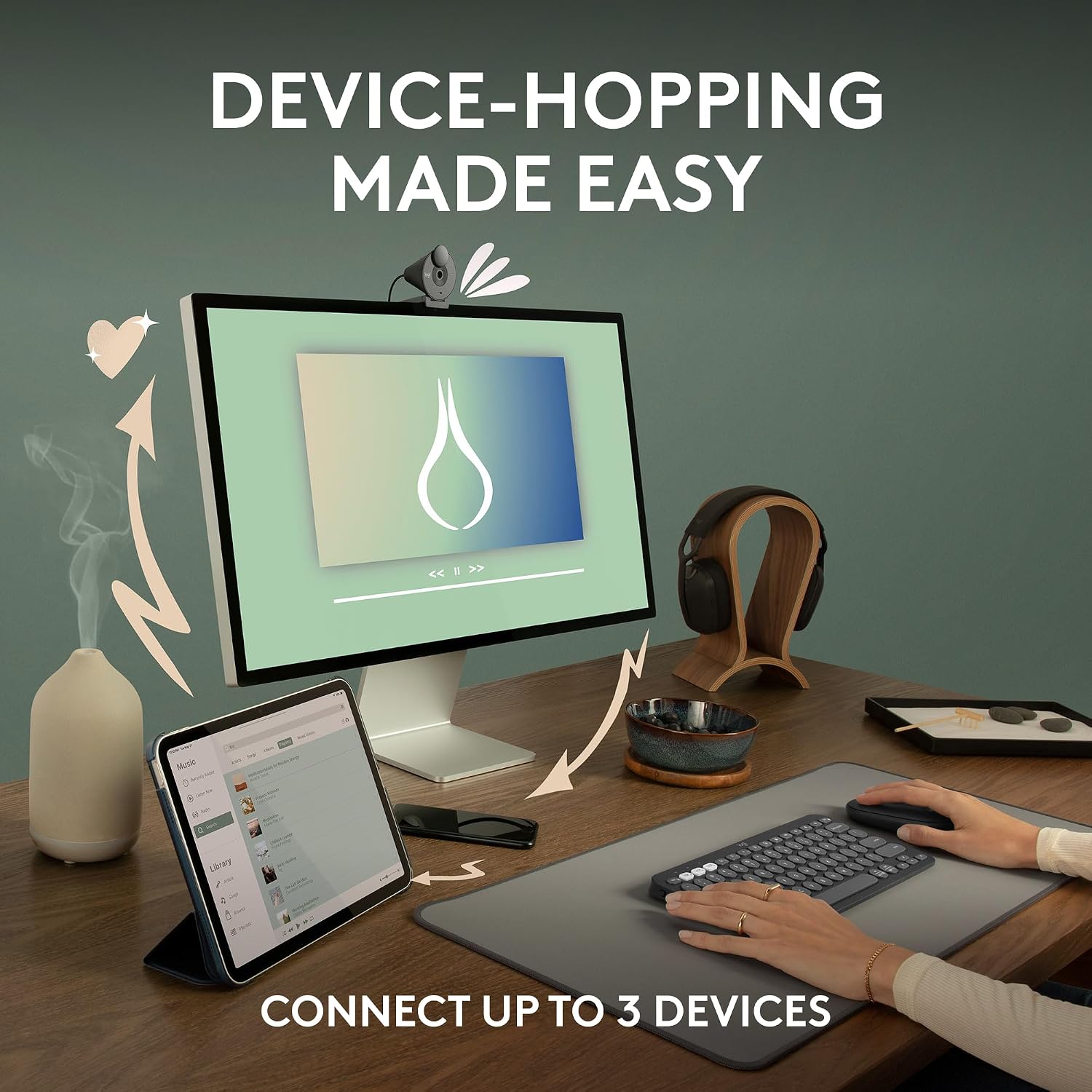
This mouse fits people who travel light, work across multiple devices, and appreciate a quiet workspace. It’s well suited for students, remote workers, or professionals who need a simple tool for navigating across Windows, macOS, iPadOS or ChromeOS without a bulky peripheral.
Who it isn’t ideal for / when to look elsewhere
If you require precise, game‑level precision or a larger, ergonomic grip, you may prefer a model with a more pronounced sculpt or higher DPI and more tactile feedback. Those who don’t plan to leverage multi‑device switching or app‑level customisations may not gain as much from the Pebble’s features.
When does it make sense to buy
If you want a lightweight, portable mouse that can seamlessly hop between three devices and you value quiet clicks, the Pebble Mouse 2 M350s offers a practical balance of simplicity and smart features. It’s particularly appealing if you’re conscious about recycled materials and want a device with long battery life in normal office use.
What to check before buying

- Confirm your primary devices support Bluetooth and the OS compatibility listed (Windows, macOS, iPadOS, ChromeOS).
- Consider whether you’ll benefit from the middle‑button shortcuts and whether you’ll use Logi Options+ to customise them.
- If ultra‑long sessions are common, test the grip and weight in person to ensure it suits your ergonomics.
- Be aware that the advertised eco‑materials are part of a broader design choice, it’s not a guarantee of durability over many years.
Practical comparison and buying rationale
Compared to non‑multi‑device mice, the Pebble 2 M350s saves you the clutter of separate peripherals. If your setup involves a laptop and tablet or a desktop that doubles as a media PC, the Easy-Switch feature helps maintain focus by reducing switching friction. In terms of cost, you’re looking at a pragmatic middle ground: not the cheapest option, but aimed at practical, everyday reliability with thoughtful touches such as quiet clicks and a slim profile.
Is it worth it?
- It makes sense if you prioritise portability, quiet operation and multi‑device support for everyday tasks.
- It may not be the best fit if you crave a more ergonomic or gaming‑centric mouse with advanced sensors.
- A solid pick if you value a low‑friction, travel‑friendly device with eco‑minded materials and simple configuration.
FAQ
- How many devices can it connect to at once? Up to 3 devices via Bluetooth with Easy-Switch.
- Can I customise buttons? Yes, the middle button can be customised through Logi Options+.
- How long does the battery last? The battery life is stated as up to 2 years under typical use, with auto‑sleep to save power.
Final decision
Is it worth it? For someone who needs a light, quiet, portable mouse that works across Windows, macOS, iPadOS and ChromeOS and who appreciates easy device switching and some customisation, the Pebble Mouse 2 M350s represents sensible practicality rather than a flashy upgrade. If you want something larger or more feature‑rich for precision work or gaming, you may want to skip this and look for a model with a different balance of ergonomics and sensors.