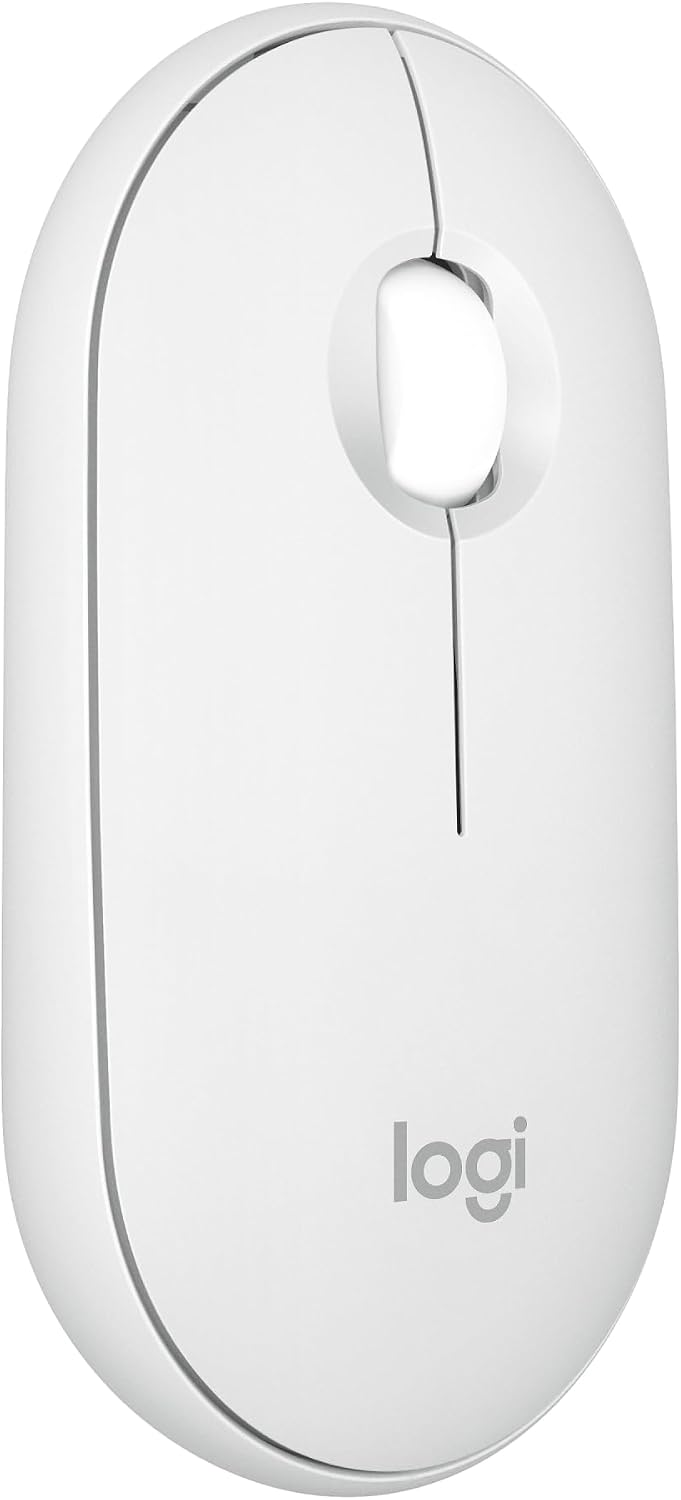
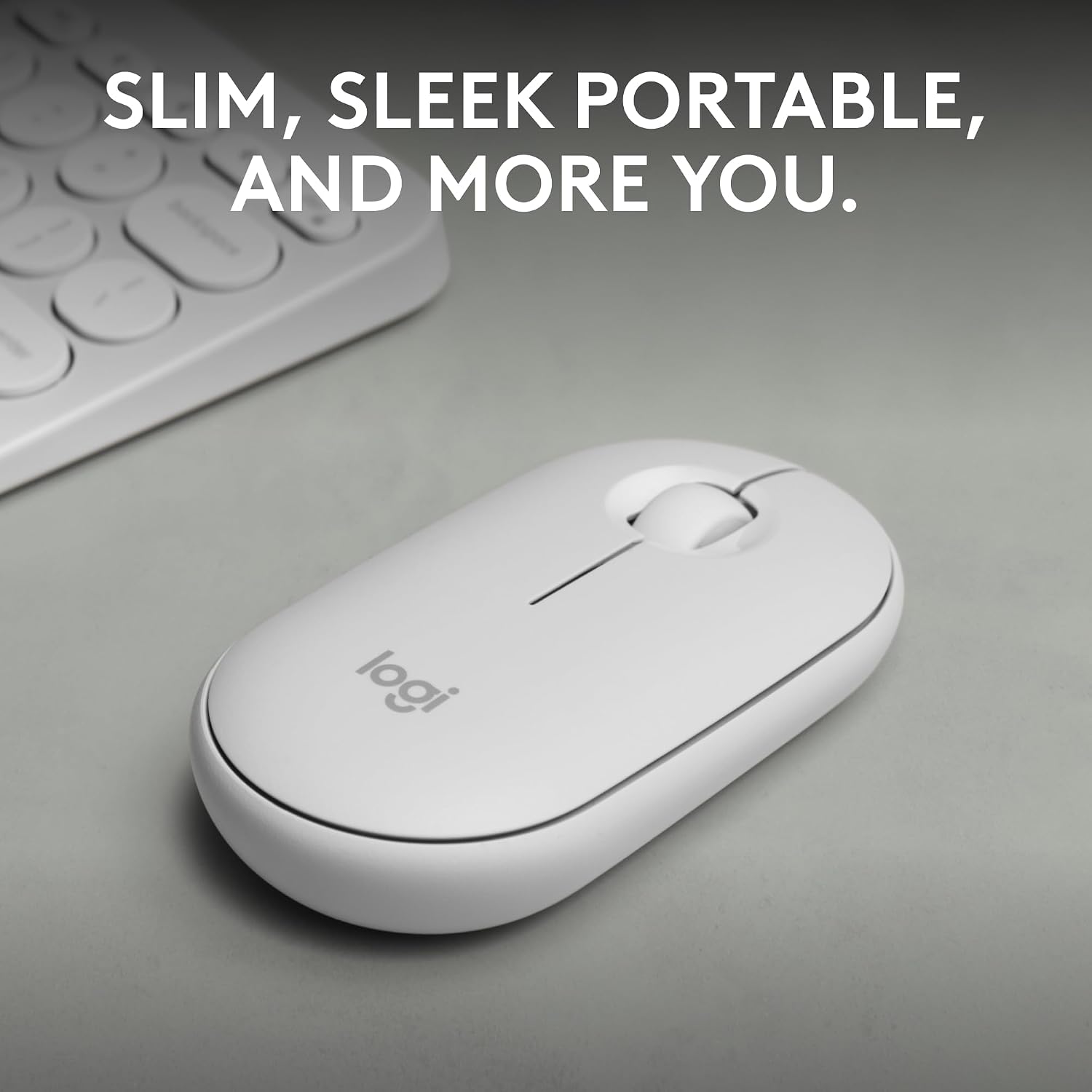
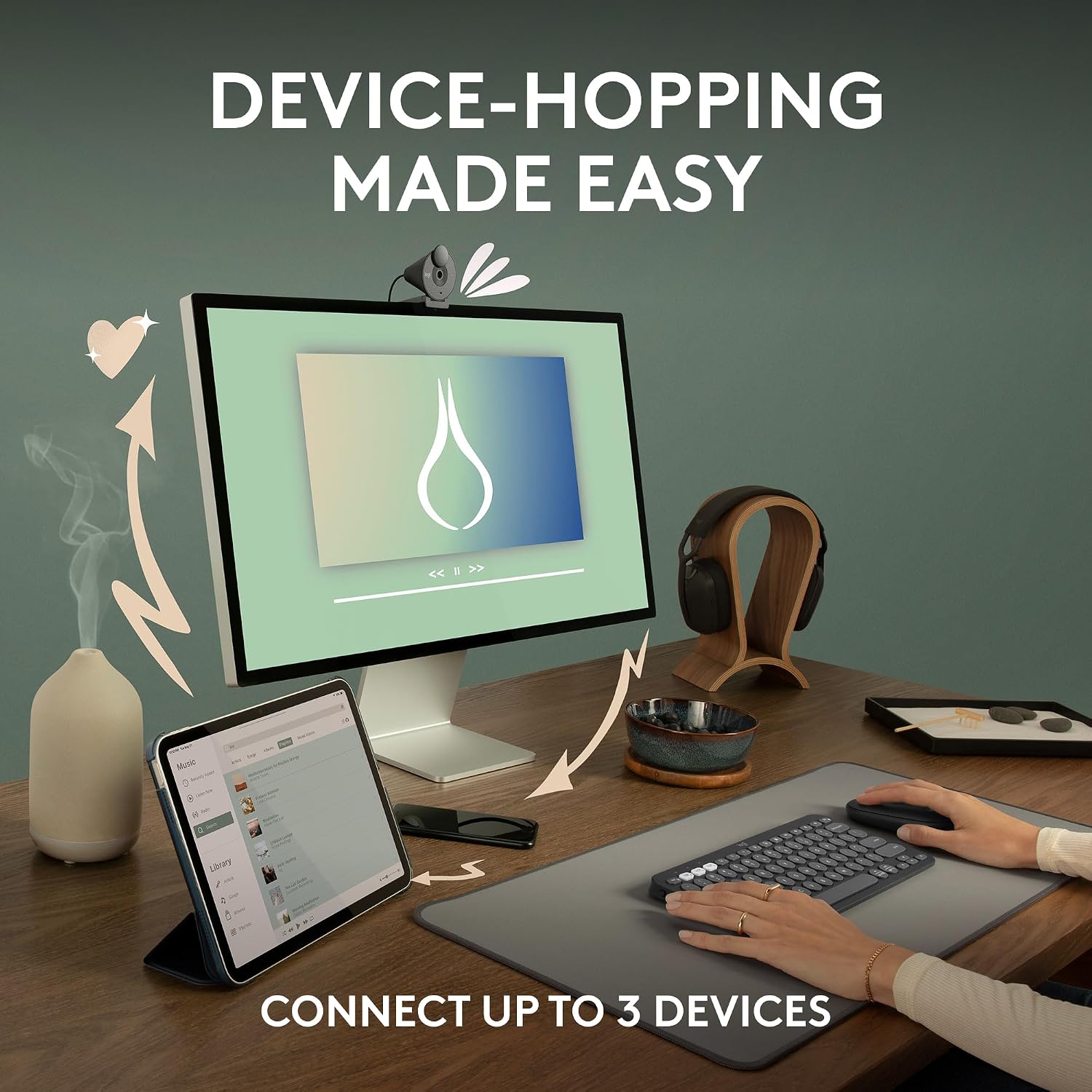
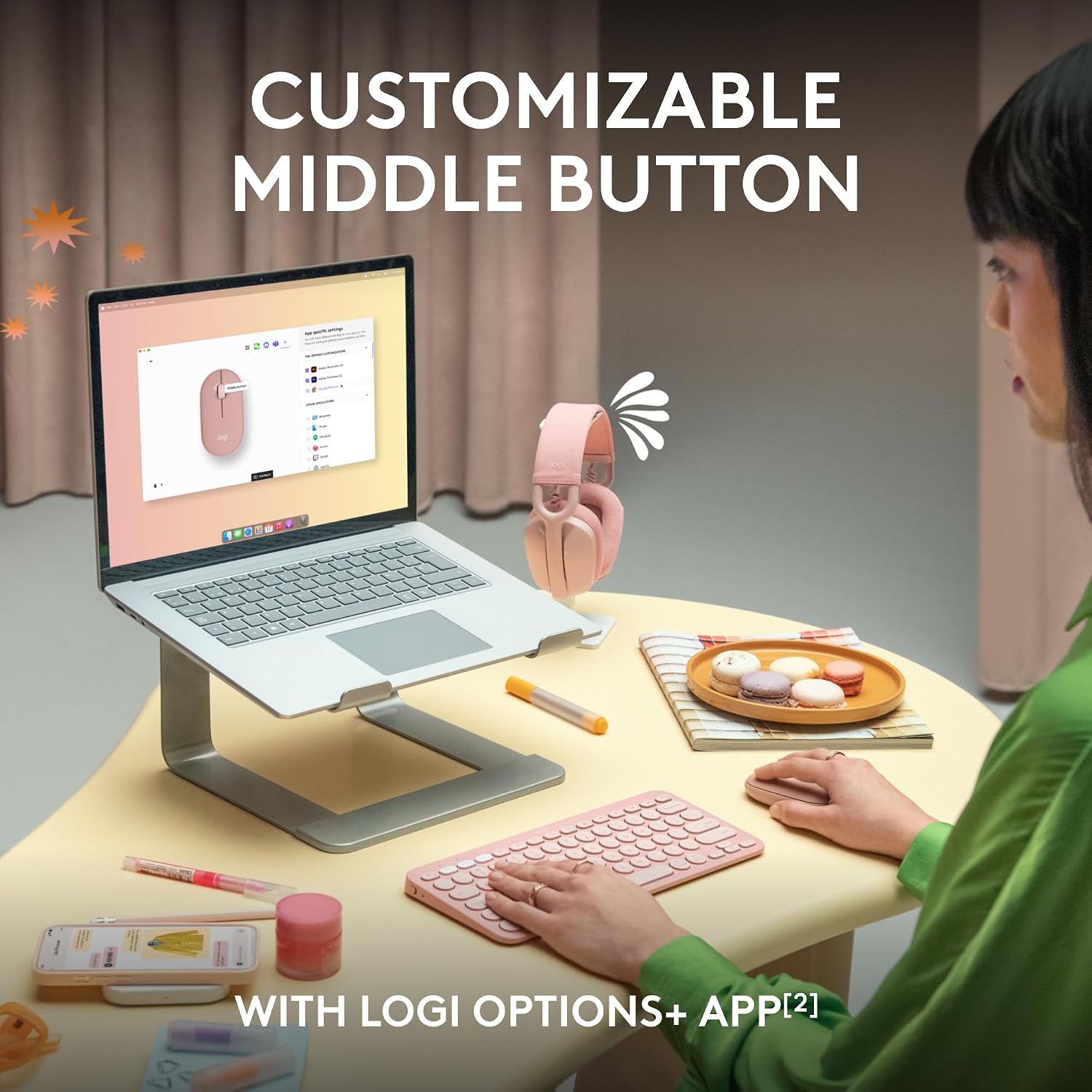
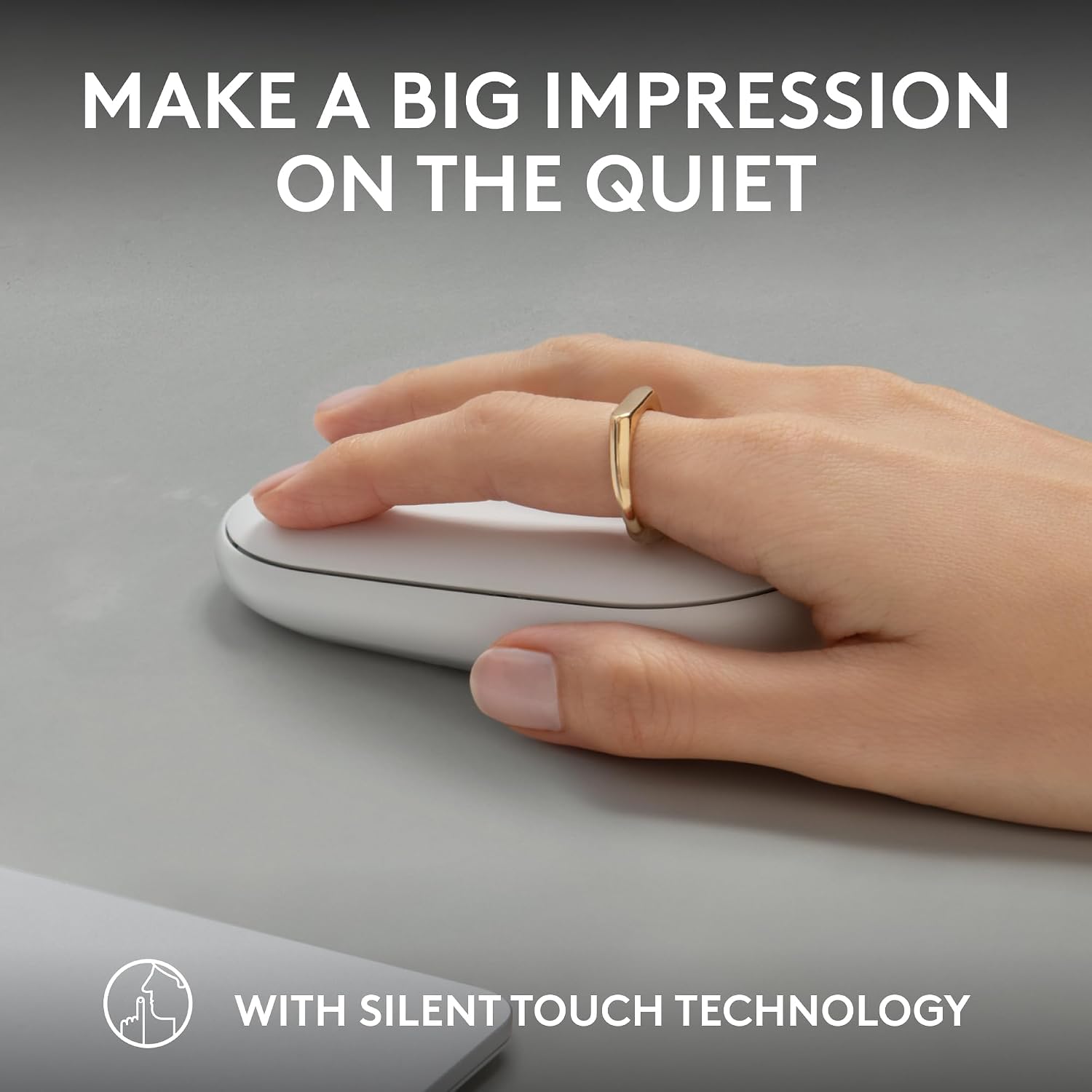
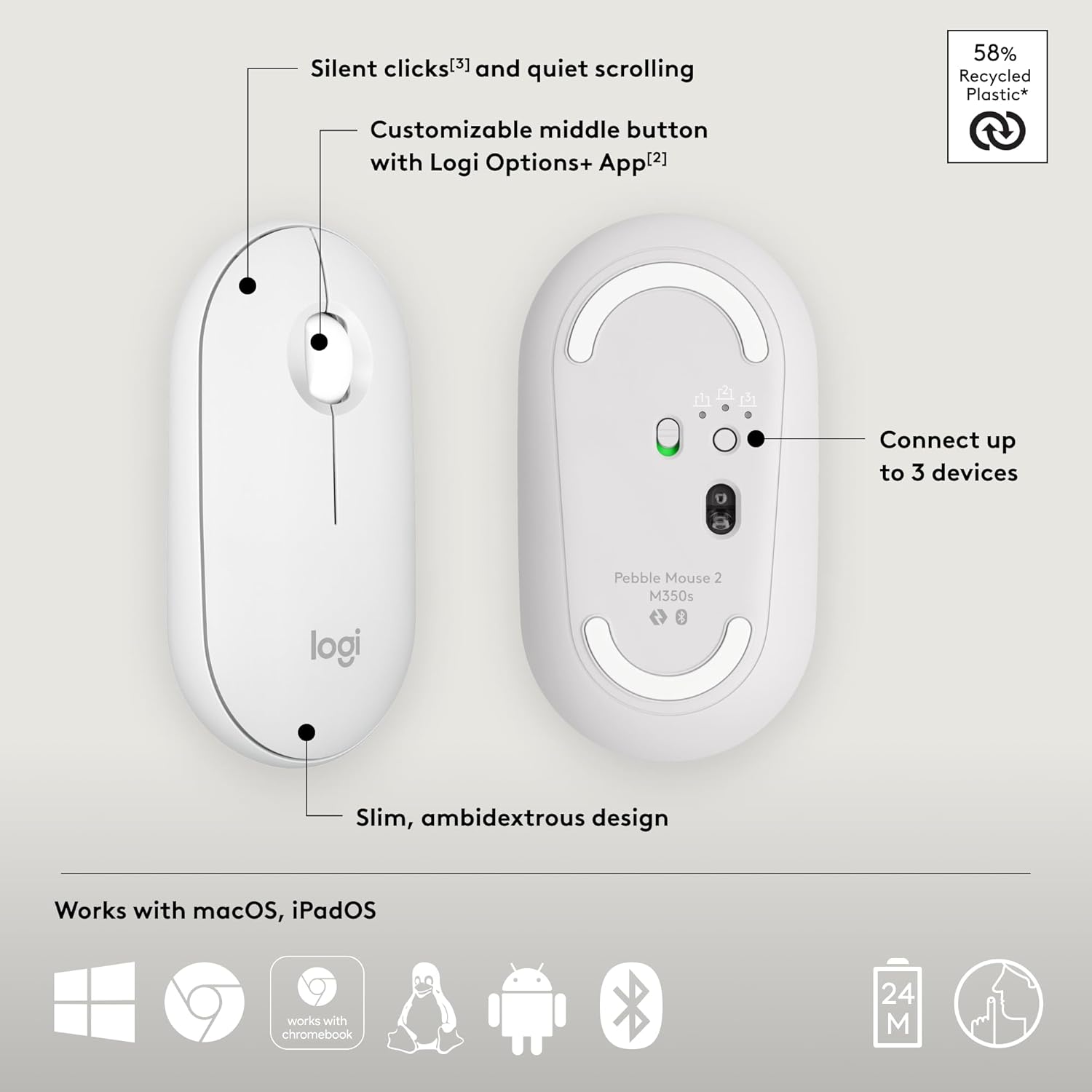
What it is and who it’s for\nThe Logitech Pebble Mouse 2 M350s is a slim, lightweight Bluetooth wireless mouse designed for portability and quiet everyday use. It’s aimed at people who want a compact companion for laptops, tablets and desktops across Windows, macOS, iPadOS and ChromeOS, with the flexibility to switch between up to three devices. If you prioritise a minimal footprint for travel, a calmer click experience and a personalised shortcut, this mouse could fit the bill.\n\n## Design and materials\nOn the surface, Pebble 2 M350s keeps a clean, rounded silhouette. It’s crafted with recycled plastic in line with the Pebble line’s ethos, which may appeal if you value sustainability in small electronics. Weight is kept light to help with on-the-go use, and the low-profile shape contributes to pocketability and ease of transport without feeling flimsy.\n\n## How it connects and switches between devices\nThe mouse uses Bluetooth and can pair with up to three devices. The Easy-Switch button makes it straightforward to toggle between Windows, macOS, iPadOS or ChromeOS without fiddling with settings mid-task. This is practical if you work across a few devices or need a quick switch during a meeting or class.\n\n## Customisation and everyday use\nA standout feature is the ability to personalise the middle button via the Logi Options+ app, enabling quick shortcuts to apps you use often, such as WhatsApp or Spotify. If you value instant access to your most-used functions, this can save time and reduce clicking.\n\n## Noise and comfort\nQuiet clicking is a core promise of the M350s, with Silent Touch Technology aimed at reducing click noise by a large margin. It isn’t a magic cure for all environments, but in open-plan offices or shared spaces you’ll notice the difference when others are nearby. If you work in a hushed setup or need a calmer workspace, this could be a meaningful improvement.\n\n## Battery life and power management\nLogitech emphasises long life here, with claims of hours of use and up to 2 years of battery life. An auto-sleep feature helps conserve power when the mouse isn’t in use. If you travel or don’t want to bother with frequent battery changes, this is worth considering.\n\n## What to check before buying\n- Ensure your primary devices support Bluetooth and that you’re comfortable pairing across multiple OSs.\n- Consider whether you’ll make use of the middle-button customisation, which relies on the Logi Options+ software.\n- If you sit in a particularly noisy or busy environment, test how quiet the clicks feel in practice, as perceptions of quiet can vary.\n- Check the fit against your preferred hand size and grip style, although compact, some users may find a larger mouse more comfortable for extended sessions.\n\n## Practical use case\nImagine you’re hopping between a Windows laptop for work and an iPad at a cafe, with a quick Spotify playlist queued up. The Pebble’s slim form slips into a bag, the Easy-Switch button saves you from reconnecting each time, and you can tailor the middle button to a favourite app so your workflow feels less fiddly. It’s not a gaming mouse, but for productivity tasks, emails and scrolling through documents, it performs smoothly without drawing attention to itself.\n\n## Final thoughts and who it’s for\nIf you value a compact, portable design and quiet operation, and you frequently switch between multiple devices, the Pebble Mouse 2 M350s offers a sensible blend of portability, simplicity and customisation. It leans towards everyday productivity rather than high-end ergonomics or gaming performance. It might not be the best option if you prioritise a larger, more ergonomic grip or require advanced macro capabilities without software.\n\n## Is it worth it?\nThe Pebble Mouse 2 M350s is worth considering if you want a minimal, travel-friendly Bluetooth mouse with device-switching ease and subtlety in a shared workspace. It’s most compelling for light to moderate use across several OSs and for users who appreciate the option to personalise a middle-button shortcut. If your priority is a premium ergonomic feel or high-precision control for design work, you may prefer to explore higher-end options.\n\n## FAQ (brief)\n- Does it work with my tablet? Yes, it supports Windows, macOS, iPadOS and ChromeOS via Bluetooth.\n- Can I change the middle button function? Yes, via the Logi Options+ app.\n- How quiet are the clicks really? It uses Silent Touch Technology aimed at reducing click noise by a significant amount, but perception varies by environment.