

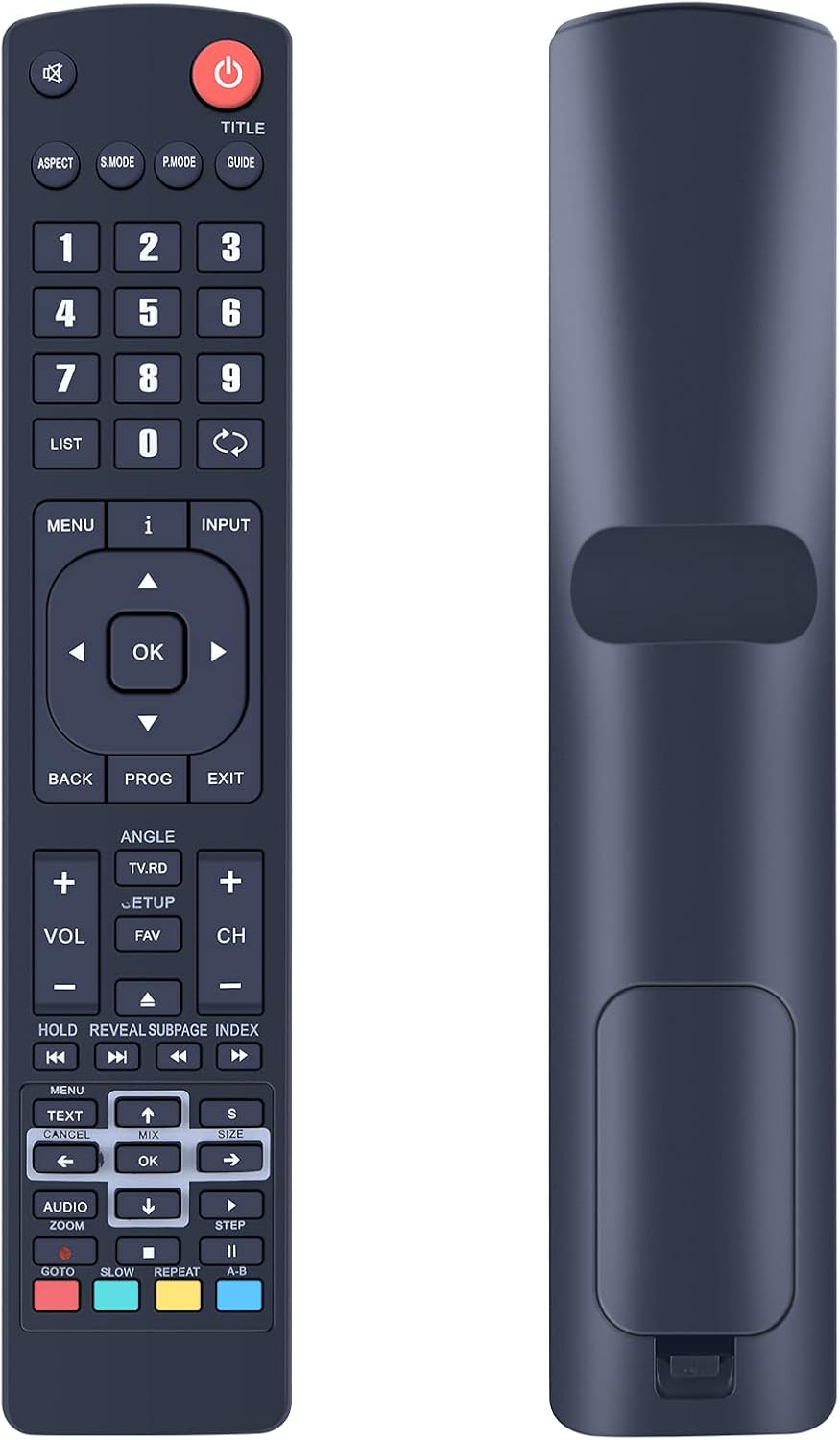
TCNOUMT Replacement RM-C3250 Voice Remote for JVC Smart TVs
Product description
What it is and why people buy it
This TCNOUMT replacement voice remote is designed for JVC Smart TVs that use the RM-C3250 remote setup. If your current remote has gone missing, stopped working, or you’ve worn out the buttons from heavy daily use, a replacement like this can be the practical fix. On paper, it’s aimed at bringing back not just basic control, but also the voice recognition feature.
It’s also the sort of accessory you’ll only notice properly once you need it. After all, a TV is rarely a “once in a while” device—most households touch the remote every day, whether it’s for switching inputs, adjusting volume, or navigating menus.
At a glance: what you get
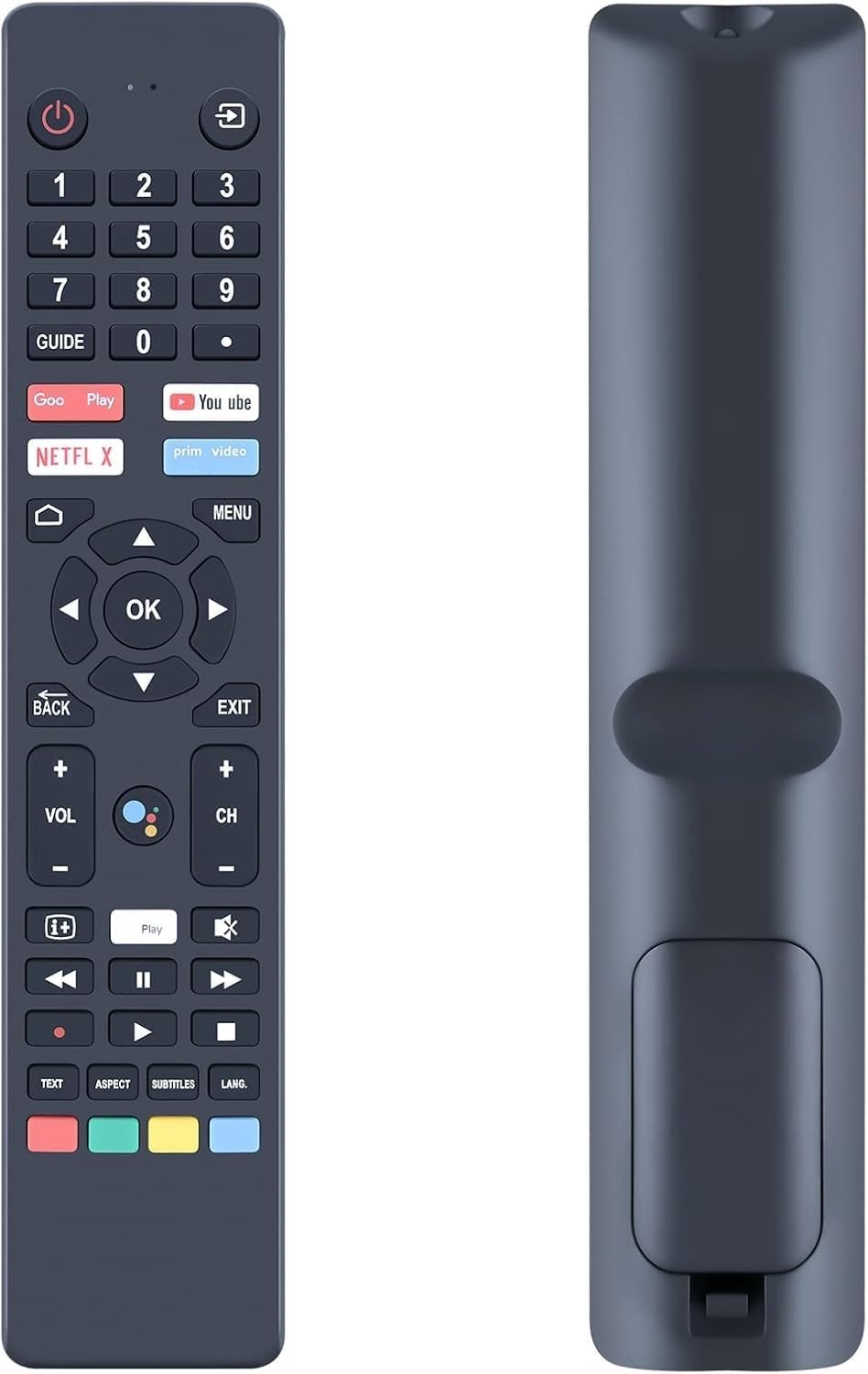
The key promise here is a RM-C3250-style replacement voice remote that you can pair with a compatible JVC Smart TV. The pairing process is explained in the listing, and the remote is described as lightweight and ergonomic—easy to grip for a range of users, including children, adults and seniors.
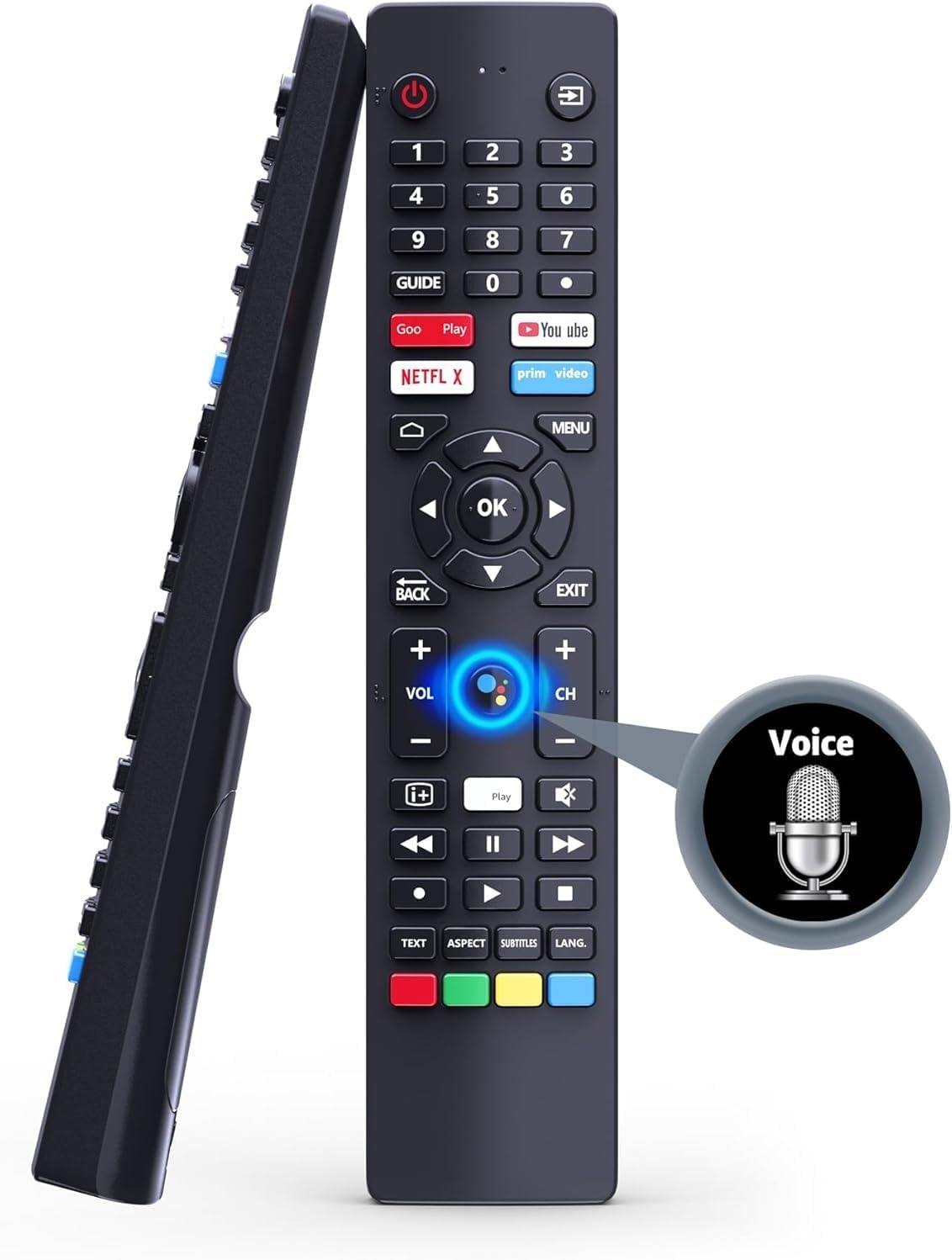
There’s also a very important limitation to keep in mind: the voice recognition feature requires an internet connection. So if your TV isn’t set up online (or connectivity is unreliable), you may find the “voice” side of things doesn’t behave as expected.
Quick overview of pairing and setup
Getting it working is meant to be straightforward.
You can either pair the remote using the button method described (insert 2 AAA batteries—batteries are not included), then press and hold “Menu” and “Left” together until the TV shows a “Pairing Complete” message. Alternatively, the listing also suggests using the TV menu: go to “TV Settings”, then “Remotes & Accessories”, then “Remotes”, and follow the on-screen steps.
Worth noting: voice features won’t be usable unless the TV has internet access. That’s not a deal-breaker for everyone, but it’s a genuine “watch this space” point if you mainly care about voice commands.
Key features that matter day to day
Where this remote makes the most sense is in everyday navigation and comfort.
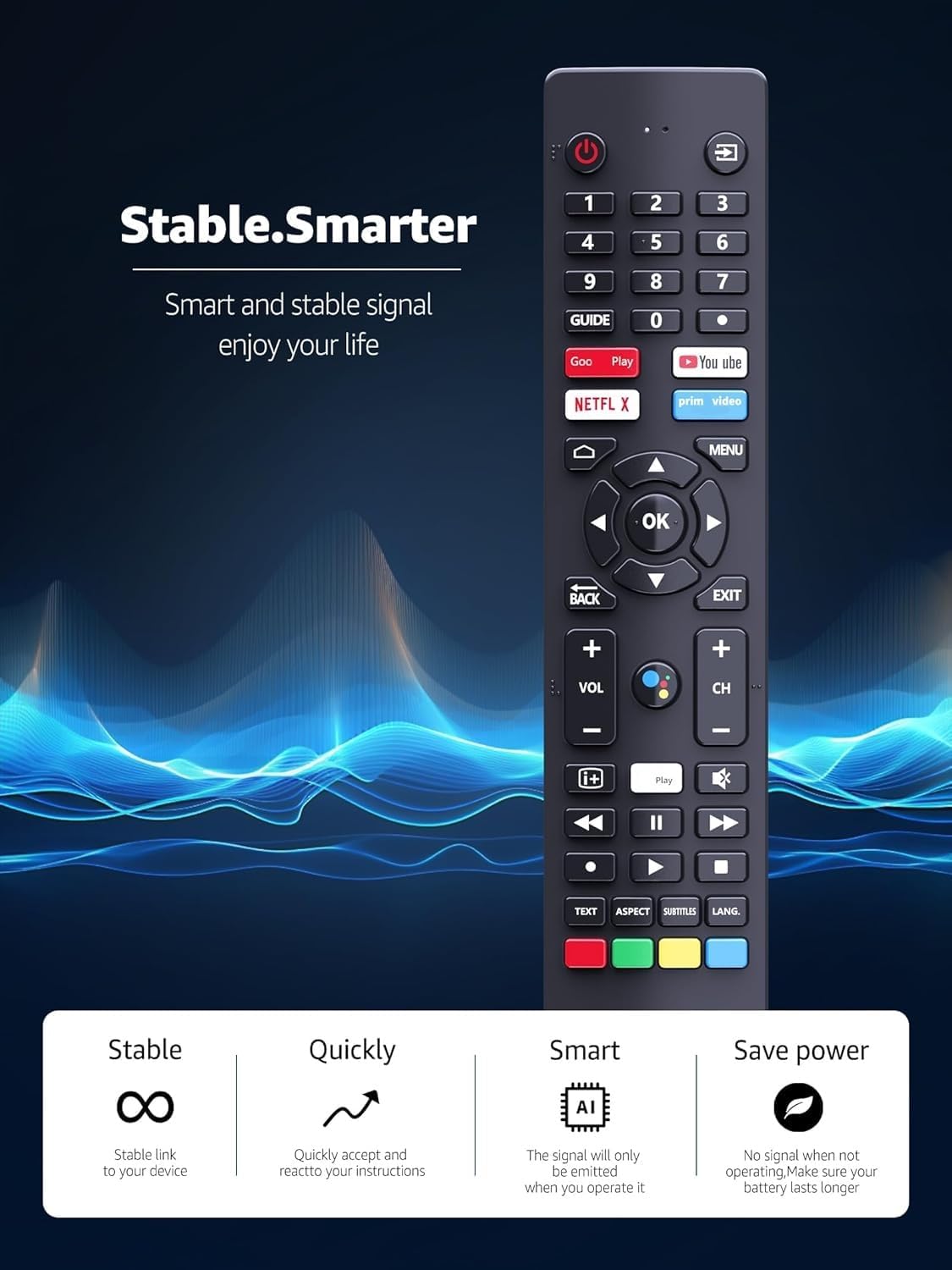
- Ergonomic, lightweight build: it’s described as comfortable for regular use, which is especially helpful if multiple people in the household use the TV.
- Voice control support (with internet): if your JVC Smart TV is already connected, voice recognition can be a handy time-saver for searching and control.
- Replacement for the RM-C3250 voice remote setup: the listing frames it as a replacement designed to match the RM-C3250 system.
Still, it’s not perfect for every scenario. If you’re buying because your TV won’t connect to the internet reliably, the voice aspect may end up being mostly irrelevant.
What to check before you buy
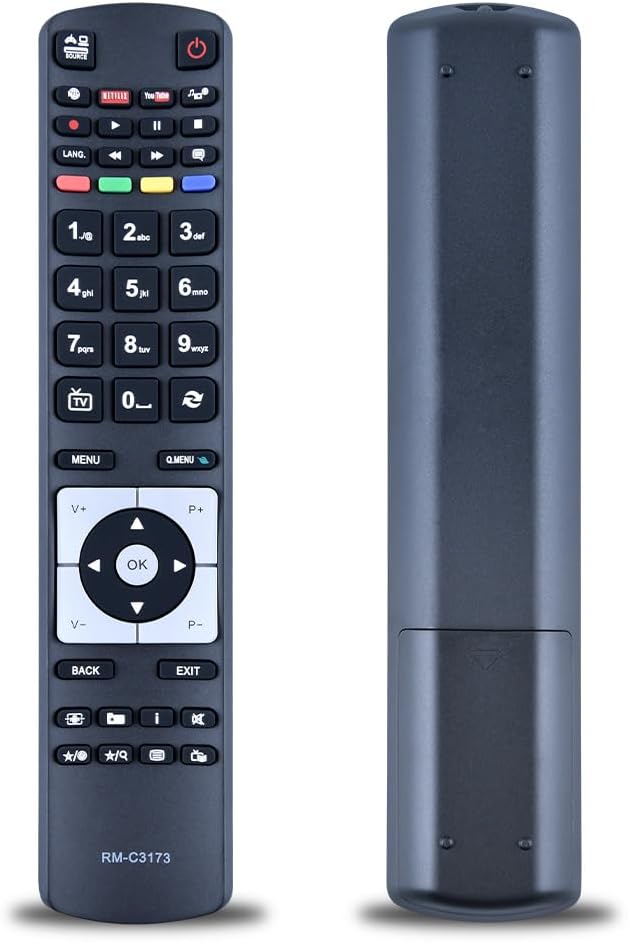
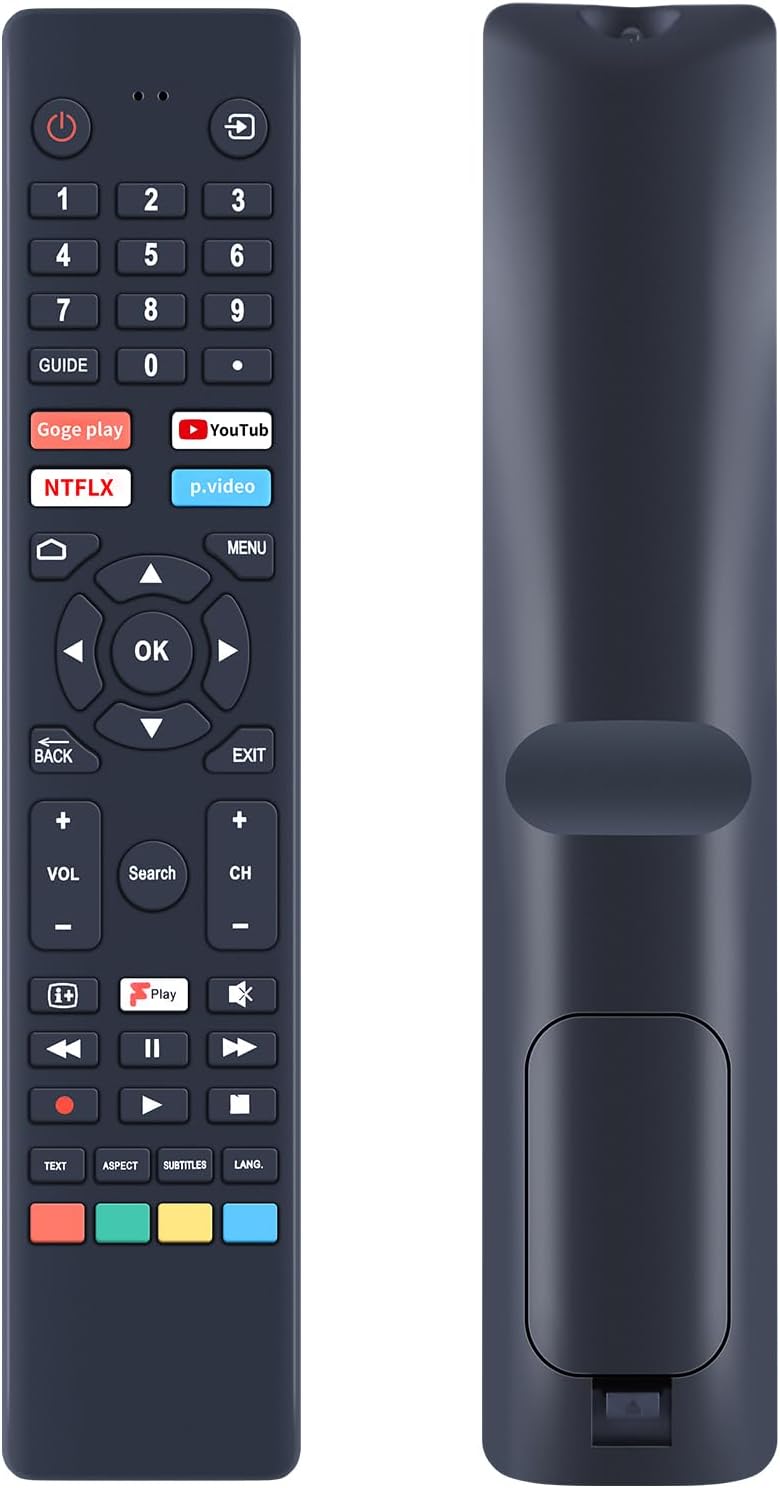
Because this is a replacement remote, small mismatches can become a real annoyance. The listing specifically asks buyers to check the remote picture before purchasing and pay attention to the key symbols, to make sure it matches the exact remote you need.
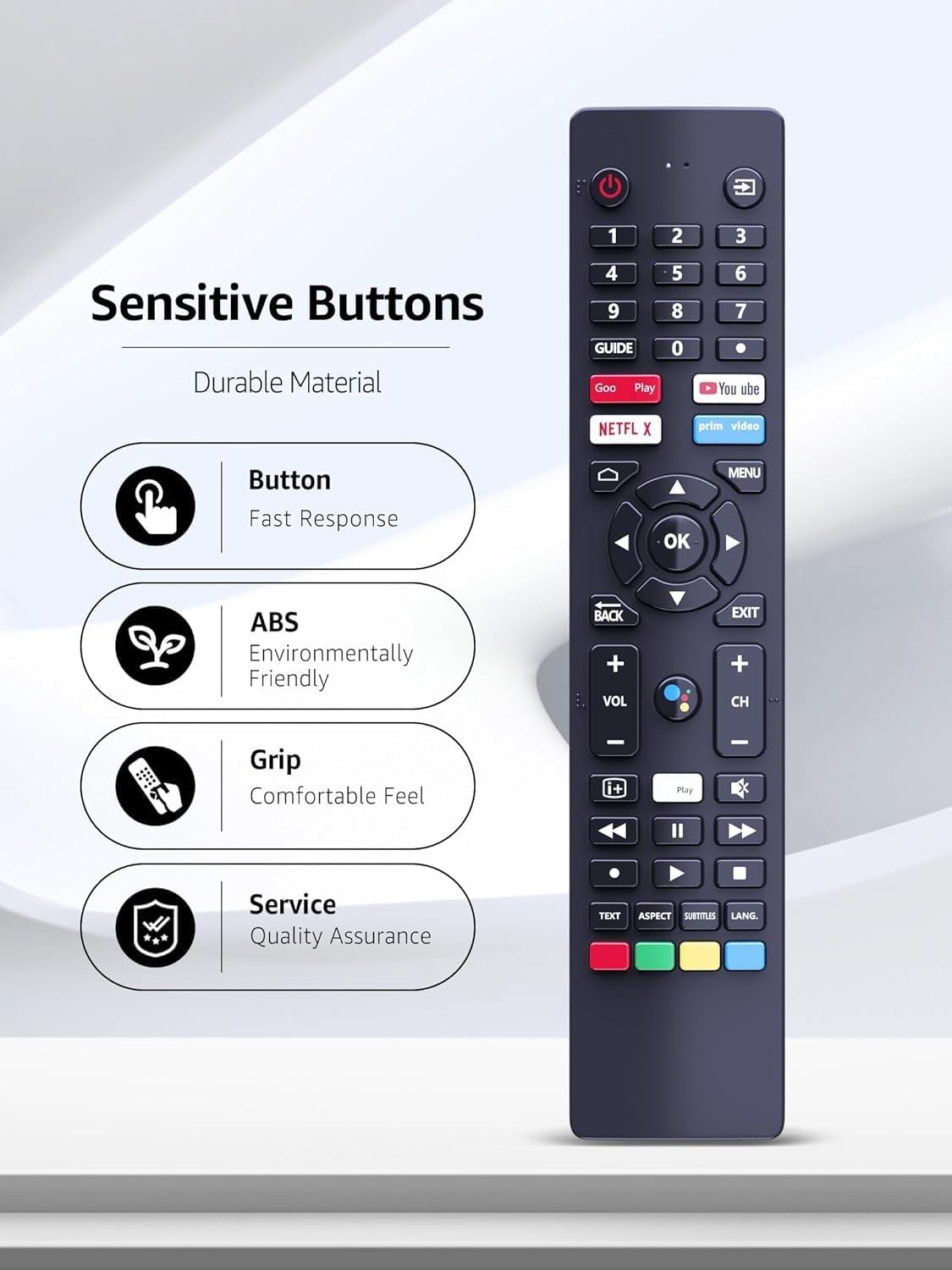
Before ordering, it’s sensible to:
- Confirm your JVC Smart TV model is compatible with the RM-C3250 replacement listing.
- Make sure you’re comfortable following the pairing steps (either the button method or the TV settings route).
- Plan for batteries: it needs 2 AAA batteries, and they’re not included.
If you’re the kind of buyer who wants “plug-and-play” with no setup, you may find pairing takes a bit of effort—even though the instructions are there.
Pros and limits (so you can judge value)
This remote reads as a practical, mid-complexity replacement: it should do the job of controlling your JVC Smart TV again, and it’s set up for voice commands when internet is available.
What stands out: - Voice control support is included in the concept of the remote. - Comfort-focused design (lightweight/ergonomic) for everyday handling. - Clear pairing instructions via buttons or on-screen TV settings.
Where it may fall short: - Voice recognition depends on an internet connection. - As with any replacement accessory, compatibility comes down to matching the correct RM-C3250 remote and key symbols.
Is it worth it?
It’s a sensible buy if you need a replacement JVC Smart TV voice remote for the RM-C3250 setup, you’re happy to pair it using the on-screen or button method, and your TV is connected to the internet for voice recognition.
You may want to skip it if you’re mainly relying on voice features but your TV’s internet setup is inconsistent, or if you’re unsure about the exact matching remote layout (the listing stresses checking the picture and button symbols).
For many households, this fits best as a straightforward “get the remote working again” purchase. If you want minimal hassle and no compatibility checking at all, then it might not be the easiest route.
Mini FAQ
Does this replacement remote include batteries? No—according to the listing, you’ll need 2 AAA batteries (not included).
Will the voice recognition work without internet? The listing states that an internet connection is required for the voice recognition feature.
How do you pair it with the TV? You can pair it by inserting batteries and holding “Menu” and “Left” until “Pairing Complete” appears, or through the TV settings under “Remotes & Accessories”.
What if my JVC model isn’t listed? The listing gives several compatible model examples for RM-C3250 voice remote usage, so if your model isn’t clearly covered, it’s best to double-check against the remote match instructions (picture and key symbols).
Is it comfortable for different users? The remote is described as ergonomic and lightweight, intended to be comfortable for children, adults and seniors.