

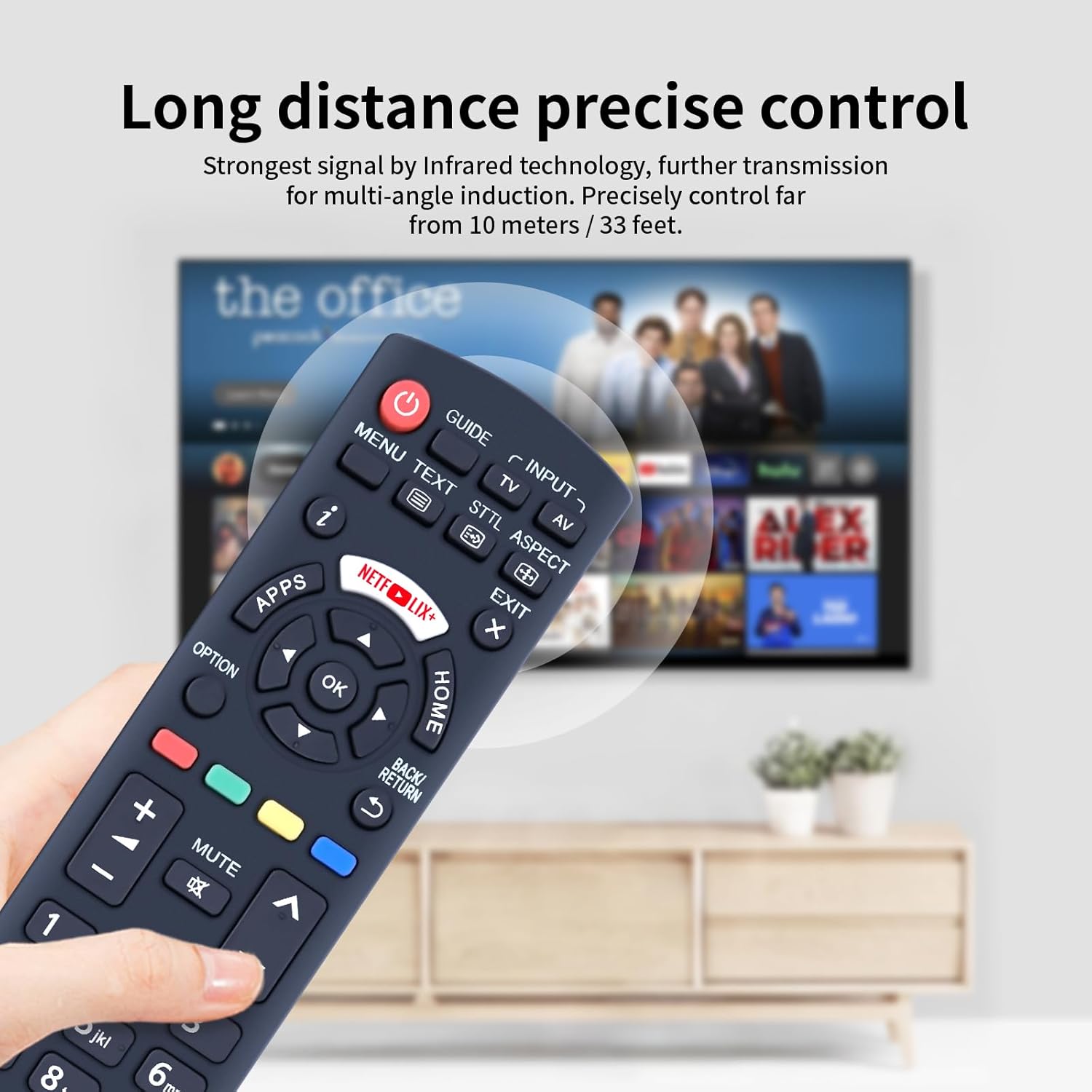
TCNOUMT N2QAYB001009 Replacement Remote for Panasonic TX-32CS510E / TX-49DS500E
Product description
What it is
The TCNOUMT N2QAYB001009 is a replacement remote designed to mirror the functions of the original Panasonic remote for a range of LCD and LED TVs. It offers a straightforward swap if your current remote is damaged or missing, with the aim of restoring typical navigation, channel, volume, and menu control.
How it works
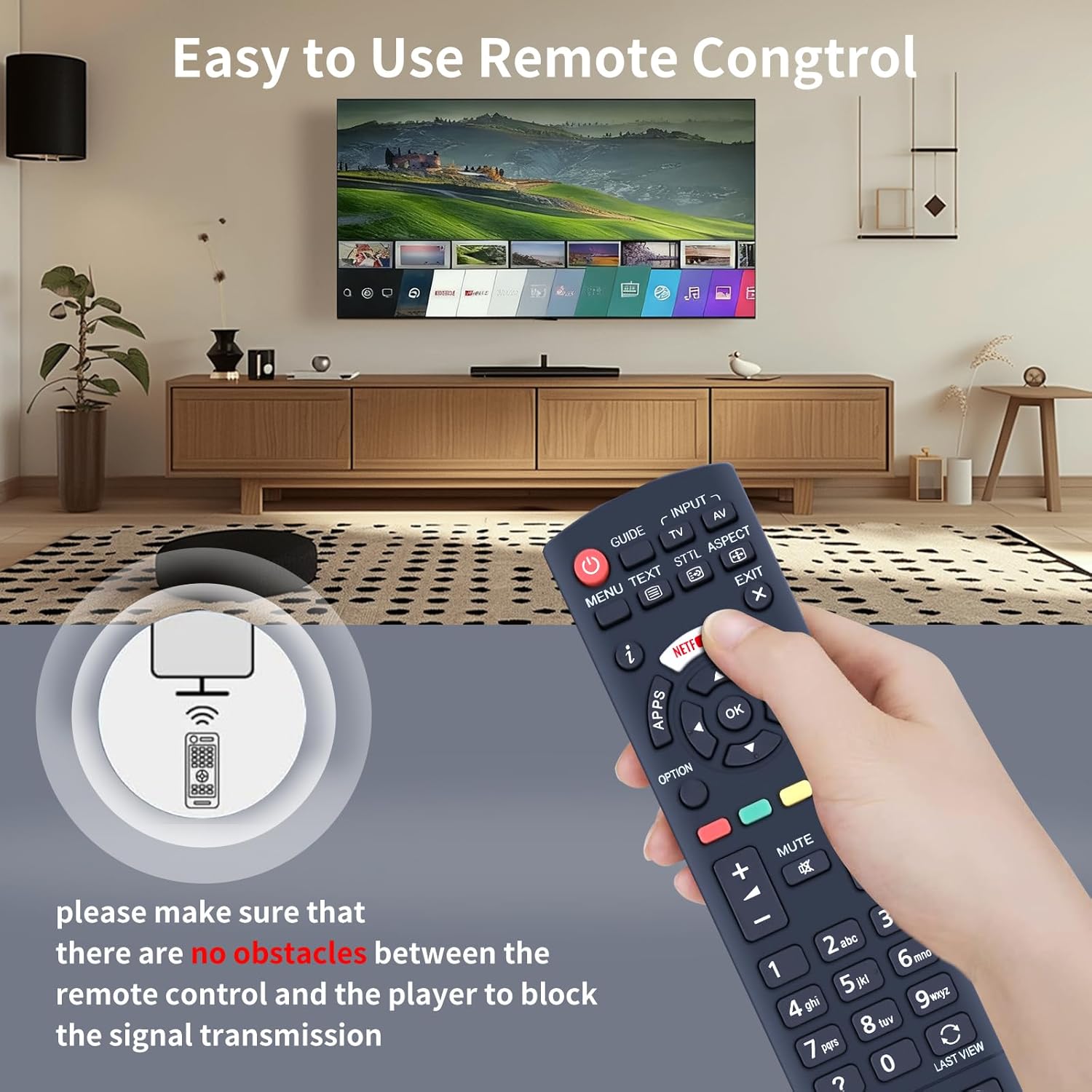
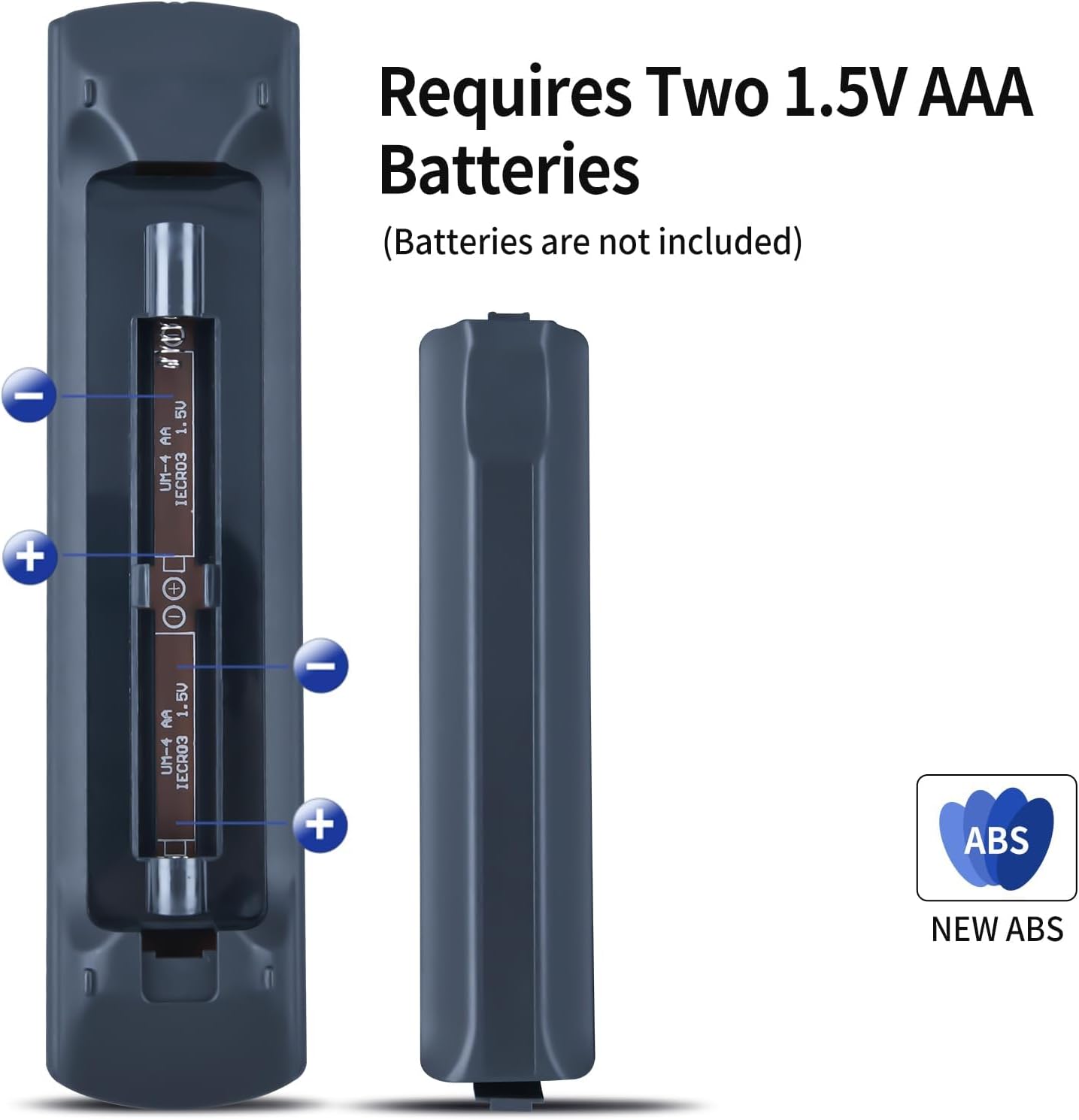
This model is described as plug‑and‑play: insert 2 x AAA batteries and the remote should operate without any programming or pairing. It relies on a basic line‑of‑sight command system, like most standard remotes, so it’s best used with the TV in the same room and within a reasonable range.
Compatibility and limits
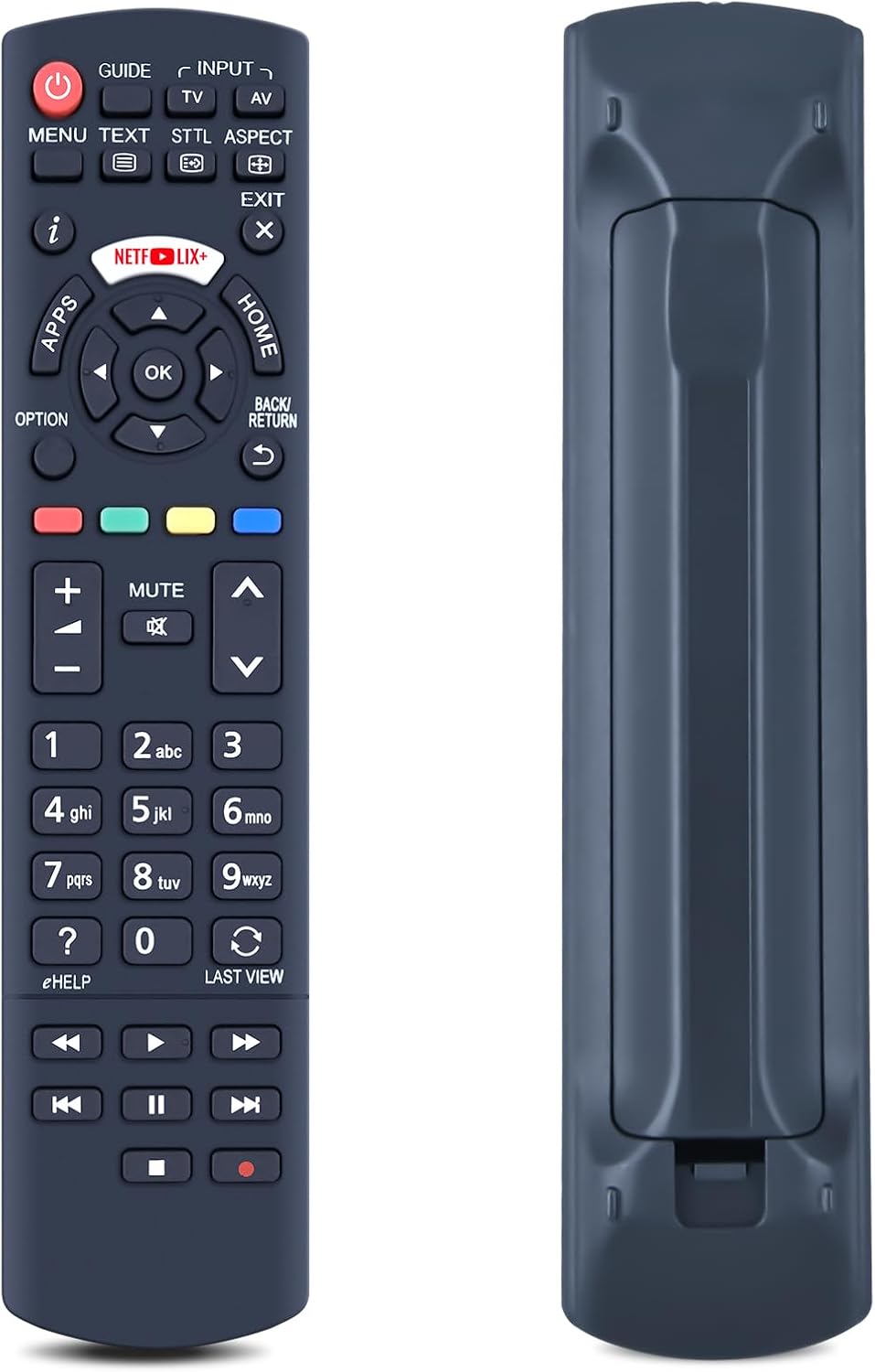
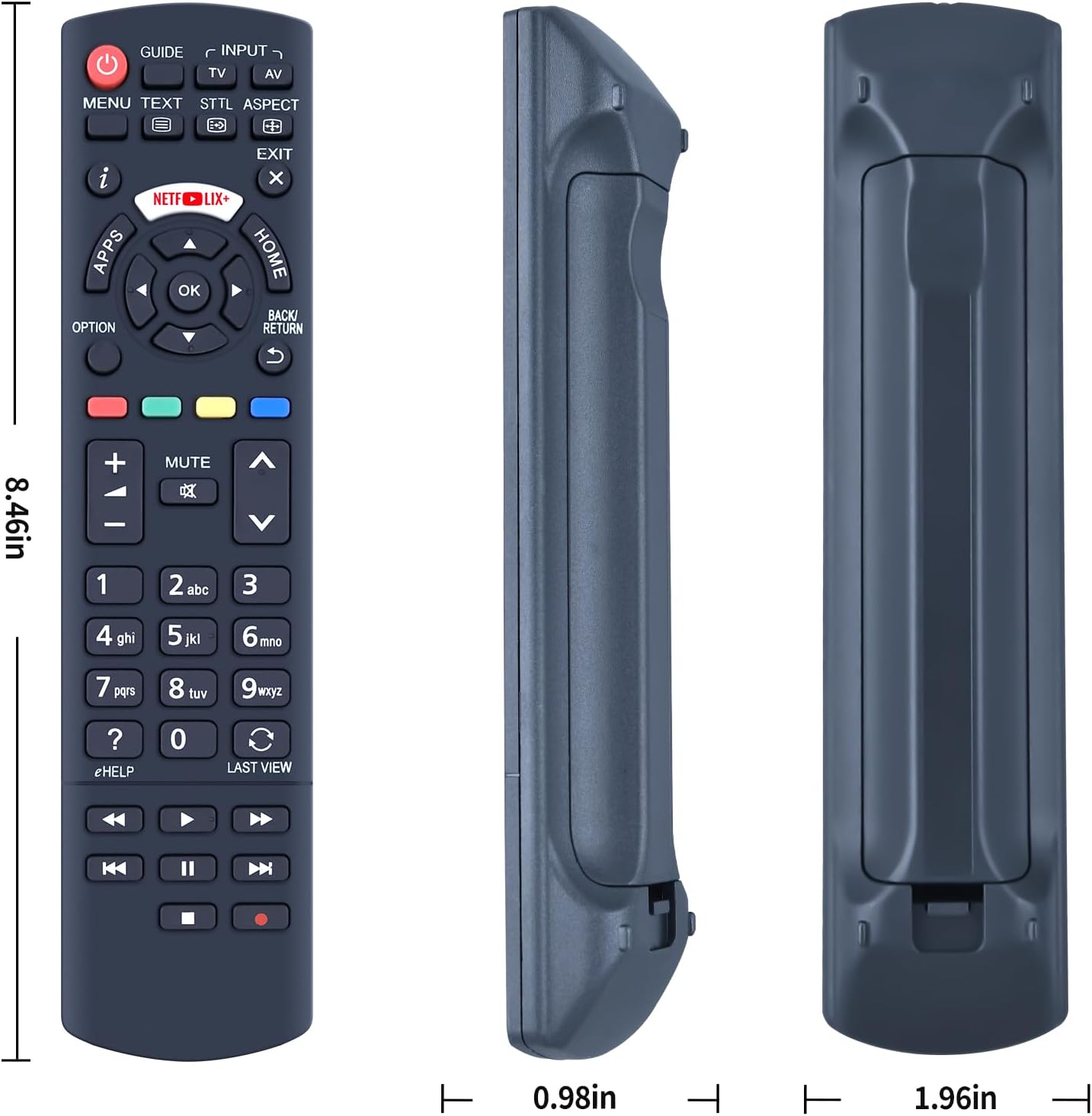
The product mentions compatibility with several Panasonic models in the TX and DS ranges. However, it also notes that some functions may not be available depending on the button and specific model. The instruction emphasises checking the remote’s button symbols in the image to ensure a precise match with your original remote.
What stands out
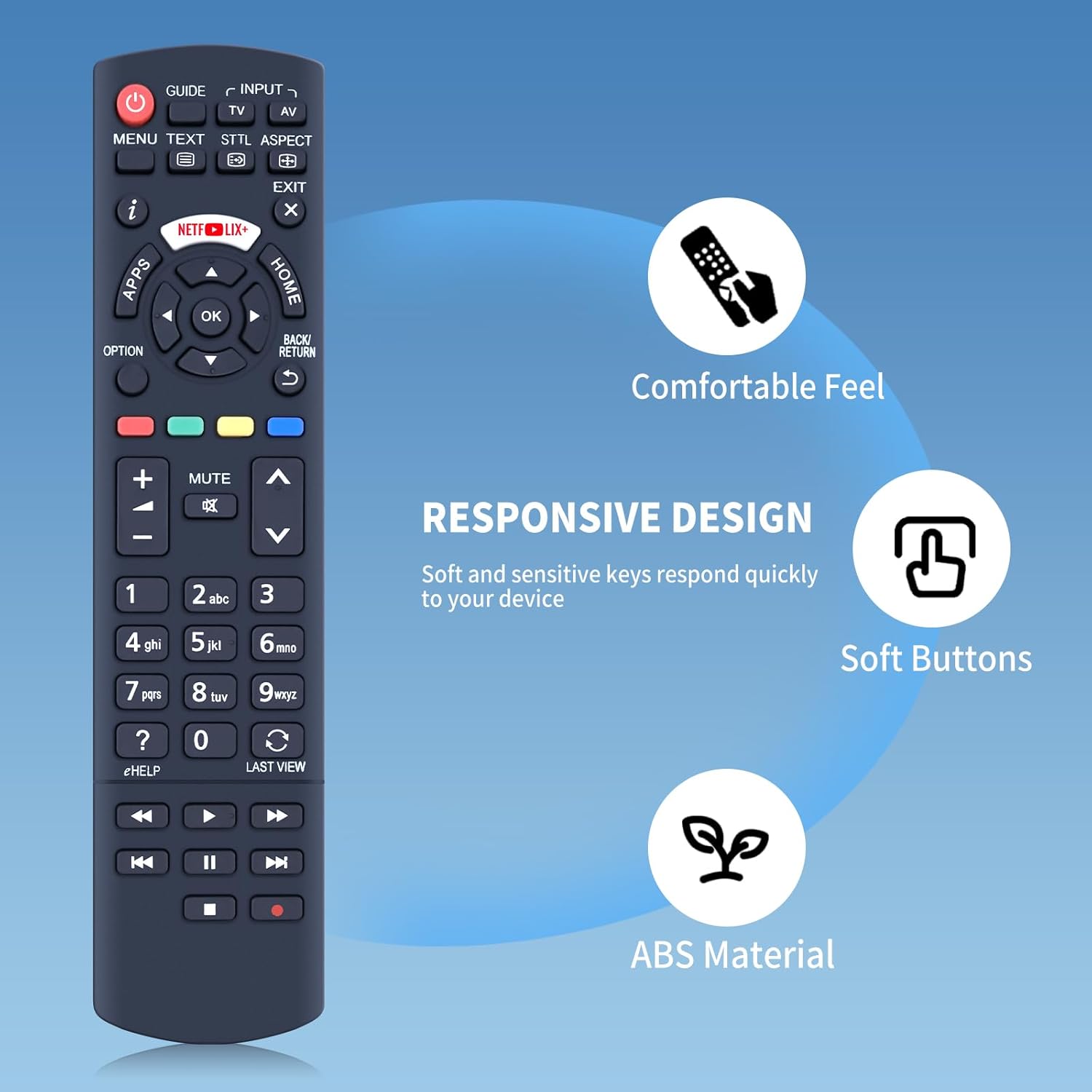
On the surface, the key appeal is its simplicity: no setup, just drop in batteries and you’re ready to go. It’s positioned as a high‑grade replacement option that aims to replicate the original control experience for compatible Panasonic TVs.
What may not convince
If your TV uses a unique or advanced remote layout, or if you rely on rarely used buttons, you may find some functions missing or differently mapped. The claim that “some functions may not be available” is worth considering for users who depend on niche features.
Who this is for
This remote is likely suitable for users who want a practical, immediate replacement that requires minimal effort—ideal if you’ve lost or broken the original and your TV sits within the listed compatibility range.
Who it isn’t ideal for
If your Panasonic model isn’t listed or you require full feature parity with a very specific remote layout, a more exact original or a model‑specific replacement might be a safer bet. Also, if you frequently rely on advanced functions, verify that the essential buttons you use appear on the replacement image before purchase.
What to check before buying
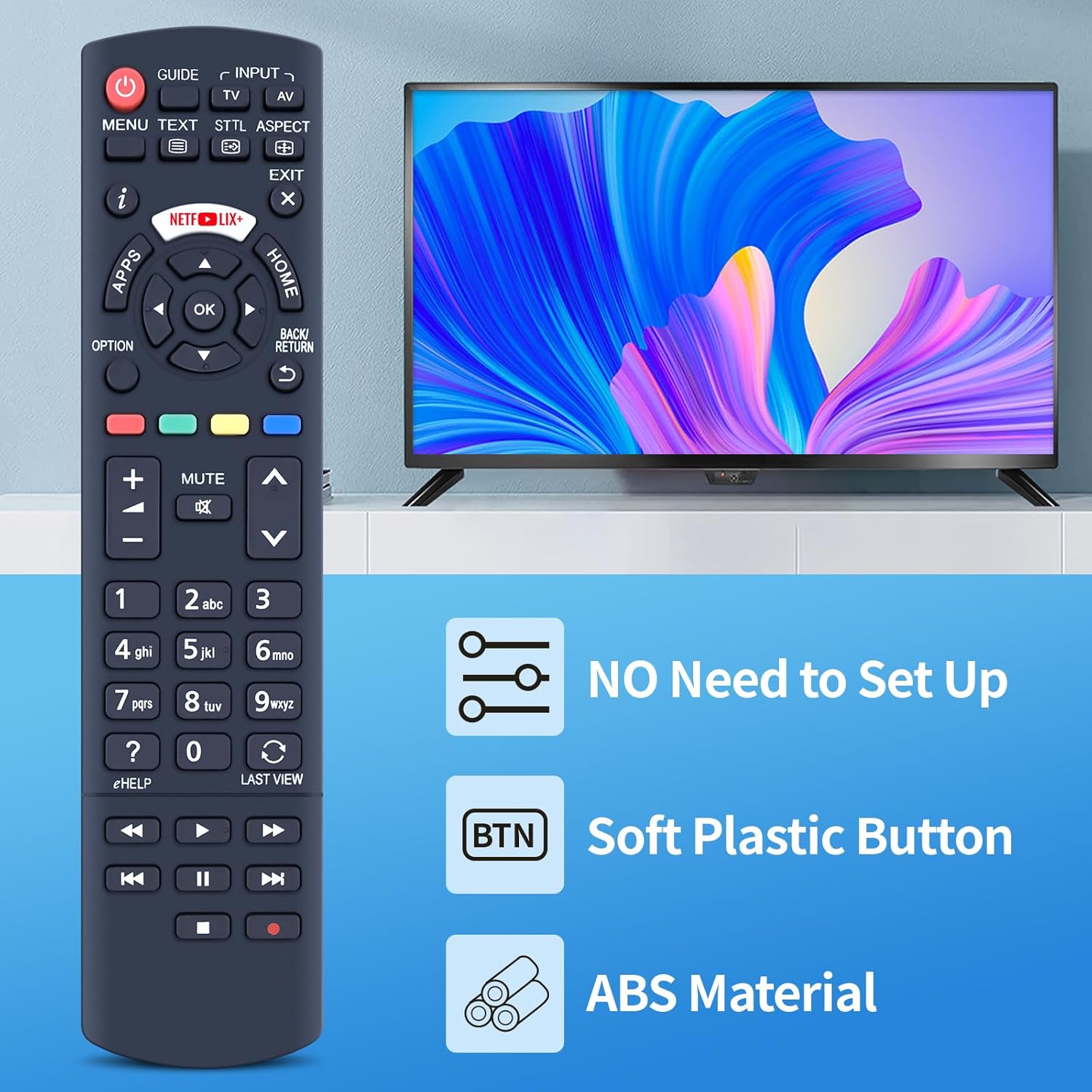
- Compare the button layout in the product image with your original remote to ensure a match.
- Confirm your TV model falls within the shown compatibility list or aligns with the general Panasonic TX/DS family noted.
- Remember that batteries are not included, so budget for 2 x AAA cells.
Practical use case
Imagine you’re relaxing on the sofa and the remote stops responding. With this replacement, you’d swap in two AAAs and have a familiar layout to adjust volume, switch inputs, and navigate menus without a long programming step. It’s less about flashy features and more about getting back to normal viewing quickly.
Quick comparison of approaches
- Replacement from the same brand with a close button map is usually the easiest path to restore basic features.
- If you need universal compatibility across multiple TV brands or models, a universal remote or a model with extensive setup may be more appropriate. This TCNOUMT option keeps expectations grounded to what’s stated for Panasonic TX/DS family models.
Is it worth it?
Final verdict
Worth considering if you prioritise a straightforward, low‑hassle replacement that works out of the box and your TV model is listed in the compatibility notes. It may not be the best choice if you rely on every button or feature and your model isn’t precisely covered by the stated list.
FAQ
- Do I need to programme the remote? No, it’s described as plug‑and‑play, insert 2 x AAA batteries and it should work.
- Are batteries included? No, batteries are not included.
- What if some buttons don’t match my original? Check the remote image for button symbols to confirm a precise match, some functions may not be available depending on the button and model.
Final thoughts
If you value simplicity and immediate use, and your TV model aligns with the listed compatibility, this replacement remote can be a sensible, economical way to restore control without fuss. Consider the match of button layout and the reliance on standard functions before committing.