

TCNOUMT Generic Replacement Remote for Sharp Aquos Smart HD Ultra TV — No Setup Required
Product description
What this is and what it fixes
The TCNOUMT remote is a generic replacement designed for Sharp Aquos Smart HD Ultra TVs. It’s marketed as a straightforward swap, with no programming or pairing needed—you simply insert batteries and use it. Because it’s a non‑official accessory, it’s pitched as a practical option if your original remote is lost, damaged, or no longer responsive.
How it fits your TV setup
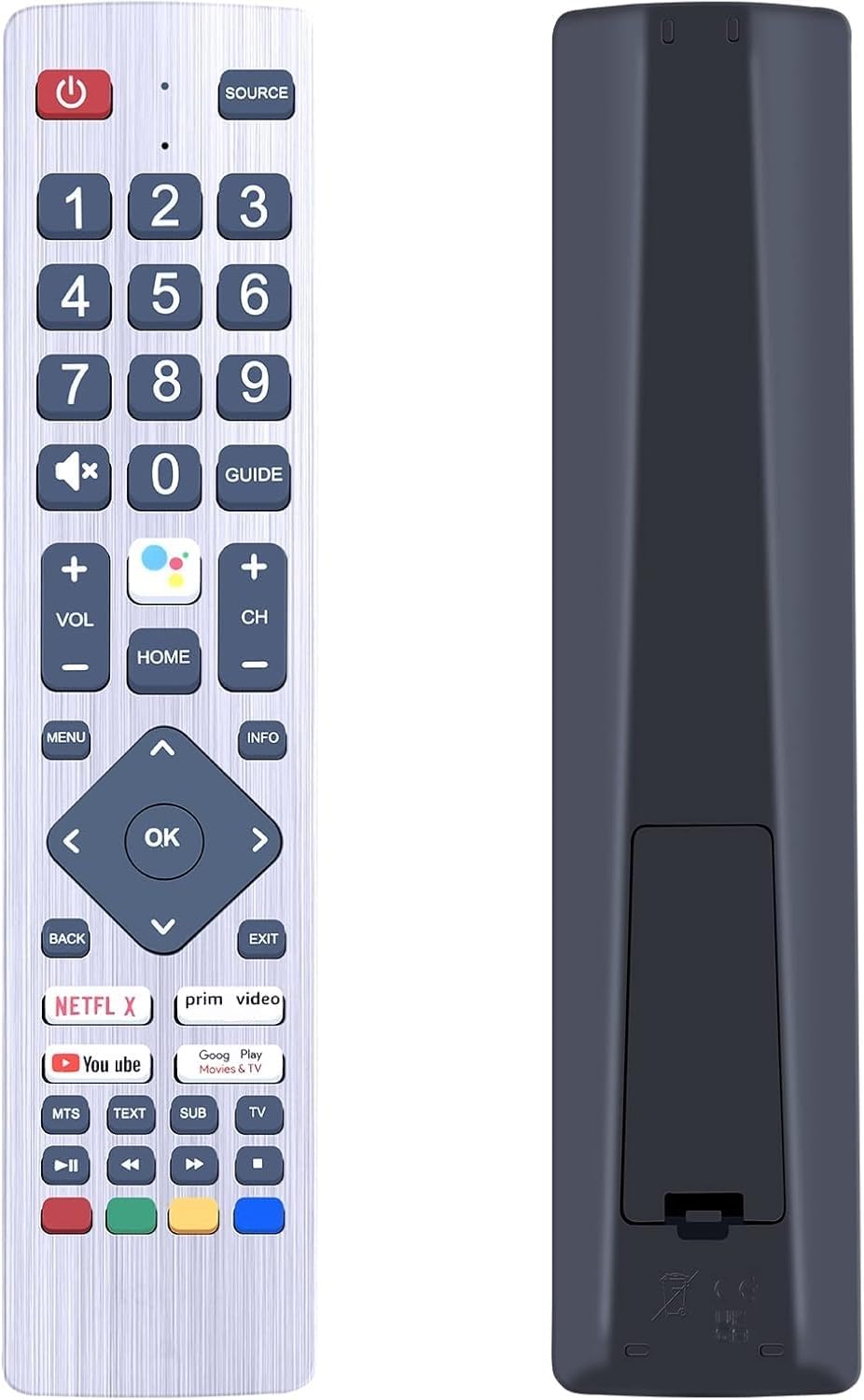
This replacement targets a wide range of Aquos Smart HD Ultra models and is described as compatible with many SHWRMC0133/24BI6EA/32BI2EA/50BL5EA‑style sets, among others listed in the product notes. It’s presented as a plug‑and‑play substitute, without the need for out‑of‑the‑box setup. If your current remote still controls essential features, this might be a cost‑effective way to restore basic functions without fiddling with pairing codes.
What stands out on paper
On the surface, the key advantages are simplicity and immediate usability—no programming, no pairing steps, just drop in the batteries and go. The presence of four shortcut buttons is a practical touch for frequently used actions, depending on what the original remote offered. It’s clearly positioned as a generic replacement, not an official Sharp product, which can influence expectations around exact feature parity.
The trade‑offs and limitations
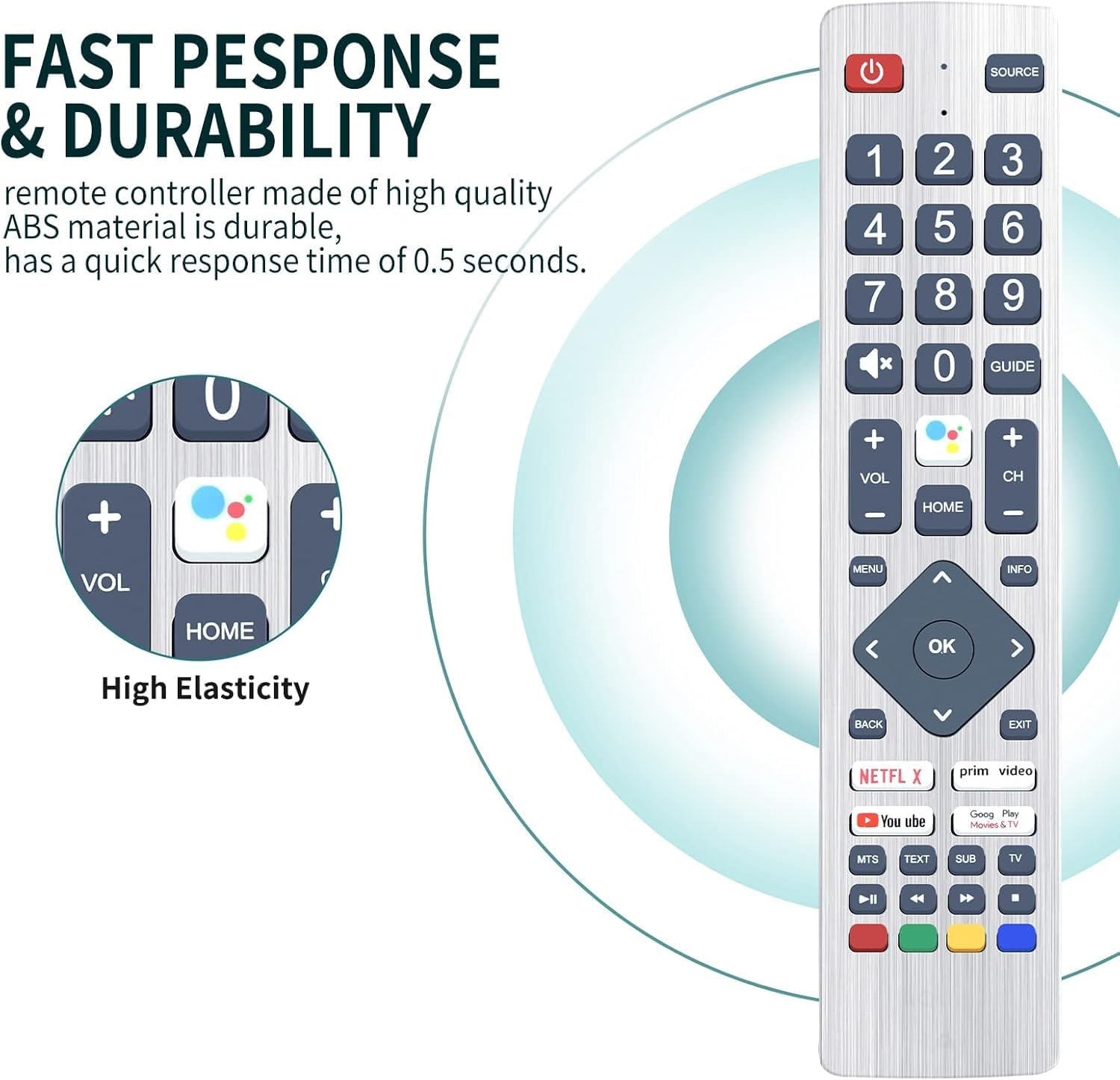
A notable consideration is that this is not an official Sharp accessory, so there could be variances in button feel or long‑term reliability compared with an original‑brand remote. While it advertises broad compatibility, it’s still designed to work with a range of Sharp Aquos Smart HD Ultra TVs, which means some models might experience imperfect button mapping or limited firmware compatibility. If you rely on advanced menus or niche functions, you might find the experience less seamless than with the genuine remote.
Who it’s for
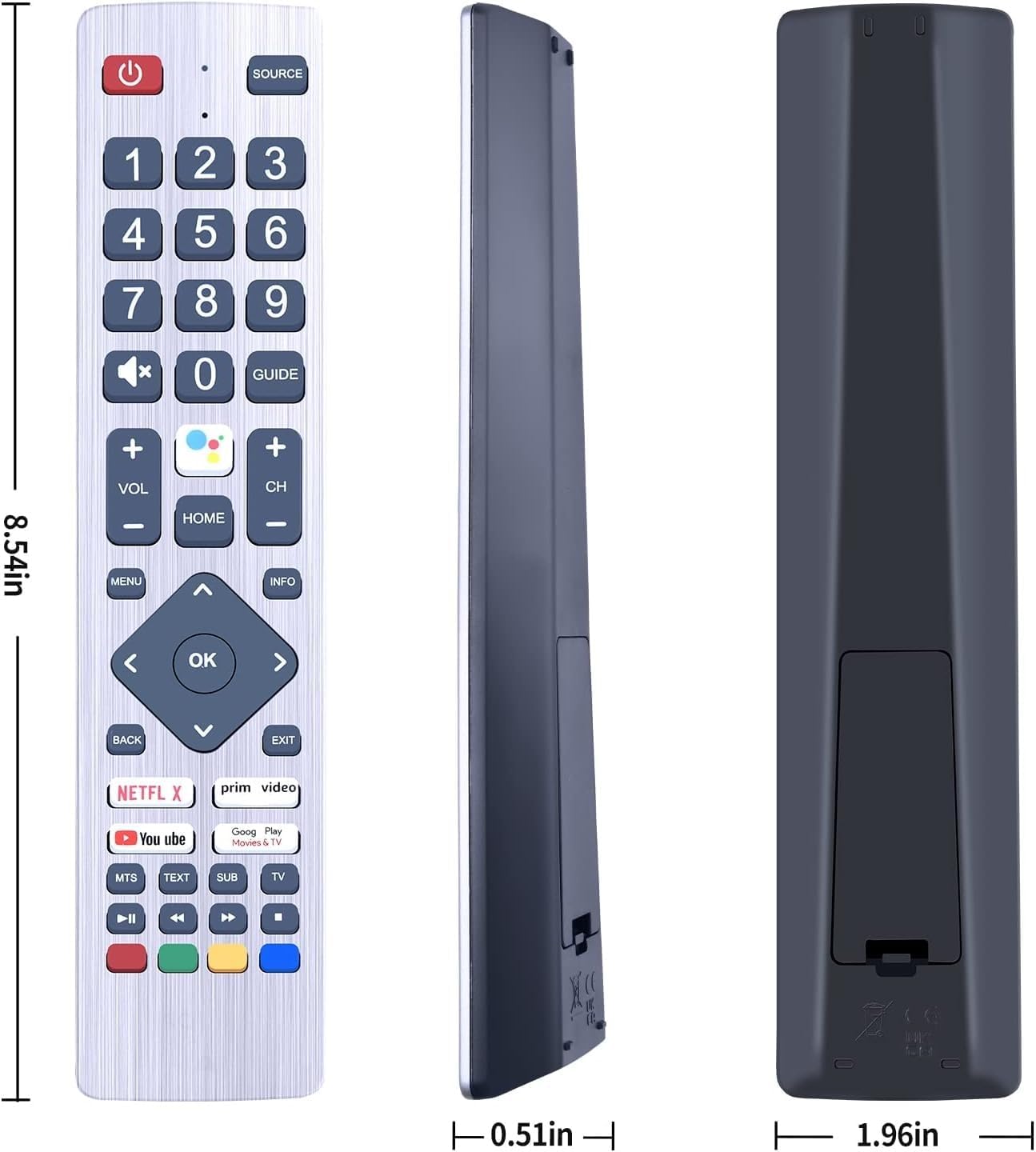
This remote makes sense if you want a low‑hassle replacement that restores basic navigation, volume, and power control without tech setup. It’s particularly suitable for households where a spare remote is prudent, or for those who’ve mislaid the original and want a quick fix.
Who it isn’t ideal for
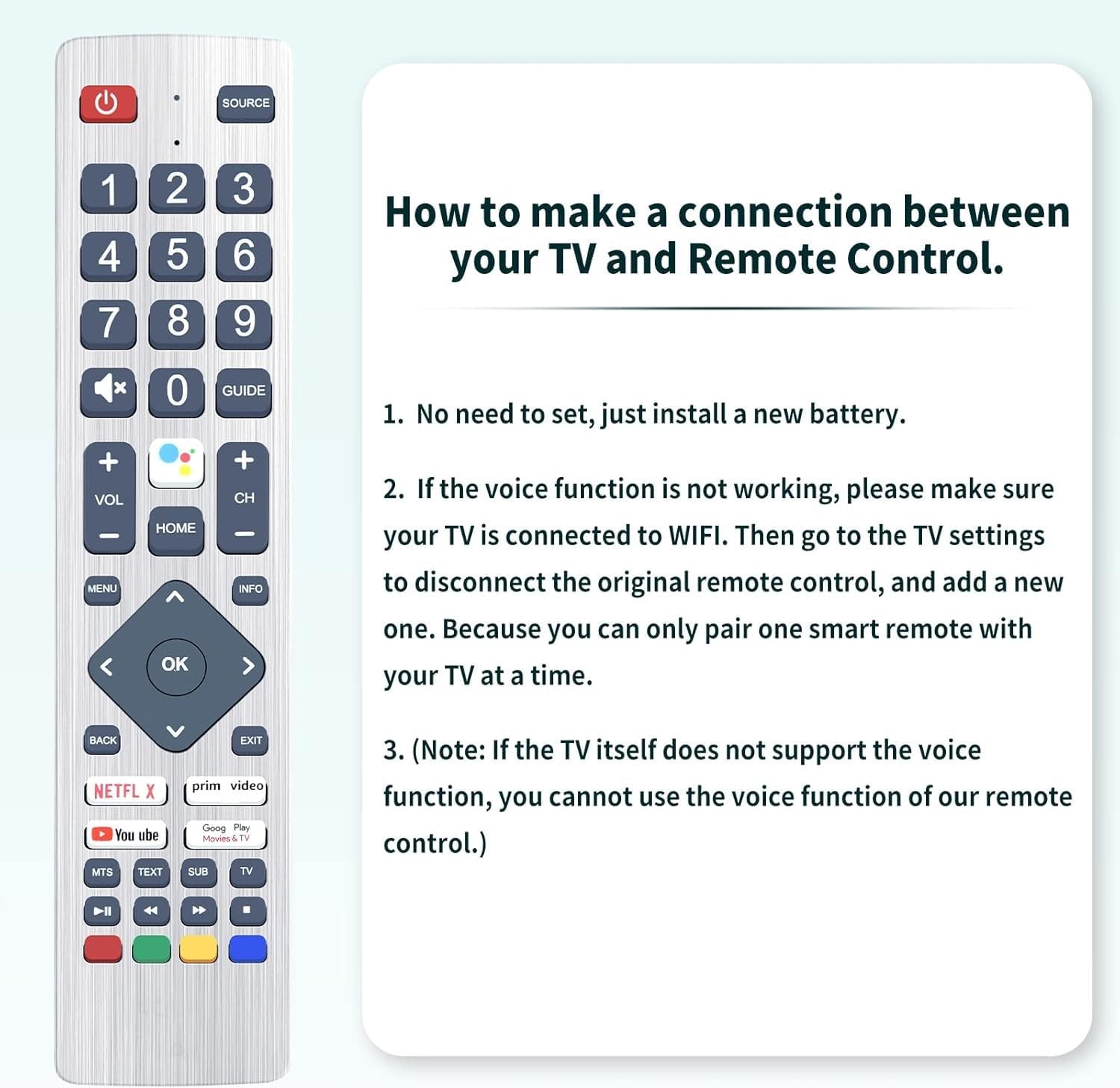
If you depend on highly specific model menus, voice commands (if your original included them), or unique Sharp features that require official software, this generic option may fall short. It may also not satisfy buyers who demand official branding or guaranteed one‑to‑one feature parity with their exact model.
When to buy and when to hold off
Buy if you want a ready‑to‑use replacement that requires no setup and covers the basics. Hold off if you need full feature equivalence with an official remote, or if your model’s compatibility is uncertain and you require explicit confirmation.
What to check before purchasing
- Confirm that your TV is a Sharp Aquos Smart HD Ultra model and that the listed models resemble yours in terms of type and size.
- Check that your current remote can be replaced with a generic remote without losing essential functions you use daily.
- Be mindful that, as a non‑official accessory, button feel and long‑term durability may differ from the original.
Practical usage example
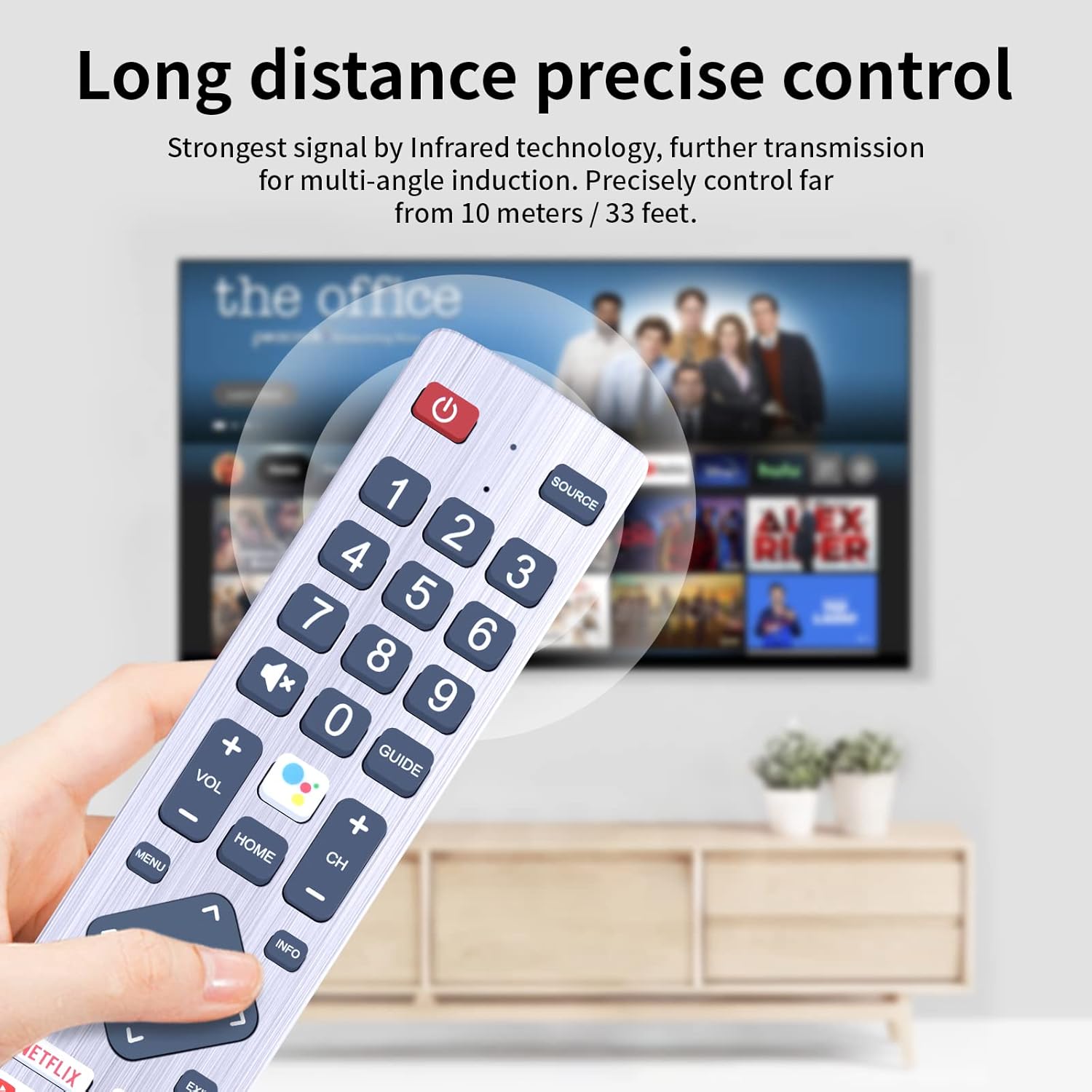
Imagine you’re in a dark living room trying to switch inputs or adjust volume during a movie. A generic replacement with four shortcut buttons should provide quick access to common tasks, removing the need to navigate menus with a clunky on‑screen cursor while you search for the right option.
How this compares to other approaches
If you’re deciding between a new official remote, a universal remote, or a dedicated replacement, this TCNOUMT option sits in the middle ground: affordable and simple, with no setup, but potentially less feature parity than official models. If you prioritise value for money and straightforward operation, this could be a sensible first step before considering more premium alternatives.
Is it worth it?
Final verdict: worth considering if you want a no‑fuss, plug‑and‑play backup that covers the basics and keeps your Sharp Aquos TV usable without extra software or pairing steps. If you need guaranteed full compatibility or special features, you may want to compare with official or more feature‑rich options.
Frequently asked questions
- Will this work with my exact Sharp Aquos model? It’s advertised as compatible with a broad range of Aquos Smart HD Ultra TVs, but exact button mapping may vary by model.
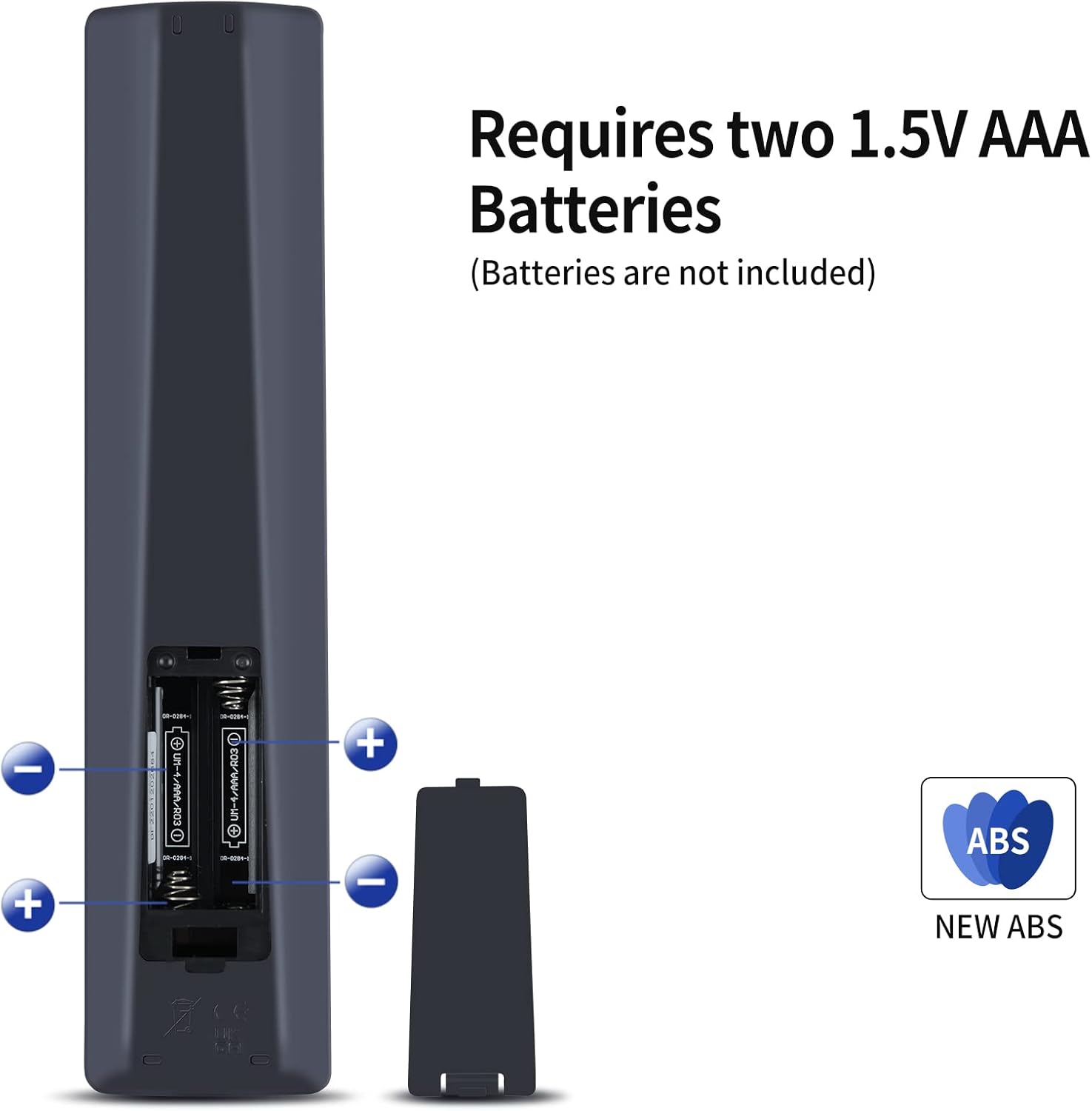
- Do I need to program it? No—it's described as ready out of the box with batteries installed.
- Are there any setup steps after inserting batteries? The description suggests none, you should be able to start using it immediately.
- Is this an official Sharp product? No, it’s a generic replacement marketed as compatible with Sharp TV models.
- What if some functions don’t work as expected? Consider testing essential controls first and be prepared to seek alternative replacements if necessary.