

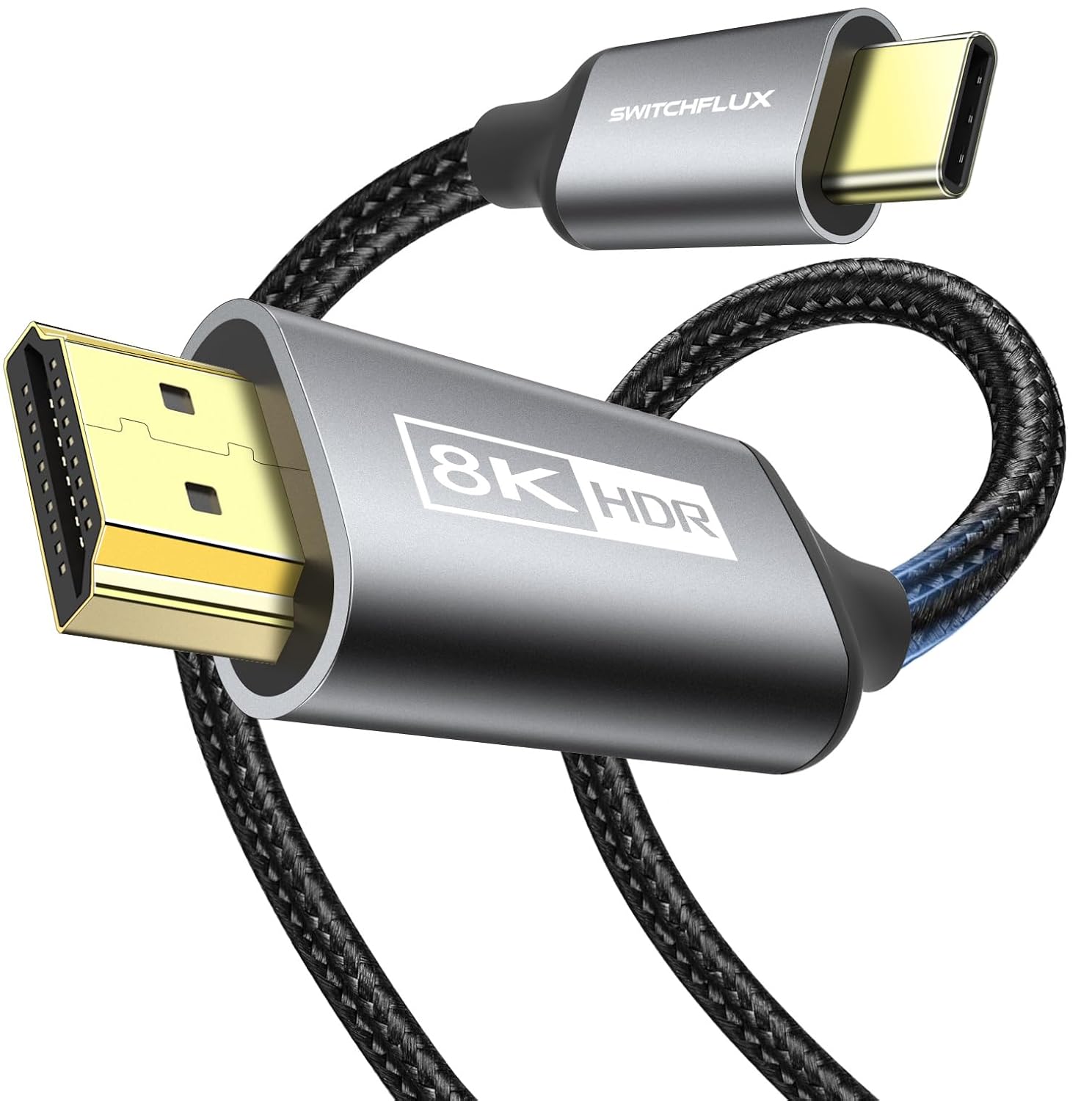
SWITCHFLUX USB-C to HDMI Cable 2.1 (6FT) for 8K@60Hz, 4K@144Hz and Thunderbolt 3/4
Reviews
Price
Product description
What it is and why people buy it
This SWITCHFLUX USB-C to HDMI Cable 2.1 is a one-way lead designed to connect a USB-C (or Thunderbolt 3/4) device to an HDMI display for mirroring or extended desktop setups. On paper, the headline is high refresh/throughput support (up to 8K@60Hz, plus listed 4K/2K refresh options), along with support for HDR-related features such as HDR and HDCP 2.3, plus DSC.
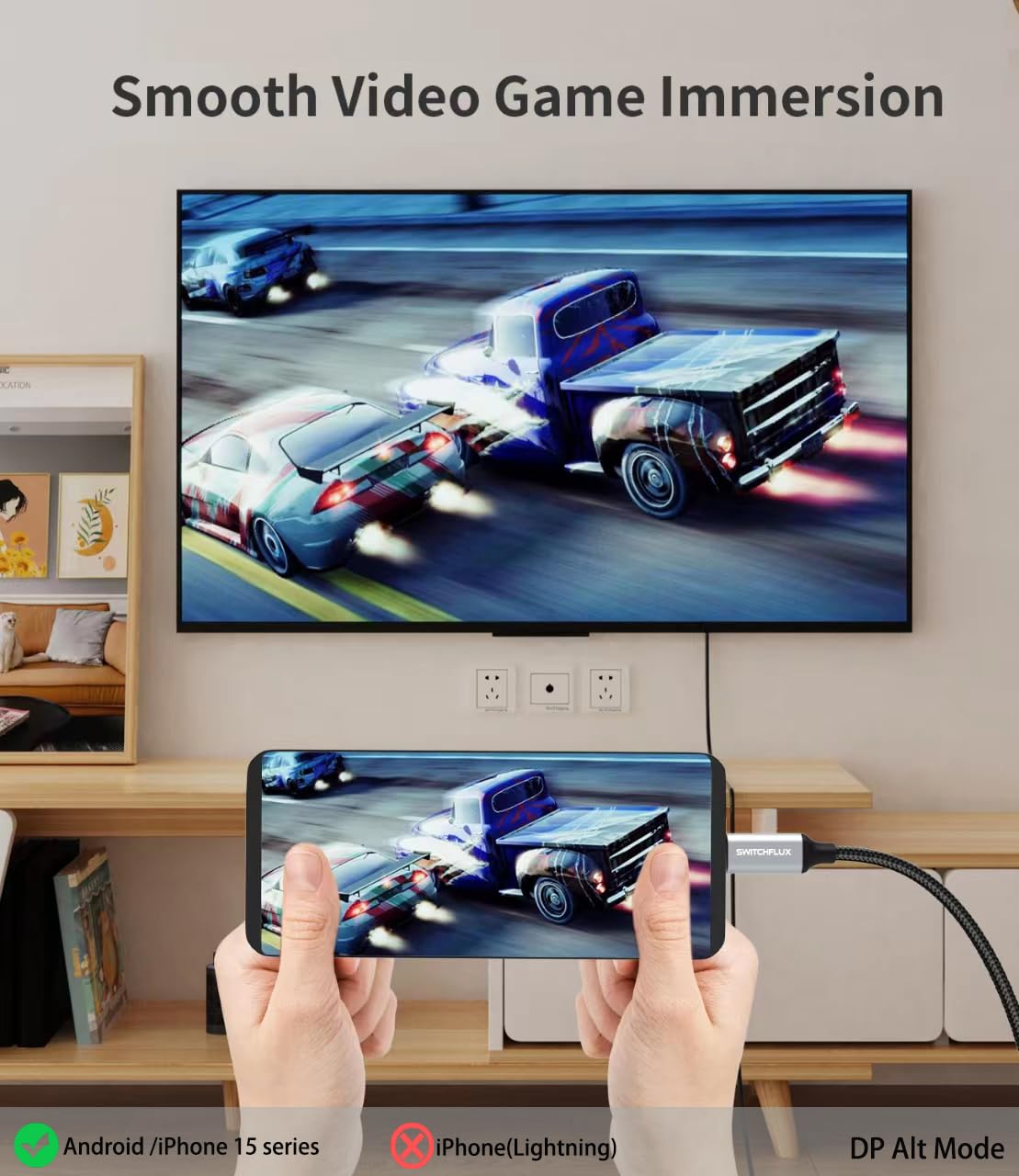
In day-to-day terms, it’s the sort of cable you’d reach for if you want a more direct experience than wireless screen sharing: plug it in, run your presentation or game, and use the TV/monitor/projector like a normal HDMI source. It’s also presented as driver-free plug-and-play, which matters if you don’t want to mess around with software just to get a second screen.
Worth noting, though: the cable is unidirectional (USB-C to HDMI displays). If you’re hoping to send signal the other way (from HDMI back into a USB-C device), this won’t be that.
Key features that actually matter in use
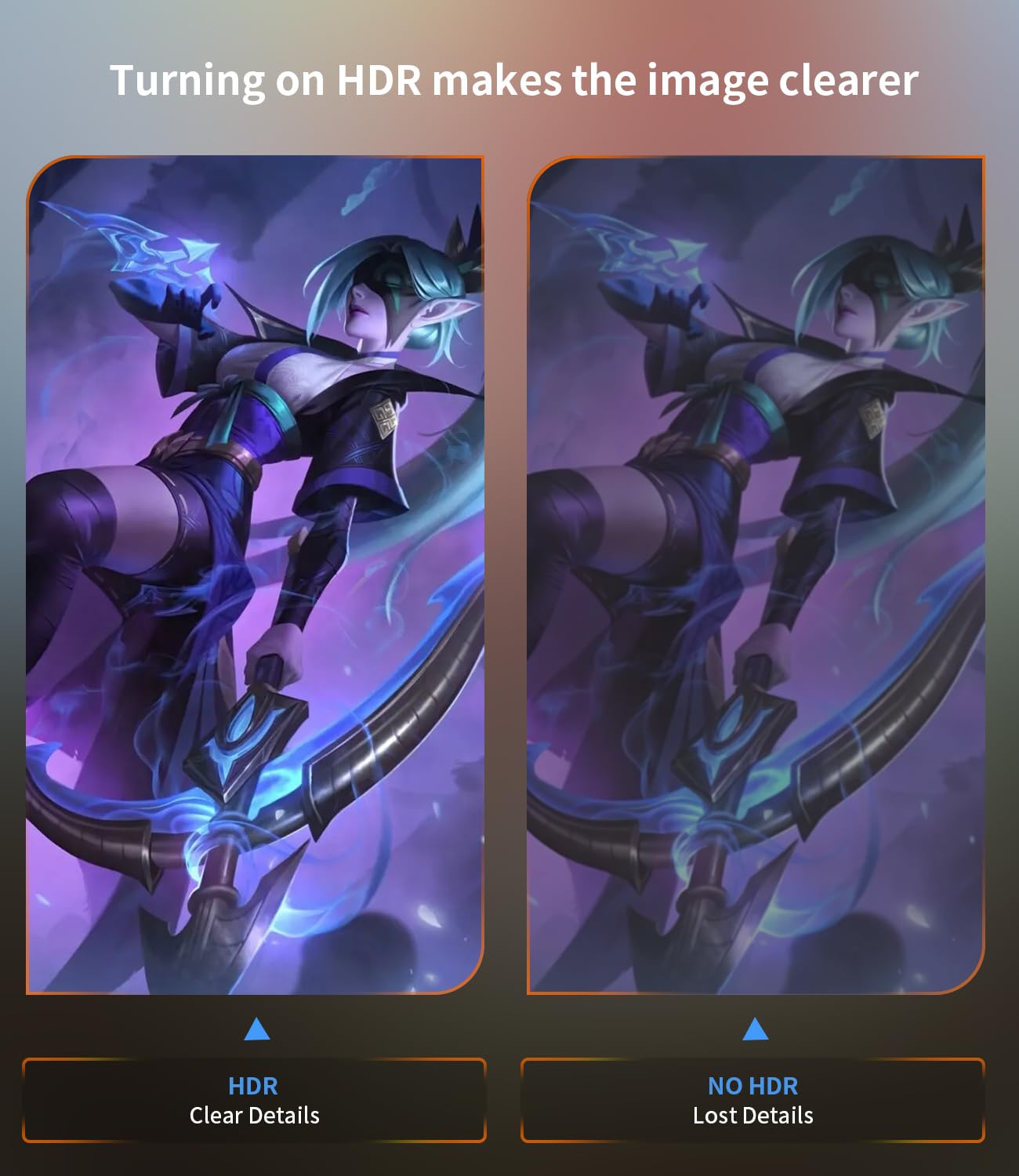
The approach here is fairly clear: stable, modern video signalling without requiring drivers. The manufacturer states it supports mirror mode and extended mode, and lists dynamic HDR, DSC 1.2, and HDCP 2.3—features that, if your source and display both support them, can help avoid the “works, but not quite right” feeling.
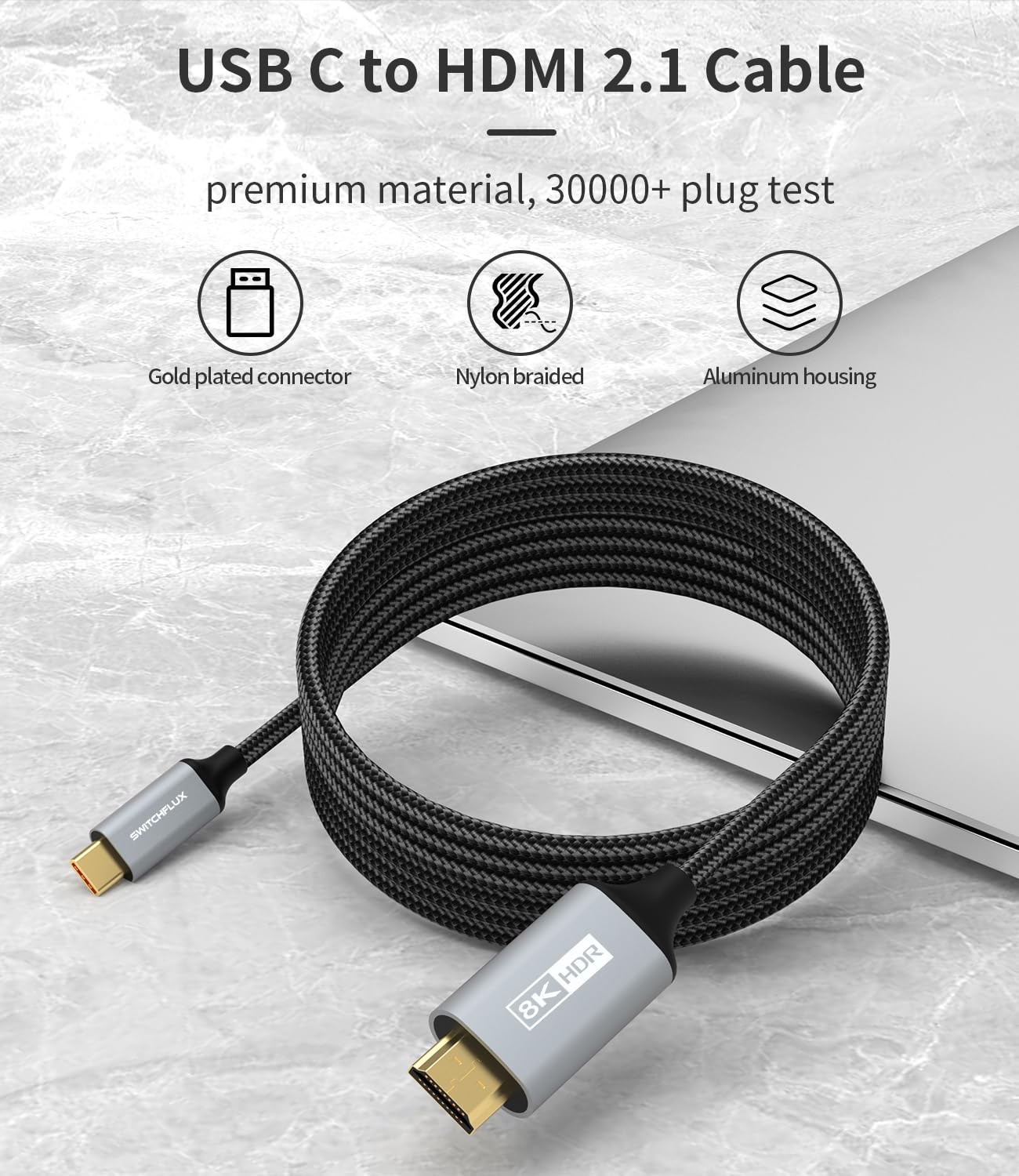
There’s also a durability angle. The cable uses a one-piece moulded design (described as unbreakable), an aluminium housing for heat dissipation, and a nylon braided cord intended to resist abrasion over time. If you’re the kind of person who tangles cables in bags and constantly plugs/unplugs, this is the kind of spec you’ll care about more than the marketing numbers.
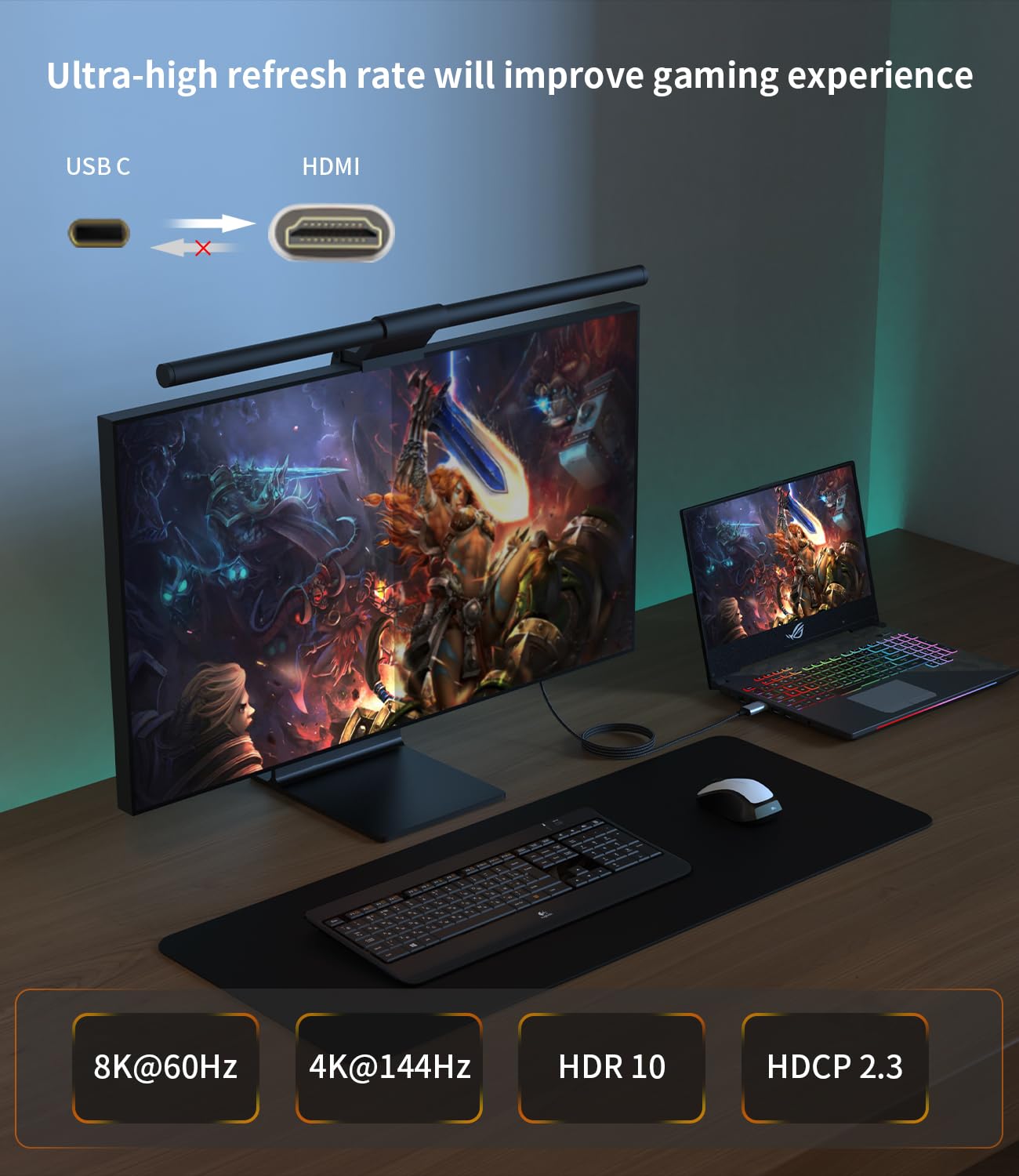
And yes, the stated refresh/resolution figures are a big part of the appeal for gamers and people using high-refresh monitors—but you should treat them as “supported when everything lines up”, rather than a guarantee of what you’ll see in every setup.
Compatibility: when it should work as expected
The cable is positioned for USB-C devices that support DP Alt Mode and Thunderbolt 3/4 ports. The description also lists it as suitable for a wide spread of ecosystems, including Mac OS, Chrome OS, Android OS, Linux OS, and Windows 10/8/11.
It also names multiple device families as examples (MacBook models, iPhone 15/Plus/Pro/Pro Max, iPad Pro, Surface devices, plus several laptop and handheld gaming/streaming-type brands). The safer way to decide is this: make sure your device’s USB-C port truly supports DP Alt Mode (or that you’re using a Thunderbolt 3/4 port), and make sure your HDMI display/TV supports the HDMI features you care about.
Tech specs, in plain English terms
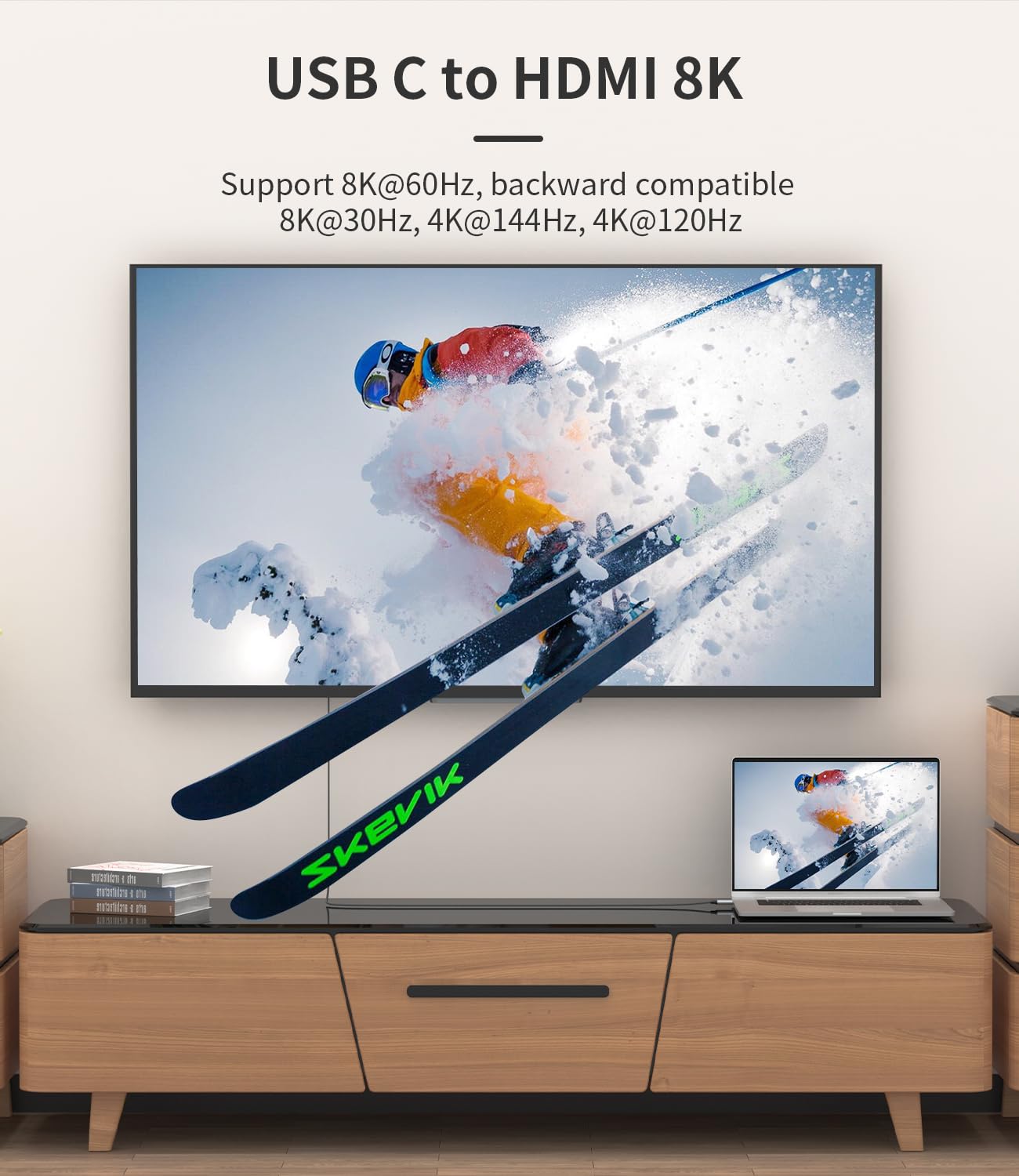
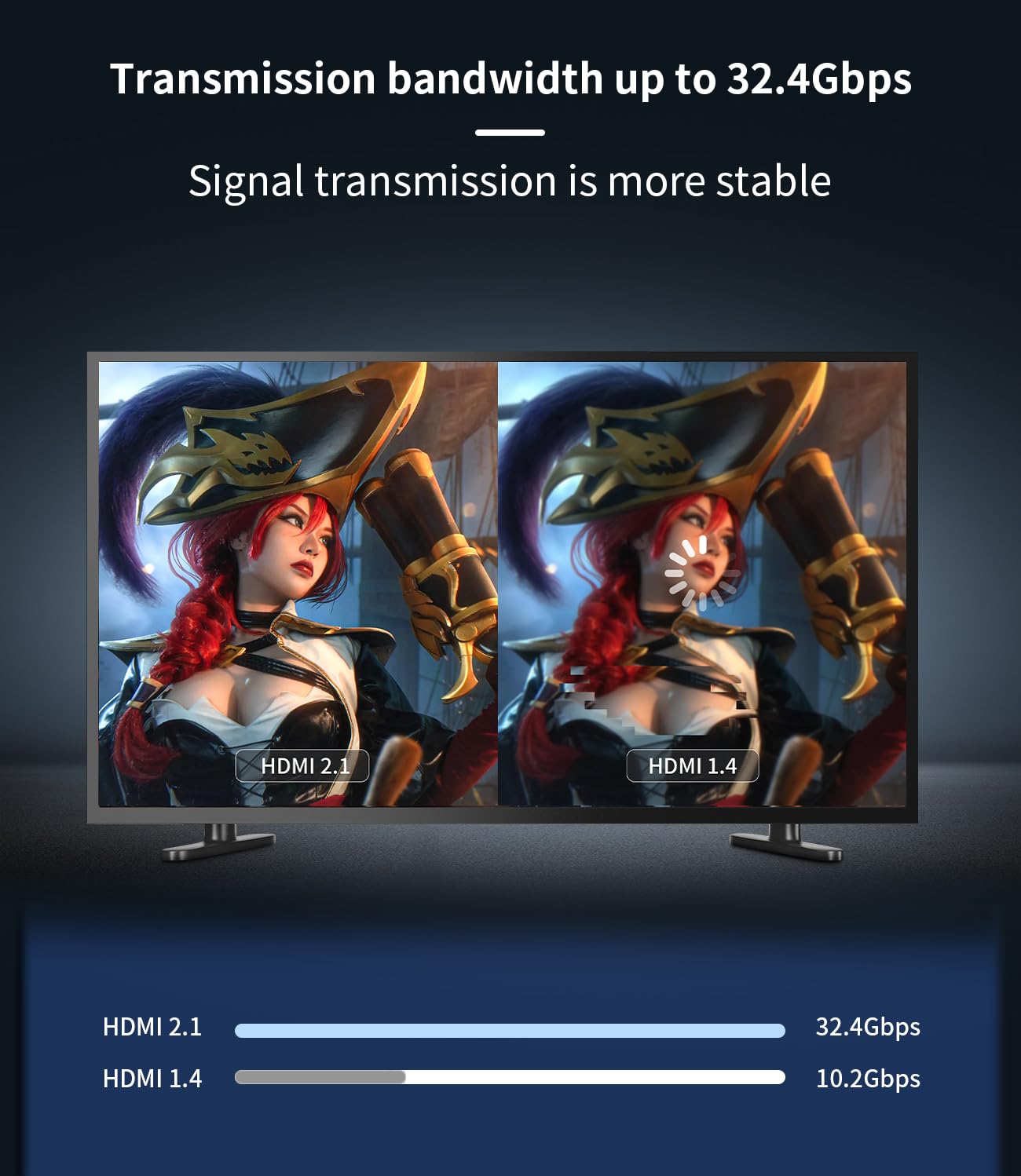
For people shopping specifically for bandwidth and smoothness, the headline list is: - 8K@60Hz (with backward compatibility to 8K@30Hz) - 4K@120Hz/60Hz - 2K@165Hz/144Hz/120Hz
It also claims compatibility with HDCP 2.3, HDR, and DSC 1.2, and backward compatibility with HDMI 2.0 and 1.2. The cable length is 6FT, which is handy for typical desk-to-monitor or media-room setups, but it can be tight if you’re running across a larger room.
One caution: listed refresh rates can be “only achieved when the source, display, and the negotiated link all support it”. If you don’t need the top-end modes, you’ll likely still get straightforward mirroring, but don’t assume every device/display combination will unlock the maximum numbers.
Pros and limitations to weigh
What stands out: the combination of high-specced video support (resolution/refresh figures), listed HDR/HDCP/DSC capabilities, and a durability-first build with a moulded design and braided cord.
Where it may fall short: if your USB-C port doesn’t support DP Alt Mode (or you aren’t using a Thunderbolt 3/4 port), this won’t behave like a general-purpose “USB-C video cable”. Also, because it’s explicitly unidirectional, it’s not the right choice if you need HDMI-to-USB-C capture or reverse signal flow.
It also leans more “premium spec for compatibility” than “simple basic cable”. If your main goal is just a low-effort second screen at standard resolution, a more basic option could be enough—but you’d be giving up some of the listed modern capabilities.
Practical everyday use example
Imagine you’ve got a laptop on a desk and a 4K monitor on the other side: you plug the USB-C end into your DP Alt Mode/Thunderbolt port, connect HDMI to the monitor, then switch the monitor input to HDMI. If your setup supports the relevant modes, you’re aiming for a crisp, high-refresh experience without relying on Wi‑Fi mirroring. For work, extended mode can help you keep documents on the laptop while running email/notes on the monitor, for gaming, the stated high refresh rates are the reason this cable is on the shortlist.
Mini FAQ
Is this cable bidirectional?
No. It’s described as unidirectional: from USB-C devices to HDMI displays.
Do I need drivers or software?
It’s described as plug-and-play without drivers or software.
What does DP Alt Mode mean for me?
It’s the capability needed for USB-C devices to output video over USB-C. If your port doesn’t support DP Alt Mode (or you’re not using Thunderbolt 3/4), you may not get the expected results.
Can it support HDR and HDCP 2.3?
The description says it supports dynamic HDR, DSC 1.2, and HDCP 2.3, but real-world performance still depends on whether your source and display both support those features.
Is it suitable for gaming?
It’s positioned for monitor/TV/projector use and lists high refresh rates. If you have a high-refresh HDMI display and a compatible source, it’s designed with that kind of use in mind.
Should you buy it?
You should buy the SWITCHFLUX USB-C to HDMI Cable 2.1 if you have a USB-C port that supports DP Alt Mode (or you’re using Thunderbolt 3/4), you want a wired, stable connection to an HDMI monitor/TV, and you care about higher-end resolution/refresh and modern protections like HDCP 2.3 plus HDR/DSC support.
You may want to skip it if you need two-way HDMI/USB-C functionality, you’re unsure whether your USB-C port supports DP Alt Mode, or your display setup won’t realistically make use of the top-end figures. In those cases, you could end up paying for specs you can’t actually unlock.
If durability matters to you, the moulded design and braided cable are also a good sign—just keep expectations grounded: the maximum modes listed are only as good as the full compatibility chain between device, cable, and HDMI display.