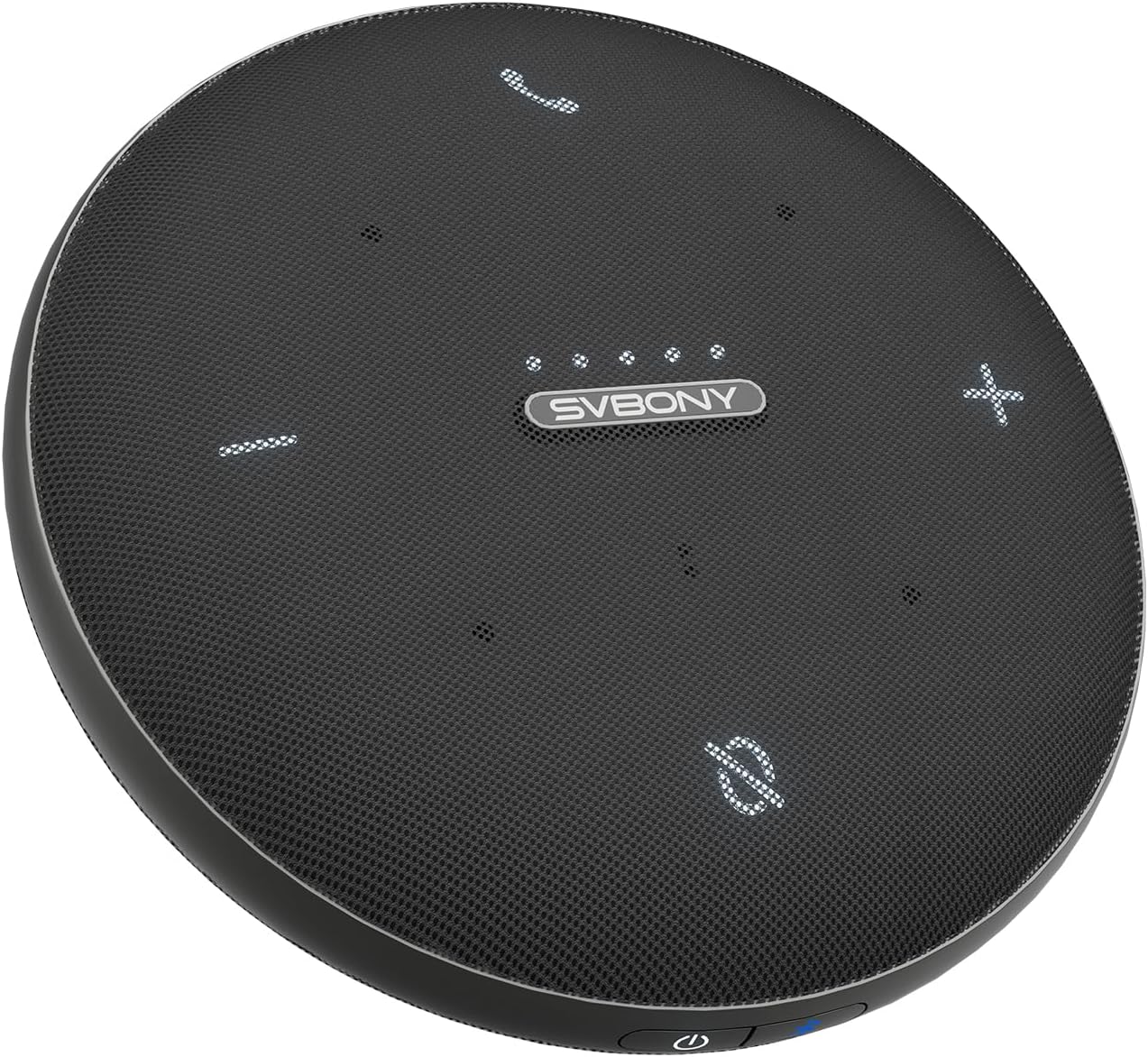
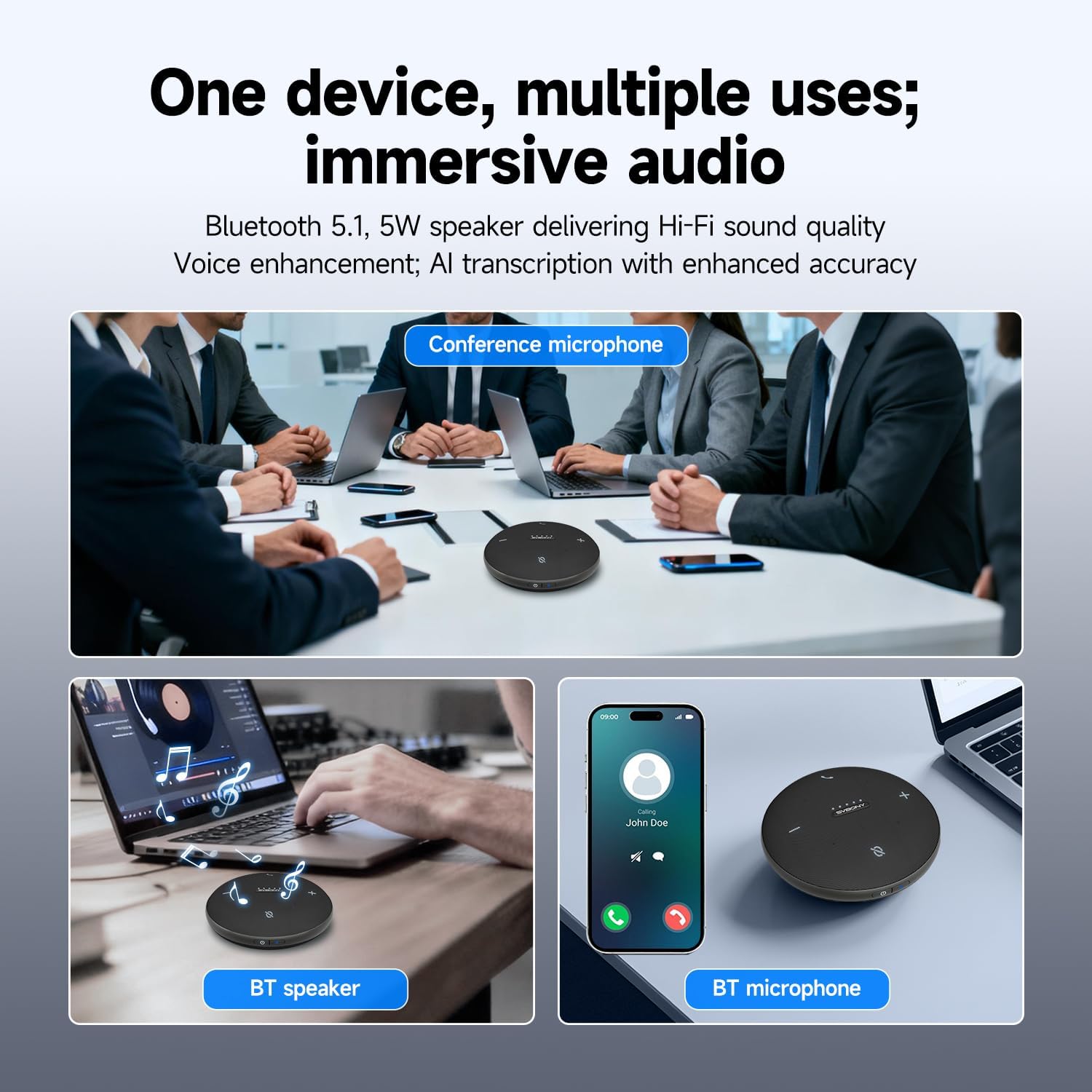
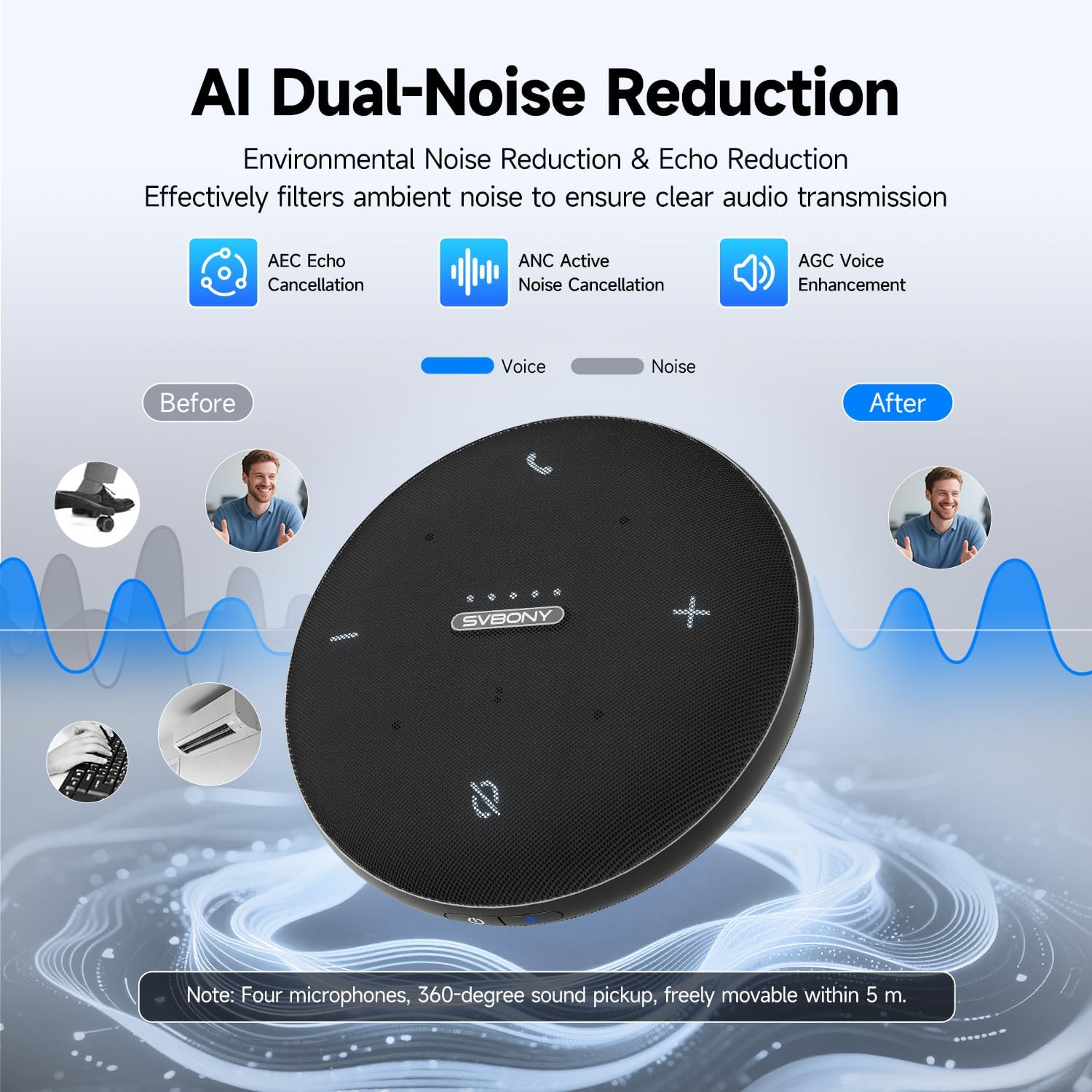
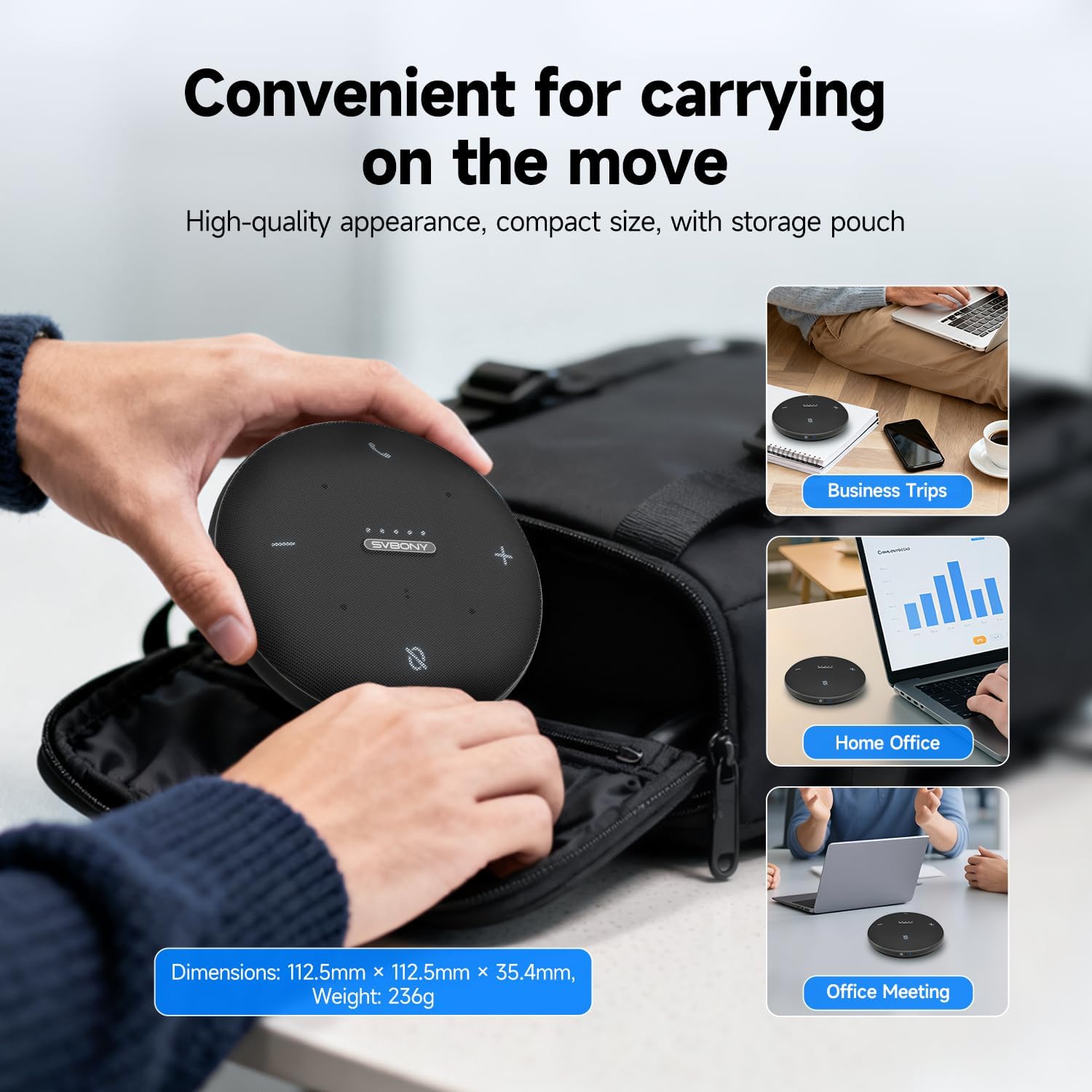
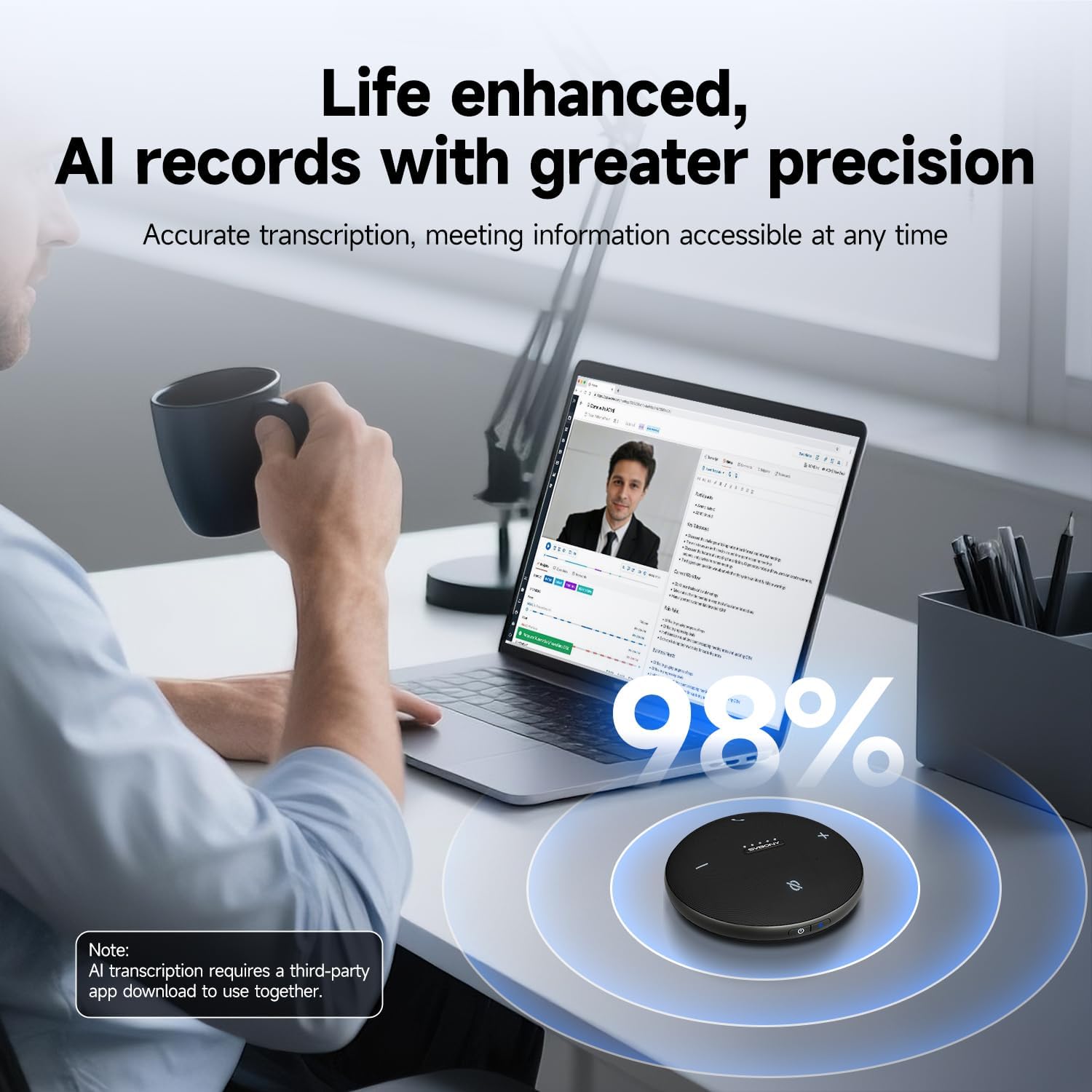
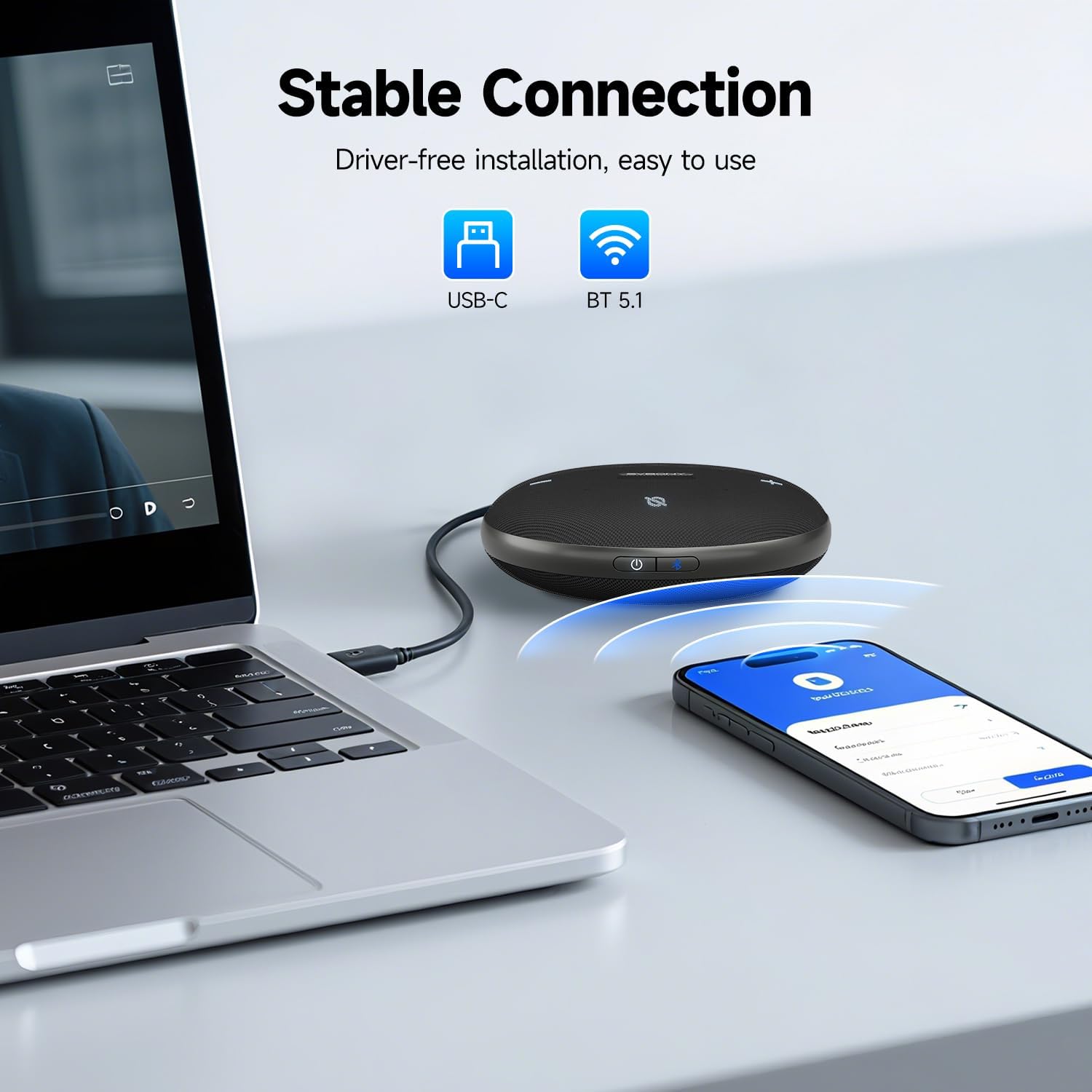
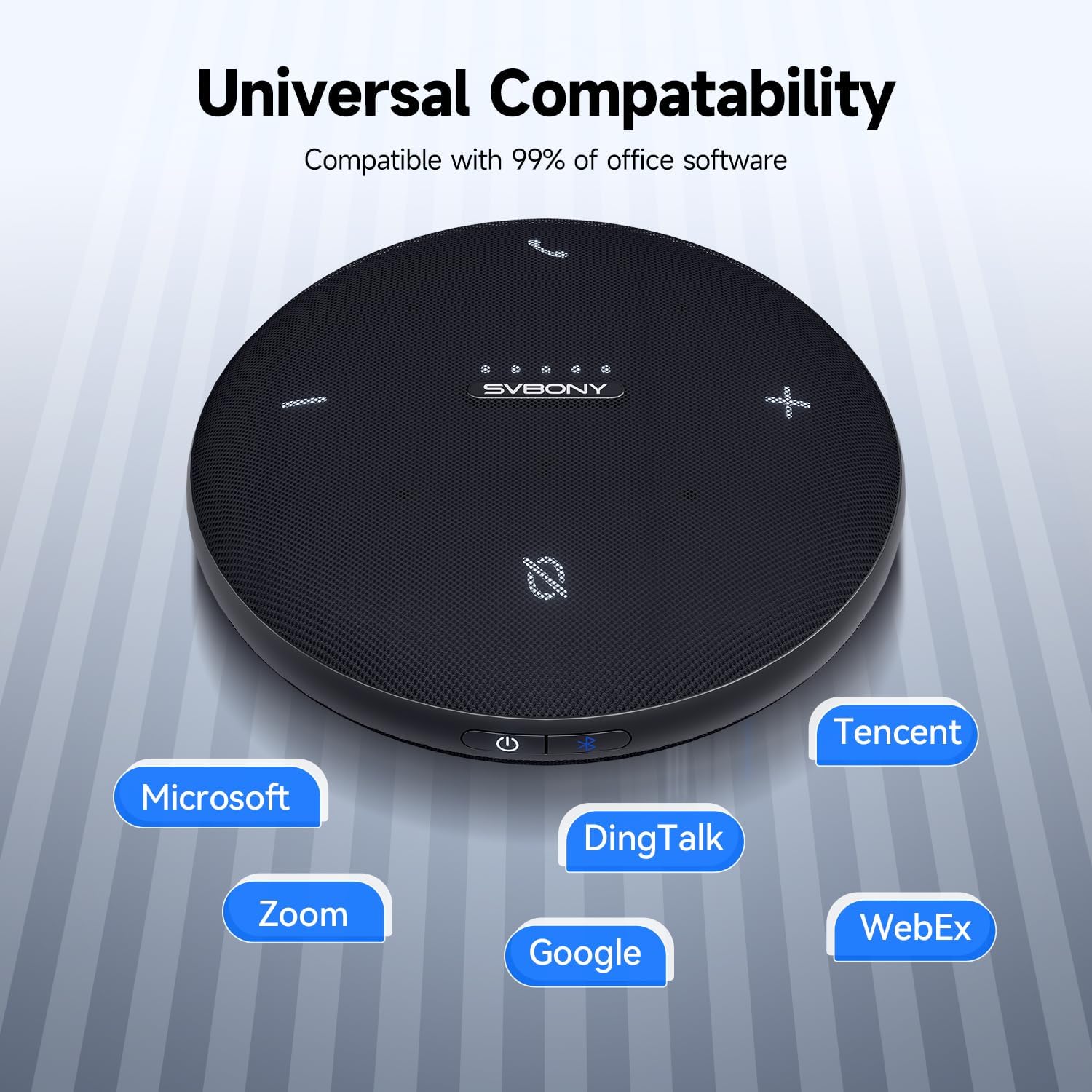
What it is and what it aims to solve\nThe SVBONY SVHub Omni2 is a portable conference speakerphone designed for home offices and small meeting rooms. It combines a 360-degree microphone array with a built‑in 5W full‑range speaker to deliver both clear speech pickup and audible playback in a compact unit. On the surface it targets everyday online meetings, remote collaboration, and quick huddle sessions without the complexity of a dedicated boardroom system.\n\n## How it works on paper\nKey features include AI noise reduction that helps voices cut through background hum from air conditioning or keyboard clatter, and echo suppression to reduce reverberation. The four microphones capture audio within a 3–5 m (18 ft) pickup range, reducing the chance of muted participants during mixed seating arrangements. Connectivity combines USB wired with Bluetooth 5.1 for a stable, low-latency link, which matters when meetings rely on smooth, continuous audio.\n\n## Strengths you’ll notice in use\nThe integrated 5W speaker provides stereo-ish sound output, which can help make spoken content more intelligible during presentations or team updates. The unit is described as compatible with common meeting platforms (Windows and macOS, Zoom, Teams, Google Meet, etc.), with a simple selection in your software as both microphone and speaker. The AI transcription feature, claimed at 98% accuracy with third‑party software, could support follow‑ups and note‑taking, though you’ll want to confirm it works with your preferred tools.\n\n## What stands out day to day\nIf you prioritise ease of setup and fewer cables, the SVHub Omni2 ticks a practical box: a single device for capturing voices from around the table and delivering clear audio to distant participants. Its compact form factor makes it easier to tuck into a small workspace or a desk corner, letting you reclaim space that a larger conference system would occupy.\n\n## Considerations and limits\nNo device is perfect for every environment. The Omni2’s performance depends on room acoustics and seating layout, if you regularly host larger or noisier gatherings, you may notice a limitation in pickup range or speaker output in very open spaces. The 3–5 m range is stated, but real‑world results vary with room size and ambient noise. Additionally, while AI noise reduction is a key feature, it is not a substitute for a quiet environment or professional acoustic treatment.\n\n## Who it’s for and who it isn’t\nIt makes sense for individuals working remotely who want a plug‑and‑play solution for small teams, or for home offices needing a compact device that doubles as a speakerphone and a speaker for presentations. It may not be the best choice if you regularly run large video conferences with many participants, require ultra‑high fidelity audio for recording, or need advanced DSP features beyond basic noise reduction and echo suppression.\n\n## What to review before buying\nCheck whether your primary use case aligns with a 3–5 m pickup and a 5W speaker, and whether your usual platforms are supported without extra software. If you rely heavily on transcription, verify compatibility with your preferred third‑party tools. Consider room layout and how many people typically participate in a call to gauge if the Omni2’s range will cover the space adequately.\n\n## Practical usage example\nIn a typical home‑office setup, you place the Omni2 on the desk, connect via USB to your PC, and join a video call. When a colleague speaks from across the room, the 360° array picks up their voice clearly while the built‑in speaker ensures you hear them without needing separate speakers. For a quick team stand‑up, the device can act as a central hub so everyone’s voice is captured consistently, even if some participants are slightly off‑axis.\n\n## Quick comparison approach\nIf you’re weighing alternatives, consider whether you need full conference room fidelity or a lightweight, desk‑friendly solution. A device like the Omni2 offers simplicity, decent room coverage and easy platform compatibility, whereas more feature‑rich systems might be preferable for frequent large‑group web conferences or for recording with higher fidelity.\n\n## What you’ll get and final thoughts\nIn terms of value, the Omni2 gives a balanced package for home offices: a 360° mic array, a combined speakerphone, and wireless options alongside a USB connection, all aimed at straightforward, day‑to‑day meetings. It’s not a premium studio setup, but it aligns with practical needs where space, ease of use, and reliable connectivity matter.\n\n## Is it worth it?\nWorth considering if you want a compact, all‑in‑one device that covers a room’s audio needs without a big installation. It may not suit those chasing ultra‑high‑fidelity audio or very large conference rooms.\n\n## FAQ\n- Does it work with both Windows and macOS? Yes, it is described as broadly compatible with Windows and macOS and major platforms.\n- Can the AI noise reduction handle computer fan noise? It’s designed to filter background disturbances such as air conditioning hum and keyboard clatter, but performance depends on the environment.\n- Is the microphone suitable for 4–6 person meetings? The 3–5 m pickup range is aimed at small to medium rooms, so performance will vary with seating arrangement.\n