

soundcore Work AI Voice Recorder by Anker — Wearable AI Meeting Companion
Product description
What is it and who is it for
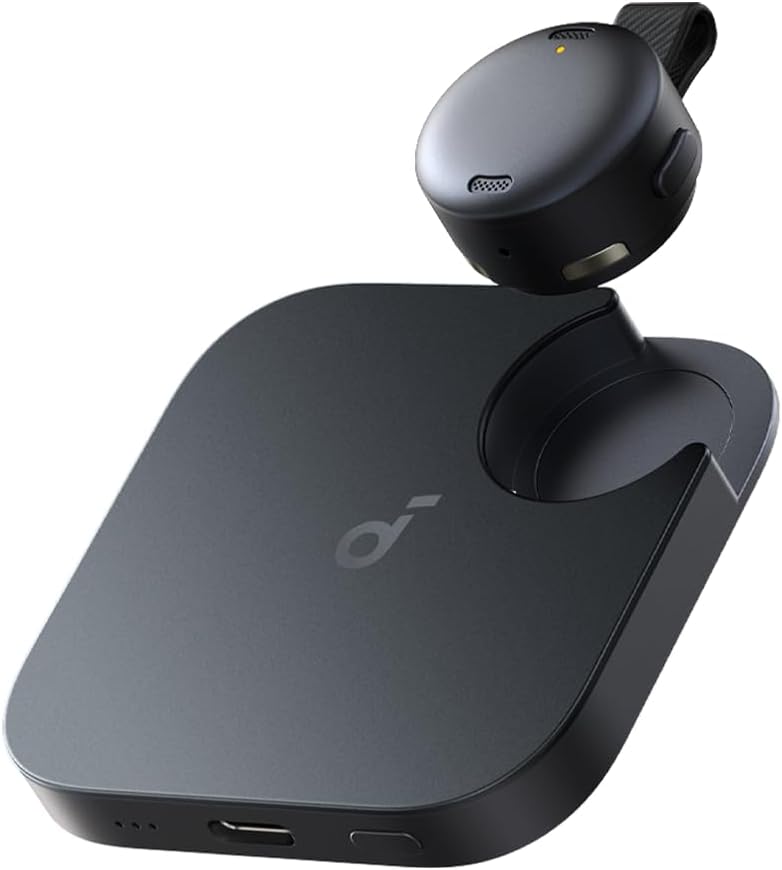
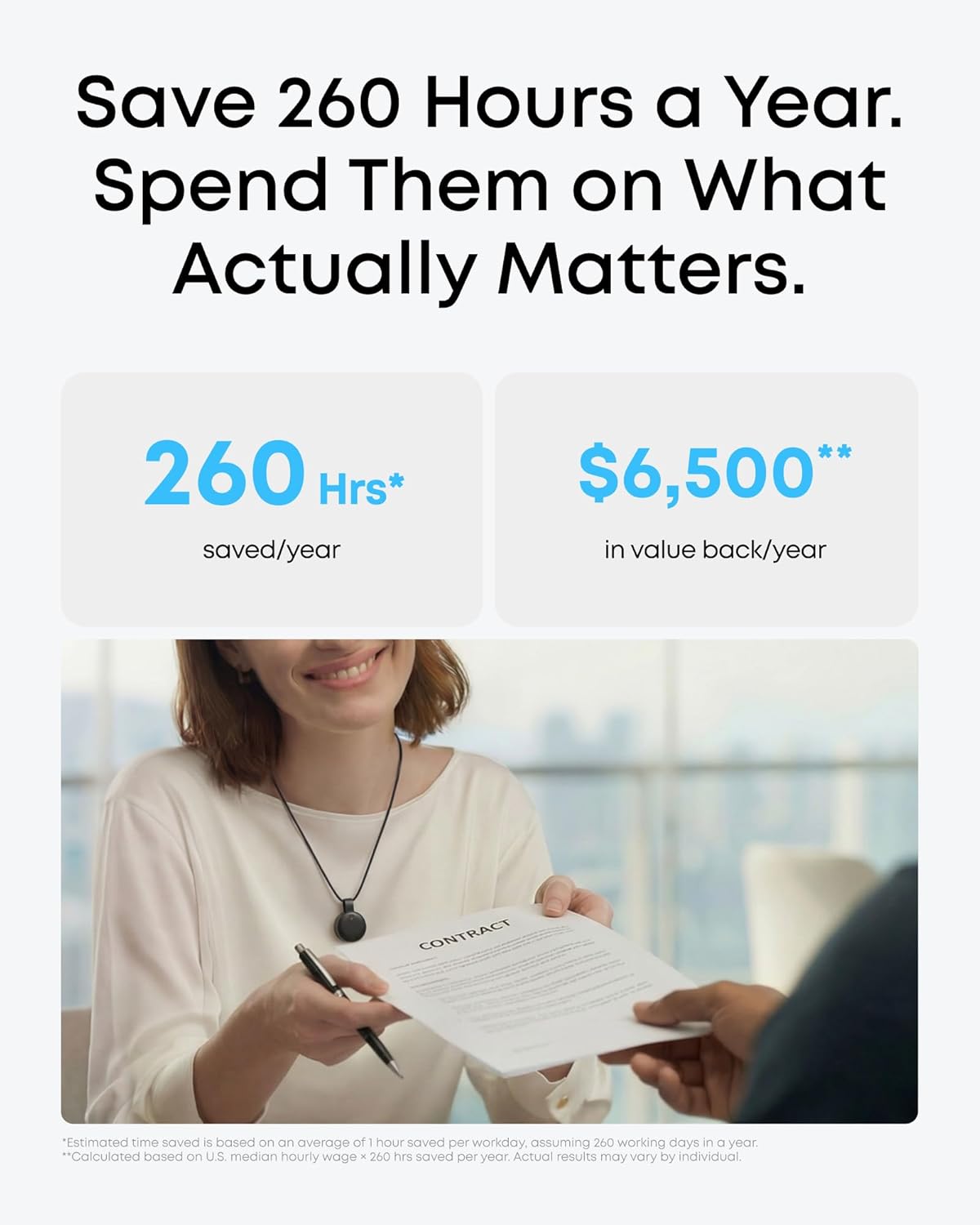
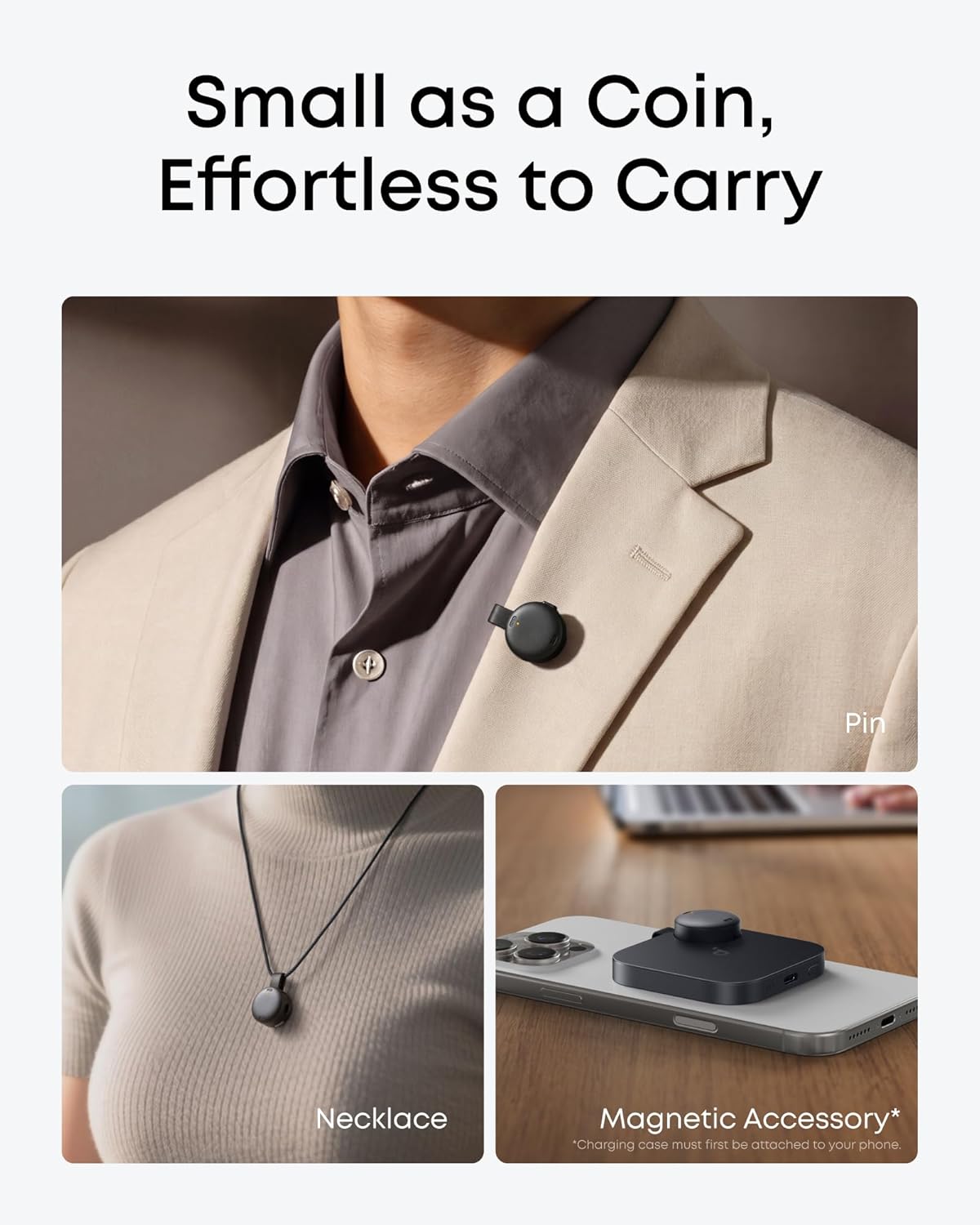
The soundcore Work AI Voice Recorder by Anker is a lightweight, wearable device designed to capture meetings, interviews and on‑the‑move conversations. At just 9.92 g, it can be clipped to a collar, worn as a necklace, or attached to your phone, making it a discreet partner for professionals who want to stay hands‑free while notes are being taken. If you regularly rely on accurate notes from conversations, this device promises to turn audio into structured summaries and clear action items in minutes. It’s aimed at sales reps, consultants and busy business professionals who need reliable transcription and a quick way to get to decisions without wading through long recordings.
Core capabilities and what stands out on paper
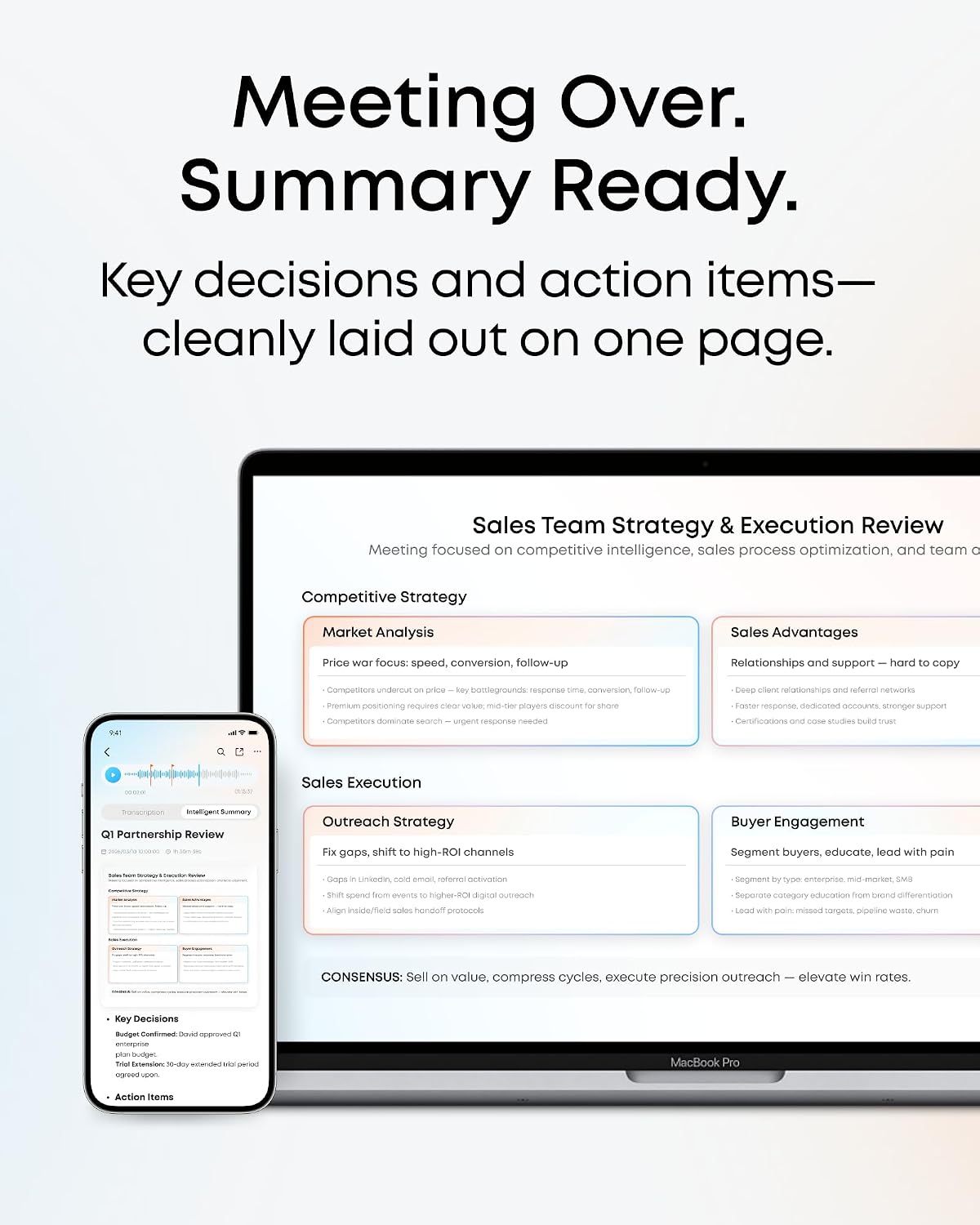
On the surface, the device blends a compact form with AI features. It claims up to 97% accuracy and speaker identification, which is helpful when multiple people contribute to a meeting. It supports 150+ languages, which broadens its usefulness in international contexts. The base package includes 300 minutes of audio transcription per month, with optional Pro or Unlimited plans in the app if you need more capacity or advanced features. The Plus here is a built‑in AI insight studio that can generate structured meeting summaries highlighting key points, decisions and follow‑ups. It also integrates with the soundcore app (iOS/Android) and a web portal, so you can search and extract insights after a recording.
Design and everyday usability
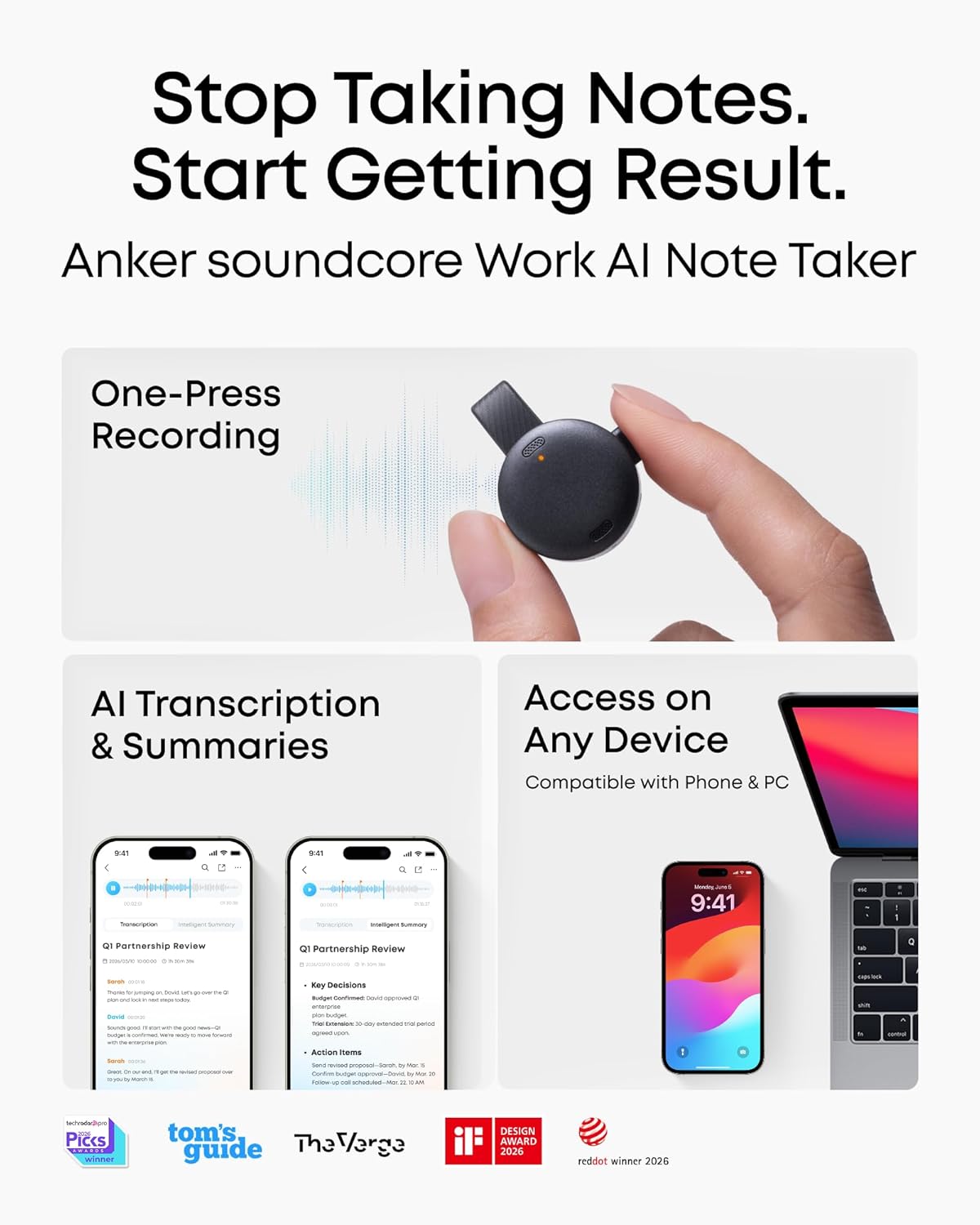
Physically small and light, the device offers three practical wearing options: clipped to clothing, worn as a necklace, or attached to your phone. The simple two‑button interaction—press to start recording, double‑tap to highlight moments—helps you mark important parts of a discussion without breaking flow. A notable feature is the ability to encrypt audio and transcriptions with AES‑256 by default, with cloud processing only when necessary and then promptly deleting the transcription data after delivery. The product is MFi certified, indicating a high level of compatibility and safety with Apple devices, plus compatibility with Android devices as noted.
What works well in real use
If you prioritise getting actionable outputs from meetings, the AI summaries and structured notes are the strongest selling points. The device’s ability to identify speakers and capture commitments—even in noisier rooms—can reduce post‑meeting churn and help you track decisions. The multilingual support broadens its utility in diverse teams or interviews conducted in different languages. For those who want a seamless workflow, the app and web portal provide ways to extract insights quickly, which is especially handy when you need to share a briefing with a client or a colleague.
Potential limitations and when it might not be ideal
The base transcription allotment of 300 minutes per month may feel limiting for longer or frequent meetings if you’re not prepared to upgrade. Plans are optional and priced within the app, so you’ll want to factor ongoing costs if your usage grows. Although MFi certification is a plus for iPhone users, there’s a note that it isn’t supported on iPhone 7 and earlier models, which means you may need a newer iPhone to take full advantage of features. Privacy controls rely on cloud processing for transcription when enabled, if you prefer all processing to stay locally, that’s something to review before subscribing. Finally, while the AI summaries are helpful, no summary tool is a perfect substitute for listening to the original recording in certain complex or high‑stakes situations.
Who it’s best for and who might hesitate
Best for professionals who attend many meetings and value structured outcomes more than raw audio length. It suits those who work with colleagues or clients across multiple languages and want a practical, wearable recording solution with smart notes. If your meetings are short, highly technical, or you rely on ultra‑precise jargon, you may want to compare how well the summaries align to your needs before fully committing to the upgrade plans.
What to check before buying
- Consider how often you would use the 300 minutes of transcription per month and whether you anticipate needing more via Pro or Unlimited plans.
- Check device compatibility with your current mobile devices, note the iPhone restriction for older models.
- Think about your privacy preferences: AES‑256 encryption is standard, and cloud transcription is optional and transient.
- Reflect on whether you need truly multilingual transcription and whether 150+ languages cover your typical needs.
Practical use case in real life
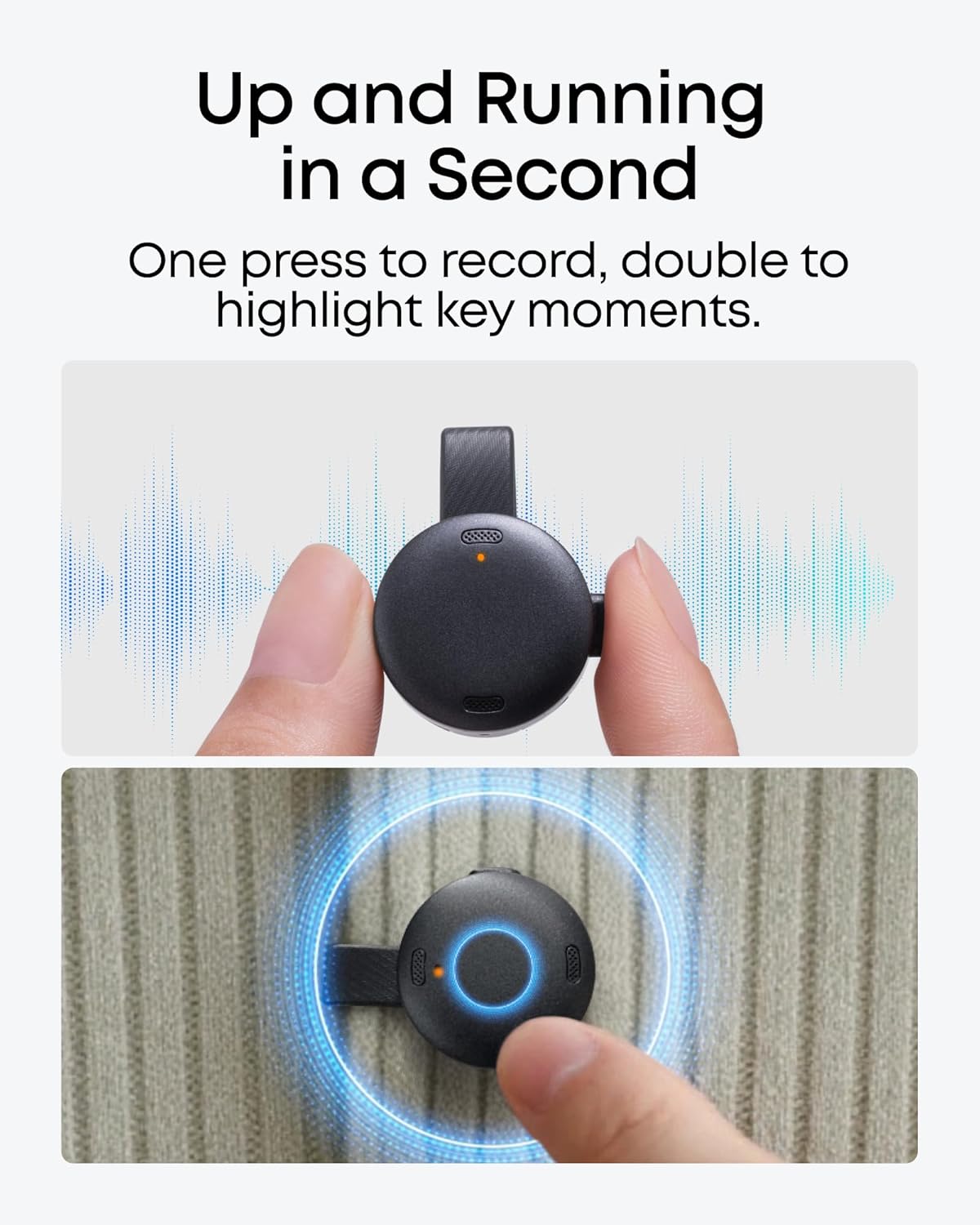
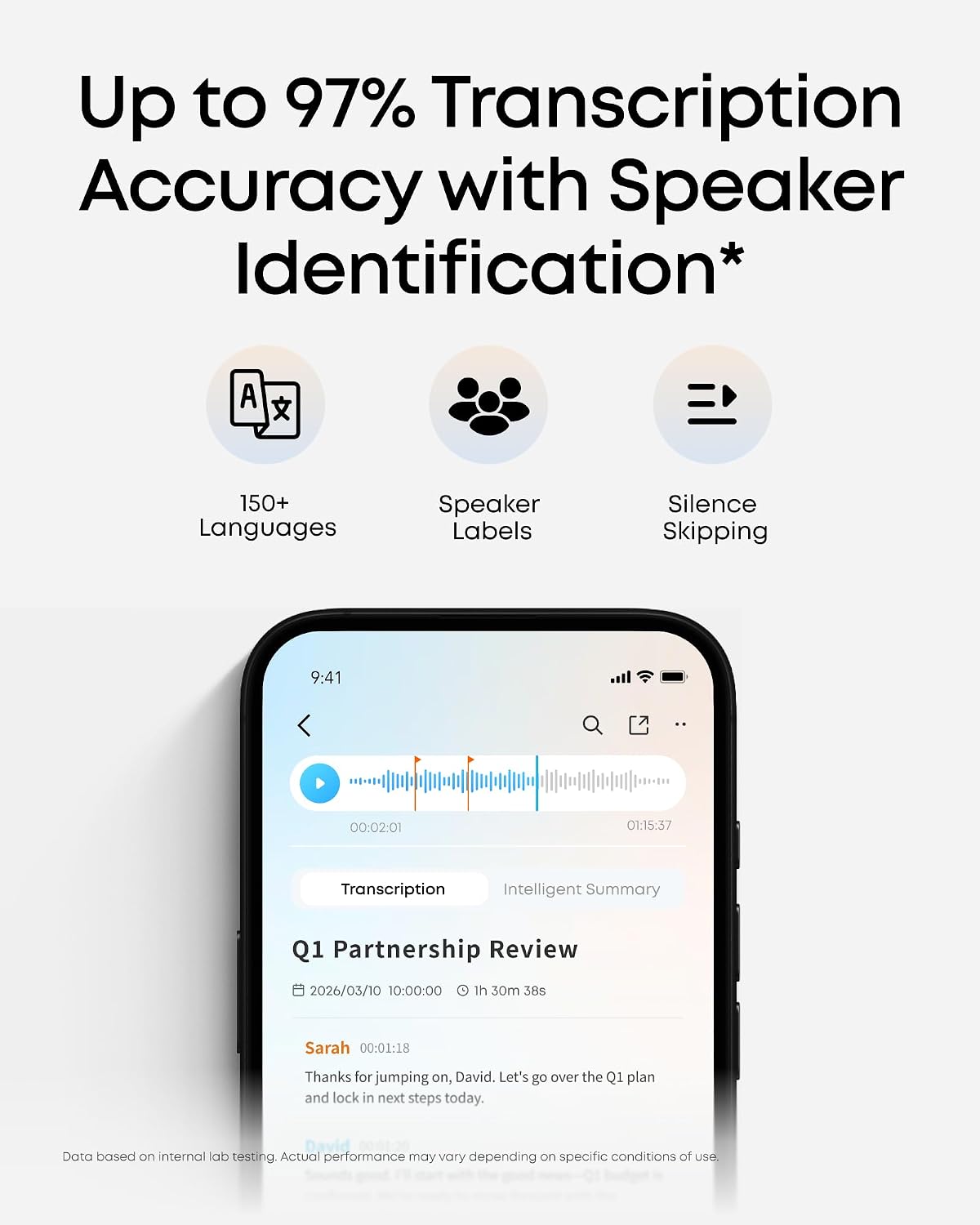
During a client discovery call, you clip the device on your shirt and press record. Minutes later you reopen the app to generate a structured summary with decisions and action items. If someone mentioned a follow‑up date or a responsible person, the AI capture helps you assign tasks and share a concise briefing with the team in minutes rather than hours of manual note‑taking.
What to compare with (alternative approaches)
If you currently rely on manual notes or separate voice recorders, this device offers a unified workflow: capture, transcribe, and generate summaries in one tool, with a cloud‑backed AI layer for insights. If you rarely need AI summaries or prefer offline note taking, a simple audio recorder with later transcription might be cheaper, but you’ll lose the immediate structured outputs.
FAQ (brief and practical)
- Is the transcription included in the base package unlimited? No, the base includes 300 minutes per month, additional capacity is available via optional plans.
- Can I use it with iPhone and Android? Yes, it works with both, but note iPhone compatibility is limited on older models (not supported on iPhone 7 and earlier).
- How secure is the data? Audio and transcriptions are AES‑256 encrypted by default, cloud processing is transient and data is deleted after delivery when cloud storage is disabled.
Is it worth it?
Should you buy it? It depends on how heavily you rely on meeting summaries and task follow‑ups. If you value fast, structured outputs and a wearable device that captures the conversation with decent accuracy, it can be a sensible addition. If your usage is light or you prioritise offline processing above all else, you might want to test the base capability first and assess whether the upgrade plans offer clear value for your workflow.