

CHEREEKI Wireless Controller for PS4 (Bluetooth) with 6-Axis, Dual Vibration, Touch Panel & Back Paddles – White
Product description
The essentials
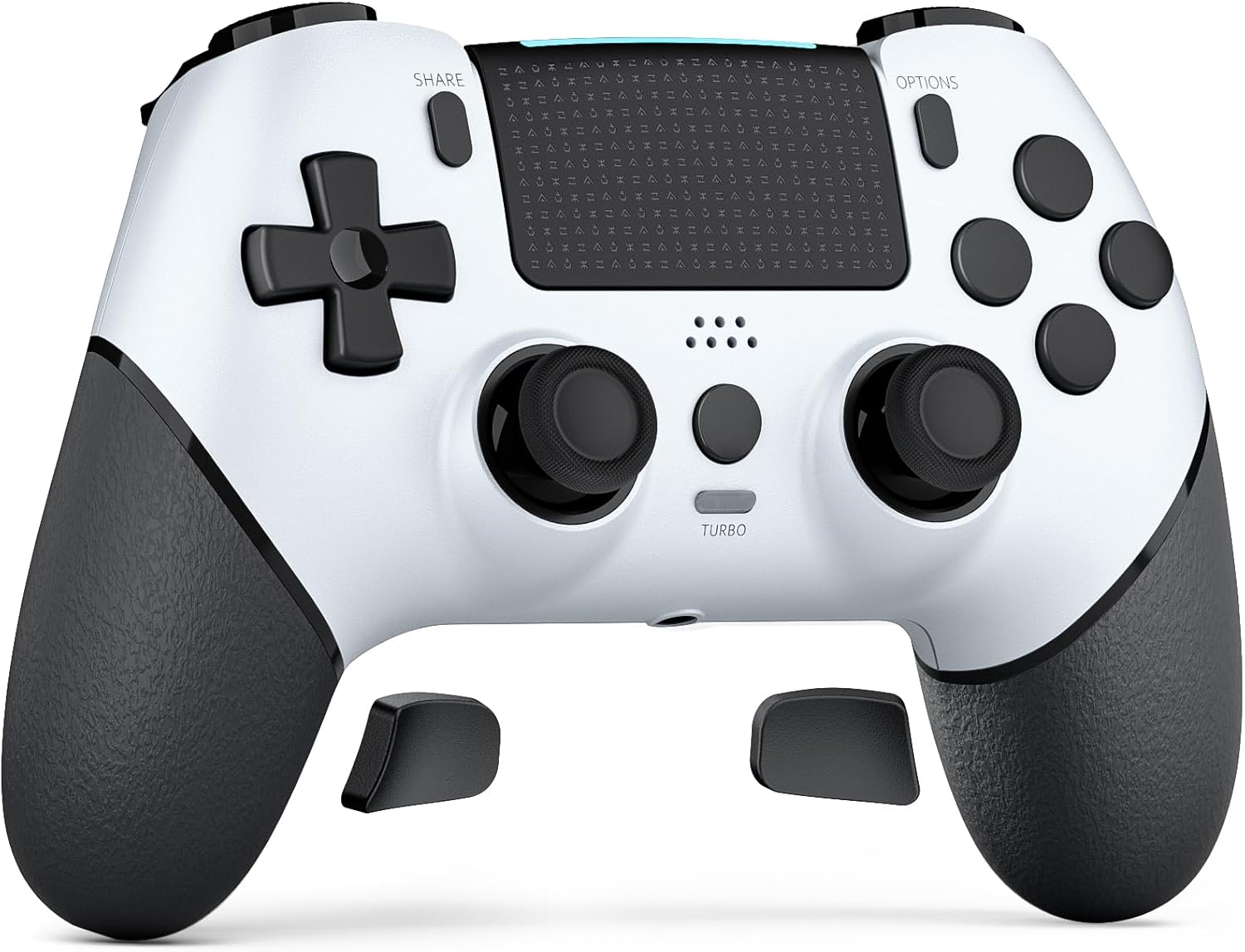
If you’re looking for a wireless PS4 controller that covers the basics and adds a few extras (touch panel, six-axis motion sensing and back paddles), the CHEREEKI Wireless Controller is the sort of pad you’d consider for everyday play rather than something designed to “out-spec” higher-end models.
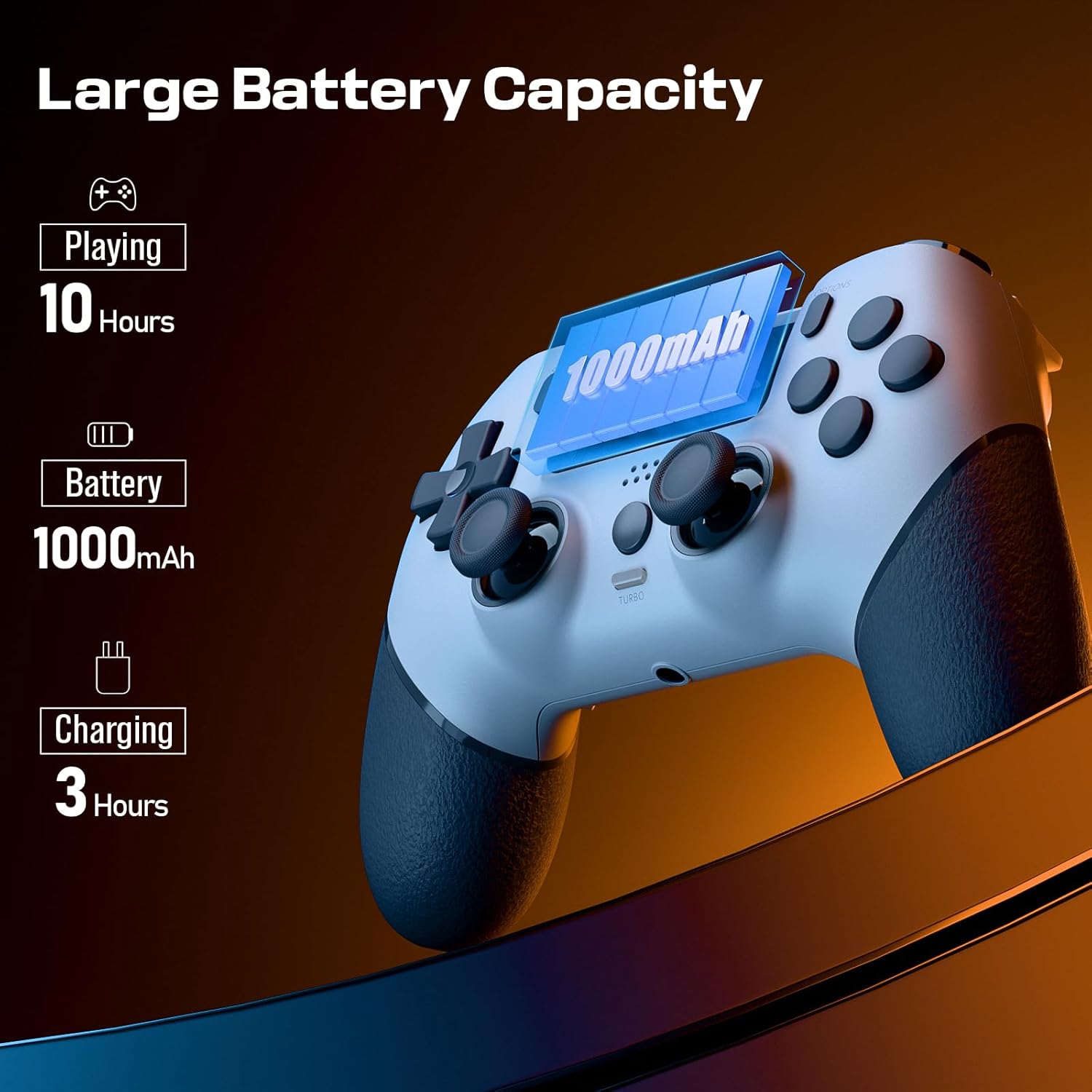
On paper, it ticks a lot of common boxes: Bluetooth wireless support for PS-4/ Pro / Slim, dual vibration, a six-axis gyroscope for motion-style inputs, and a touch panel for games that support it. It also has a rechargeable battery rated at 1000mAh, and it uses a USB cable for the first game connection (something to keep in mind if you’re used to pairing straight away).
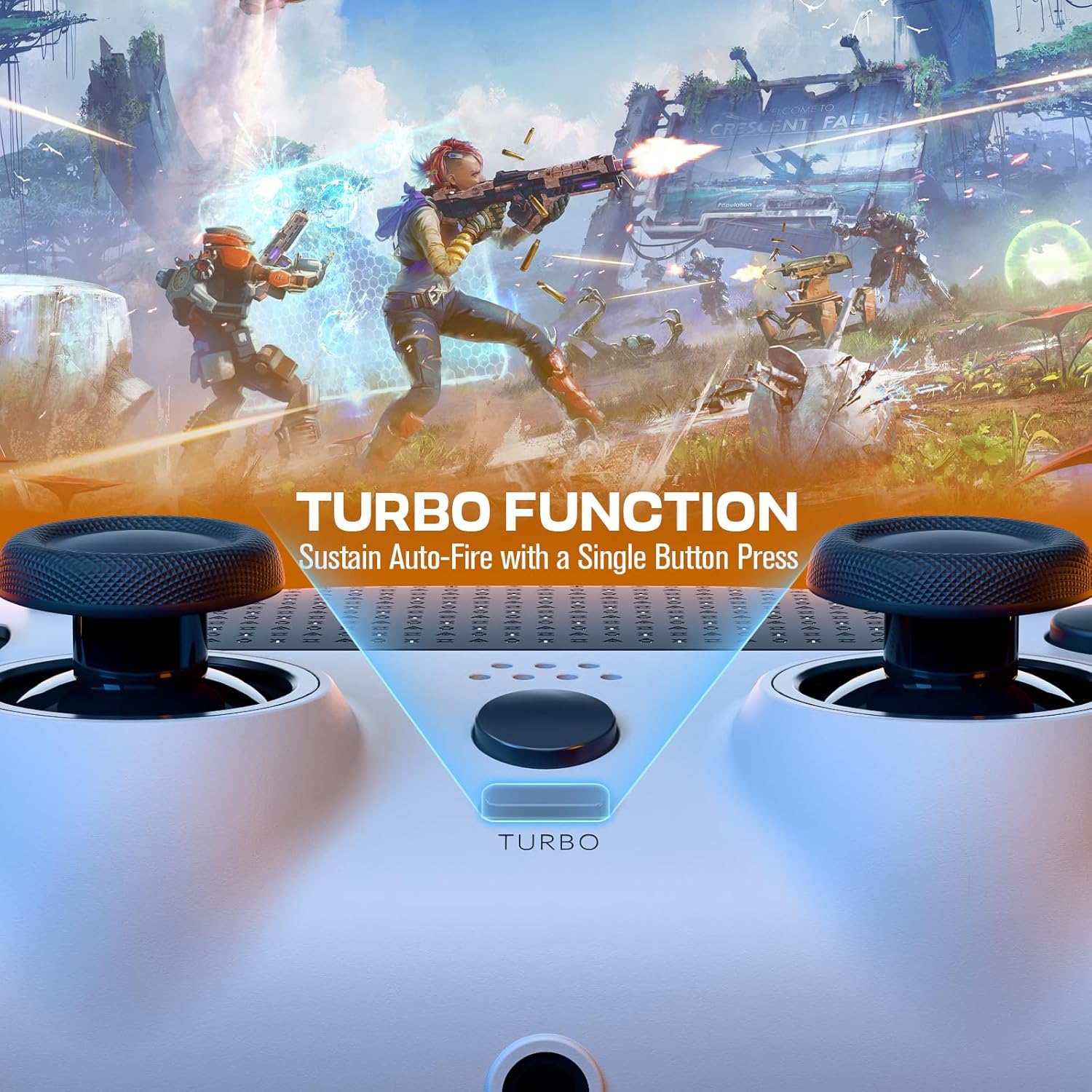
There’s also macro programming on the extra multi-function back buttons, plus an ergonomic, anti-slip and anti-sweat style so long sessions feel less grabby than some basic plastics.
Key features that show up in real use
The bits you’ll notice during play are usually the ones tied to responsiveness and control.
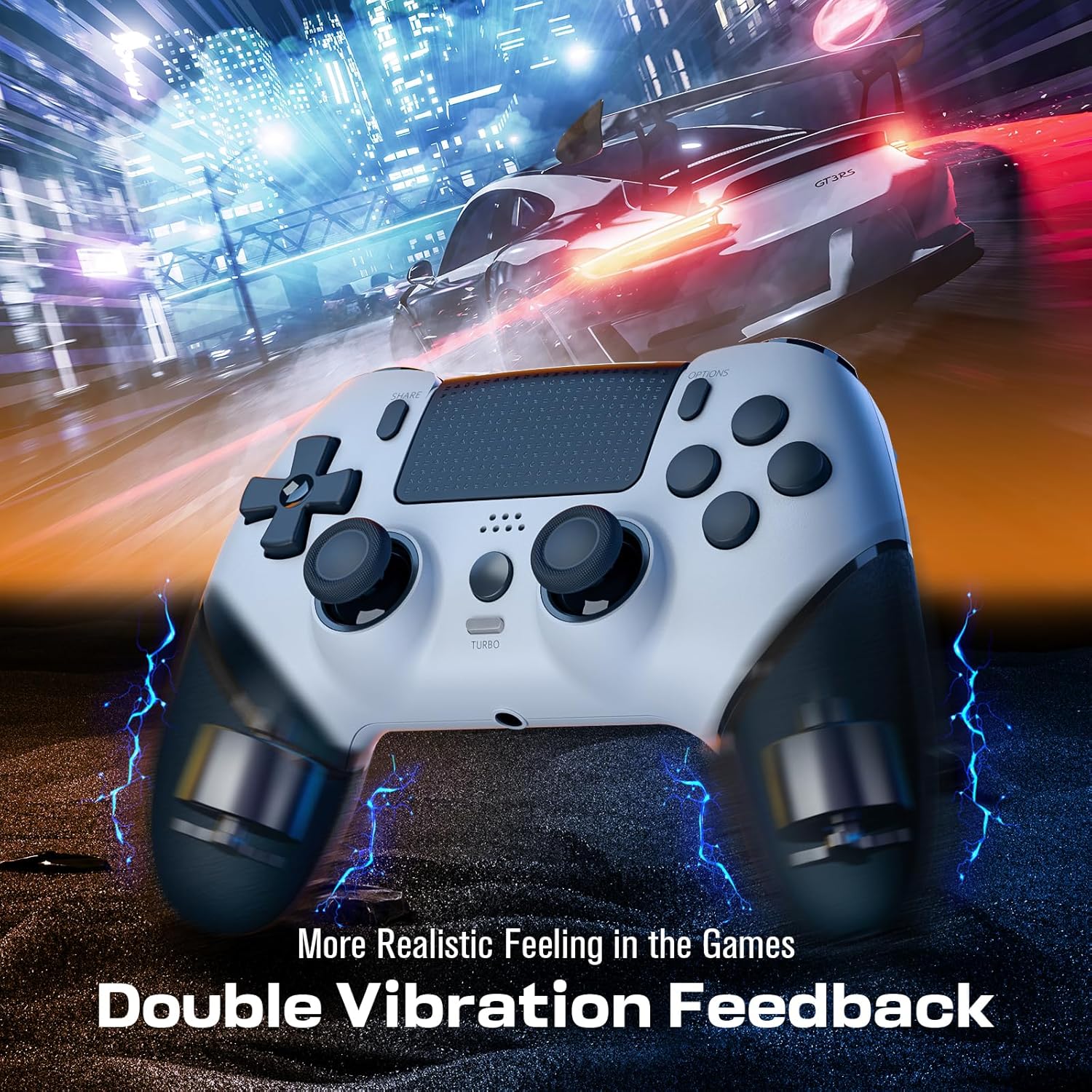
First, the controller includes dual vibration and a built-in six-axis gyroscope. That means games which use motion detection can feel more reactive, and vibration feedback is there for moments that rely on haptics. It’s not a guarantee that every game will use these features, but if you play titles that do, this controller is set up for it.
Second, there’s a touch panel on the face. Touch controls are game-dependent, so it’s worth considering how many of your favourites actually use touch inputs. If they do, having the panel can be handy for quick actions without moving your hands away from the sticks.
Third, the back extra multi-function buttons and the included “macro programming” approach are aimed at custom play styles. If you like binding actions to paddles for faster access, this is where the controller tries to differentiate itself.
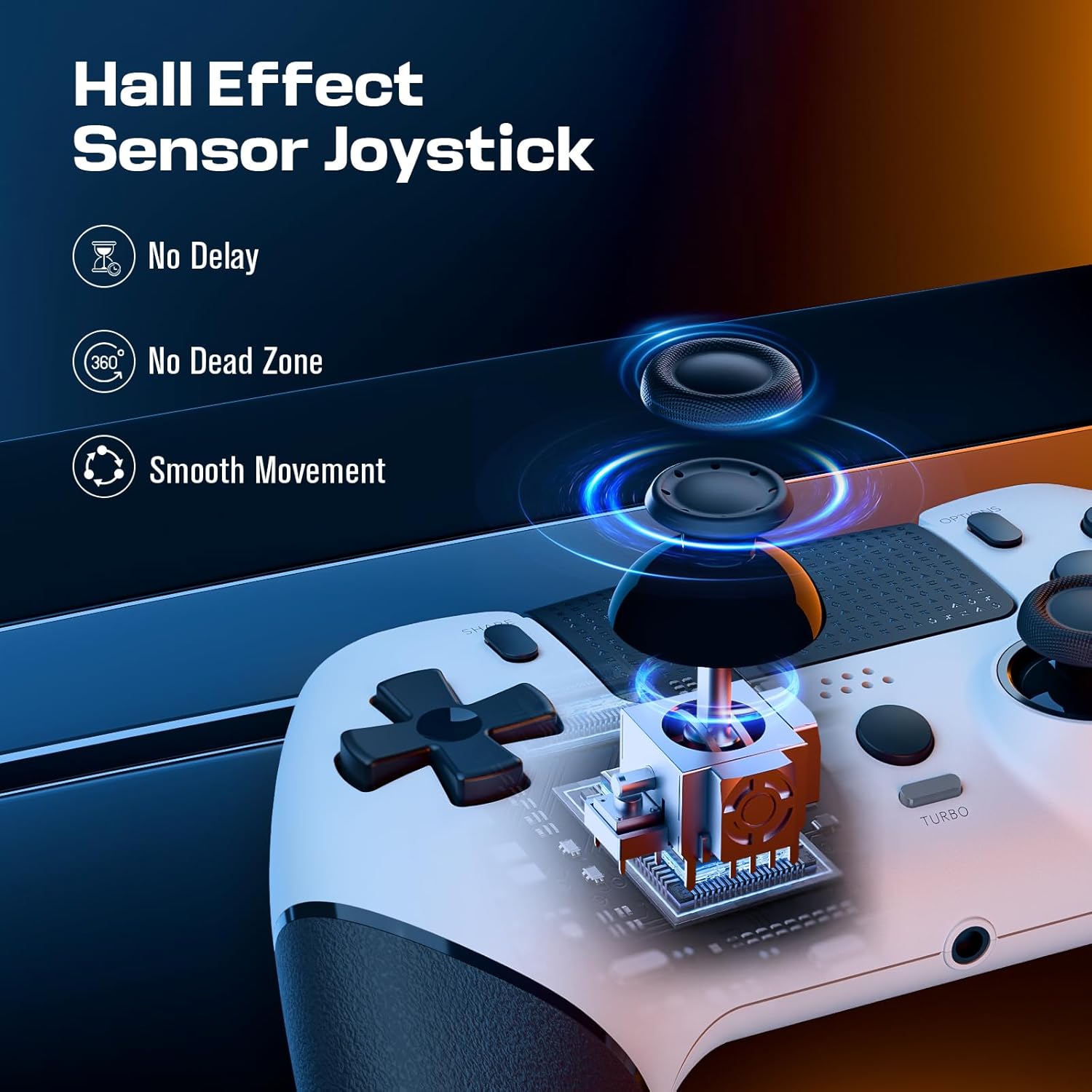
Finally, the company also mentions “360° refined analog sticks without dead zone”. That’s a nice claim, but it’s still one you should mentally treat as “aimed at smoother control” rather than a guarantee. If you’re very sensitive to stick feel, you’ll want to rely on your own game testing.
Tech specs (what to look for before buying)
- Type: Wireless game controller for PS4 (Bluetooth)
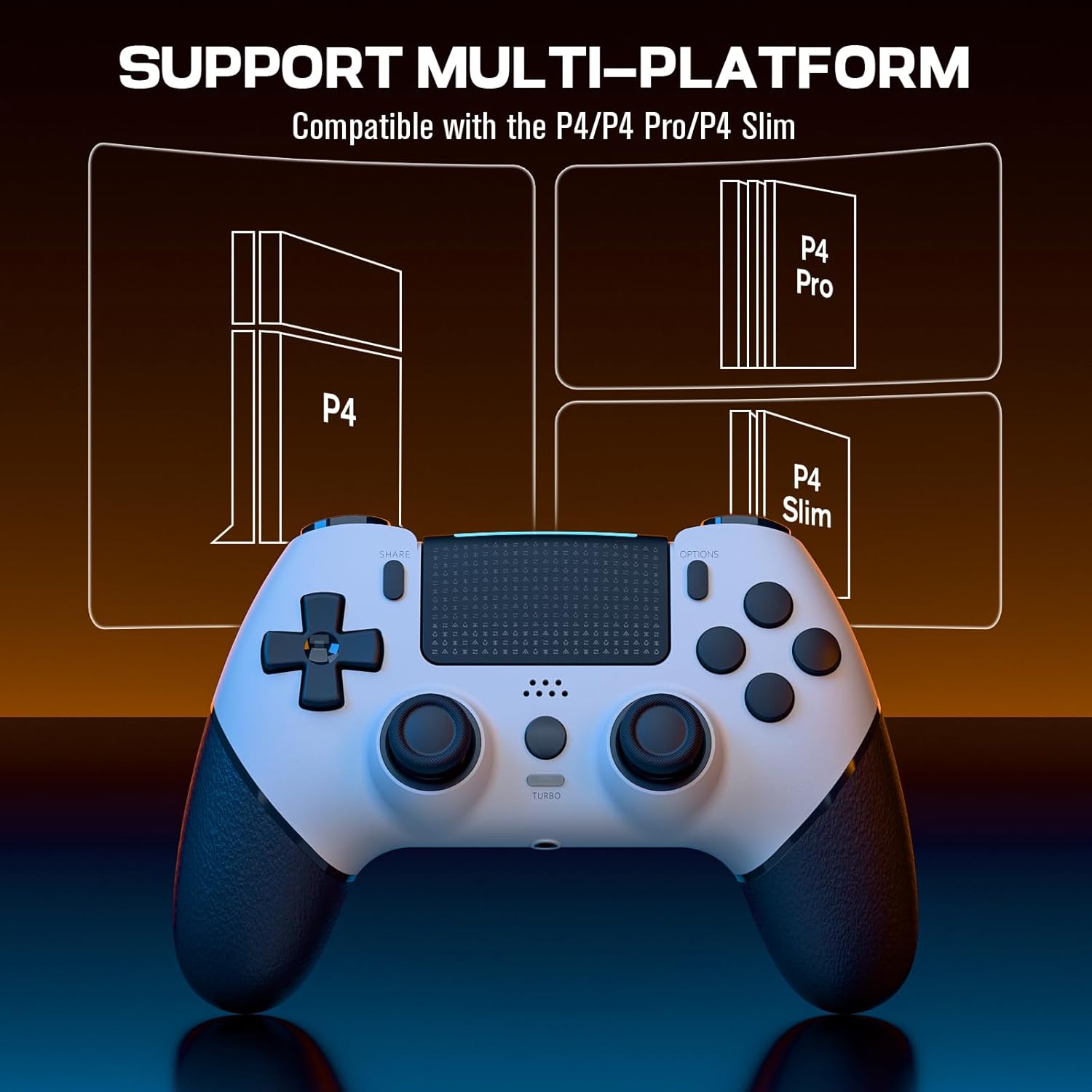
- Compatibility: PS-4 / PS4 Pro / PS4 Slim consoles
- Battery capacity: 1000mAh
- Charging time: fully charged in 2–3h (per the listing)
- Play time: up to 10–12h (per the listing)
- Motion sensing: six-axis gyroscope
- Vibration: dual vibration motors
- Controls: touch panel, analog sticks, extra multi-function back buttons, stereo headphone jack (as stated in the product name)
- Connection note: “Please activate the device with USB cable for the first game connection”
- In the box: 1× Controller, 1× Type-C charging cable, 1× Instructions
Pros, and the limitations you should know
What stands out most here is the combination of features for a fairly general-purpose PS4 controller: dual vibration, touch panel, six-axis motion sensing, and back paddles with macro programming. For multiplayer nights or casual sessions, it also gives you a straightforward battery claim (2–3 hours to charge, and up to 10–12 hours of play), plus guidance to shut down if you’re not using it for a while.
That said, a couple of practical caveats are worth noting:
- It may not pair instantly the way some newer controllers do. The listing specifically asks you to activate with a USB cable for the first connection. If you hate setup steps, that’s the kind of thing that can annoy.
- Motion/touch features only help if your games actually use them. If your library is mostly standard button-only gameplay, the six-axis and touch panel may feel like “nice extras” rather than must-haves.
- “No dead zone” is a claim, not a measurement. It could still vary in feel depending on your tolerance and the games you play.
Overall, it reads more like a feature-rich mid-range option for PS4 players who want extra controls without paying for a premium brand-first pad.
Who it’s for (and who should skip it)
It makes sense if you:
- play PS4 games on PS4 / Pro / Slim and want a wireless pad with vibration and motion support on the features side
- like using touch controls when the game offers them
- want quicker access to actions via back buttons and are the sort of player who’ll actually set up macros
- care about comfort for longer sessions, thanks to the anti-slip and anti-sweat material mentioned
You may want to skip it if you:
- prefer a controller that pairs without any USB activation step
- only play games that don’t use touch or motion sensing, because you might not benefit much from those extra systems
- are extremely picky about stick feel and require proven “dead zone” behaviour beyond a listing claim
Getting the most from it
A simple way to approach this controller is to treat it like your “main wireless pad” once setup is done, not as an afterthought.
In a typical first session, plan for the USB activation the listing mentions: connect with the cable once to get the initial game connection, then switch to wireless for normal play. After that, charging becomes the routine—aim to top it up before sessions if you’re working through a long campaign.
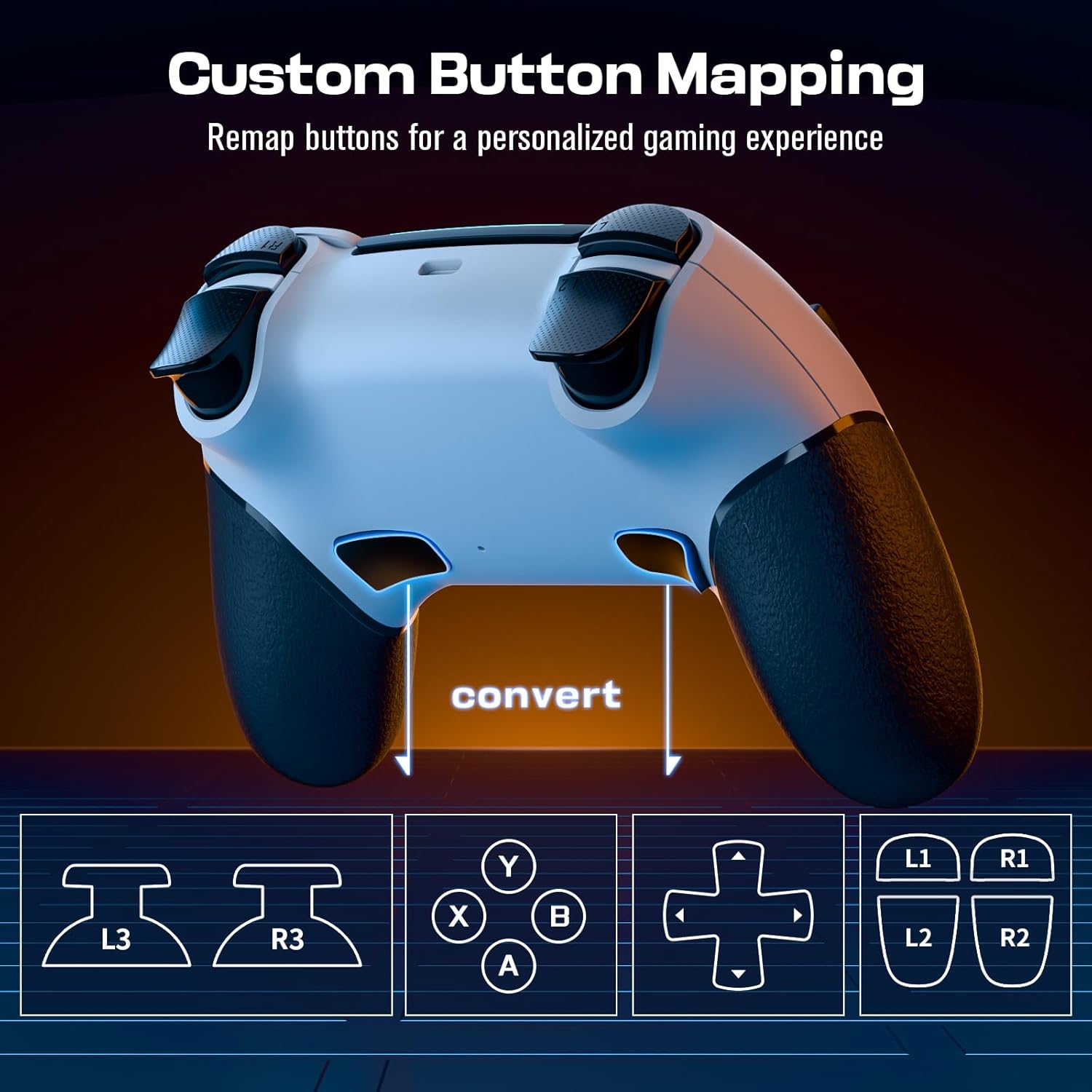
If you’re using the back paddles and macro programming, spend a few minutes assigning actions to match your habits. Even small changes—like moving a frequent action to a rear button—can make gameplay feel more fluid. And if you use headphones, the product name states there’s a stereo headphone jack, which can reduce the faff of separate audio setups.
Is it worth it?
Worth buying if you want a wireless PS4 controller that goes beyond the bare minimum by adding touch panel support, six-axis gyroscope motion sensing, dual vibration, and back paddles with macro programming—especially if those features line up with the kinds of games you actually play.
It’s not the best match if you dislike setup steps (because the first connection needs USB activation) or if your game library doesn’t make use of touch/motion features. For button-only players who prioritise effortless pairing over extra functions, it may feel like overkill.
Mini FAQ
Does it work wirelessly on PS4 Pro and PS4 Slim?
The listing says it’s fully compatible with PS-4 / Pro / Slim consoles and uses Bluetooth.
Do I need to use a USB cable first?
Yes—according to the instructions text, you should activate the device with a USB cable for the first game connection.
How long does the battery last?
It’s listed as up to 10–12 hours of playing time when fully charged, with a charge time of around 2–3 hours.
What features are included beyond standard buttons?
The controller includes dual vibration, a built-in six-axis gyroscope, a touch panel, and extra multi-function back buttons that can be programmed via macro programming.
What’s in the box?
The package includes the controller, a Type-C charging cable, and instructions.