

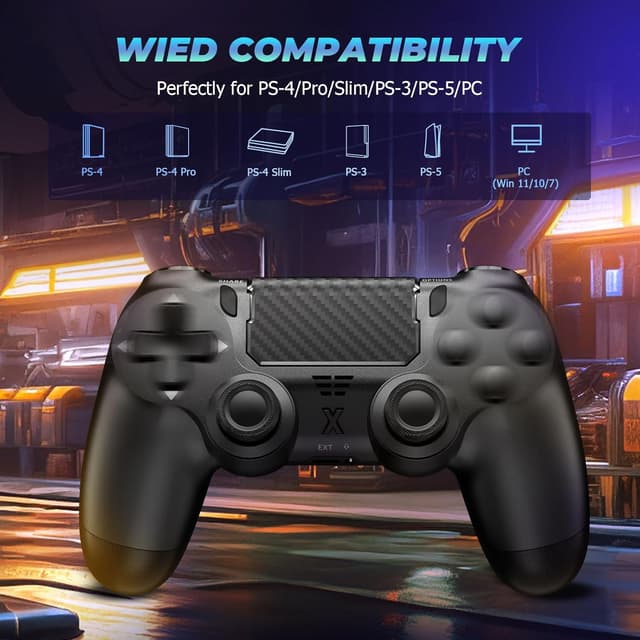

Suoxiom Wireless Controller for P4 Bluetooth gamepad
Product description
This wireless gamepad combines familiar console controls with extras such as a touchpad, vibration feedback and headset connectivity for P4 series consoles and PC gaming. It is built to make navigation and voice chat easier while keeping a comfortable grip for extended sessions.
Key Points
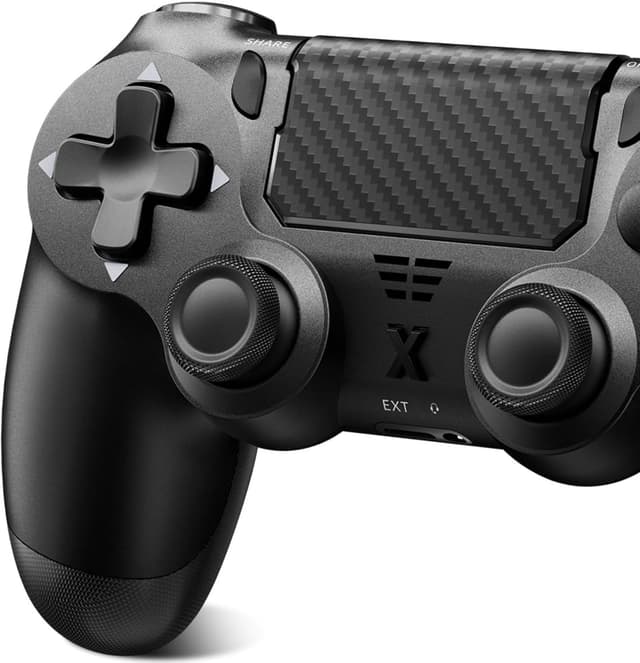
The controller features a tactile touch panel that supports more intuitive navigation and menu control. The inclusion of a 3.5mm audio jack means you can plug in a stereo headset for in-game audio and voice chat without extra adapters 😊. Haptic vibration delivers scenario-dependent feedback, so impacts and movements feel more present during play. Ergonomic shaping and button layout aim to reduce fatigue during long sessions while preserving precise thumbstick control.

Technical Specifications
- Name: Suoxiom Wireless Controller for P4
- Compatibility: P4, P4 Slim, P4 Pro, PC (Windows 7/8/10)
- Connection: Bluetooth wireless
- Sensors: Upgraded Six-Axis Sensor
- Audio: 3.5mm audio jack for headset connection
- Charging: USB-C charging cable included
- Extras: Touchpad, vibration motor, user manual included
Usage Recommendations
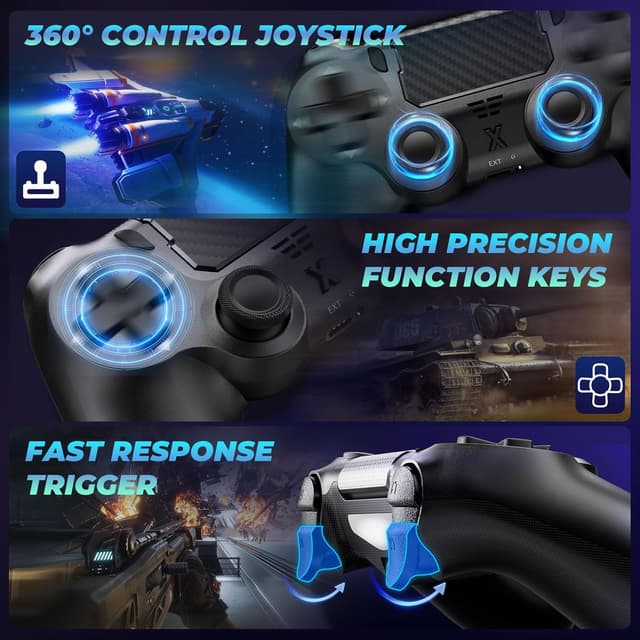

For PC users, pair the pad via Bluetooth under the system Bluetooth settings and check that the game recognises a controller. When using the analogue sticks for precision tasks, small corrective inputs are more effective than large sweeps. The touchpad is helpful for quick menu navigation and map panning, but some games may map different functions to it so expect variability. The vibration feature enhances immersion in compatible titles, however it may be less pronounced in games that do not use rumble extensively 🎮.
Practical Tips
Charge the controller before long play sessions to avoid interruptions. If you plan to use voice chat, test the headset connection through the 3.5mm jack in a quick match to confirm microphone and audio levels. Consider that compatibility is listed for Windows 7/8/10 according to the manufacturer, so additional drivers or third-party mapping software might be needed for other operating systems or newer Windows versions. Keep the USB-C cable provided for charging and occasional wired play if wireless latency becomes noticeable during competitive sessions ⚙️.