

SubliPlus+ T04D1/C13T04D100 Ink Maintenance Box for EcoTank Printers
Product description
What it is and what it does
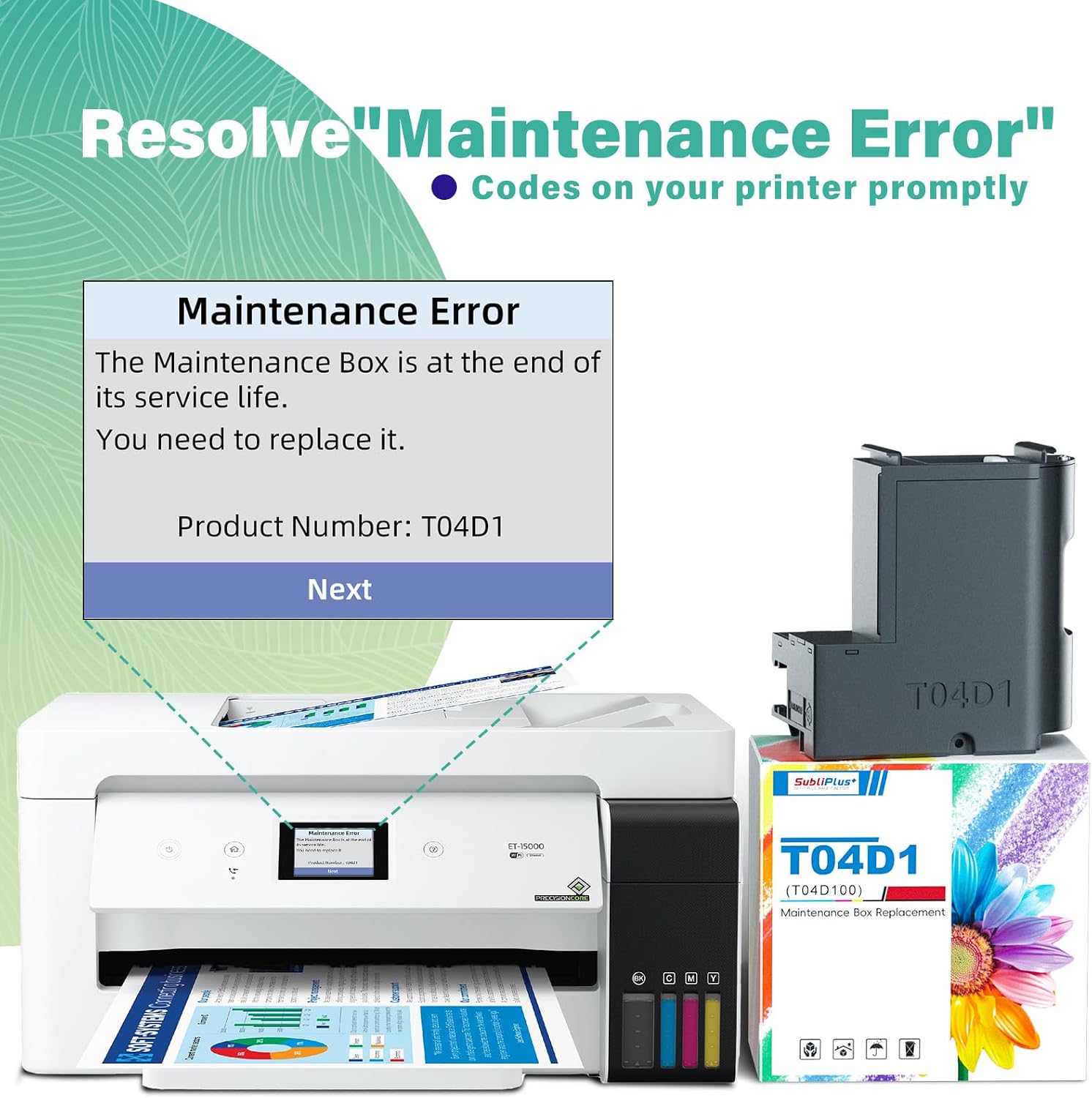
The SubliPlus+ T04D1/C13T04D100 Ink Maintenance Box is designed to collect ink that’s flushed from the print head during cleaning. It’s a replacement part for compatible EcoTank models and helps manage maintenance fluids so the printer can continue to operate without kerbing downtime.
Who it’s for
If you rely on frequent print head cleaning and want a straightforward, user‑friendly replacement part, this box is aimed at users who want to keep their EcoTank systems in good order without complex servicing. It’s compatible with a range of models, but you should double‑check your exact printer model against the compatibility information in the product images before purchasing.
What you get
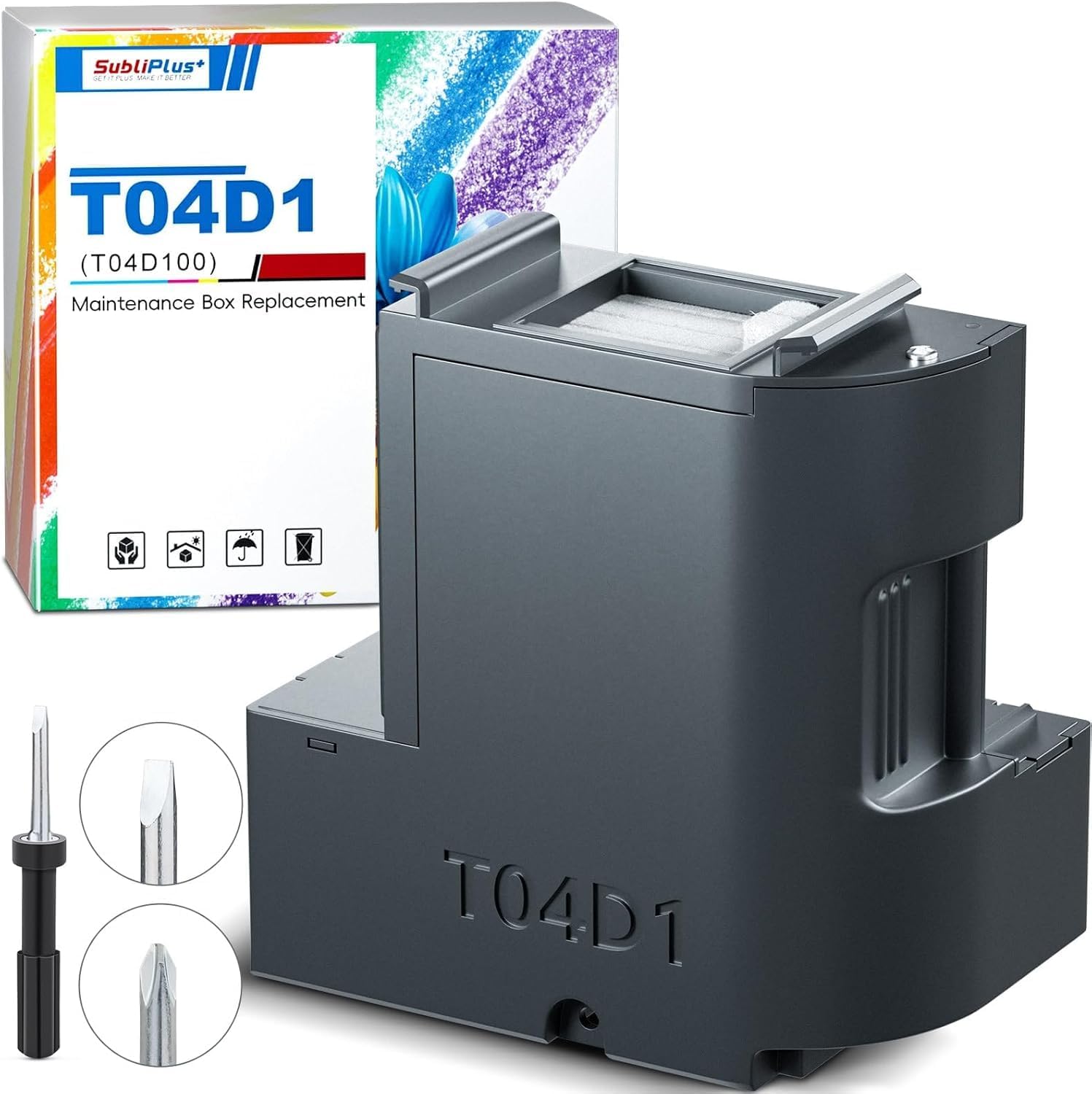
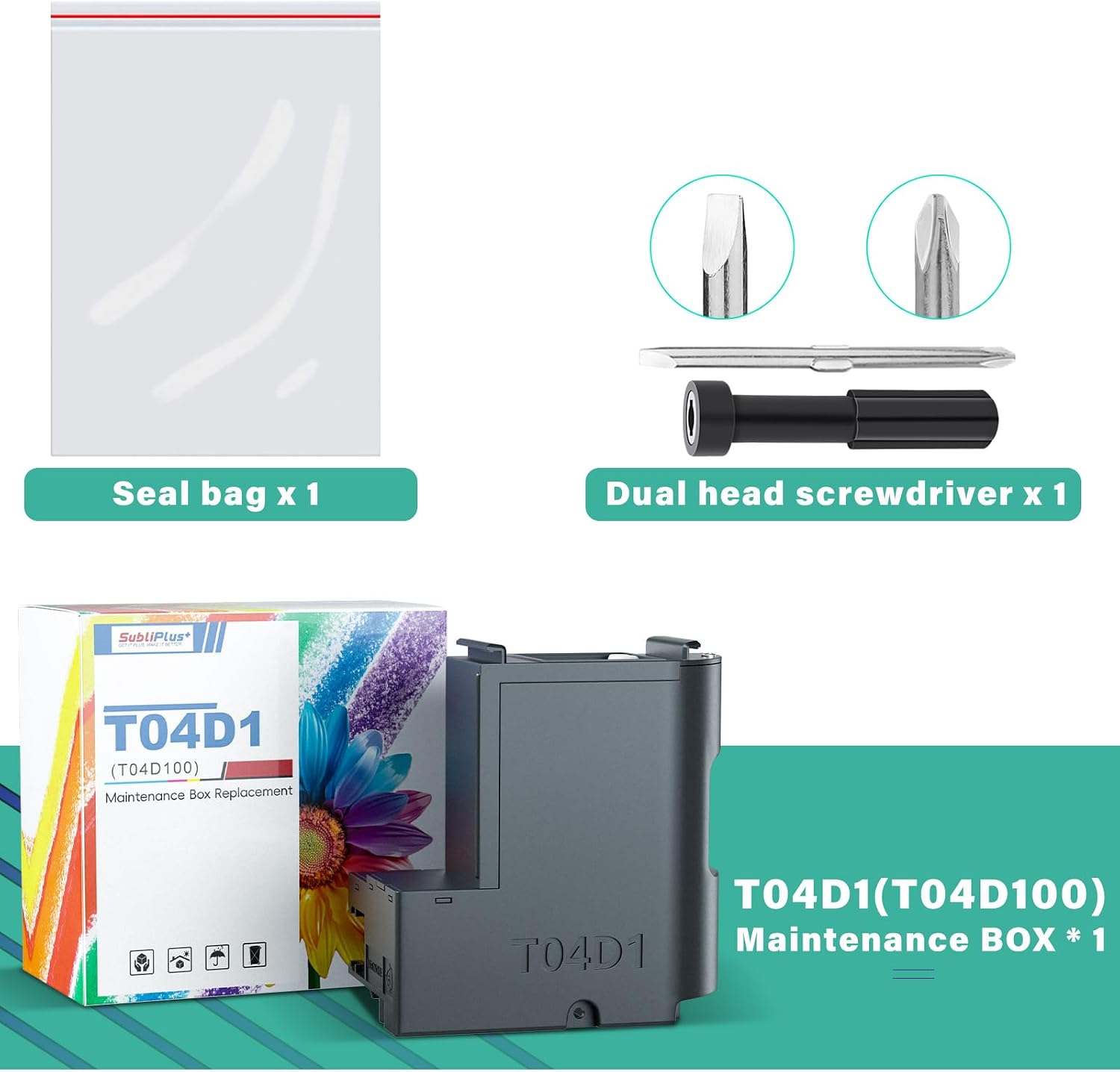
Inside the box you’ll find the T04D1 Maintenance Box and a dual head screwdriver. The kit is presented as a complete replacement, intended to make the swap simple without needing additional tools.
Pros and what stands out
- Clear purpose: specifically designed to hold ink flushed from the system during cleaning, which is important for ongoing maintenance.
- Inclusive packaging: includes a screwdriver, so you have the essential tool on hand for a convenient swap.
- Straightforward compatibility note: the listing encourages verifying your model against the compatibility list in the images, which helps avoid mismatches.
Cons and limitations
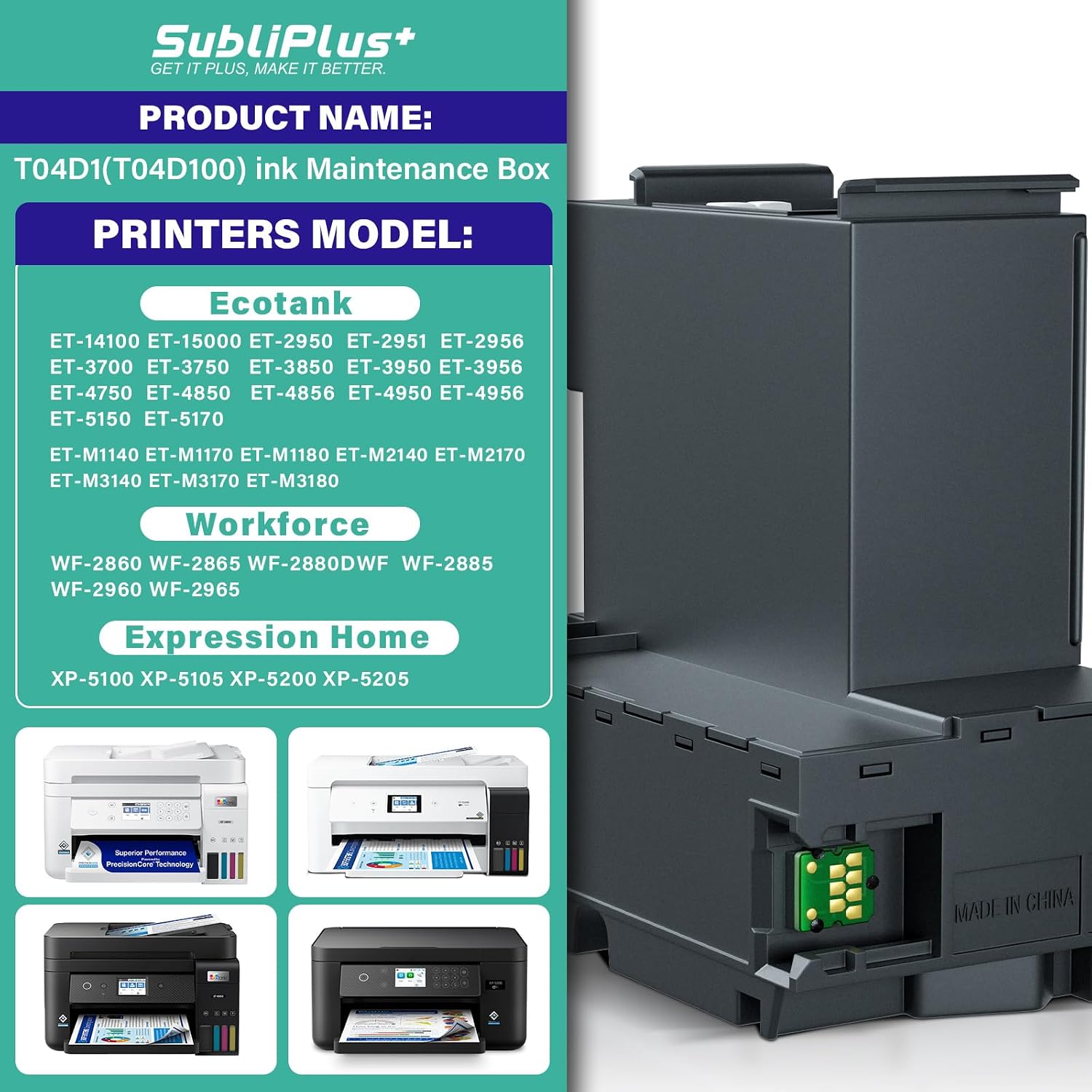
- Compatibility varies by model, the product page asks you to confirm your printer model first, which means a potential extra step for some buyers.
- It’s a maintenance component, not a printing‑quality upgrade, so the value depends on how often you perform head cleaning and how reliable your current maintenance cycle is.
- The description does not provide detailed performance specs or capacity figures, so you’ll need to rely on your printer’s software and the manufacturer’s recommendations for when to replace.
When it makes sense to buy
- If your EcoTank printer requires a maintenance box replacement to continue clean operation.
- When you want an all‑in‑one replacement kit that ships with the basic tool needed for installation.
- If you prefer a kit that is presented as a ready‑to‑use, plug‑and‑play solution rather than sourcing components separately.
When to hold off
- If your printer model isn’t listed among the compatible models or if you’re unsure about compatibility after checking the images.
- If you haven’t tracked your maintenance intervals and you’re unsure when a replacement is due, misalignment with the printer’s software prompts could occur.
- If you’re seeking a higher capacity or longer‑term maintenance solution beyond the standard box.
What to review before buying
- Confirm your printer model against the compatibility images to ensure a match.
- Consider how often you perform head cleaning and whether a maintenance box is the most economical option for your workflow.
- Check whether you already have the screwdriver or if you’d prefer to source your own tool separately.
Practical use and context
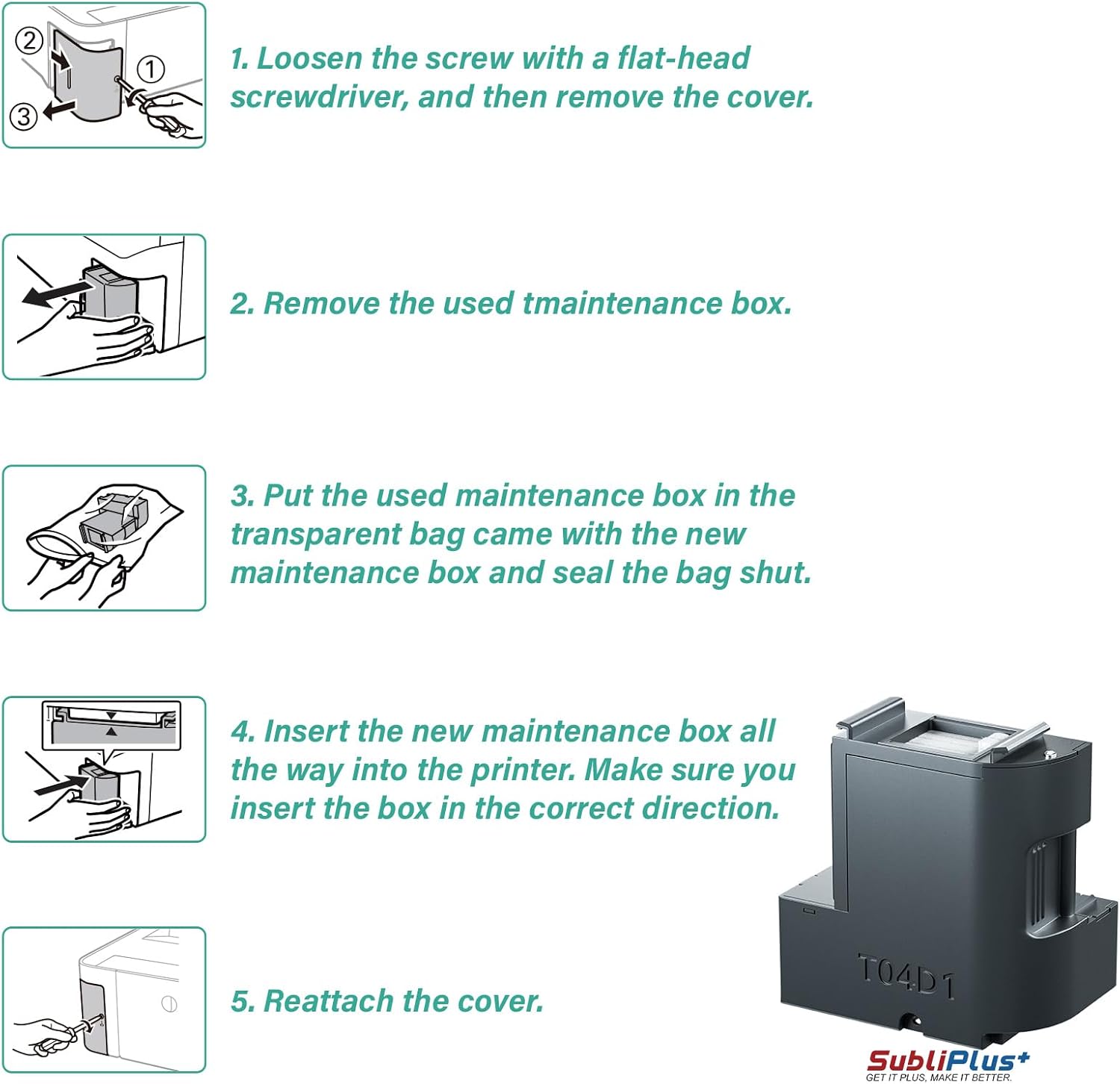
In everyday use, this maintenance box acts as the receptacle for waste ink from periodic cleaning cycles. For a home office or small business, it can reduce the risk of overflow or spillage during maintenance, provided the model is compatible. Think of it as part of a routine: replace the box when prompted by the printer software to avoid interruptions and keep printhead servicing smooth.
Alternatives and buying context (implicit)
If you’re weighing options, you could consider generic maintenance components or replacing only when necessary. This SubliPlus+ kit offers a purpose‑built, ready‑to‑install approach with included tool, which appeals to users who prefer a complete, low‑hussle solution rather than sourcing individual parts.
Final purchase decision
Is it worth it?
Worth considering if you prioritize a straightforward replacement kit with the included screwdriver and you’ve verified model compatibility. It may not be the best choice if your printer isn’t listed or if you seldom perform head cleaning.
Quick FAQ
- How do I know if this maintenance box is compatible with my printer? Check the product images for the full compatibility list and confirm your exact model before purchasing.
- What’s included in the box? T04D1 Maintenance box and a dual head screwdriver.
- Will this improve print quality or speed? This item is a maintenance component aimed at managing waste ink from cleaning, it doesn’t directly enhance print quality or performance beyond enabling proper maintenance.