

Download app on Google Play


Imagen de LIFOR 540XL Black & 541XL Colour ink cartridges 🖨️ en OfertitasTOP
New offer
Thumbnail principal de LIFOR 540XL Black & 541XL Colour ink cartridges 🖨️
Thumbnail 1 de LIFOR 540XL Black & 541XL Colour ink cartridges 🖨️
Thumbnail 2 de LIFOR 540XL Black & 541XL Colour ink cartridges 🖨️
Thumbnail 3 de LIFOR 540XL Black & 541XL Colour ink cartridges 🖨️
Thumbnail 4 de LIFOR 540XL Black & 541XL Colour ink cartridges 🖨️
Thumbnail 5 de LIFOR 540XL Black & 541XL Colour ink cartridges 🖨️
Thumbnail 6 de LIFOR 540XL Black & 541XL Colour ink cartridges 🖨️

LIFOR 540XL Black & 541XL Colour ink cartridges 🖨️

amazon UK
Reviews
4,3
+1.899

Reviews

4,3
+1.899 reviews

Price

£55£37.99-31%
View in store
amazon UK
Price history: —

Product description

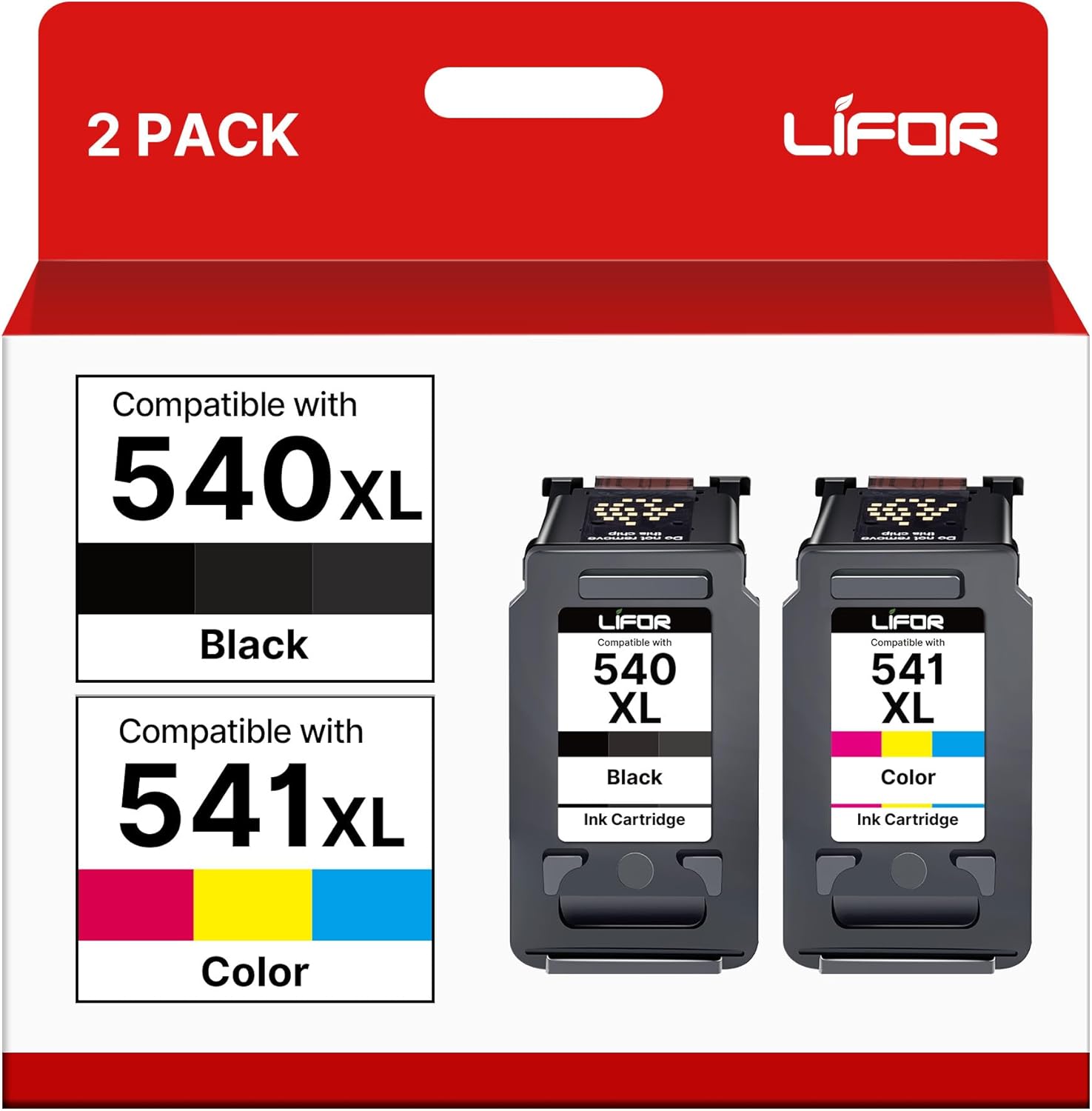
This twin pack of replacement ink cartridges supplies a black and a tri-colour cartridge compatible with a wide range of Canon Pixma printers, aimed at everyday home and office printing. If you need reliable text and photo output, these cartridges are presented as XL variants to extend page yield and reduce the frequency of changes, making them useful for moderate printing needs.

Key Points
The cartridges promise a straightforward swap into compatible Canon models, with simple installation and immediate recognition by many Pixma machines. They are offered as non-original cartridges that match Canon 540 and 541 formats, which can help lower running costs compared with branded originals. Colour prints tend to show natural tones suitable for documents and casual photos, while black prints deliver clear text for letters and reports. 🖨️
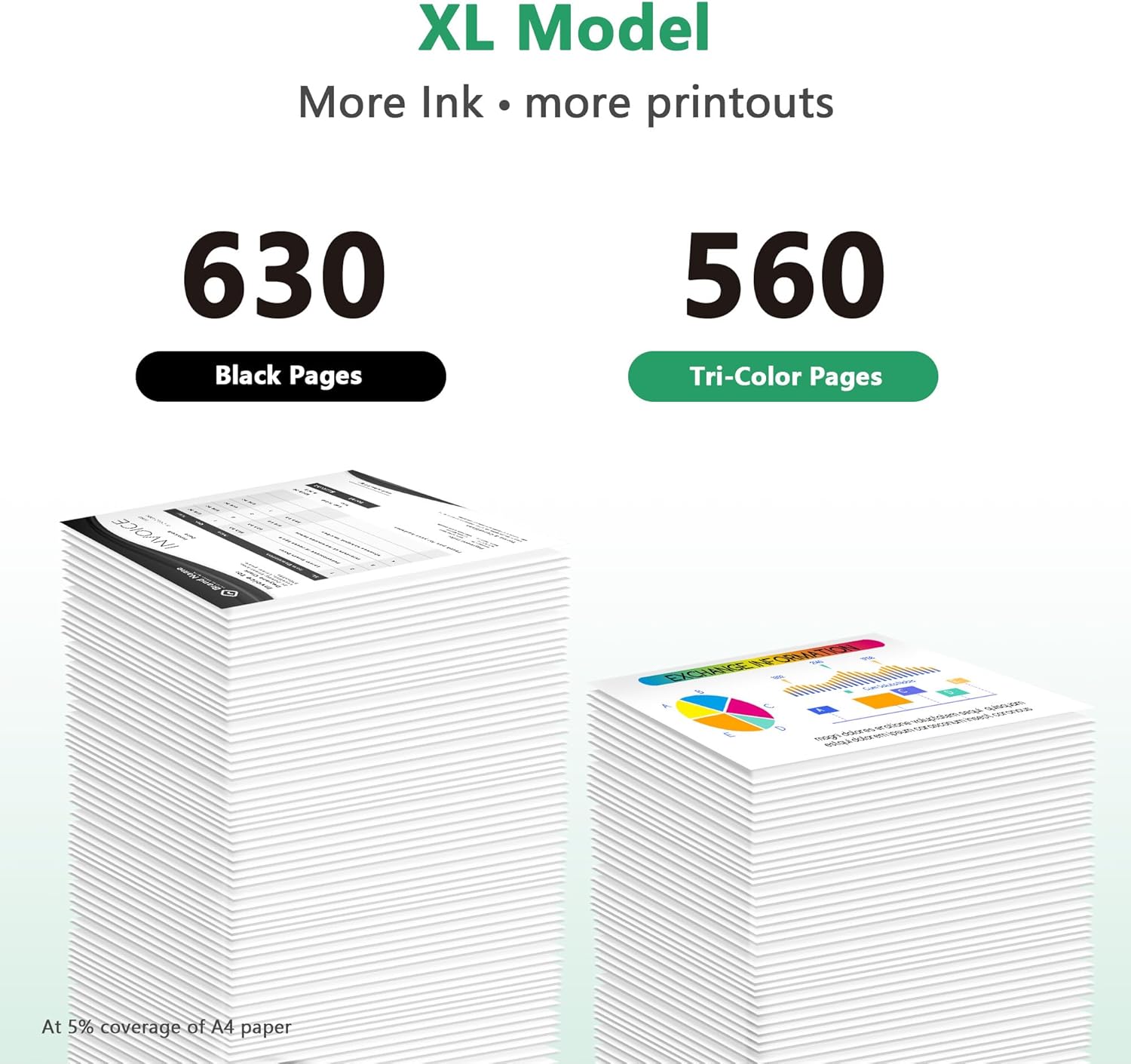
Packaging may vary between batches, so expect slight differences in box design or labelling. According to the manufacturer information, page yields are approximately 630 pages for the black 540XL and 560 pages for the 541XL colour, measured at A4 with 5% coverage. Consider that heavy graphics or dense text will reduce the actual yield.

Benefits

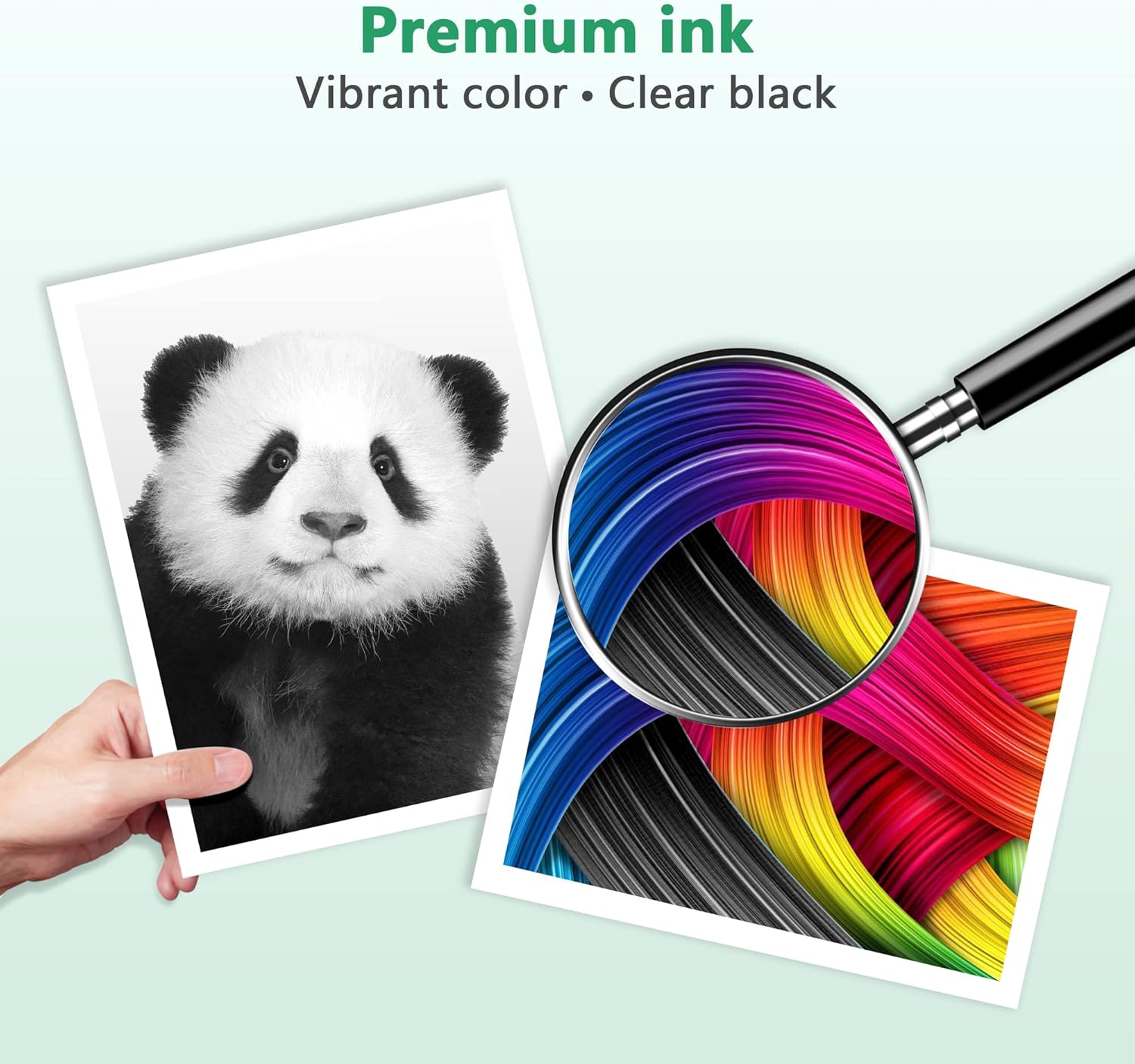
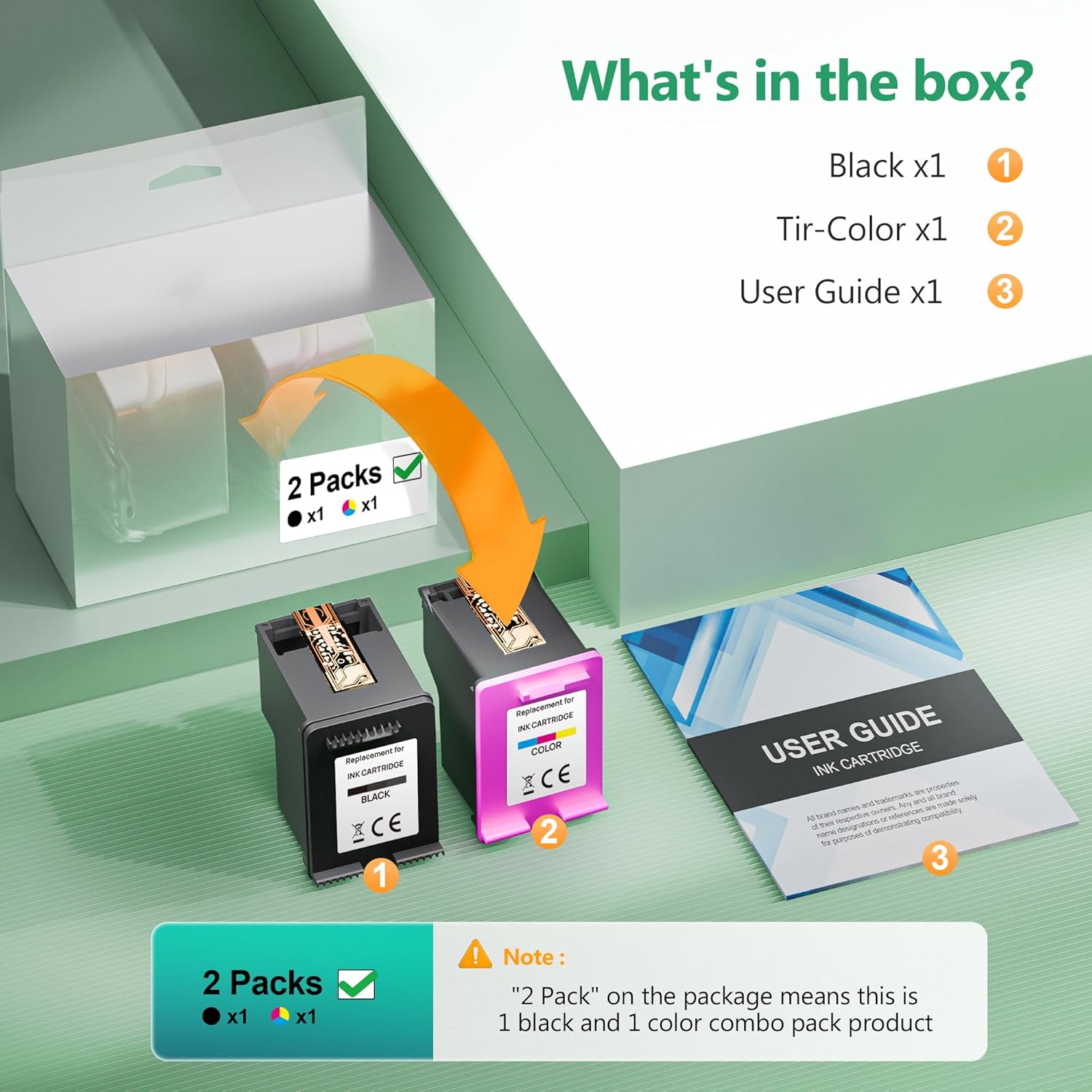
Using XL cartridges reduces the frequency of replacements and can be more convenient when printing regular documents. The twin pack contains one black and one colour cartridge, so you get both consumables in a single purchase rather than buying separate items. For casual photo prints and everyday documents, the cartridges offer consistent results and uncomplicated operation. 🌈
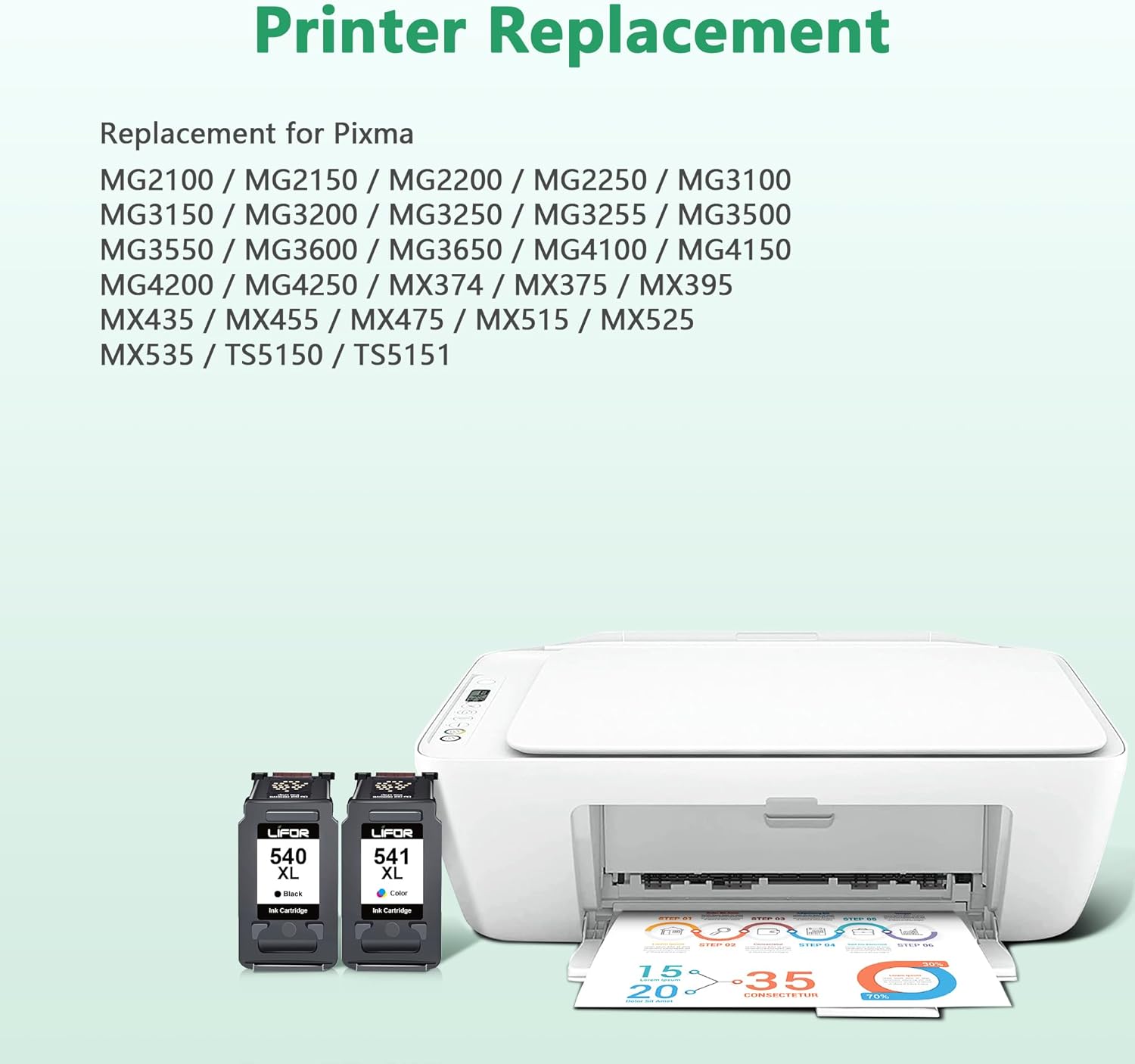
These replacements are presented as compatible with many Canon Pixma models including entries from the TS, MG and MX series, so they are a flexible option if you share a printer across home and small business tasks. Do note that compatibility and recognition depend on specific printer firmware and settings, so occasionally an update may be required from the printer manufacturer.

Technical Specifications

  • Name: LIFOR 540XL Black 541XL Colour Replacement
  • Compatible models: TS5150, TS5151, MG3600, MG3650, MG3650S, MG3250, MG4250, MX475 and others listed by the supplier.
  • Pack contents: 1 x PG-540XL black, 1 x CL-541XL colour.
  • Page yield: 630 pages (black 540XL), 560 pages (colour 541XL), measured at A4, 5% coverage, according to the manufacturer.
  • Product type: Non-original compatible ink cartridges.

Usage Recommendations

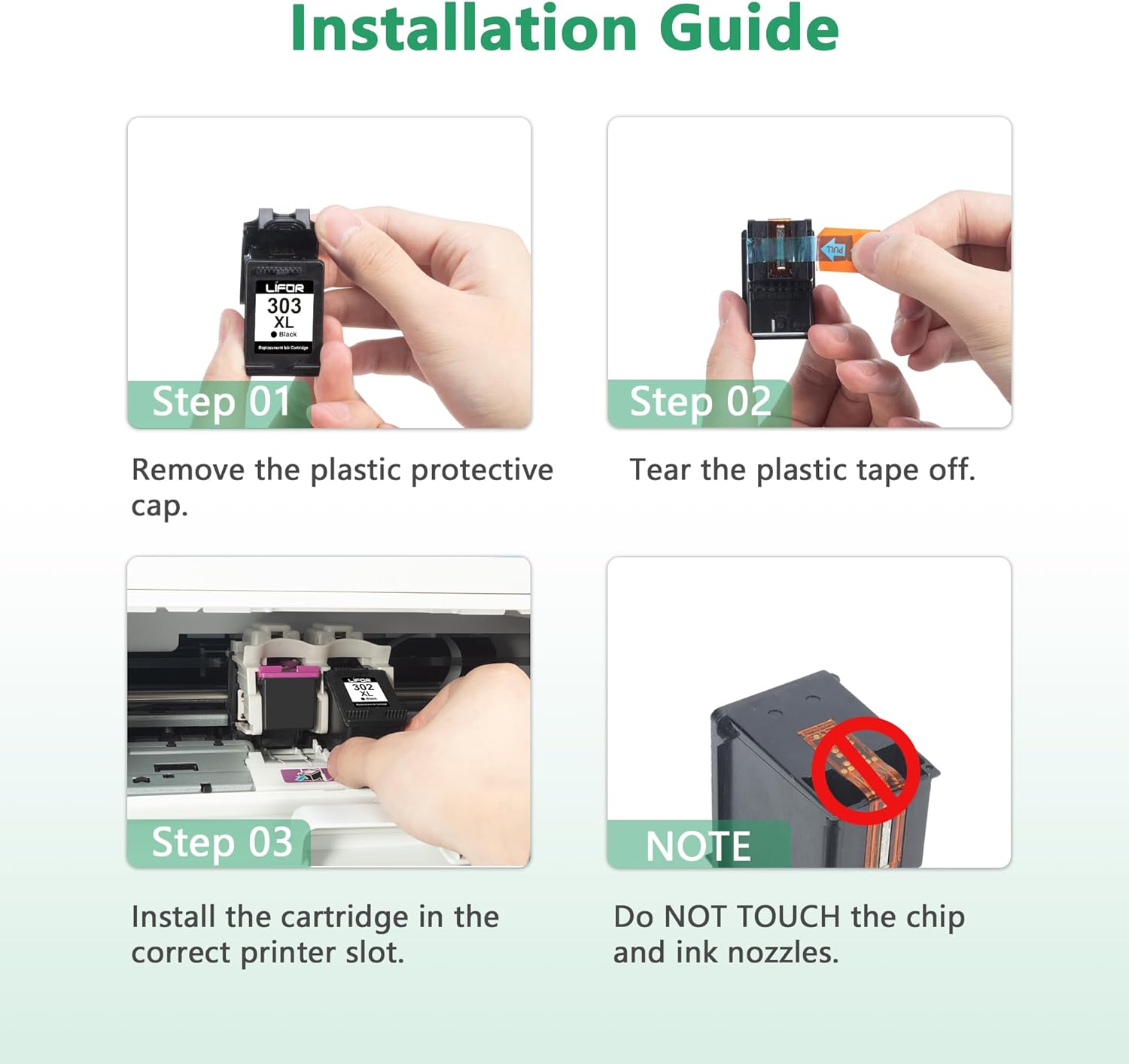
Install the cartridges following the printer prompts and allow a short calibration print for best initial colour balance. If you notice banding or colour shifts, run the printer’s cleaning cycle and align the print head to improve output. Keep spare cartridges stored in a cool, dry place and use them within the recommended timeframe to avoid drying or clogging.

View in store

Price evolution

Price history: —

Description:

This twin pack of replacement ink cartridges supplies a black and a tri-colour cartridge compatible with a wide range of Canon Pixma printers, aimed at everyday home and office printing. If you need reliable text and photo output, these cartridges are presented as XL variants to extend page yield and reduce the frequency of changes, making them useful for moderate printing needs.

Key Points

The cartridges promise a straightforward swap into compatible Canon models, with simple installation and immediate recognition by many Pixma machines. They are offered as non-original cartridges that match Canon 540 and 541 formats, which can help lower running costs compared with branded originals. Colour prints tend to show natural tones suitable for documents and casual photos, while black prints deliver clear text for letters and reports. 🖨️

Packaging may vary between batches, so expect slight differences in box design or labelling. According to the manufacturer information, page yields are approximately 630 pages for the black 540XL and 560 pages for the 541XL colour, measured at A4 with 5% coverage. Consider that heavy graphics or dense text will reduce the actual yield.

Benefits

Using XL cartridges reduces the frequency of replacements and can be more convenient when printing regular documents. The twin pack contains one black and one colour cartridge, so you get both consumables in a single purchase rather than buying separate items. For casual photo prints and everyday documents, the cartridges offer consistent results and uncomplicated operation. 🌈

These replacements are presented as compatible with many Canon Pixma models including entries from the TS, MG and MX series, so they are a flexible option if you share a printer across home and small business tasks. Do note that compatibility and recognition depend on specific printer firmware and settings, so occasionally an update may be required from the printer manufacturer.

Technical Specifications

  • Name: LIFOR 540XL Black 541XL Colour Replacement
  • Compatible models: TS5150, TS5151, MG3600, MG3650, MG3650S, MG3250, MG4250, MX475 and others listed by the supplier.
  • Pack contents: 1 x PG-540XL black, 1 x CL-541XL colour.
  • Page yield: 630 pages (black 540XL), 560 pages (colour 541XL), measured at A4, 5% coverage, according to the manufacturer.
  • Product type: Non-original compatible ink cartridges.

Usage Recommendations

Install the cartridges following the printer prompts and allow a short calibration print for best initial colour balance. If you notice banding or colour shifts, run the printer’s cleaning cycle and align the print head to improve output. Keep spare cartridges stored in a cool, dry place and use them within the recommended timeframe to avoid drying or clogging.