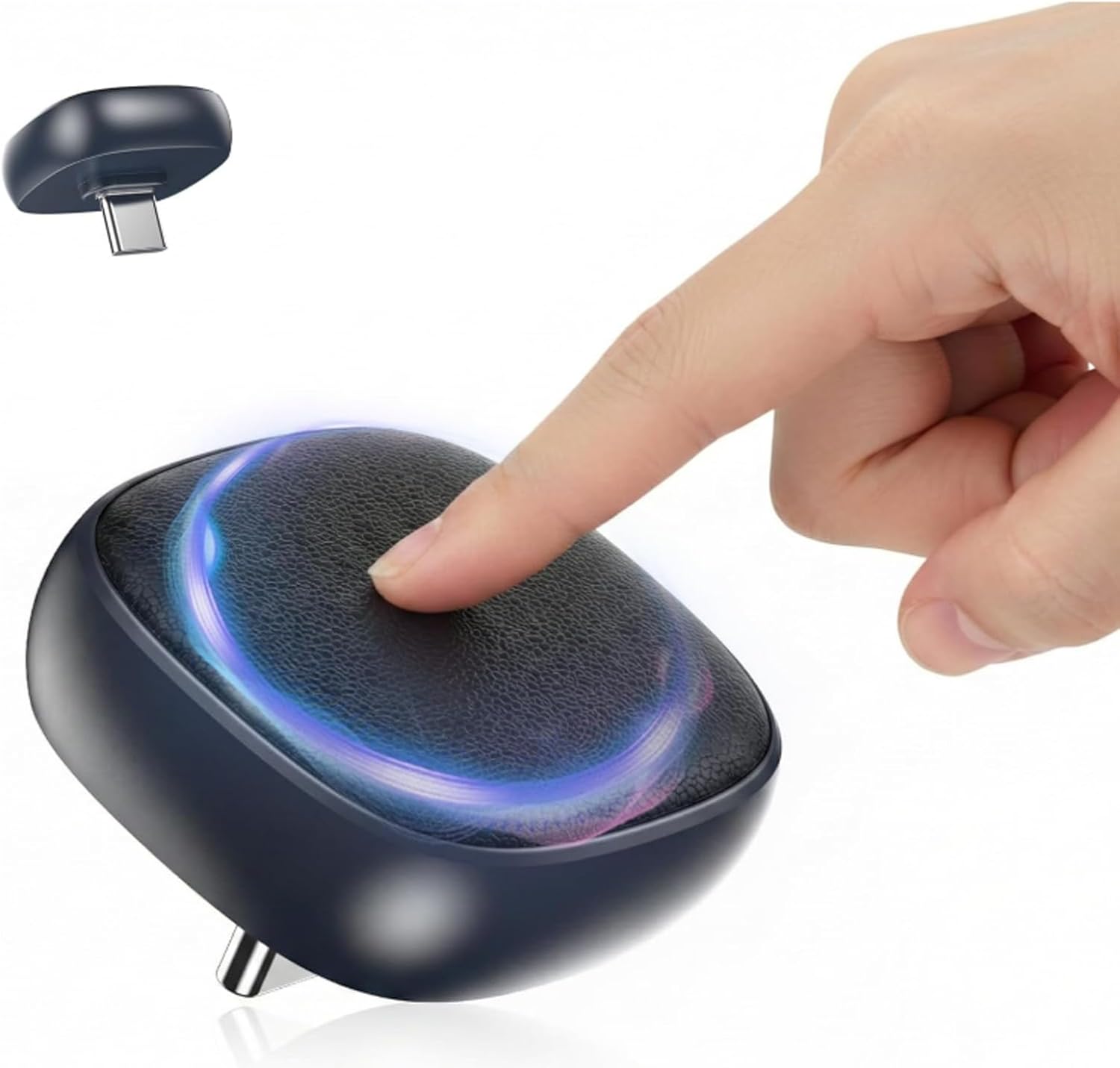
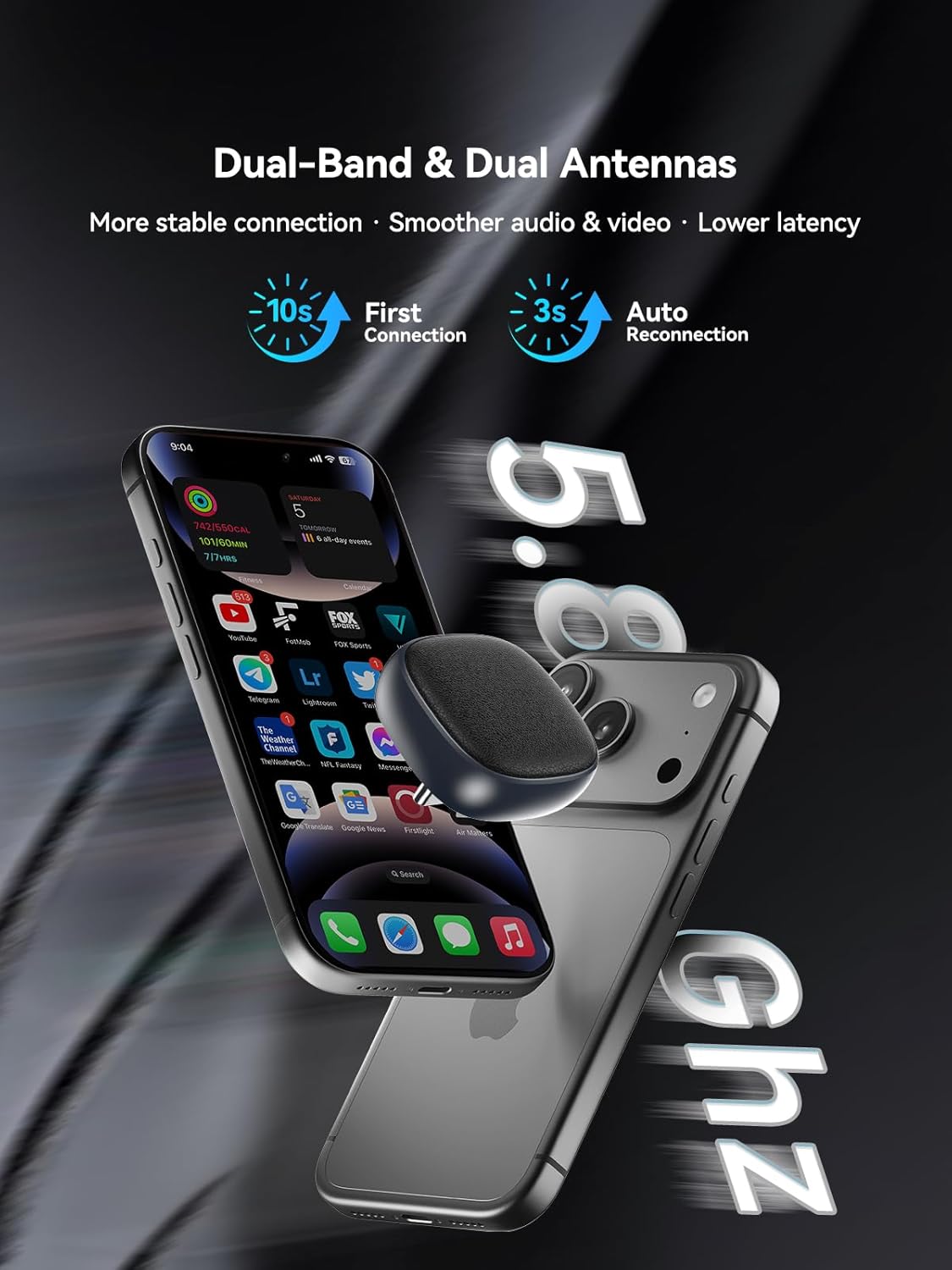
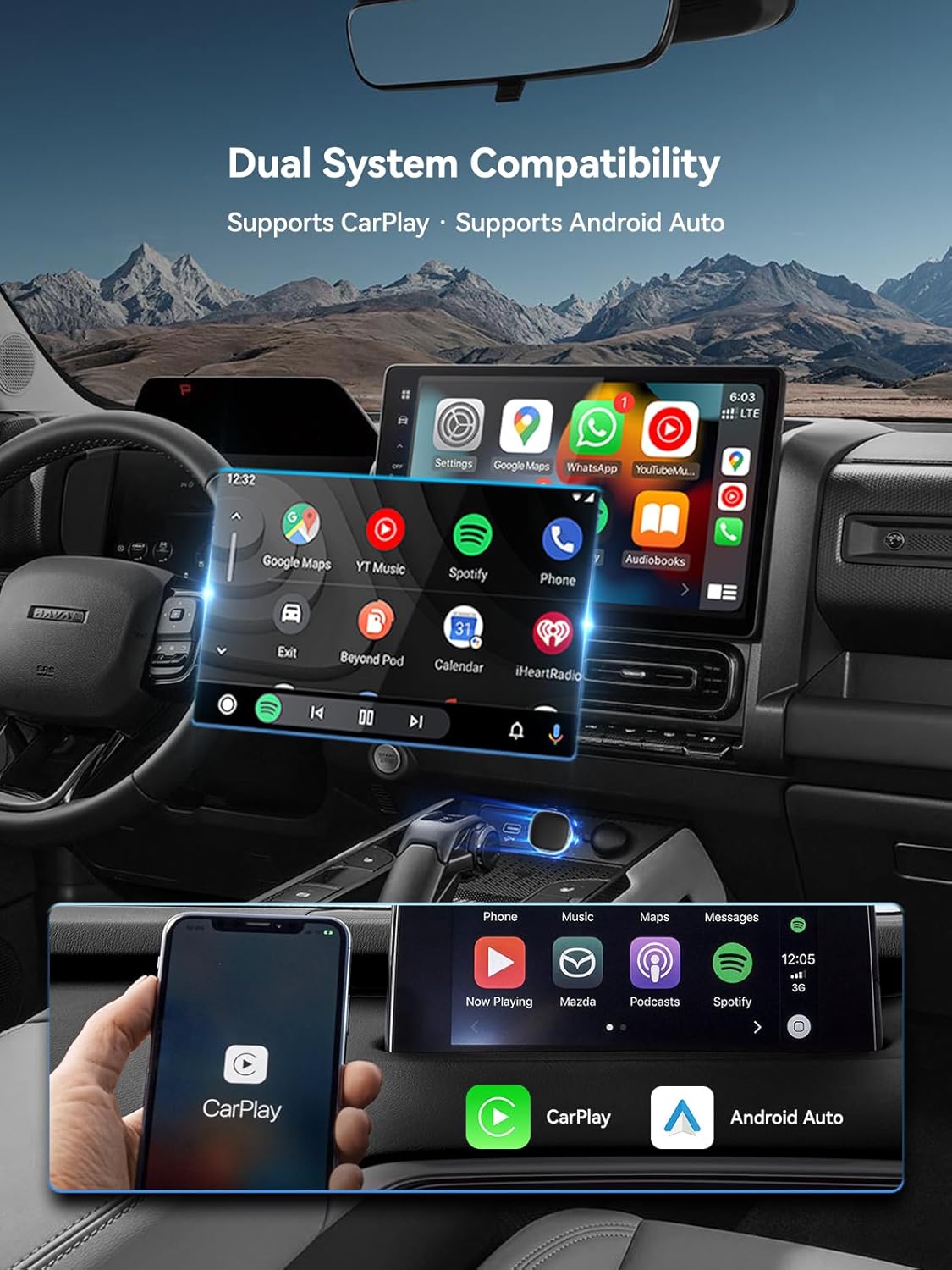
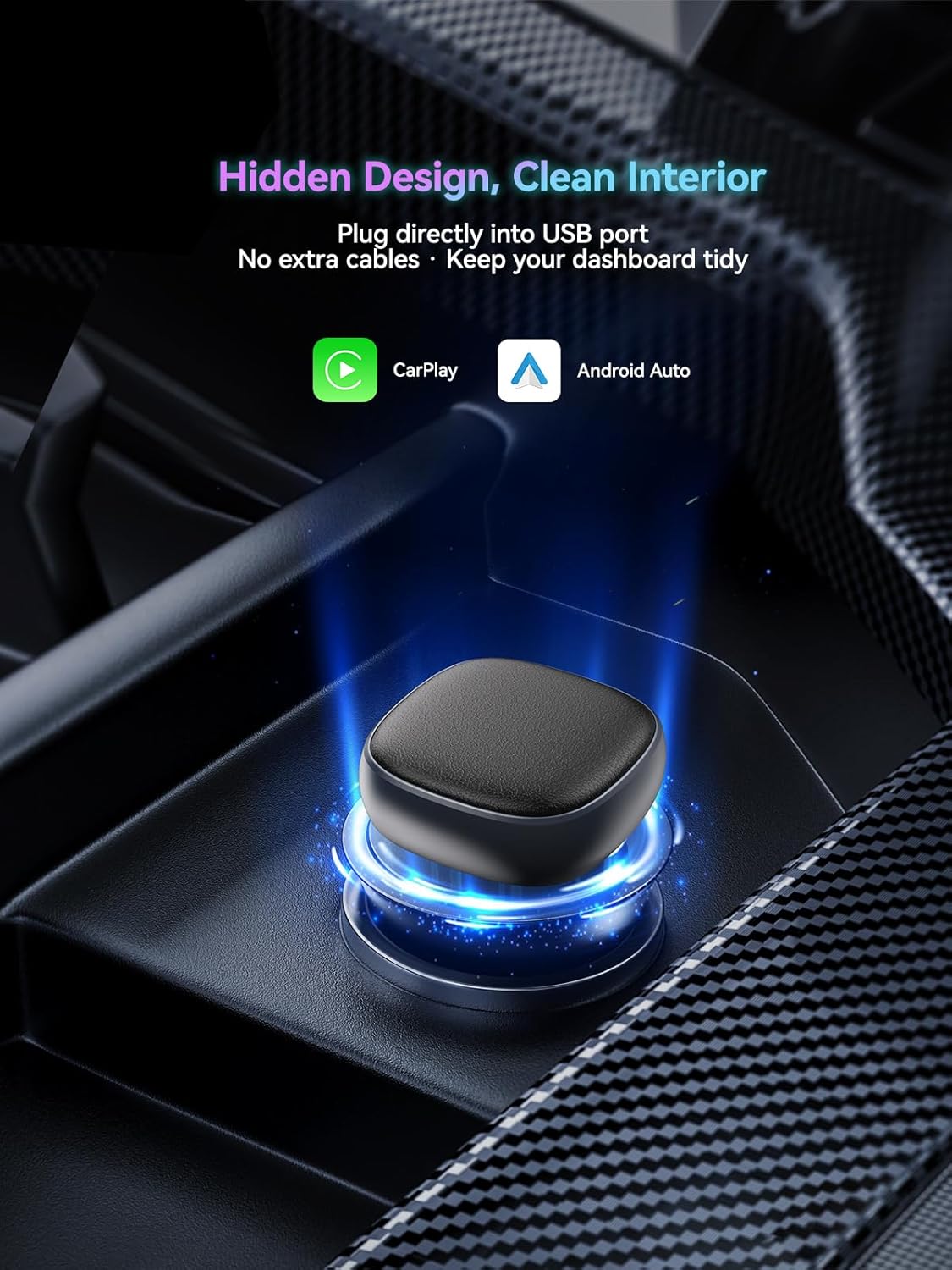
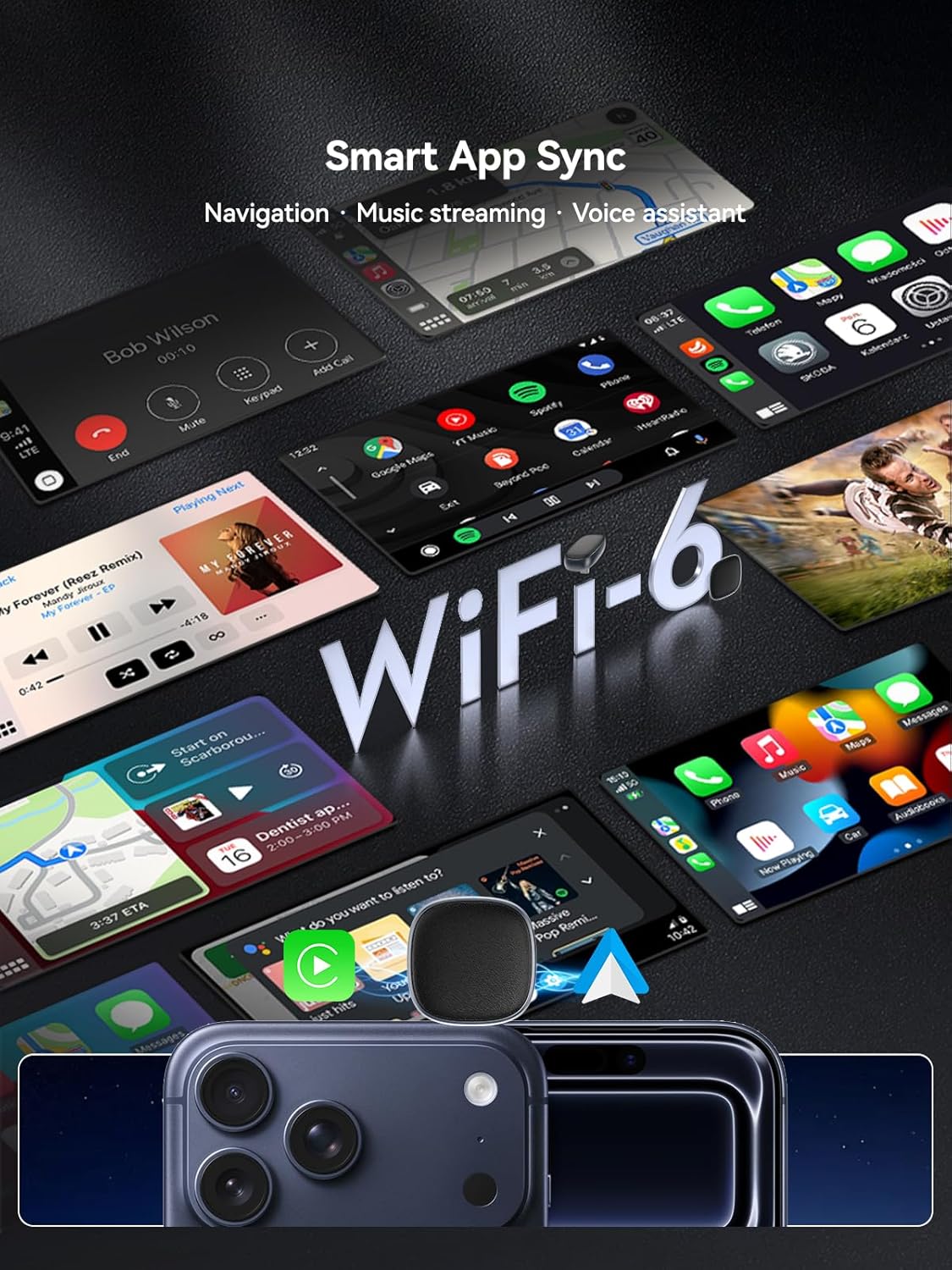
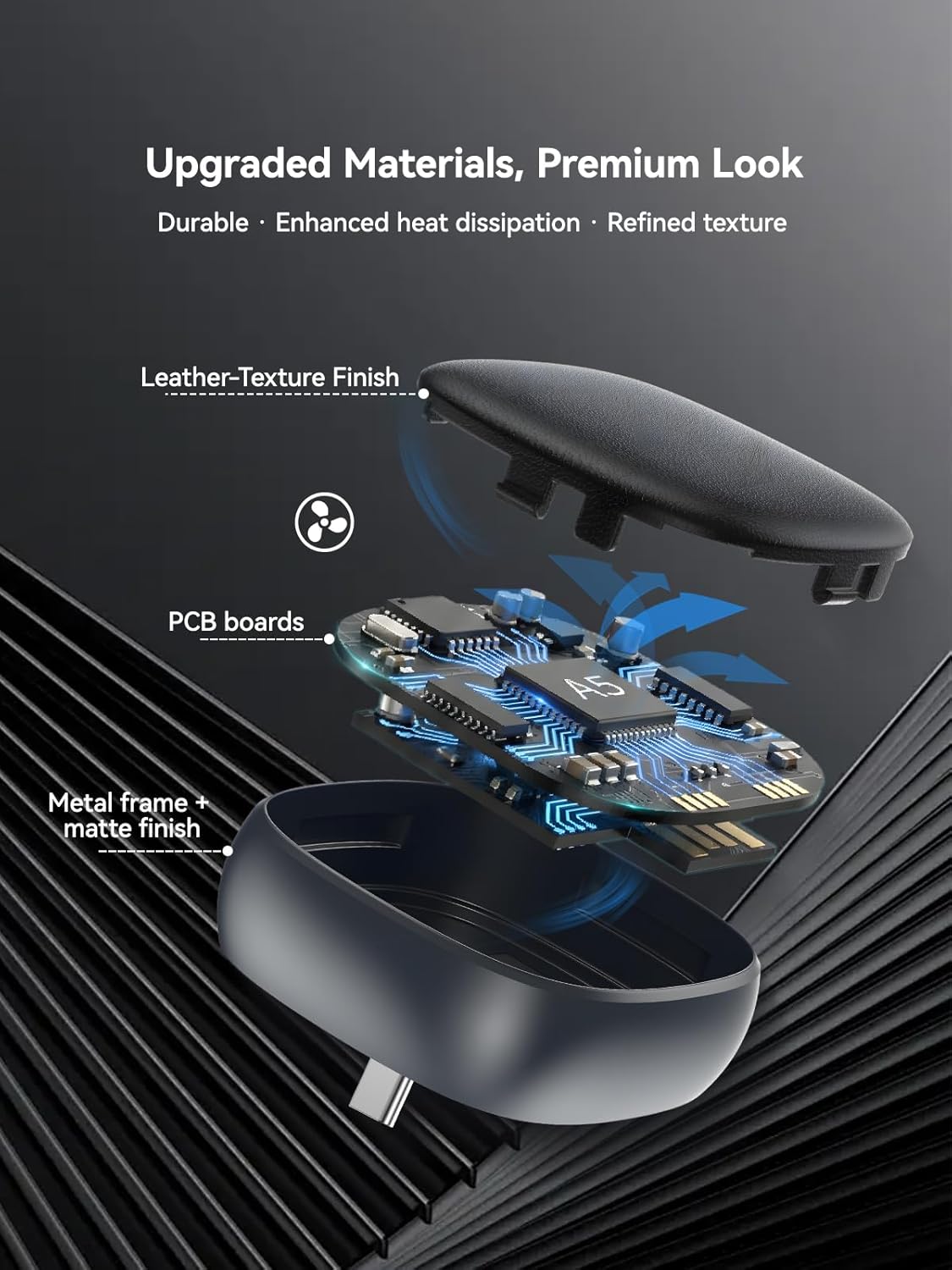
What it is and what it solves\nThis is a USB‑C wireless CarPlay & Android Auto adaptor designed to convert a wired CarPlay/Android Auto setup into a wireless experience. It aims to remove the cable clutter, while keeping the car’s existing interface and steering-wheel controls. If you share a car or frequently switch between devices, the key appeal is the promise of seamless transitions without reconnecting.\n\n## How it works in practice\nThe device uses Bluetooth 5.0 for pairing and a dual‑band WiFi (2.4GHz/5GHz) connection to deliver wireless CarPlay or Android Auto with low latency. Setup is described as true plug‑and‑play: insert the USB‑C dongle, start the CarPlay app on the car screen, and pair your phone to the module named SmartBox‑XXXX, ensuring WiFi is enabled. After the initial setup, reconnection is designed to be automatic when you start the car.\n\n## What stands out on paper\nApart from wireless operation, the 2026 upgrade introduces a one‑button dual‑phone switching feature. This lets you switch between the two most recently connected devices with a single press on the centre button, which can be convenient for households or shared vehicles. The adapter is compact and designed to fit a Type‑C USB port without obstructing other ports.\n\n## Pros and what may give you pause\nPros: quick switch between two phones, wireless CarPlay/Android Auto, compact form factor, genuine hands‑free access via Siri/Google Assistant, retains steering wheel and touch controls, automatic reconnection. Cons or caveats: switching is limited to the last two connected phones, and first‑time use requires disconnecting the original first phone’s Bluetooth and Wi‑Fi when adding a second device. CarPlay cannot stream YouTube and the unit isn’t listed as compatible with Tesla, BMW, Volvo or modified aftermarket systems.\n\n## Who it’s for\nThis is likely to appeal to households with multiple iPhones/Android devices, drivers who want a cable‑free CarPlay/Android Auto experience, and those who value maintaining the original car controls and microphones. It’s best suited for cars manufactured from 2017 onwards that already ship with wired CarPlay/Android Auto.\n\n## Who it isn’t for\nIf your vehicle uses a non‑standard or heavily modified infotainment system, or if you rely on features not supported by wireless CarPlay (for example, youTube playback within CarPlay), you may want to consider alternatives. Also, if you need seamless switching beyond the last two phones, this model may feel restrictive.\n\n## When it makes sense to buy\nIf you prioritise a tidy cockpit, wireless connectivity, and the ability to switch between two mobile devices without unplugging, this adaptor offers a practical route. It’s particularly useful in shared cars or family cars where device ownership changes between occupants.\n\n## What to check before buying\nConfirm your vehicle is equipped with factory wired CarPlay or Android Auto (2017+), and that your devices run iOS 10+ (iPhone 10 or later) or Android 11+. Ensure your car supports the car‑system’s wireless pairing process as described, and be aware of the noted compatibility limitations (Tesla, BMW, Volvo, or heavily modified systems may not be supported).\n\n## Practical usage example\nImagine driving with a passenger who has a different phone. You pair both phones initially, then at the press of the central button you switch the screen’s CarPlay/Android Auto to the other device without touching the dashboard. Navigation, calls, and music continue with minimal interruption, and the original car controls still work as before.\n\n## FAQ at a glance\n- Does it support YouTube in CarPlay? No, CarPlay video playback is not supported.\n- Can I switch between more than two phones? No, switching is between the last two connected phones.\n- Is it easy to install? Yes, it’s described as plug‑and‑play, with automatic reconnection after the first setup.\n- Is it compatible with my vehicle’s system if it’s not listed? Compatibility is noted for 600+ models with factory wired CarPlay/Android Auto, if unsure, check the 2017+ requirement and the iOS/Android version support.\n