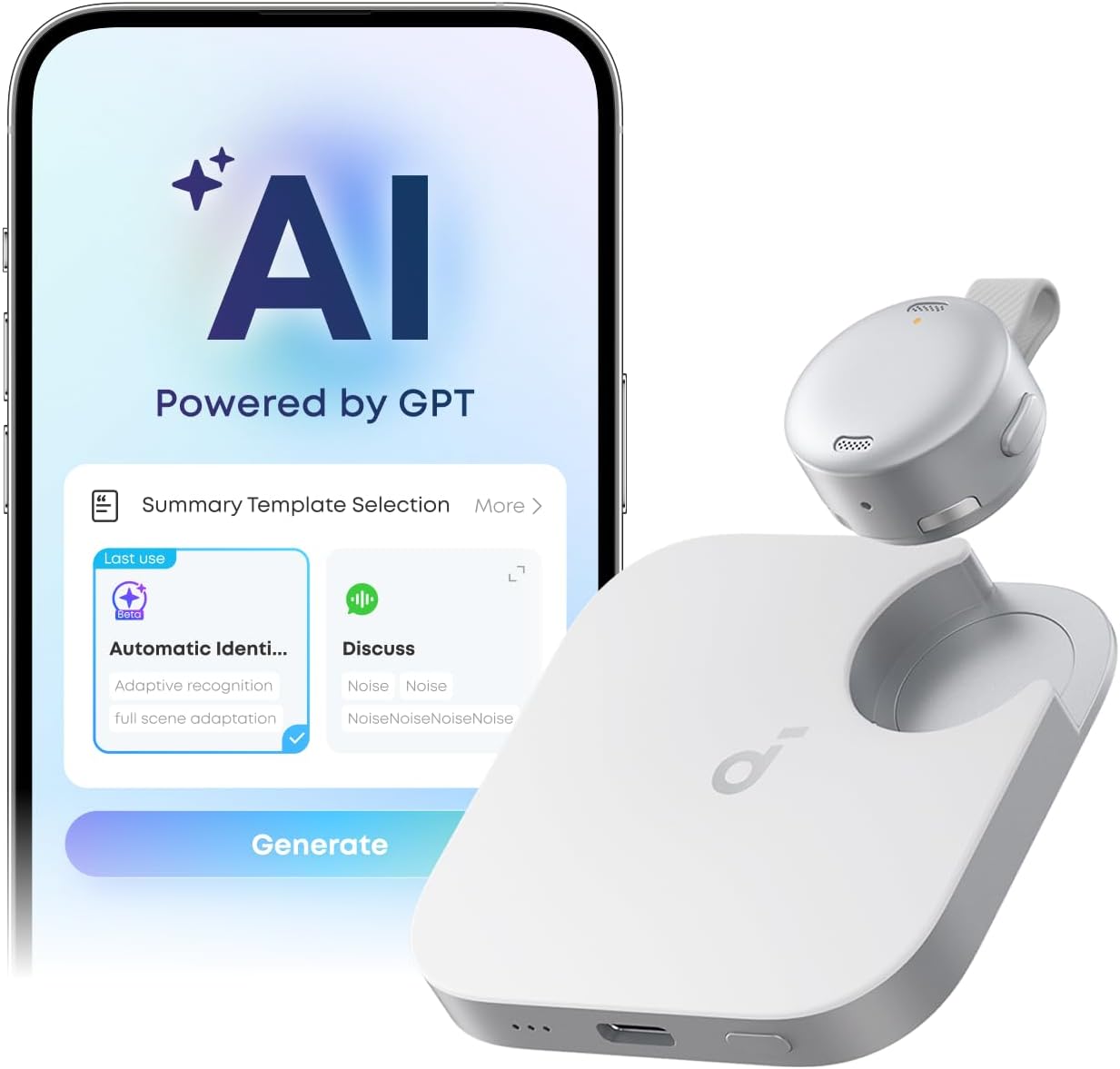
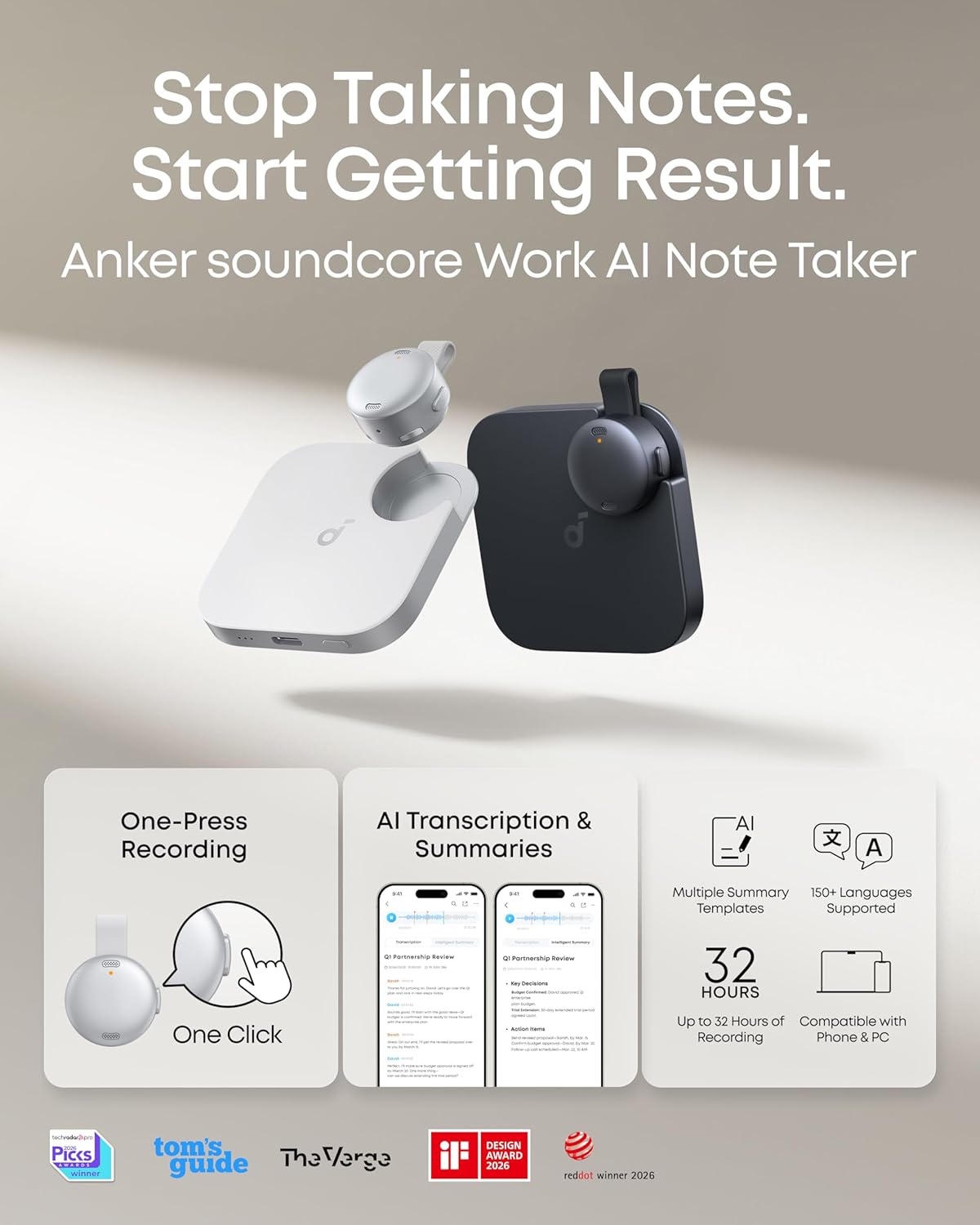
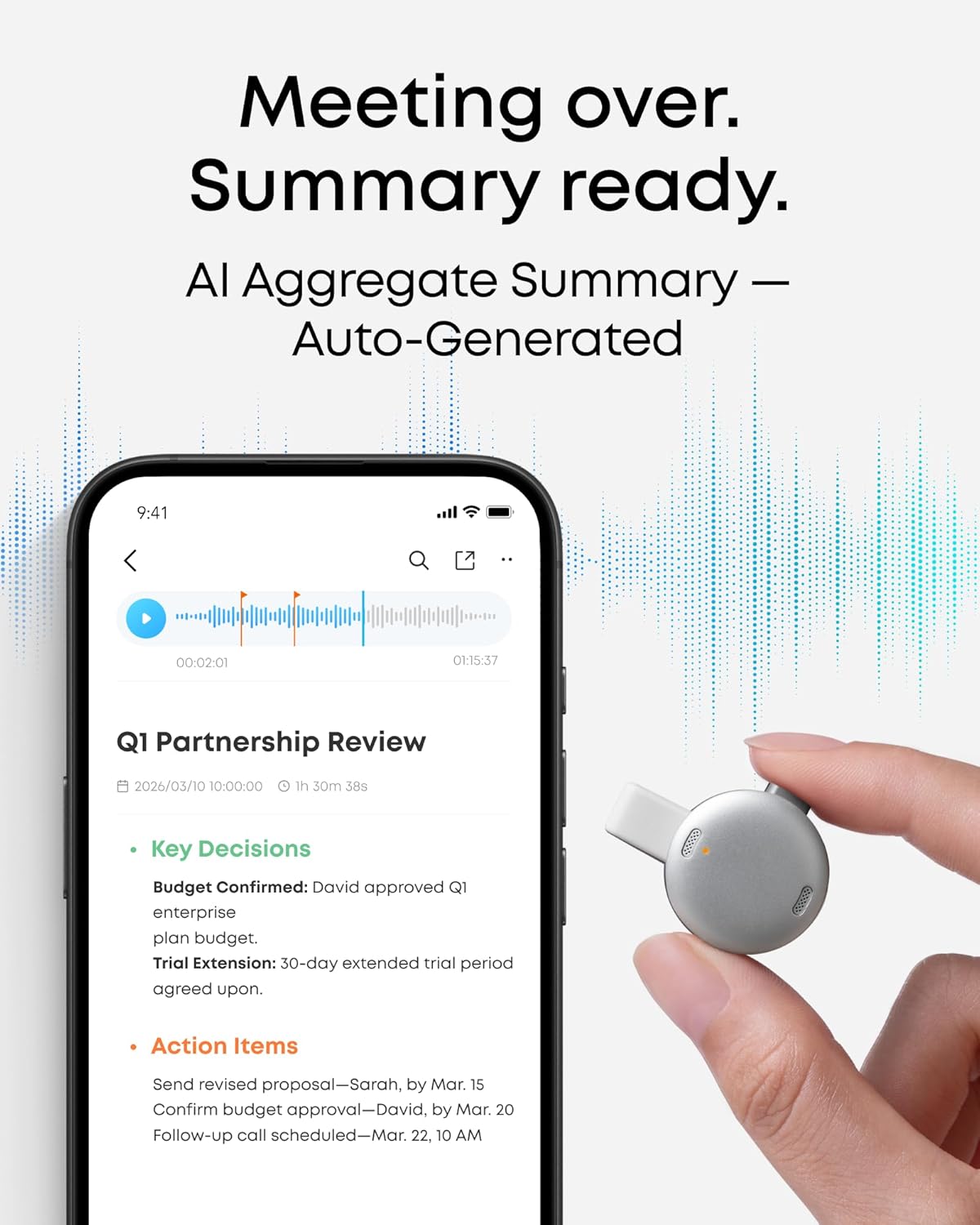
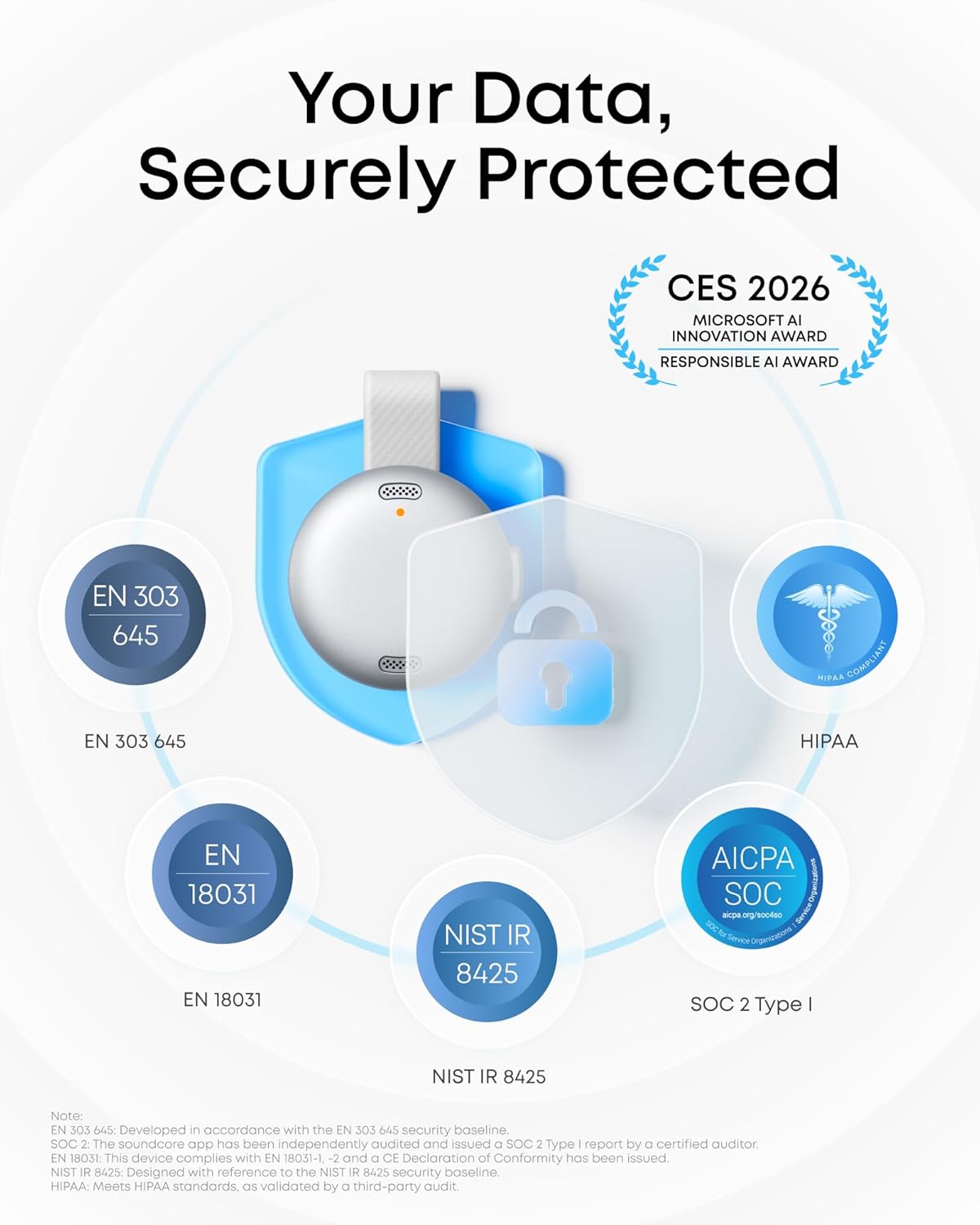
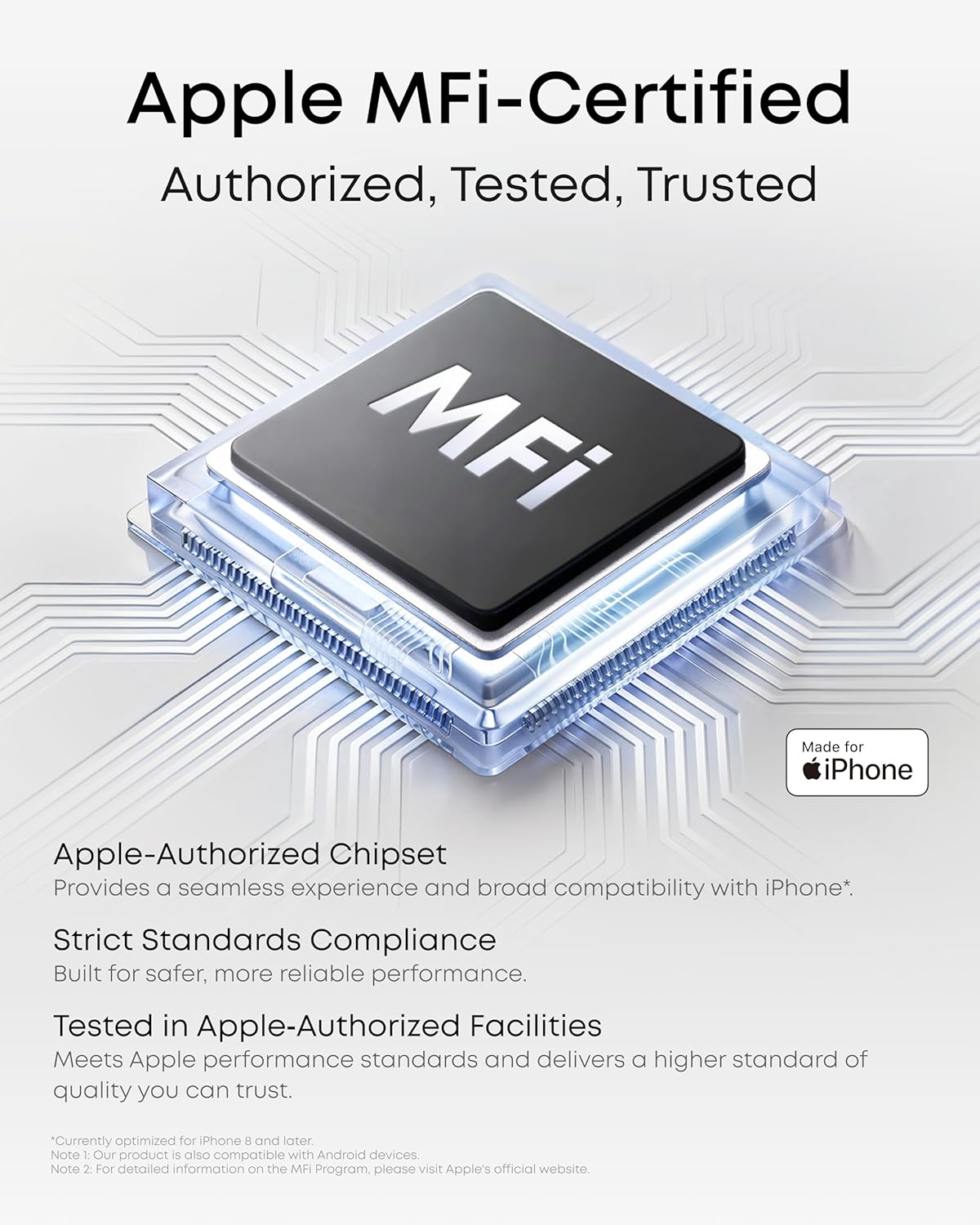
What it is and what it does\nsoundcore Work by Anker is a compact AI-powered voice recorder designed to capture meetings, interviews and lectures with real-time transcription and optional AI summaries. It aims to turn spoken content into structured notes and action points, so you walk away with a usable record rather than a blank page. It works with iPhone, Android and PC/Mac via the soundcore Work app, subject to cloud storage settings.\n\n## How it feels in use\nWeighing about 10 g, the device is designed to be unobtrusive, with three wearing options: clipped to a collar, worn as a necklace, or attached to your phone. Recording is one press away, and a double-tap can highlight a key moment. The form factor makes it practical for fast-paced settings like meetings or classes where you don’t want to miss a cue.\n\n## What the AI does for you\nThe recorder promises up to 97% transcription accuracy across 150+ languages, supported by noise reduction and speaker identification so you know who said what. After the meeting, you can generate structured summaries with key points, decisions and follow‑ups, or use a quick search to retrieve information from your recordings. Exportable transcripts and cloud sync are available via the app.\n\n## Privacy and protection\nAudio and transcripts are encrypted with AES-256 and stored locally if you keep Cloud Storage disabled. Transcription requests can be processed in the cloud, with delivery followed by permanent deletion of the audio. SOC 2 Type I certification applies to the app, and the product aligns with security baselines from recognised standards.\n\n## Compatibility and limits\nThe device is MFi-certified for seamless iPhone compatibility and is also compatible with Android devices, though there are notes about not supporting iPhone models older than iPhone 8 in some contexts. In practice, this means you may get the best experience with recent Apple or Android devices and the soundcore app on multiple platforms.\n\n## What to watch for before buying\nIf you rely on cloud-based transcription for long interviews, consider how you want to manage storage and data processing. Note that full cloud storage features depend on settings and subscription plans. The base data suggests enterprise-grade protection and a commitment to privacy, but you’ll want to review whether the plan pricing fits your budget if you’re a heavy user.\n\n## Who it’s for\nSuitable for professionals, students, journalists or anyone who needs a quick, searchable record of spoken content with optional summaries. It may suit users who value portability and real-time transcription, especially when working across multiple languages. If you prioritise a lightweight, wearable device with straightforward recording and post‑meeting notes, this could be a good fit.\n\n## Practical use case\nImagine stepping out of a client meeting with a clean transcript and a concise summary highlighting decisions and next steps. You’ve also got a built-in ability to search for specific topics within the recording, which saves time after a session.\n\n## Quick considerations before purchase\nCheck whether you will primarily rely on offline storage or cloud features, and confirm compatibility with your phone or computer. If you work with iPhone older models, verify the current compatibility notes. Also, review the available subscription options for ongoing AI note-taking features.\n\n## What matters most in use\nOn the surface, the device promises convenience: real-time transcription, speaker identification and post‑meeting AI summaries. The trade-off is the need to manage privacy settings and, for cloud-enabled features, consider the associated data handling.\n\n## Is it worth it? \nFinal verdict: It’s worth considering if you need a portable, hands-off AI note‑taking workflow that can produce structured summaries and searchable transcripts, especially when you frequently attend meetings or lectures in multiple languages. If you rarely need transcripts or prefer purely offline workflows, you might find less value in the ongoing cloud-enabled features.\n\n## FAQ\n- How many languages does it support for transcription? It advertises 150+ languages.\n- Is transcription processed in the cloud or locally? Both options exist, with local storage when cloud is disabled and data handling governed by encryption and SOC 2 certification.\n- Do I need a subscription for AI summaries? The base description mentions Pro and Unlimited plans, implying ongoing costs for extended AI features.\n- What devices does it work with? iPhone, Android and PC/Mac via the soundcore Work app, with notes about Apple compatibility specifics.