

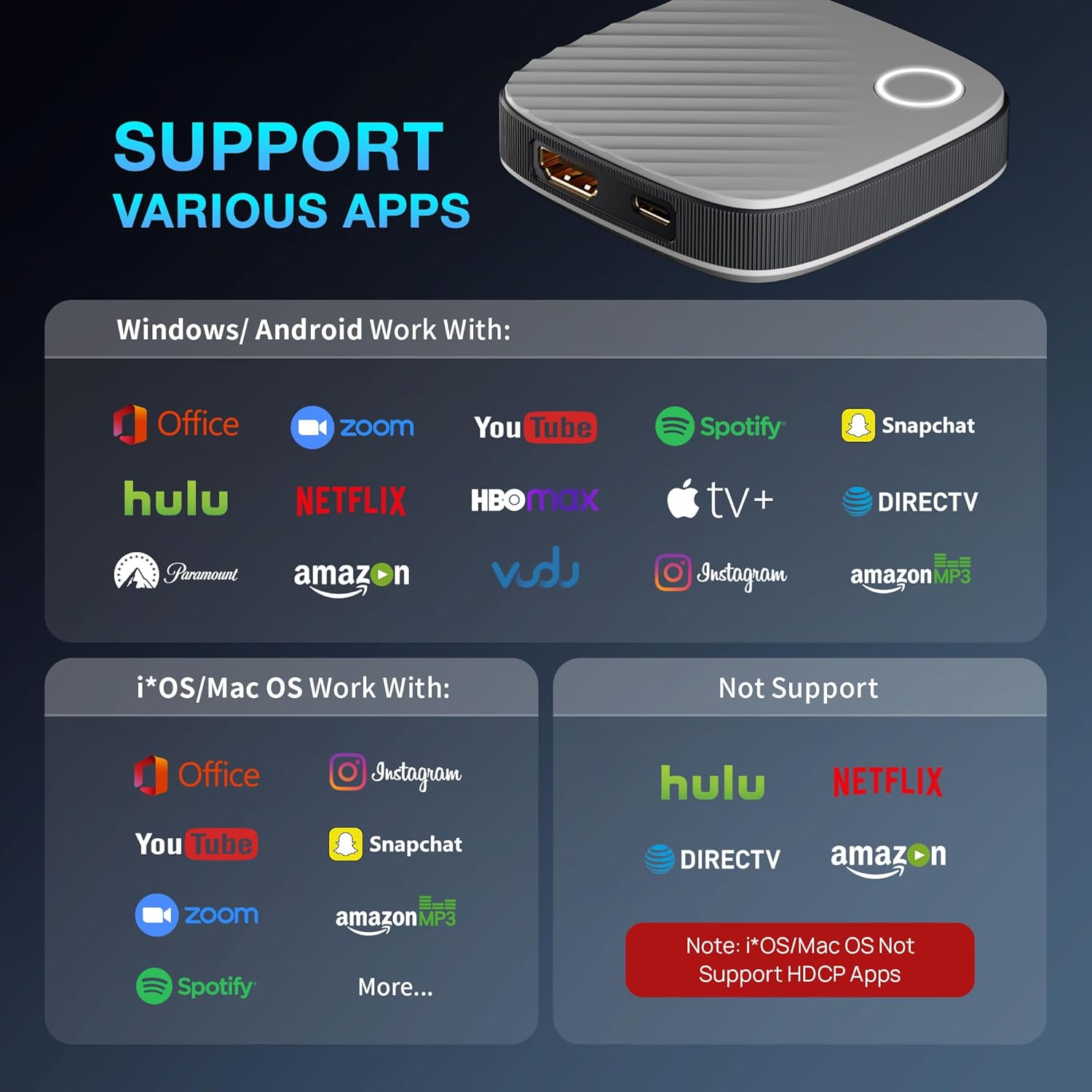
SOCLLLife Wireless HDMI Dongle Adapter 2026 Real 4K/5G
Product description
What it is and what it solves
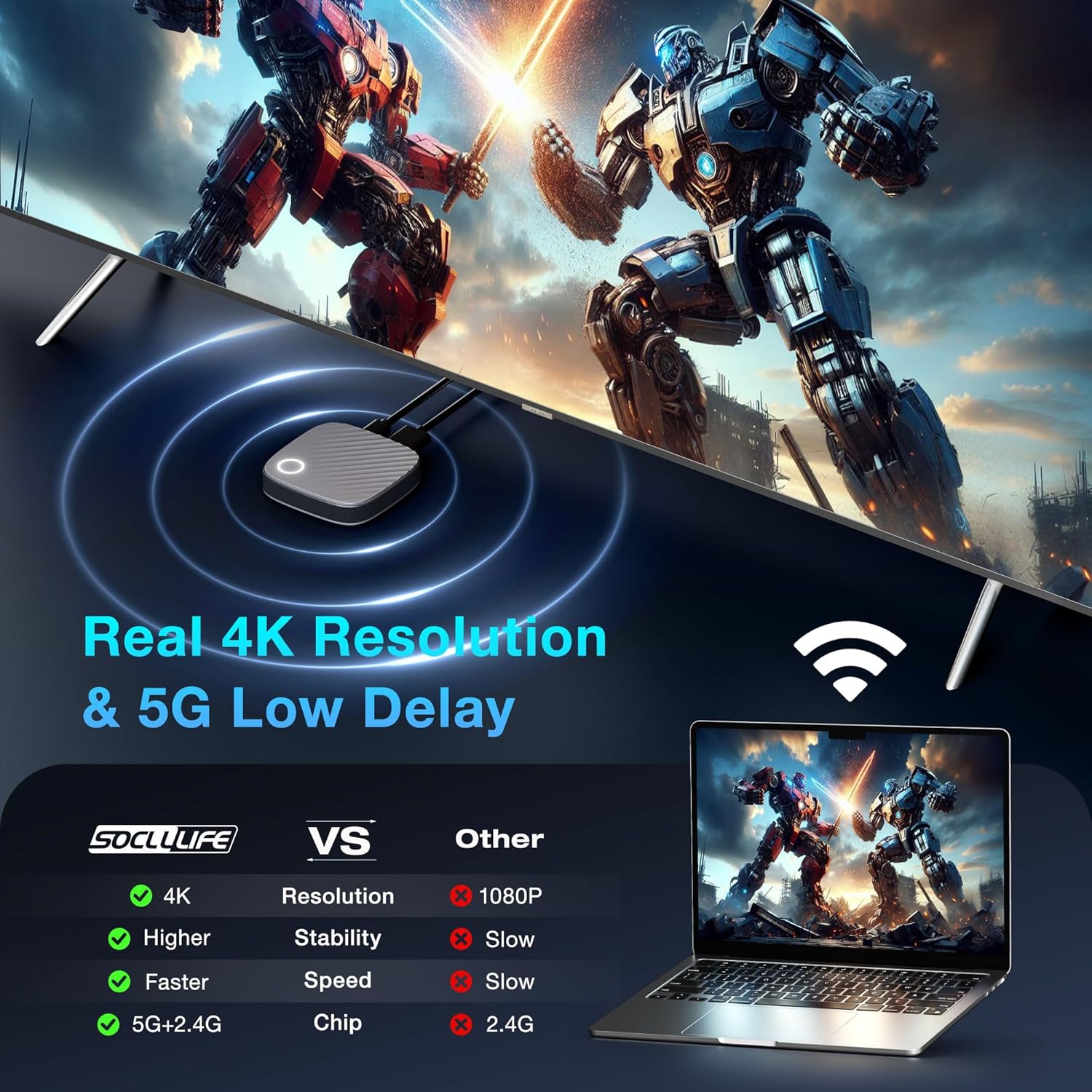
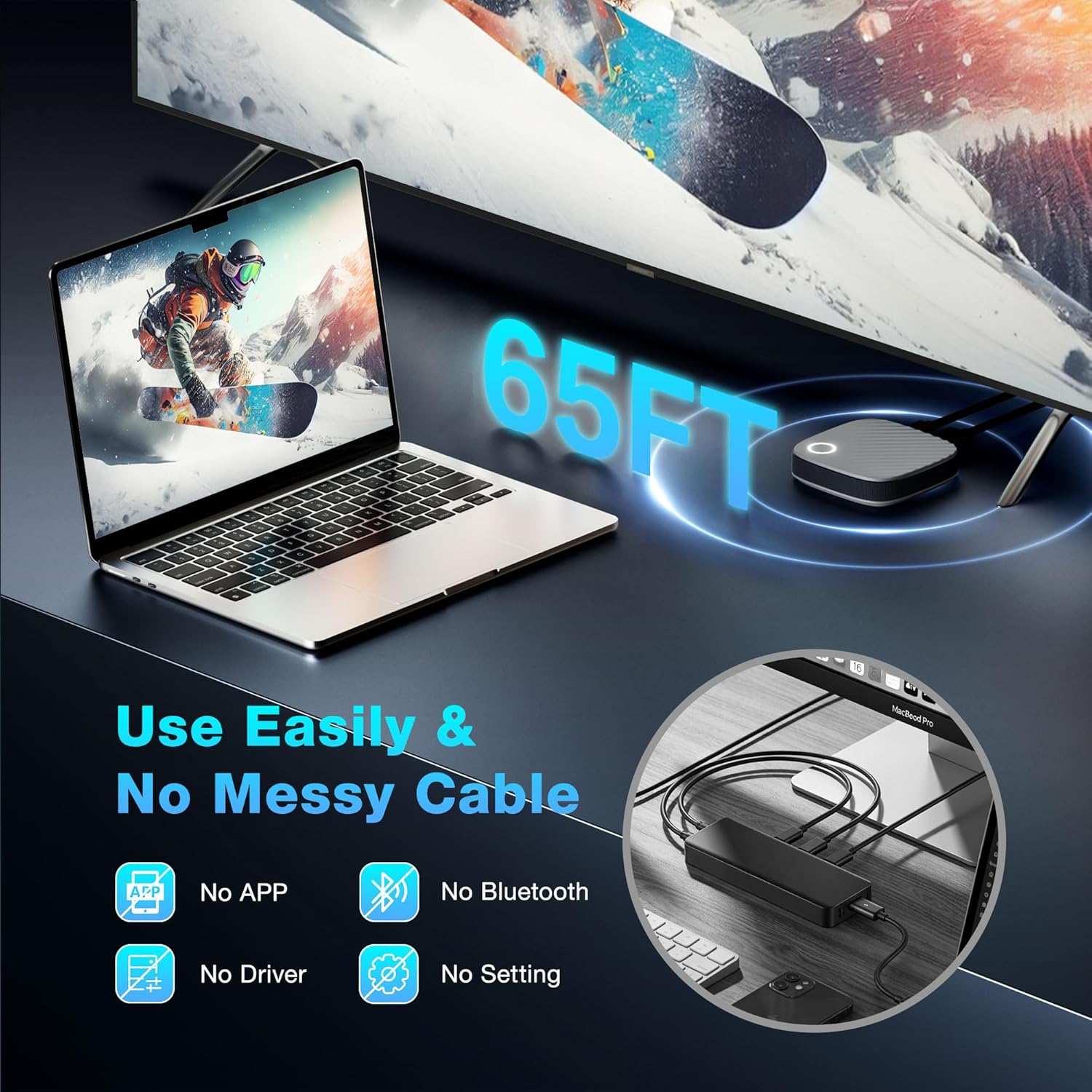
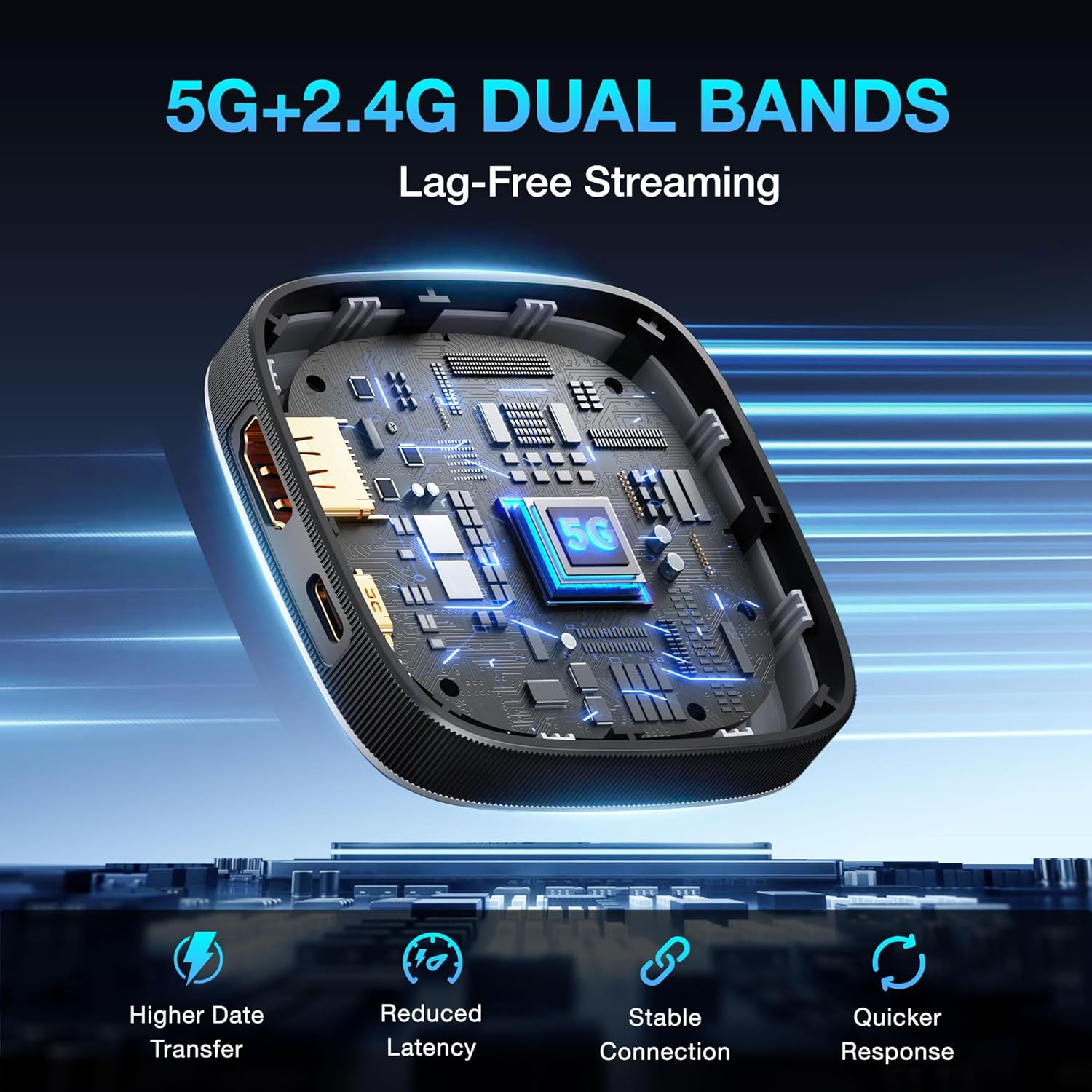
The SOCLLLife Wireless HDMI Dongle is a compact display adapter designed to mirror or extend content from a phone, tablet, or computer to a larger screen. It aims to simplify wireless casting without the need for extra apps, drivers, or Bluetooth connections, making it convenient for home entertainment, meetings, or teaching scenarios. On paper, it supports real 4K at 30 Hz and uses a dual‑band 5G+2.4G chipset to maintain lower latency and stable transmission, which should help reduce lag when sharing video and audio.
How it works in practice
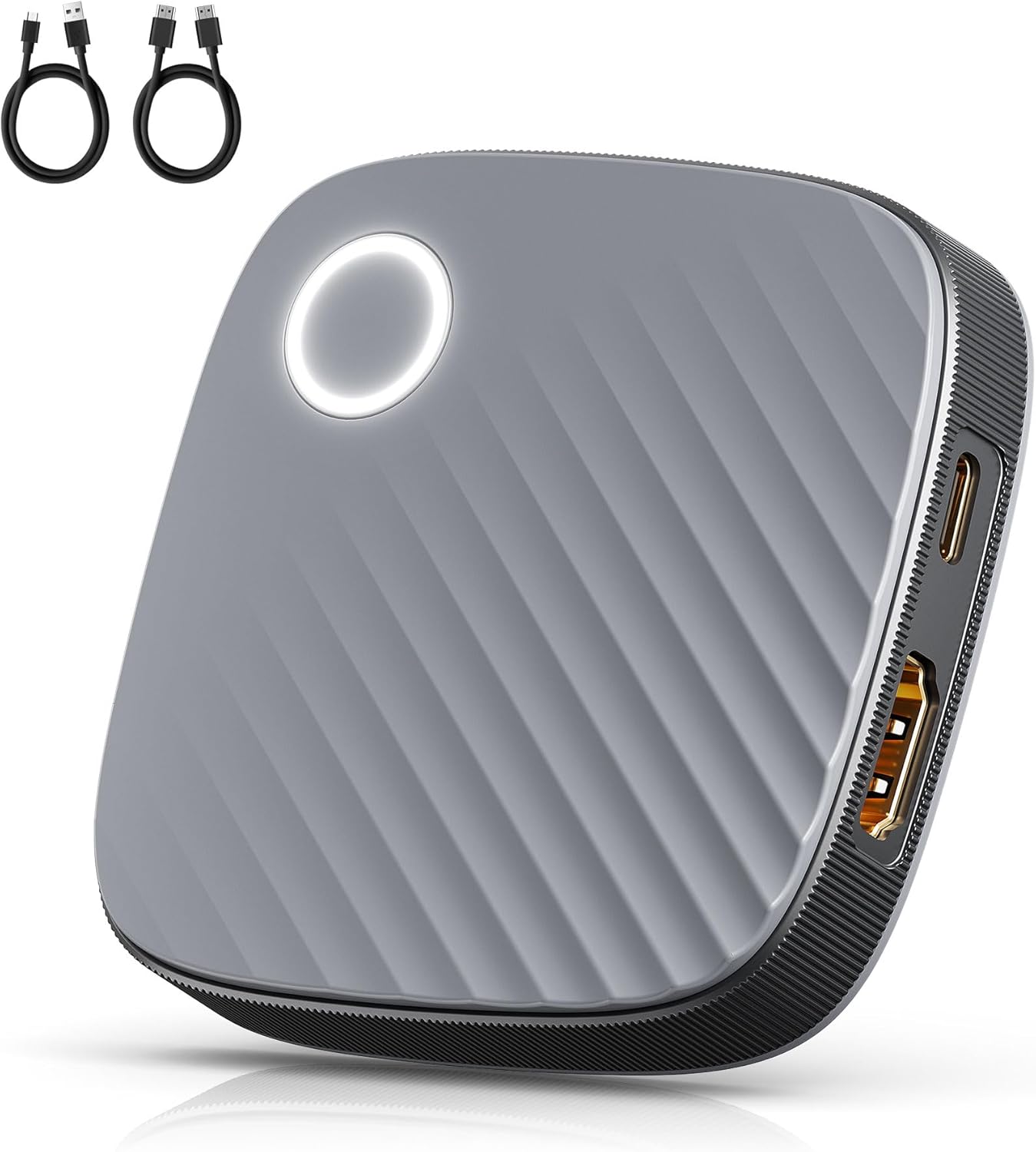
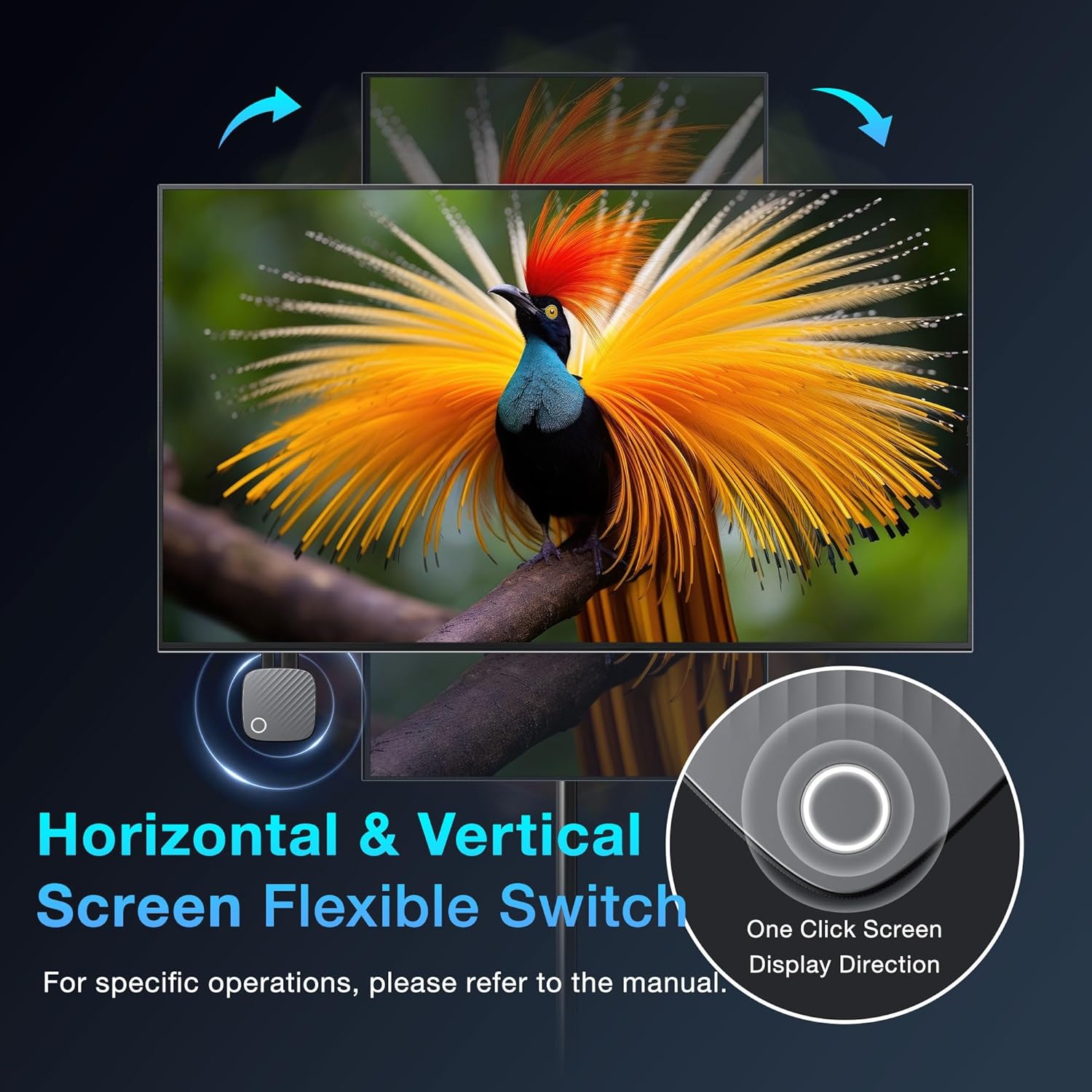
Setup is described as plug‑and‑play, compatible across iOS, Android, Windows, and Mac OS, and capable of Miracast, Airplay, and DLNA. In use, you connect the dongle to a TV, monitor, or projector via HDMI and then cast from a source device. There are two display modes: Mirror, which duplicates the source, and Extend, which turns the screen into a second workspace. A notable feature is the privacy setting that lets you modify the dongle’s password, adding a practical layer of control in shared environments.
What stands out day to day
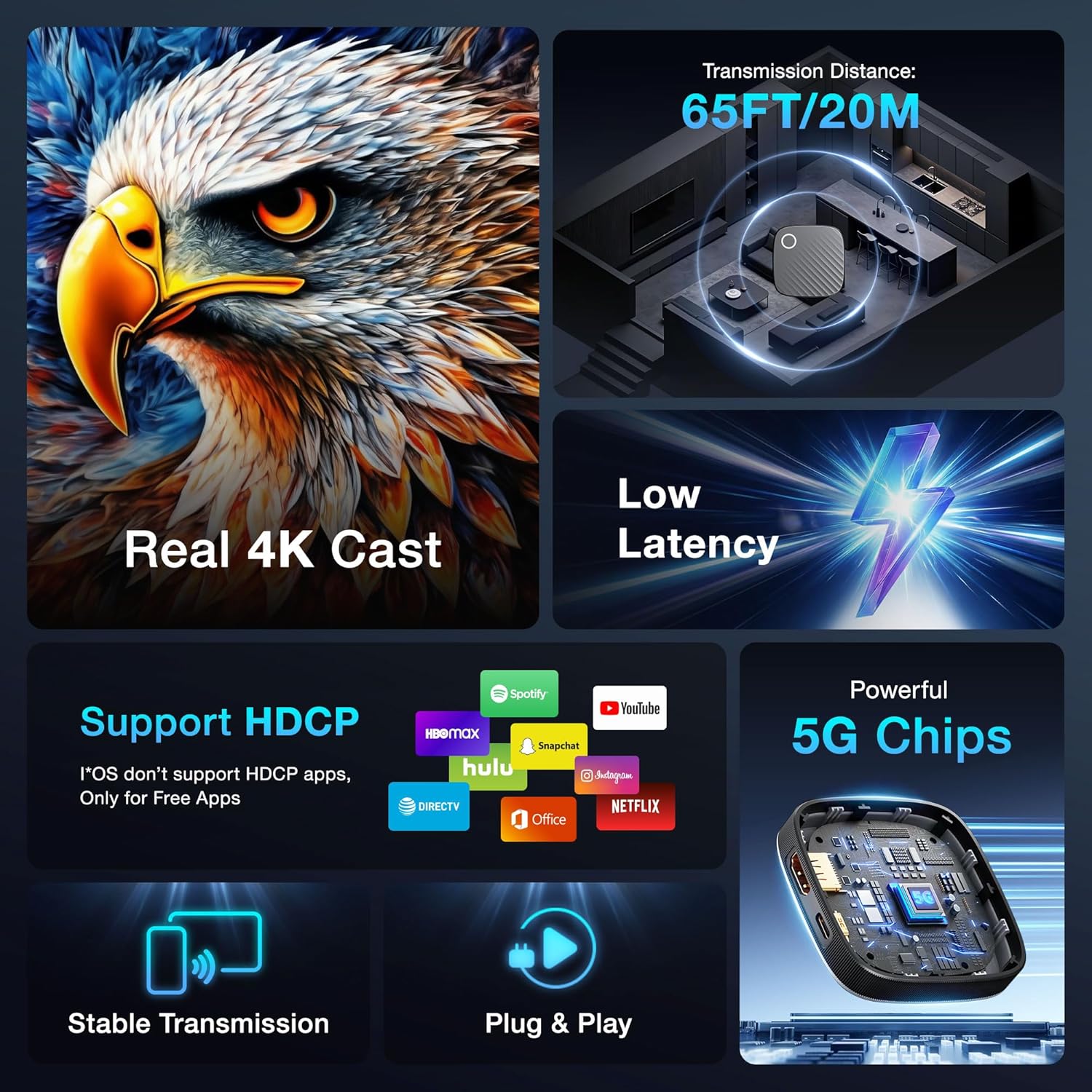
If you prioritise a simple setup with quick sharing to a bigger screen, the device’s “no apps, no drivers” approach is appealing. The dual display modes support both casual viewing and multitasking, such as watching a film while using a laptop for notes. The hardware claims of a real 4K signal at 30 Hz and dual‑band operation are positive indicators for smooth playback, though real‑world performance can depend on network conditions and source device capabilities.
Limitations and caveats
A key caveat is HDCP‑protected content from certain streaming services, notably iOS apps like Netflix or amazon Video, which may not play through the dongle. The note about iOS compatibility with privacy or licensing restrictions could affect some users who rely heavily on those apps. Another consideration is practical latency and refresh rate in busy networks, while the chipset promises low latency, actual results may vary in crowded home networks or longer cable runs.
Who it’s for
This dongle seems well suited for individuals who want a straightforward way to display content from phones, tablets, or laptops on a larger screen without extra software. It could appeal to families for movie nights, teachers delivering presentations, or small teams in a meeting room who value quick setup and flexible screen use. It may work well for outdoor demos or casual gaming when the wireless link remains stable.
Who it isn’t ideal for
If you frequently rely on streaming apps that enforce DRM through HDCP, you may encounter limitations. For those who need flawless 4K at higher frame rates or for very latency‑sensitive applications (competitive gaming, real‑time collaboration with high bandwidth), this device may leave some users wanting more. It also assumes you have a suitable HDMI display and a compatible source device with Miracast/AirPlay/DLNA support.
What to check before buying
- Ensure your source device supports Miracast, Airplay, or DLNA for the desired workflow.
- Consider the display needs: real 4K at 30 Hz is stated, if you require 60 Hz or higher, weigh that limitation.
- Be aware of potential issues with HDCP‑protected apps and the need for a compatible streaming setup.
- Decide whether you need Mirror or Extend mode, Extend offers multitasking benefits but requires a suitable display arrangement.
- Look at your network environment, 5G+2.4G dual‑band performance depends on router capabilities and interference.
Performance comparison and buying angle
Compared with wired HDMI, this dongle trades absolute reliability for convenience and mobility. If you value portability and quick setup for casual viewing or in‑room presentations, it represents sensible value. If your priorities are serious cinema‑grade 4K playback, high‑frame‑rate gaming, or robust compatibility with a wide range of HDCP‑protected services, you might prefer a higher‑spec alternative or a wired solution where feasible.
Final decision
Is it worth it? Worth considering if you want a compact wireless solution for casual mirroring and screen extension on a mixed device ecosystem, and you don’t rely heavily on HDCP‑protected streaming apps.
FAQ
- Will it work with Netflix or Prime Video on iOS? Not guaranteed, HDCP‑protected content may be blocked on some apps.
- Can I use it for outdoor movie nights? Yes, its portability and extend/mirror modes can support outdoor viewing, provided the wireless link remains stable.
- Do I need any software to use it? No apps, Bluetooth, or drivers are required for setup, making it plug‑and‑play in most cases.
What you get
The base description implies a compact wireless HDMI dongle designed for easy carrying and flexible display options, with support for multiple casting standards and a privacy password feature.