

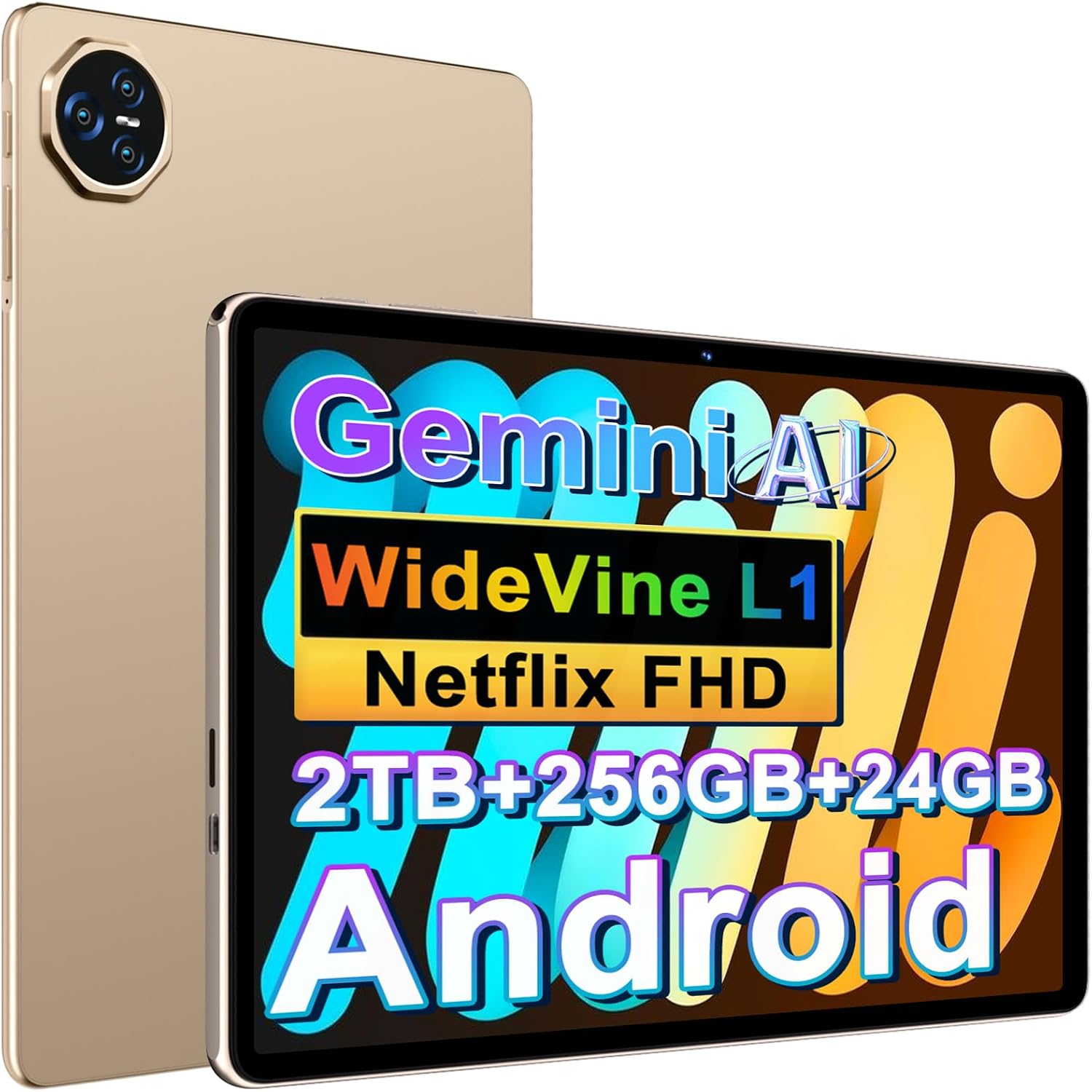
JVVQTB Tablet Android 24GB RAM + 256GB ROM (2TB TF) – 11 Inch Octa Core, 5G, Gemini AI, FHD, Widevine L1, 8000mAh
Product description
What it is and what it aims to solve
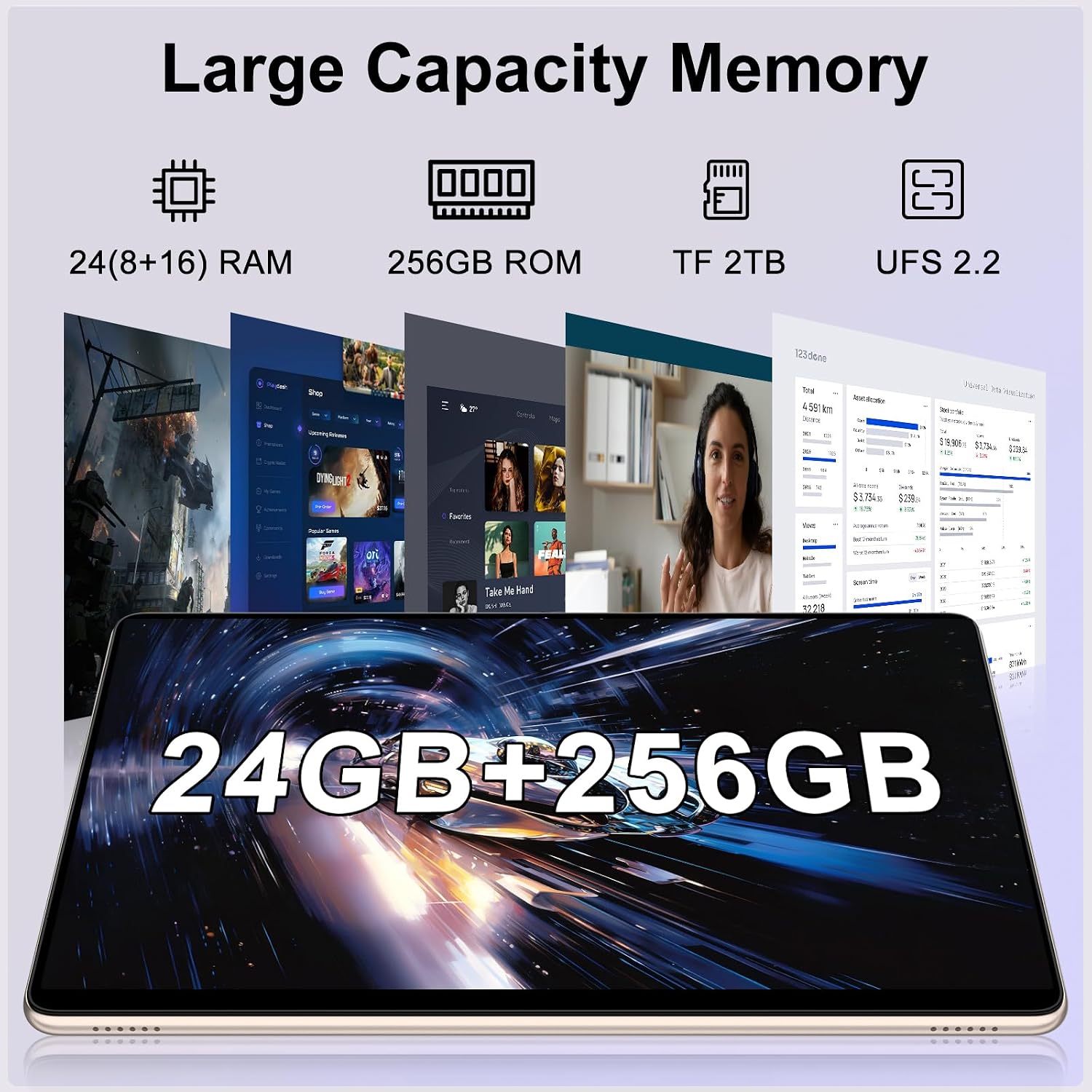
The JVVQTB tablet is a high‑spec Android device designed for users who want a large-screen tablet capable of handling heavy apps, casual gaming, multimedia, and productivity tasks. It markets itself on a combination of very large memory, strong storage options, modern Android 14, and a broad connectivity suite. If you’re after a system that feels responsive under multi‑tasking and can store a lot of apps, photos and media, this model gives a clear impression of being built for that use case. It isn’t simply a media slab, the presence of 24GB RAM and 256GB ROM (with microSD expansion up to 2TB) suggests a focus on multitasking and future‑proofing, at least on paper.
Design and build
The device lists a metal chassis and a sizeable 11‑inch form factor, which tends to appeal to those who want a compact yet roomy screen for work or entertainment. In practice, metal housing typically helps with heat dissipation and durability, though the actual real‑world feel will depend on the finish and weight distribution. A protective case and screen protector are included in the package, which can be a practical saving for first‑time buyers and helps shorten the time to get set up.
Performance and software notes
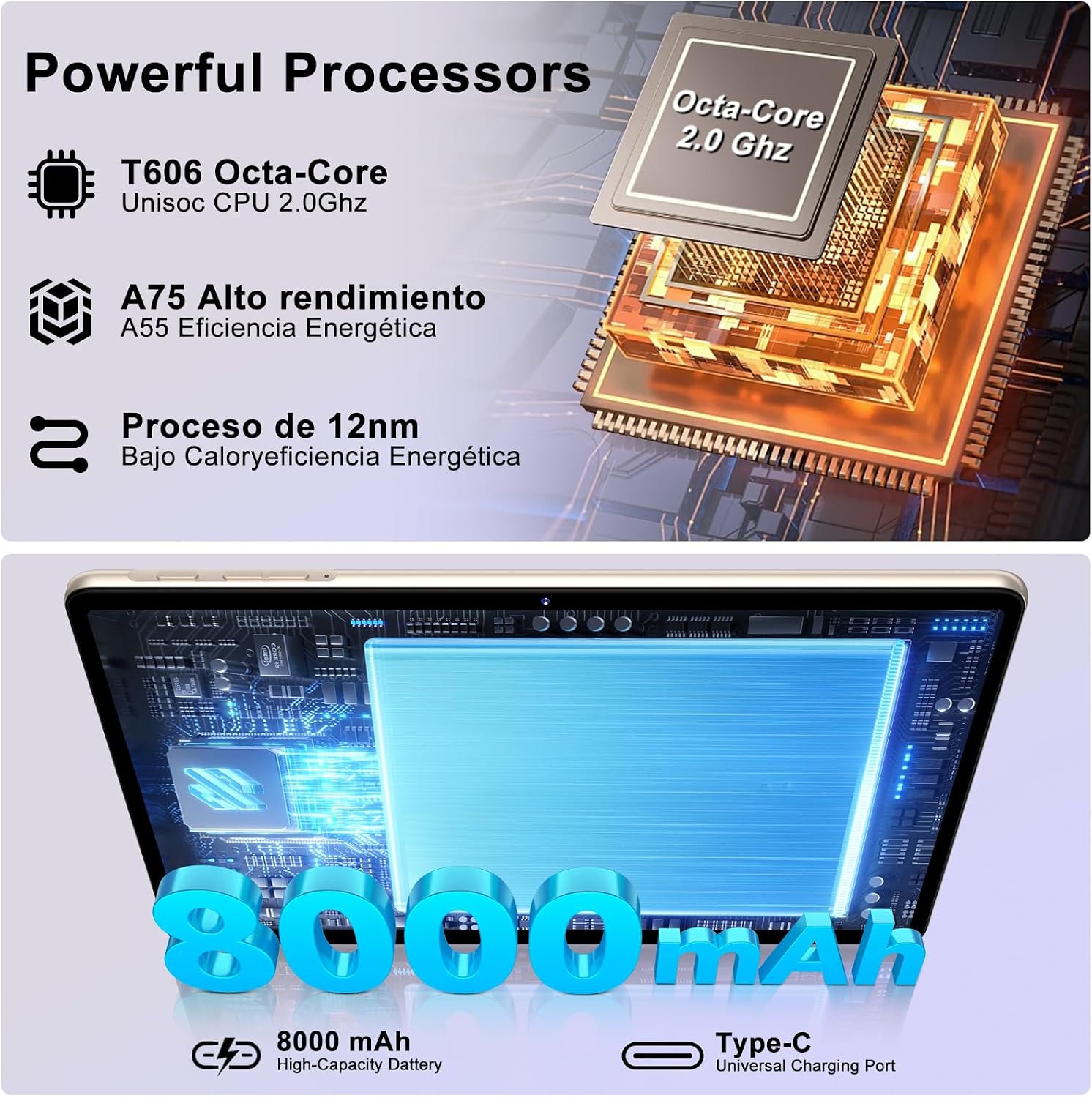
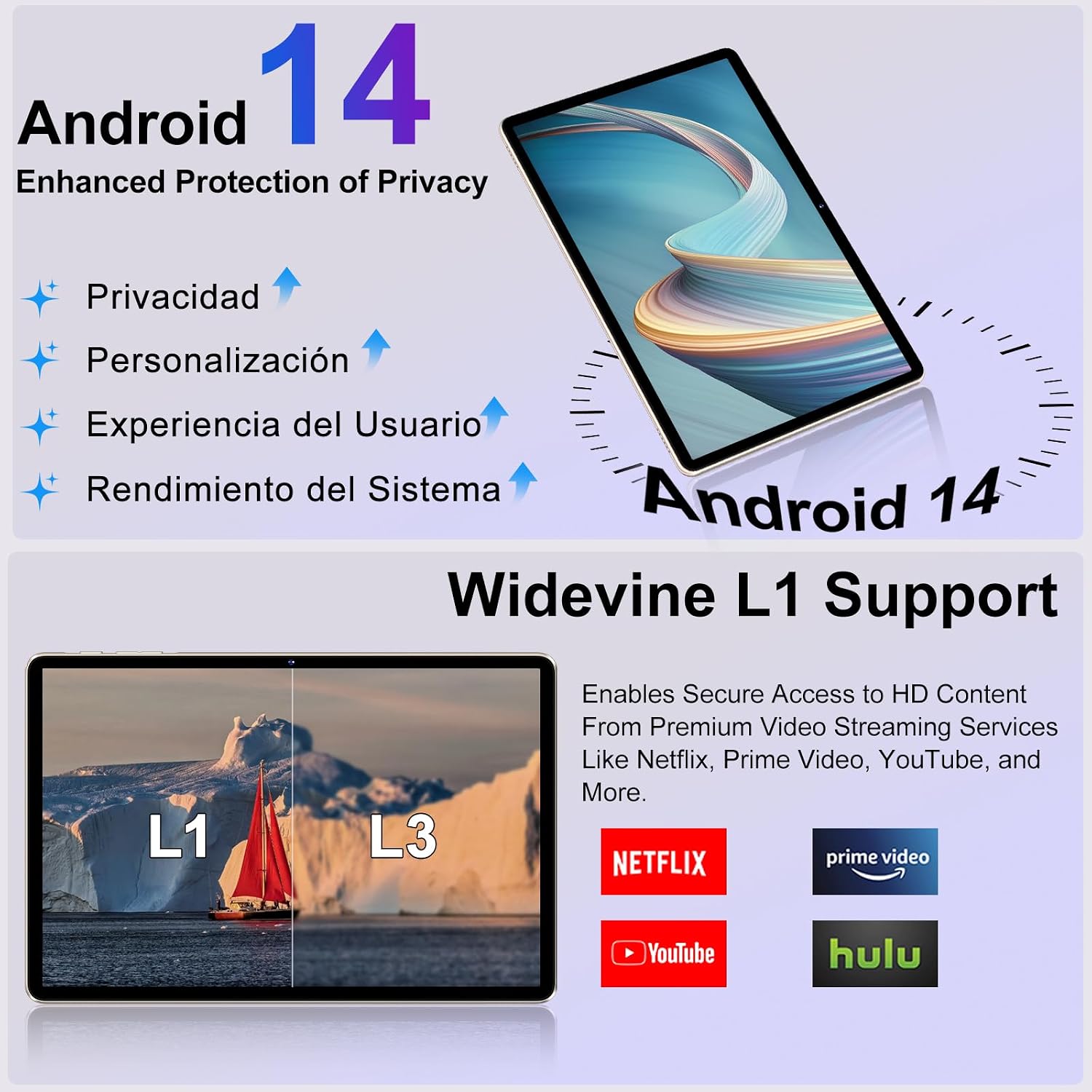
On paper, the tablet combines 24GB RAM with a 2GHz class processor and 256GB storage, plus support for SD expansion of up to 2TB. Android 14 brings features such as multi‑user and multi‑window, which can improve productivity when you’re juggling several apps at once. The Play Store is preinstalled, enabling access to a broad ecosystem of apps. You’ll also gain parental controls, which can be a helpful addition for families.
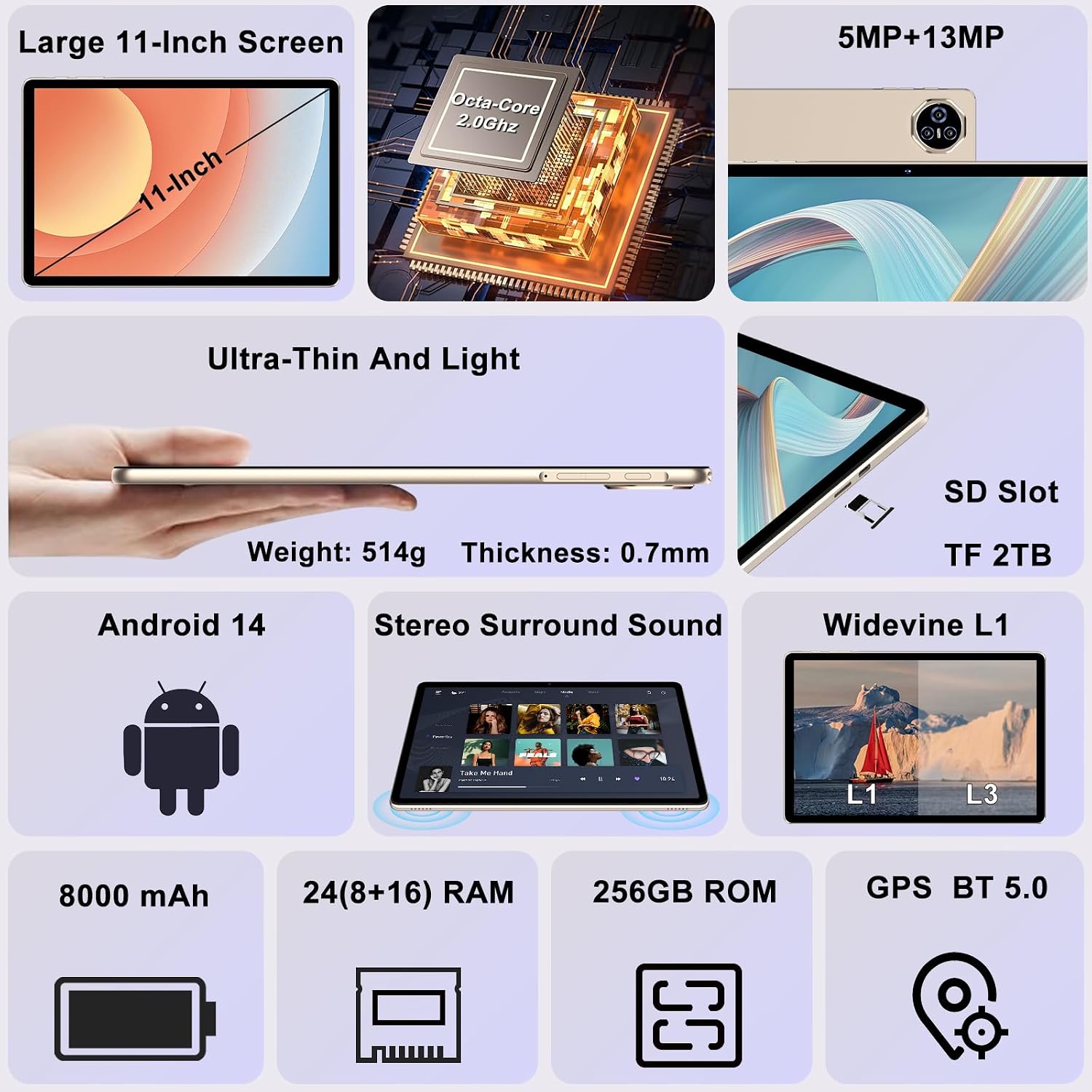
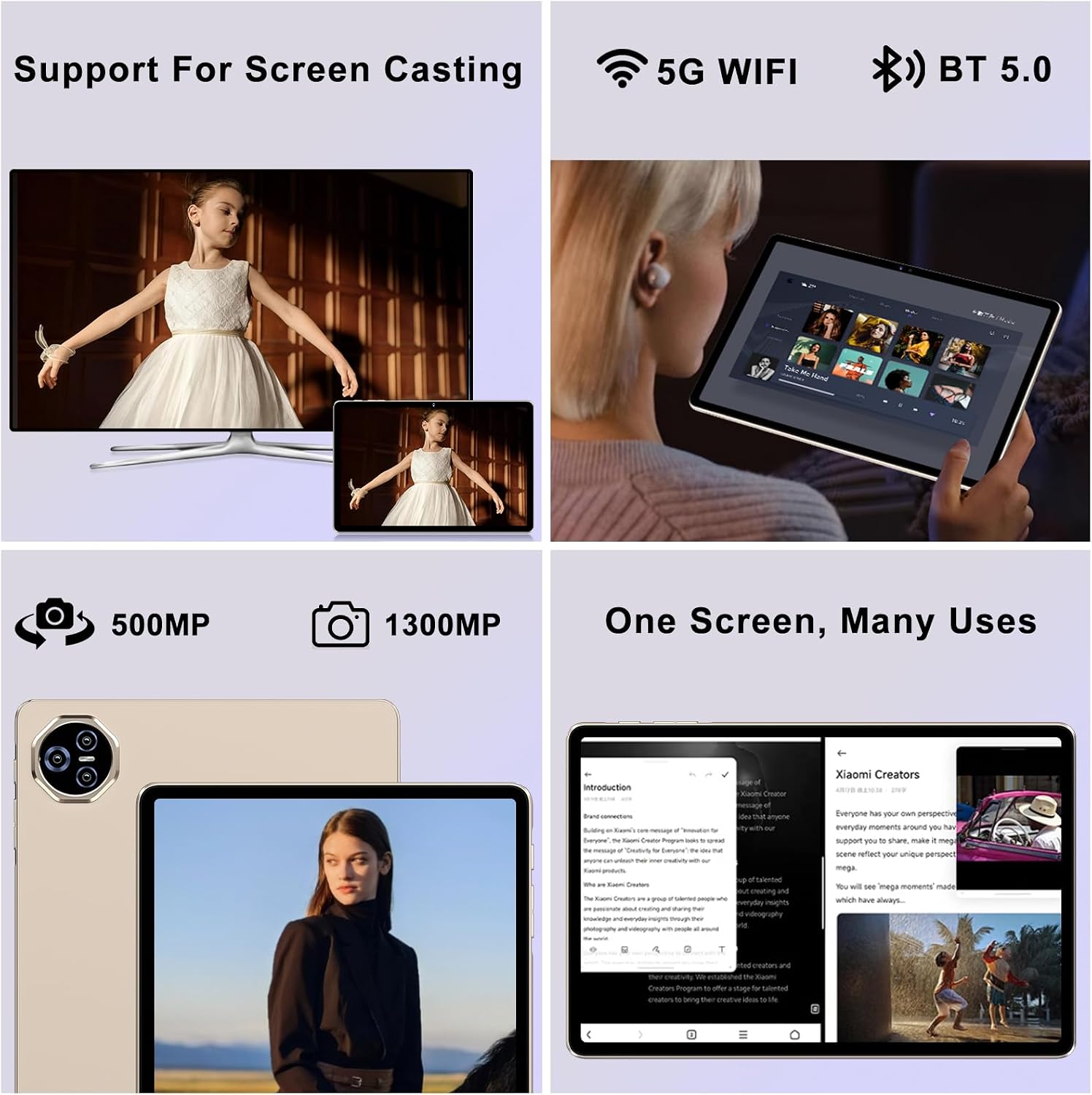
From a practical standpoint, the core advantages here lie in multitasking headroom and local storage capacity. The real‑world experience, however, depends on how well the software is optimised for this amount of RAM and whether the chipset remains cool during sustained use. The spec mentions a dual‑band Wi‑Fi setup (2.4GHz and 5GHz) and Bluetooth 5.0, which should translate into stable connections for online work, streaming, and peripherals. If you prioritise wireless performance and openness to a wide app library, this combination could be appealing.
Display and media capabilities
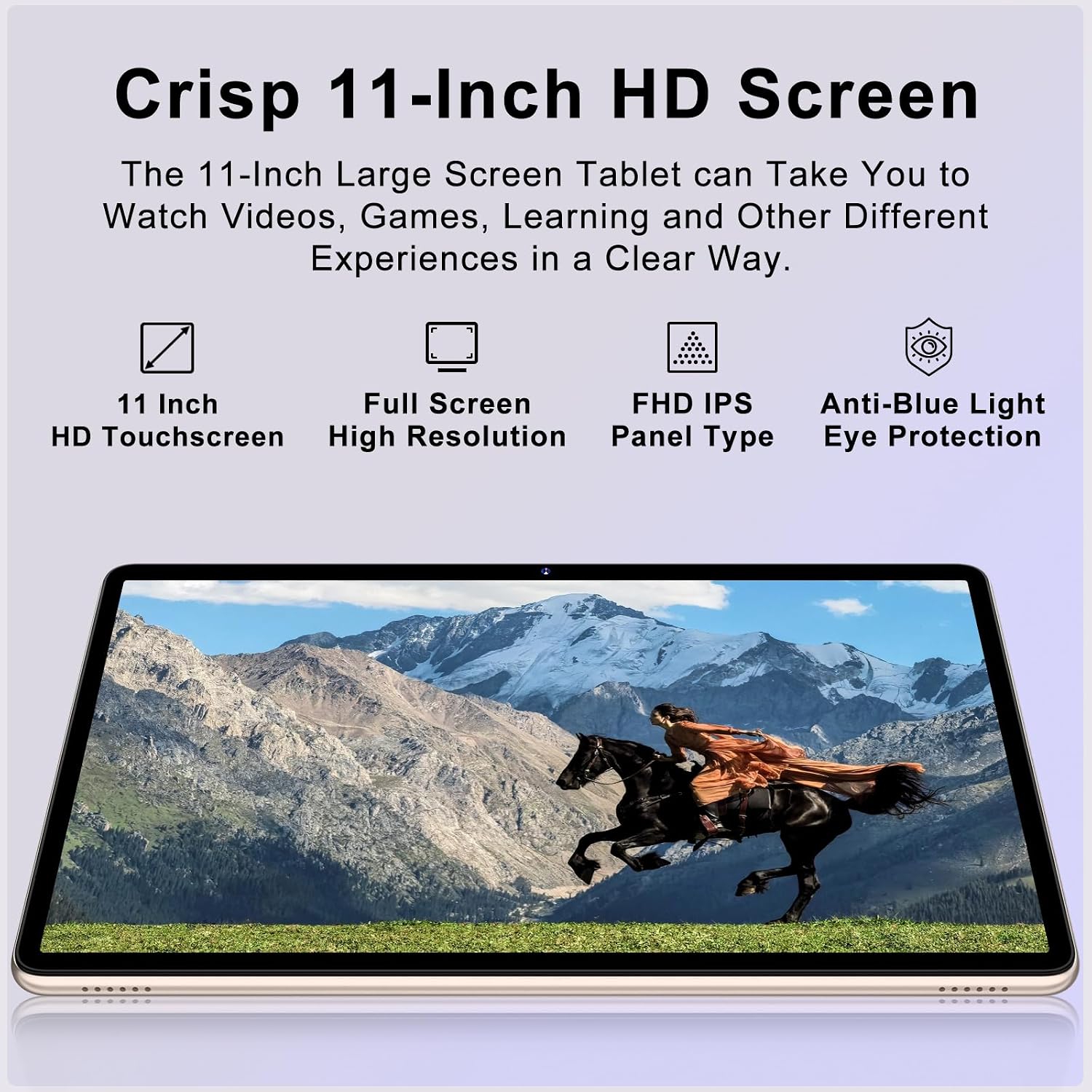
The tablet is described as FHD, which should deliver a reasonably sharp image for video consumption and reading. Widevine L1 support is noted, which is relevant if you plan to stream HD content from services that require full DRM. In practice, you’ll want to test viewing angles and brightness in the environments you frequent to check if the panel delivers the colours and legibility you expect—especially for outdoor use or bright rooms.
Cameras and calls
With front and rear cameras listed at 5MP and 13MP in the base description, video calls and casual photography are feasible. In everyday scenarios, expect decent daylight shots but not professional‑tier photography. The presence of a 8000mAh battery signals a focus on longer screen time between charges, though actual endurance will depend on screen brightness, the tasks you run, and background activity.
Connectivity and ecosystem
5G is mentioned, which implies potential for fast mobile data when a SIM is available. If you don’t need cellular, the 5GHz Wi‑Fi plus Bluetooth 5.0 should still ensure solid wireless performance for most home or office uses. The device ships with a Type‑C port, which is standard for modern accessories and charging, but it’s worth checking which charging speeds are supported and whether you’ll need adapters for certain peripherals.
Who it’s for and who should pause
This tablet seems well‑suited to power users who value large RAM and storage, multi‑window multitasking, and a broad app library, including those who want a robust tablet for gaming, work, or education tasks. It could also appeal to families thanks to parental controls and the included protective case. On the flip side, if you primarily want a simple device for occasional web browsing or light apps, the price point and the heavy spec may feel excessive. If you expect the best possible camera quality or peak longest battery life, you may want to compare real‑world reviews against lighter, more focused tablets.
What to check before buying
- Ensure the Android 14 experience aligns with your app needs and privacy expectations, some enterprise apps may have compatibility issues on newer OS builds right at launch.
- Consider real‑world endurance: how long the 8000mAh battery lasts under your typical usage (video streaming, gaming, office tasks).
- Verify app availability and performance with a large RAM configuration, some apps are not optimised for ultra‑high memory but tend to run smoothly on it.
- Check the speed and reliability of the 2TB microSD expansion in practice, as this can vary by card model.
- If you rely on cellular data, confirm network support and SIM requirements for your region.
How it compares to alternative approaches
If you prioritise simple, lightweight tablets, a more modest RAM/ROM configuration can save money and power. For heavy multitasking and large local storage needs, this model offers a clear route to future‑proofing, provided software remains responsive. For streaming, the Widevine L1 certification is a plus compared with devices that offer lower DRM levels. In short, this tablet sits in the higher mid‑range: it’s not the entry level, but you should weigh whether the extra RAM and storage truly match your daily tasks and budget before committing.
Practical use example
Imagine you’re a remote worker who often has a dozen tabs open, a couple of documents, and a couple of video calls running. With 24GB RAM, you might expect smoother tab switching and more headroom for background apps. The large storage means you could keep offline media and substantial document libraries on device without constantly juggling cloud storage. For gaming or media editing on the move, the device promises the headroom to handle it, though you’ll want to temper expectations on sustained heavy workloads if you’re pushing the processor continuously.
Decision and next steps
Final verdict
Worth considering if you need substantial multitasking headroom, generous local storage and a future‑friendly Android 14 experience on a sizeable display. If you’re after maximum portability or ultra‑long battery life for light use, you might find lighter options more cost‑efficient. It’s a sensible bet for those who want a balanced mix of productivity and media capabilities in a single device.
Quick FAQ
- Is the tablet good for multitasking? It’s designed with generous RAM and storage, which should help with running multiple apps, though real‑world performance depends on software optimization and workloads.
- Can I expand storage easily? Yes, up to 2TB via SD card, subject to card compatibility.
- Does it support streaming in HD? Widevine L1 is listed, which supports HD streaming on compatible services.
- What about cellular data? The device supports 5G, so mobile data is possible where available.