

SCUF ENVISION PRO Wireless V2 (2025) — PC‑Only Gaming Controller with Anti-Drift Sticks and Full Remapping
Product description
What it is
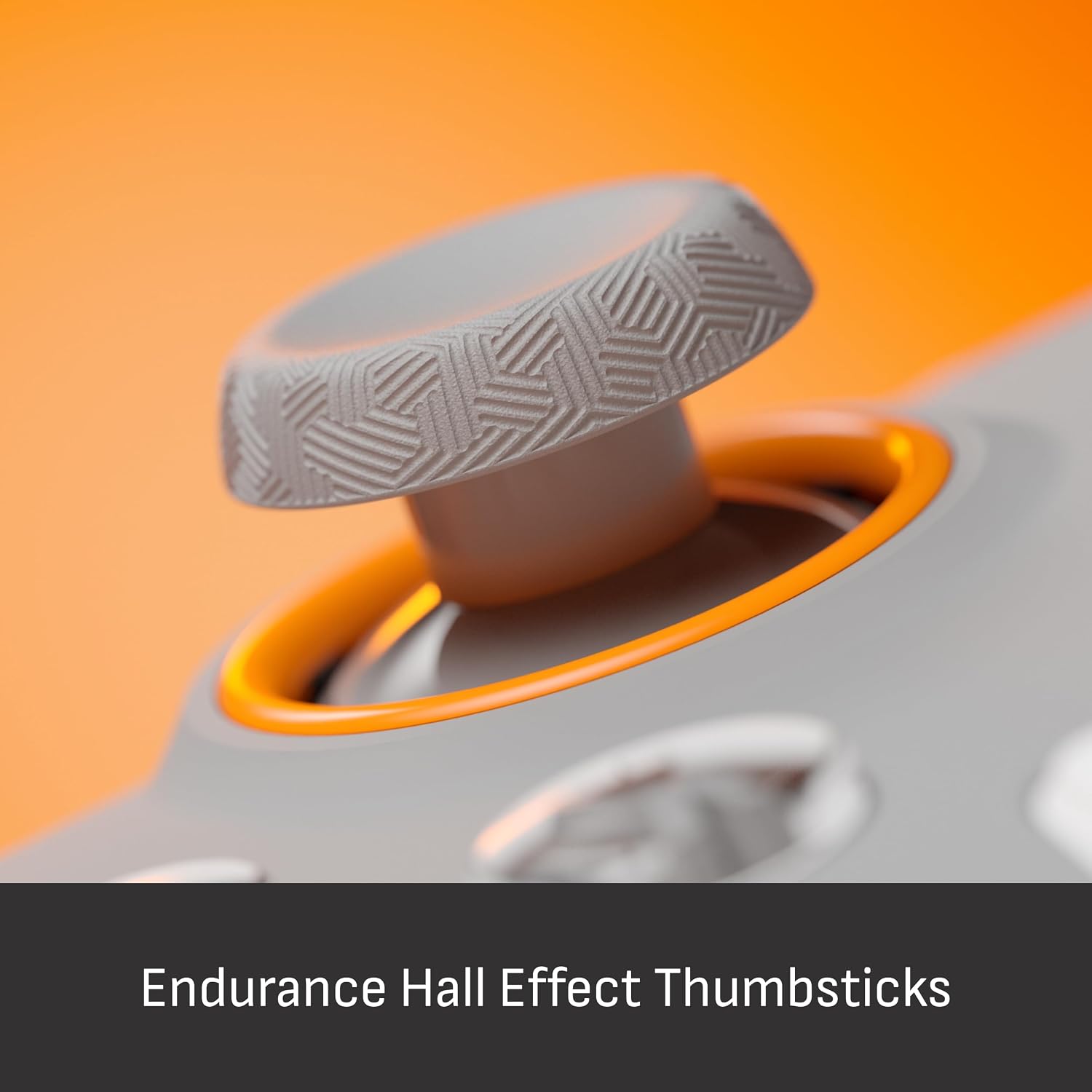
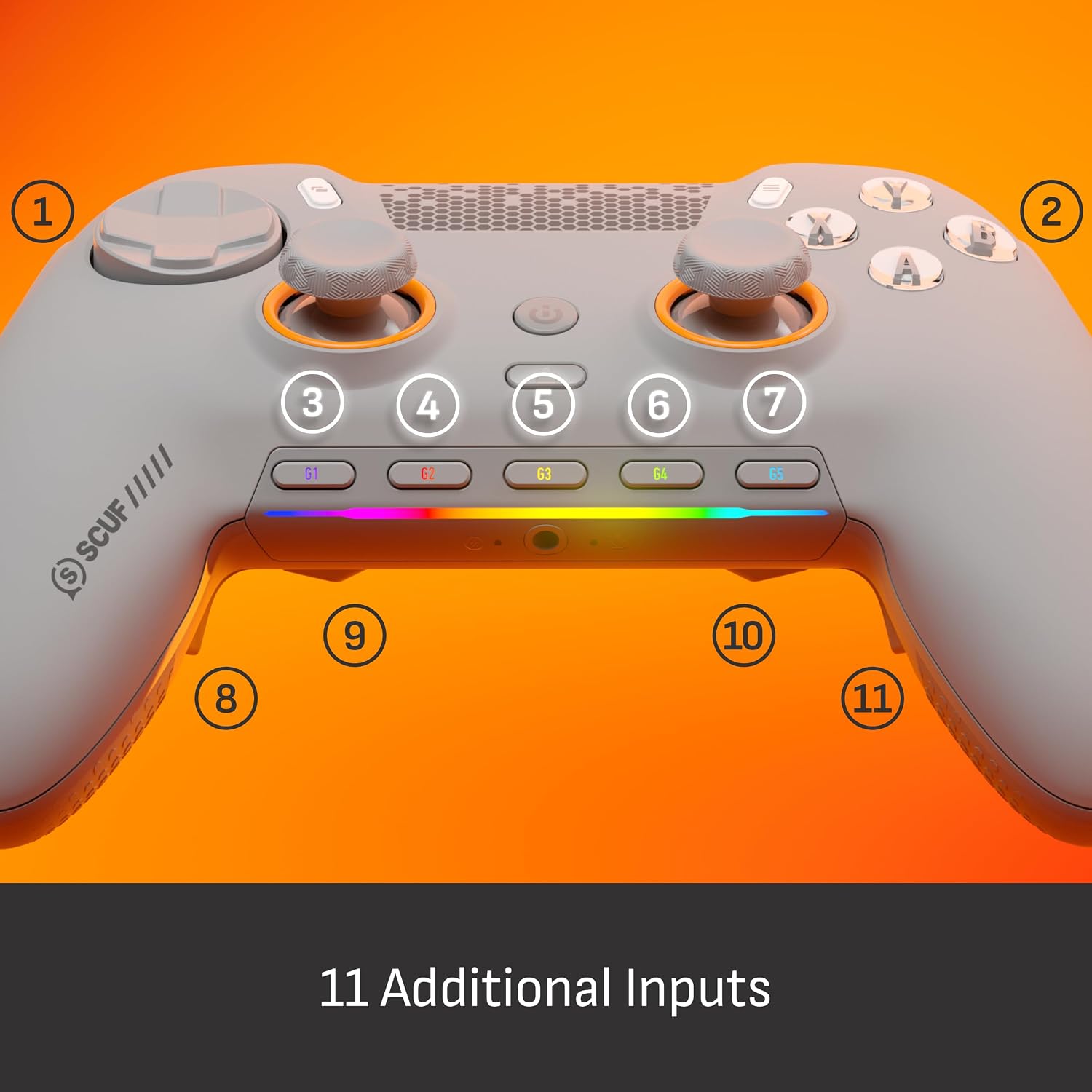
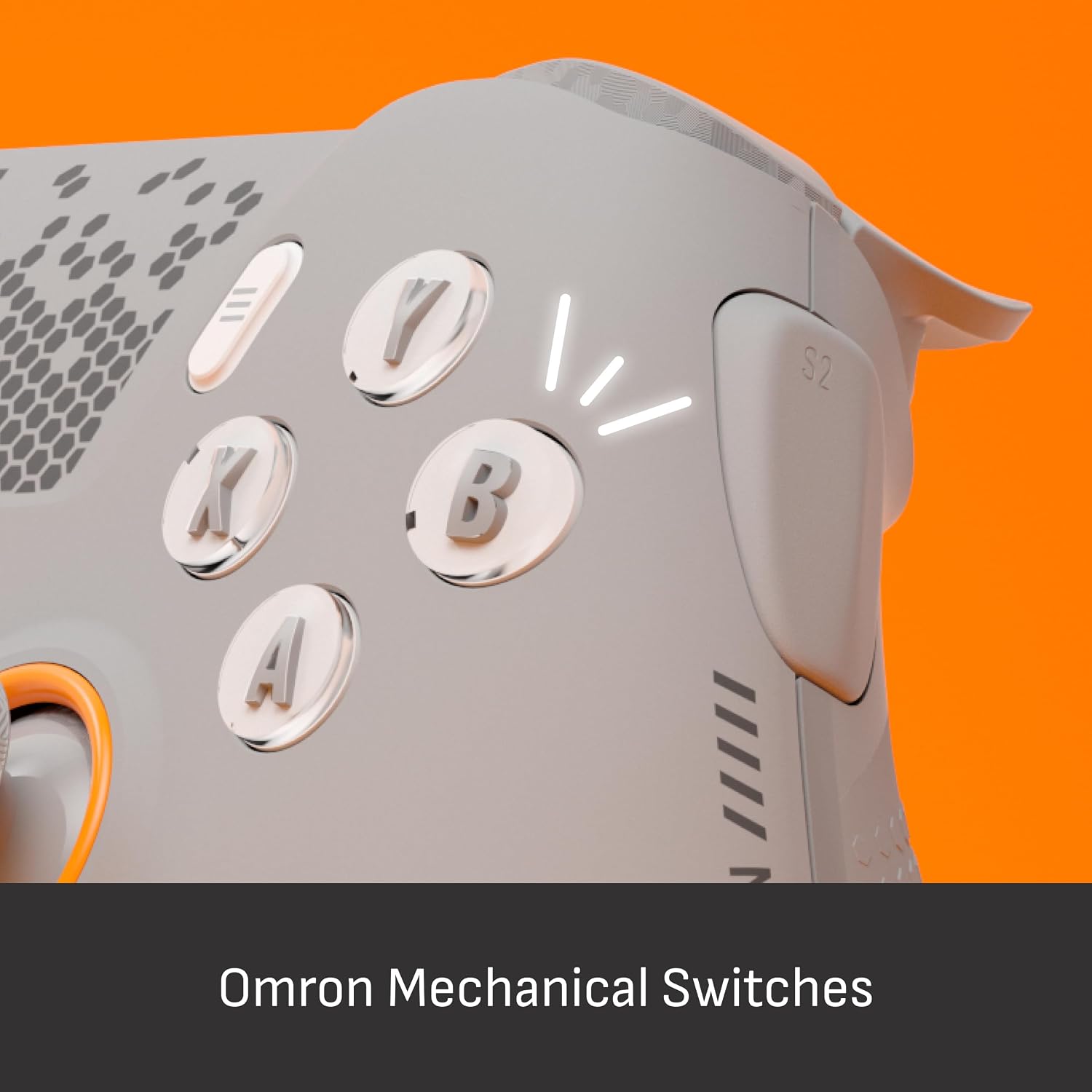
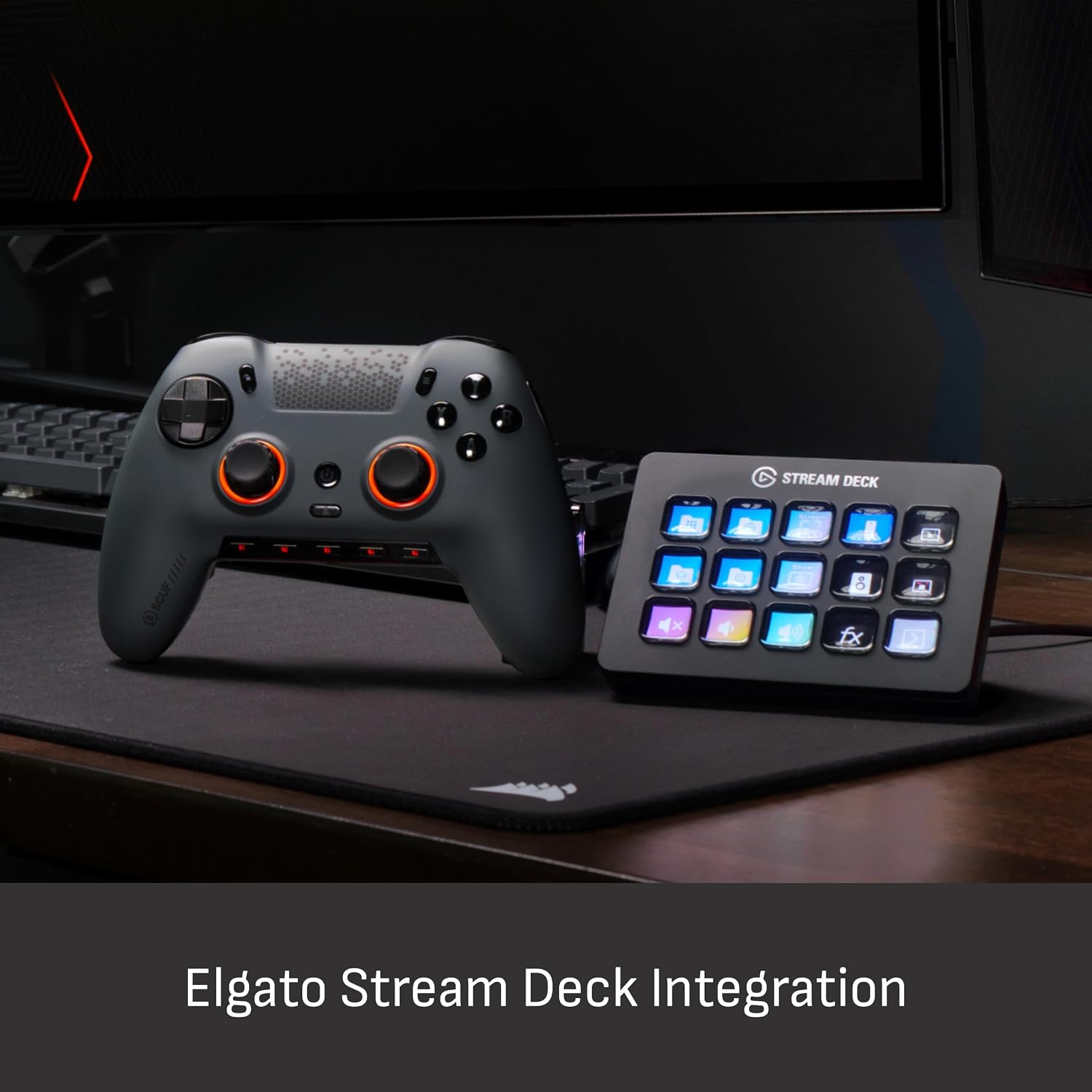
The SCUF ENVISION PRO Wireless V2 is a PC‑only game controller designed to reduce stick drift and speed up in‑game reactions. Built with anti‑drift Hall effect thumbsticks, it aims to prolong the life of the control and maintain precise input over time. It features four rear, remappable paddles and five fully remappable G‑Keys for advanced macros, plus tight integration with Corsair iCUE for personalised configurations. Two SAX side‑mounted buttons add extra configurability and align with the natural finger placement. OMRON mechanical button switches offer a mouse‑like click feel for instant activations.
What it solves
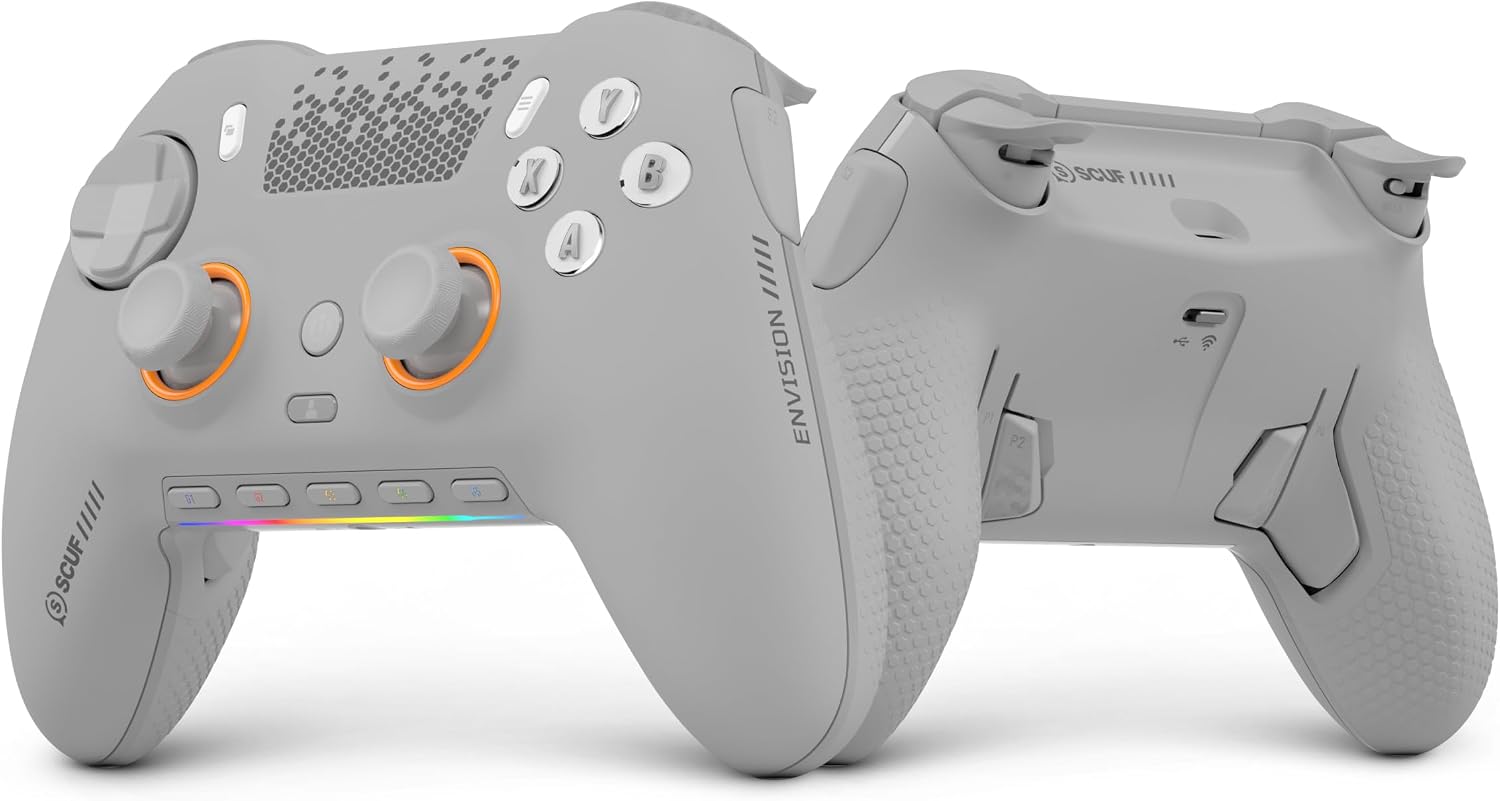
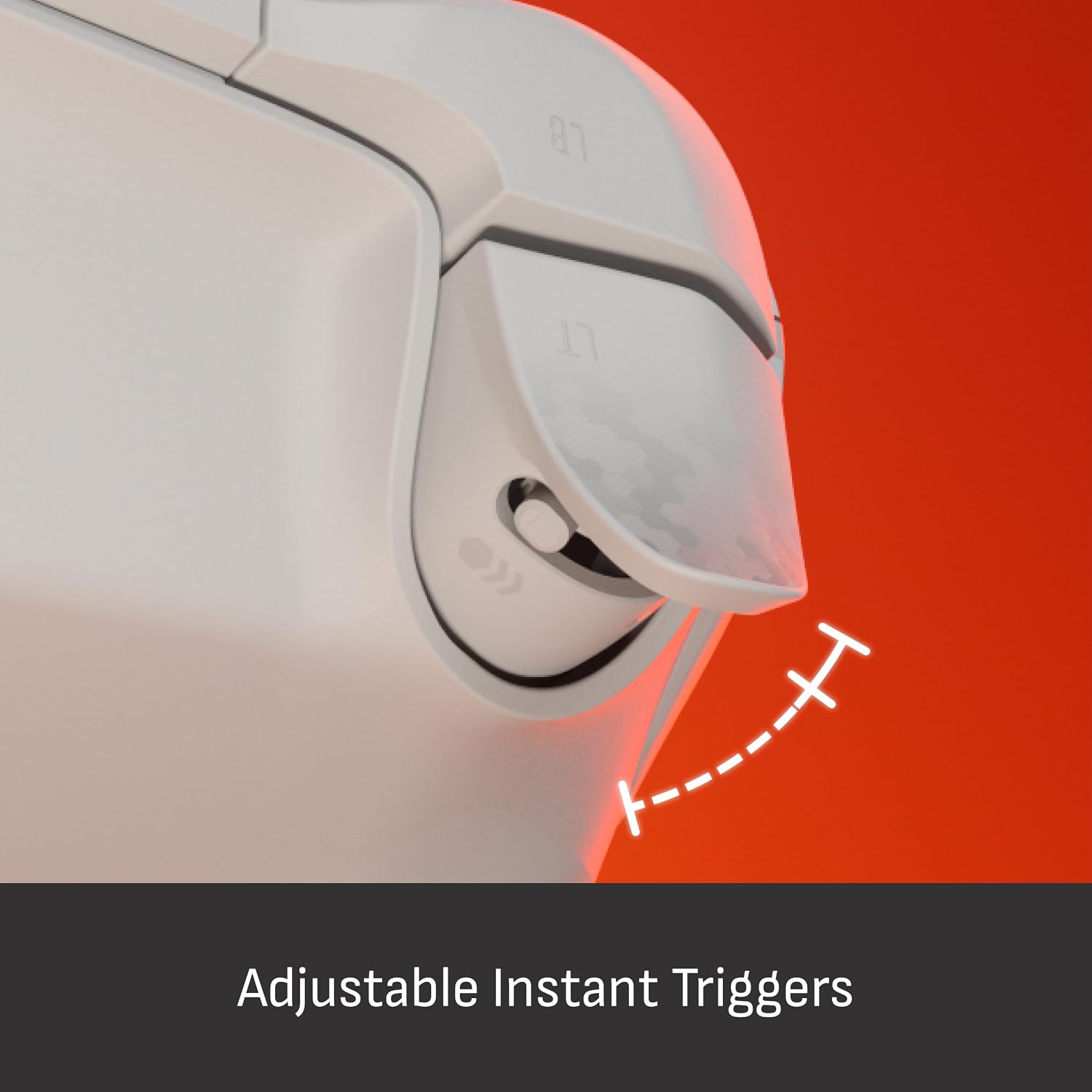
For players who prioritise custom control layouts, consistency, and rapid input, this pad provides multiple layers of remapping alongside hardware durability. The combination of Hall effect sticks and quick‑trigger actuations is aimed at reducing drift erosion and latency, which can be critical in competitive PC gaming.
What stands out
The key differentiators are the anti‑drift Hall effect sticks and the extensive remapping options: four rear paddles, five G‑Keys, and SAX buttons that sit where fingers naturally land. The hardware focus on low latency triggers and durable mechanical switches can feel noticeably more responsive than standard gamepads when you’re aiming for quick, repeated actions.
The not‑so‑perfect parts
On paper, this is a premium PC controller, but it’s not without caveats. It’s designed for PC use only, which may limit its appeal if you occasionally game on consoles or require cross‑platform compatibility. The abundance of remappable controls can also be overwhelming if you don’t plan to use macros or if you prefer a simpler layout.
Who it’s for
It makes sense for players who value high configurability and durability in a PC setup—especially those who rely on rapid thumbstick input, macro routines, or complex keybinds for shooters, simulators, or action titles. If you prioritise a stock experience with minimal setup, this might feel overkill.
Who it isn’t for
If you game primarily on consoles, or if you favour a straightforward controller with fewer macro options, this model may feel unnecessarily feature‑heavy. It also requires a PC environment to leverage the full macro and Corsair iCUE integrations, so it’s not a plug‑and‑play across all platforms.
When it makes sense to buy
Consider this controller if you want: robust anti‑drift input stability, extensive remapping (paddles, G‑Keys), and quick triggers tailored for fast, tactical play. If you’re building a customised PC gaming station and value long‑term durability, it’s worth evaluating.
Before you buy, check
- Whether your PC setup supports Corsair iCUE integration for macro management.
- Your comfort with using multiple back paddles and G‑Keys in daily gaming—will you actually utilise all the remaps?
- The potential need for USB/wireless compatibility or driver support on your current rig.
Practical use case
Imagine a fast‑paced shooter where you want to keep thumbs on the sticks for aiming while triggering macro sequences in one fluid motion. The ENVISION PRO allows you to map critical actions to paddles and G‑Keys, keeping your focus on the play area rather than fiddling with on‑screen prompts.
How it compares to simpler options
If you’re weighing against a standard controller, the ENVISION PRO’s strength lies in its durability and configurability. It may be preferable over basic controllers if you regularly use macros, rely on precise stick input over long sessions, or want to tailor trigger responsiveness. If you just want a reliable controller for casual play, a more modest setup could suffice.
Decision: Is it worth it?
Is it worth it? It’s worth considering if the combination of anti‑drift sticks, multiple remappable inputs, and Corsair iCUE compatibility aligns with your play style and you plan to invest time in setup and tuning.
Quick FAQ
- Do the paddles affect normal gameplay or only when remapped? They function as programmed, defaults are adjustable.
- Can I use it without Corsair iCUE? Basic remapping works natively, but iCUE unlocks macros and advanced profiles.
- Is this a good choice for tournament play? The hardware aims for low latency, but success depends on your specific config and comfort with macro usage.