

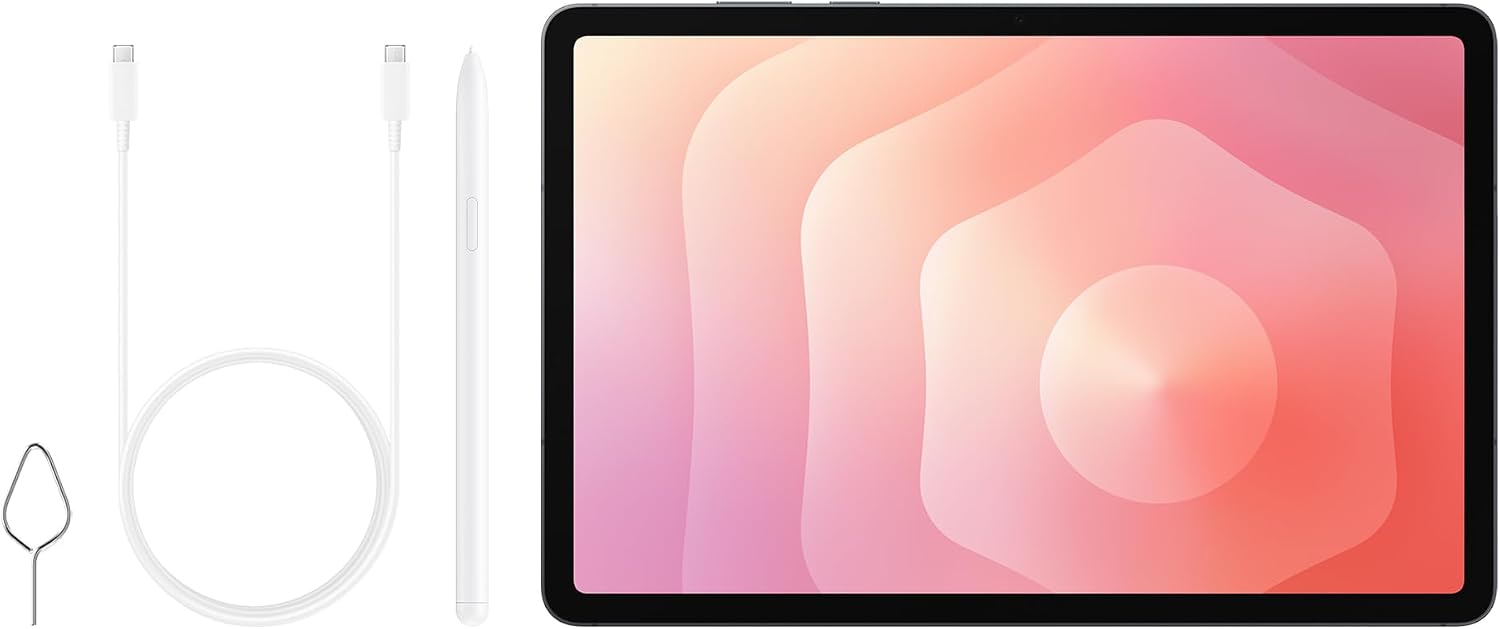
Samsung Galaxy Tab S11 AI Tablet (Wi‑Fi) with 256GB Storage, 12GB RAM, DeX Connect – Grey + 3 Year Extended Warranty (UK Version)
Product description
At a glance
If you want a tablet that’s built for real day-to-day productivity, the Samsung Galaxy Tab S11 (Wi‑Fi) is one of those devices that looks especially tempting on paper: slim and lightweight, a large Dynamic AMOLED 2X screen, and an S Pen designed for steadier, more precise sketching and note-taking. It also leans into “AI tablet” features through drawing and writing assist tools, plus Samsung DeX for turning the tablet into a multi-window style workspace.
It’s not trying to be a tiny companion only. It’s more like a portable creative-and-work station that you can take with you, then use at home in a more “desktop-like” way.
Worth a quick sanity check though: the input only tells us about the display and the idea of AI assistance, but it doesn’t spell out exactly how consistently those AI tools work offline, nor what languages they fully support. If that matters for you, it’s a point to verify before buying.
Key features and what you’ll notice day to day
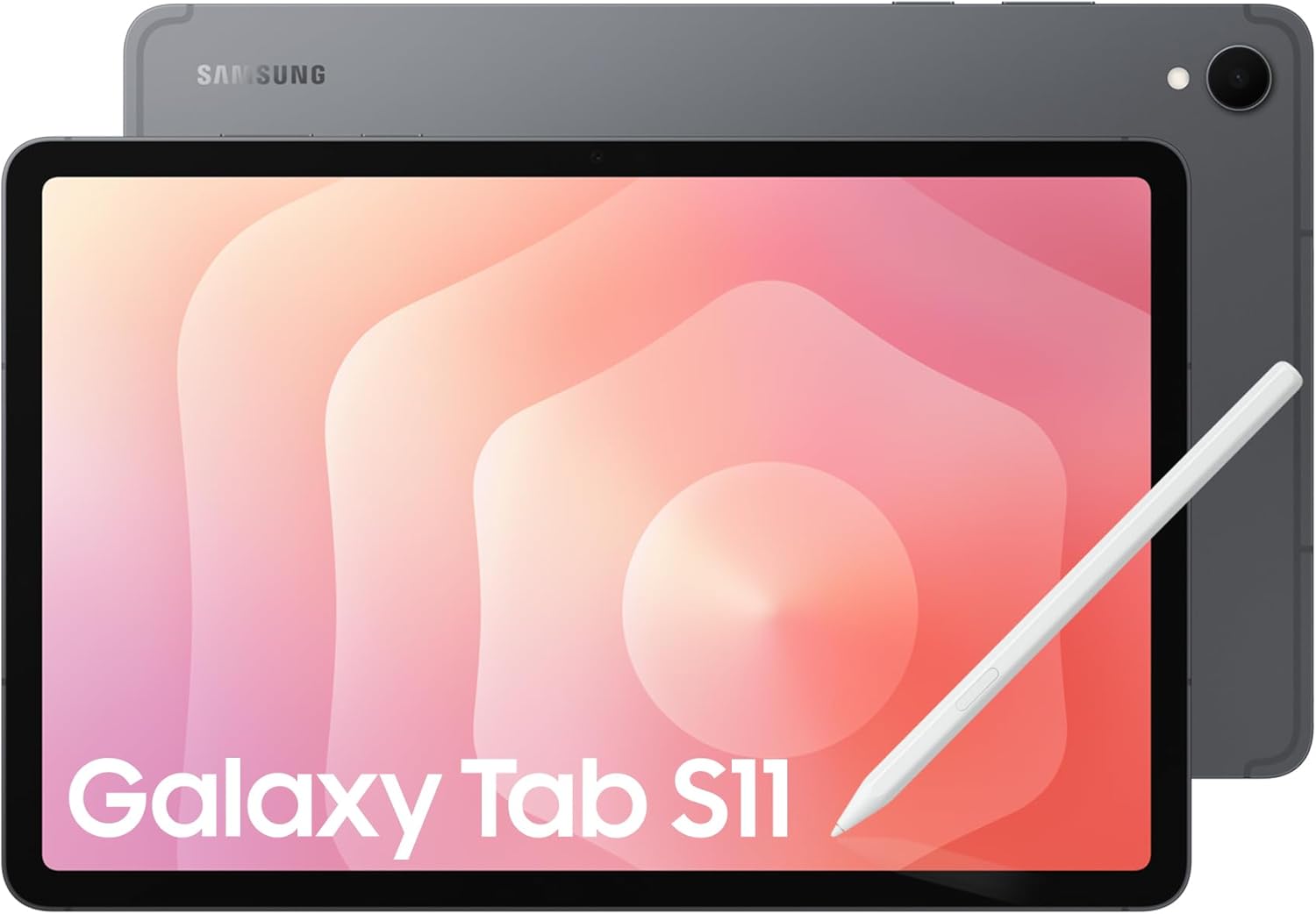
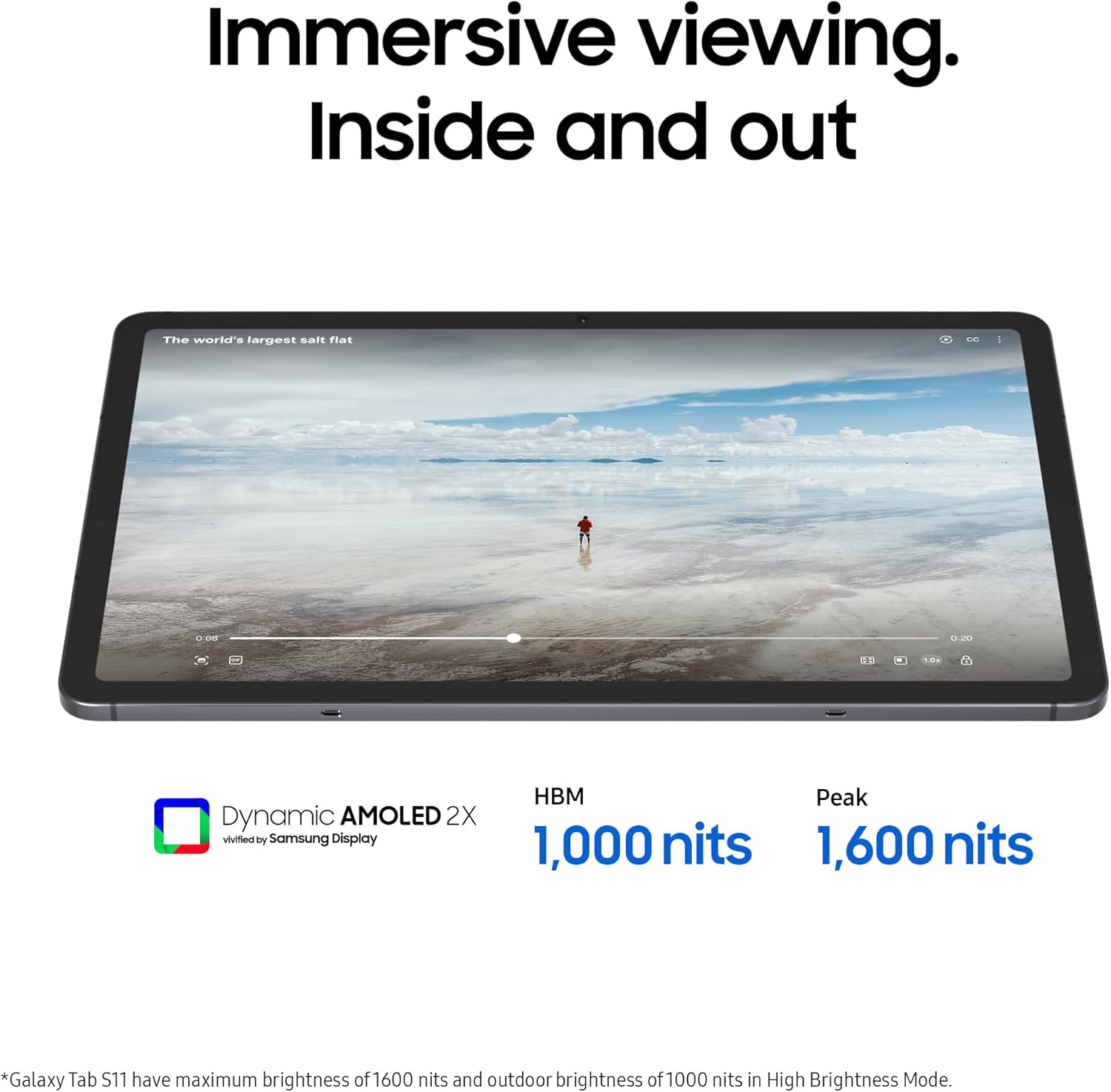
The standout is the combination of screen + pen + portability. The Galaxy Tab S11 has an 11.0" Dynamic AMOLED 2X display with super slim bezels and upgraded brightness, aimed at immersive visuals whether you’re streaming, gaming, or using it outdoors in brighter light. In practical terms, that tends to translate to better readability during long sessions (and less squinting when you’re out and about).
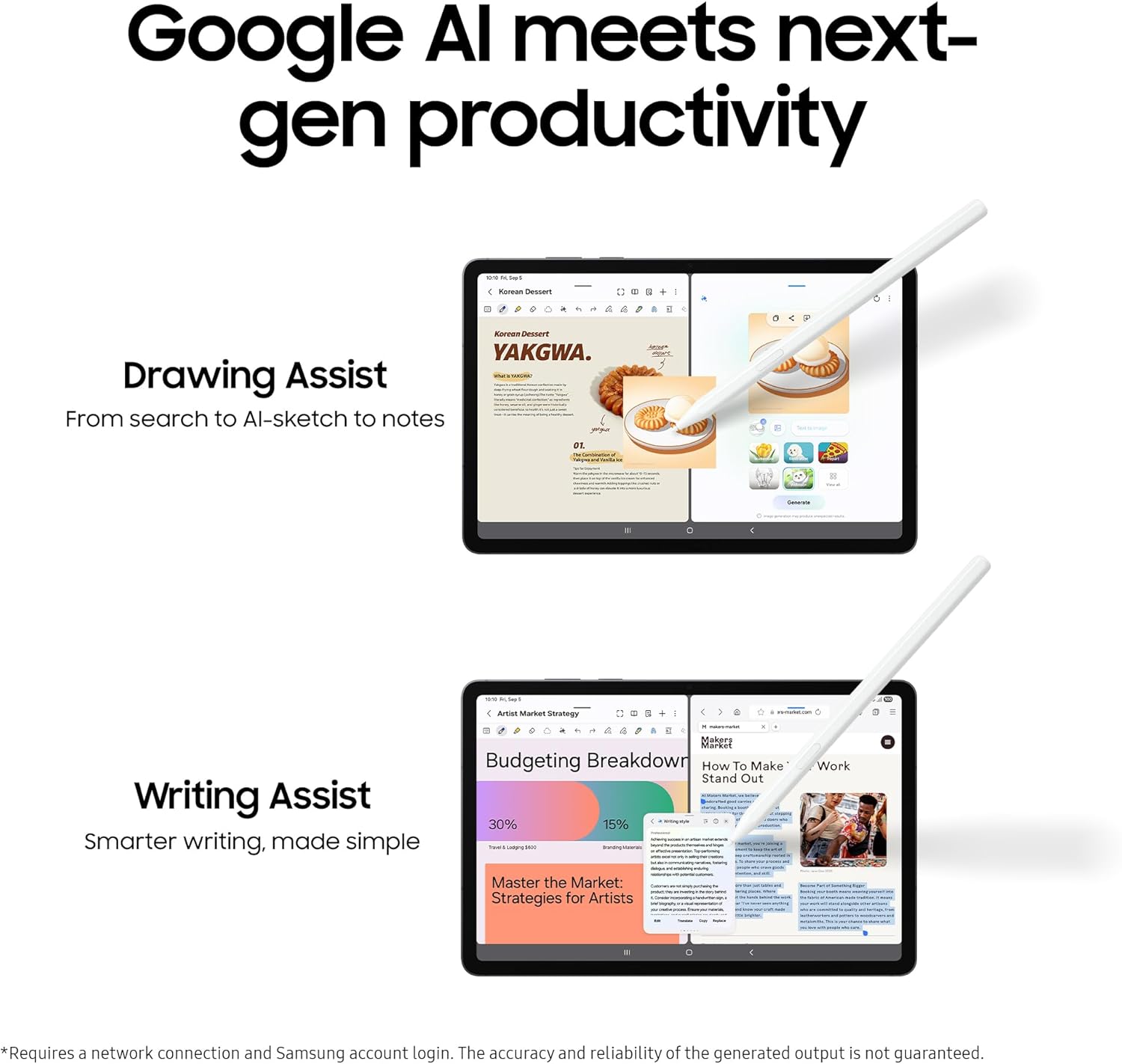
On the creative side, there’s “draw-less-to-polished” intent. Drawing Assist is described as transforming rough drawings into polished, AI-generated images in seconds. Writing Assist is positioned for drafting, crafting and revising text so the output properly conveys your meaning. If you regularly write emails, essays, scripts, or creative copy, it’s the sort of feature set that can save time and reduce the “rewrite from scratch” loop.
Then you’ve got the S Pen. The pen is hexagon-shaped with a cone-shaped tip, designed for a steadier, familiar grip and smoother, more precise strokes. It’s the kind of detail that matters if you do a lot of note-taking, diagramming, or sketching—because the ergonomics can be the difference between “fun for a while” and “I’ll actually use it every day”.
Tech specs
- Name: Samsung Galaxy Tab S11 AI Tablet
- Type: Tablet (Wi‑Fi)
- Format: DeX Connect (Samsung DeX experience)
- Display: 11.0" Dynamic AMOLED 2X
- Storage: 256GB
- Memory: 12GB
- Colour: Grey
- Material: Hexagon-shaped pen with cone-shaped tip (S Pen)
- Weight: Not specified in the provided details
- Capacity: 256GB storage
Where it shines with DeX and multitasking
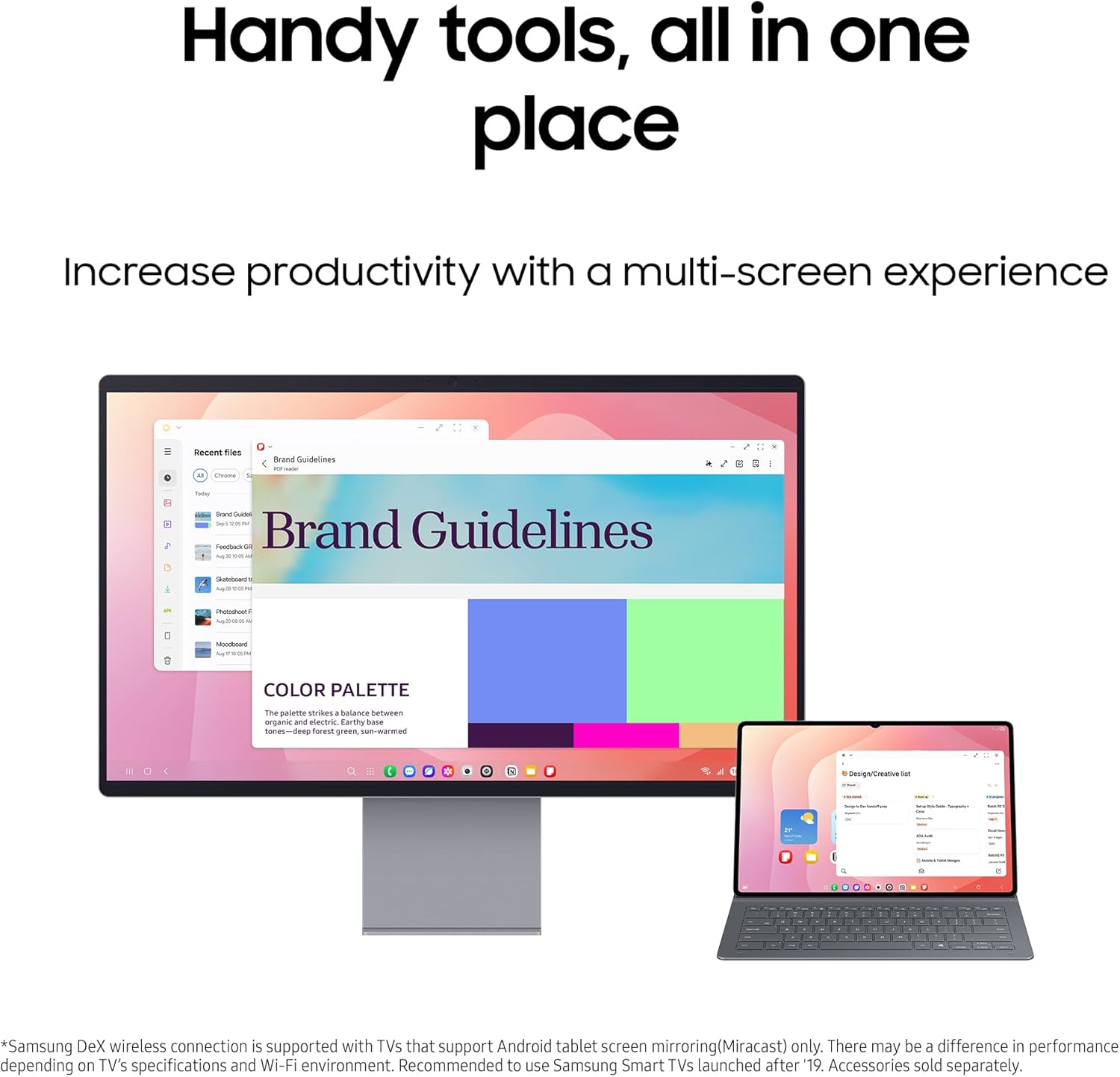
Samsung DeX is described as extending the tablet display and creating a multitasking environment of up to 4 workspaces. The notes also mention drag-and-drop windows, movable apps, and screen mirroring for saved content at home.
So, where does this land for purchase decision? If you’re someone who wants to move between quick tablet work and a more “desktop-like” setup—say, writing notes in bed, then continuing on a bigger setup at home—DeX Connect is the bridge feature. The fact it’s framed around multiple workspaces suggests it’s aimed at people who don’t want to keep everything in one single app at a time.
A small limitation to consider: DeX experiences can vary depending on what accessories and display setup you use. The provided information doesn’t detail exactly what you’ll need for your preferred desk setup, so it’s worth checking compatibility with your existing home setup before committing.
Pros
- Slim and lightweight design focus, made for portability without feeling like a throwaway device
- Large 11.0" Dynamic AMOLED 2X screen with brightness aimed at outdoor visibility
- S Pen design that’s built around steadier, more precise strokes
- Drawing Assist and Writing Assist tools aimed at turning rough ideas into better outputs faster
- DeX multi-workspace approach (up to 4 workspaces) for a more productive layout
- Comes with a 3 Year Extended Warranty (UK Version), which helps if you care about longer coverage
It may not be a great match if…
It might not suit you if you’re after a tablet purely for casual entertainment with minimal work features. The S Pen, AI assist tools, and DeX are clearly oriented to productivity and creative thinking, so if you won’t use those, you may be paying for functionality that doesn’t get used.
Also, if you need fully detailed specs like exact weight, charging details, or full clarity on AI tool behaviour in your specific workflow, those details aren’t provided here. It’s not that they don’t exist—it’s just that you’d want to confirm them elsewhere before spending.
¿Merece la pena? (Worth it for the right buyer)
The Galaxy Tab S11 feels like it’s pitched for people who want one device to cover writing, sketching, and “proper work” while still being portable. On paper, the combination of AI drawing/writing assistance, an 11.0" bright AMOLED display, and a DeX multitasking environment is a strong argument if you’re regularly switching between idea creation and output.
It’s also the kind of tablet that tends to make sense if you’re tired of balancing a phone for quick edits and a separate device for bigger screen work. With DeX, there’s a clearer pathway to a multi-window workflow.
You may want to skip it if your priorities are only streaming and browsing, or if you’re not planning to use the pen or AI tools in your day-to-day.
Practical examples: how you’d use it
- Creative sketch session: you sketch something roughly with the S Pen, then use Drawing Assist to turn that rough sketch into a more polished, AI-generated image in seconds—useful for brainstorming concepts quickly rather than redrawing from scratch.
- Writing workflow: you start a draft with Writing Assist, refine the wording, and revise sections to ensure it “properly conveys your meaning” without spending all your time staring at the same paragraph.
- Home productivity: you set up DeX at home for a more workspace-style layout, then use drag-and-drop windows and movable apps to keep your content organised across multiple areas.
Care & maintenance
No care details are provided in the input. That said, with a pen-focused tablet, it’s generally worth planning how you’ll store and protect the S Pen to avoid accidental damage—especially if you carry the tablet in a bag.
Compatibility
The details mention DeX and screen mirroring, but the provided information doesn’t specify which exact external displays or accessories you’ll need. If you already have a home desk setup, it’s smart to double-check what’s required for your intended screen-mirroring or multi-workspace use.
Mini FAQ

FAQ: What’s the main purpose of this tablet?
It’s positioned as a productivity and creativity-focused tablet, with pen-based drawing/writing support, AI assist tools, and a DeX workspace experience.
FAQ: Is DeX a core part of the value?
For buyers who want a multitasking, desktop-style workflow at home, DeX is a meaningful part of the pitch. If you’ll mostly use one app at a time, you might not feel the benefit as much.
FAQ: Does it include enough storage?
You get 256GB storage in this configuration. Whether that’s enough depends on how much media and offline work you keep locally.
FAQ: Is the extended warranty worth considering?
The listing includes a 3 Year Extended Warranty (UK Version). If you like having longer coverage, that’s a practical extra to factor into the purchase.
FAQ: Any downsides to be aware of?
On the info provided, you don’t get specifics like weight or detailed AI behaviour across all workflows. If those details are critical for you, check before buying—because the tablet’s usefulness hinges on how you plan to use the pen, AI tools, and DeX.