

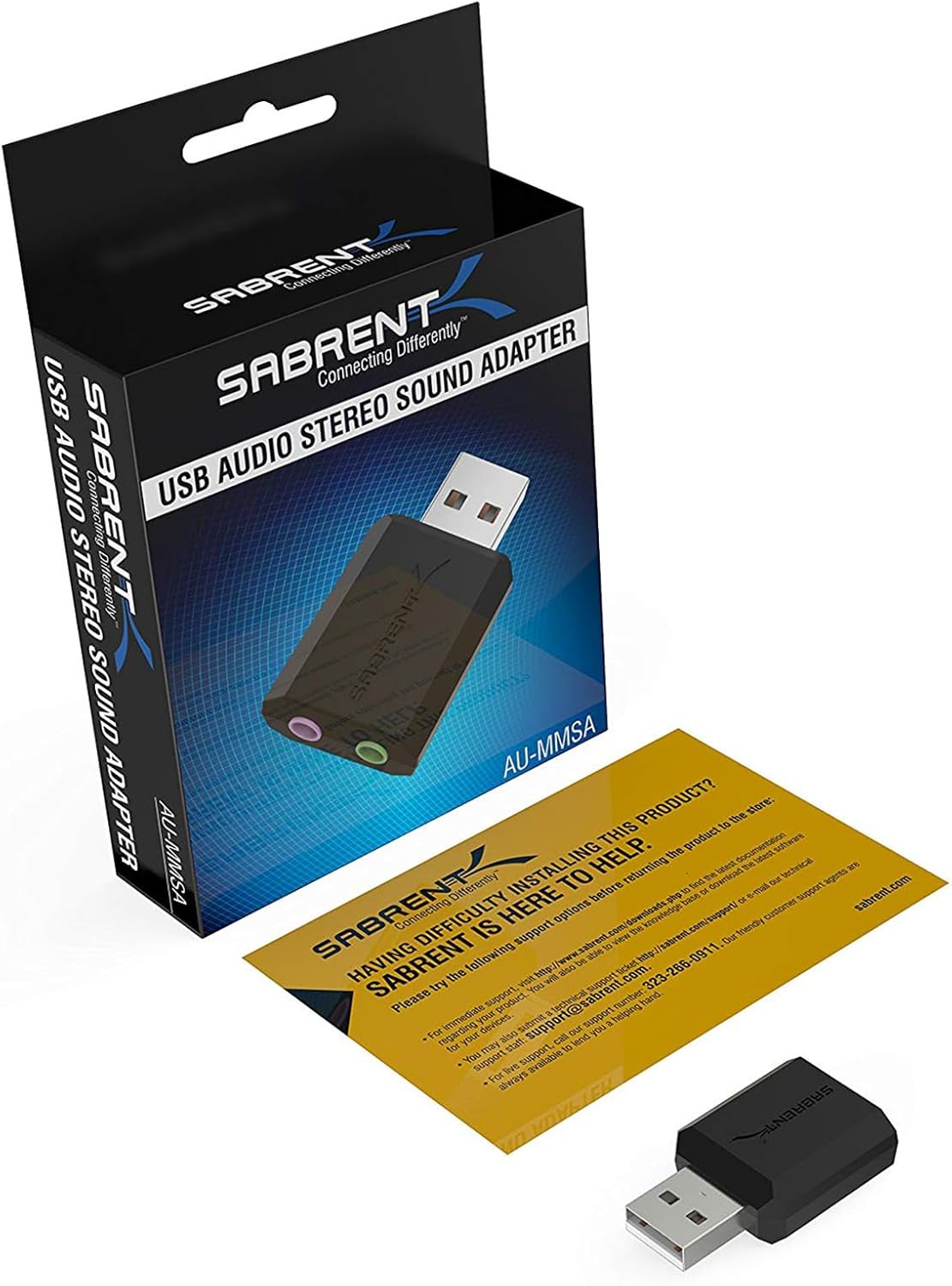
SABRENT USB to AUX Adapter (AU-MMSA) – external USB sound card with 3.5mm jack for headphones & mic
Reviews
Price
Product description
What it is and why you’d want it
This SABRENT USB to AUX Adapter is essentially a small external audio interface that turns a USB port into a 3.5mm headphone output, with support for connecting a microphone as well. In everyday terms, it’s there for one of two reasons: either your device’s audio port isn’t behaving, or you simply want an easy way to add headphone and mic connectivity without messing around with internal sound cards.
It’s also positioned as a practical fix when you’ve got limited audio options on the device in front of you. The description specifically calls out being able to act as a “second sound source”, which matters if you’re trying to run speakers and headphones at the same time rather than swapping cables and settings.
The essentials (the parts that matter)
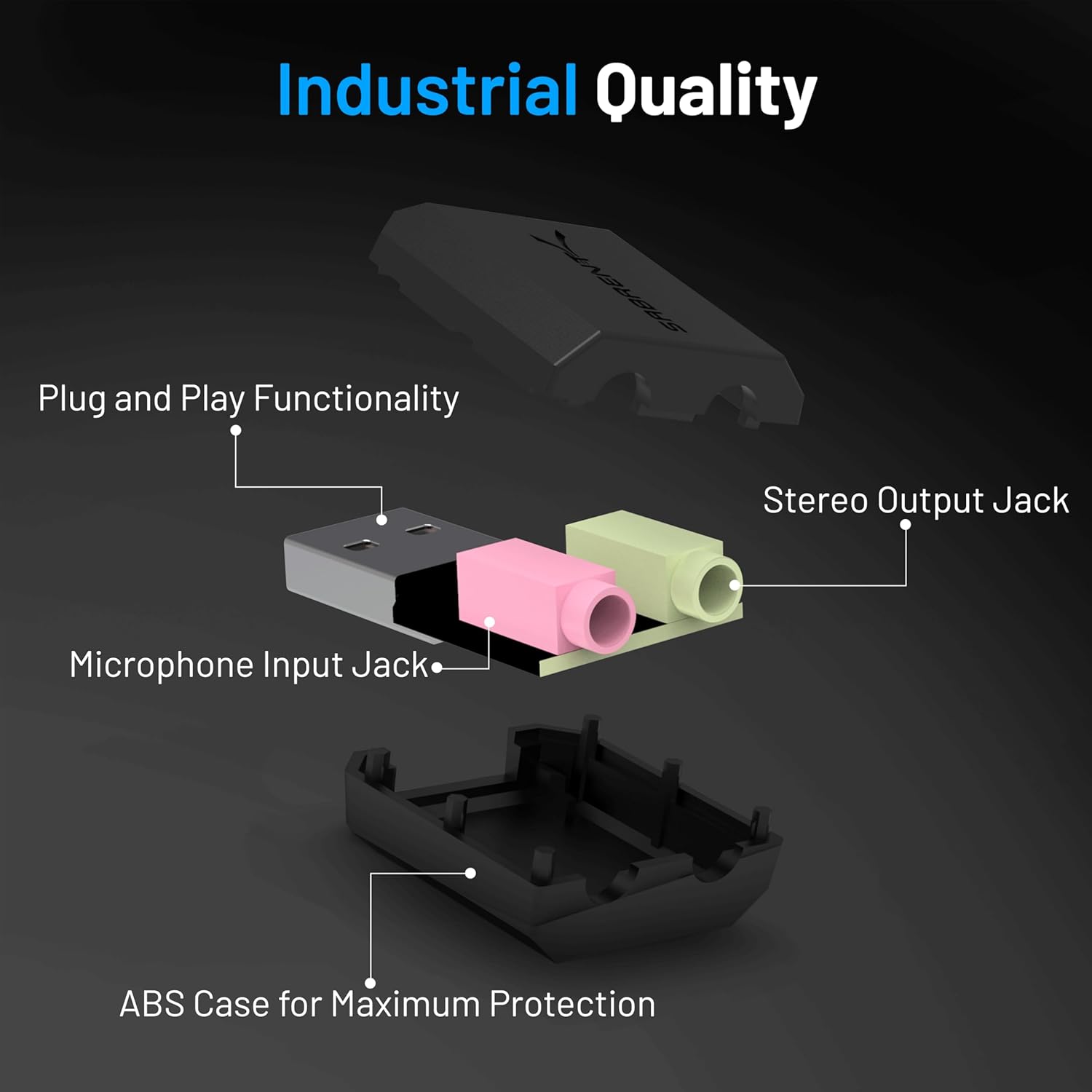
The adapter uses USB Type-A and provides a 3.5mm stereo output for headphones, plus a mono microphone input. It’s designed to be lightweight and compact, so it’s the sort of thing you can leave by your desk or toss into a bag for use at home, work, or when you’re setting up a portable station.
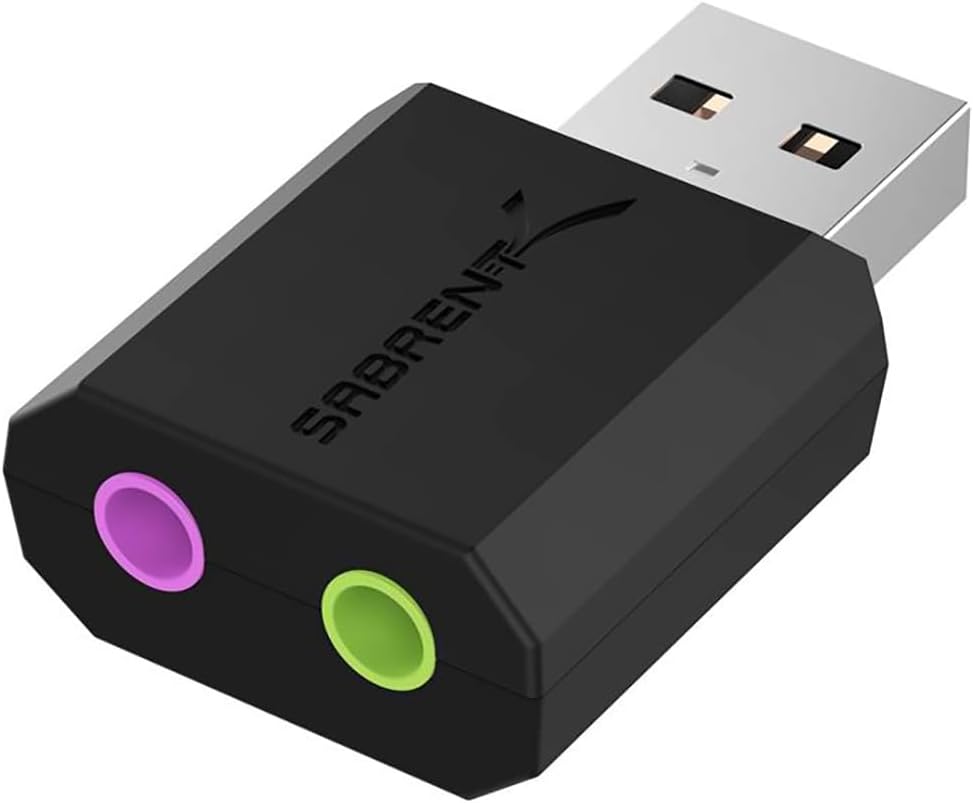
On paper, it’s aimed at people who want plug-in audio that behaves like a normal audio device. The unit is bus-powered via USB, so there’s no external power lead required.
There is, though, a little limitation to keep in mind: it’s a USB audio converter rather than a full “do-everything” sound system. If you expect high-end studio-style mixing tools or advanced surround/processing beyond what a basic adapter offers, you may find it stays in the more practical, everyday category.
Where it shines in daily use
If you’ve ever had to deal with a laptop’s combo jack (or a desktop’s front audio port) acting flaky, this kind of adapter can be a straightforward workaround. Plug it in, set it as the default audio device, and then you can listen and talk without reorganising your whole setup.
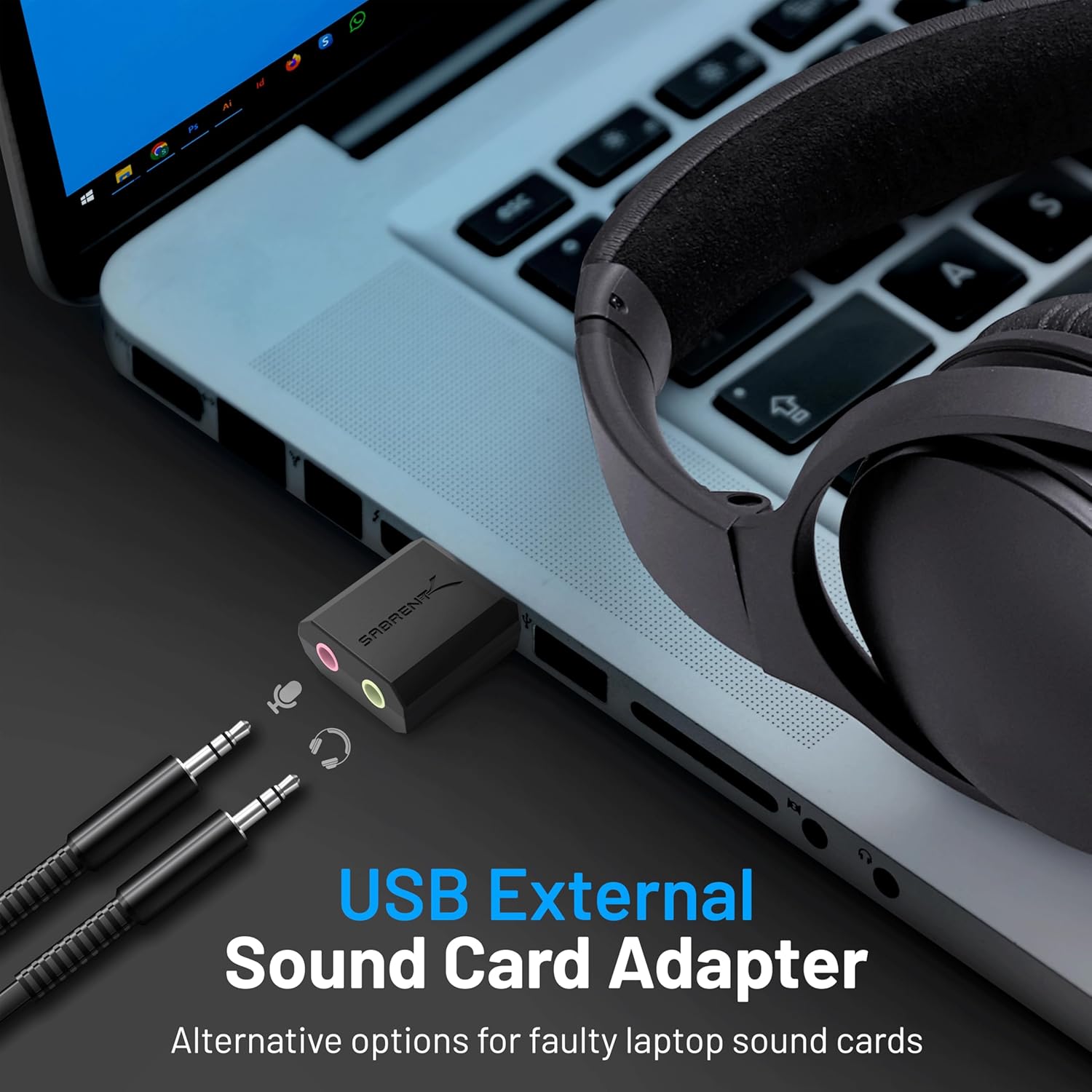
A concrete example: imagine you’re using a Steam Deck or a laptop for calls. You can connect gaming headphones to the 3.5mm output and plug a microphone into the mono mic input, then select the adapter as the default audio device. The practical point is that it reduces “which cable do I need?” and avoids relying on a potentially awkward built-in audio port.
Compatibility and setup—what to check first
The product description says it’s compatible with the USB audio class 1.0 device specification, and that it supports a range of platforms including PC and Mac, plus PS5/PS4 and Steam Deck. It also states “no drivers needed”, which usually translates to less faff on modern systems.
That said, you’ll still want to check two things before you buy:
- Your device has a spare USB Type-A port (or an accessible USB hub/desk dock).
- You’re happy with selecting it as your default audio device after plugging it in (the listing mentions doing this as part of the setup).
It also notes that keeping it connected via a USB hub or dock may help avoid accidental disconnections, which is useful if your USB port connection feels loose.

Build and design notes
The adapter body is described as having a smooth, durable ABS surface, and being light and slim enough to carry around. That’s exactly the kind of detail that matters with small desk accessories: you want something that won’t feel fragile when you’re plugging it in regularly.
What you get (and what you shouldn’t expect)
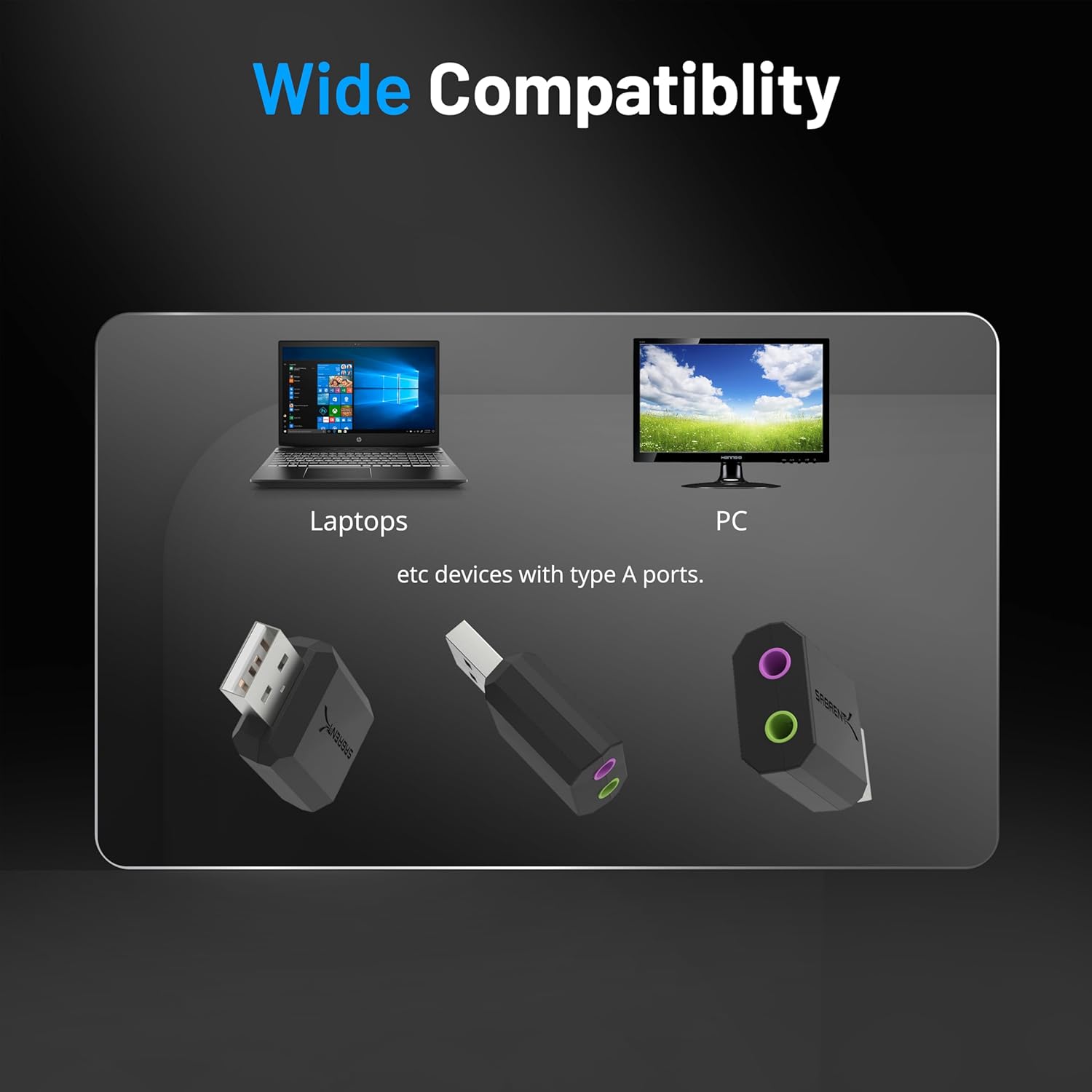
From the listing, you’re getting a USB-to-3.5mm stereo converter with a mono microphone input, intended for listening and speaking over headphones/mic connections. The focus is clearly on convenience and replacing or supplementing an audio port.
If your goal is something beyond basic headphone + mic connectivity—like elaborate audio routing, advanced control software, or high-resolution outputs—this may feel more like a practical adapter than an upgrade. It’s better thought of as a “fix and function” product rather than a new audio centre of gravity.
Final verdict
Is it worth it?
It’s worth considering if you want a simple USB sound solution for headphones and a mono microphone, especially when your current audio port is unreliable or you want an easy way to add audio connections to a device that’s short on ports.
You may want to skip it if you’re after a more feature-rich audio setup, or if you specifically need support that goes well beyond what a basic USB-to-3.5mm converter typically provides.
Who it suits best is clear from the design: people using PCs/laptops, Mac setups, and even consoles like PS5/PS4, plus anyone who values plug-and-play convenience and a compact audio adapter for daily use.
Mini FAQ
Does it need a driver?

The description says no driver is needed—just plug it in and set it as the default audio device.
Can it handle both headphones and a microphone?
Yes. It’s designed for headphone output via the 3.5mm stereo jack and microphone input via a mono mic jack.
Does it power from USB?
Yes, it’s bus-powered through USB, with no external power supply mentioned.
Is it meant for multiple audio devices at once?
The listing notes it can act as a second sound source, which suggests you can run scenarios like speakers and headphones together rather than only one path at a time.
What platforms does it mention?
The description explicitly mentions PC (including Windows versions listed), Mac OS 8.6 or superior, PS5/PS4, and Steam Deck.