

IMYB A36 gaming headset with noise‑cancelling mic
Product description
This over-ear gaming headset delivers immersive stereo sound and clear team chat for long sessions on PC and consoles. Lightweight padding and a flexible headband keep comfort high, while the wired connection helps avoid latency for competitive play.
Key Points
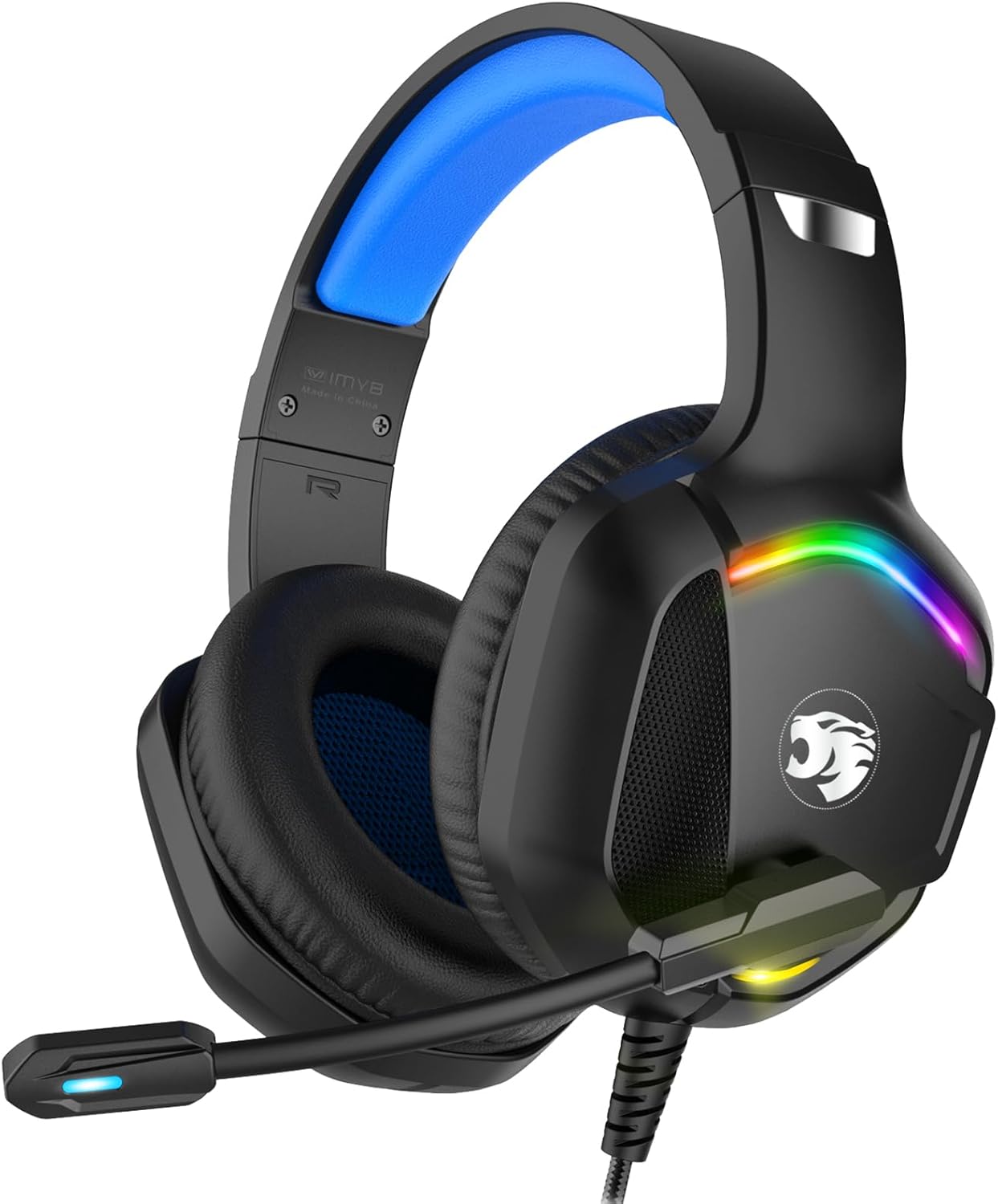
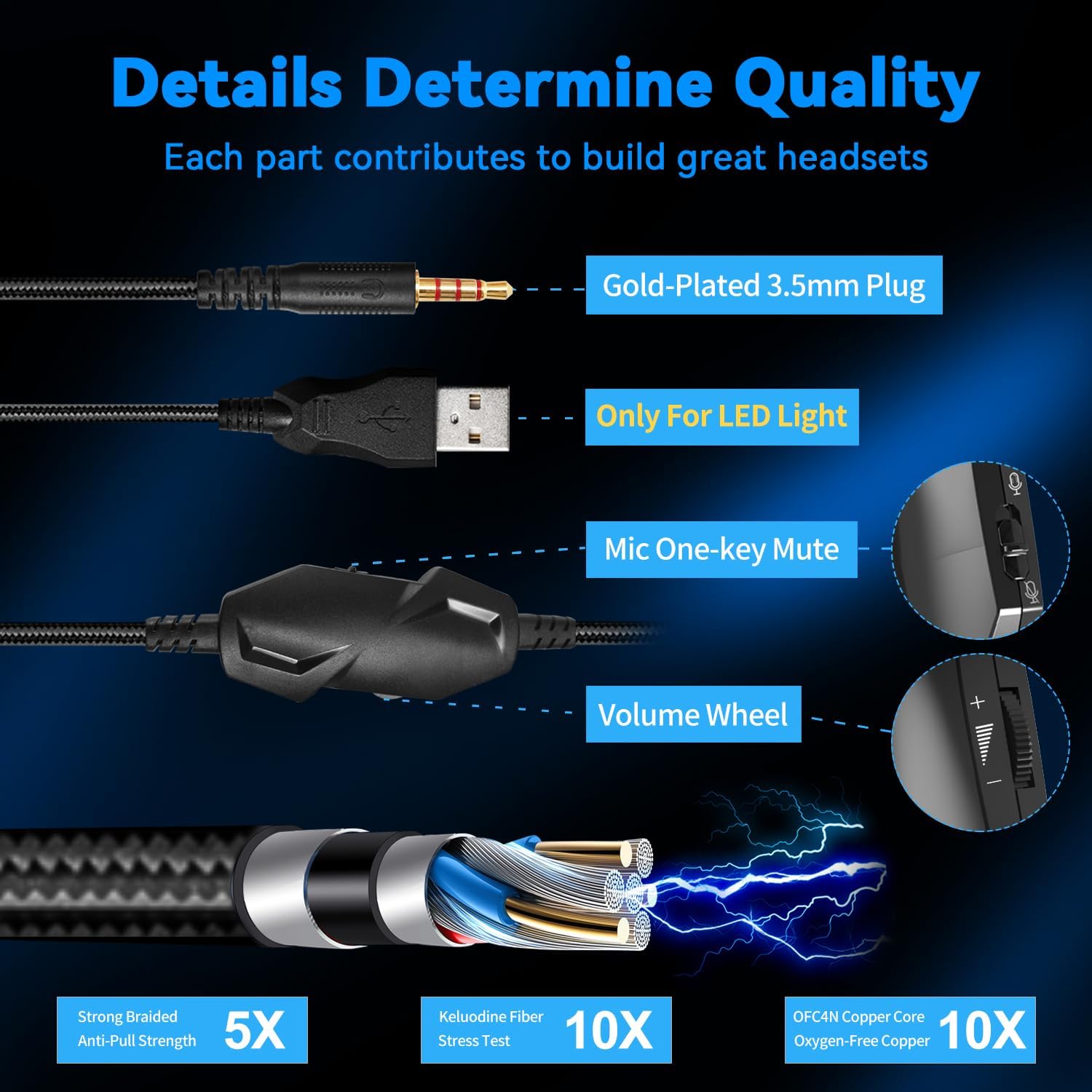
The IMYB A36 model brings a balance of potent bass and vocal clarity thanks to its 50 mm drivers, which enrich in-game atmospheres and make dialogue more intelligible. It connects via a 3.5 mm jack for wide compatibility across PCs, laptops, consoles and handhelds, and includes an inline volume control with a mute switch for quick adjustments during matches. 🎮 The headset is lightweight at approximately 0.75 pounds and features soft ear cushions that reduce pressure during extended use.
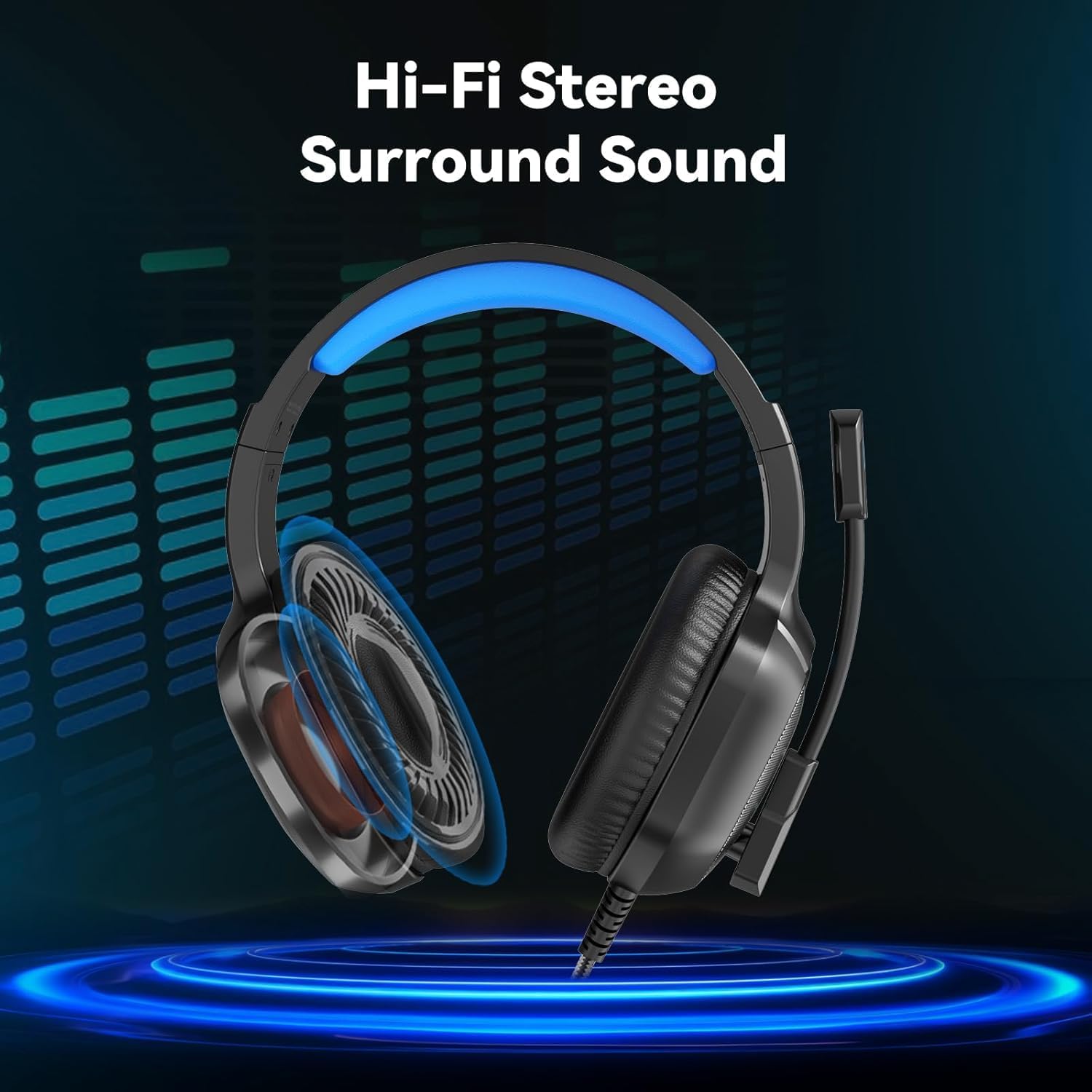
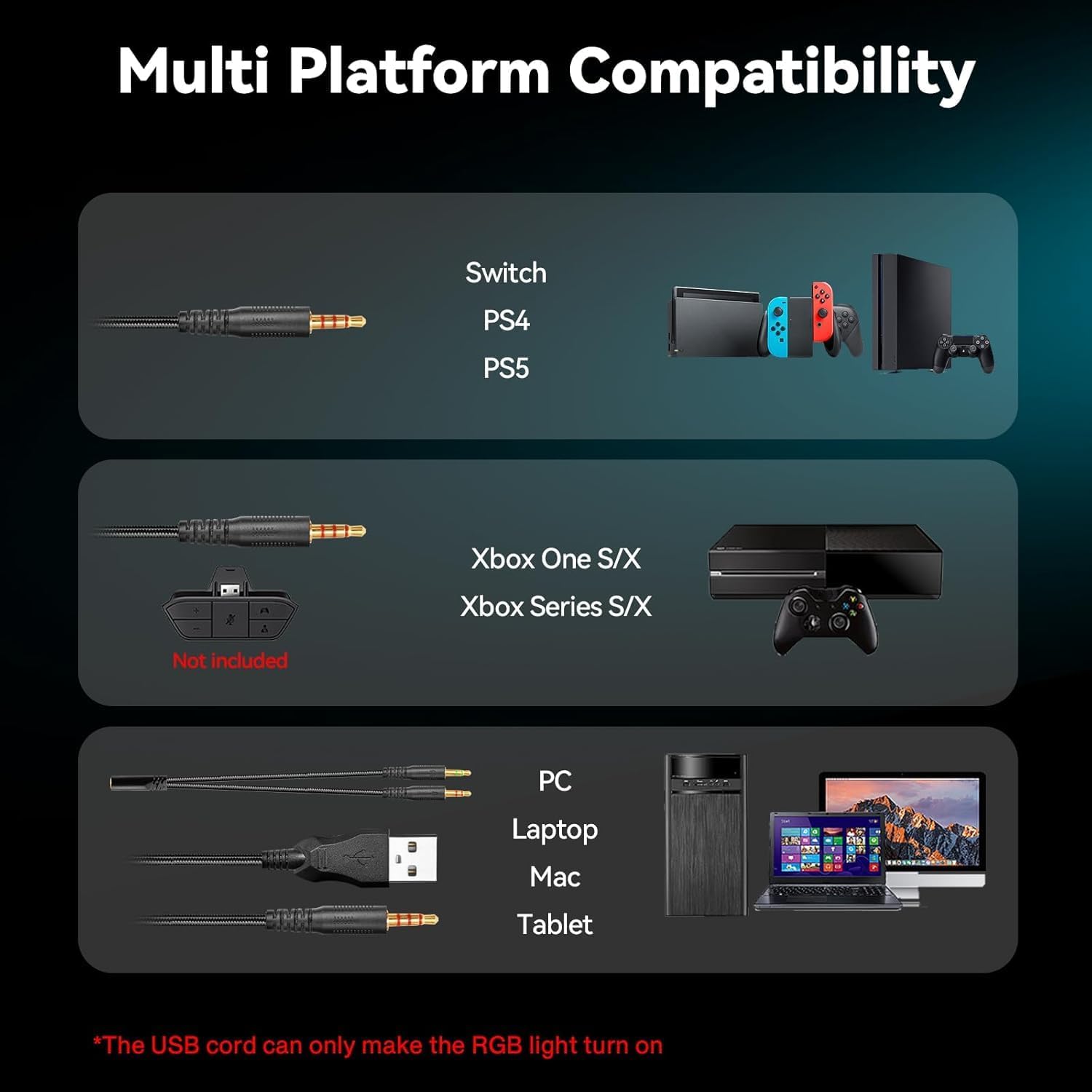
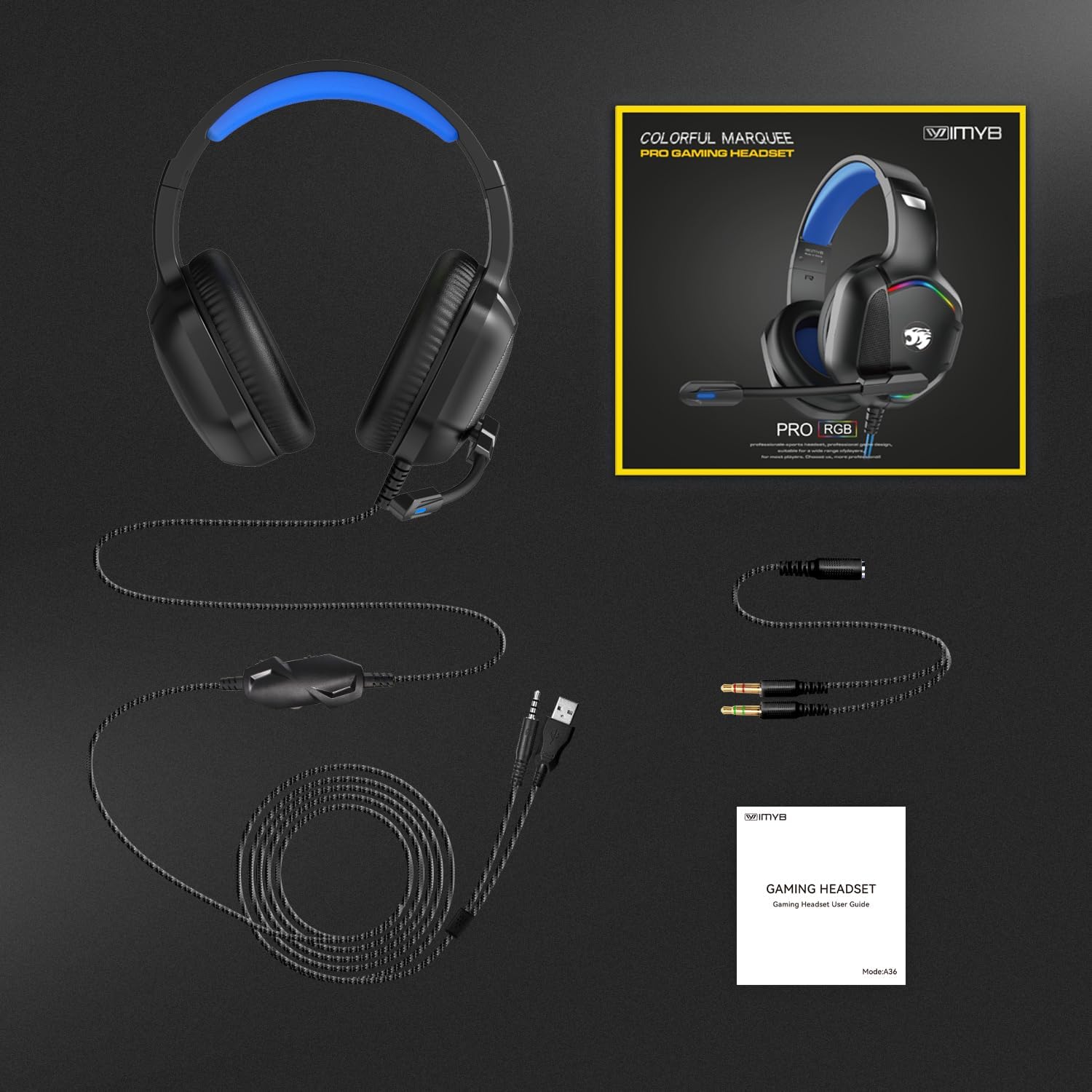
Compatibility covers PC, Xbox One Series X/S, PS4, PS5 and Switch, with the note that older Xbox variants may need an adapter according to the manufacturer. The braided, anti-tangle cable measures about 6.5 feet to allow movement without pulling on the headset during intense gameplay.
Technical Specifications
- Name: IMYB A36 Gaming Headset
- Drivers: 50 mm neodymium magnetic drivers
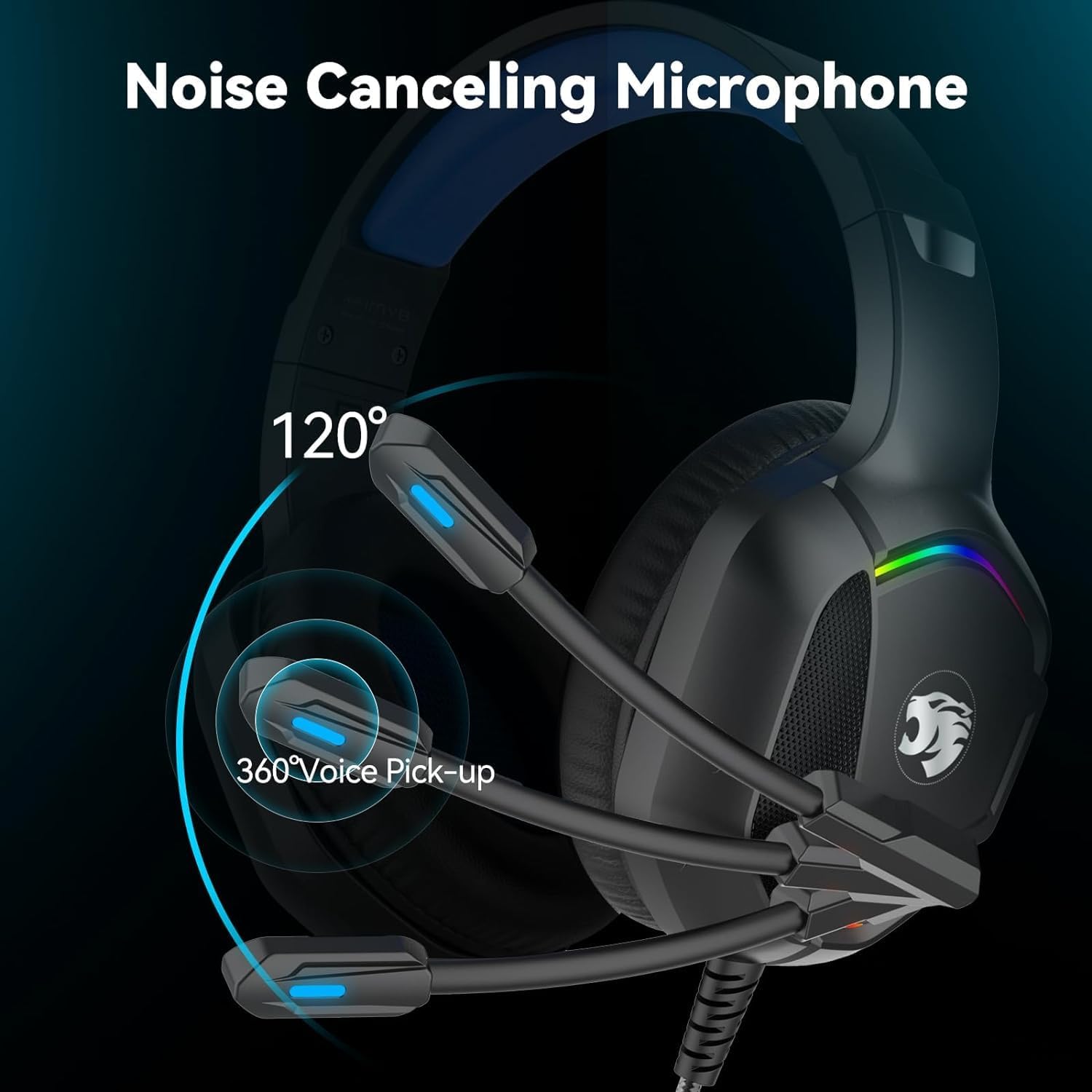
- Microphone: Omnidirectional microphone with noise isolation
- Connector: 3.5 mm jack
- Cable length: 6.5 feet (approximately)
- Weight: 0.75 pounds
- Colour: Blue
Benefits
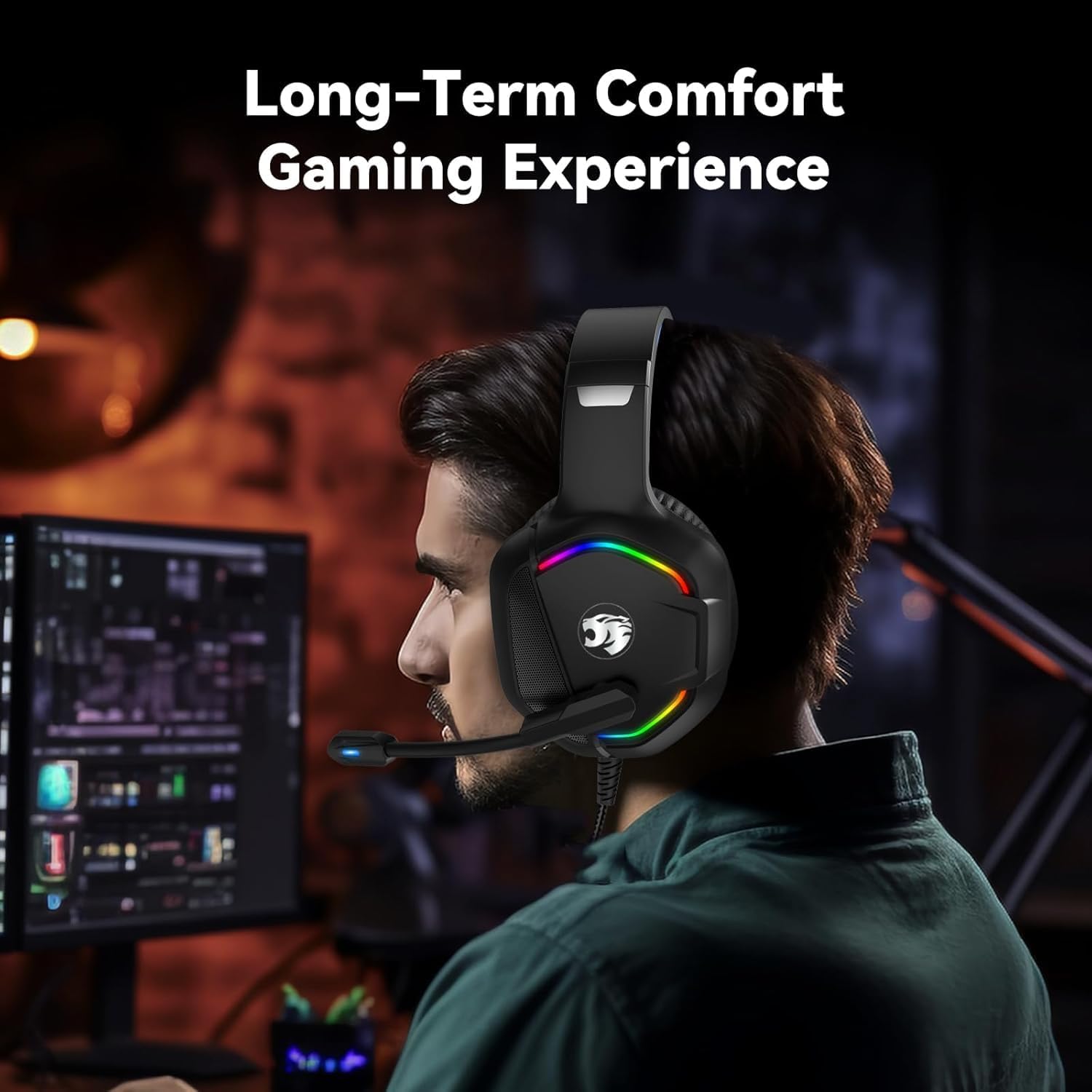
The omnidirectional mic includes a noise isolation function that helps keep team chat intelligible in noisy environments, which is useful if you stream or play in shared spaces. The sizeable 50 mm transducers produce a fuller low end and a decent soundstage for stereo gaming, so footsteps and environmental cues are easier to discern. 🎧 Comfort is another advantage, since the headset combines a flexible padded headband with plush ear pads that reduce heat build-up and pressure.
Consider that the headset is wired only, which avoids battery worries but means you will need a cable connection. Also, while the mic reduces background noise, it is not an active noise-cancelling system for ambient sound according to the manufacturer.
Usage Recommendations
Use the inline volume dial to fine-tune levels without opening software menus, and switch the mute button when you need quick privacy in voice channels. For console play on older Xbox models, keep an adapter handy if required. Adjust the headband before long sessions to find the most comfortable fit.