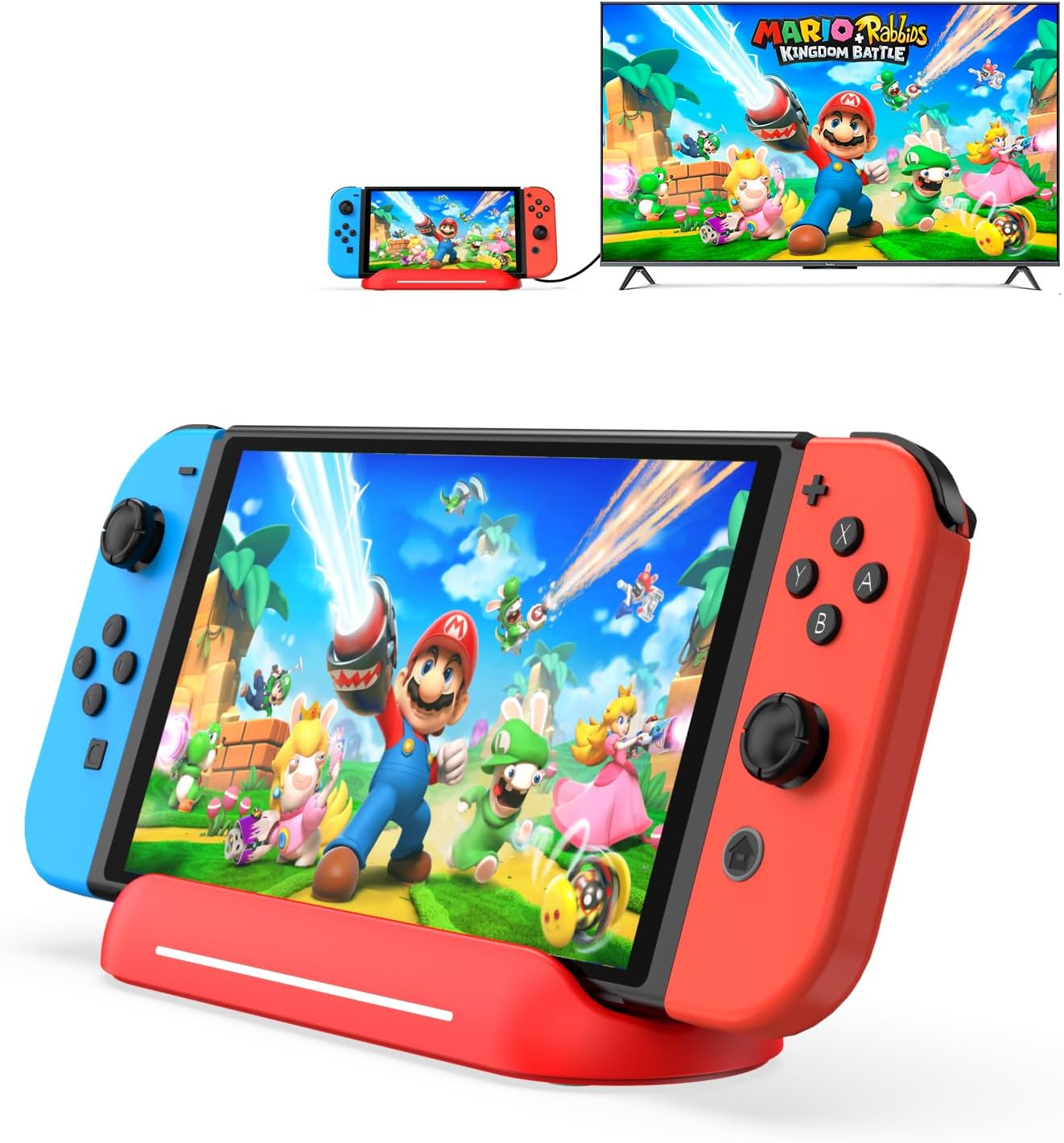
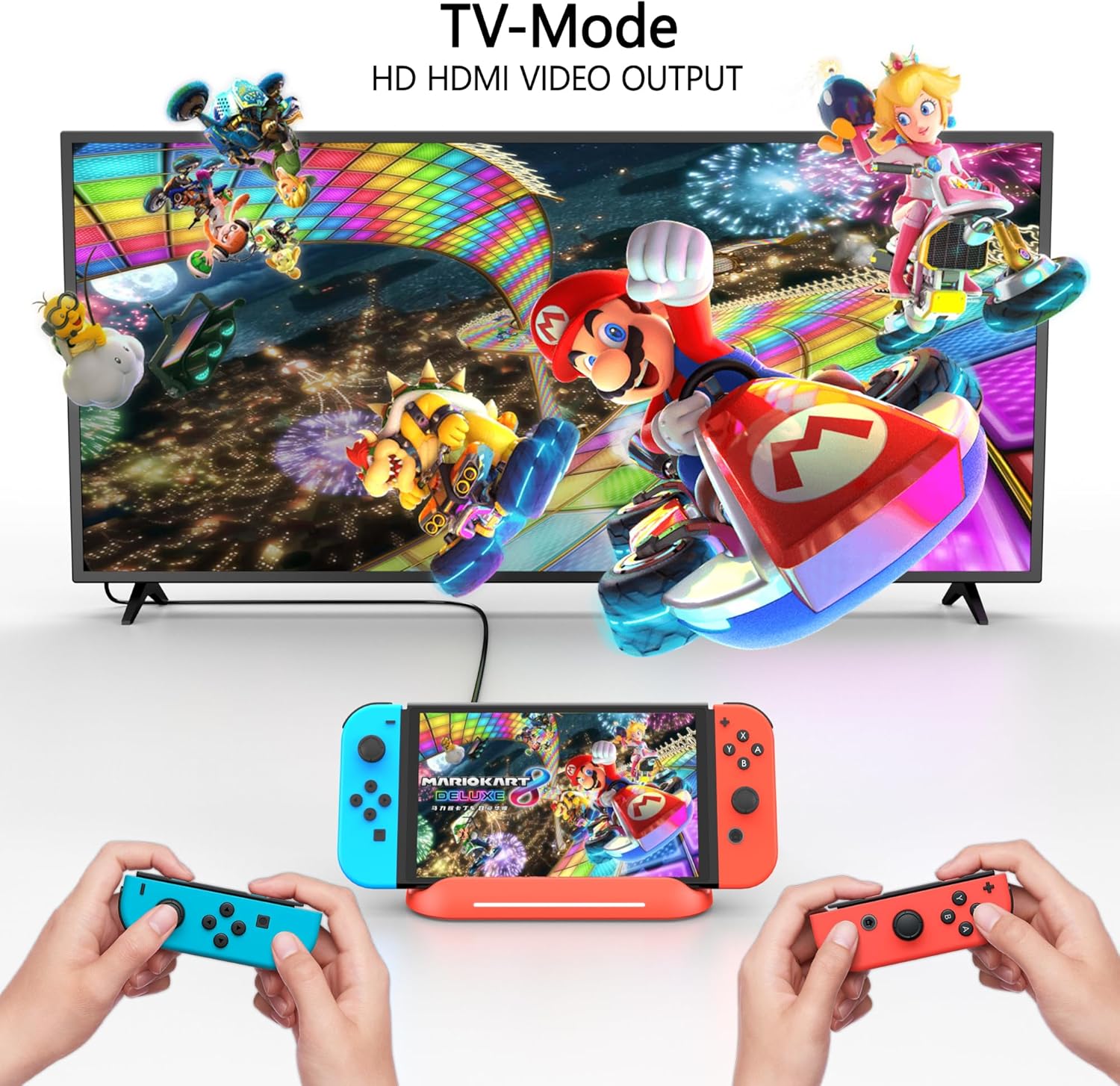
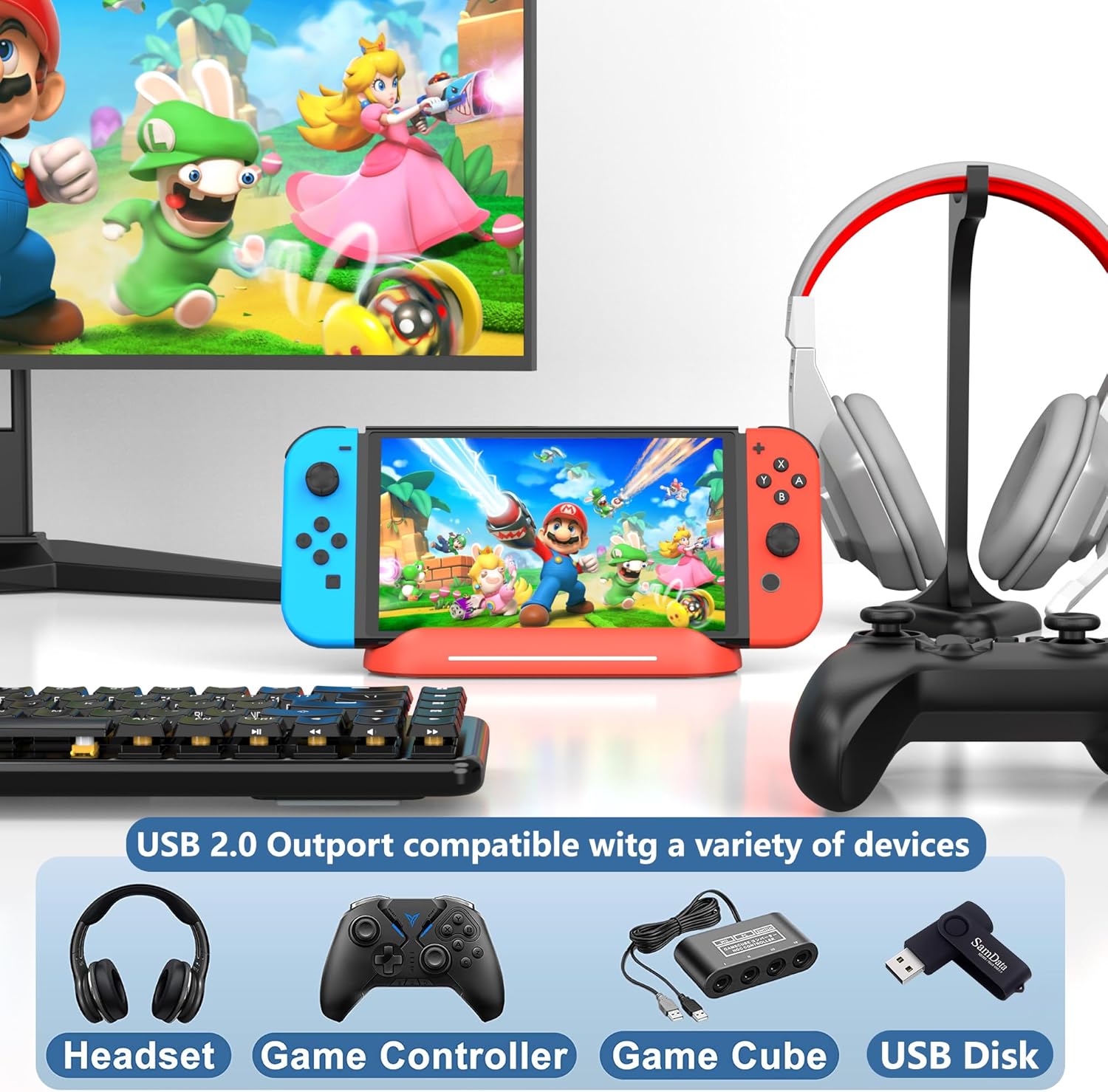
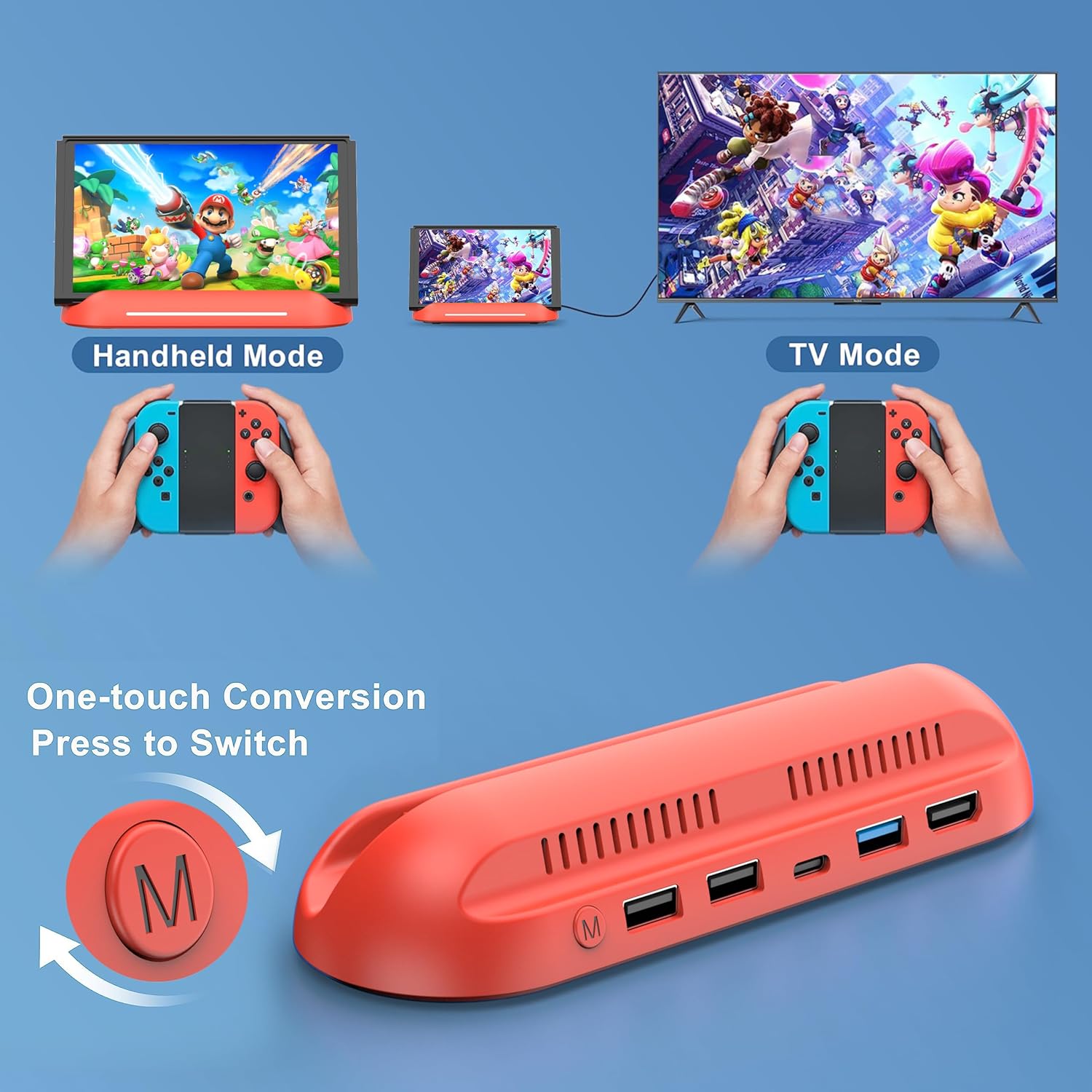
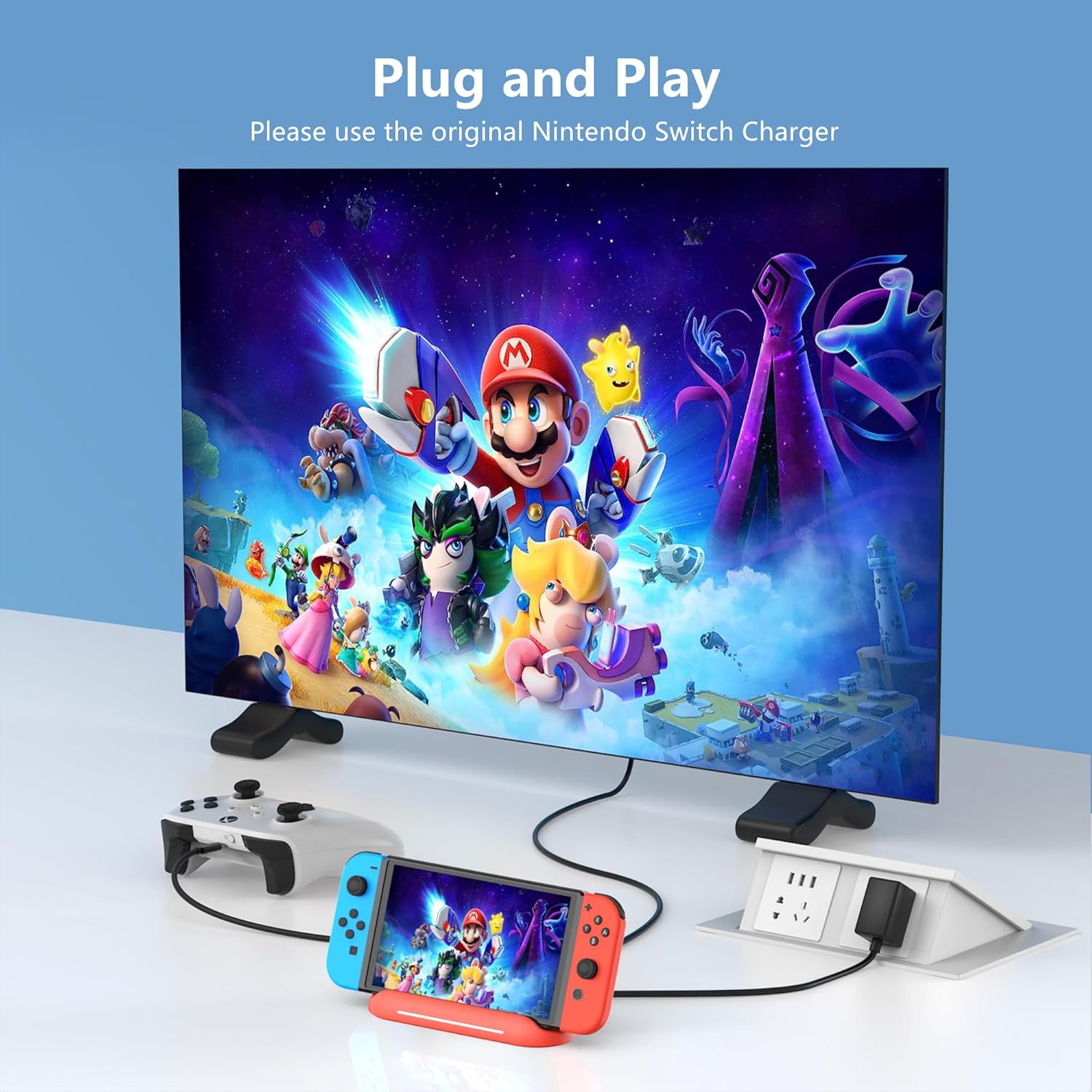
What it is and what it solves\nThe RREAKA 5 in 1 Switch Dock is a dock designed to pair with Nintendo Switch OLED and TV modes, offering a compact alternative to the official base. It centres on a simple idea: switch between handheld and TV display with a single press, while expanding connectivity through HDMI, USB 3.0 and USB-C charging ports. If you’re after a practical, cable-friendly base that sits between portability and home use, this dock aims to deliver.\n\n## Who it’s for\nIf you mainly play with your Switch OLED at home on a TV but want a compact, travel-friendly base, this model can be convenient. It’s not intended for Switch Lite and relies on a full-size console with its own power needs. Those who value extra USB connectivity for accessories or storage may find this appealing, provided they’re comfortable with a setup that isn’t officially endorsed by Nintendo.\n\n## What stands out in use\nOn a technical level, the dock includes an HDMI output for the TV, a USB 3.0 port for fast data transfer, and a USB-C charging port to keep the console powered. The design emphasises practical features: a spring-assisted guide to reduce wear on the console’s ports, ventilation holes to help prevent overheating, and anti-slip pads to keep the base steady on a desk or shelf. The RGB lighting adds a lighthearted touch when the HDMI output is active, but it’s not the primary function.\n\n## The strengths and potential drawbacks\nWhat’s convincing here is the combination of TV-dock convenience and the extra USB 3.0 port, which can support devices like USB drives, keyboards or mice for certain tasks. It isn’t perfect for everyone: it omits cables and power adapters, so you’ll need to supply those separately. You’ll also want to check how your setup handles video output—Nintendo Switch in docked mode tops out at 1080p 60Hz, which is a sensible cap to set expectations around. For frequent portable use, the built-in portability is useful, but ensure the device doesn’t rely on features that are better handled by the official dock if you crave absolute compatibility.\n\n## A note on suitability\nIf you prioritise a robust, travel-ready dock with additional USB connectivity and a straightforward “press to switch” mechanism, this model can fit that need. If you require guaranteed official compatibility or extended high-refresh-rate output, you may wish to explore other options. Also, consider your current charging setup since the base does not include a charger or power brick.\n\n## What to check before buying\n- Confirm you have a full Nintendo Switch OLED (not Lite) and plan to use docked and undocked modes.\n- Ensure you have a compatible HDMI cable and an appropriate USB-C charger to power the console through the dock.\n- Consider how much you value the extra USB 3.0 port and whether you’ll use the USB-C charging pass-through.\n- Be aware of the 1080p 60Hz limit in docked mode and set expectations accordingly.\n\n## How it compares to other approaches\nThis dock sits between a basic charger stand and a fully supplied official dock: it offers more ports than a simple stand while keeping a compact form. If your setup relies on multiple accessories or you travel frequently, this type of multi-port dock can be a practical compromise. On the other hand, if you want guaranteed Nintendo-approved compatibility and optimised TV output, you might prefer sticking with the original dock or exploring official alternatives.\n\n## Decision for purchase\nIt may be worth considering if you want a compact, connectivity-rich alternative for home use that still supports TV play and easy switching. It’s likely less compelling if you rely heavily on official compatibility guarantees or need built-in power delivery without sourcing your own charger.\n\n## Frequently asked questions\n- Does it work with Switch Lite? No, this dock is for Nintendo Switch OLED and standard Switch models.\n- Do I get an HDMI cable or USB-C charger with it? No, those aren’t included. You’ll need to supply your own.\n- What about 4K output? The setup is designed for 1080p output when docked.\n- Is it easy to swap between TV and handheld modes? Yes, by pressing a button on the base.\n- How long is the warranty? 18 months with lifetime customer support.