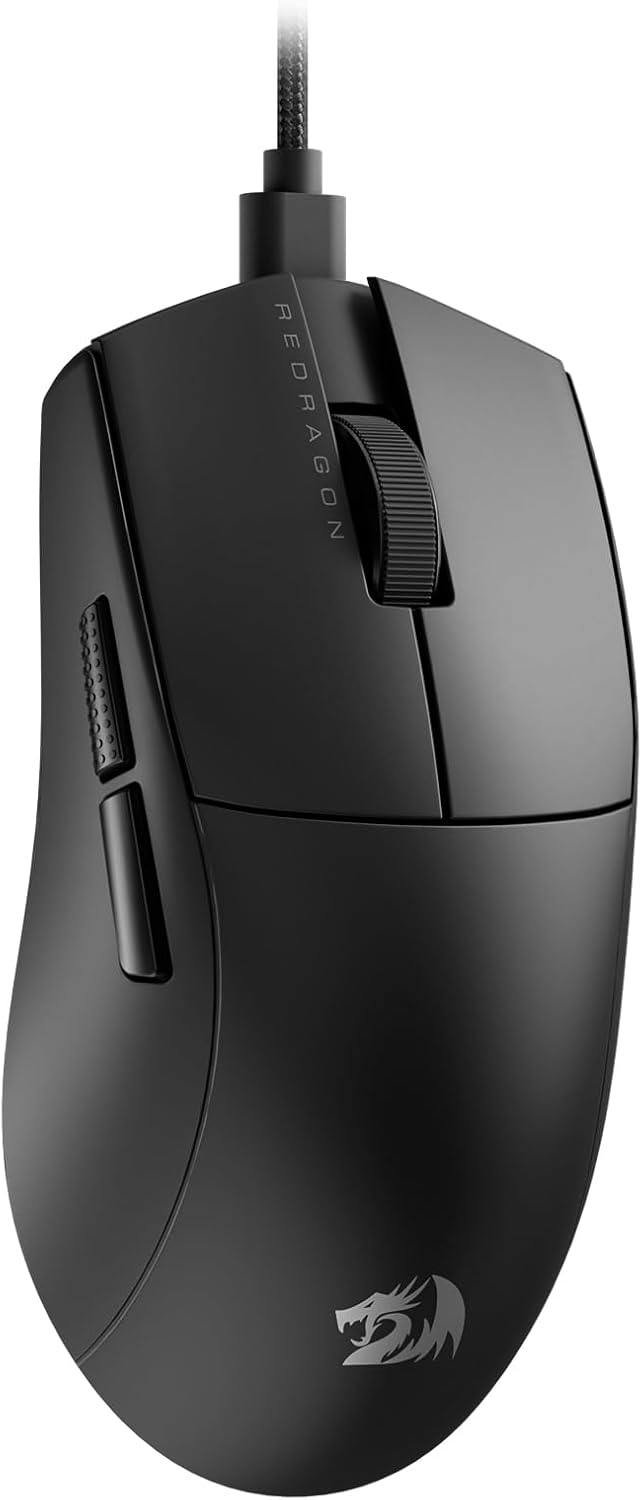
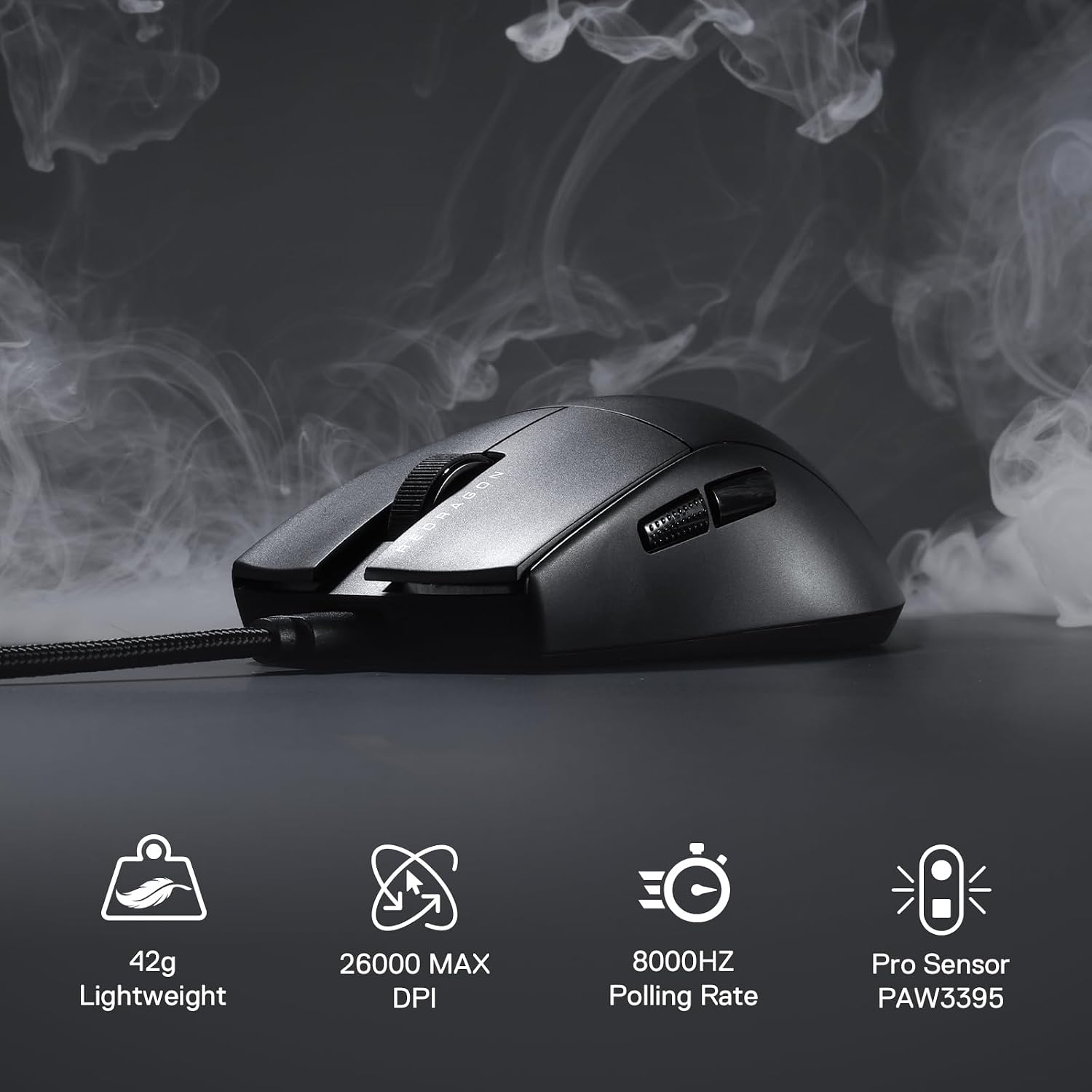
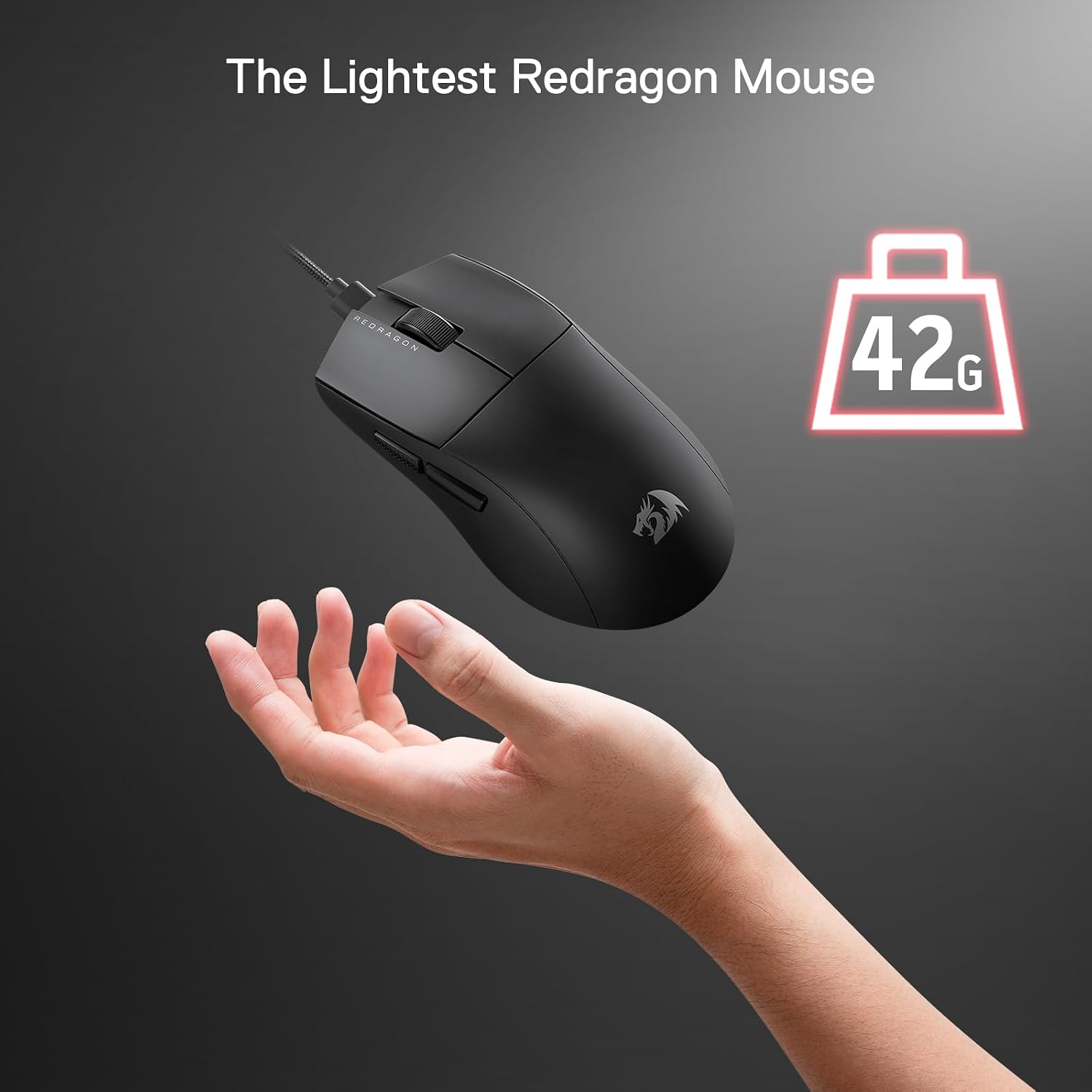
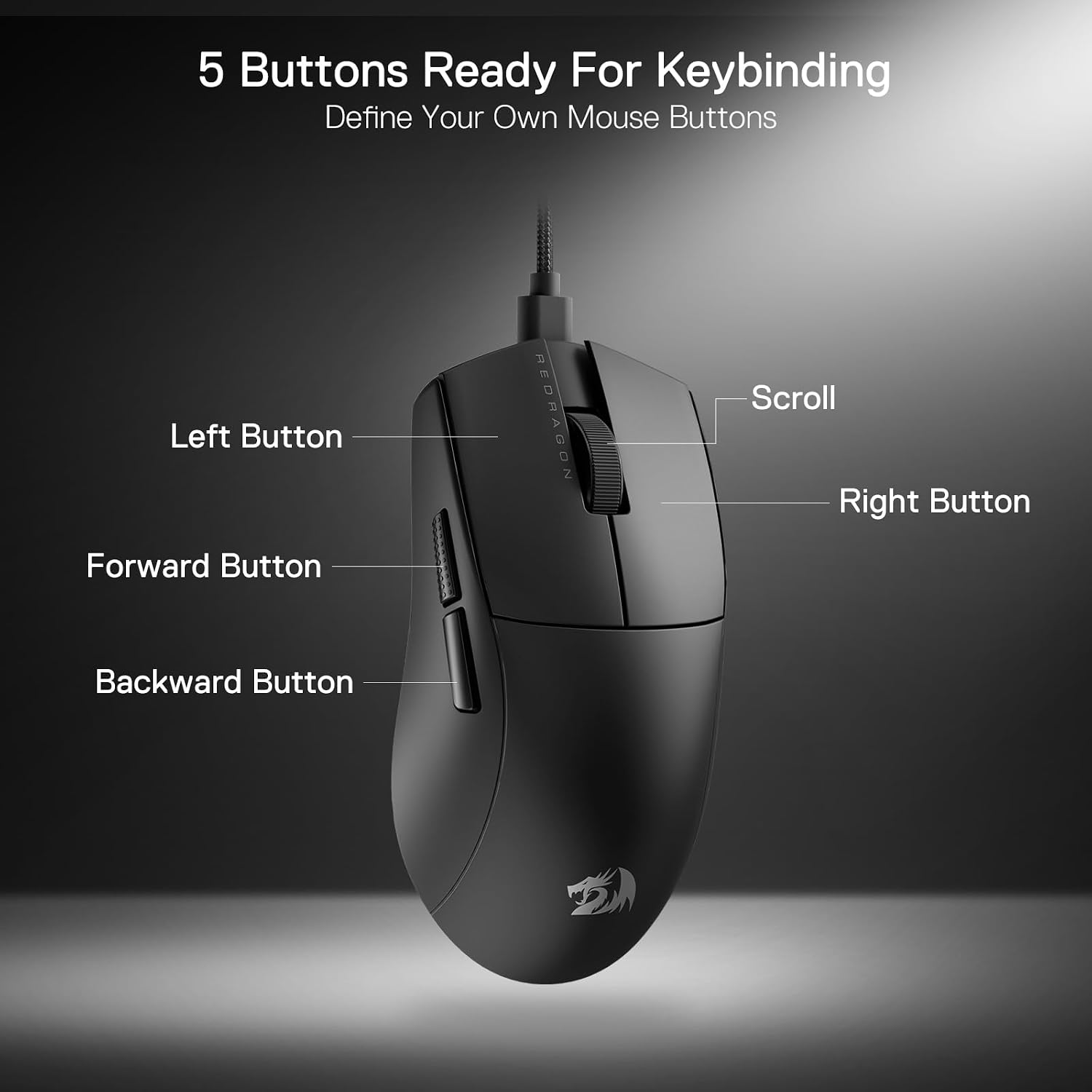
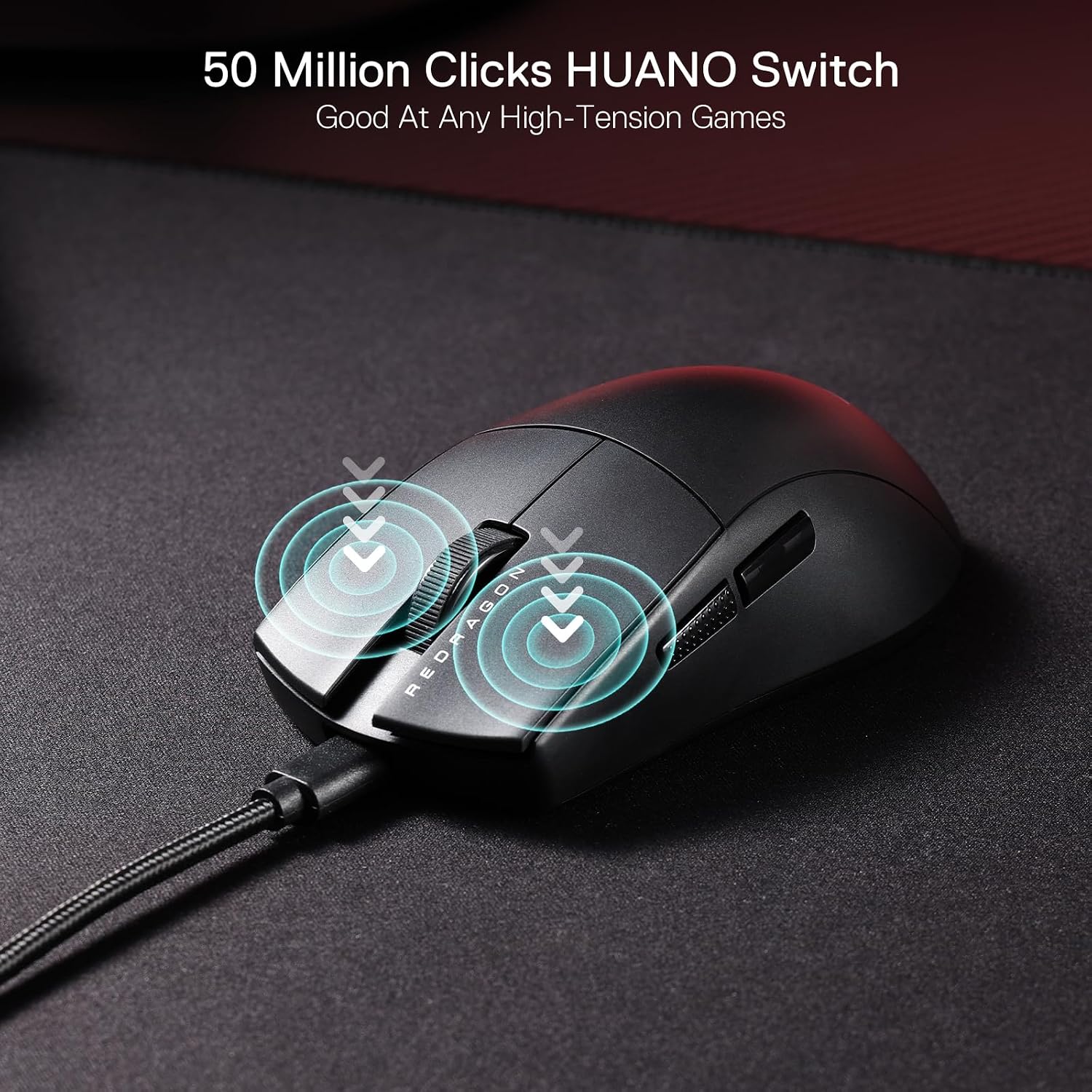
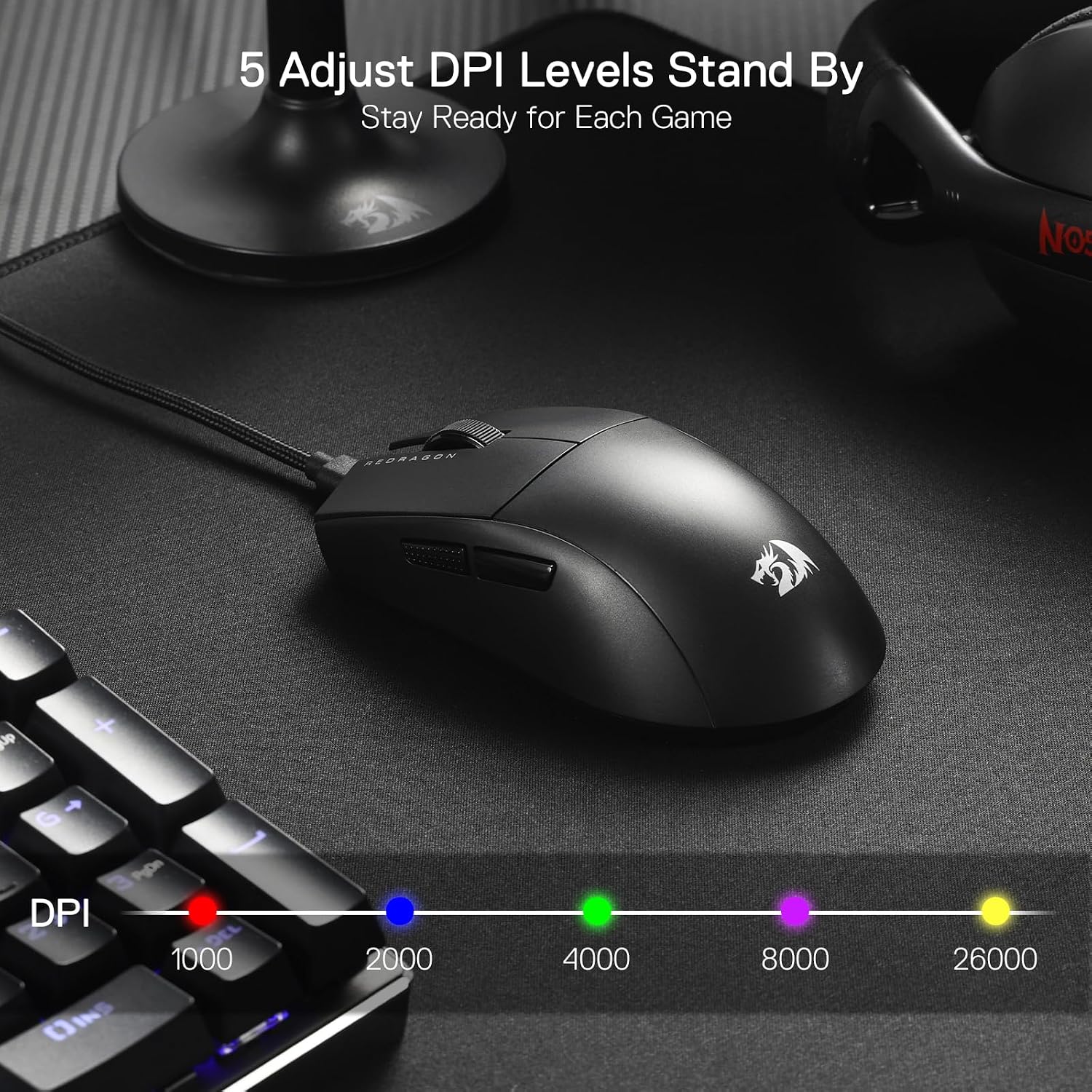
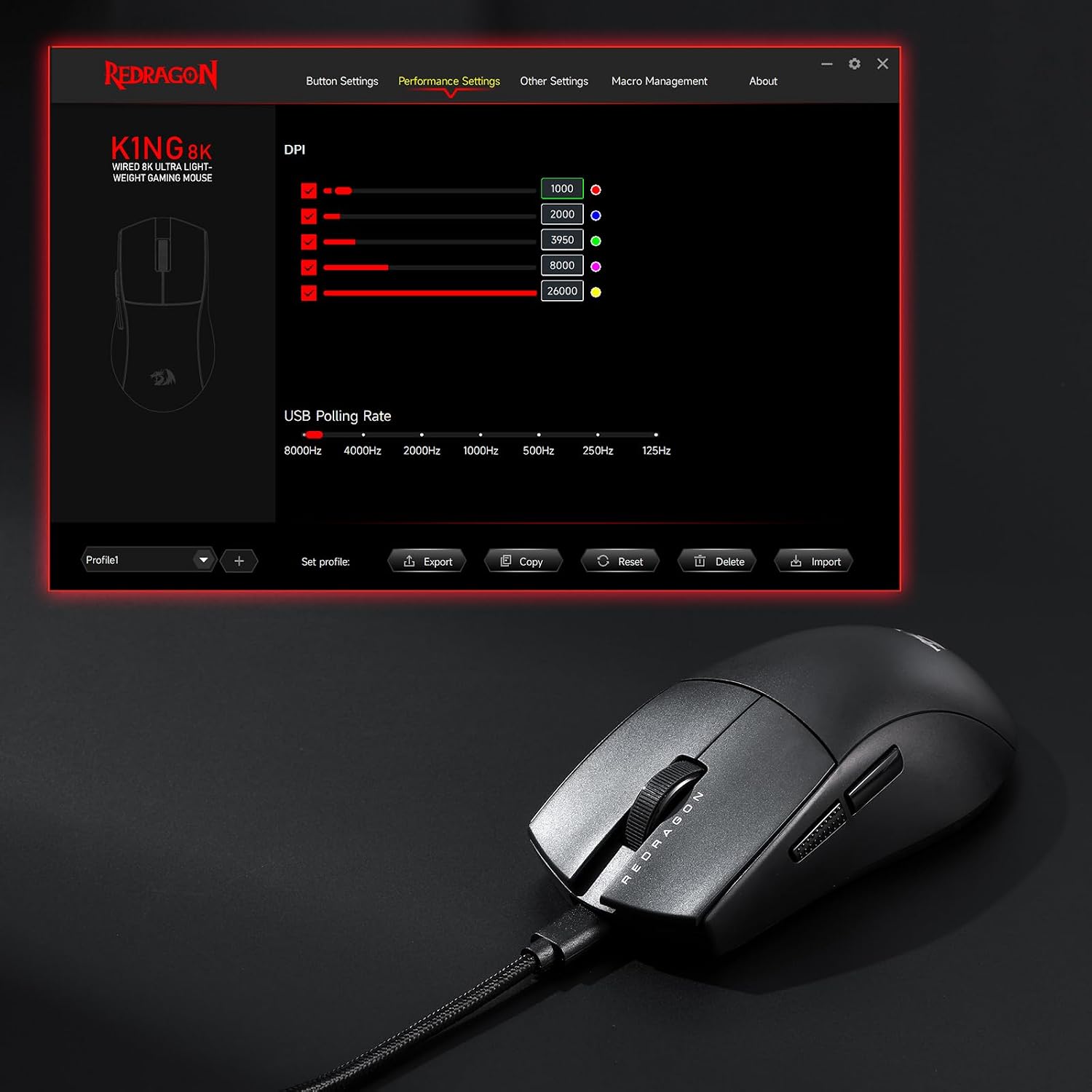
What it is and what it solves\nThe Redragon M996 is a wired gaming mouse designed for players who want high‑speed tracking and customised control without breaking the bank. On paper, it combines a high‑precision optical sensor with a software suite that allows personalised keybinds and DPI settings, aiming to streamline in‑game actions and productivity tasks. If you prioritise quick response, consistent performance and a comfortable grip for long sessions, this model offers a practical option to consider.\n\n## How it feels in use\nThe mouse is presented as lightweight at 42 g, with an ergonomic natural grip that follows the hand’s natural shape. That approach can reduce fatigue during long gaming marathons or extended work stretches. The form and weight are aimed at delivering responsive handling while avoiding excessive strain on the wrist. However, real comfort depends on your grip style and the size of your hand, so it isn’t necessarily a universal fit.\n\n## Key features in practice\nThe M996 ships with five programmable buttons, two side buttons included by default, and a suite of customisable hotkeys via Redragon’s software. This makes it suitable for players who want to map commands quickly or use macro-like sequences during matches or work tasks. The DPI options span five levels, including a 26,000‑DPI mode, with the software able to adjust DPI within a broader range if needed. In play, a higher DPI can offer fast cursor movement, for precise aiming or low‑latency tasks, mid‑range settings can be more controllable. The 8K transmission tech and Nordic flagship chip are positioned to deliver sharp tracking and efficient power use, though the practical benefit will depend on latency targets and your system’s USB‑port performance.\n\n## What stands out day to day\nIf you’re after a straightforward, wired setup with editable controls, the M996 provides a coherent package: a physically light body, easy reach for the programmed buttons, and a software layer that lets you tailor keybinds and DPI. It’s not a premium wireless model, but for desktop or café‑setup gaming and daily tasks, it can feel immediate and burden‑free.\n\n## What may not convince you\nNo device is perfect, and for some players the 42 g weight might still feel feather‑light in the wrong context or when you’re accustomed to a heavier gaming mouse. The software features are compelling on paper, but the practical quality of hotkey reconfigurations depends on how intuitive the software feels on your PC and whether it remains stable across updates. If you require ultra‑fine macro precision across dozens of buttons, you may find a more expansive configuration elsewhere.\n\n## Who this is for\nThis mouse suits gamers who want a compact, lightweight wired option with rapid input, plus the ability to tailor controls to their favourite titles. It can also appeal to productive users who rely on custom keyboard shortcuts for work tasks, provided the software experience aligns with their workflow.\n\n## When it makes sense to buy\nConsider the M996 if you prioritise a high‑DPI option with adjustable sensitivity and a practical button layout in a wired form factor. It’s particularly sensible if you value a lighter build for long sessions and want dedicated software to map hotkeys and DPI quickly.\n\n## When to think twice\nIf you need an ultra‑compact chassis for a small desk footprint, or if you heavily rely on a large number of programmable keys, this model’s two side buttons plus three additional programmable inputs might feel limited. Also, if software stability or long‑term driver support is a concern, you may want to test how well it integrates with your current setup before committing.\n\n## What to check before buying\nEnsure your system supports the software for hotkeys and DPI adjustments and that the USB connection is reliably detected by your motherboard or hub. Consider whether your grip style aligns with an ergonomic natural shape and whether the weight feels balanced for your use case.\n\n## Practical usage example\nIn a fast‑paced shooter, you can map quick DPI toggles to shift between precise aiming and rapid tracking mid‑game, while assigning common weapon or ability combos to the side buttons for faster response. In productivity tasks, the same keys can handle shortcuts during editing or data manipulation, reducing the need to drop to the keyboard.\n\n## FAQ\n- Is the M996 suitable for long sessions? The lightweight design aims to reduce fatigue, but comfort will vary with hand size and grip.\n- Can DPI be customised beyond the five preset levels? The software allows DPI adjustments, including a higher‑range option as described, subject to the driver capabilities.\n- How reliable are the programmable keys for quick actions? Programmable buttons are designed for rapid hotkeys, though actual performance depends on software stability and game/work compatibility.\n\n## Final decision: Is it worth it?\nYou’ll like it if you want a lightweight, wired mouse with customisable buttons and DPI control for both gaming and work tasks. It makes sense when you seek straightforward setup, predictable wired latency, and a practical grip that supports long sessions. It may not be the best choice if you need a larger button array or the most refined wireless performance.