

Redragon M602 Griffin RGB Wireless Gaming Mouse
Product description
What it is
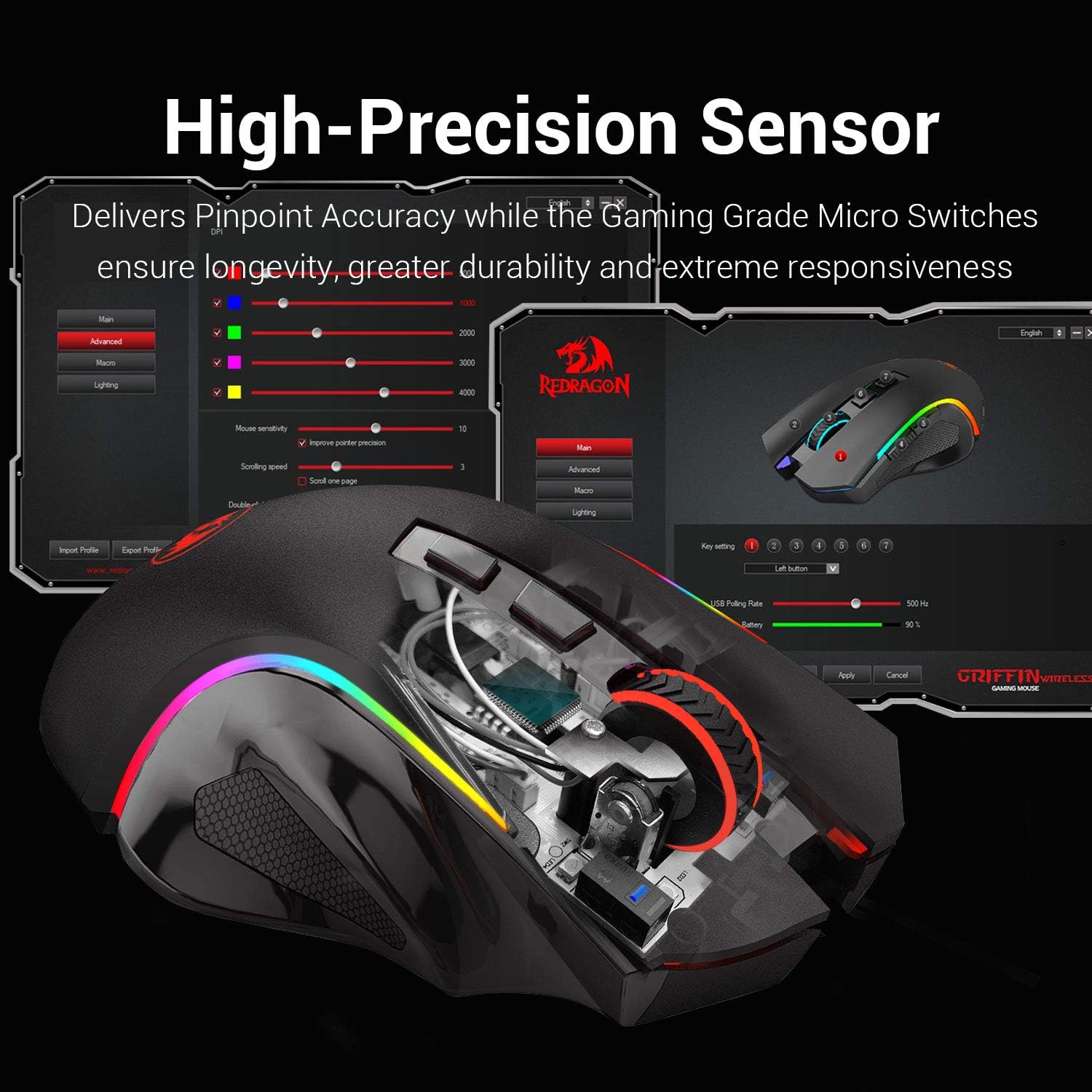
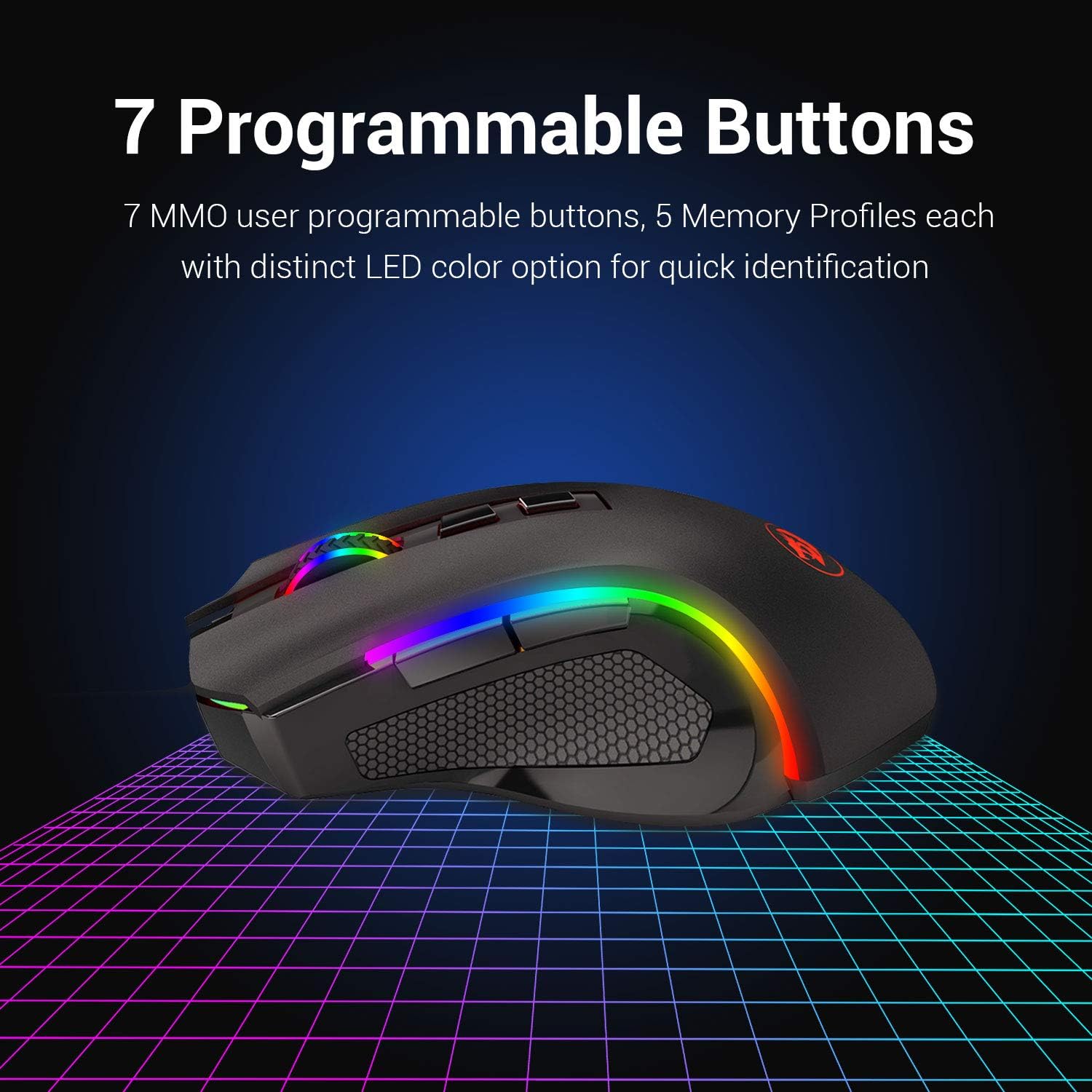
The Redragon M602 Griffin is a wireless gaming mouse designed for Windows PC users who want customisation without cables getting in the way. It offers full programmability, adjustable DPI, multi-colour backlighting and several polling rates, all wrapped in an ergonomic, skin-friendly shell.
How it performs
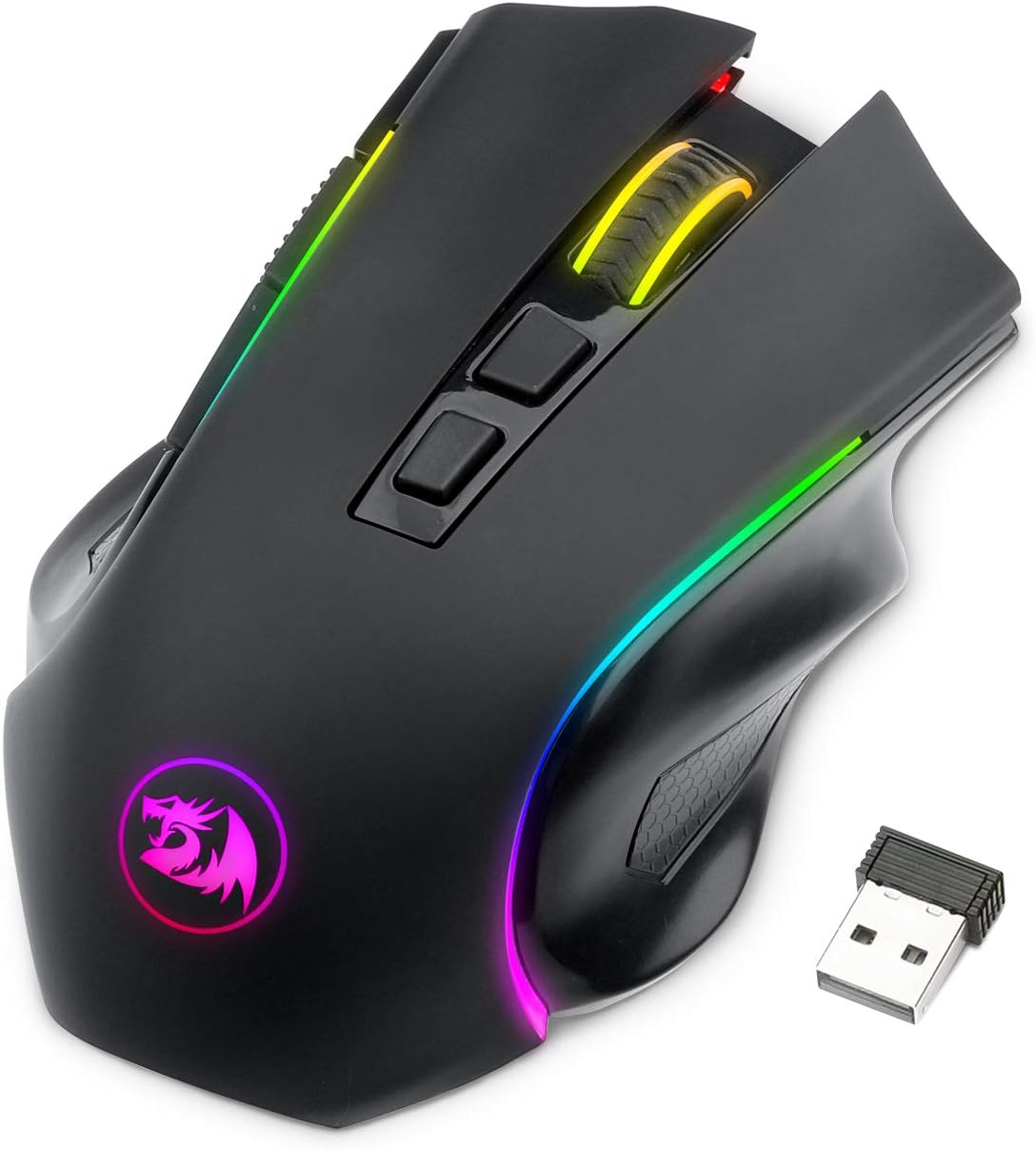
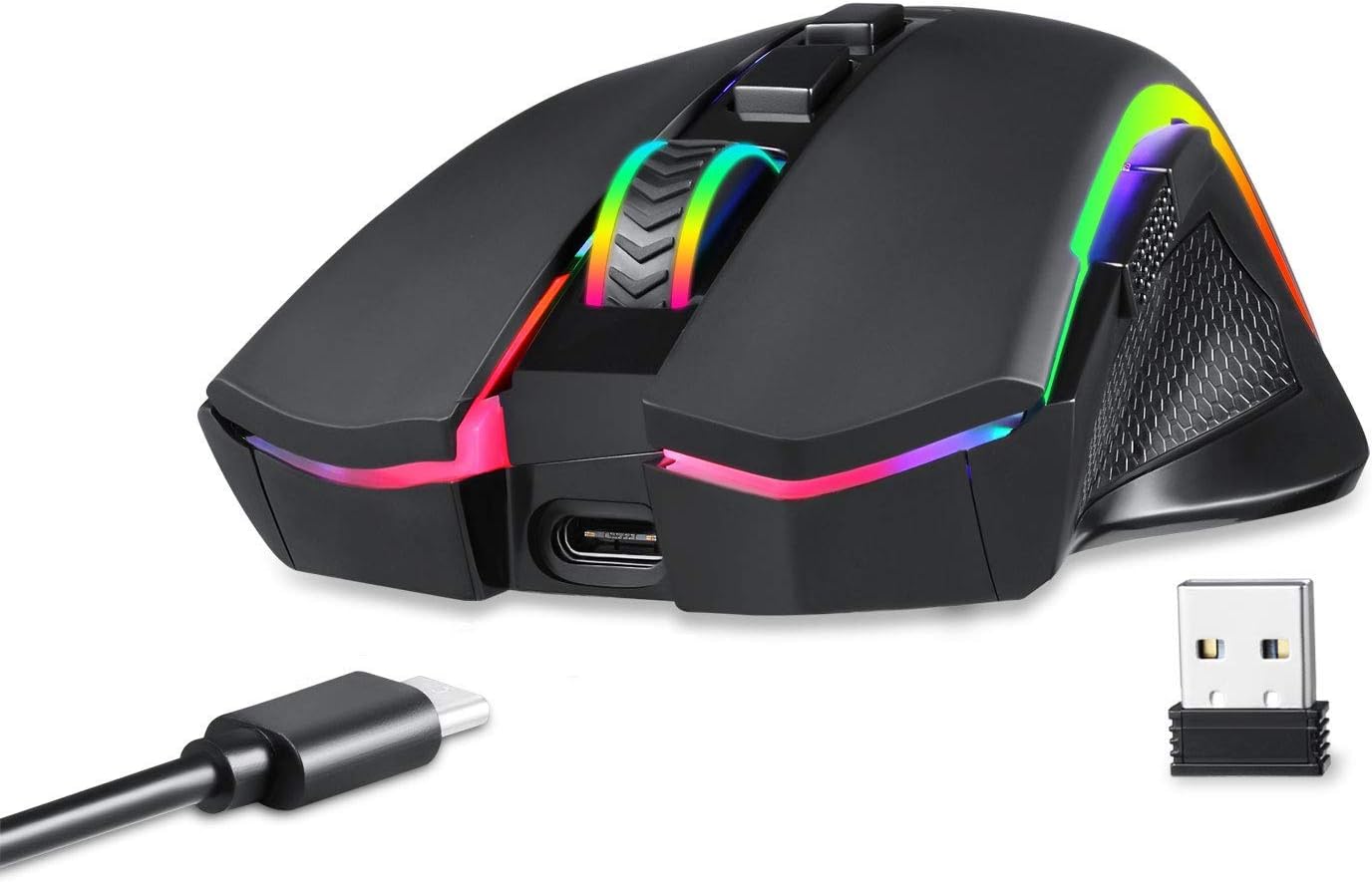
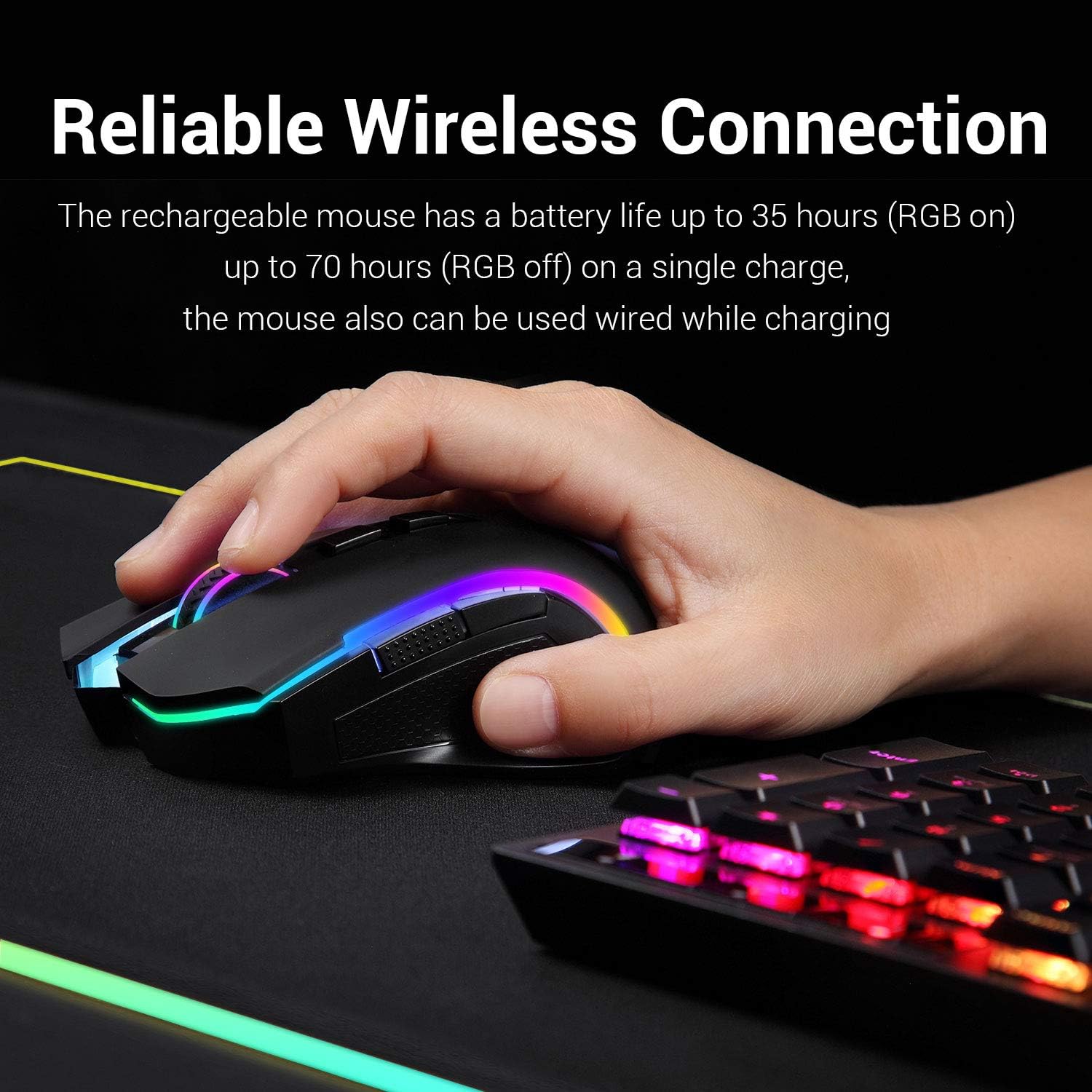
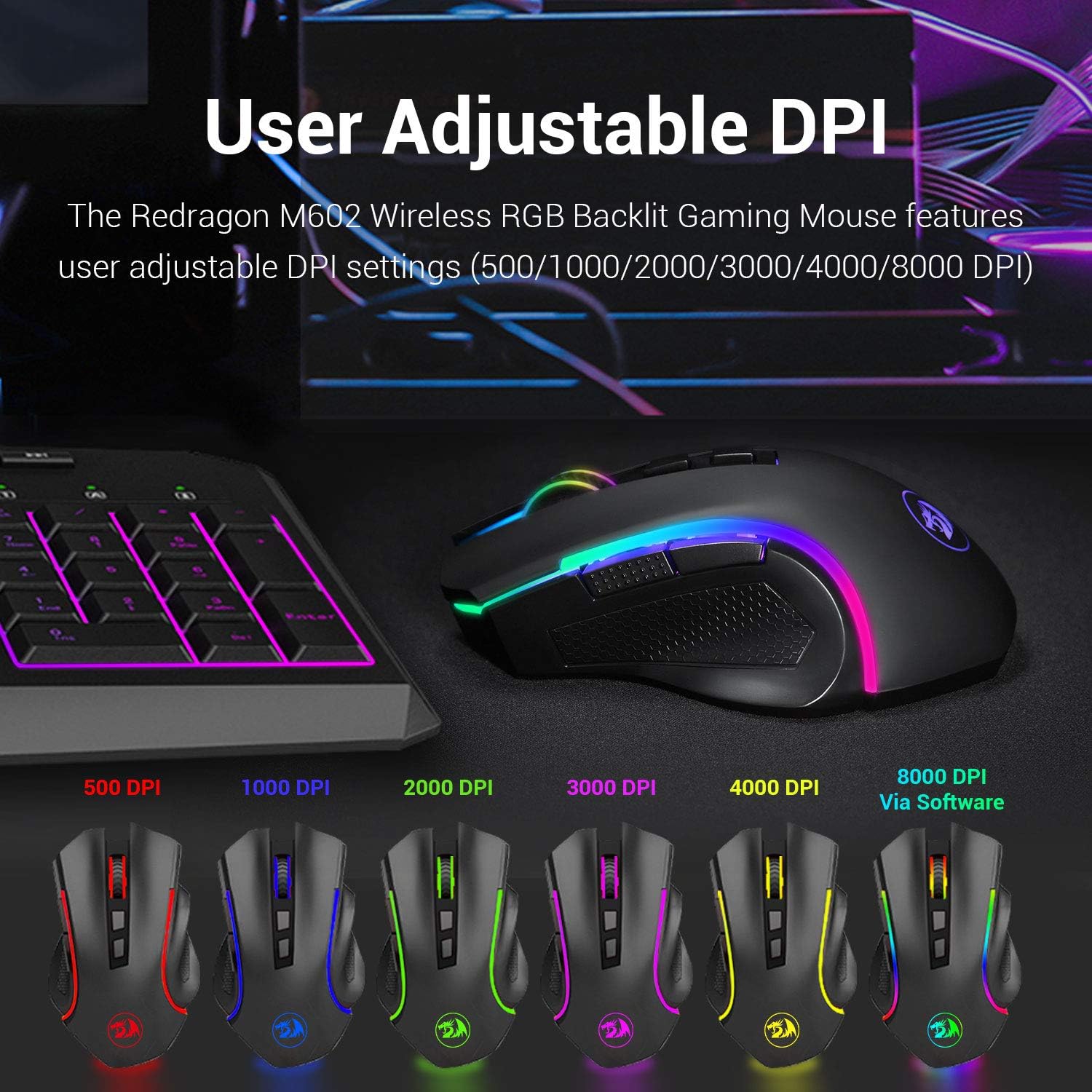
On paper, you can programme every button via the driver and build macros, remap inputs and fine‑tune DPI from 250 to 8000 to suit your playstyle. You’ll have up to 9 RGB lighting effects to choose from, with 16.8 million colour combinations to match your setup. Four polling rates (125Hz, 250Hz, 500Hz, 1000Hz) let you tailor responsiveness to the game you’re playing. Battery life is solid for a wireless mouse: about 35 hours with RGB on, or up to 70 hours with RGB off, and it can be used while charging.
What stands out
The Griffin leans into ergonomic comfort with a skin-friendly surface, aiming to reduce fatigue during long sessions. The mix of high DPI, programmable macros and backlight customisation can help you build a personalised control profile for shooters, MOBA, or general PC work. The driver requirement means you’ll need to download software from Redragon to access macros and lighting control.
What might not convince everyone
Not every user will want to rely on the software package to access full features, and some may prefer a wired mouse for guaranteed latency. Battery life, while reasonable, depends on RGB usage, if you always keep lighting on, you’ll see the shorter end of the spectrum. It’s also worth noting that, as with many gaming mice, the best experience comes with the driver and macro setup, which adds a step beyond plug‑and‑play use.
Who it’s for
This mouse suits gamers who value customisation and wireless freedom without stepping into premium price brackets. It’s a practical choice for those who want programmable buttons, flexible DPI, and colourful aesthetics to match their desk or game vibe.
Who it isn’t best for
If you prioritise ultra-low latency and minimal software dependencies, or if you’d rather not hassle with driver configuration, a more basic, plug‑and‑play option could be preferable. It’s also worth questioning whether 8000 DPI aligns with your typical needs, for most everyday FPS play, far lower DPI ranges are common, so the extra sensitivity may be unnecessary.
When it makes sense to buy
If you want a feature‑rich wireless gaming mouse with full programmability, comfortable grip, and custom lighting, and you don’t mind installing the driver to unlock the full feature set, the Griffin offers good value for money. It works well for a broad range of genres and desk setups as long as you’re comfortable managing the software.
Before you buy: quick checks
- Confirm your Windows setup supports the Redragon software used for macros and lighting.
- Consider how you’ll use RGB lighting: if it’s mostly off, you’ll extend battery life.
- Reflect on whether wireless latency or battery life trade-offs align with your typical play sessions.
- Check the ergonomic fit for your hand size and grip style, some users may prefer a different shape or weight balance.
Practical use: a day-to-day example
Imagine starting a late‑night FPS session. You’ve got a macro for weapon switching ready, sensitivity adjusted to 2000 DPI for precise aim, and your desk light matches the game’s colours. The wireless connection means one fewer cable to snag, and the long battery life reduces the chance of mid‑game interruptions. You can tweak lighting to save power while keeping enough visibility to distinguish the mouse from the desk in dim rooms.
What to compare against implicitly
If you’re weighing alternatives, a wired option will shave latency and avoid charging needs, while other wireless mice may offer different sensitivity curves or lighter builds. This Griffin sits in the mid‑range for features: not the cheapest wireless macro‑friendly mouse, but a sensible balance of customisation, comfort and battery life for many gamers.
What matters most
In daily use, the key questions are: do you benefit from full macro capability and DPI flexibility, and is wireless convenience worth a small hit to simplicity and battery management? If the answer is yes, the Griffin has a coherent feature set that aligns with a broad gaming audience.
Is it worth it?
Should you buy it? It’s worth considering if you value programmable controls, rich lighting options and a comfortable wireless form factor, provided you’re prepared to use the accompanying software to unlock its full potential.
FAQ (practical answers)
- Do I need the driver to use the buttons? Yes, to access macros and complete lighting control you’ll install the Redragon software.
- Can it be used while charging? Yes, it supports charging while in use.
- What’s the minimum DPI? 250 DPI.
- How long does the battery last with RGB off? Up to 70 hours.
- Is it suitable for left-handed use? The description specifies a standard ergonomic design, check if the button layout fits your preferred grip.