

Frameo 15.6 Inch WiFi Digital Photo Frame (1366 x 768 HD) with 32GB Memory, Touch Screen & Auto Rotate
Product description
The essentials
If you’re after a WiFi digital photo frame that’s meant to be used (not just left on a shelf), the Frameo 15.6 inch model is built around two practical ideas: quick viewing on a touchscreen, and easy sharing through the Frameo app.
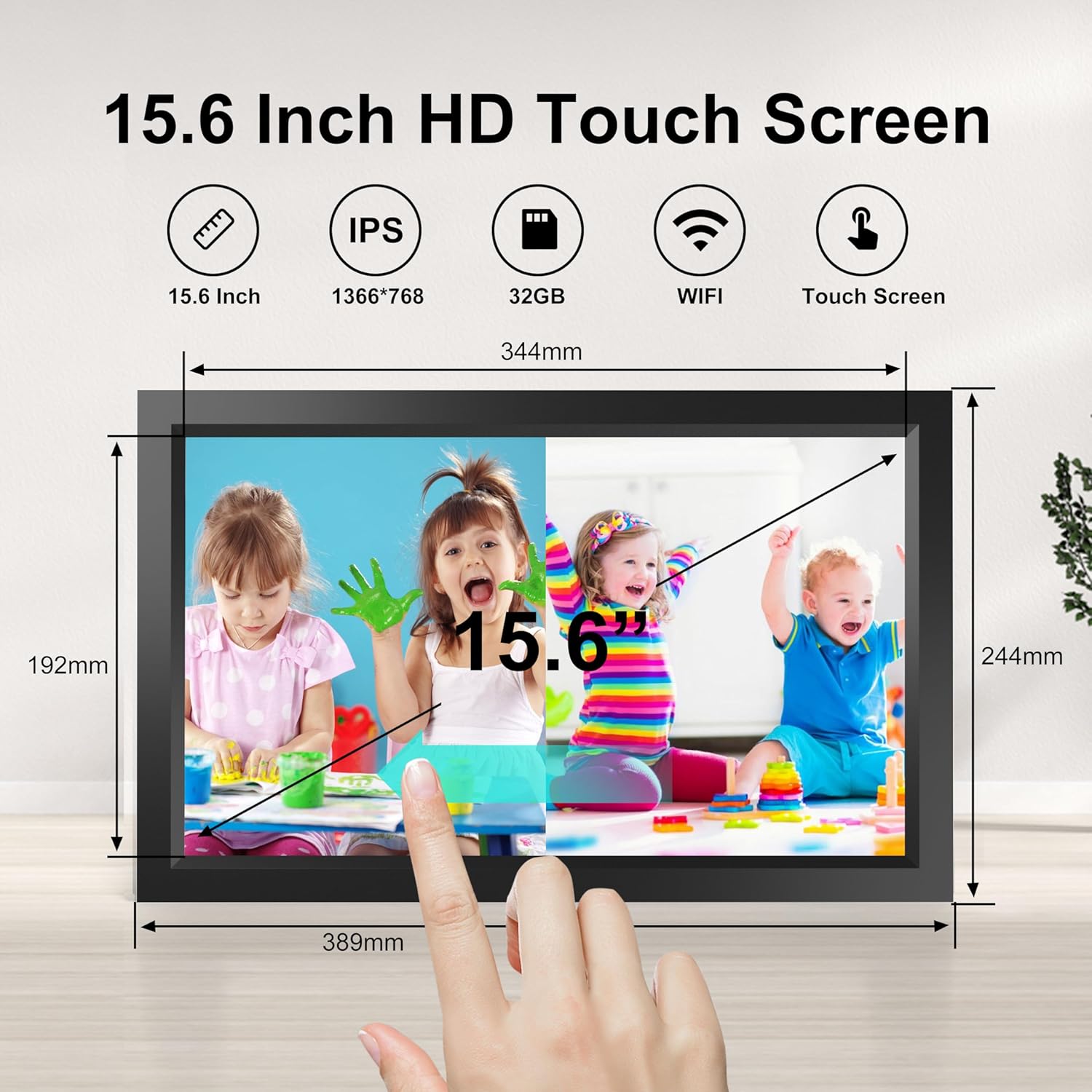
On paper, the 15.6-inch IPS HD touchscreen (1366 x 768) and 32GB built-in memory give you a comfortable “family living room” size for photos and videos. Auto-rotate and a set of custom display options aim to keep the experience smooth when pictures are shot in different orientations.
It’s not perfect for everyone though—if your main plan is offline-only, or you want ultra-basic, no-app operation, you may find the whole sharing concept less relevant.
Key features that matter in day-to-day use
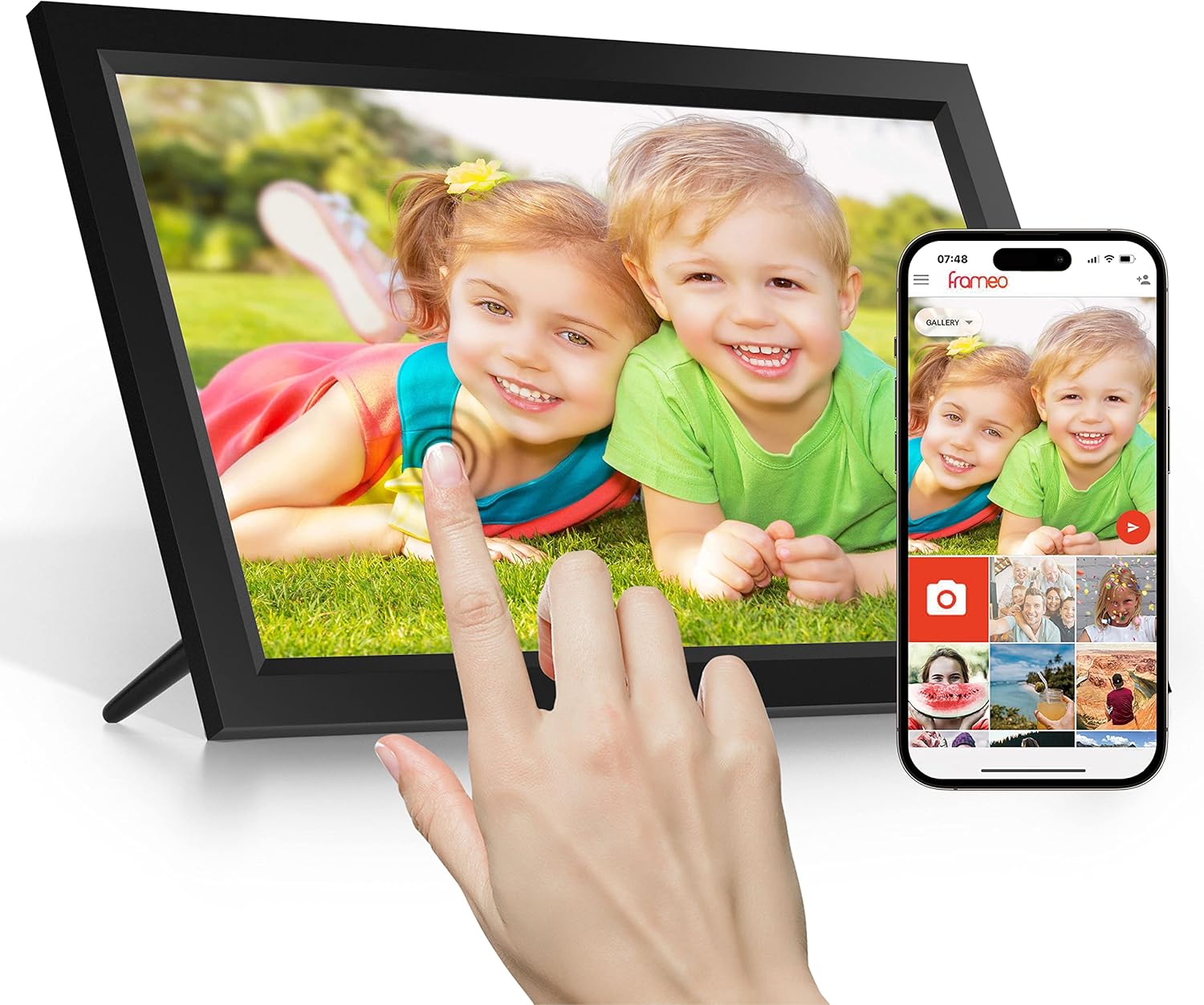
The most noticeable day-to-day difference with a WiFi frame is that you’re not limited to loading media on one device and then waiting. Here, the Frameo app is presented as the route for sharing photos or videos from anywhere in the world to the frame, via your WiFi connection.
The touchscreen adds another layer of convenience. Instead of relying entirely on buttons, you can tap to browse photos, pause a slideshow, and adjust display settings without much fuss.
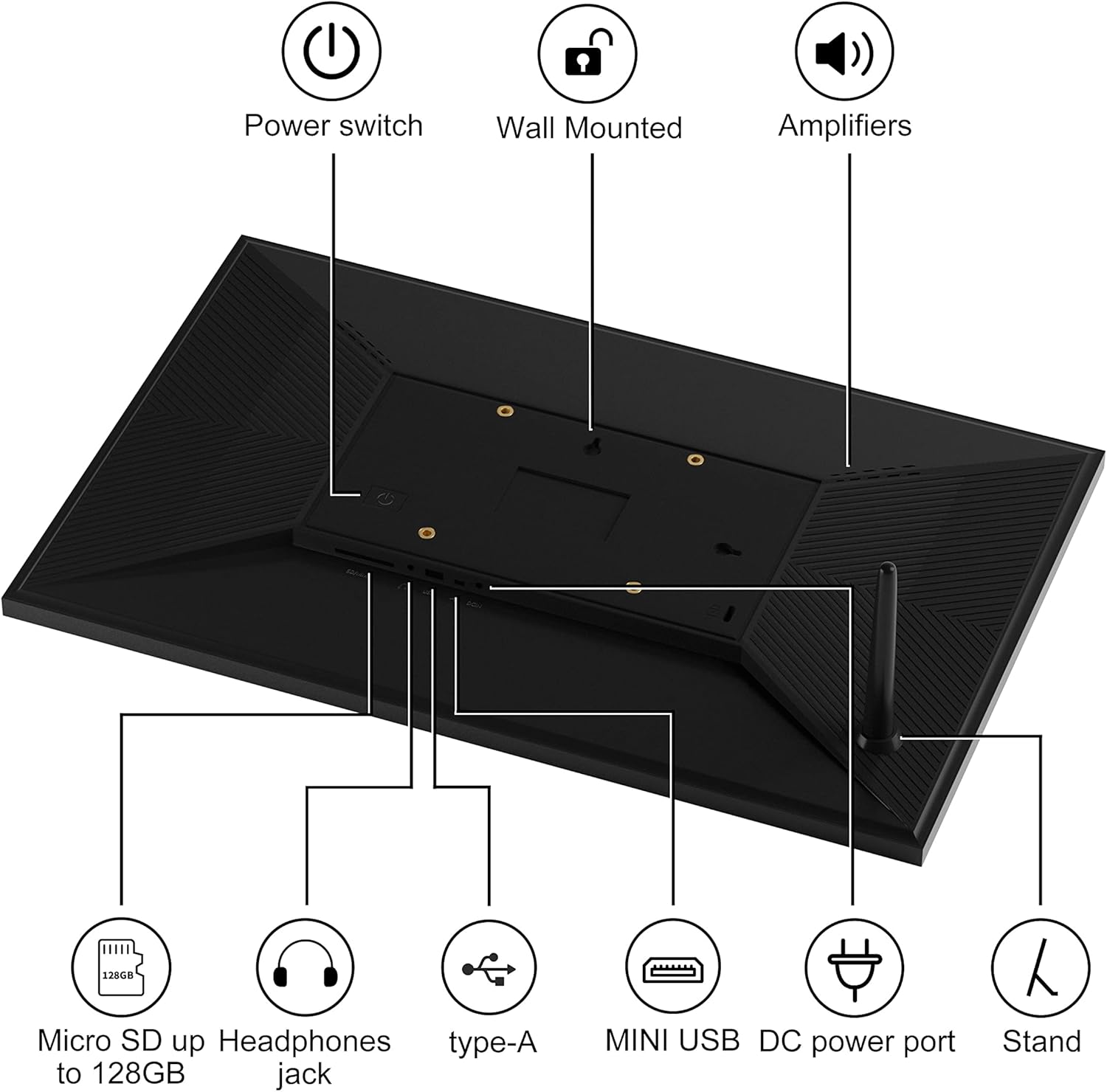
There’s also a practical storage angle. The frame includes 32GB of built-in memory, and it’s described as supporting extra storage via USB (Micro USB port) and Micro SD (up to 128GB). It can display photos and MP4 video files, and it includes a USB port and an SD card slot for added flexibility.
What stands out (and what feels more limited)
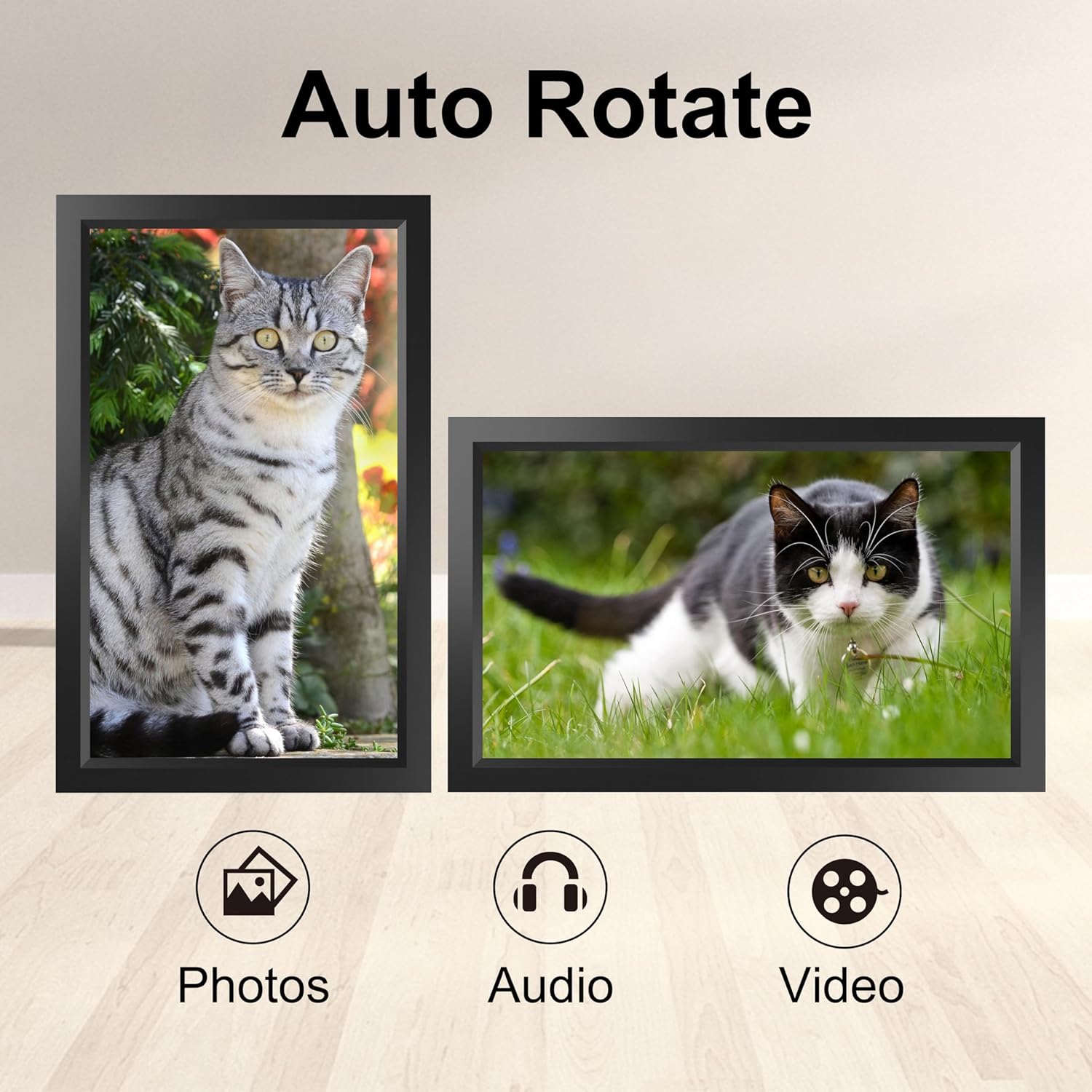
Where it shines: - A 15.6-inch IPS HD touchscreen is a solid choice for homes where you want photos to be clearly readable from a typical seated distance. - Auto-rotate is one of those “small but important” features. If people upload images taken on their phones, you’ll often get portrait and landscape mixed—this feature is aimed at fitting those orientations to the frame automatically. - The Frameo app approach is designed for families and friends who want to send moments in real time, rather than passing files around.
What you should keep realistic expectations about: - The product description talks about a lot of display settings (like auto-play, zoom, hide/publish, captions, brightness adjustment, sleep mode), but it doesn’t spell out how advanced these controls feel in practice. With touchscreen frames, some people love the interactivity and others simply want a straightforward slide show. - Storage expansion is mentioned (Micro SD up to 128GB, plus USB support), but it’s worth noting that you’ll still want to manage media so the slideshow doesn’t become cluttered.
Tech specs (useful context)
- Screen size: 15.6 inch
- Resolution: 1366 x 768 HD
- Display type: IPS
- Touch screen: Yes
- Built-in storage: 32GB
- Auto-rotate: Yes
- Video support mentioned: MP4
- Wireless sharing: via Frameo app
- Memory expansion mentioned: Micro SD (up to 128GB) and USB (Micro USB port)
- Mounting: wall mountable
Getting the most from it
A simple setup flow, based on the info given, is to connect it to your WiFi, then use the Frameo app on Android or iOS to send photos/videos. Because it’s positioned for sharing “from anywhere,” it tends to suit situations like:
- Grandparents receiving new photos of family events without needing tech support every time.
- A household where multiple relatives want to contribute pictures to the same rotating display.
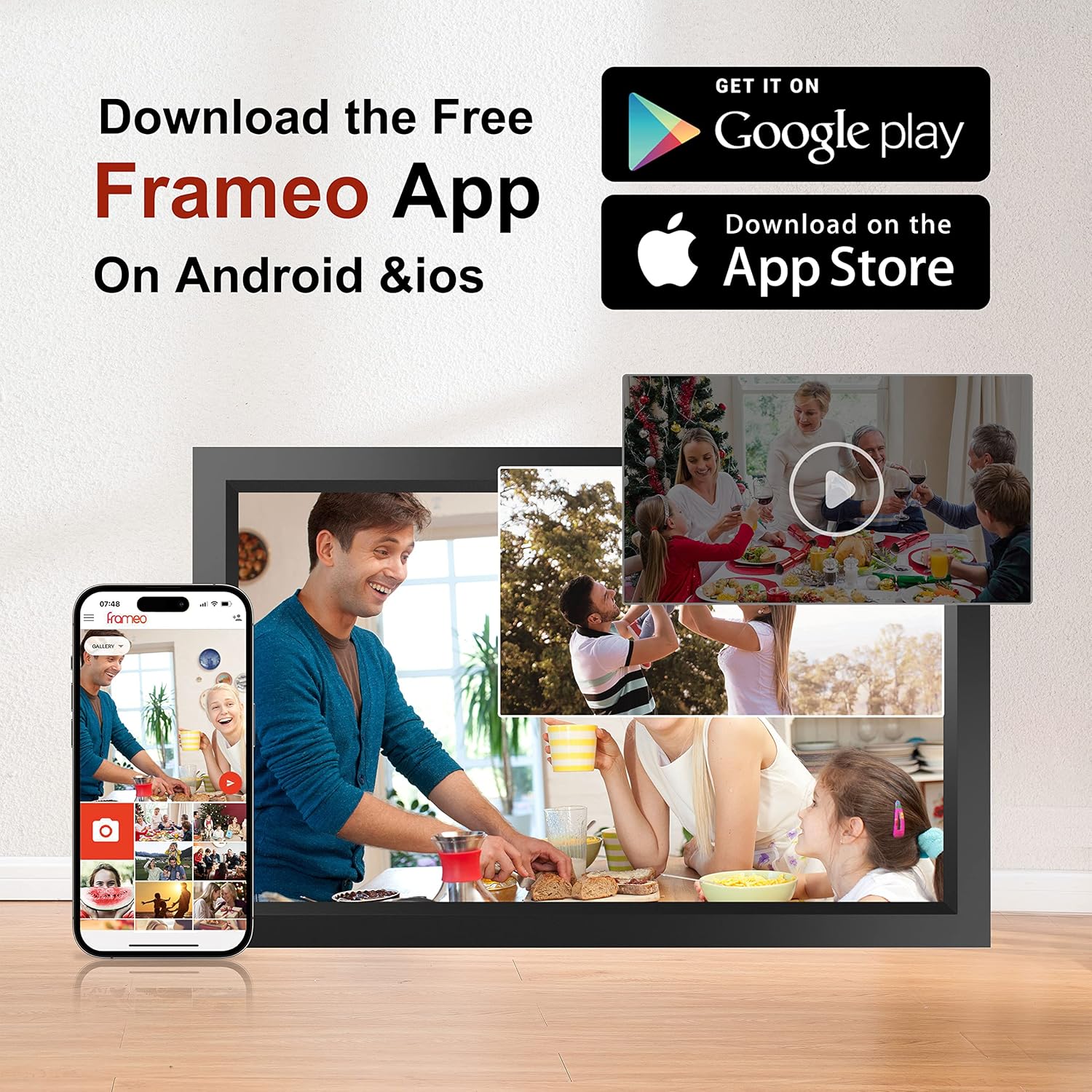
Example use: imagine placing the frame on a sideboard in a hallway or living room. After a family meal, you (or other relatives) send a few shots through the app. Moments later, the frame can update its slideshow, and auto-rotate helps keep the orientation consistent even if some phones were used in portrait mode.
Care & setup points to double-check before buying
There are a few things worth confirming before you commit, mostly because the details can make or break the experience: - App-based sharing requires WiFi and the Frameo app on Android/iOS. If you’re hoping for a fully stand-alone setup with no app involvement, this may not match your expectations. - Extra media storage is supported, but you’ll want to plan what you’ll keep on the 32GB memory vs what you’ll load via USB or Micro SD. - Wall mounting is mentioned, so it’s sensible to check that you’re comfortable installing it where people can view it clearly.
Also, if your priority is “set-and-forget” with minimal interaction, you may prefer a model aimed more strictly at basic slideshow playback. This one can be more hands-on because of the touchscreen and the custom settings.
Mini FAQ
Is it suitable for sharing photos with relatives away from home?
It’s designed for instant wireless sharing through the Frameo app, so yes, it’s geared towards that use case.
Does it work with portrait photos or mixed orientations?
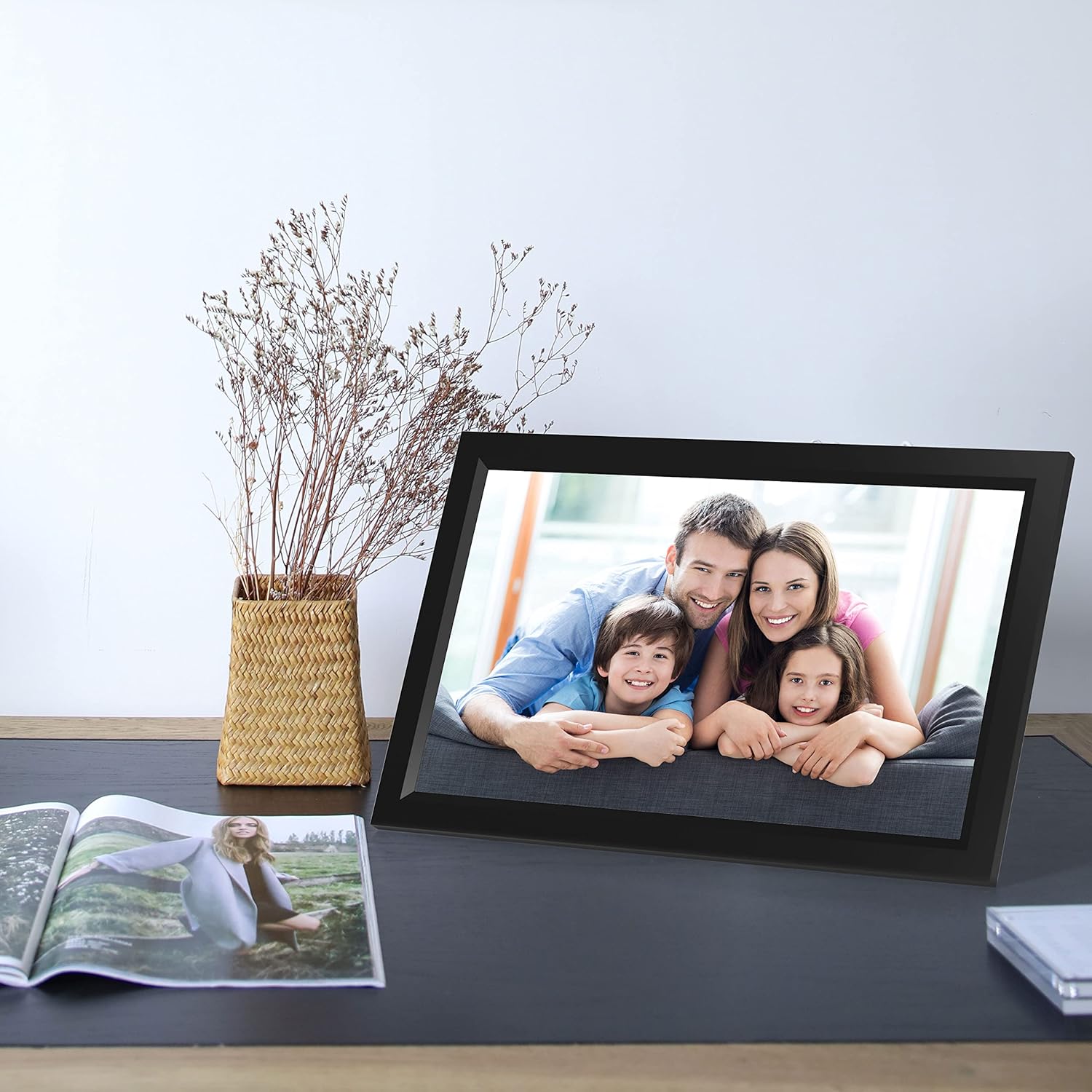
Auto-rotate is included, and it’s described as adjusting photos to fit the frame orientation.
What formats does it support?
The description specifically mentions photos and MP4 videos.
How much storage does it have?
It includes 32GB built-in memory, with support for Micro SD (up to 128GB) and USB via a Micro USB port.
Where can it be placed?
It can be placed on a table for visibility, and it’s also wall mountable.
When it makes sense
A solid buy if you want a 15.6-inch WiFi digital photo frame that family members can contribute to remotely via the Frameo app, and you like the idea of a touchscreen for browsing and adjusting settings. The 32GB storage plus Micro SD/USB expansion also suits households that update the display fairly regularly.
You may want to skip it if your setup is strictly offline, if you don’t want app-based sharing involved, or if you only need a very basic digital display with no need for touchscreen navigation and customisation.