

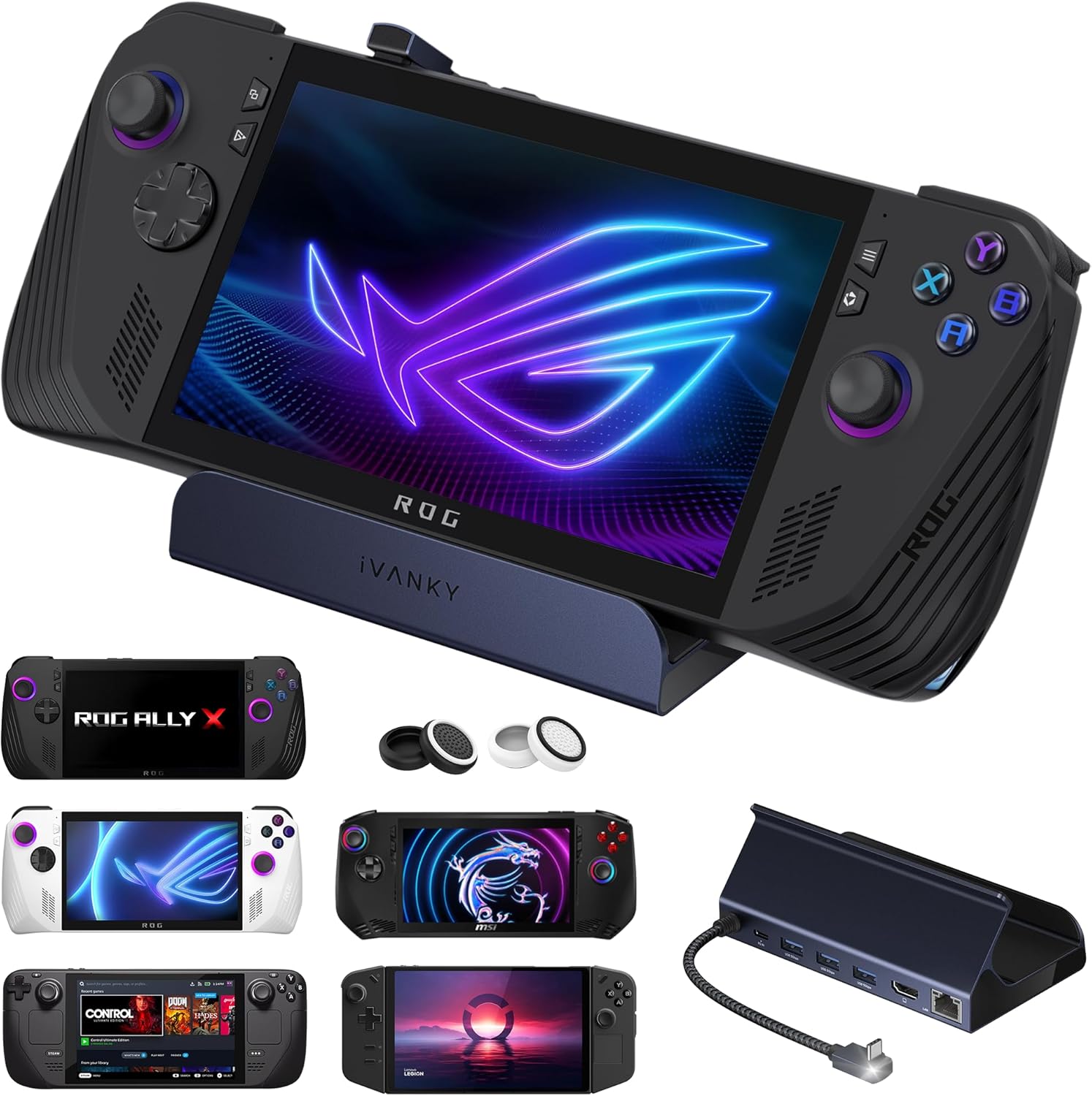
IVANKY 8-in-1 Docking Station with 100W PD Charger for Legion Go/ROG Ally/Steam Deck
Reviews
Price
Product description
What it is and why people buy a hub like this
If you use a handheld PC, the “dock problem” is usually the same: you want a bigger screen, a stable network connection, and proper charging — but you don’t want a messy setup that only works on a desk. This iVANKY 8-in-1 hub docking station is designed for that exact scenario, turning compatible handheld devices into a more “desktop-like” experience.
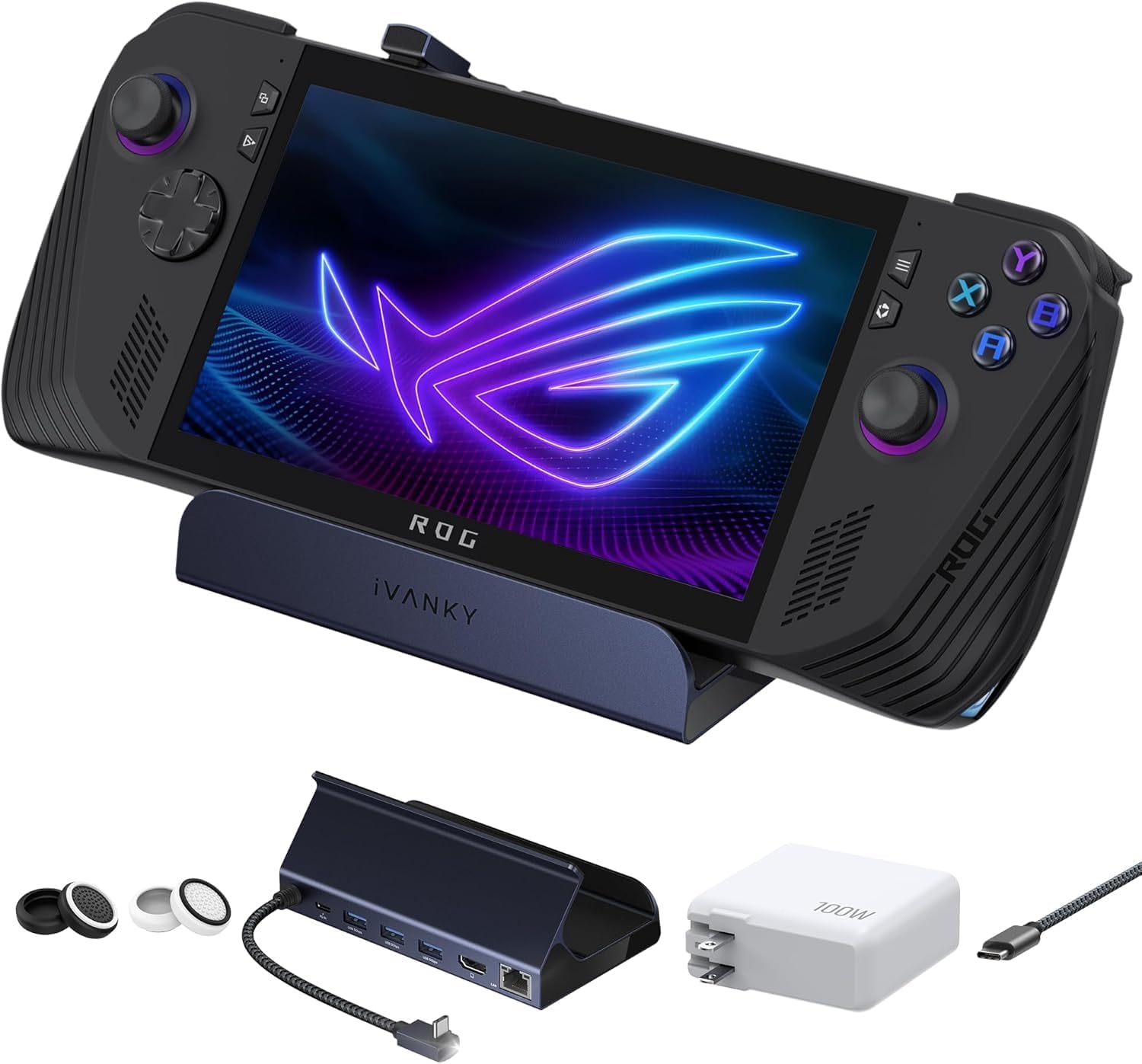
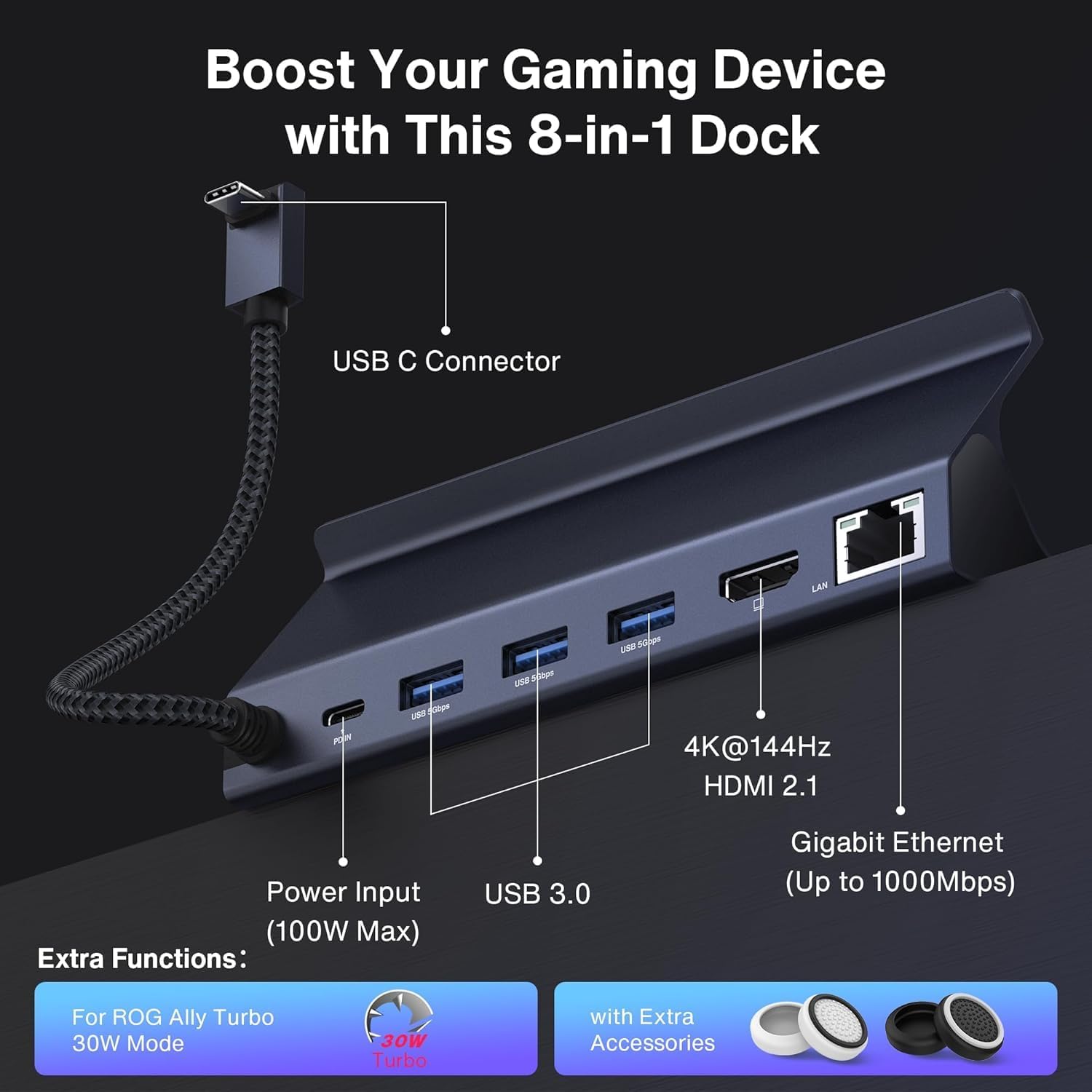
On paper, the appeal is straightforward: HDMI up to 4K at 144Hz, gigabit Ethernet for less faff than relying on Wi‑Fi, and a charging-focused layout that includes a 100W PD charger. There’s also USB-A 3.0 and a USB-C port for power delivery, which should cover common peripherals and keep the handheld fed during longer sessions.
That said, docks are a bit like bike locks: the concept is simple, but the real question is whether your specific device, cables, and usage habits line up. If you’ve been burned by docks that don’t quite behave how you expected, you’ll want to double-check the compatibility details before committing.
Where it shines in everyday use
The strongest practical use case here is “connect and forget” home entertainment or work-from-handheld setups. Imagine plugging the dock into power, attaching an HDMI cable to your monitor/TV, then connecting Ethernet for a stable connection. From there, you can use USB-A for a mouse/keyboard receiver, a USB drive, or other accessories you tend to keep within reach.
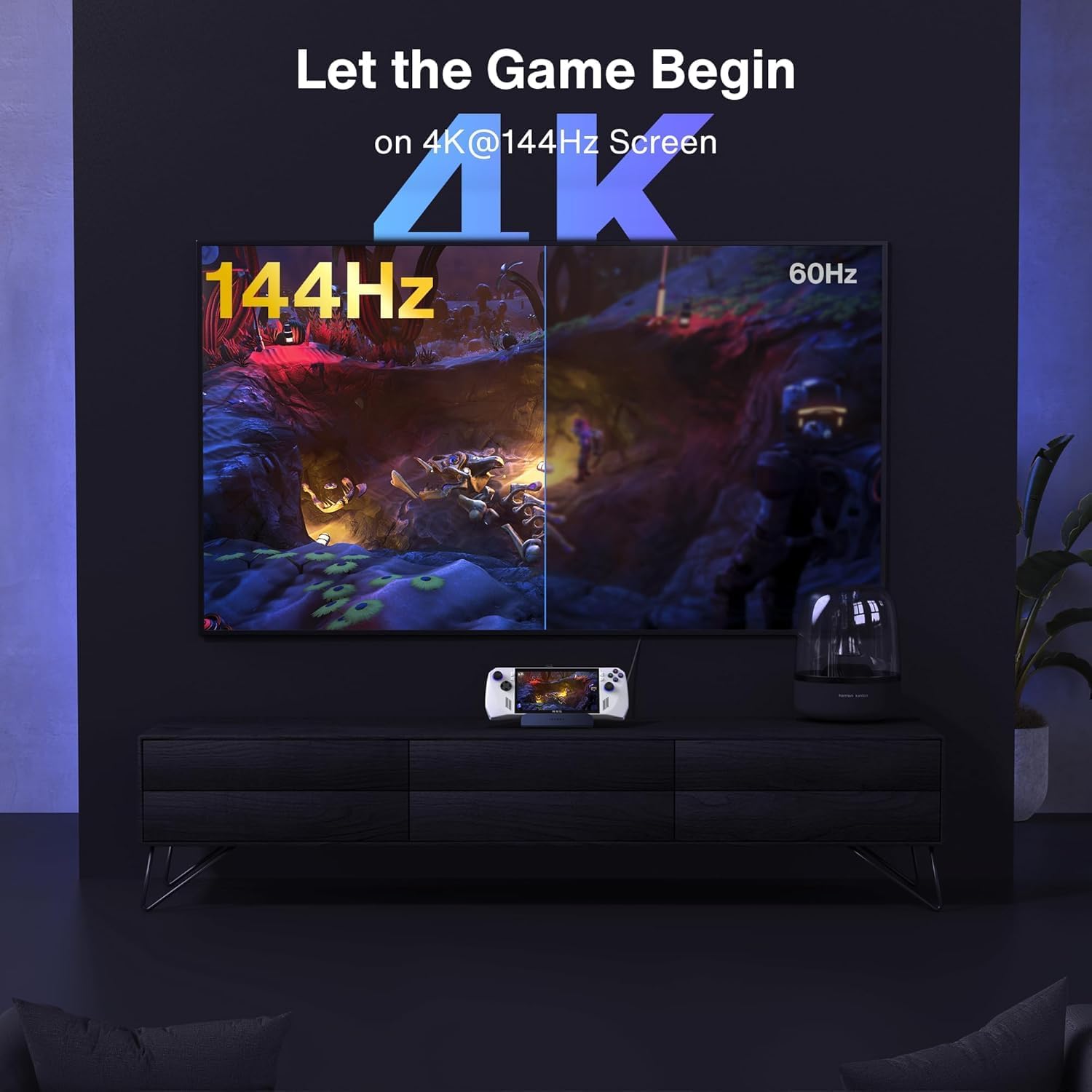
If your main goal is output quality — and your display supports the relevant HDMI modes — the mention of HDMI 4K @ 144Hz makes this feel aimed at gamers and anyone who values smooth motion rather than a basic “it outputs a picture” dock.
Key takeaways and what to pay attention to
This dock is positioned as a one-stop addition for handheld users who want both video output and network stability. The inclusion of a 100W PD charger is especially relevant if you plan to keep playing while docked, rather than treating it like a brief “just for setup” accessory.
Worth noting, though, that high-refresh HDMI claims only matter if your monitor, cables, and the handheld’s output mode all support the same settings. If you mainly use a standard 60Hz display or you’re running over Wi‑Fi anyway, you might not notice the difference that this dock is built to provide.
Tech specs (from the product listing)
- Type: 8-in-1 hub docking station
- Charging: 100W PD charger
- HDMI: HDMI 4K@144Hz
- Network: Gigabit Ethernet
- USB ports: USB-A 3.0 and a 100W Charging USB-C port
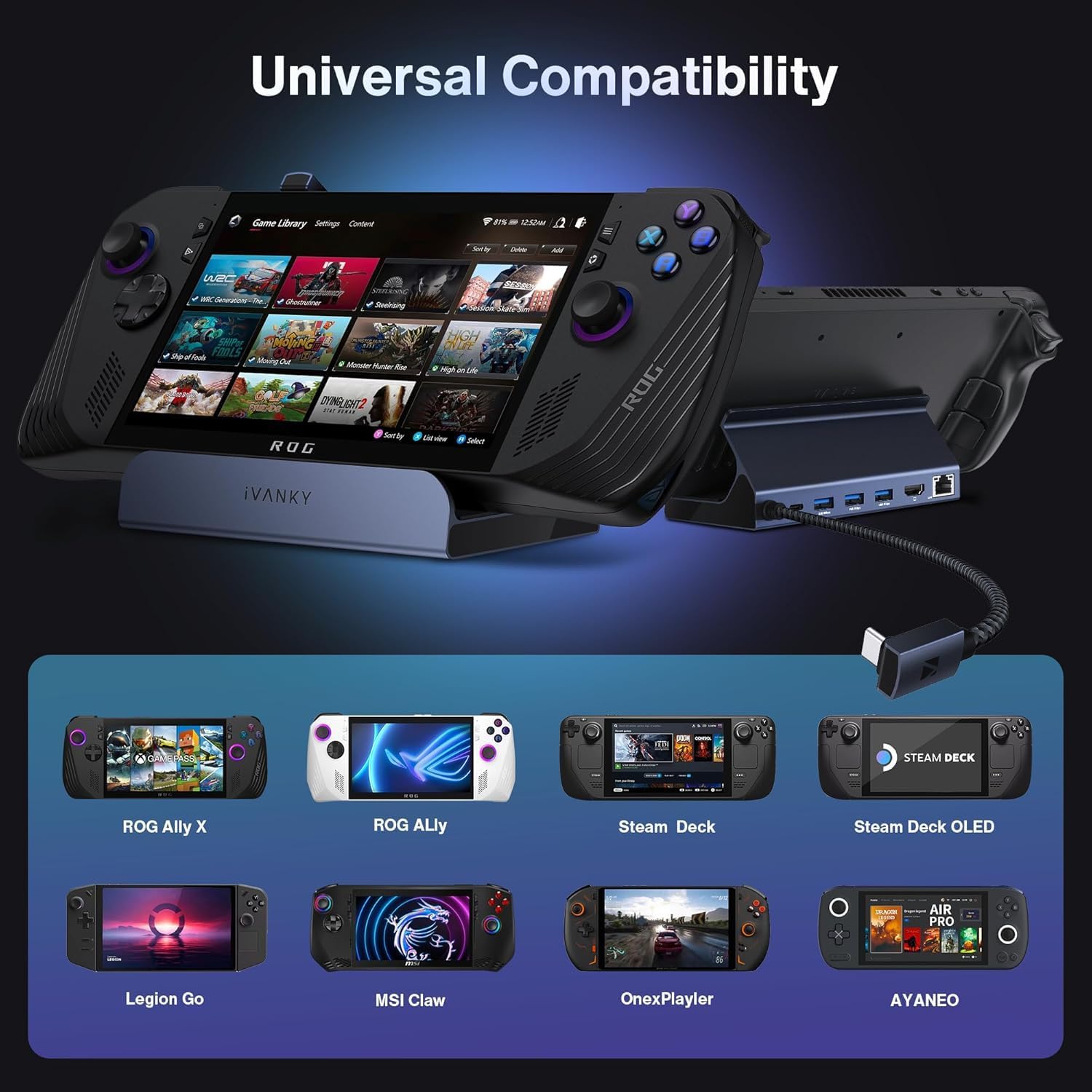
- Use case: Designed for Legion Go / ROG Ally X / ROG Ally / Steam Deck
Is it the right fit for your setup?
It’s a good fit if you want a dock that covers the basics people usually miss on handhelds: a high-spec HDMI connection, gigabit Ethernet for steadier performance, and charging support so you can stay plugged in.
It makes sense if your desk or living room setup is already geared towards a monitor or TV with decent HDMI capability, and you regularly switch between handheld play and a more “station” style setup.
It might not be a great match if you only need simple HDMI output at modest refresh rates, or if your primary goal is portability — in that case, a lighter travel option could be easier day to day.
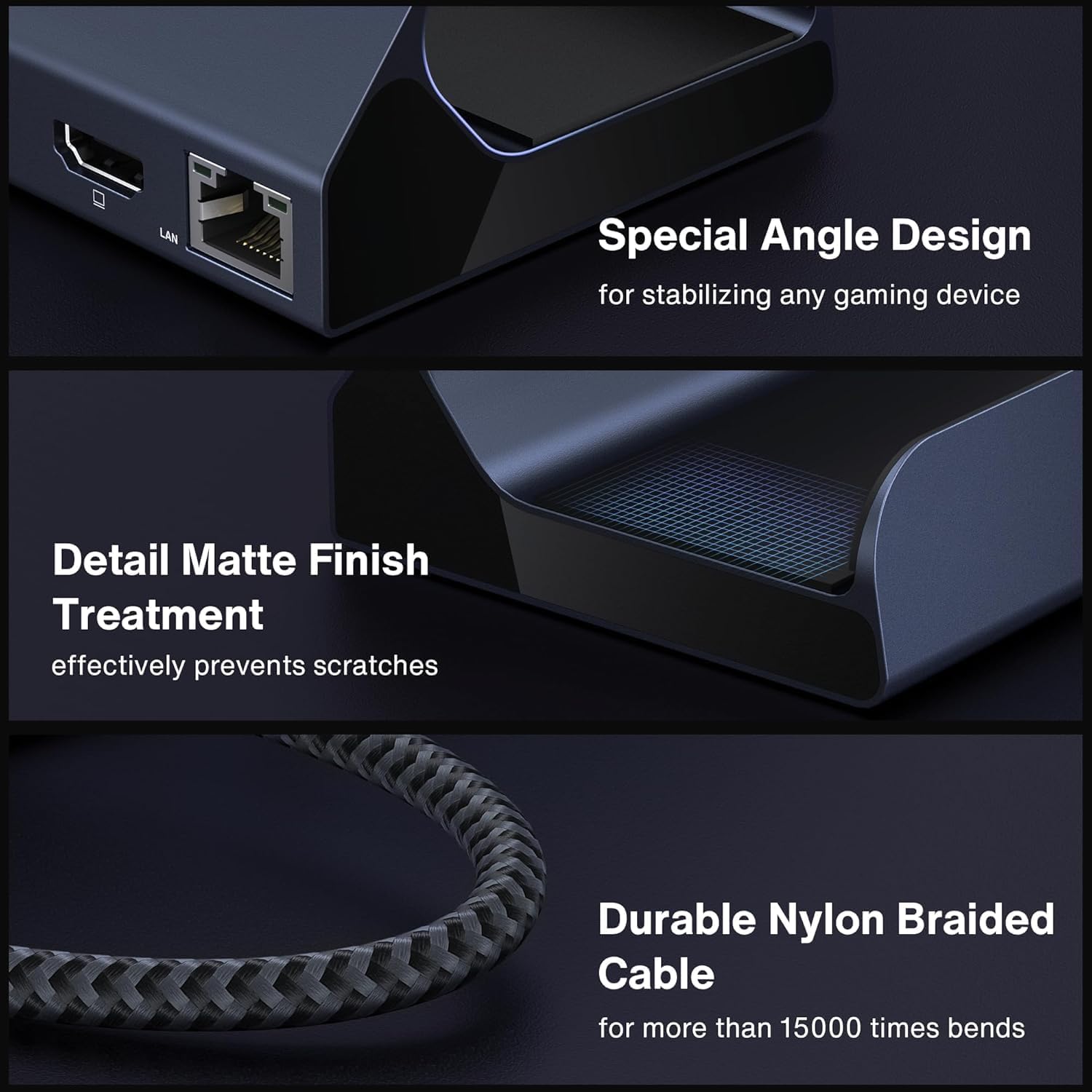
Also, keep in mind that “for” compatibility in the listing is helpful context, but docks can be picky. If you’re using a less common configuration or a different device version than expected, it’s worth checking the details carefully before you buy.
Maintenance and day-to-day handling
This kind of dock is usually low drama, but it does live with your cables and power brick, so it’s worth treating it like a small workstation rather than a disposable accessory. Keep the ports free of dust, avoid repeatedly yanking cables at weird angles, and store it somewhere dry if you travel with your handheld.
Mini FAQ
Does this dock include a 100W PD charger?
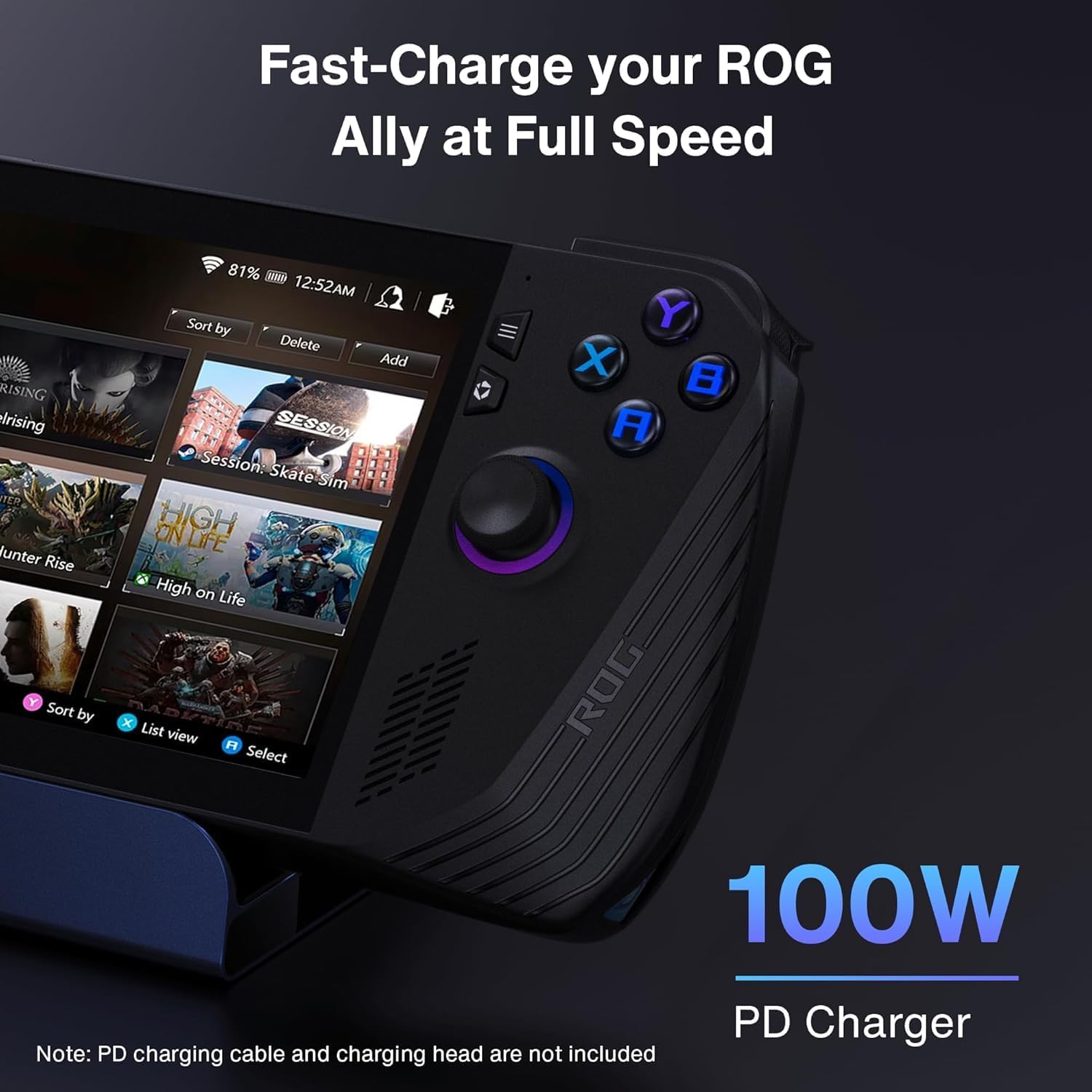
Yes — the listing states it includes a 100W PD charger.
What connectivity does it offer for network and peripherals?
You get gigabit Ethernet, plus USB-A 3.0. There’s also mention of a 100W charging USB-C port for power-related needs.
Is HDMI 4K@144Hz actually something I’ll see?
It depends on your handheld’s output mode and your monitor/TV’s HDMI capability. The listing highlights HDMI 4K@144Hz, but you’ll only benefit if your whole chain supports it.
Which handhelds is it meant for?
The product name and listing reference Legion Go, ROG Ally X, ROG Ally, and Steam Deck.
When it makes sense to buy it?
Buying verdict You should buy this iVANKY hub if you want a single docking station that handles HDMI output (up to 4K@144Hz as listed), gigabit Ethernet, and includes a 100W PD charging approach for longer docked sessions.
You may want to skip it if you’re mostly after basic HDMI for a standard display, or if you need a compact travel-friendly solution. In those situations, this kind of spec-heavy dock can be a bit more than you actually need.
Finally, if you’re serious about setting up your handheld for a smoother, more consistent desk or living-room experience, this is the sort of dock that fits that goal — just double-check that your device setup and display can realistically make use of the HDMI modes mentioned.