

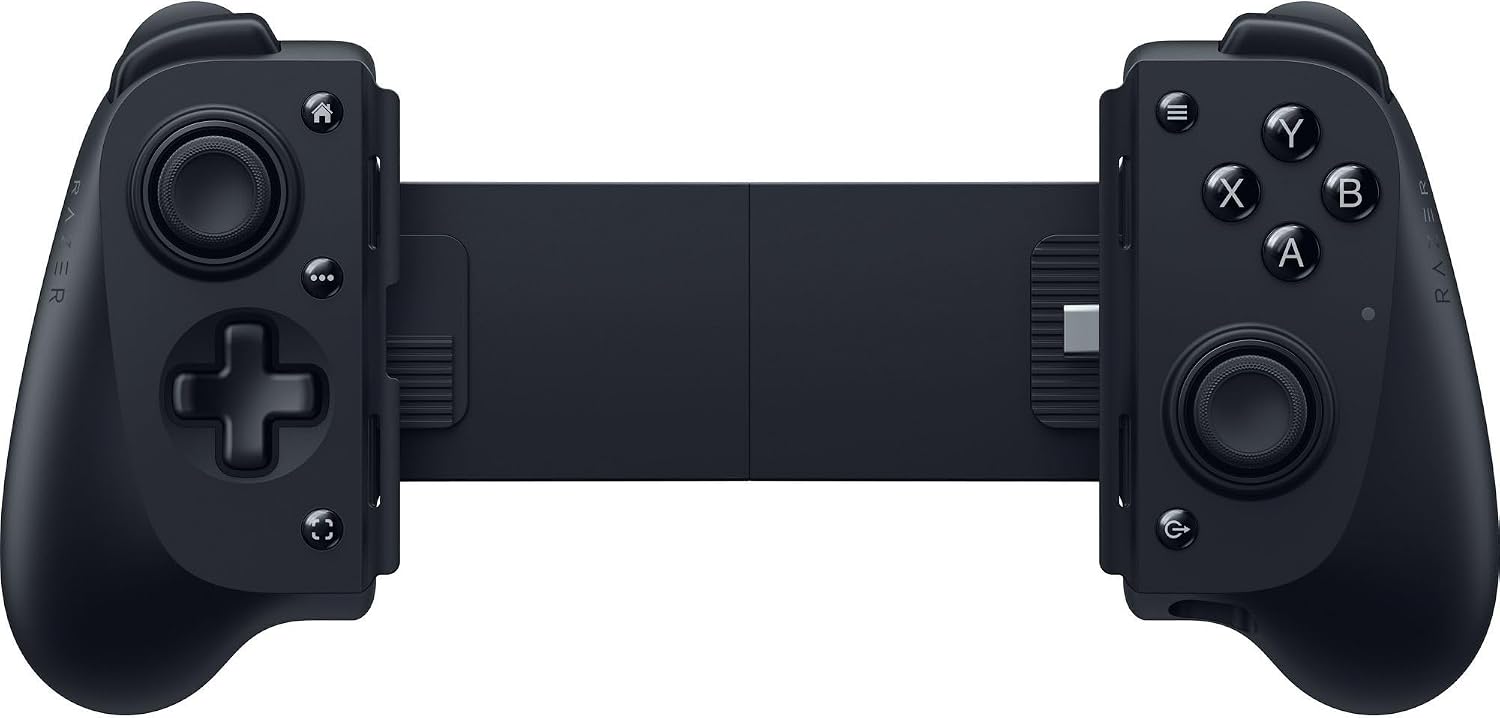
Razer Kishi V3 Full-size mobile controller for iPhone and Android (USB-C plug-and-play) – Anti-drift sticks, 12 buttons, Nexus App
Product description
The essentials
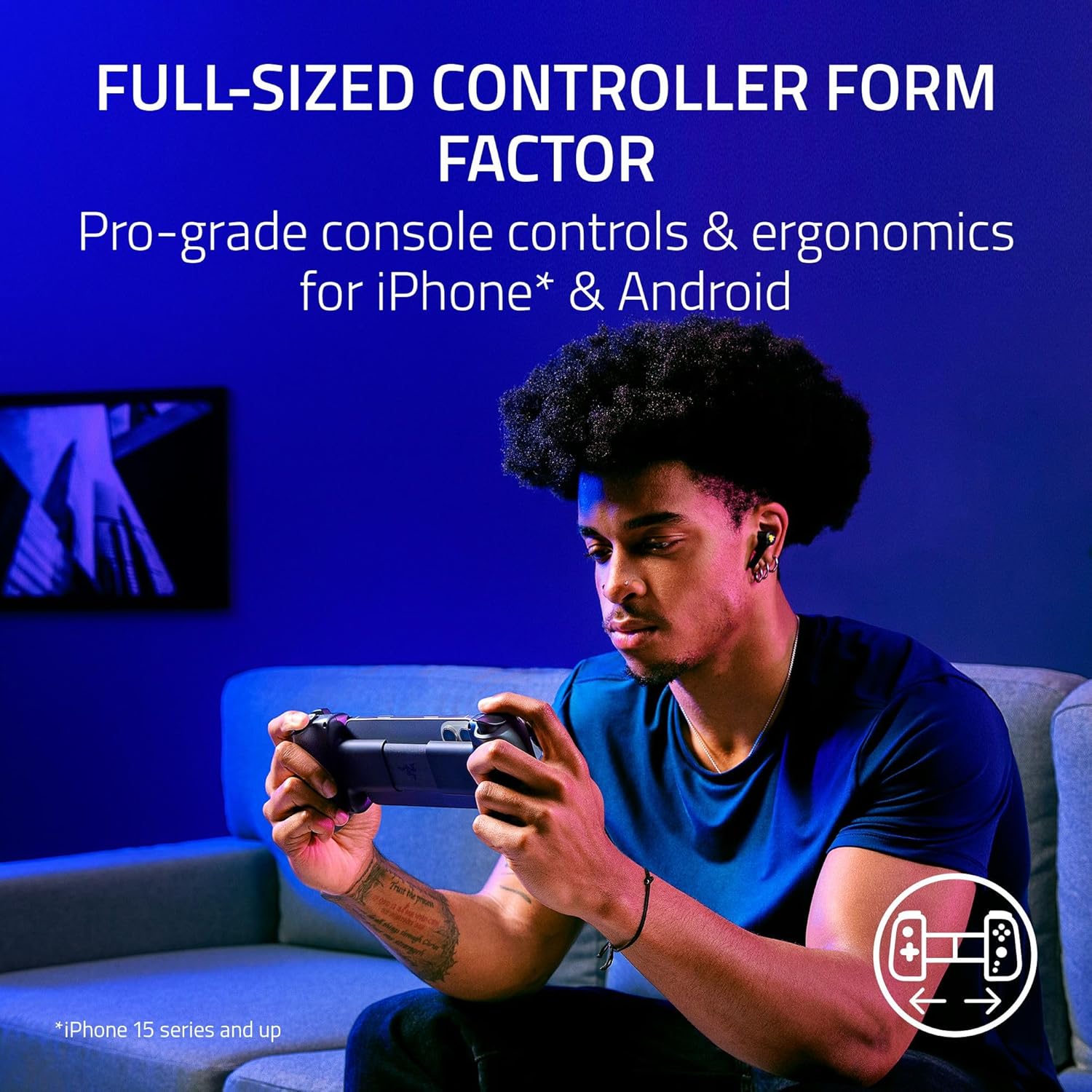
If you’ve ever felt that typical phone controllers are a bit too small, a bit too fiddly, or simply not built for longer sessions, the Razer Kishi V3 takes a more “console-like” approach. It’s a full-size mobile controller designed for iPhone and Android smartphones, aiming to give you steadier controls, more natural ergonomics and a layout that feels closer to what you’d expect from dedicated gaming hardware.
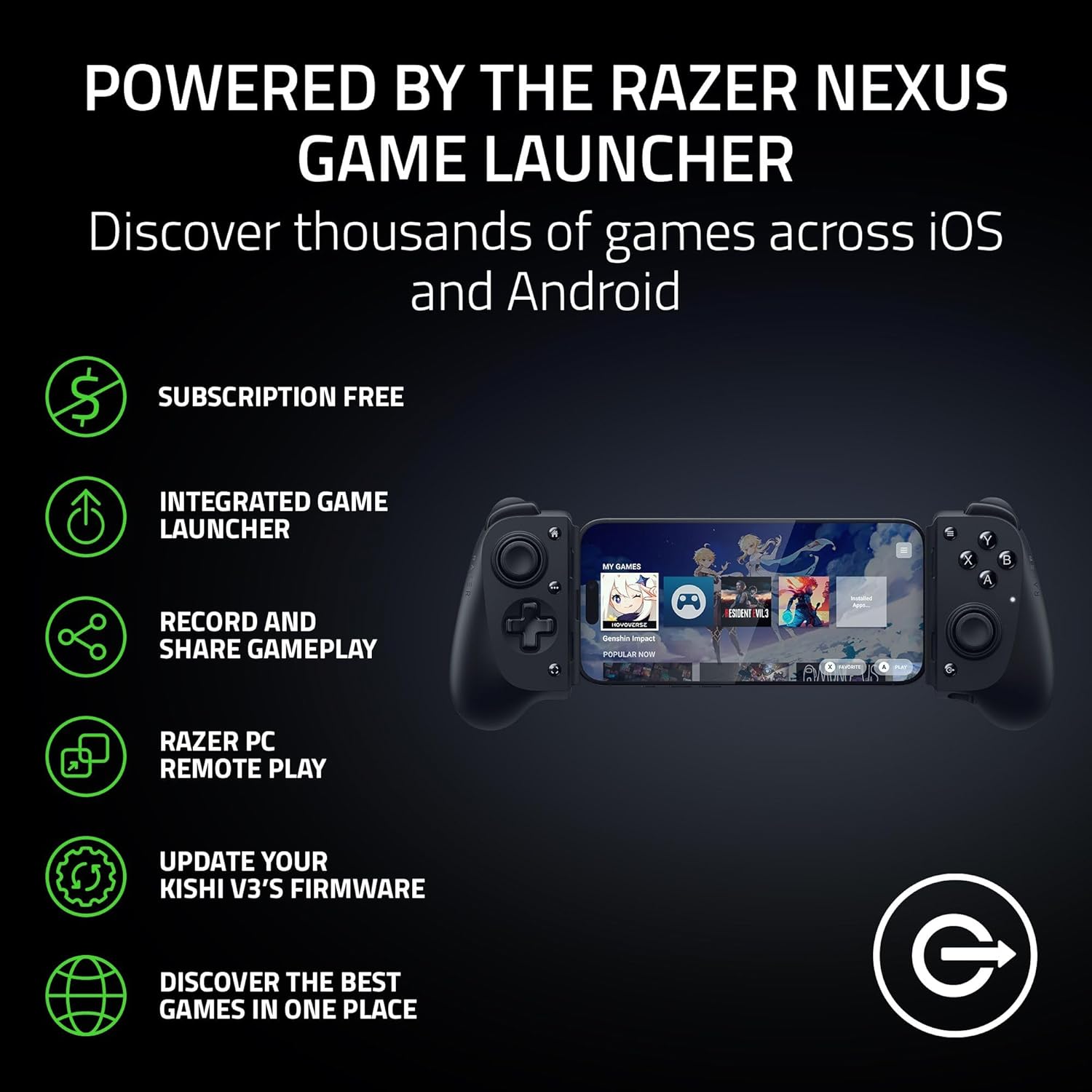
It’s also not just a “clip it on and play” gadget. On paper, the Nexus Game Launcher ties into the experience: you can launch games, adjust controls, record and share gameplay, and keep the controller updated. There’s even a dedicated controller button to bring the app up quickly.
Key takeaways (what you’ll notice day to day)
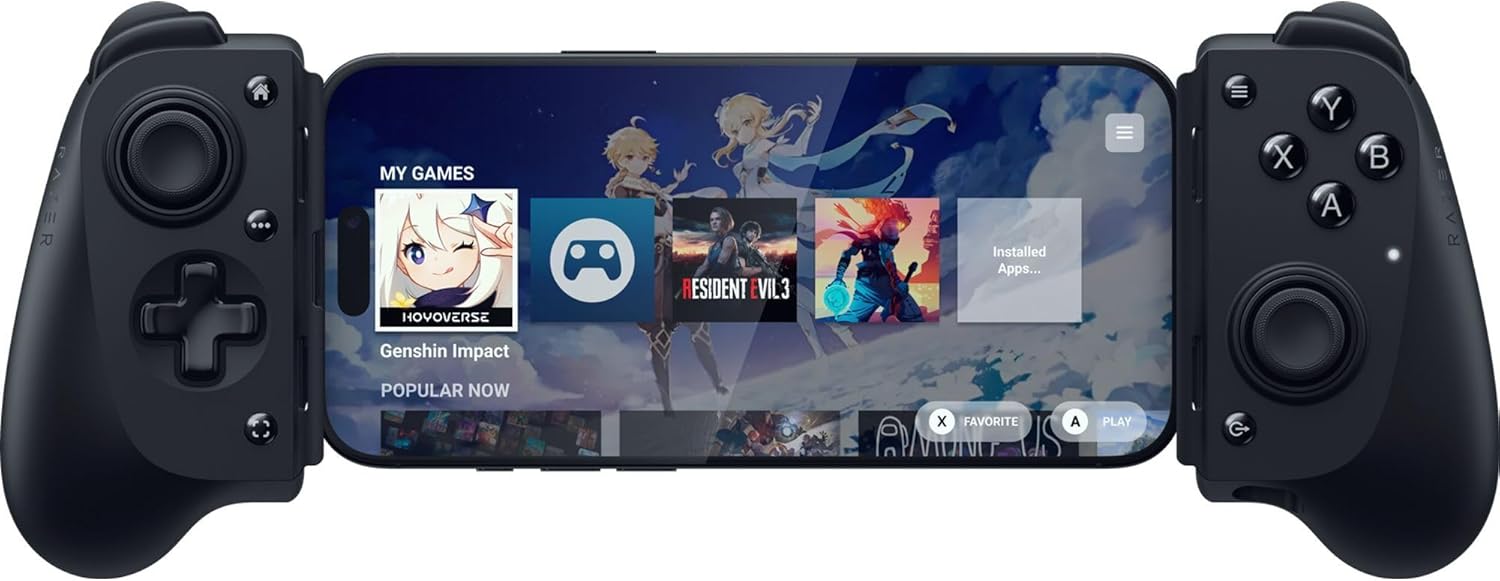
The biggest difference is the full-size form factor and the way it holds your attention. Larger ergonomic handles are meant to feel more comfortable than standard mobile controllers when you’re playing for extended periods. That matters more than people expect—especially for action games where you’re gripping tightly and making repeated movements.
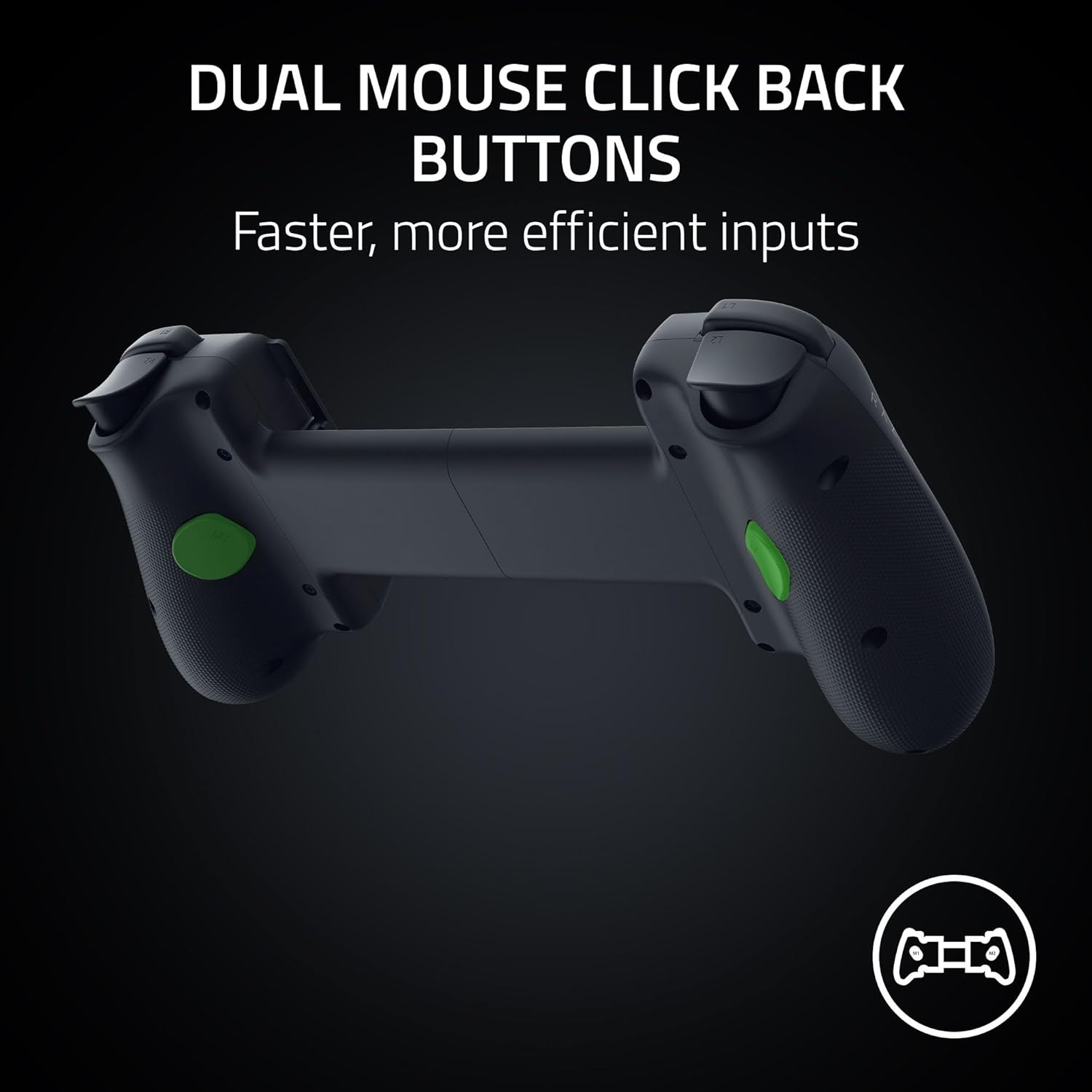
Control-wise, the analog sticks use a TMR thumbstick approach with anti-drift positioning, and you get swappable caps so you can tune the feel for speed versus precision. Add to that two mouse-click back buttons in the handles (with 2 additional claw grip bumpers) and you end up with 12 buttons in total—aiming for faster reactions without having to contort your thumbs.
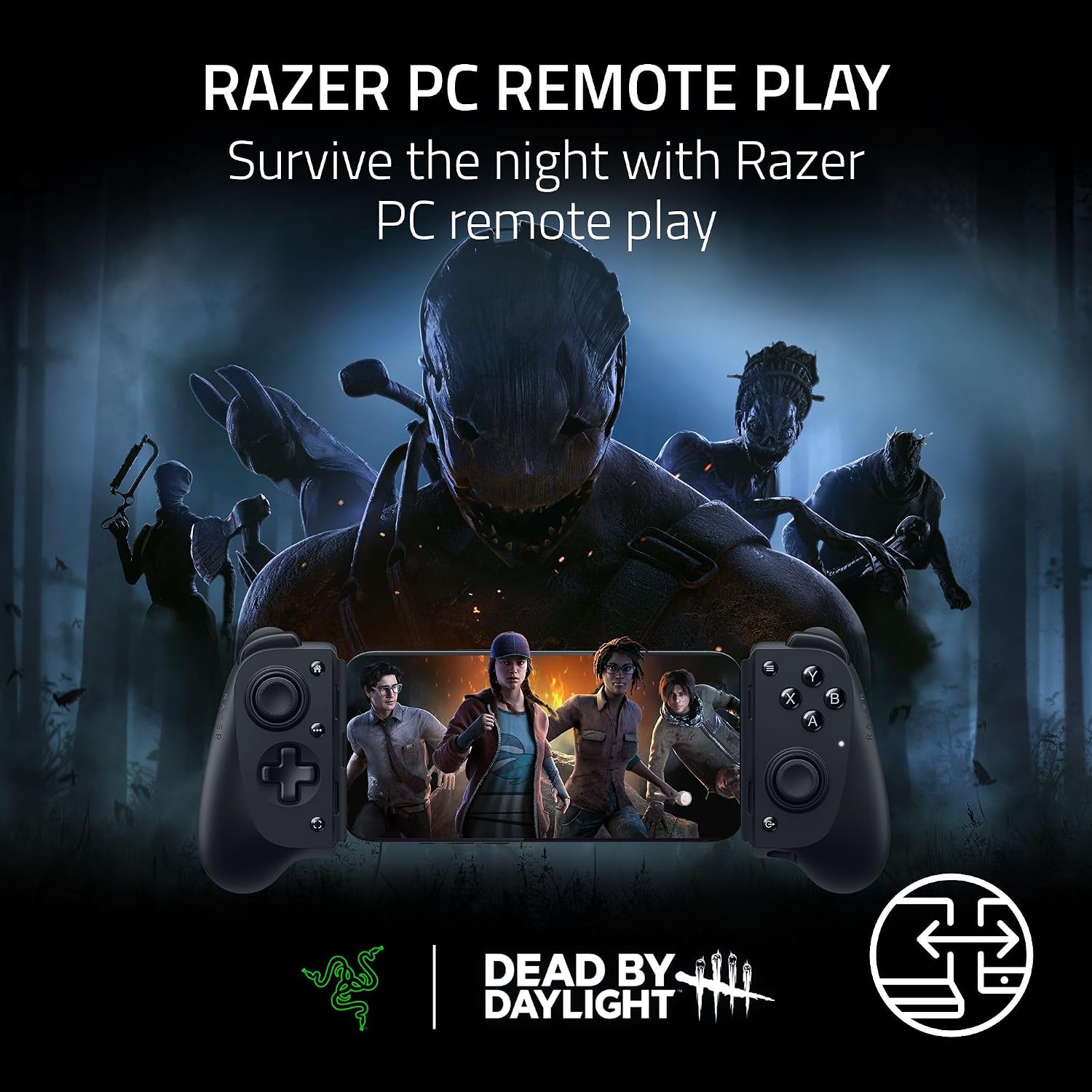
The other practical angle is flexibility: it’s positioned for mobile play, but it can also be used for PC streaming/remote play via a low-latency USB-C connection through Razer Nexus (note: the cable is stated as sold separately).
Tech specs
- Type: Full-size mobile controller for iPhone and Android smartphones
- Connection: USB-C plug-and-play
- Anti-drift analogue sticks: TMR thumbsticks with swappable caps
- Button count: 12 buttons
- Haptics: Sensa HD Haptics
- Back buttons: 2 mouse click back buttons (remappable)
- Additional grips: 2 claw grip bumpers
- App ecosystem: Powered by the Razer Nexus Game Launcher
- PC streaming: Wired/remote play via direct low-latency USB-C connection (cable sold separately)
- iPad case compatibility: Fits most popular iPad cases via a USB-C “island” design with thicker depth clearance
Where it shines (and the trade-offs)
Where this controller looks strongest is “serious mobile sessions”. If you want more consistent aiming and a control layout that doesn’t fight your hands, the full-size ergonomics and anti-drift sticks are clearly the headline. The swappable caps also suggest it’s meant for players who care about stick feel rather than accepting whatever comes in the box.
That said, there are a few things worth keeping realistic. First, it’s not a universal controller in the way a simple Bluetooth pad can be—this one is built around a USB-C plug-and-play form factor and a specific connection approach. Second, for PC remote play, you’ll need the stated extra cable, so don’t assume it’s fully plug-in-ready for streaming straight away.
Finally, the app ecosystem is free of subscription fees according to the info provided, but it also notes that some apps within Nexus may charge—so if you’re expecting everything to be included, you’ll want to check what you plan to play.
Who it’s for (and who should skip)
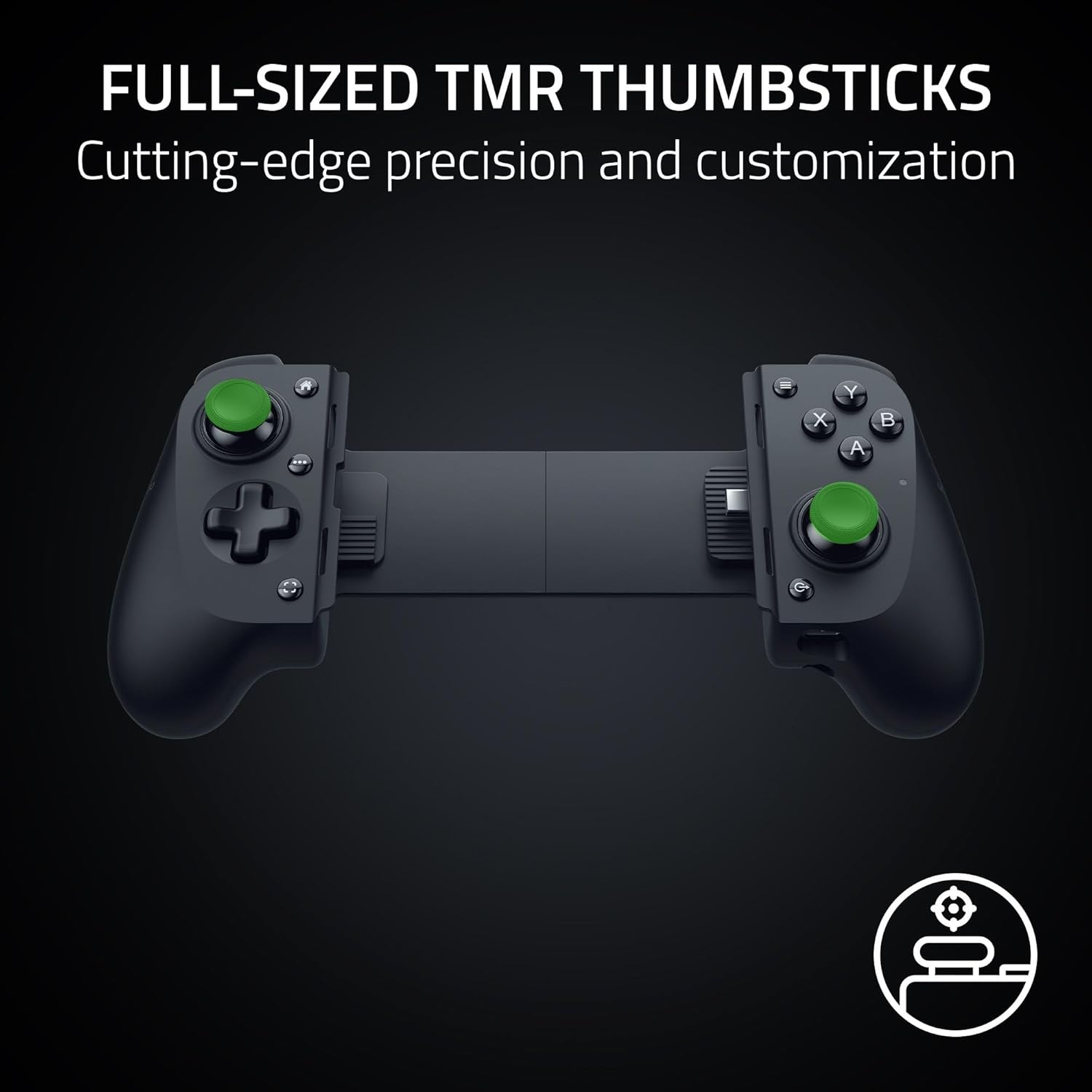
It makes sense if you’re the type of player who prefers console-style controls on a phone and wants anti-drift analogue sticks with the option to tweak thumbstick caps. It also suits people who like remappable inputs and benefit from having extra back buttons under the grip—particularly if you play shooters, action titles, or anything where quick button presses matter.
It may not be for you if you mostly want effortless casual play and don’t want a clip-in style controller. If your priority is maximum device flexibility (plug into anything, quickly, with minimal fuss), this is more “ecosystem and ergonomics” than “just works everywhere”.
Everyday use: a quick scenario
Imagine settling in on the sofa with your phone already in reach. You plug the controller in via USB-C and it’s ready to go without Bluetooth pairing. For a game session, you rest your index fingers on the back buttons and use the claw grip bumpers to stabilise your hand while you aim. Later, if you find the default stick feel too precise or not precise enough, you can swap the caps to shift the handling toward speed or precision—something that’s hard to replicate with most basic mobile pads.
Buying verdict
Worth considering if you want a full-size mobile controller that aims for more console-like comfort, includes anti-drift analogue sticks, and gives you 12 buttons with dedicated back inputs for faster actions. The Nexus integration also adds convenience for launching games and keeping the controller updated.
Skip it if you’re looking for the simplest possible controller experience, rely heavily on maximum device flexibility, or you’re mainly interested in PC streaming without wanting to account for any extra cable requirement. It’s a more committed purchase—so it pays to be sure your phone setup and play style match what this form factor is built to deliver.
Mini FAQ
Is it compatible with both iPhone and Android?
The controller is described as fitting iPhones & Android smartphones via an innovative telescopic bridge that’s designed to fit iPhones and Android devices.
Does it support PC remote play?
Yes, it’s described as supporting wired/remote play for PC via Razer Nexus through a direct low-latency USB-C connection. The cable is stated as sold separately.
Are the sticks anti-drift?
The entry specifically calls out anti-drift analogue sticks using high-precision TMR thumbsticks.
Is the Razer Nexus app free?
Razer Nexus does not require a fee or subscription, but it notes that some apps within Nexus may charge, so it’s worth checking game-specific details.