

Razer DeathAdder V3 Pro HyperPolling Wireless Mouse
Product description
What it is and what it aims to solve
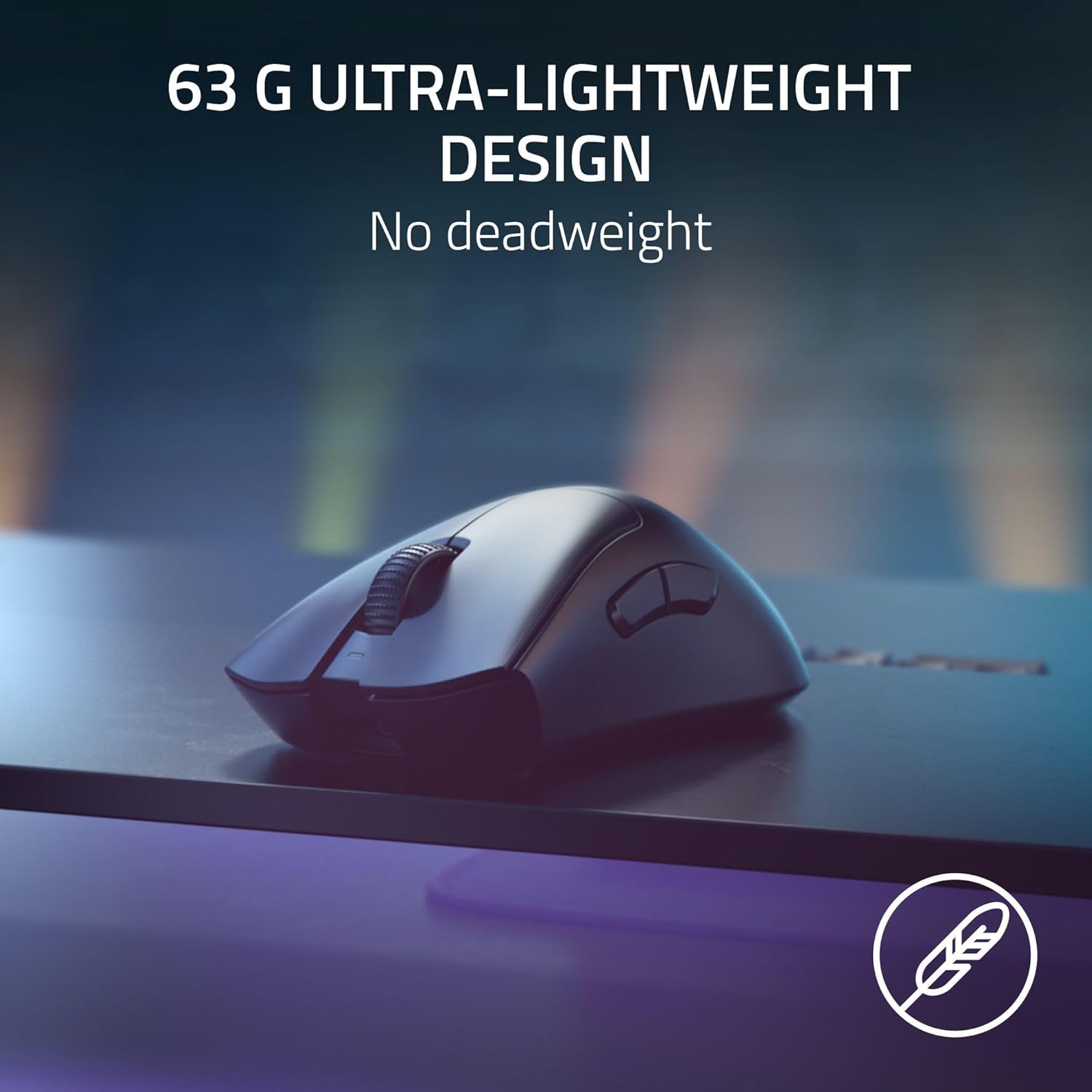
The Razer DeathAdder V3 Pro HyperPolling Wireless Mouse is a featherlight, ergonomic esports mouse designed to blend ruthless precision with comfort over long sessions. At 63 g, it’s pitched as one of the lighter options in its class, aiming to combine fast, fluid aiming with a form that the same team of esports pros helped refine. It uses a 8K Hz wireless polling rate when paired with Razer HyperSpeed technology, which translates to an extremely responsive experience on supported setups. The focus here is on a natural grip and smooth texture, with a matte finish intended to reduce slip and fatigue during extended play.
How it feels in use
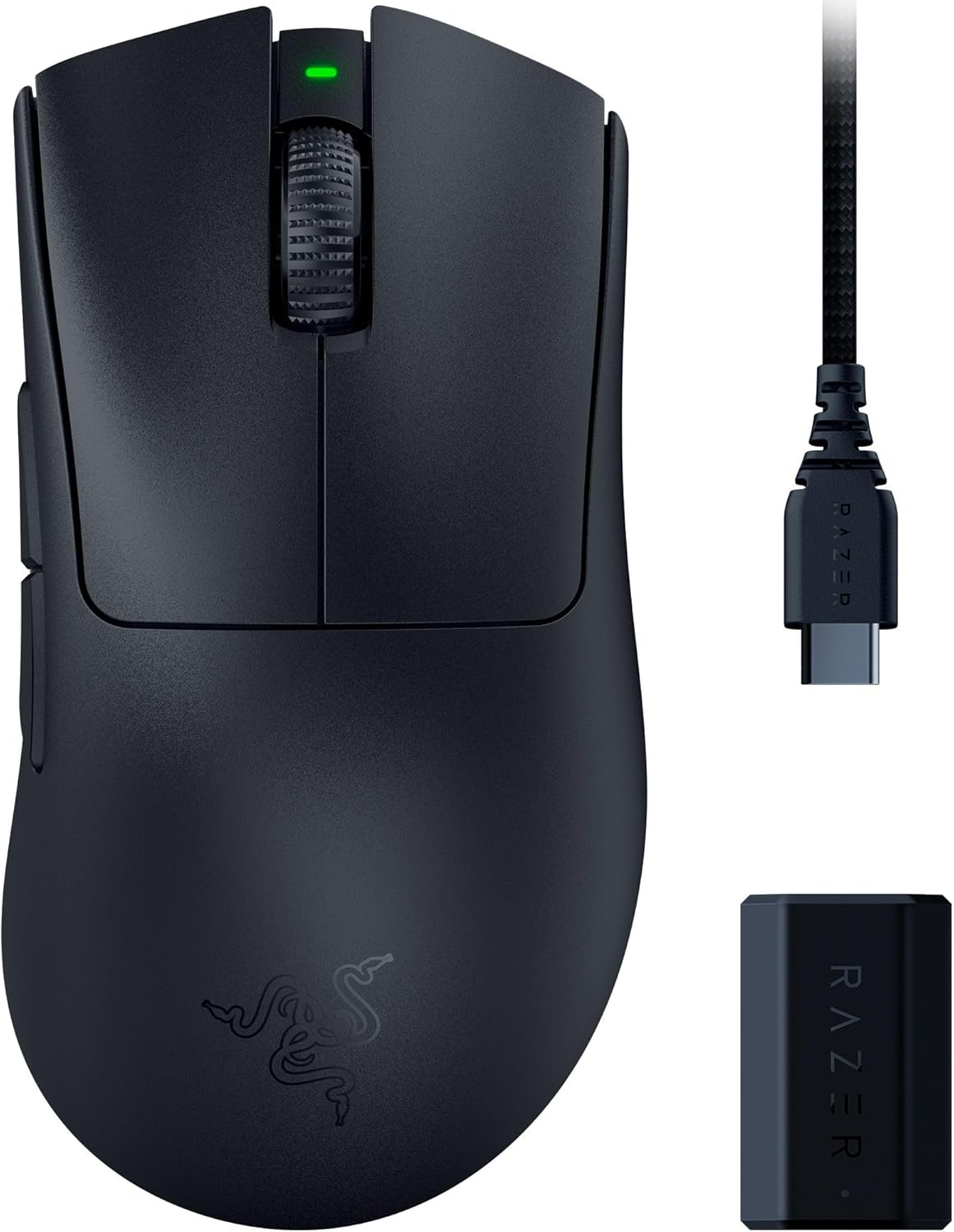
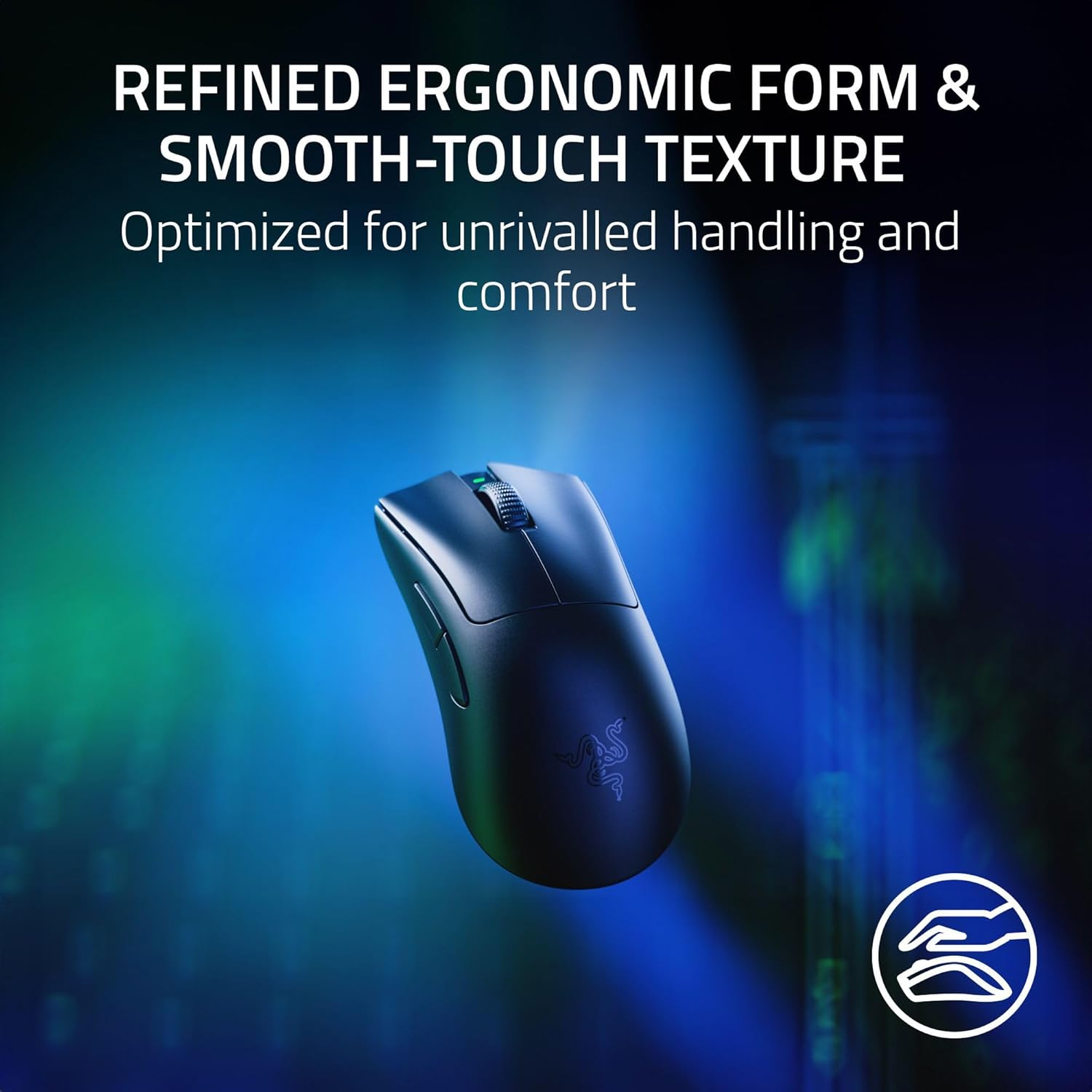
The iconic DeathAdder shape has been lightly refined for better handling while preserving the proven silhouette that many players rely on. The result is a mouse that sits comfortably in the hand without forcing a crammed grip or awkward finger positions. In practice, the weight distribution and compact footprint translate to quick, decisive movements, you’ll notice the speed in fast-paced games, but the long-term comfort comes from the deliberate ergonomic design rather than hype about speed alone.
Core tech at a glance
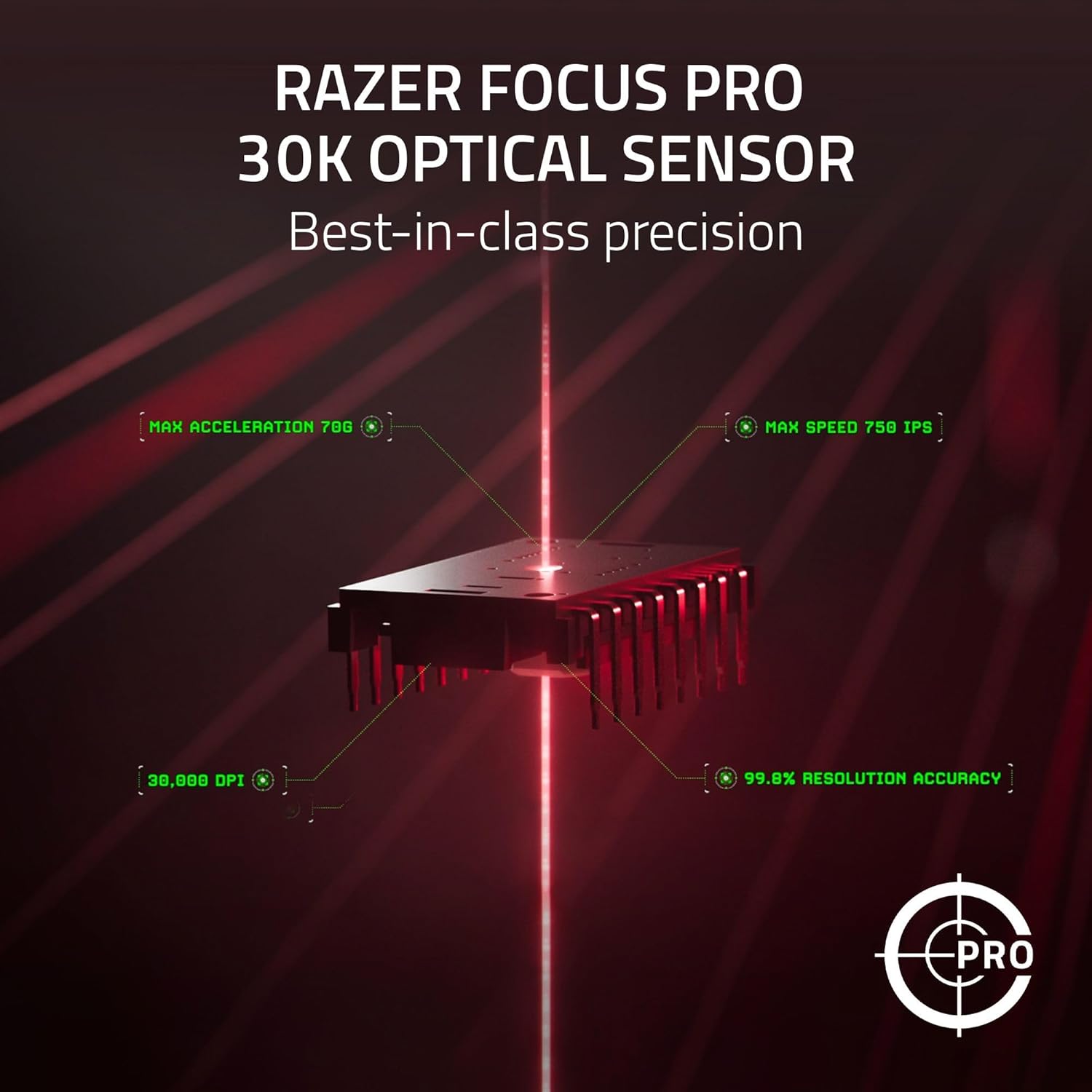
This model pairs a high-precision Focus Pro 30K optical sensor with Gen-3 Optical Mouse Switches. The sensor is described as best-in-class for reliable tracking across surfaces, including glass-imp supported areas, with intelligent adjustments to aim and control. The Gen-3 switches claim a minimal debounce delay and a rapid 0.2 ms actuation, designed to prevent double-click issues and to sustain high click durability over millions of cycles. The wireless side employs HyperPolling, marketed as significantly faster than standard wireless mice, while relying on Razer HyperSpeed for a low-latency connection.
What stands out and where it might fall short
On the upside, the ultra-lightweight design combined with the refined ergonomic shape is well suited for players who need quick, precise control without wrist strain. The combination of a high-end sensor and fast switches can translate to more consistent aim and responsiveness in-game, especially in situations requiring rapid micro-adjustments. However, the practical benefit of an 8K Hz polling rate depends on your PC, mouse settings, and the game in question, not all setups will demonstrate a perceptible difference above traditional 1000 Hz benchmarks. It’s also worth noting that ultra-lightweight mice can feel more “ticky” at times if you’re used to heavier models, and some users may prefer a sturdier weight when pushing the mouse aggressively across a desk.
Who it’s for

If you prioritise speed, precision, and a historically comfortable shape, and you play at a level where sprint-aim confidence matters, this mouse is aimed at esports enthusiasts and competitive players who value lightness and responsiveness. It’s less ideal for those who prefer a heavier feel for grounding control, or for users who swipe with a power grip that benefits from extra mass.
Who it isn’t ideal for
Not the best choice if you’re after a budget option, as the DeathAdder V3 Pro sits in a higher tier. If you primarily game on surfaces where the sensor might struggle, or you don’t have the bandwidth to exploit a super-fast wireless setup, you might not notice the claimed gains. Also, if you dislike very light mice or the distinct ergonomic shape, this model may not meet your preferences.
When does it make sense to buy
Buy this mouse if you want a lightweight, ergonomic es lot calibrations and you value immediate responsiveness. It’s sensible to pair with a PC and a game where high frame rates and low input latency translate into practical in-game advantage. If you’re already on a comfortable, proven setup and are not chasing the latest technological edge, you may want to compare with other options that balance weight and grip differently.
What to check before buying
- Ensure your setup supports high polling and low latency wireless connections.
- If possible, test the grip and weight to confirm it matches your habitual play style.
- Consider whether you prefer a matte, non-glossy finish and whether the texture suits your grip.
- Check if your surfaces allow reliable sensor performance, although glass support is mentioned, real-world results vary by surface.
Practical usage note
A typical practice scenario might involve long sessions of precision aiming in shooter titles, where rapid micro-adjustments and consistent tracking matter. The DeathAdder V3 Pro’s lightness helps with fast repositioning, while the sensor and switches aim to deliver stable, repeatable results across maps and modes. One small caveat is that the perceived benefit of the 8K Hz polling rate will depend on the rest of your gear and individual sensitivity to latency.

How it compares to buying approaches
If you’re weighing this against a heavier alternative or a wired setup, the main decision becomes whether you value lower fatigue and faster reflexes enough to sacrifice the traditional heft and direct, tug-free feel of a wired mouse. For some players, a mid-weight option with consistent tracking across various surfaces may deliver a more grounded sense of control than a very light mouse that can feel flighty at high speeds.
What you get and care tips
Included features focus on ergonomic shaping, lightweight build, and rapid response hardware. To maintain performance, ensure you keep drivers updated via the software (where applicable) and check for any debris in the switch area or sensor window, which could affect accuracy. Avoid aggressive cleaning methods that may damage the matte finish. If you rely on a custom profile, the Synapse software can help tailor sensitivity and button mapping to your play style.
Final decision – Is it worth it?
Is it worth it? Yes, if you want a purpose-built, ultra-light esports mouse with a refined ergonomic shape and emphasis on quick, precise inputs for competitive play. Not ideal if you prefer heavier mice or if your setup doesn’t support the claimed wireless benefits. You’ll likely gain a practical edge in fast-paced titles, but the degree of improvement will vary with your technique and hardware.
Quick FAQ
- How heavy is it? 63 g.
- What’s the main advantage? Ultra-lightweight design combined with high-precision sensor and rapid switches.
- Do I need special software to get the best out of it? The Razer Synapse app helps optimise sensitivity and mapping, use it if you value custom profiles.
- Is it fully wireless? Yes, with HyperPolling and HyperSpeed for low latency.
- Will it work on glass surfaces? The sensor is described to perform well on a wide variety of surfaces, including glass-supported areas.