

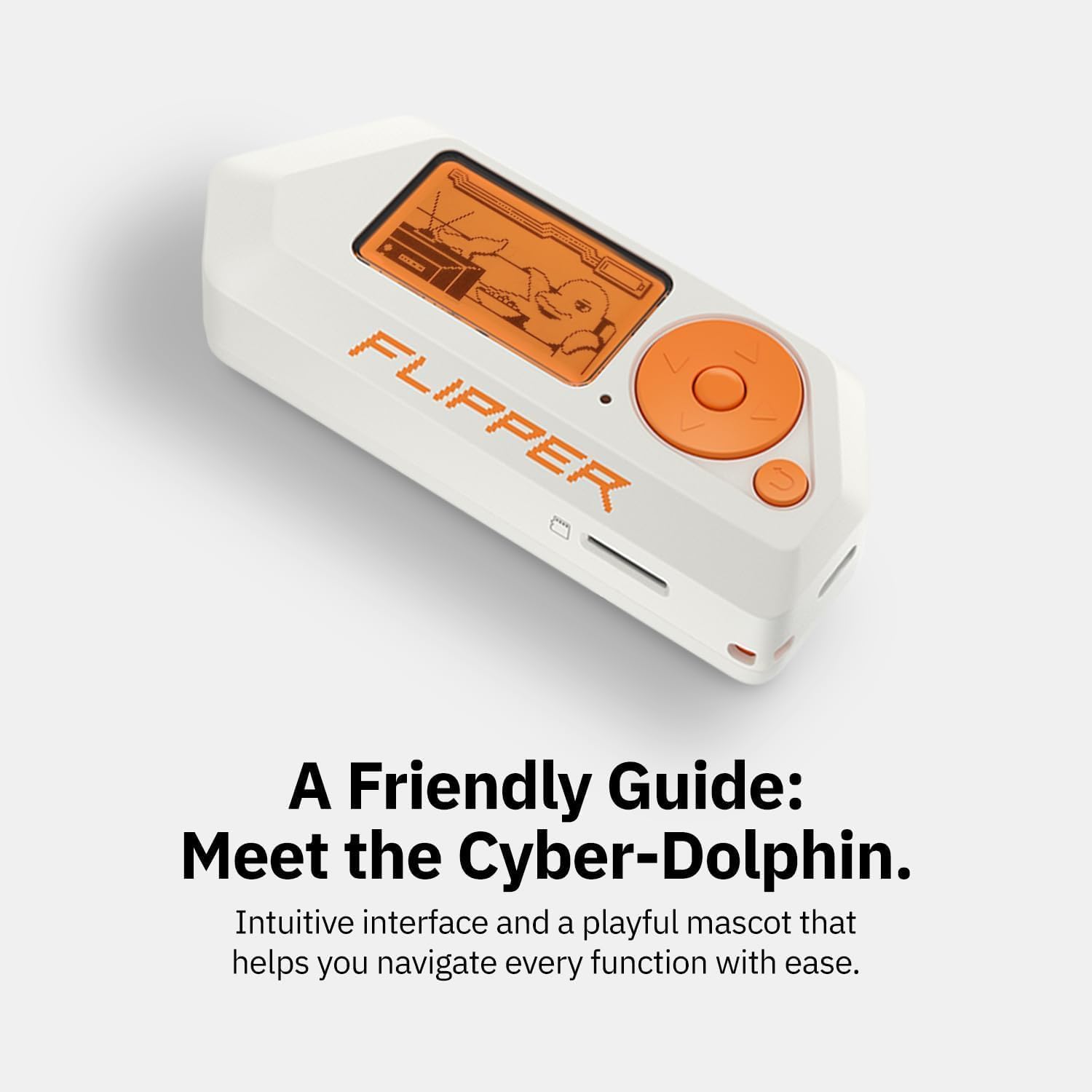
Flipper Zero portable multi-tool device (white) – open-source, RFID/NFC, IR remote and wireless signal explorer
Reviews
Price
Product description
What it is and why people buy it
Flipper Zero is a small, portable multi-tool aimed at “curious minds” who like learning by doing. On paper, it’s the sort of gadget that can interact with digital systems in the real world, covering areas like access control systems, RFID and NFC, and infrared remote signals, with options to debug hardware using GPIO pins.
What makes it different from a basic electronics toy is the open-source and customisable angle. Instead of treating it as a fixed device with fixed features, the idea is that you can extend it for your own projects. If you enjoy tinkering, this is one of those tools that can grow with you rather than stay as a one-week novelty.
That said, it’s not a “plug it in and forget it” consumer gadget. It’s more for people who are happy to experiment, and who understand that the most interesting results depend on how you use it.
The essentials (key points)
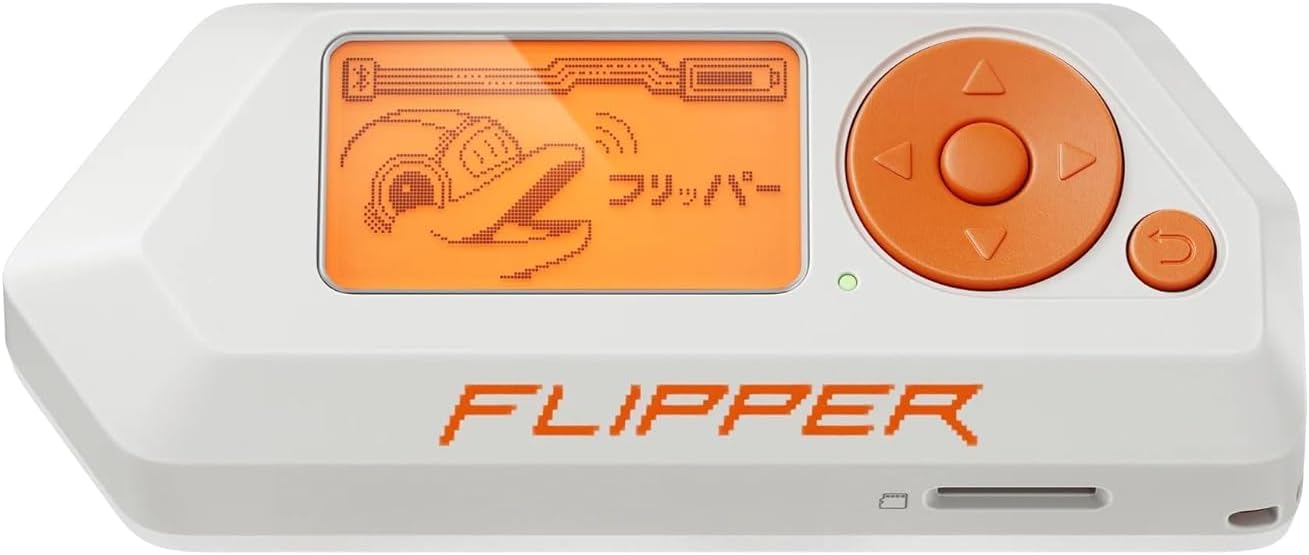
Flipper Zero combines several capabilities in one pocket-sized body:
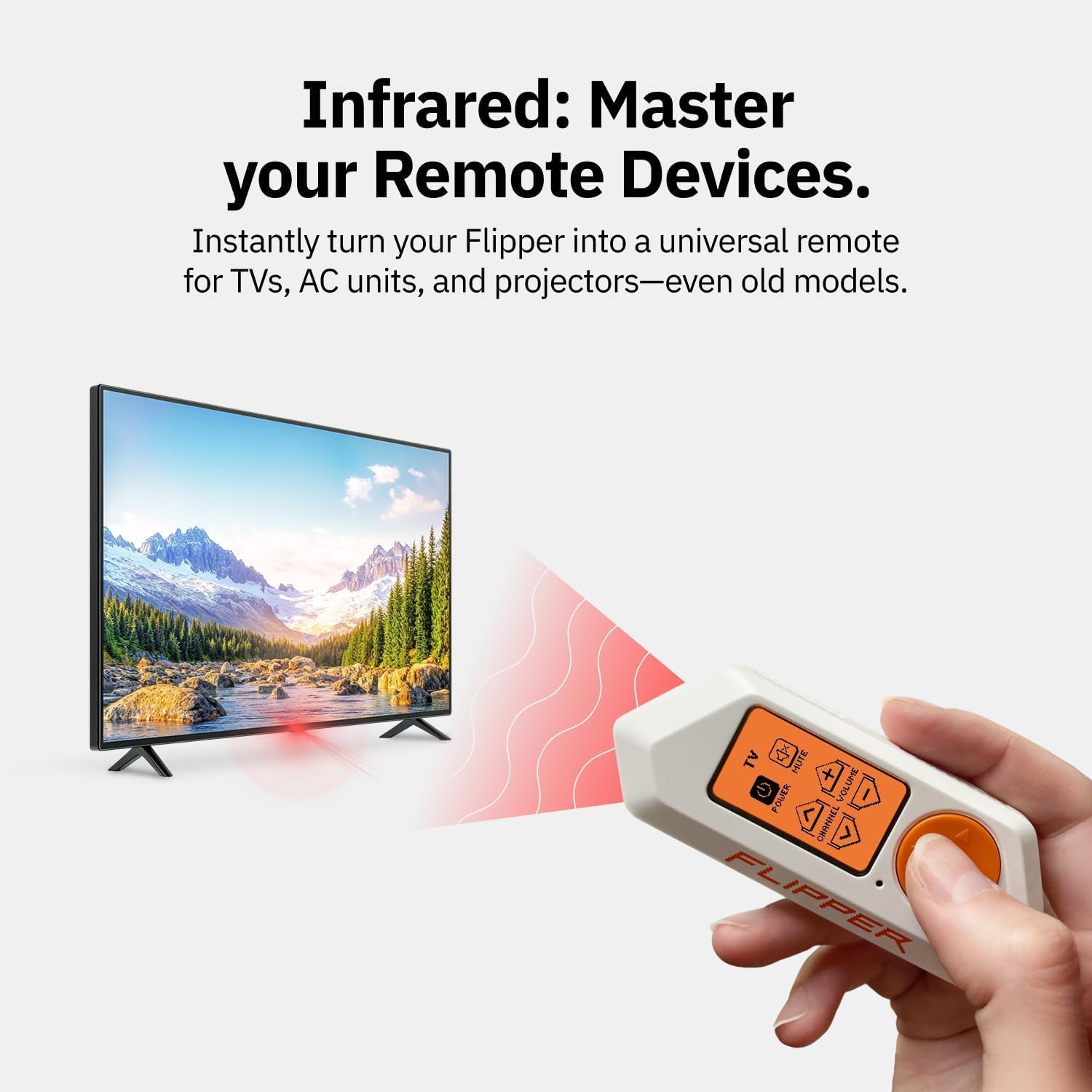
You get an RFID + NFC reader approach (including reading and writing is mentioned for NFC), infrared remote signal analysis, and a wireless signal explorer concept for radio protocol curiosity. It’s designed for security testing and learning new technologies, and it’s positioned as a tool for pentesters and geeks.
A practical detail is how it’s meant to be used on the go. The description emphasises that it can be operated with a 5-button directional pad without additional devices like a computer or smartphone. Main features are available from the main menu, so you don’t necessarily need to set up a workstation every time.
Where the “toy-like” design helps is in day-to-day handling. The robust case and handy buttons are meant to avoid the messy “open board on a desk” vibe—more like a portable device you can carry and use.
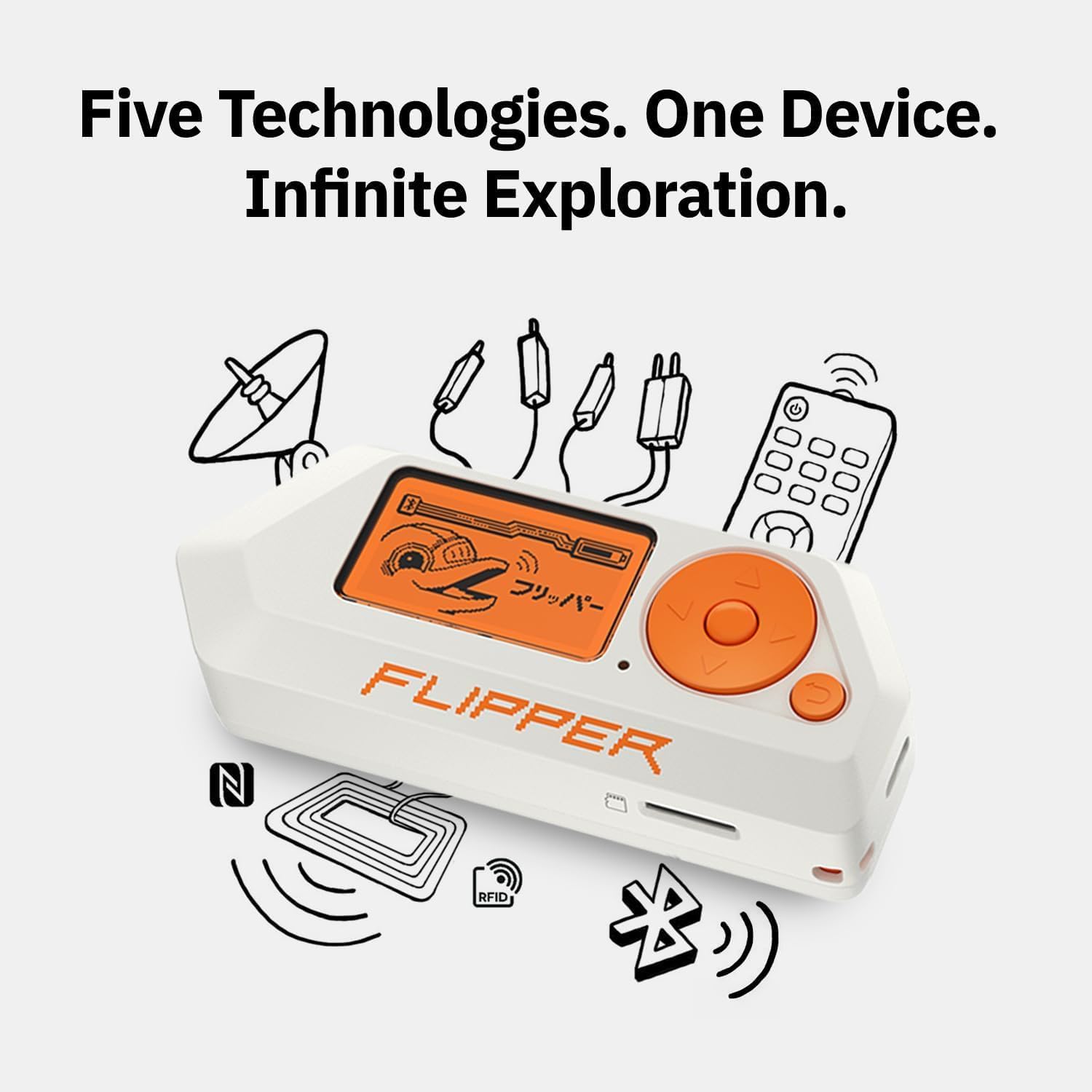
Where it stands out in use
The strongest selling point here is the combination of portability and autonomy. Instead of being tied to a PC every time, you can navigate the main menu and run core actions directly from the device.
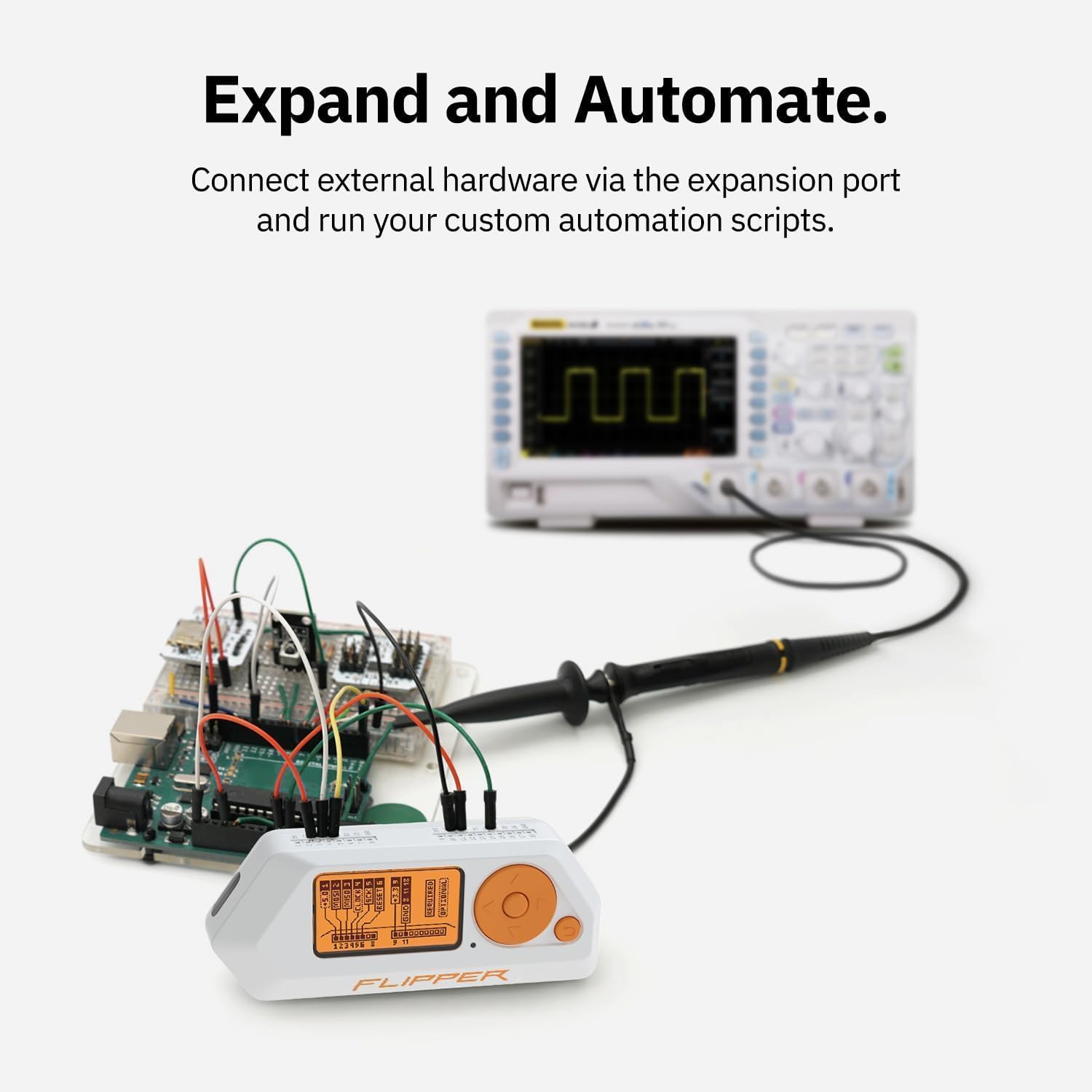
It also helps that the hardware is described as clean and project-friendly: GPIO pins for debugging are explicitly mentioned, and the open-source nature is there to support custom development.
A simple example: imagine you’re testing and learning about an access control system you’re studying. In the flow described, you could bring the device out, use the menu controls for the relevant RFID/NFC interactions, and only then decide if you want to dig deeper with custom code or extra debugging via the GPIO pins. That “start quickly, go deeper if needed” feel is the point.
Tech specs
- Name: Flipper Zero - Portable Multi-Tool Device for Geeks - Fully Open-Source & Customizable - RFID + NFC Reader, Infrared Remote and Wireless Signal Explorer for Curious Minds, White
- Type: Portable multi-tool device (open-source, customisable)
- Format: Portable / pocket device
- Colour: White
- Controls: 5-button directional pad
- Autonomy: Can be controlled without additional devices such as computers or smartphones (main features via main menu)
- Access control / identification: RFID card emulation is mentioned
- NFC features: NFC card reading and writing are mentioned
- Infrared features: infrared signal analysis is mentioned
- Hardware interaction: GPIO pins for debug hardware are mentioned
What to watch before you buy
This is where you should be a bit honest with yourself. Flipper Zero is geared towards security testing, learning, and experimentation. If you’re looking for a purely “lock-and-forget” gadget with no need to understand protocols or tinker, it may feel like the wrong level of complexity.
Also, “fully open-source and customisable” is a big plus—but it can be a double-edged sword. If you want everything to be handled for you, you may find that the real value comes from spending time with it.
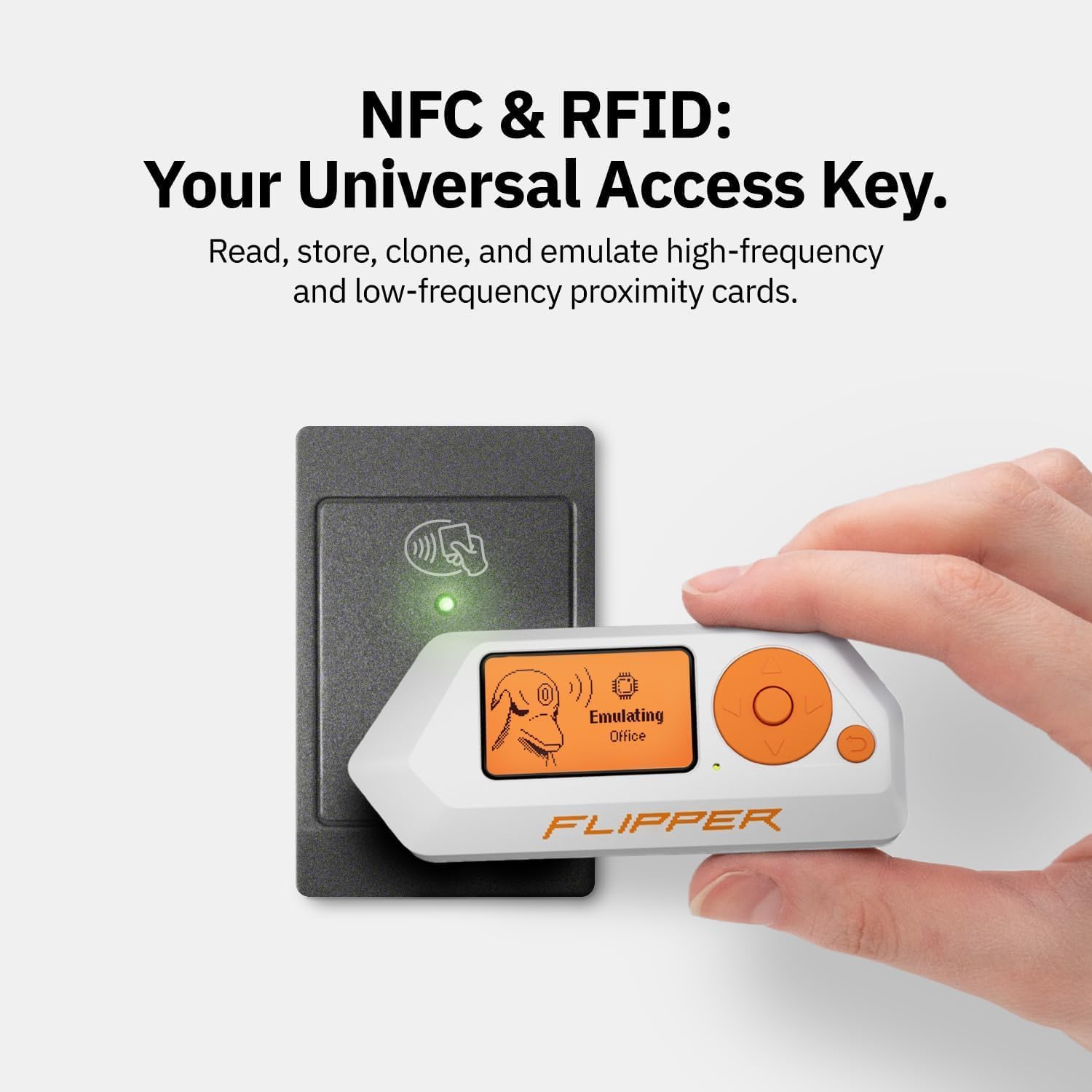
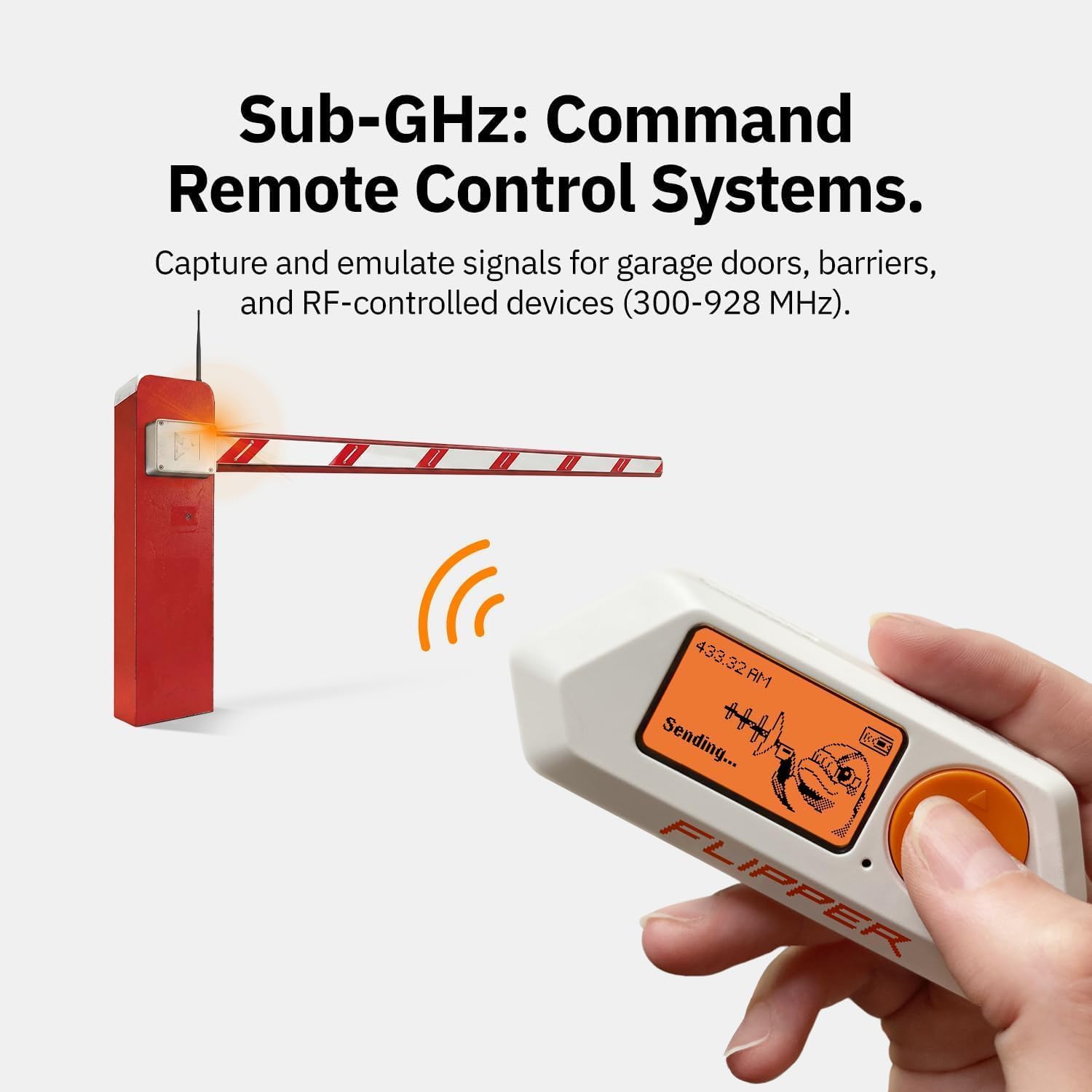
Finally, the description notes that it can interact with radio protocols, access control systems, and more, but it doesn’t list exactly which standards or ranges are covered. If your plan depends on a very specific protocol or scenario, it’s worth checking that your use case is supported in practice.
Who it suits (and who should skip it)
It’s a good fit if you like hands-on learning, security-minded experimentation, and extending hardware through open-source work. It suits you if you want something portable and self-contained for core actions, rather than relying entirely on a phone or laptop.
It may not suit you if you want a beginner-friendly consumer device with limited learning curve, or if you expect a complete, guided experience with no need to set up anything yourself.
Is it worth it?
Buying it makes sense when you’ll actually use the autonomy and the toolbox mindset: taking it out, using the menu controls, exploring RFID/NFC and infrared signal analysis, and then moving into custom projects when you’re ready.
Better avoided if you’re purely after a simple gadget for casual use, or if your expectations are closer to a finished product than a platform you’ll tinker with.
As long as you’re buying for the right reasons—curiosity, learning, and custom development—Flipper Zero reads as a genuinely interesting pocket multi-tool for geeks.
Mini FAQ
Do I need a computer or phone to use it?
The description says it can be controlled with a 5-button directional pad without additional devices, with main features available from the main menu.
What can it do for RFID and NFC?
It’s described as enabling RFID card emulation and NFC card reading and writing.
Does it handle infrared signals?
Yes, infrared signal analysis is mentioned.
Is it open-source?
The description explicitly says it’s fully open-source and customisable.
Who is it aimed at?
It’s positioned for pentesters and geeks, especially those interested in security testing and learning technologies.