

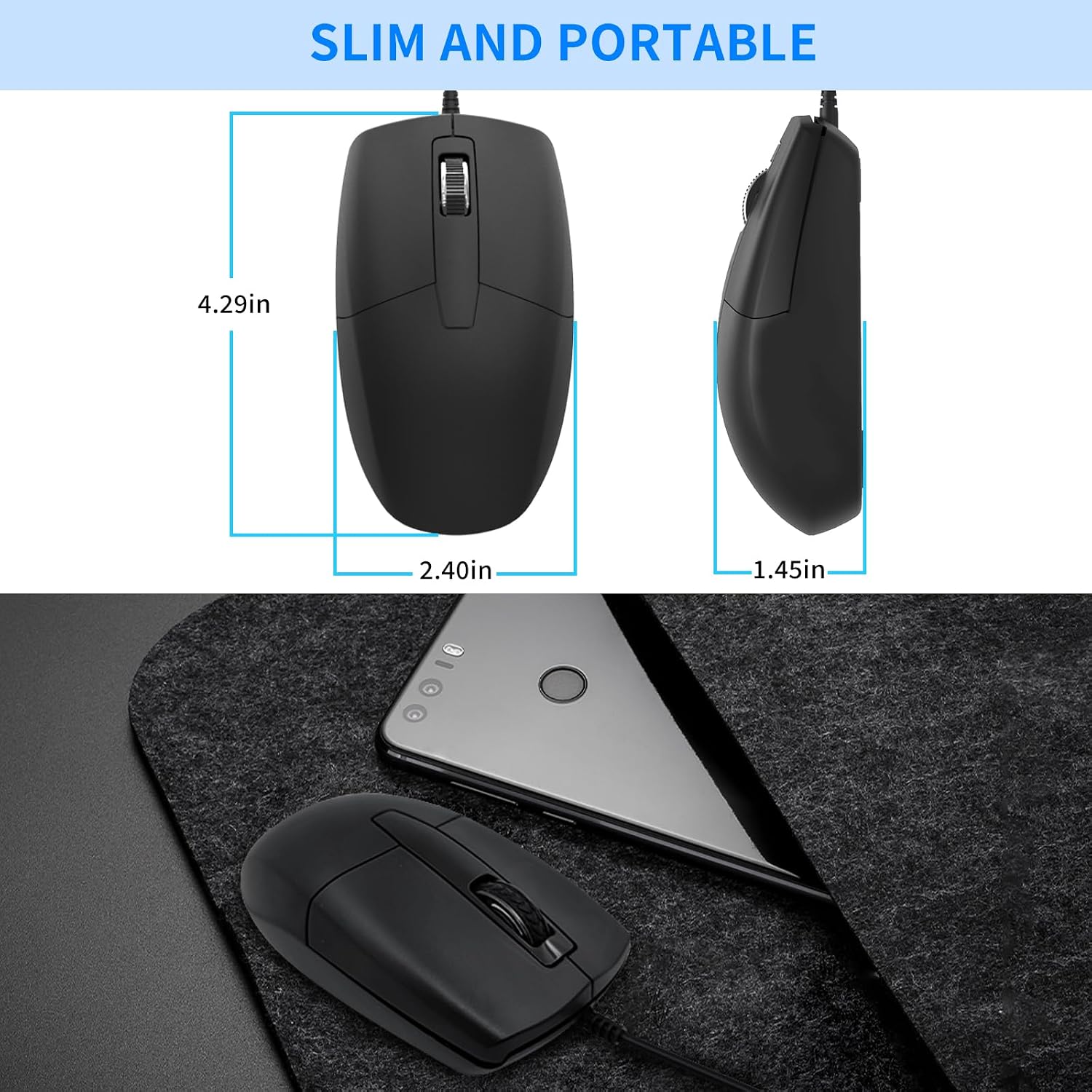
LOONASA USB-C Wired Mouse (Optical) – silent, ambidextrous design for laptop, MacBook, Android & PC
Product description
What it is and why you might want it
The LOONASA USB-C Wired Mouse is a no-nonsense optical mouse designed to plug into USB-C devices and give you reliable cursor control without pairing hassles. It’s wired, so you’re not waiting for charging or fighting with battery life—handy for daily laptop use, travel, or a desk that’s already a bit of a mess.
On paper, it targets a fairly specific set of needs: quiet operation, comfortable handling for longer sessions, and a symmetrical/ambidextrous shape that doesn’t assume you’re right-handed. If you’re the type who just wants a mouse that works with your USB-C laptop or tablet, this one is aimed squarely at that.
Key features that actually matter day to day
This mouse leans on a few practical design choices.
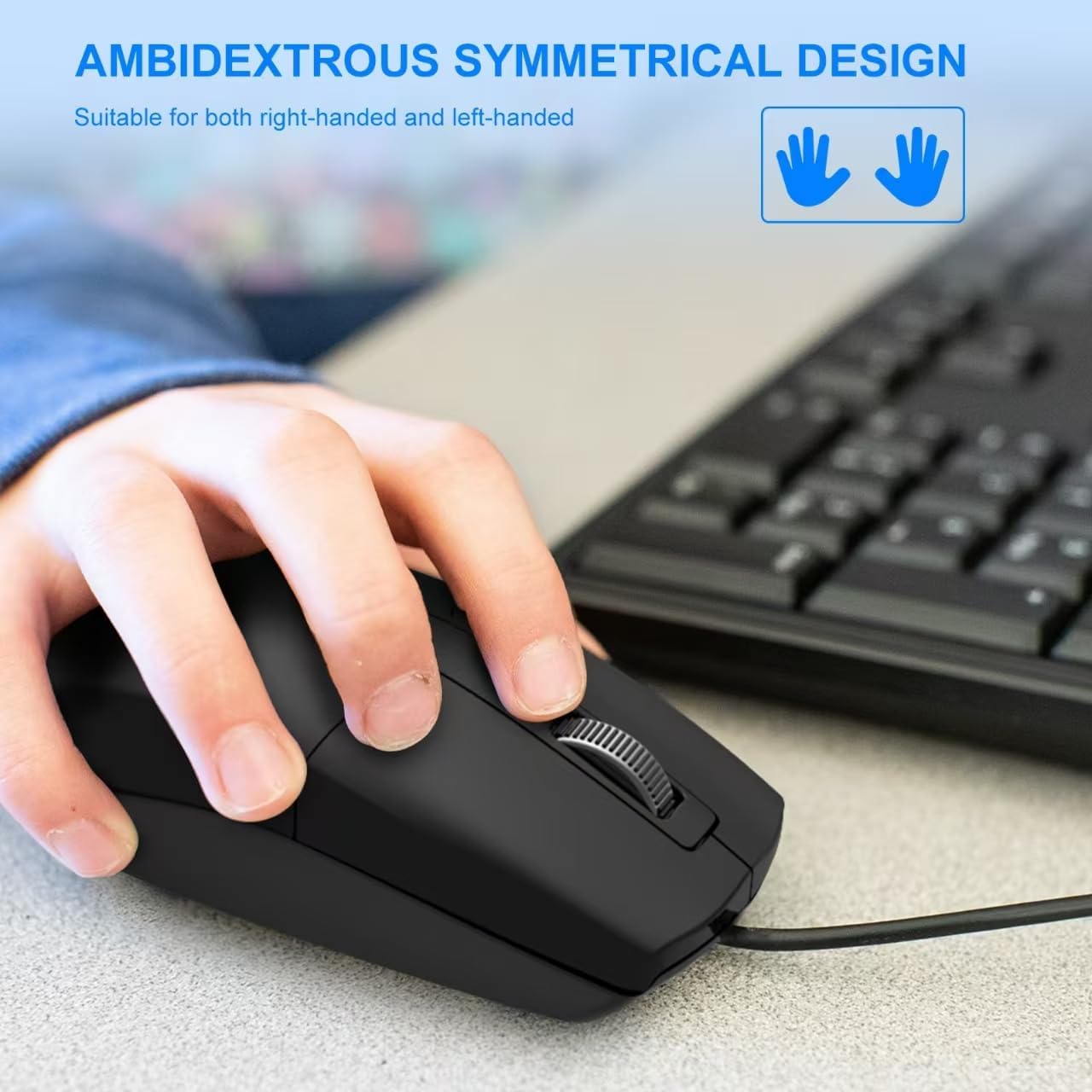
First, the ambidextrous layout. A symmetrical design is meant to suit both left- and right-handed users, which can be useful if you share a computer setup or if you simply prefer a more balanced hand feel.
Second, it’s built for “quiet use”. The silent operation claim suggests it’s designed to reduce the distracting clicking sound you can get from standard office mice. That’s not just about comfort—it can also make shared spaces feel less chaotic.
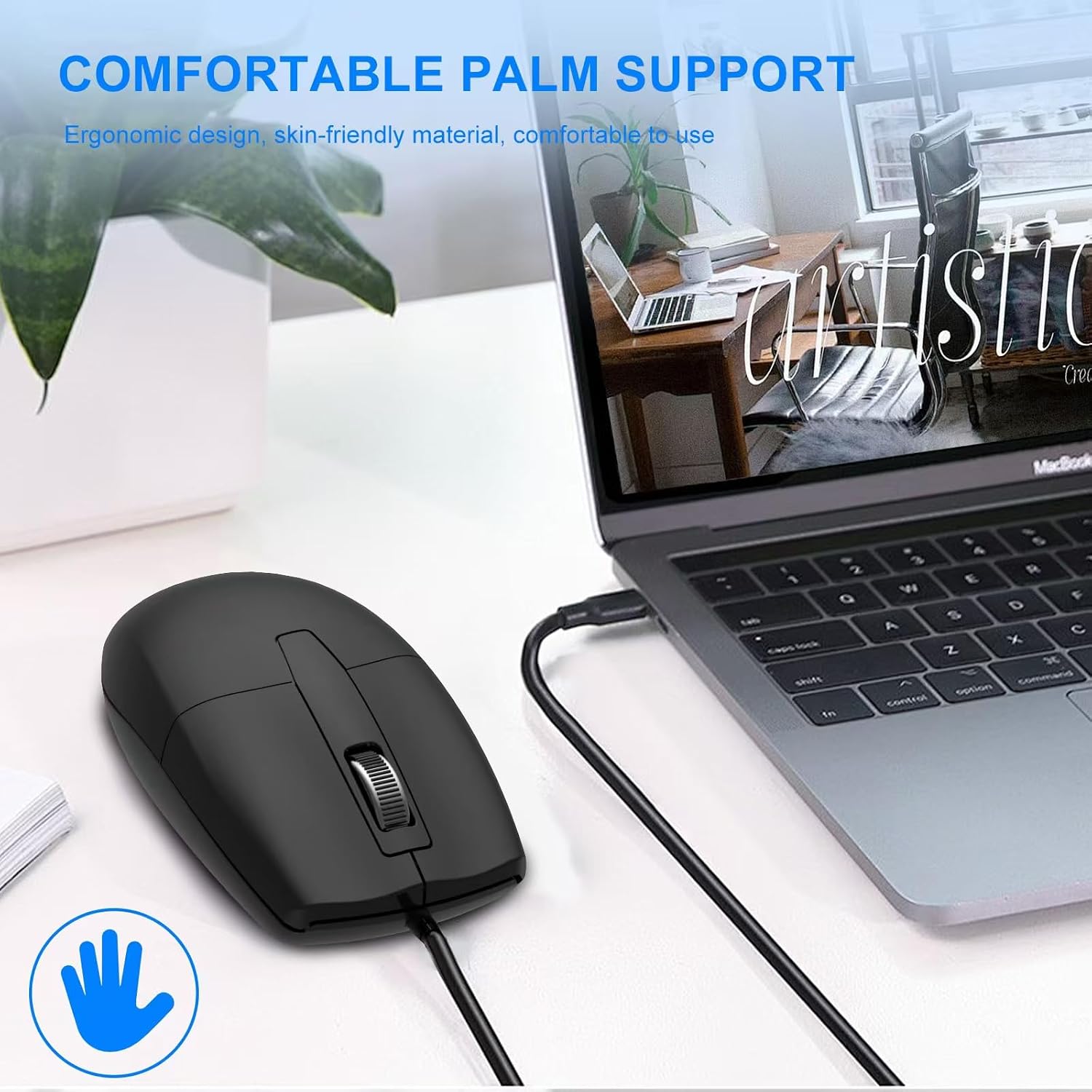
Third, comfort grip. The description points to a skin-friendly grip that aims to reduce hand fatigue. That’s the kind of detail you notice after an hour or two, especially if you tend to do lots of scrolling, spreadsheets, or browsing.
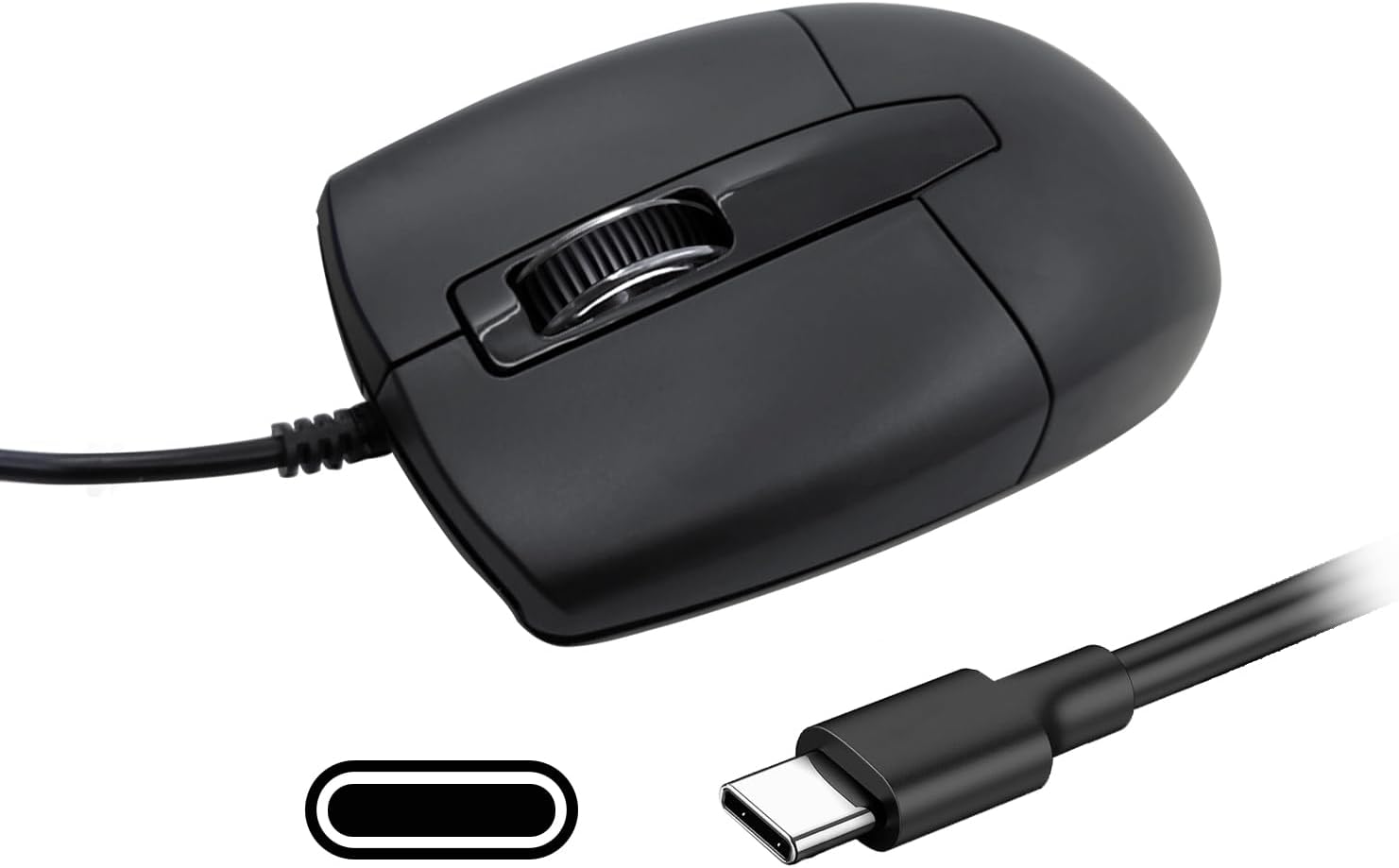
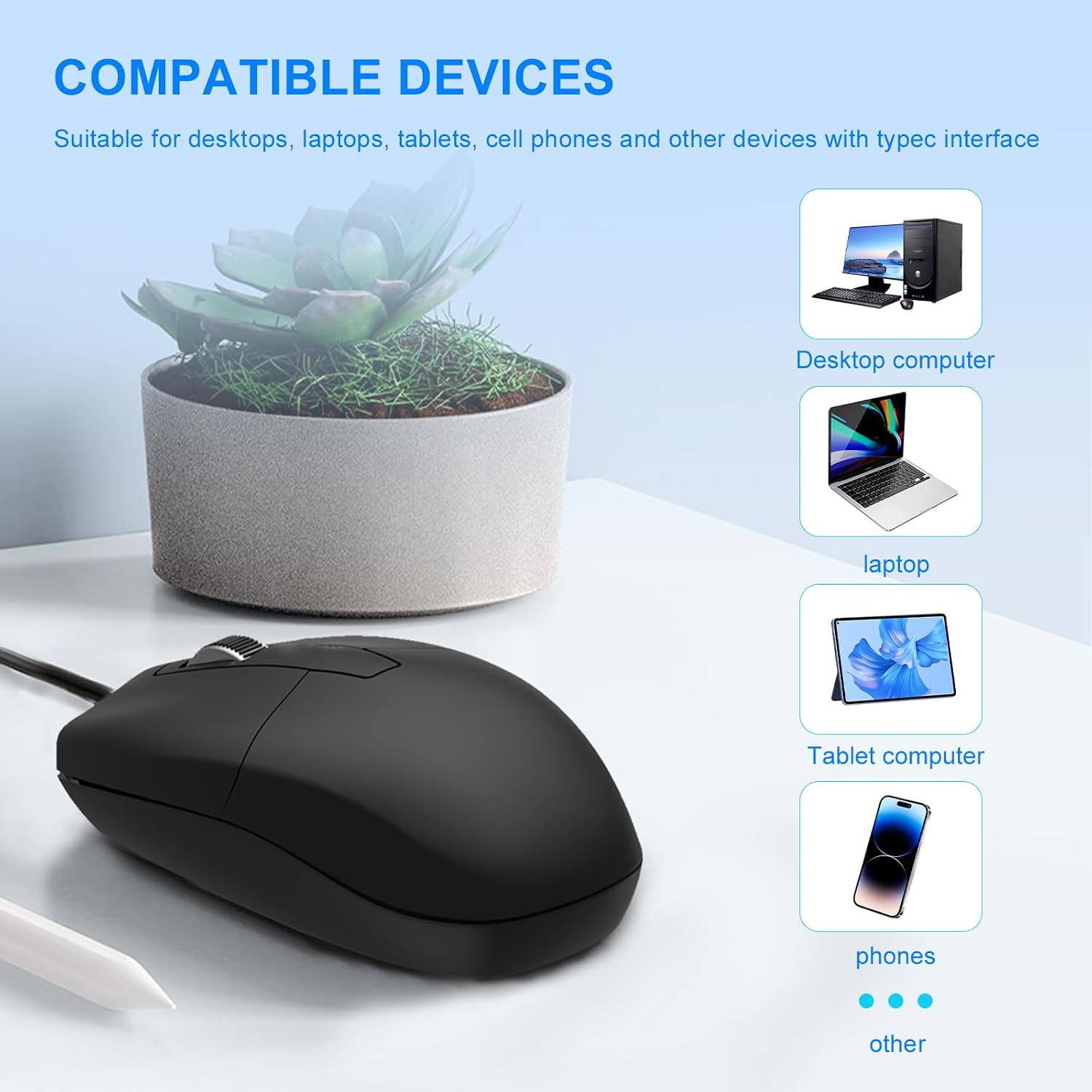
Finally, universal compatibility through USB-C. It’s designed to work with USB-C devices, including laptops and other systems you connect via a USB-C port. If your setup already has USB-C available, it keeps things straightforward.
The essentials: who it suits (and who it doesn’t)
It makes sense if you: - want a wired USB-C mouse for a laptop or desktop setup - care about reduced clicking noise - prefer a symmetrical shape rather than a one-sided, right-hand-heavy design - need something that can be used across different people or sides (left- and right-handed)
It may not suit you if you: - need a mouse with features that aren’t mentioned here (for example, advanced custom buttons or wireless flexibility) - dislike the idea of a wired connection and would rather move freely without a cable - are expecting high-end gaming-style performance, this one’s positioned as portable, comfortable, and everyday rather than anything specialised
Worth considering too: “silent” can be subjective. It’s meant to be quieter, but if you’re extremely noise-sensitive, it’s still a good idea to manage expectations.
Getting the most from it (practical setup)
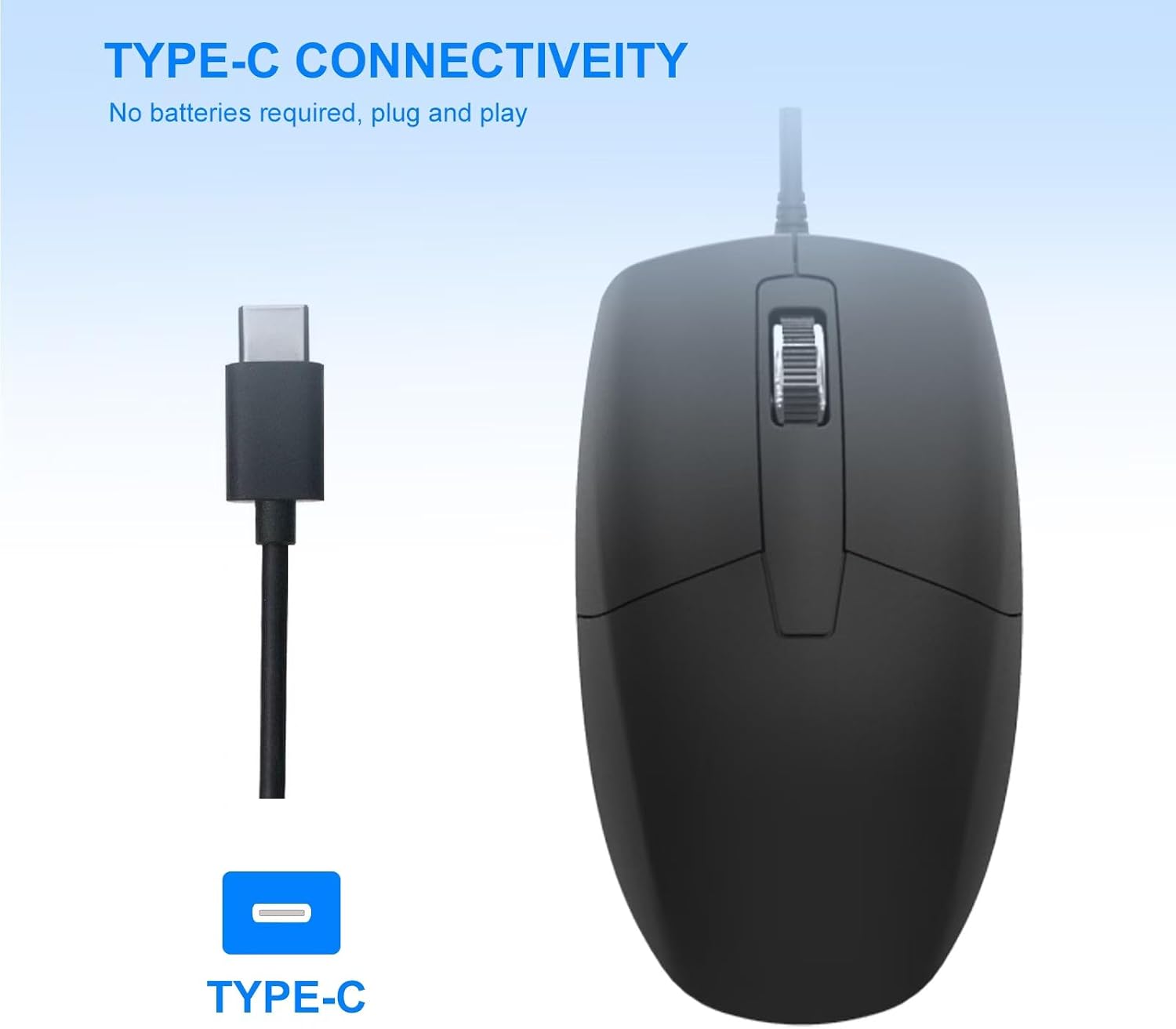
Because it’s wired and designed for USB-C devices, the simplest routine is hard to beat: plug it into your USB-C port, then get going. No pairing mode, no drivers to hunt for in most normal everyday use.

A micro-example: imagine working from a kitchen table or sofa. You plug it into your USB-C laptop, open your spreadsheet, and use it for a couple of hours. The quiet clicking helps you stay focused, and the comfort grip should reduce the “tight hand” feeling that some cheaper mice can cause.
If you switch between devices—say a laptop at work and another USB-C device at home—the cable-based connection can keep it consistent, assuming both devices support USB-C input.
Tech details you can rely on (based on the provided info)
Quick overview
- Type: USB-C wired optical mouse
- Design: symmetrical/ambidextrous for left- and right-handed use
- Noise: silent operation (reduced distraction from clicking)
- Comfort: skin-friendly grip intended to reduce hand fatigue
- Compatibility: USB-C devices, including laptops and other USB-C systems mentioned in the description
Keep an eye on one practical limitation: compatibility here is framed around USB-C devices. If your device only has USB-A (or no USB-C), you may need to check what ports you actually have before committing.
What to check before buying
Before you decide, it’s worth confirming a couple of things:
- Does your device have a USB-C port available? The product is described as working with USB-C devices.
- Are you buying for silent clicking? The description highlights quiet operation, so if noise is a big deal for you, that’s the feature to anchor your decision on.
- Will symmetrical shape suit you? If you already know you dislike ambidextrous mice or prefer a more ergonomic, contoured right-hand style, this could feel a bit “in-between”.
If you’re comparing against a wireless mouse, think about what you value more: freedom of movement and charging versus the always-ready convenience of a wired connection.
Buying verdict
This LOONASA USB-C Wired Mouse is a sensible pick if you want a practical optical mouse for everyday use with USB-C devices, especially if silent clicking and an ambidextrous shape are genuinely important to you. It’s also the kind of mouse that can work well in shared households or shared workspaces where left- and right-handed users might both need something straightforward.
However, it may not be the right choice if you expect feature-heavy performance, wireless freedom, or compatibility outside USB-C. And while it’s designed for quiet operation, “silent” is never absolute—so if your tolerance for noise is extremely low, do consider that limitation.
Mini FAQ
Is it suitable for both left- and right-handed users?
The design is described as symmetrical, intended for left-handed and right-handed use.
Does it work with MacBook and Android devices?
The description says it works with USB-C devices, including Mac, MacBook, and Android.
Is it wireless?
No—this is a USB-C wired mouse.
Does it have quiet clicking?
It’s described as having silent operation, aimed at reducing distractions.
What connection type does it use?
It connects via USB-C to compatible devices.