


Acer Wireless Gaming Mouse for Laptop — 24,000 DPI, Ambidextrous, 8 Programmable Buttons
Product description
What this product is
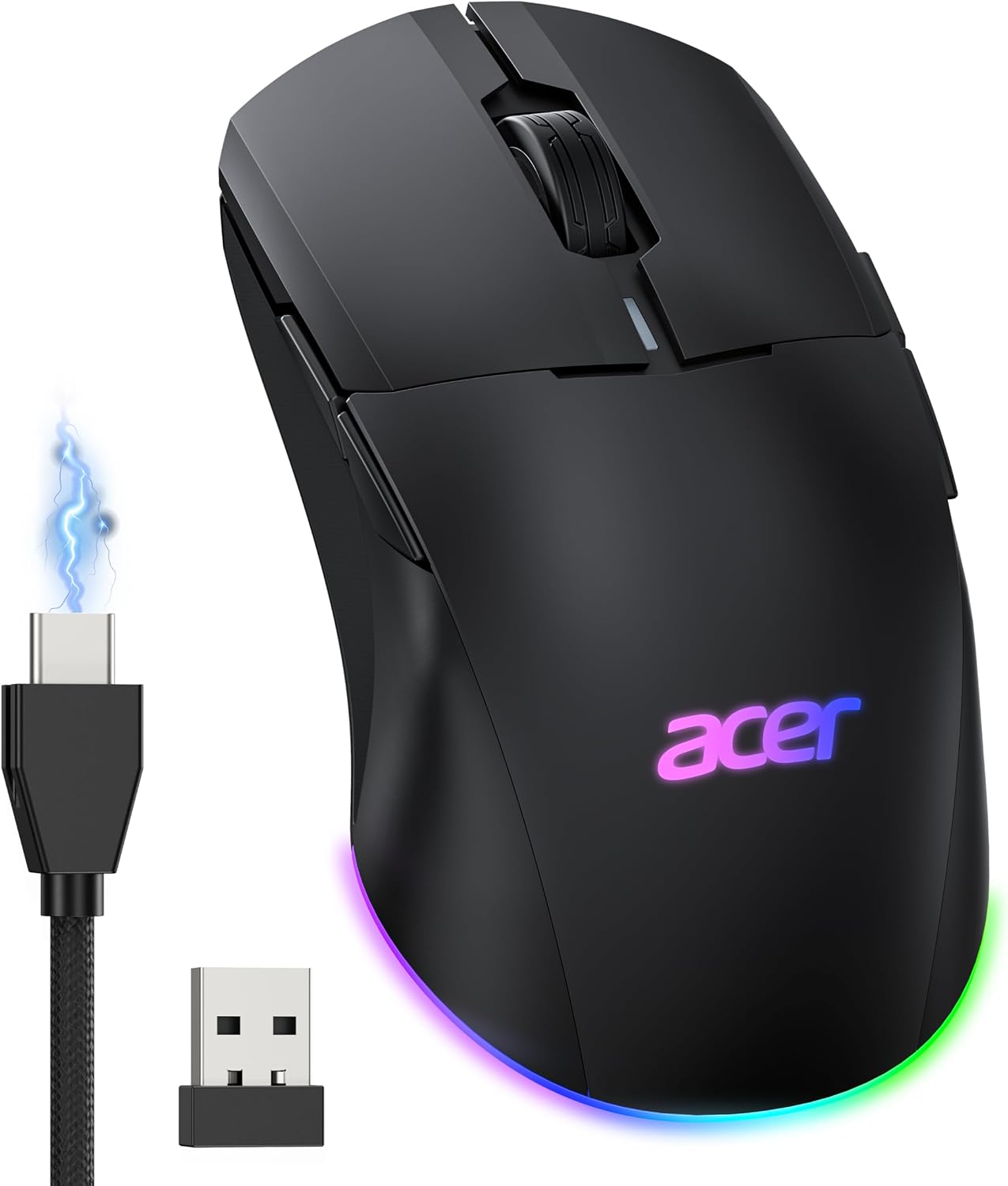
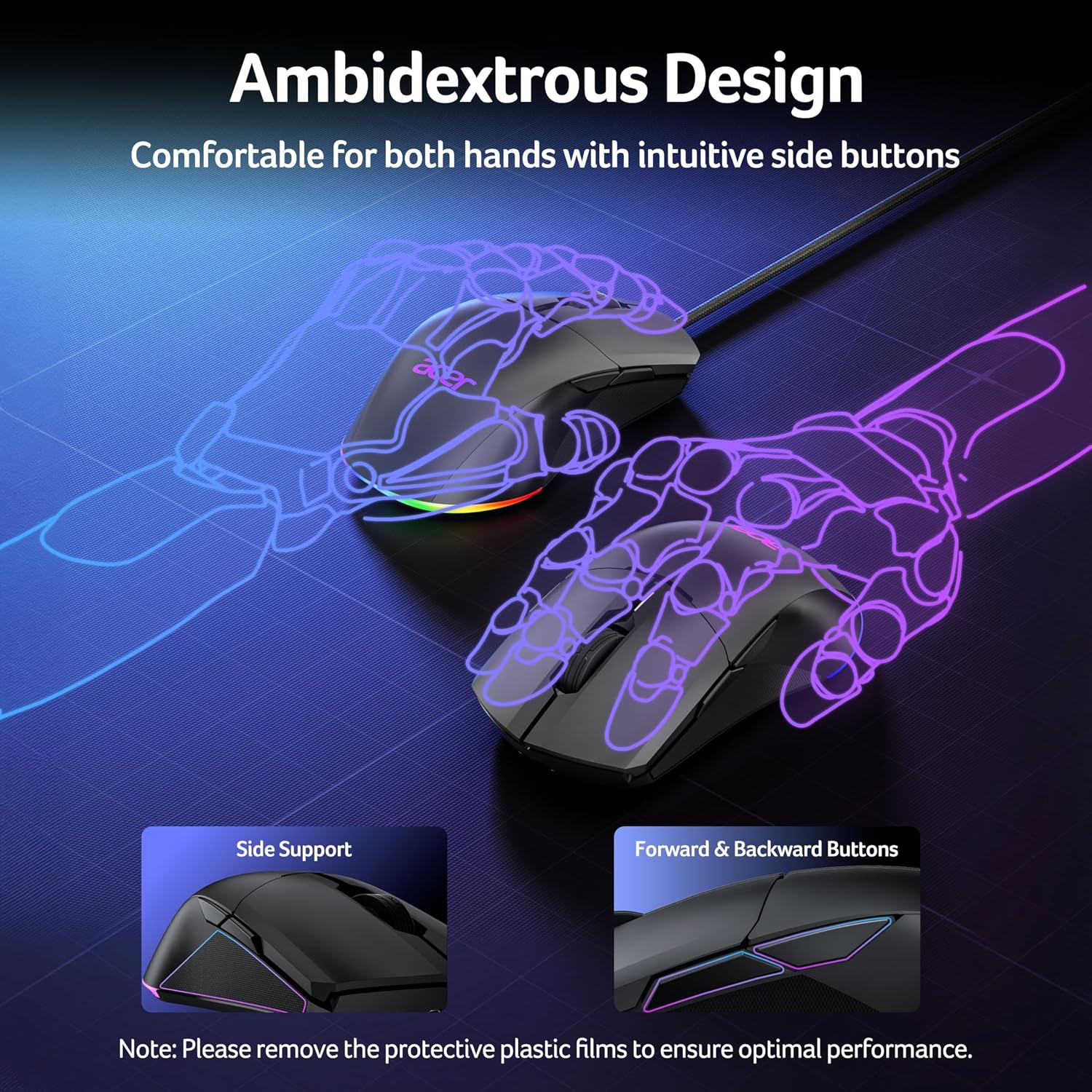
The Acer Wireless Gaming Mouse for Laptop is a dual-mode device designed to bridge wired precision and wireless freedom. With ambidextrous, symmetrical shaping, it aims to suit both left- and right-handed players and supports long sessions at the desk or on the go. It’s positioned as a practical option for both gaming and everyday computer use, offering a balance between responsiveness and convenience.
How it performs at a glance
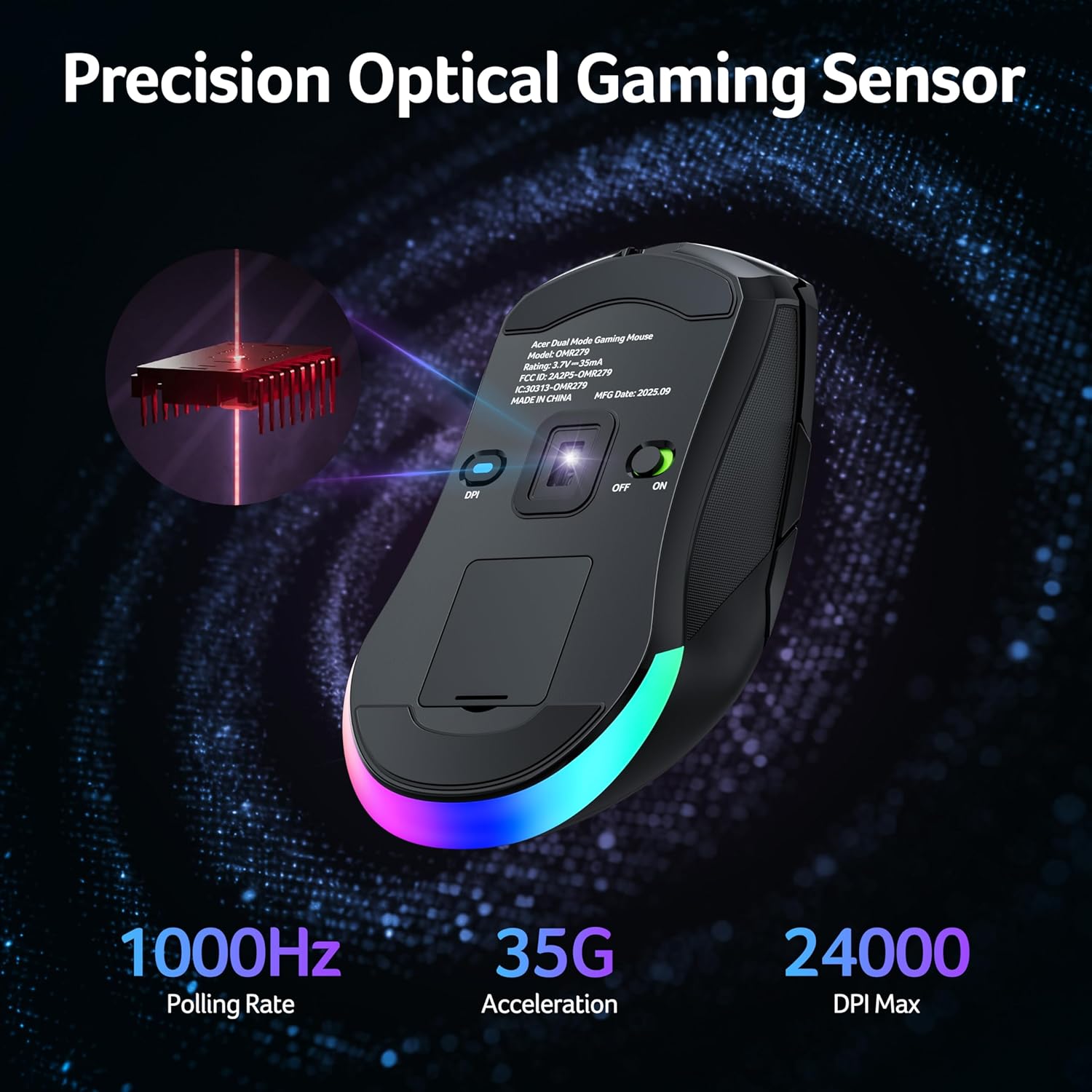
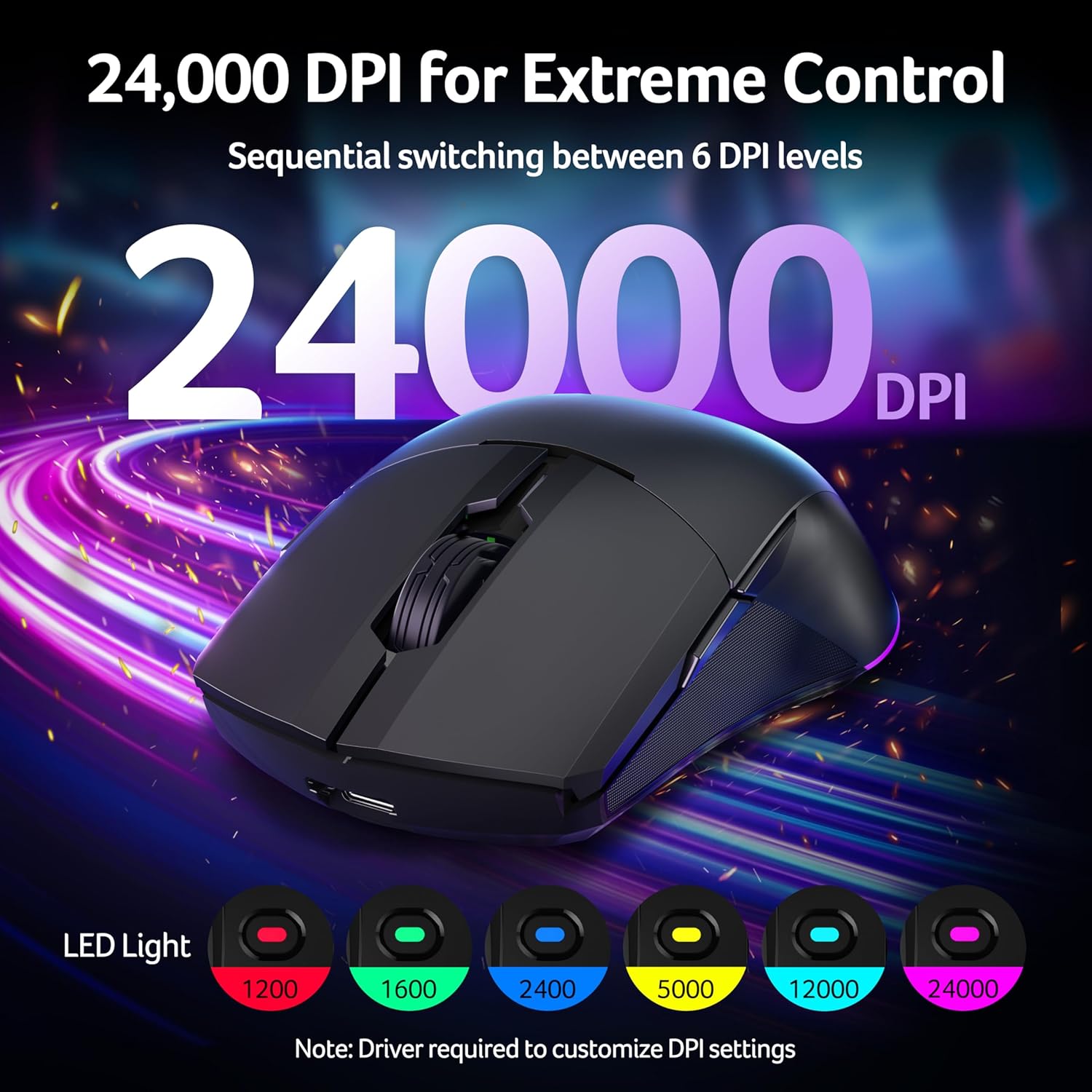
On paper, this mouse combines a high‑end optical sensor with a 1000 Hz polling rate and up to 35 g of acceleration. The DPI goes up to 24,000, but you can choose from 6 DPI levels (with the default and each level configurable in the driver). This gives you the flexibility to snap-aim for precise shots or cruise through tasks with smoother motion.
What stands out in everyday use
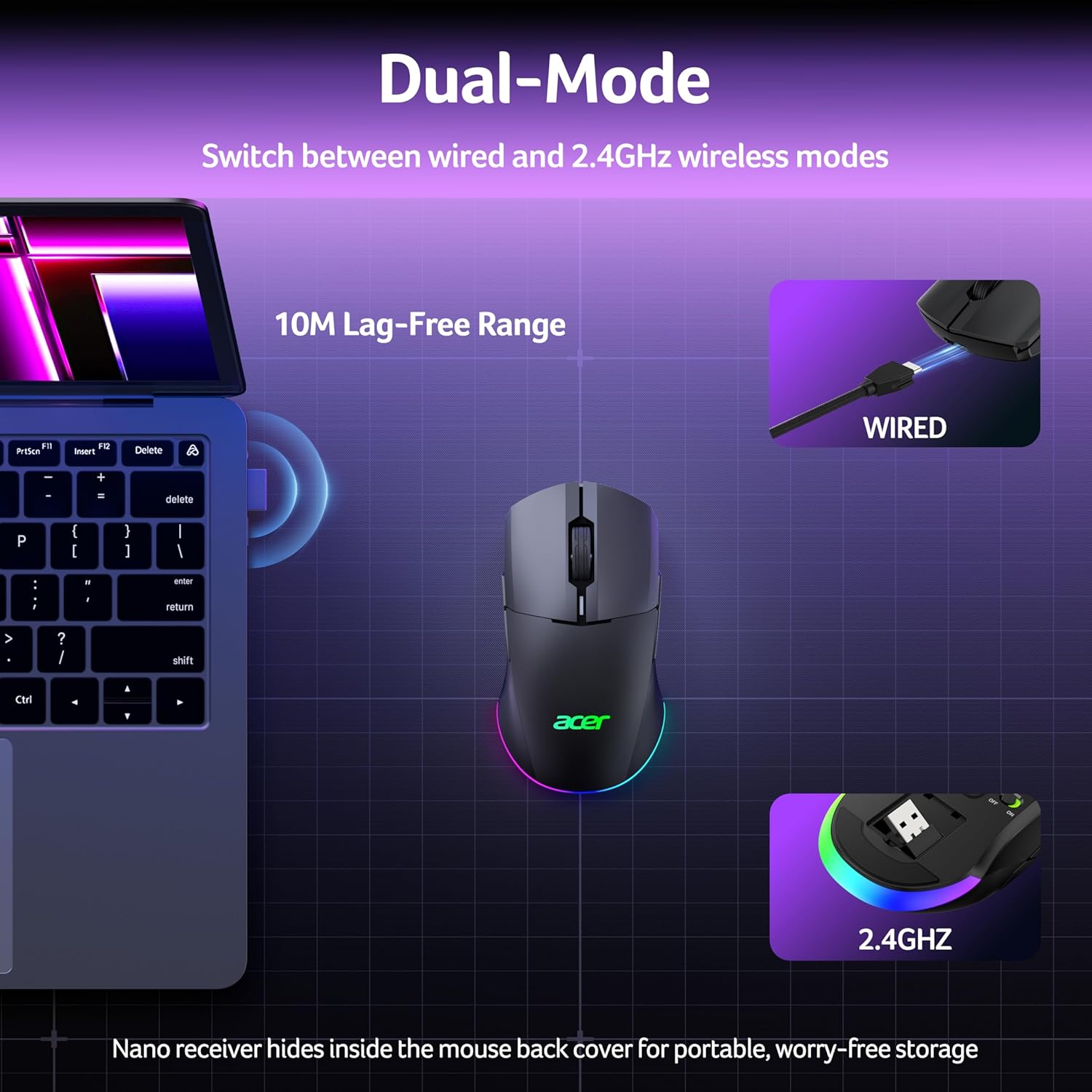
The device supports a dual-mode connection: wired for lag-free play and wireless for reduced desk clutter. It includes 8 programmable buttons that you can customise via the driver, allowing you to map macros or complex actions as needed. In practice, this can streamline both gaming routines and work workflows where multiple commands are repeated.
Battery life and charging real‑world notes
A 650 mAh rechargeable battery is rated for up to 40 hours of use between charges, with smart power management that enters light sleep after 30 seconds and deep sleep after 180 seconds of inactivity. It charges fully in about 2 hours and can be used while charging, which is handy during longer sessions or when you’re in the middle of a game or a project.
Lighting and ambience
The mouse features RGB lighting with 9 modes and 16.8 million colours. You can adjust brightness, speed and effects in the driver, and there’s an option to auto‑off the lighting to save power.
What to inspect before buying
- The USB‑A receiver is stored under the back cover, so check you’ve got the dongle handy when you’re away from the computer.
- DPI defaults and each level’s value can be customised, if you rely on a particular setup, confirm you can reproduce it in the driver.
- The driver offers macro editing and full button remapping, but changes require you to click Apply to take effect.
How it compares to other approaches
If you prioritise a wired‑only workflow, you might miss the convenience of dual‑mode gaming. For those who value ambidexterity and programmable controls, this Acer model provides a solid mid‑range option with extensive customization without venturing into premium price brackets. It’s not the lightest or the most feature‑dense gaming mouse on the market, but it covers core needs for many players and desk setups where space and cost are considerations.
Practical use case example
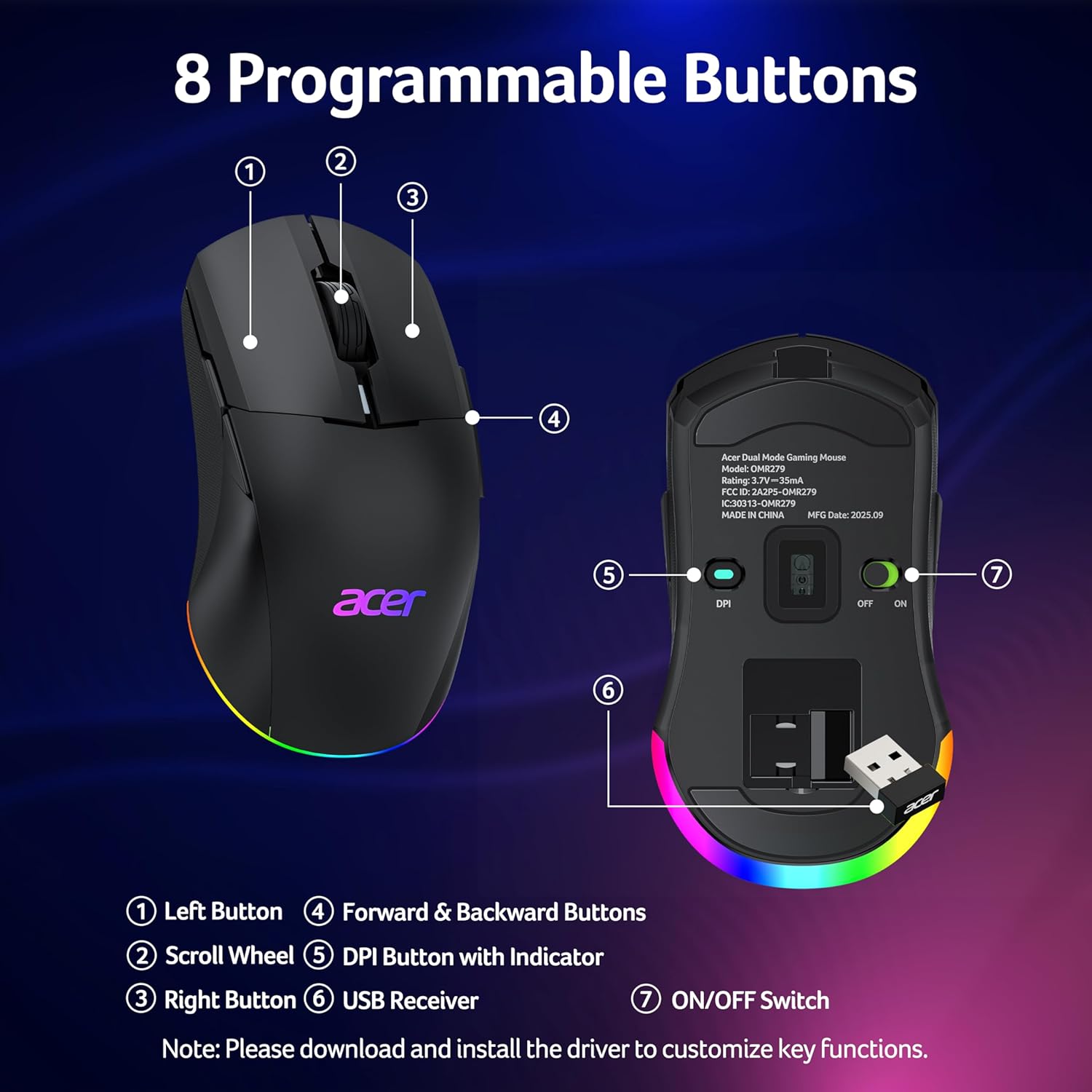
Imagine you’re switching between fast‑paced FPS practice and lengthy spreadsheet work. You can set a high DPI for aiming in games and a lower setting for precise cursor control in productivity software. The 8 programmable buttons let you launch commands during a match or execute sequences in a workflow—without needing to pause and reach for the keyboard.
Who this is for and who it isn’t ideal for
- It’s well suited for gamers or power users who want ambidextrous comfort and a broad DPI range in one device. If you value a very light, ultrahigh‑end sensor or wireless performance at the cutting edge, you might prefer something more specialised.
- It may not be the best fit if you require automatic actuator feedback, an ultra‑light build, or software ecosystems that are locked to a single brand.
What to consider if you’re deciding
If you prioritise a blend of wired reliability and wireless freedom, this model makes sense to test. If you already have a preference for a dedicated gaming grip or a specific button layout, compare how this ambidextrous shape feels in your hand and whether the driver’s macro options align with your usual in‑game and in‑work actions.
Final decision: Is it worth it?
Is it worth it? It depends on how much you value dual‑mode connectivity, ambidextrous design, and extensive macro capability at a mid‑range price. For users who want straightforward compatibility with a laptop, long battery life, and customisable controls without venturing into premium sticks, this Acer mouse offers a rational balance.
Quick FAQ
- How many DPI levels does it support? Six levels, up to 24,000 DPI, with default and levels configurable in the driver.
- Can I use it while charging? Yes, it can be used while charging.
- Where is the USB receiver stored? Under the back cover.
- How long does the battery last in practice? Up to about 40 hours per charge under typical use, depending on lighting and activity.