

PSVR2 PC Adapter
Product description
What it is
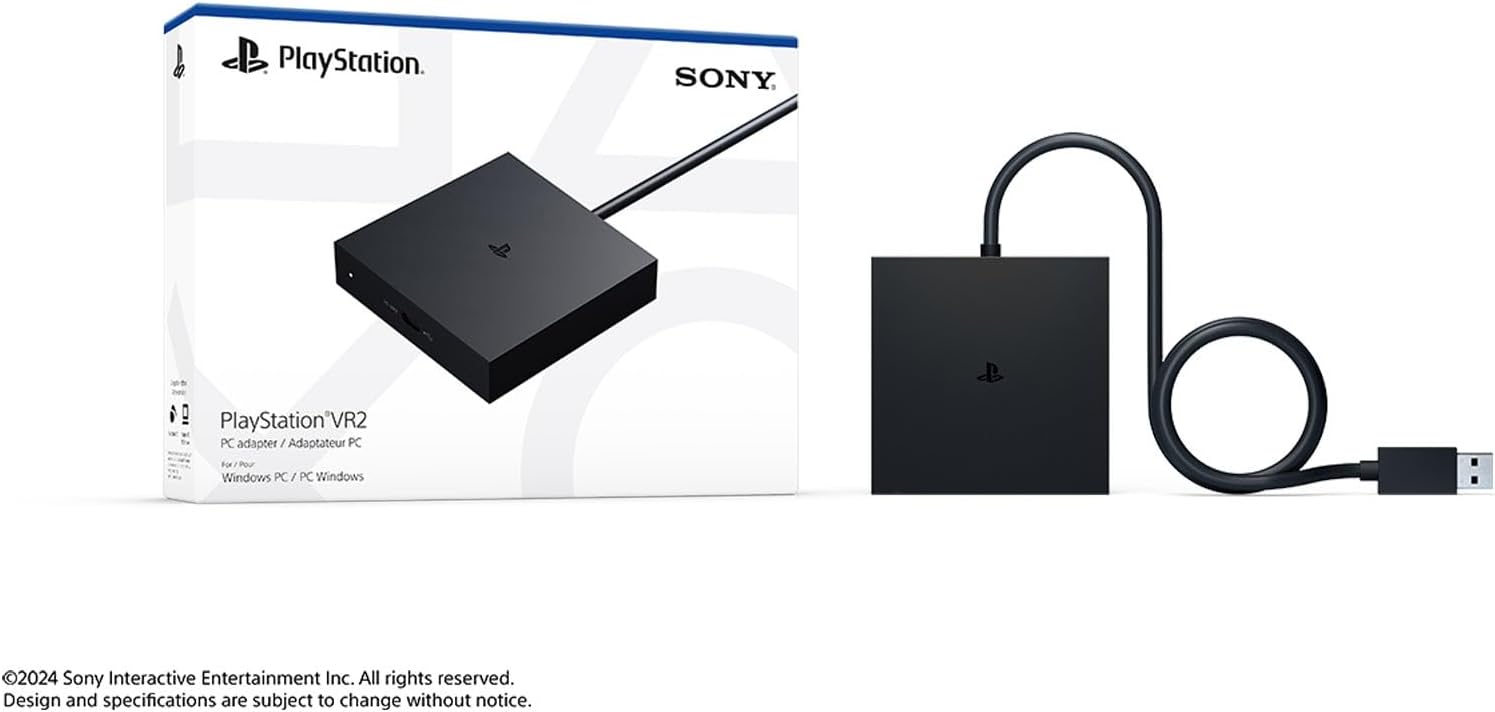
The PSVR2 PC Adapter acts as a bridge to extend your PlayStation VR2 setup beyond the console. It enables you to connect your PSVR2 headset to a Windows PC so you can access SteamVR titles and potentially explore a broader library of virtual reality games. On paper, it offers a way to leverage PC VR content without buying a separate headset, provided you have the compatible hardware and software.
How it works
Once connected, you’ll need the SteamVR App and the free PlayStation VR2 App from Steam to access compatible games. The setup relies on your Windows PC meeting the necessary performance demands and on SteamVR recognising the PSVR2 as a display and input device. It’s not a standalone VR solution, the experience depends on a PC capable of running VR software and on the availability of compatible titles.
What to know before you buy
This adapter expands the use case for PSVR2, but it does not alter the fundamental need for a capable PC and the right software environment. The base description suggests access to a diverse SteamVR catalogue, including multiplayer worlds, horror, stealth, sports sims and more. However, actual performance, frame rates and comfort will depend on your PC’s processor, graphics capability and the specific SteamVR titles you choose. It’s worth noting that troubleshooting or driver updates may be part of the experience when integrating a headset with PC software.
What stands out (pros) and what may not be (cons)
What you’ll notice day to day: you gain access to SteamVR’s library through PSVR2, which can be convenient if you already own the headset and want more software variety. It may be a cost-effective way to test PC VR content without purchasing a separate headset, assuming you already have a PC that meets SteamVR demands. What’s less convincing: the quality of the PC VR experience is heavily dictated by your PC hardware and the software compatibility at any given time. If your setup isn’t optimised, you might encounter setup friction or inconsistent performance.
Who it’s for
If you already own PSVR2 and have a Windows PC, this adapter is worth considering if you want to explore SteamVR titles, experiment with open-world multiplayer, or try genres not readily available on console VR. It can suit gamers who value flexibility and already invest in PC VR titles or those who want a low-cost route to broaden their VR library. It’s less ideal if you expect flawless PC VR performance out of the box or if you don’t own a PC capable of sustaining VR workloads.
Who it isn’t ideal for
If you’re looking for a plug-and-play, high-fidelity PC VR experience with minimal setup, this path may involve more tinkering and per-title optimisation. If your PC hardware is modest, you may not achieve smooth frame rates across your preferred games, which could affect immersion. It’s also not a substitute for a dedicated PC VR headset if you prioritise top-tier visuals and comfort in all scenarios.
When it makes sense to buy
Consider this adapter if you want access to SteamVR’s vast library using PSVR2, you already game on PC, and you’re prepared to configure SteamVR and the PSVR2 App. If your goal is to test PC VR titles before committing to another headset, or you want a broader range of genres without buying new hardware, this could be a sensible step.
What to check before purchasing
Ensure your Windows PC meets the general expectations for SteamVR use and that you can install the SteamVR App and PSVR2 App from Steam. Verify your cables and ports support the required connections, and factor in potential updates or drivers that may accompany PC VR software. Consider the space you have for room-scale play and whether your PC’s GPU and CPU can sustain VR workloads for the titles you plan to explore.
Practical usage example
Imagine you’re at your desk, PSVR2 on, and you’ve just launched a sprawling SteamVR world. The headset is wired to your PC, and you’re navigating a survival-horror open environment with motion controllers. You quickly realise that performance hinges on the PC’s capability and the game’s optimisation, but the potential to switch between PSVR2 titles and SteamVR adventures without swapping hardware is the real perk.
How this compares to alternatives
If you prefer a consistent console-ecosystem VR experience, sticking with PSVR2 on its native hardware might feel more straightforward. If you want broader PC VR access without investing in a second headset, the adapter route offers a middle ground. The decision hinges on whether you prioritise simplicity and ecosystem cohesion (console) or flexibility and library breadth (PC). This adapter represents a pragmatic compromise rather than a guaranteed upgrade in visual fidelity or ease of use.
Decision and takeaway
Is it worth it?
Worth considering if you already own PSVR2 and want to dip into SteamVR without buying another headset, provided you’re comfortable with PC setup and potential compatibility quirks.
FAQ
- Do I need to buy any extra software besides SteamVR and the PSVR2 App? You’ll need both apps from Steam, no additional paid software is required to access the basic SteamVR library.
- Will every SteamVR game work with PSVR2 via the adapter? Compatibility depends on the game and SteamVR support, some titles may run better than others depending on optimisation and PC specifications.
- Is the experience as smooth as using a dedicated PC VR headset? It can be good but is not guaranteed to match high-end PC VR performance, especially on lower-spec GPUs or CPUs.
- Can I use PSVR2 PC Adapter for non-SteamVR titles? SteamVR acts as the portal for PC VR content, non-SteamVR titles may not be accessible through this adapter without alternative paths.
- What about space and comfort during longer sessions? Comfort and tracking can vary by game and play area, ensure adequate room and proper headset fit for extended sessions.