

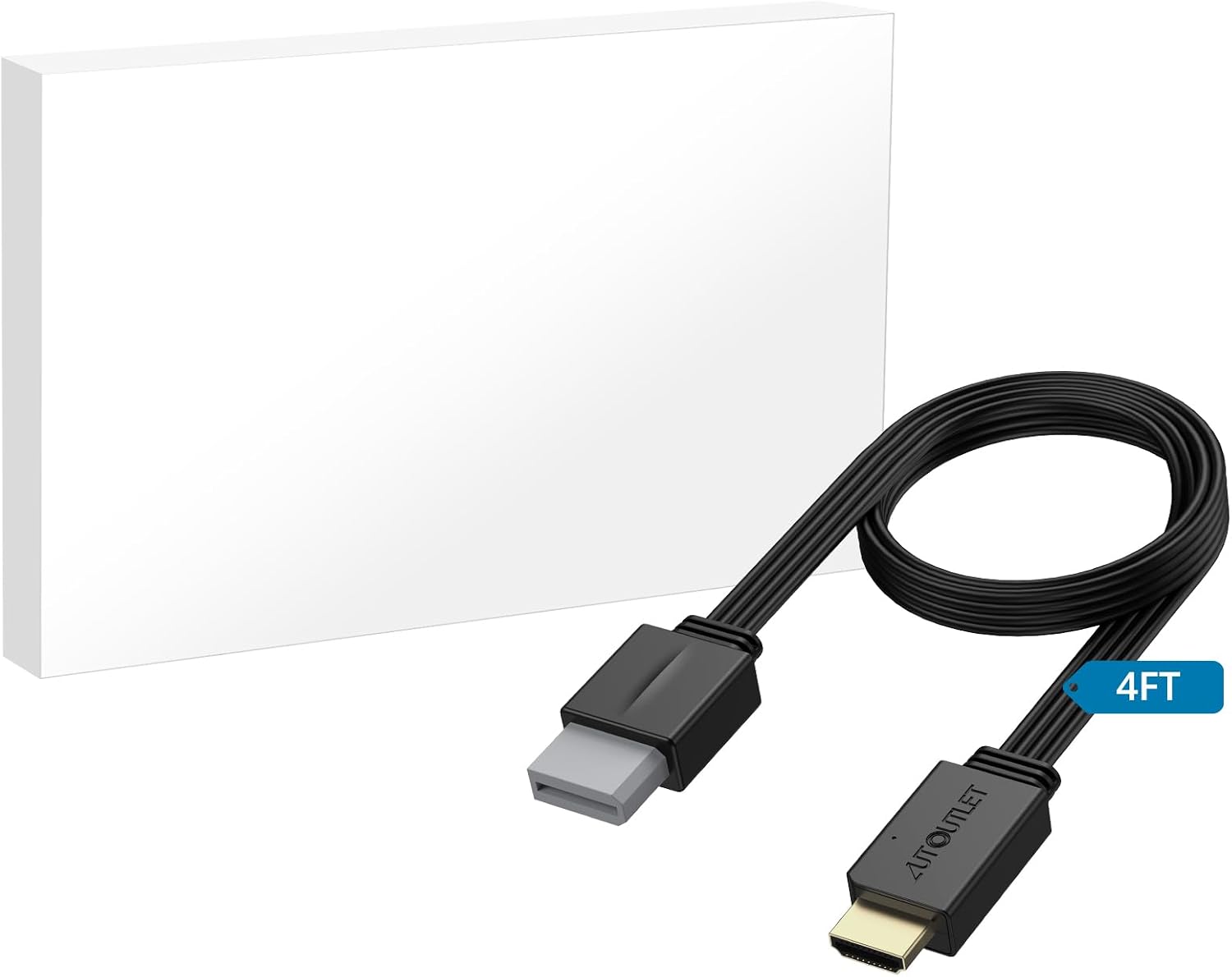
AUTOUTLET Wii to HDMI Converter 1080P: Plug‑and‑play HDMI output for Wii, Wii U and more
Product description
What this is
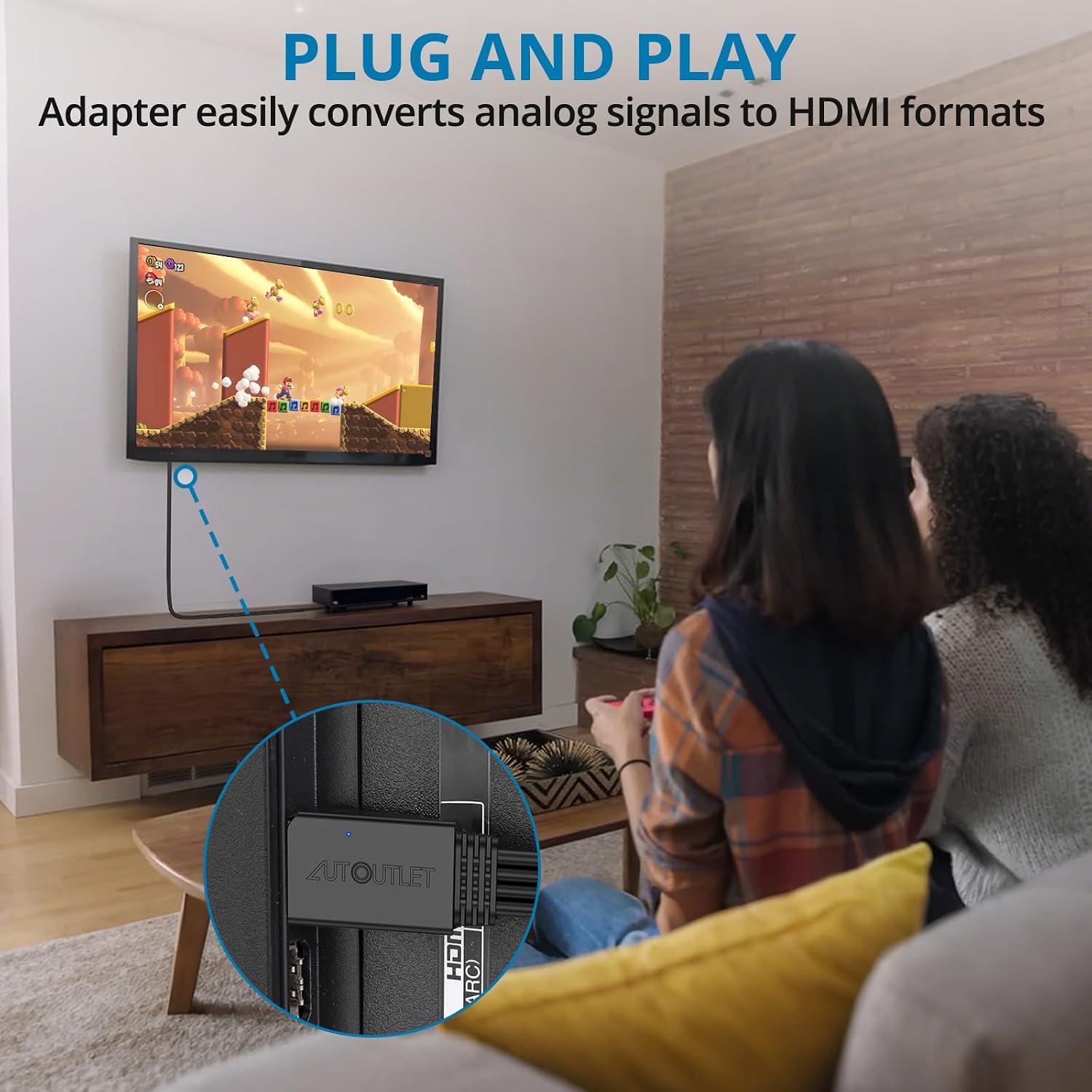
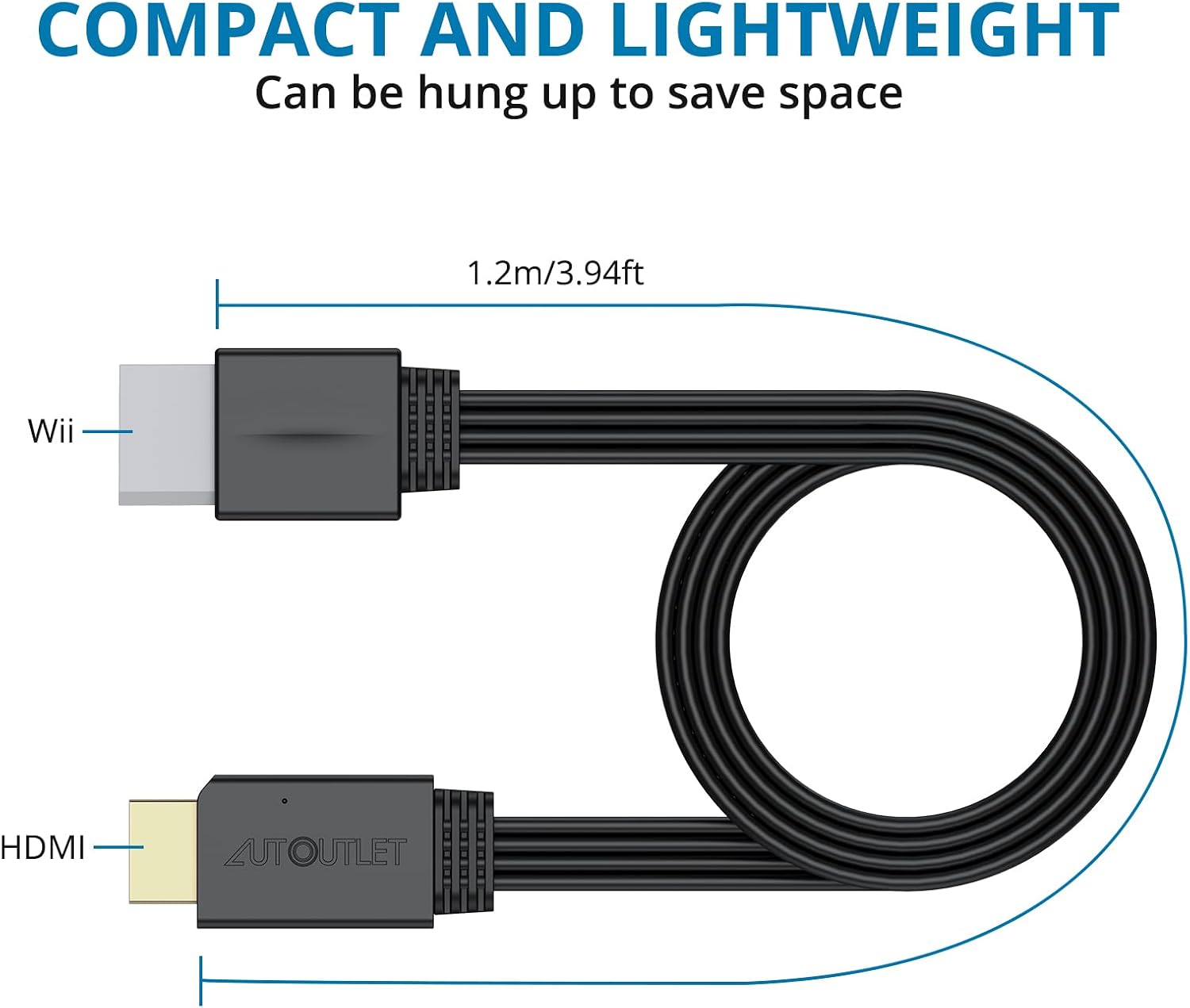
The AUTOUTLET Wii to HDMI Converter is a compact adapter designed to link an original Nintendo Wii to modern displays via HDMI. It translates analogue Wii output into a full digital HDMI signal, aiming to deliver clearer video and audio to HDTVs, monitors, or projectors without installing extra drivers.
How it helps you
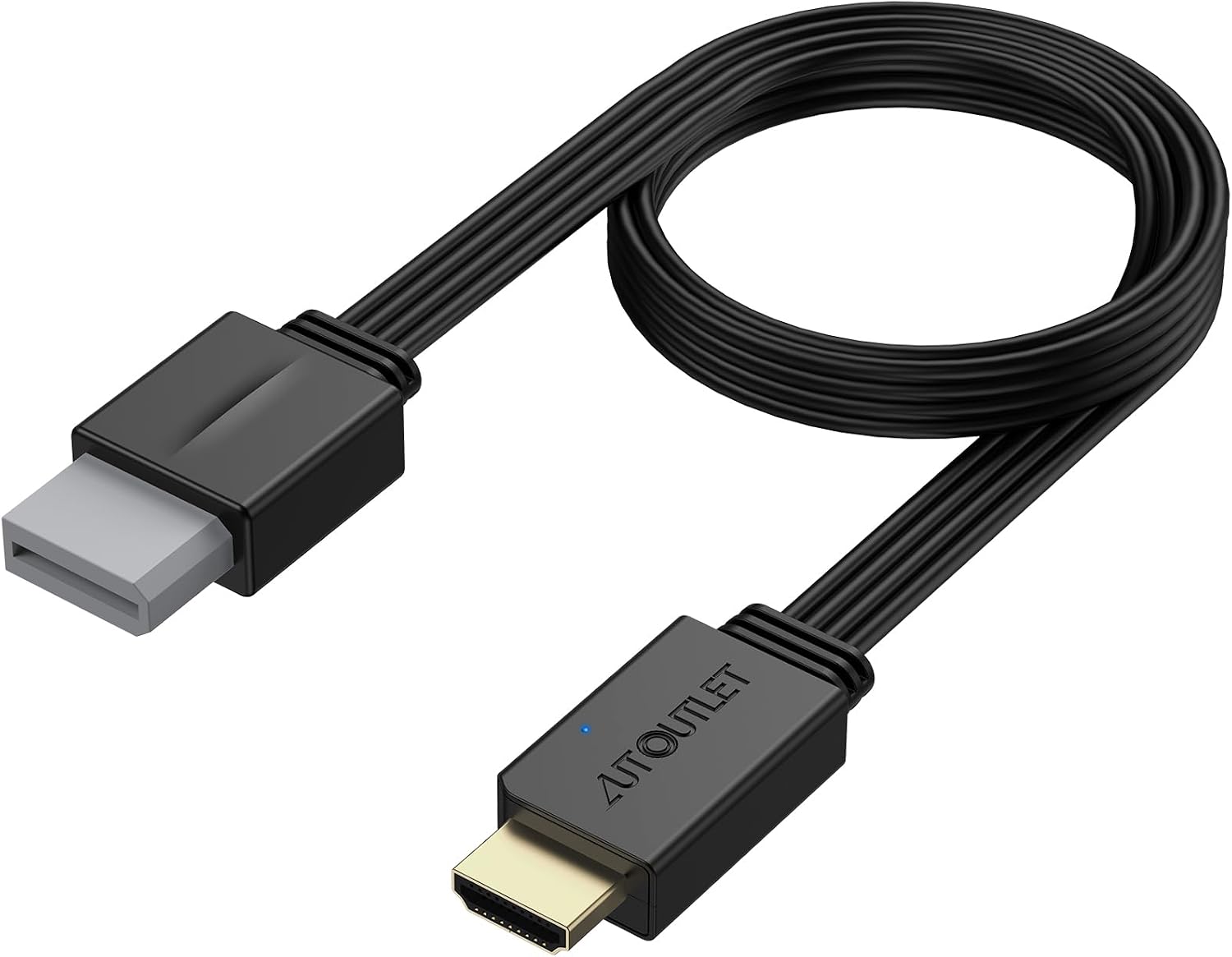
If you’re still using a CRT or older connection on a TV, this converter promises an easy route to enjoy Wii titles on a newer screen. It supports 1080P full HD output and is described as compatible with all Wii display modes, including NTSC 480i, 480p, and PAL 576i. The idea is straightforward: connect the Wii, connect the HDMI cable to your display, and start gaming.
What stands out on paper
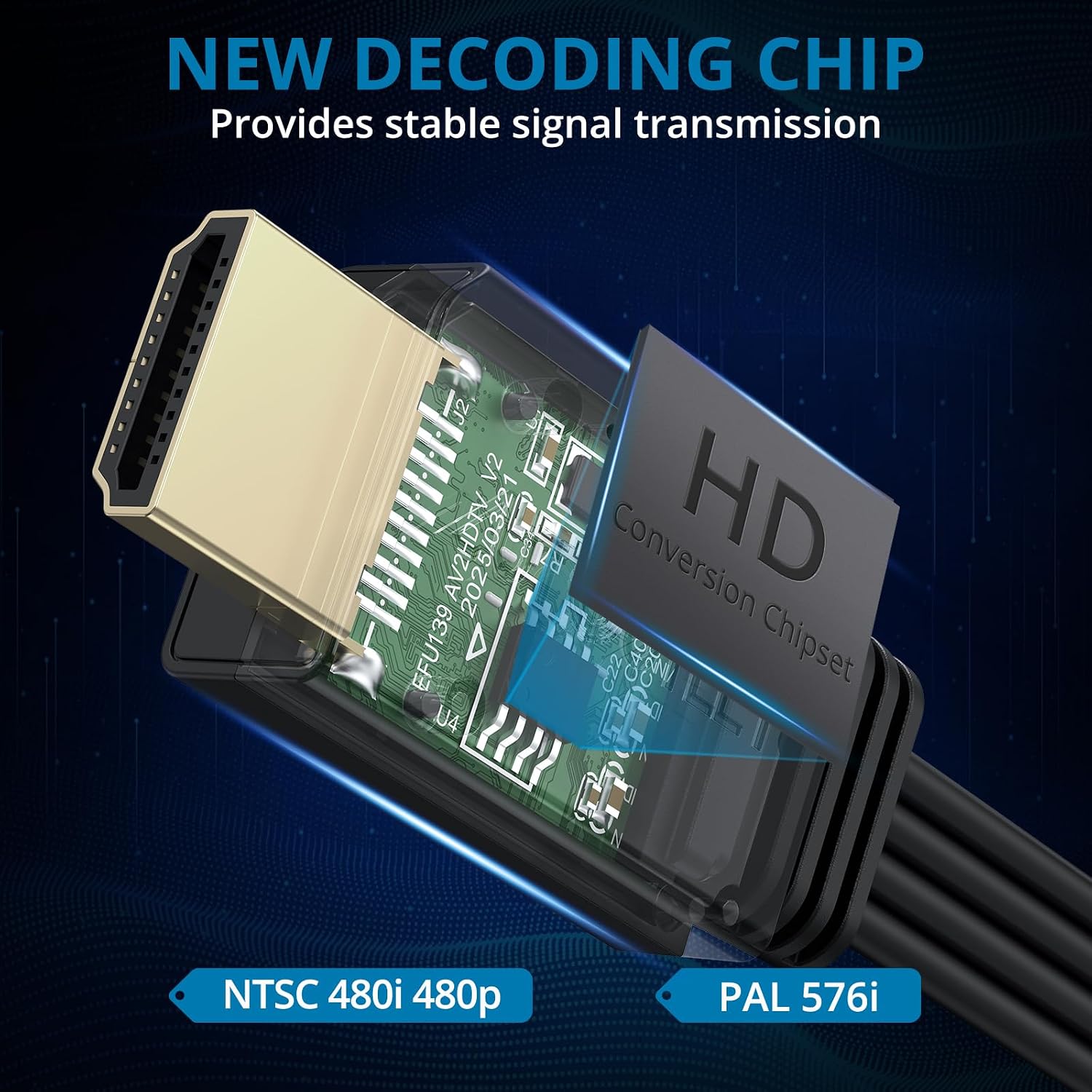
On the surface, the key strengths are its simple plug‑and‑play design, full digital HDMI output, and broad compatibility—Wii, Wii U and general HDMI displays. For many households, the absence of driver installation is a practical plus. It’s pitched as a versatile option for home entertainment setups that include a mix of legacy and modern devices.
Potential limitations to consider
- It relies on analogue-to-digital conversion, so real-world results can depend on the TV and HDMI input used.
- While it claims support for all Wii display modes, actual performance can vary with different game titles and signal quality.
- The description provides no details on power requirements, USB charging, or bundled cables beyond the HDMI output, so you may want to confirm what’s included in the box.
Who this is for
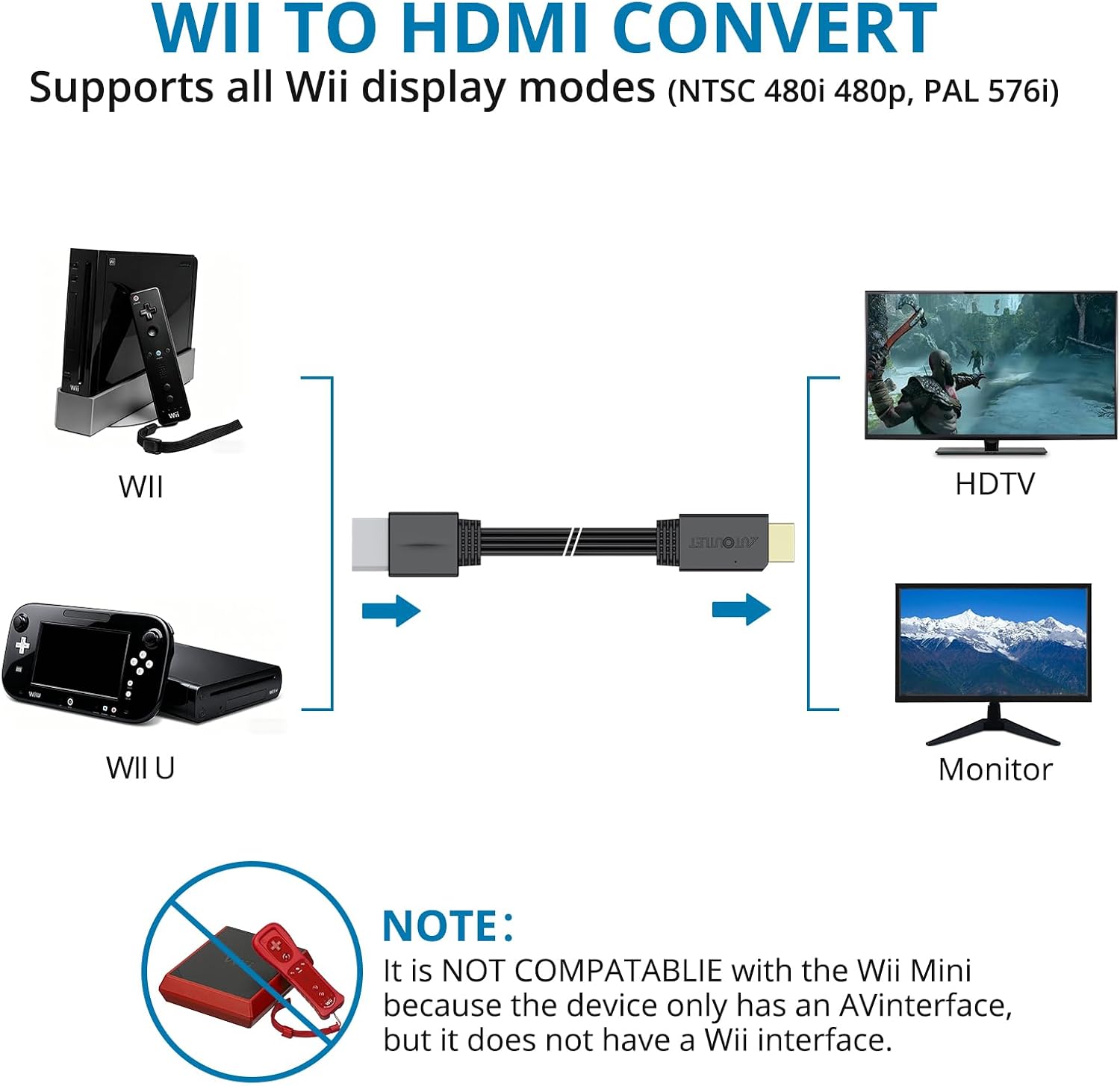
This converter is sensible if you own a Nintendo Wii and want a straightforward route to display on a modern HDMI‑equipped TV, monitor, or projector without upgrading other components. It may suit casual players who value simplicity and compatibility over advanced upscaling features.
When it makes sense to buy
- You want a simple way to use Wii on a current HDMI display.
- You’re looking for compatibility across Wii display modes without fiddling with settings.
- You prefer a plug‑and‑play solution and already own HDMI cables connected to your display.
When you might want to look elsewhere
- If you prioritise upscaling quality or low input lag beyond standard HD, or if you expect robust performance across every game title, other solutions may offer stronger image processing.
- If you need detailed technical specs or bundled accessories (power adapters, audio extraction, etc.), this product page doesn’t provide those details.
What to check before buying
- Confirm that your TV or monitor has an available HDMI input and supports 1080P, as claimed.
- Check whether you need any power supply for the converter and whether it’s included or sold separately.
- Consider whether you value the ability to connect other HDMI devices via the same TV setup, and whether the converter’s size fits your cabinet or setup space.
Practical use example
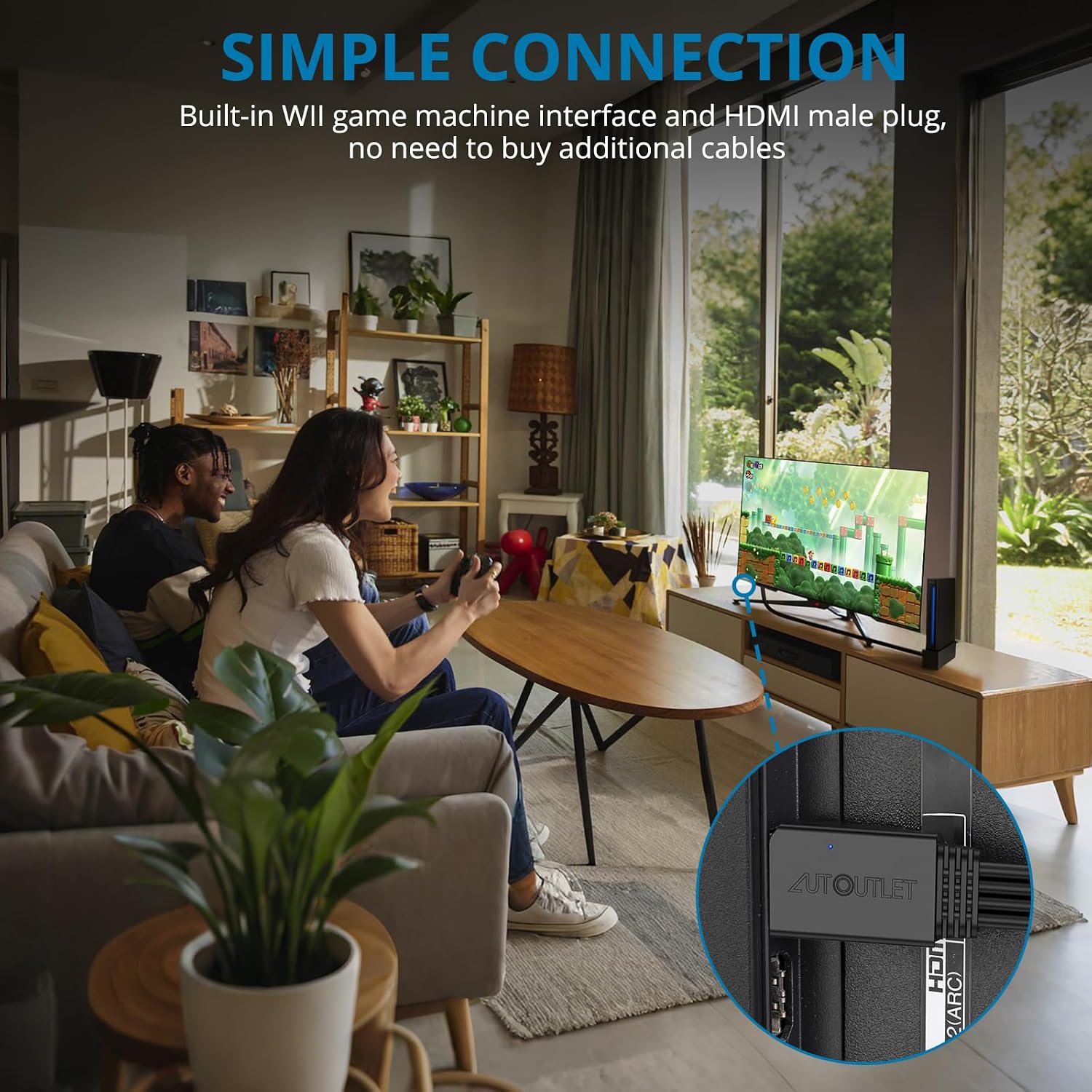
Imagine a living room where a Wii night is a weekly ritual. You pull the small converter from the box, connect the Wii’s AV or analogue outputs to the adapter, run a short HDMI lead to the TV, and boot a game. The image appears on a modern screen without orange‑tinged composite cables or adapters crowding the cabinet. It’s not a cinematic upgrade, but it makes retro titles accessible in a tidy, familiar setup.
FAQ (practical and brief)
- Is this a universal fix for all Wii models? It’s designed to work with the Wii family and is described as compatible with all Wii display modes, but always verify with your specific model and TV.
- Do I need drivers? No, it’s described as plug‑and‑play with no extra software.
- Will it improve audio quality? The device offers digital HDMI audio output as part of the HDMI signal, but upgrading audio systems beyond standard HDMI delivery isn’t addressed.
Is it worth it?
You’ll like it if you want a straightforward bridge from Wii to a modern HDMI screen without extra fuss. It’s not necessarily the best option if you seek significant upscaling or optimised performance across every title, for many households, it delivers practical value by simplifying compatibility and keeping the setup tidy.