

Download app on Google Play


Imagen de ProtoArc MP50 wrist support mouse pad 30×20×4 cm 📱 en OfertitasTOP
New offer
Thumbnail principal de ProtoArc MP50 wrist support mouse pad 30×20×4 cm 📱
Thumbnail 1 de ProtoArc MP50 wrist support mouse pad 30×20×4 cm 📱
Thumbnail 2 de ProtoArc MP50 wrist support mouse pad 30×20×4 cm 📱
Thumbnail 3 de ProtoArc MP50 wrist support mouse pad 30×20×4 cm 📱
Thumbnail 4 de ProtoArc MP50 wrist support mouse pad 30×20×4 cm 📱
Thumbnail 5 de ProtoArc MP50 wrist support mouse pad 30×20×4 cm 📱
Thumbnail 6 de ProtoArc MP50 wrist support mouse pad 30×20×4 cm 📱

ProtoArc MP50 wrist support mouse pad 30×20×4 cm 📱

amazon UK
Reviews
4,7
+124

Reviews

4,7
+124 reviews

Price

£21.99£14.44-34%
View in store
amazon UK
Price evolution · Historical minimum: £14.44

Product description

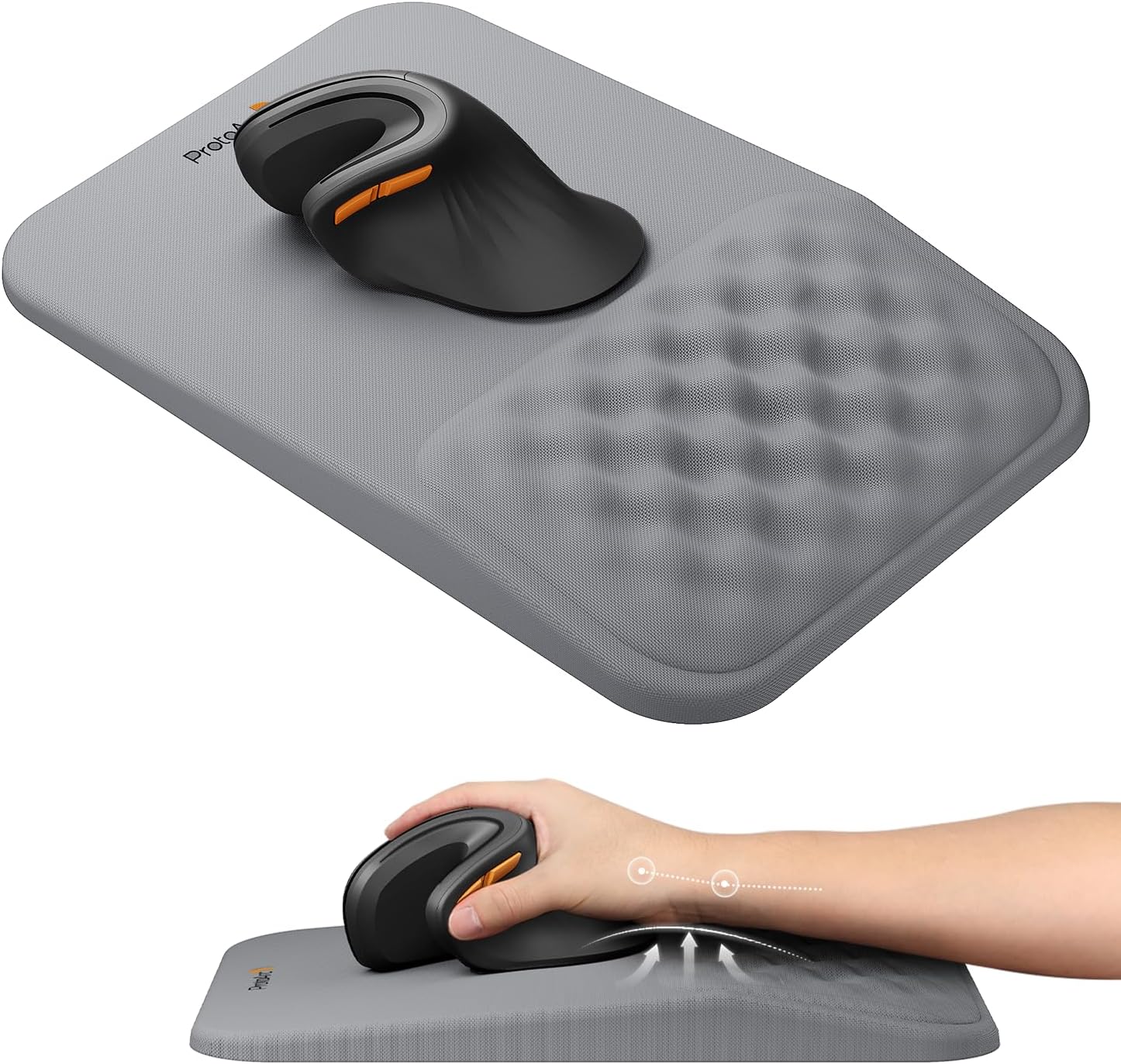
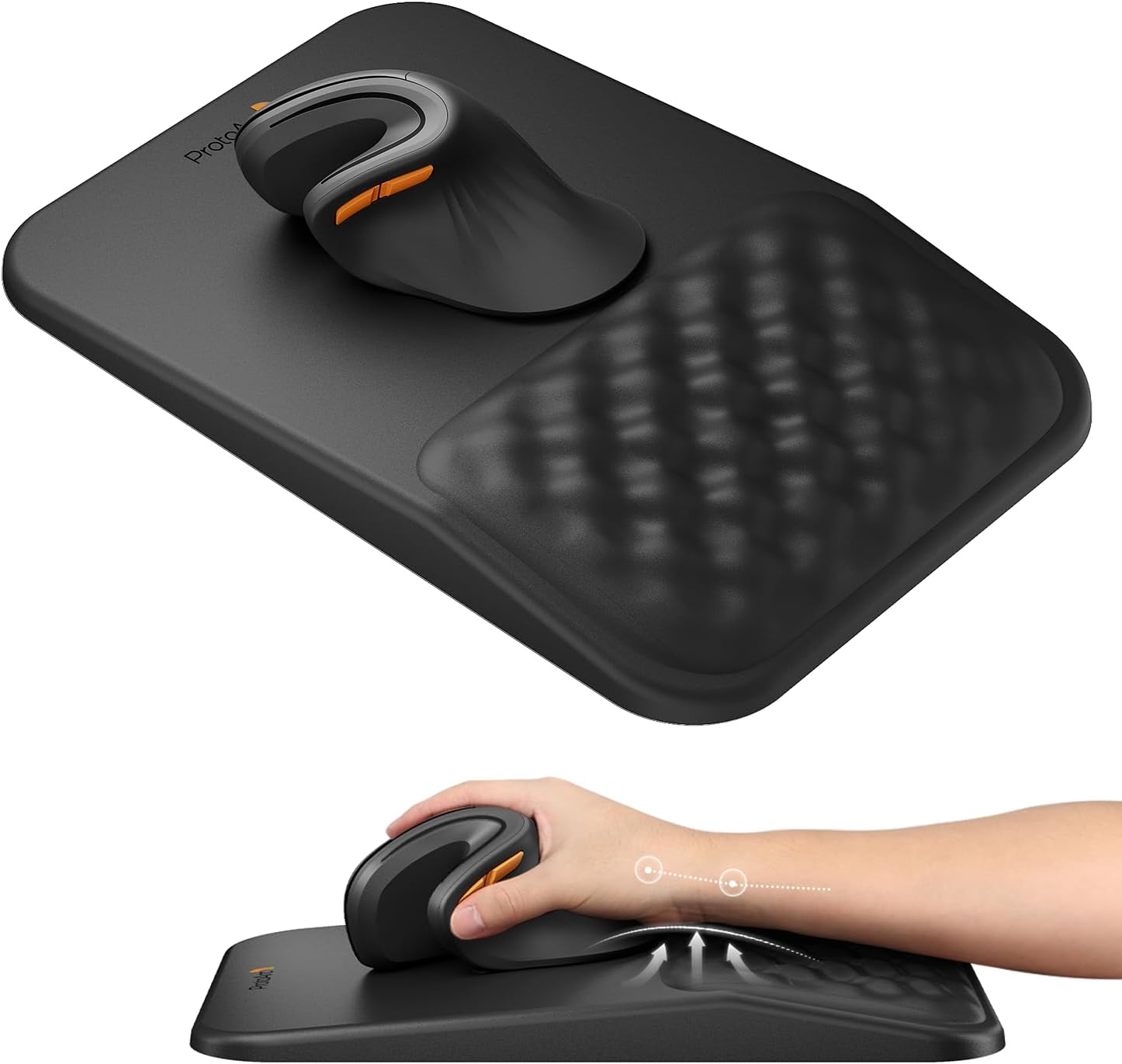
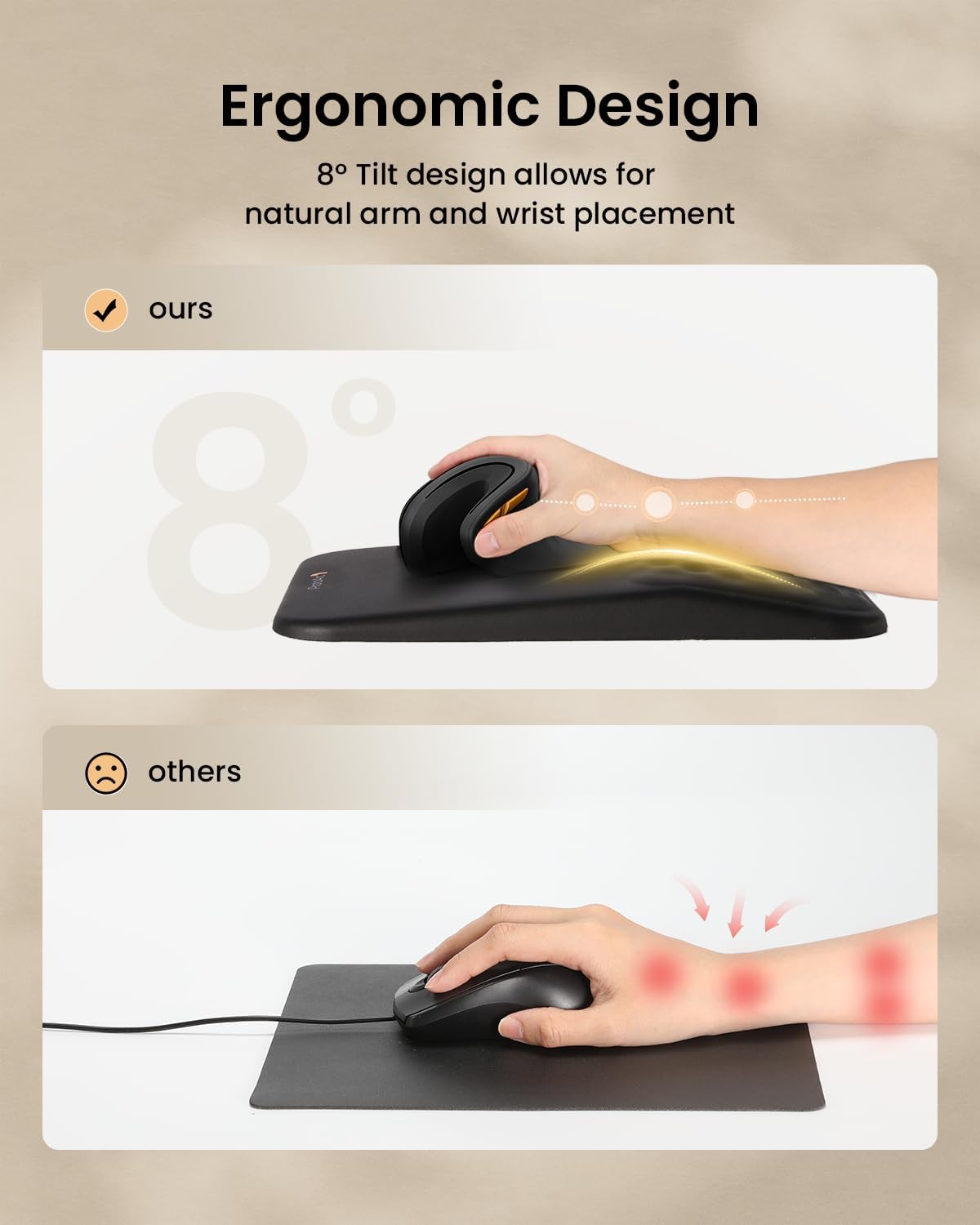
This ProtoArc ergonomic mouse mat eases wrist strain during long computer sessions, offering a gentle 8° slope and memory foam support. It suits desk work and laptop use, helping reduce fatigue and discomfort linked to repetitive movement.

Key features
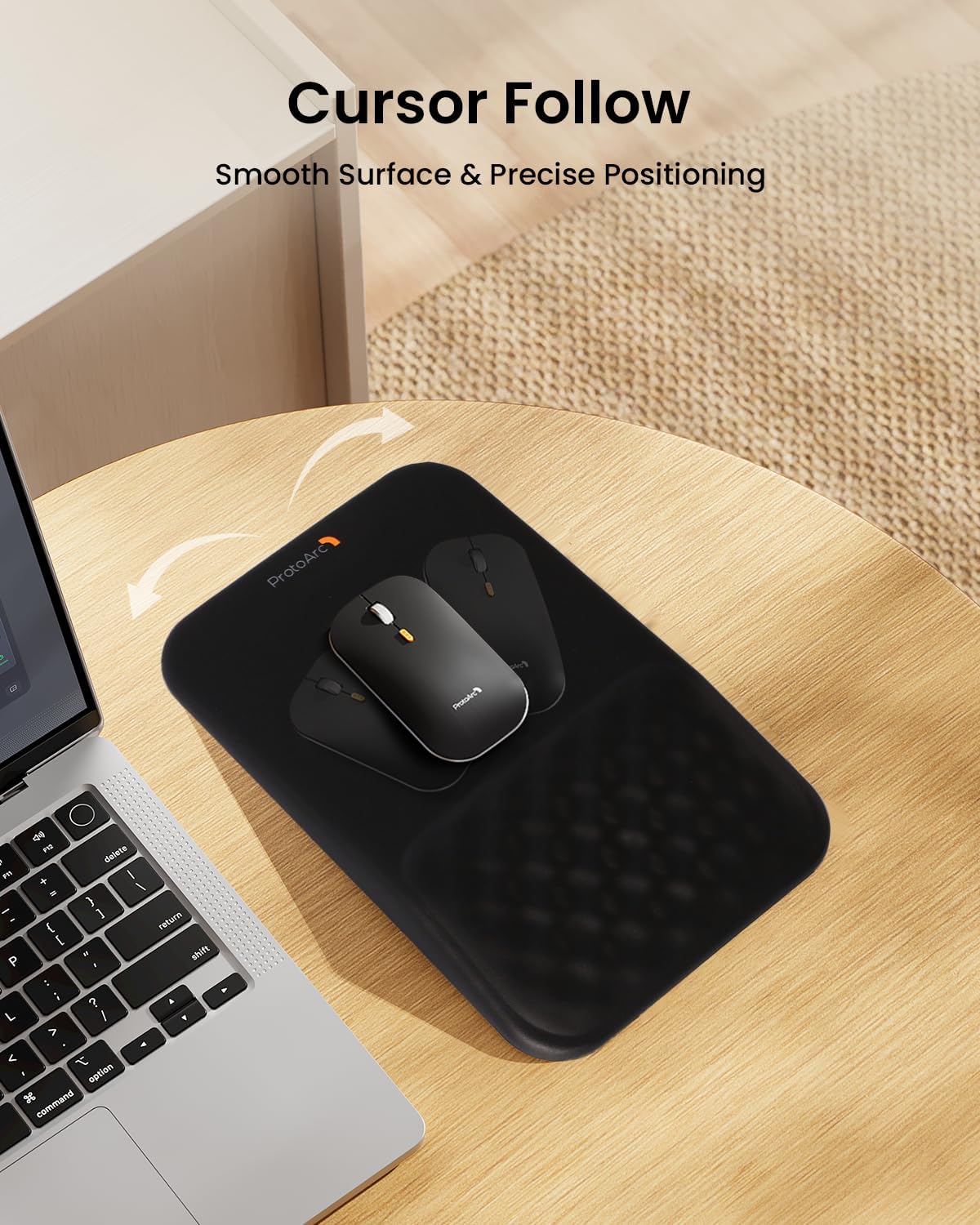
The mat combines a smooth PU leather surface for accurate mouse tracking with a non-slip PU base that keeps the pad firmly in place. Its slow-rebound memory foam preserves shape while surface massage bumps promote airflow and a cooler feel, which can help if your wrist tends to get warm during extended tasks. The water-resistant finish makes wipe-clean maintenance straightforward and practical.
Tech specs

  • Name: ProtoArc MP50
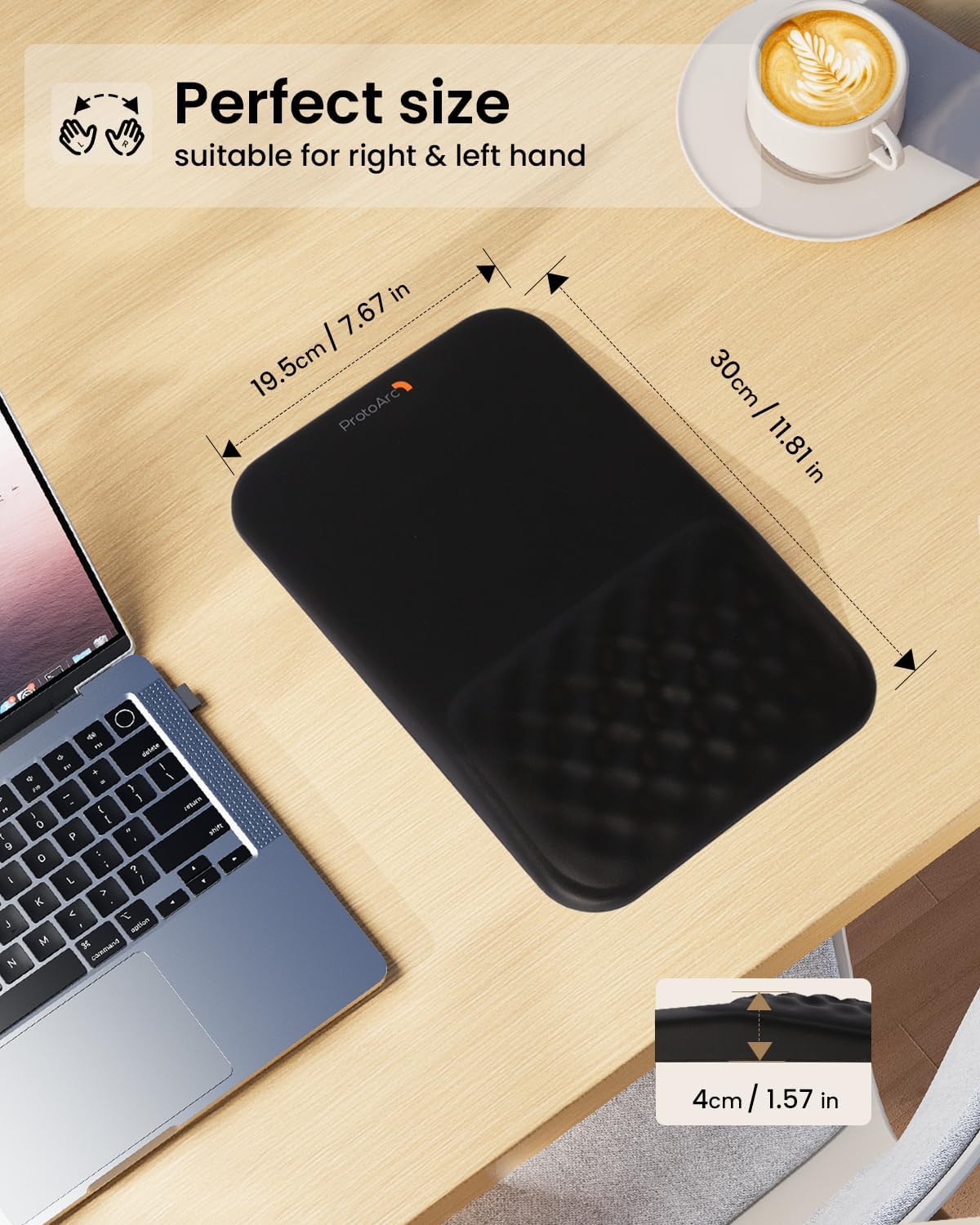
  • Dimensions: 30×20×4 cm
  • Material: PU leather with memory foam
  • Compatibility: Left and right handed users
  • What’s included: Mouse mat with wrist support

What stands out
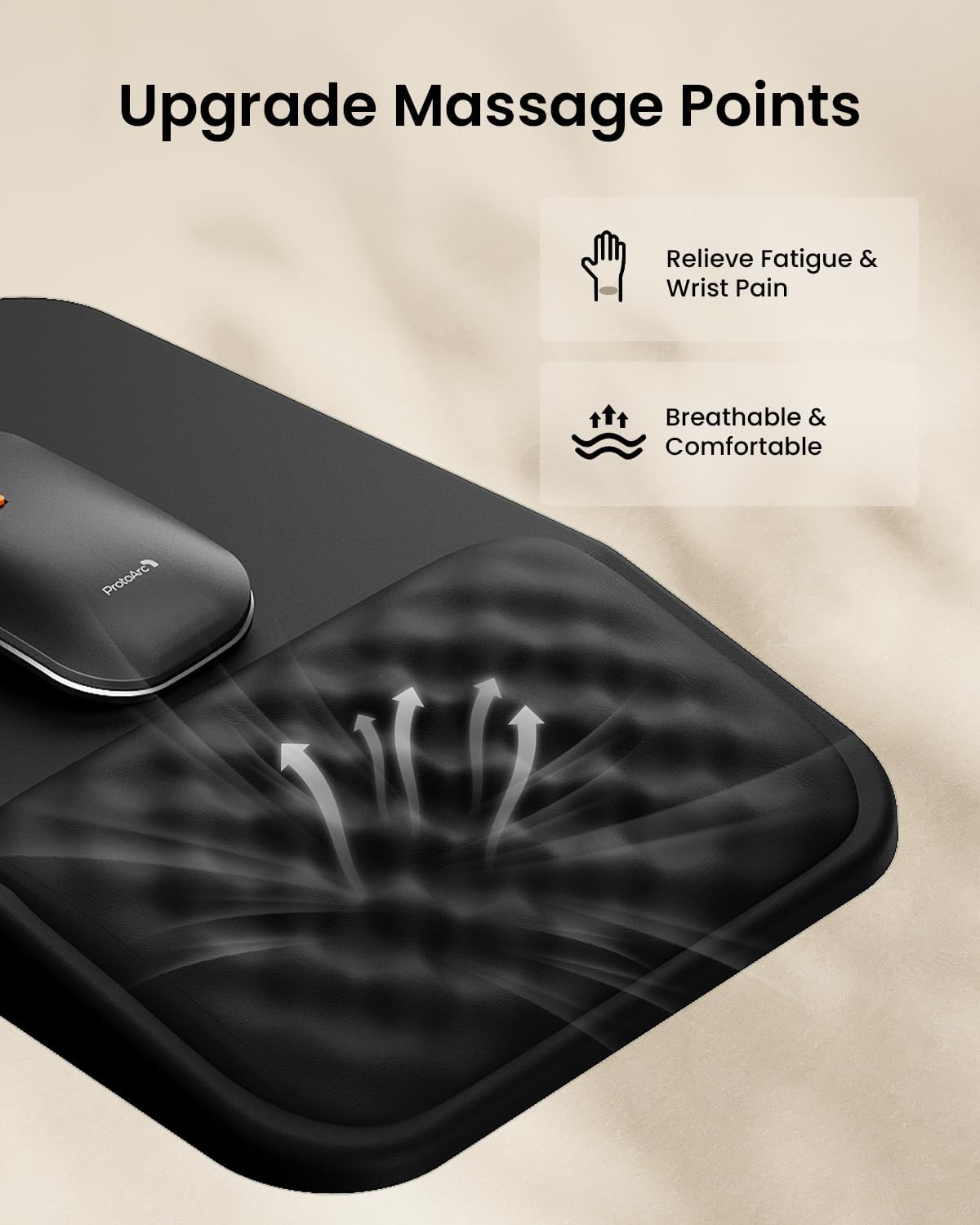
Comfort is the priority here, with an 8° ergonomic angle that offers steady support for the palm and wrist. The raised massage design gives subtle ventilation and texture without affecting glide, and the low-profile footprint fits most desks without crowding the workspace.

Best use cases

This mousepad works well for office staff who spend hours on spreadsheets or editing, students at a laptop, and anyone seeking modest ergonomic relief during daily computer tasks. You’ll notice steadier hand positioning and reduced pressure on the wrist after short adjustment periods.

Care tips

Wipe the surface with a damp cloth to remove spills or marks, then allow to air dry. Avoid immersing the pad in water to protect the memory foam. According to the manufacturer, routine cleaning keeps the surface feeling fresh and maintains tracking performance.

View in store

Price evolution

Historical minimum: £14.44

Description:

This ProtoArc ergonomic mouse mat eases wrist strain during long computer sessions, offering a gentle 8° slope and memory foam support. It suits desk work and laptop use, helping reduce fatigue and discomfort linked to repetitive movement.

Key features

The mat combines a smooth PU leather surface for accurate mouse tracking with a non-slip PU base that keeps the pad firmly in place. Its slow-rebound memory foam preserves shape while surface massage bumps promote airflow and a cooler feel, which can help if your wrist tends to get warm during extended tasks. The water-resistant finish makes wipe-clean maintenance straightforward and practical.

Tech specs

  • Name: ProtoArc MP50
  • Dimensions: 30×20×4 cm
  • Material: PU leather with memory foam
  • Compatibility: Left and right handed users
  • What’s included: Mouse mat with wrist support

What stands out
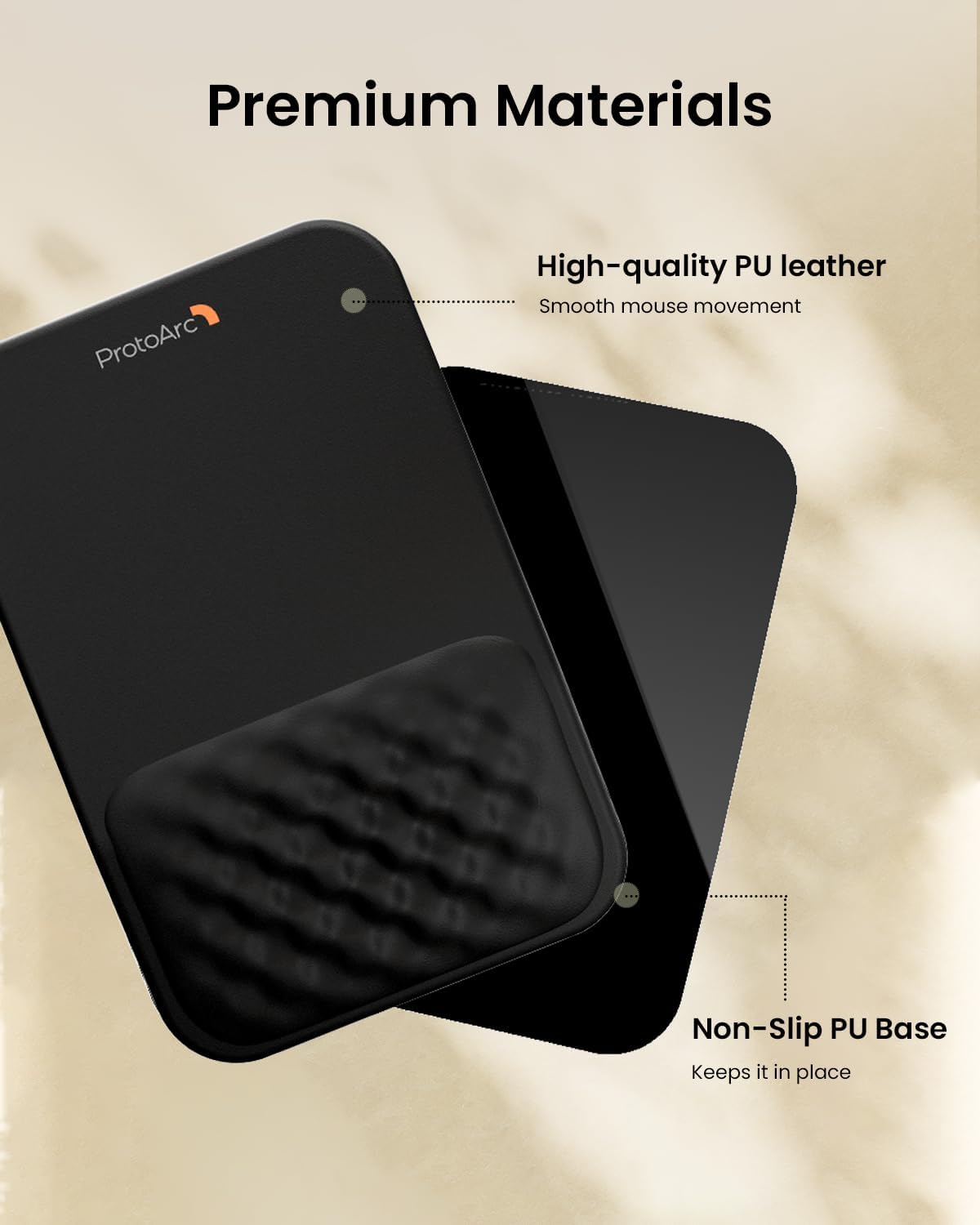
Comfort is the priority here, with an 8° ergonomic angle that offers steady support for the palm and wrist. The raised massage design gives subtle ventilation and texture without affecting glide, and the low-profile footprint fits most desks without crowding the workspace.

Best use cases

This mousepad works well for office staff who spend hours on spreadsheets or editing, students at a laptop, and anyone seeking modest ergonomic relief during daily computer tasks. You’ll notice steadier hand positioning and reduced pressure on the wrist after short adjustment periods.

Care tips

Wipe the surface with a damp cloth to remove spills or marks, then allow to air dry. Avoid immersing the pad in water to protect the memory foam. According to the manufacturer, routine cleaning keeps the surface feeling fresh and maintains tracking performance.