

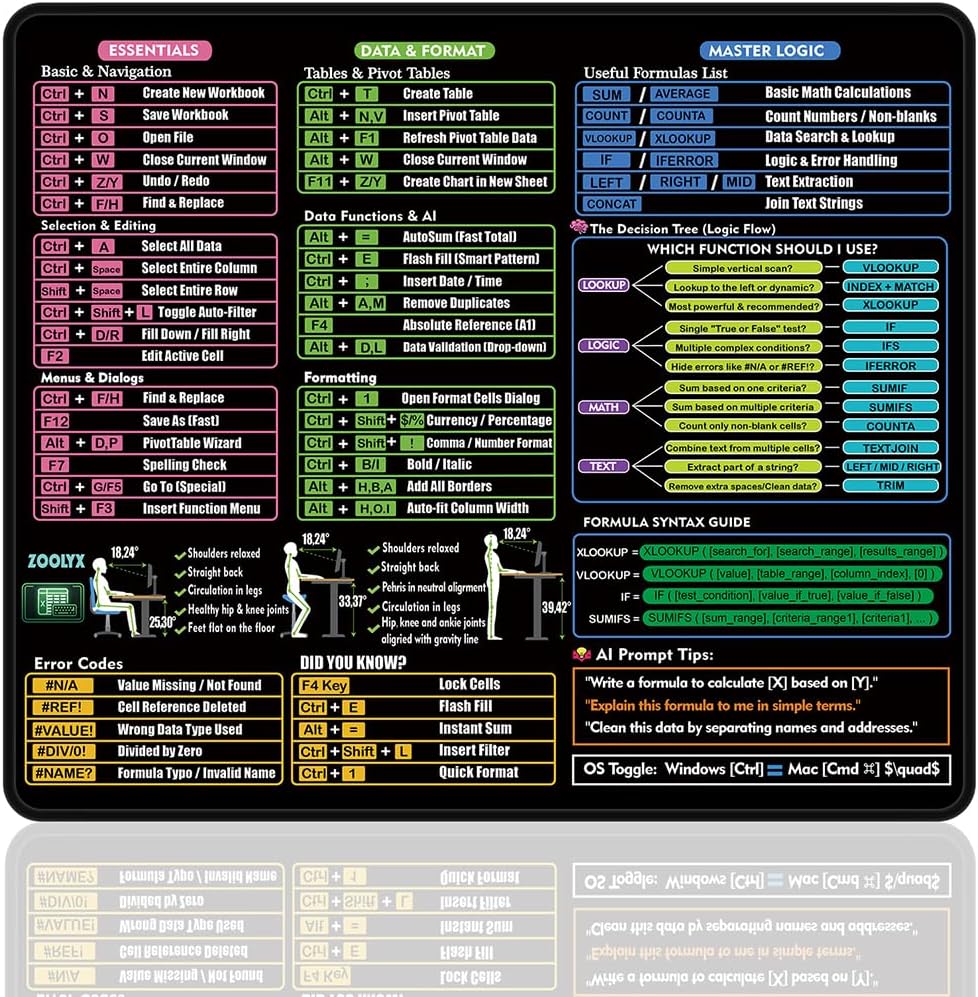
Zoolyx Excel Cheat Sheet Desk Mat (80x30cm) with Shortcuts, XLOOKUP Guide and AI Prompt Tips
Product description
What it is
The Zoolyx Excel Cheat Sheet Desk Mat is a large, practical desk accessory designed to sit under your keyboard and mouse. It combines an easy-to-read reference for Windows shortcuts, essential spreadsheet shortcuts, and practical syntax guides, all on a single extended surface. The aim is to reduce time spent hunting for commands and to support both beginners and power users in daily tasks.
How it’s laid out
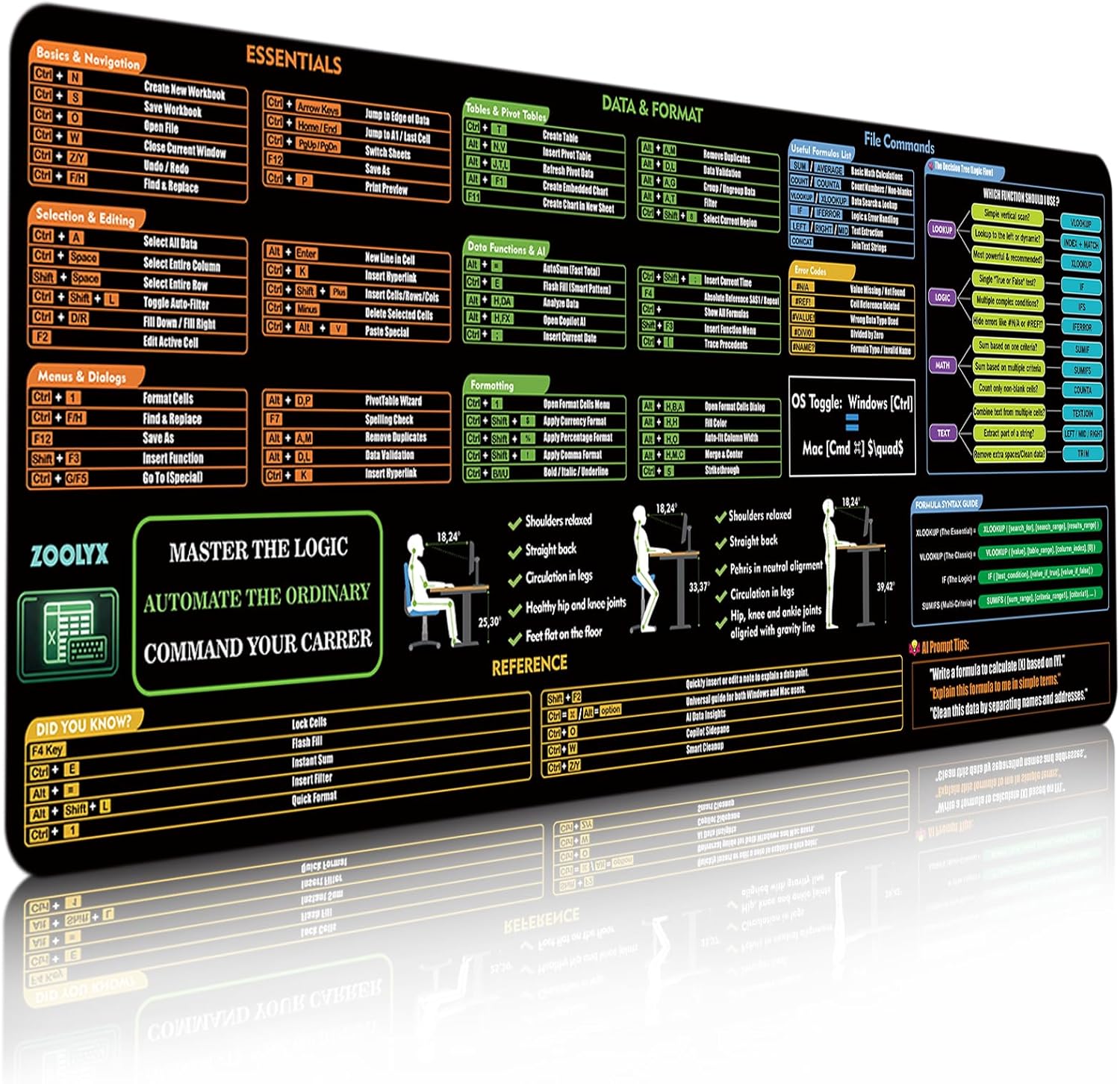
On the HD-printed surface you’ll find legible symbols and text with optimised font size and contrast to ease reading during long sessions. The material is described as a microfibre surface with a stitched edge, designed to stay smooth for accurate mouse tracking while resisting wear around the edges.
What it helps with in practice
If you work in accounting, finance analysis or data work, this mat acts as a quick-reference companion. It’s intended to streamline tasks such as locating common Excel commands, recalling XLOOKUP patterns, and following short-form formula syntax tips. The AI prompt tips are pitched as an aid to speed up certain workflows, rather than a substitute for learning core Excel skills.
Strengths worth noting
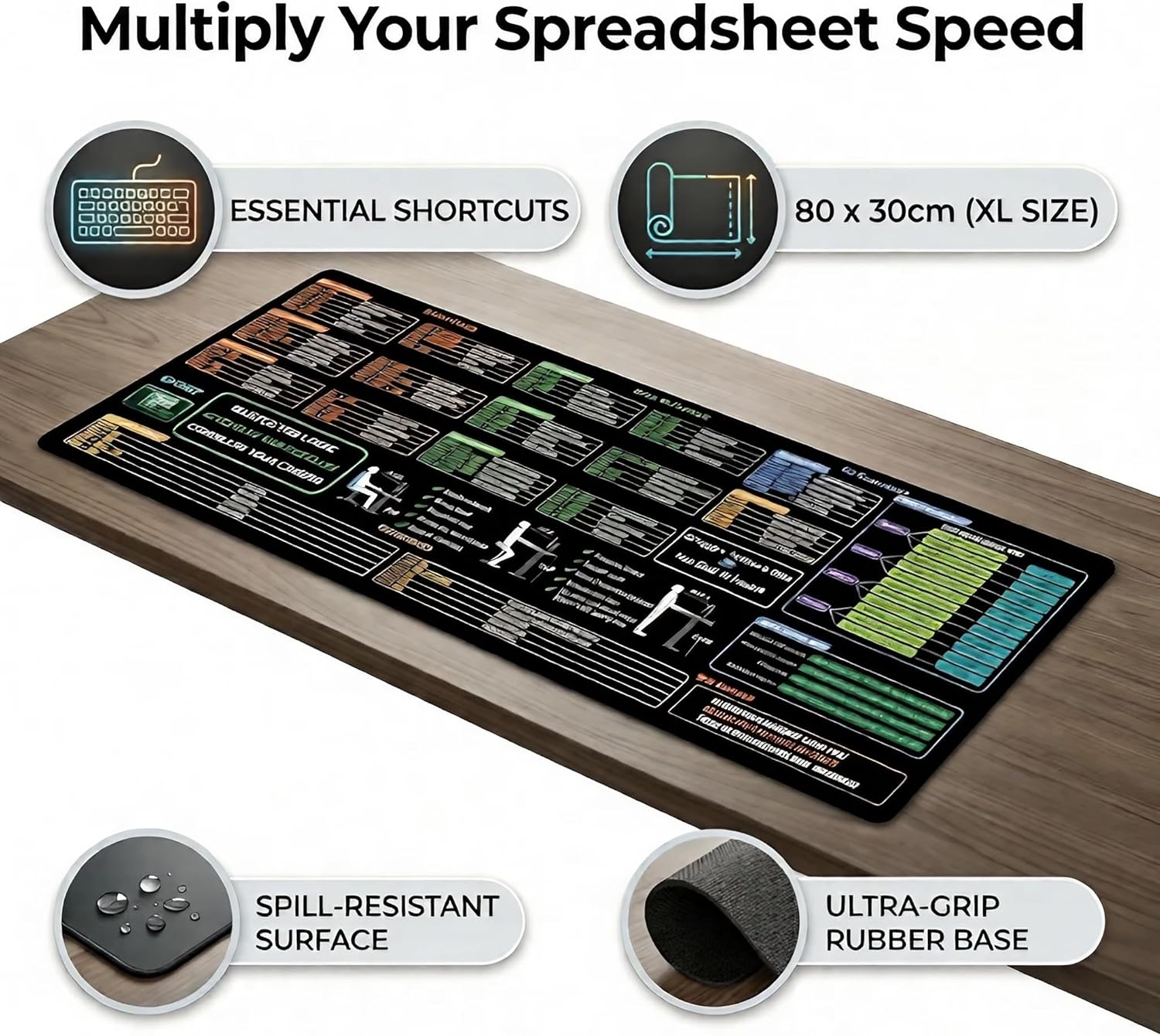
The size accommodates a full keyboard, mouse and even a laptop, providing a single surface to reference and work on. The anti-slip rubber base is described to grip most surfaces, helping to prevent the mat from sliding during rapid movements or intense input. The stitched edges are positioned as helping to resist fraying over time, which matters if you use the desk mat daily.
Potential limitations
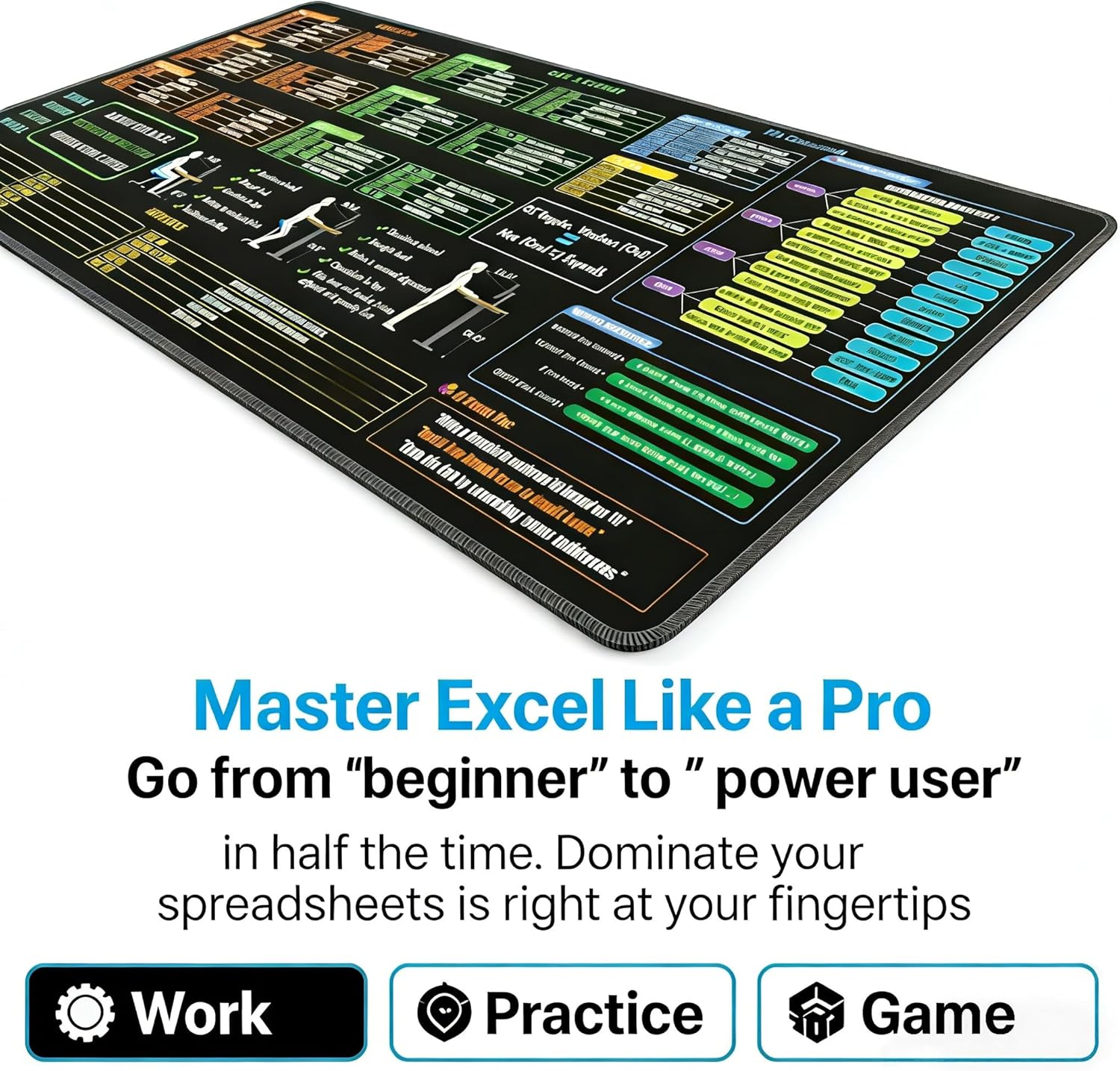
On the other hand, it’s important to recognise that the value hinges on how often you rely on quick references rather than memorised shortcuts. If your work requires highly niche formulas or very advanced Excel features not covered by a standard cheat sheet, the benefit may be more modest. Also, the effectiveness of the prompts and the XLOOKUP guide depends on how you integrate them into your workflow rather than using them as a crutch.
Who it’s for
This desk mat seems well-suited to CPAs, finance analysts, data professionals and students who want a stable, legible on-desk reference. It can be a thoughtful upgrade for someone starting a new role, or as a practical gift for colleagues who spend long hours in spreadsheets.

Who might want to reconsider
If your desk space is already tight or you favour a dedicated separate reference book or digital tool, the extra surface area might be less appealing. Also, if you primarily work with non-Excel software or novel data tools, the value of a dedicated Excel cheat sheet could be lower for you.
When it makes sense to buy
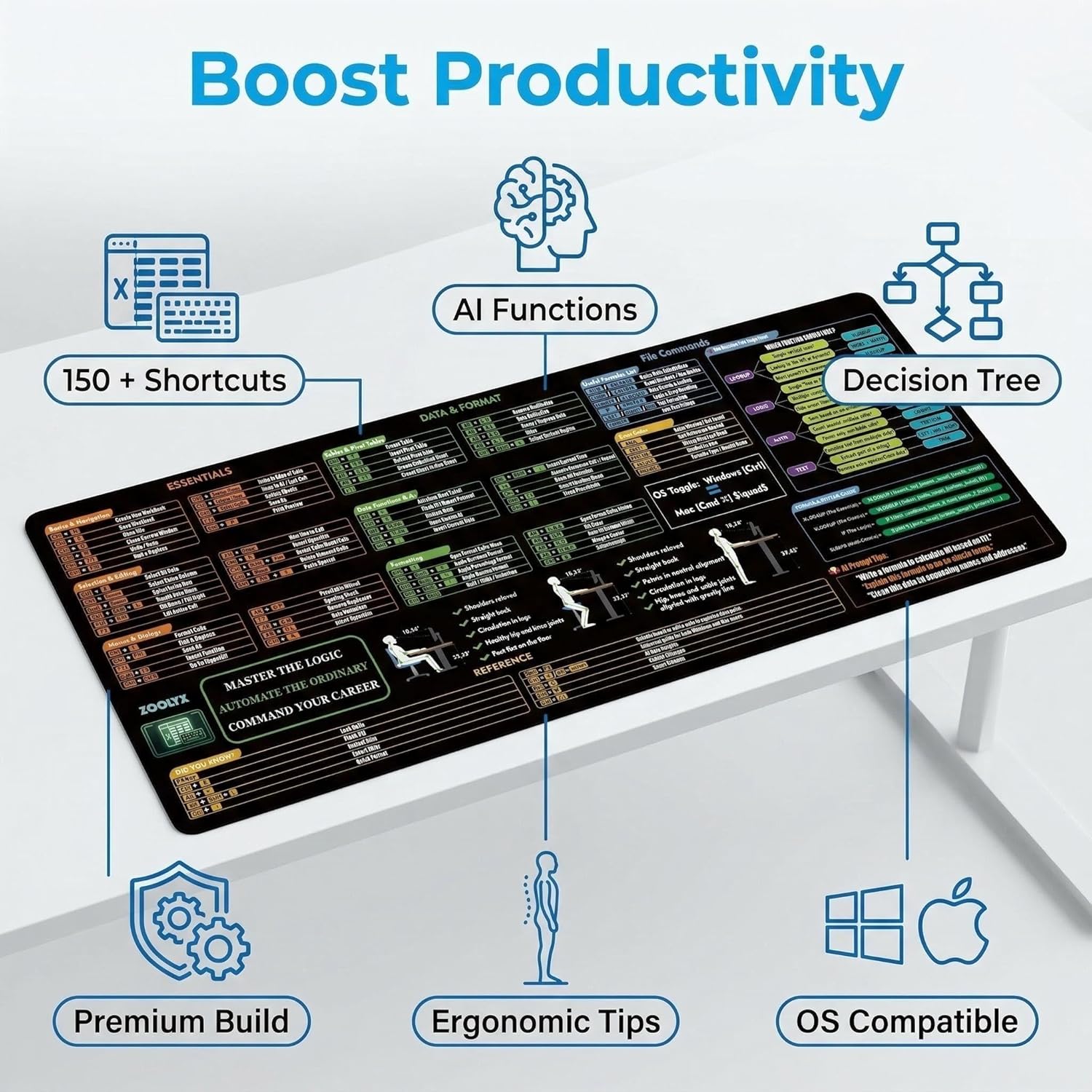
Consider this mat if you prioritise immediate, on-desk visibility of shortcuts and formula syntax, want a larger smooth surface for precise mouse control, and value durability (stitched edges) and spill resistance for everyday office life.
What to check before buying
Ensure your desk setup has enough space for the 80x30cm footprint and that your current mouse mat interaction isn’t compromised by a larger surface. Think about lighting and whether the HD print remains easy to read at your regular viewing distance. Finally, assess whether you’ll benefit from a combined keyboard/mouse-friendly surface as a reference point during heavy spreadsheet work.

Practical usage example
Imagine stepping into a high-pressure reporting session: you lean on the mat to locate a tricky XLOOKUP pattern quickly while glancing at a row of keyboard shortcuts. The large area allows you to reference commands without shifting focus away from the screen, potentially reducing mistakes during critical calculations.
FAQ
- What makes this different from a standard mouse pad? It combines a reference cheat sheet with an extended desk surface, aiming to save time on repeated tasks.
- Is the surface suitable for all mice? The description notes a smooth microfibre surface designed for accurate tracking, however, sensitivity may vary with different mouse sensors.
- Can it be cleaned easily? The base is described as spill-resistant, a damp cloth should be adequate for minor spills.
Is it worth it?
A solid pick for those who rely on Excel daily and appreciate a dedicated, readable quick-reference on their desk. If you prioritise minimal desk clutter or rarely use shortcuts, the value may be less compelling.