


PRITOM Kids Tablet 7 inch (32 GB) with Un-Zipped Case, WiFi, Dual Cameras, Android 13 — Safe, Educational Play
Product description
What it is and who it’s for
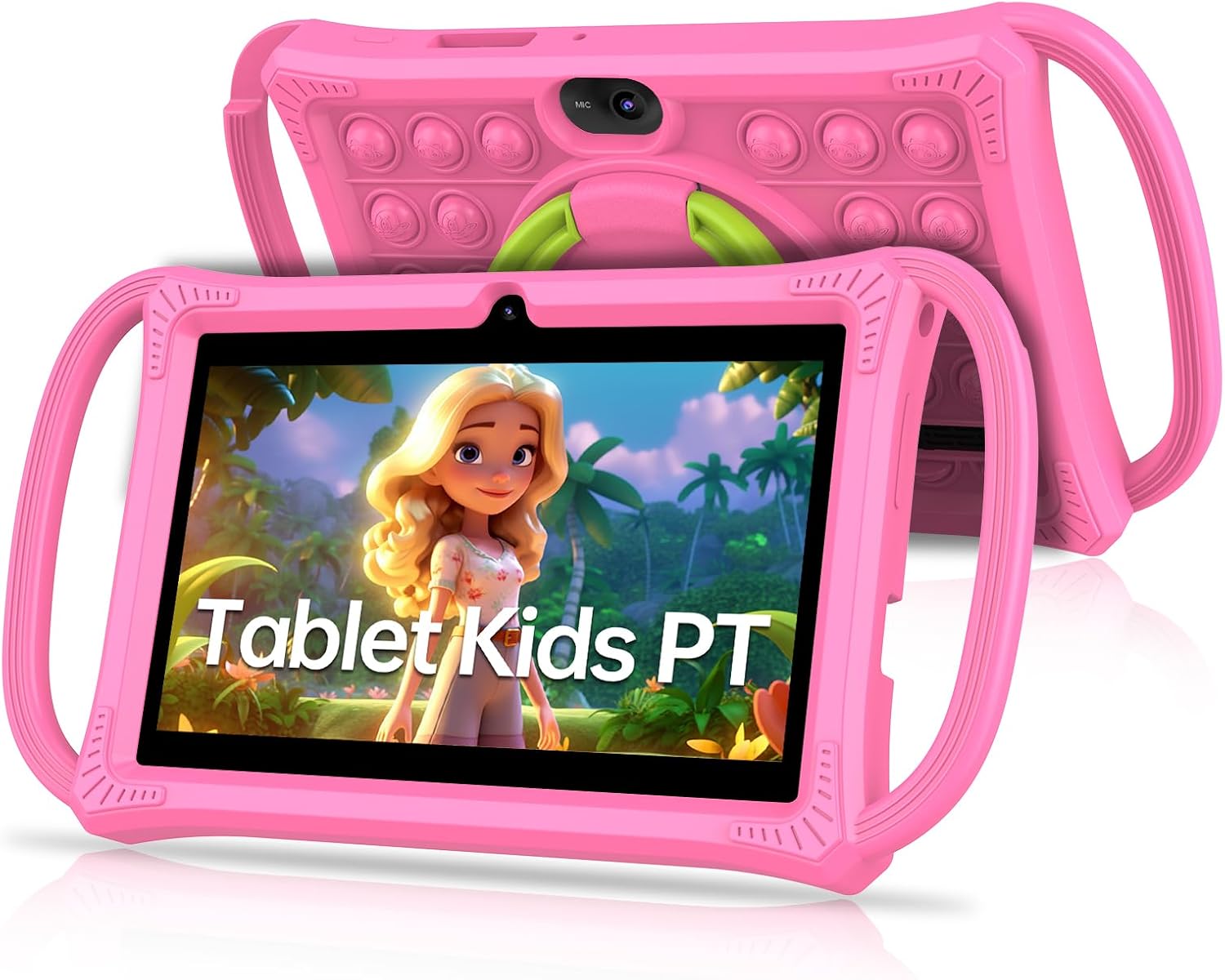
The PRITOM K7Pro Kids Tablet is a child-friendly device designed to provide a safe, educational, and entertaining on-screen experience for children aged roughly 3+ to 12. It comes with a purpose-built un-zipped case that doubles as a stand, making it easy for little hands to prop the tablet up during learning, watching, or gaming. If you’re looking for a compact tablet that supports kid-focused software right out of the box, this model aims to offer a straightforward, protective solution without the clutter of an adult interface.
The parental and safety features in practice
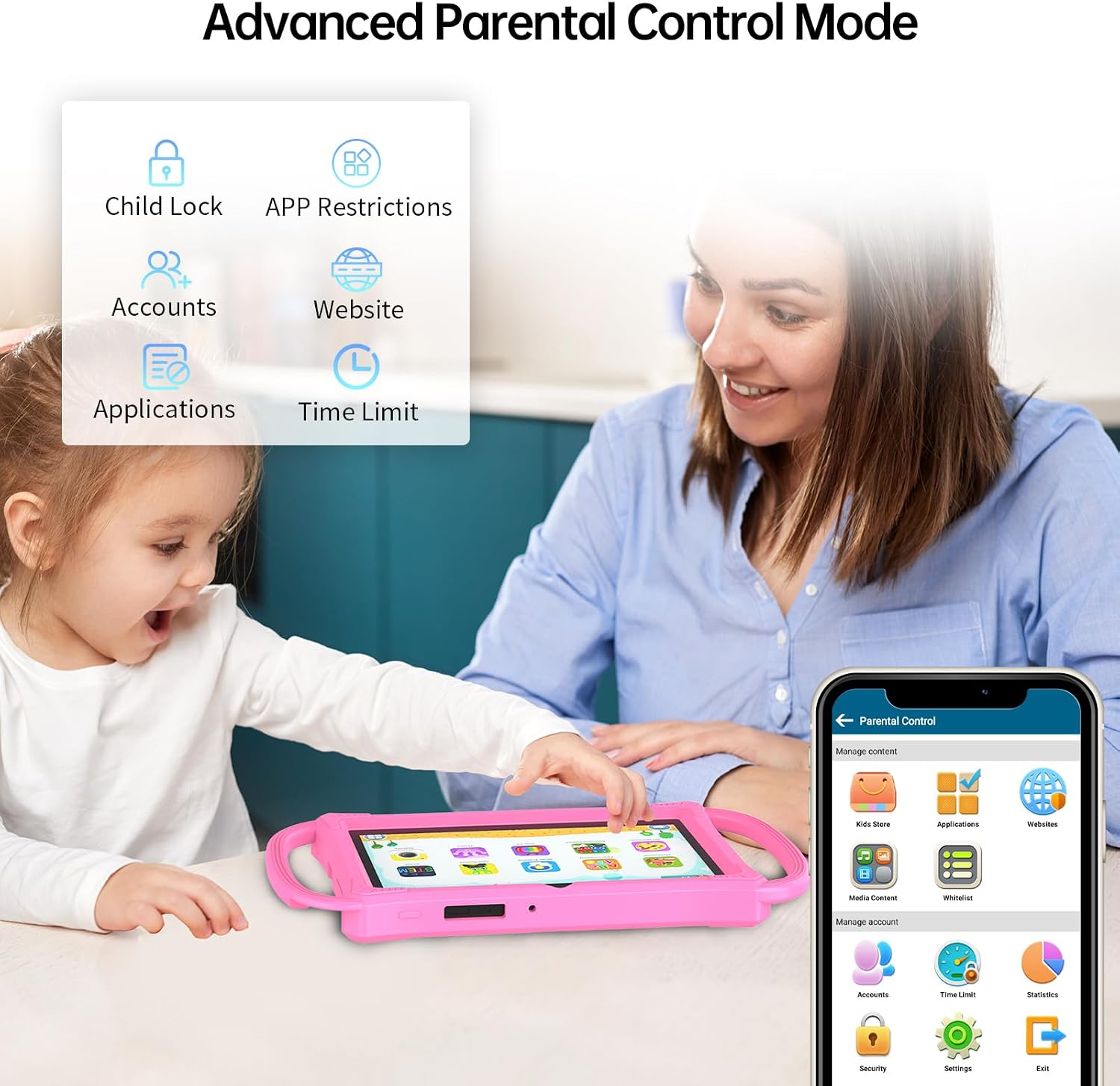
A key part of the value proposition is the set of security and content controls. The tablet includes app and network filters, content management with app recommendations and classifications, and behavioural controls such as child locks and game time limits. In real-world terms, this means you can tailor what your child sees and how long they spend with apps and games, rather than handing over a generic Android device. It’s worth noting that while these controls exist, the effectiveness will depend on how you configure them and supervise ongoing use.
What you get and what it means for storage
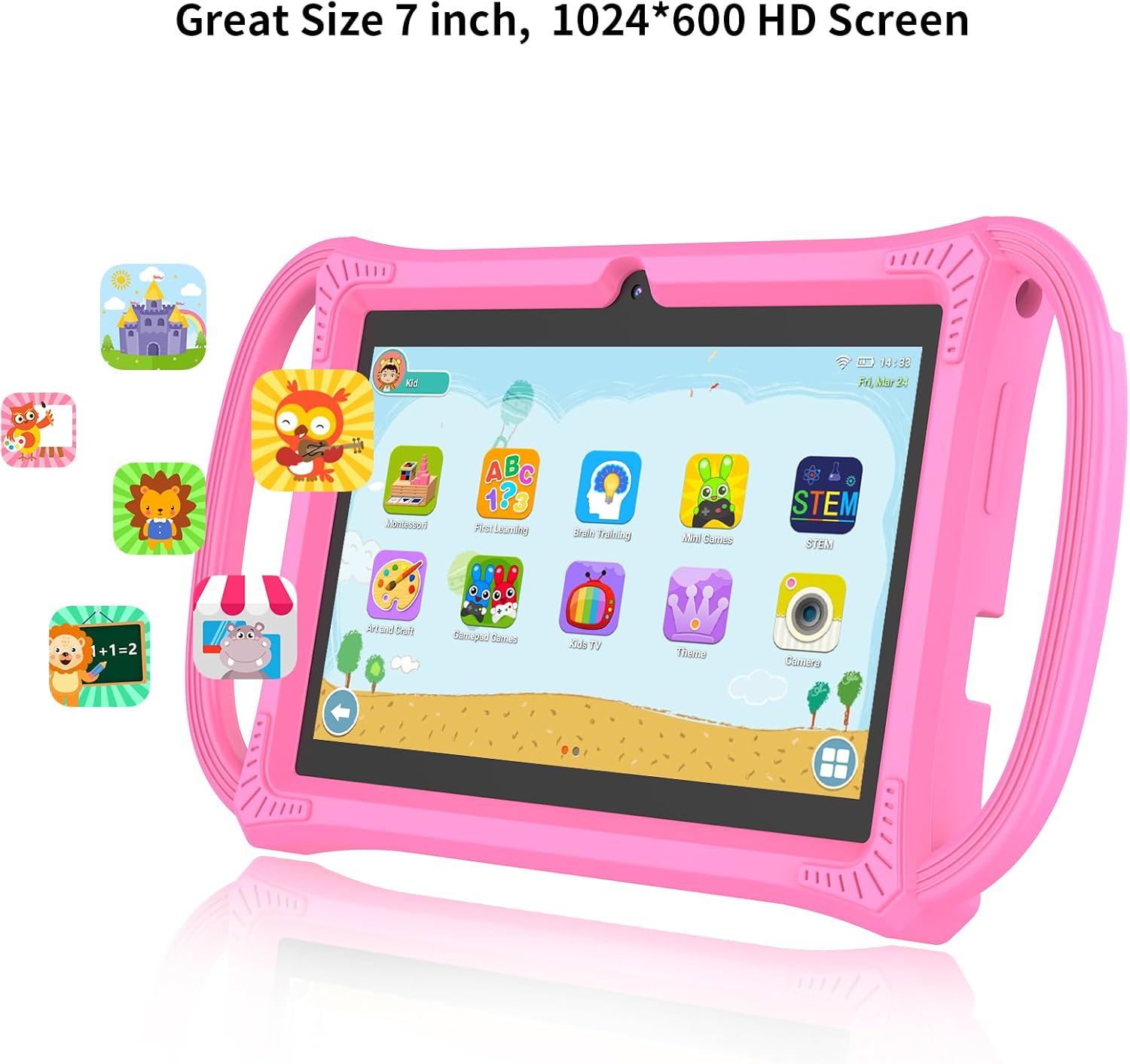
The device runs Android 13 with a quad-core processor and a 1024x600 IPS display. It ships with 4 GB of RAM (expandable by 2 GB) and 32 GB of internal storage, which can be expanded via a microSD card. Practically, that means enough space for kid‑friendly apps, photos and offline videos, plus room to grow as your child’s needs change. The dual cameras enable simple photo or video capture during adventures or school projects, while Wi‑Fi and Bluetooth keep it connected and able to share content with other devices.
Education and content in one place
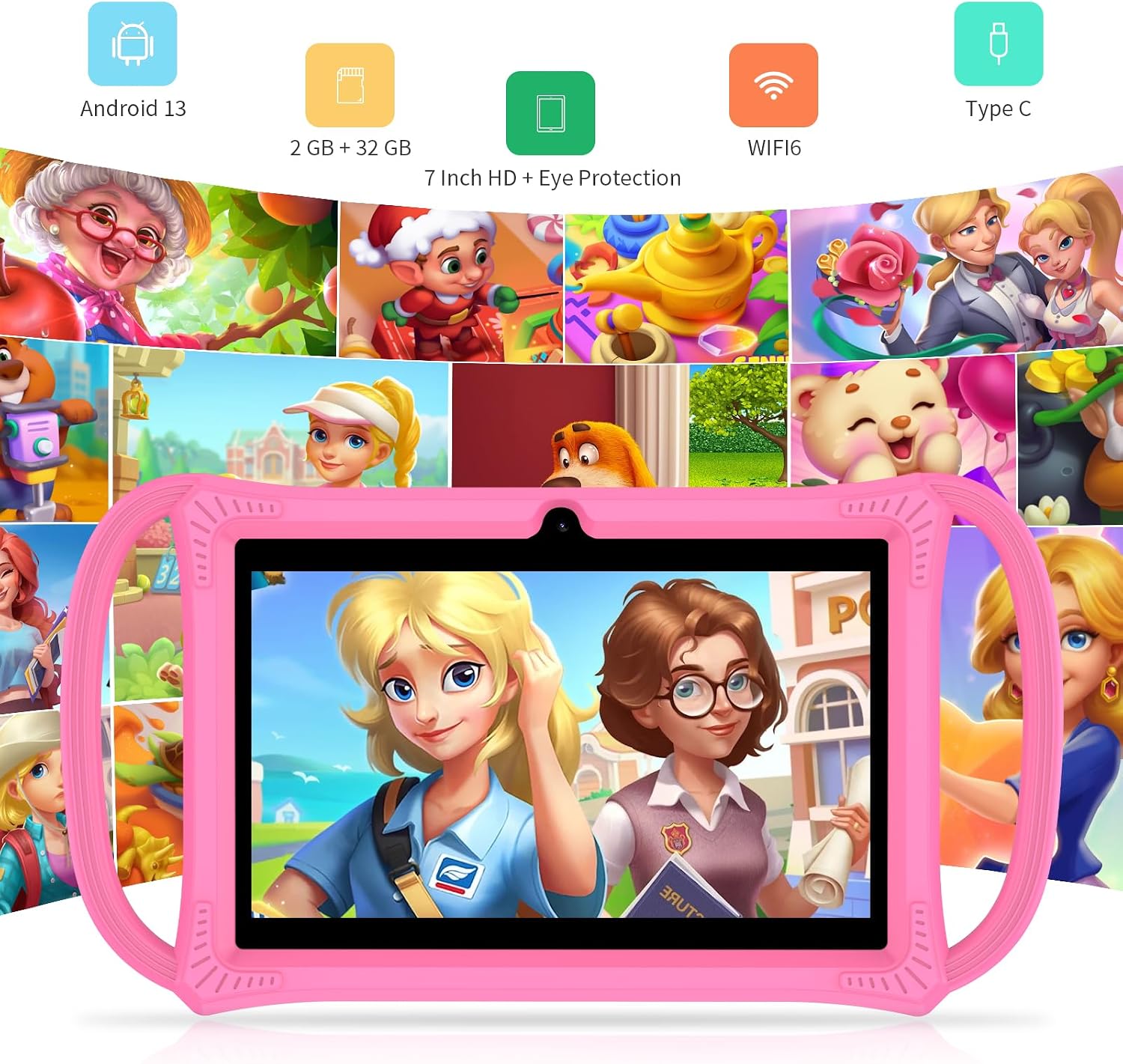
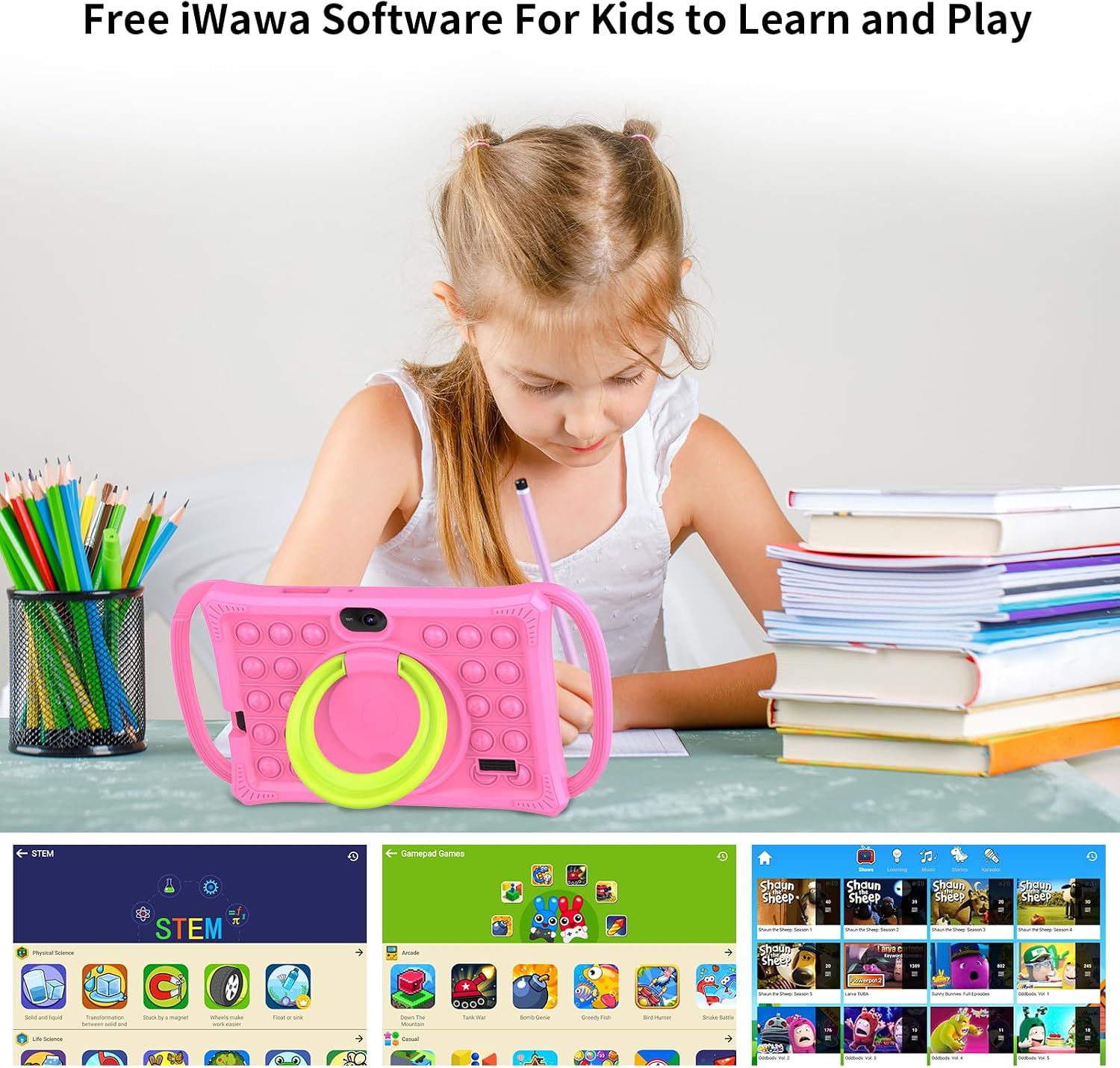
The tablet ships with pre-installed iWawa Kids Software designed for learning and play. The bundled content focuses on early education—animals, fruits, typing and basic subjects—complemented by access to apps from the Google Play Store in a controlled environment. If your aim is to provide a device that blends screen time with guided educational activities, this setup offers a practical start. However, the breadth of content will depend on what you download and approve within the parental controls.
Design and everyday use
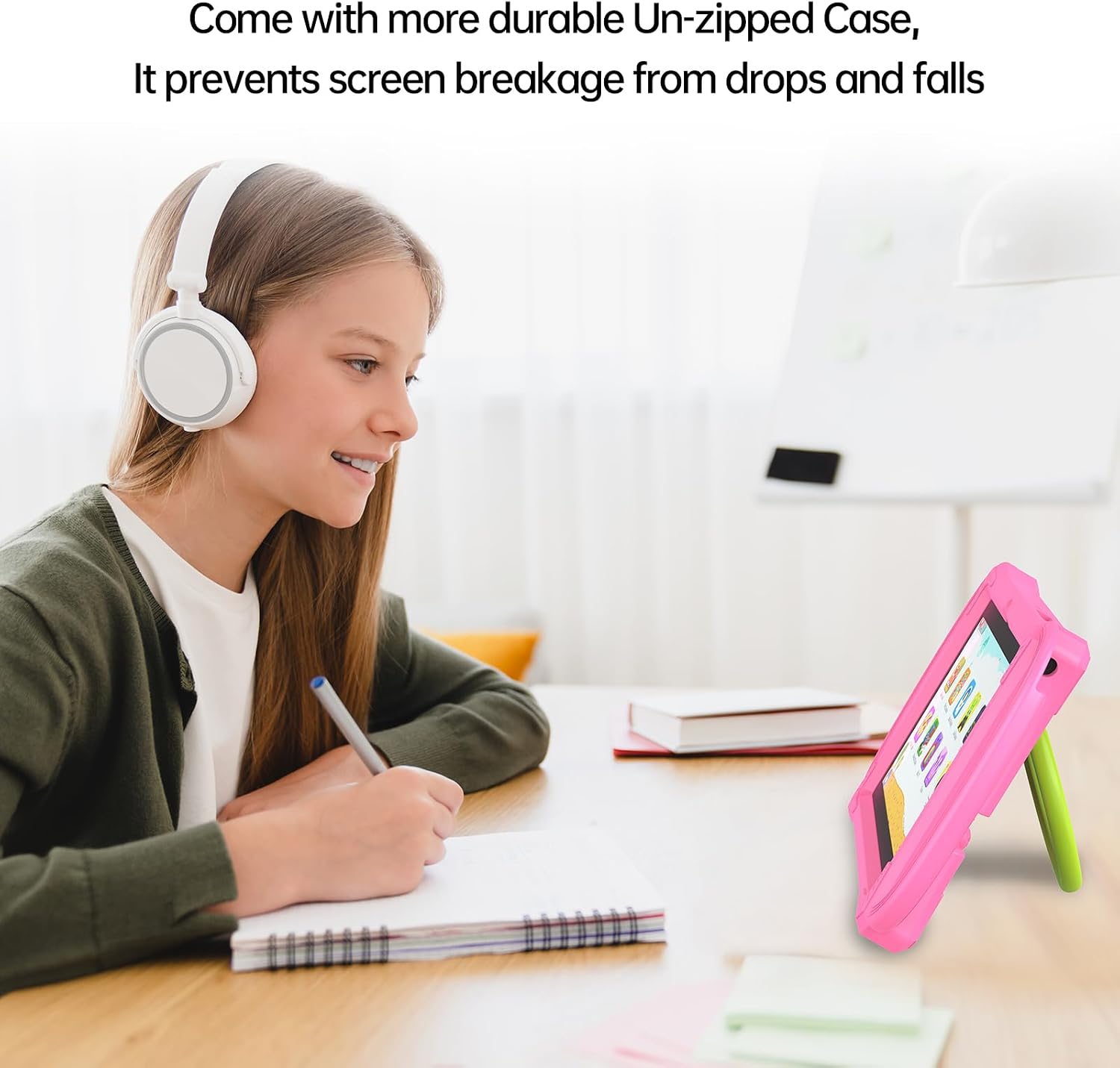
The case material is described as lightweight, durable silicone that resists scratches, dirt and minor bumps. The stand feature is convenient for hands‑free use during lessons or when watching videos, though you’ll still need to supervise to ensure the device remains in a safe, stable position in a busy household. The design emphasises kid‑friendly handling, which is a plus if you’re worried about accidental drops or rough handling.
Performance, battery, and longevity
With a quad‑core processor and a modest display, the tablet should handle basic learning apps, videos and games without noticeable lag for most kids. Battery life isn’t specified in the data provided, so it’s sensible to expect typical daylight usage rather than all‑day sessions without a recharge. If your child likes intensive gaming or large, graphics-heavy apps, the device may feel underpowered relative to higher‑end tablets.
Pros and cons in plain terms
Pros: child‑specific safety features, integrated educational content, easy-to-use kid interface, protective case with stand, expandable storage, pre-installed apps and access to Google Play Store under supervision. Cons: limited processing headroom for demanding apps, battery life details are not stated, success of parental controls relies on configuration, actual educational value depends on downloaded content and ongoing supervision.
Who it’s for and who may want to skip it
This tablet is well suited to families seeking a compact, controlled entry point for kids’ screen time with a bias toward education and safe play. It may not be the best option if your child frequently runs resource‑heavy apps or if you require longer single‑session battery life without recharging. If you prioritise cutting-edge performance or a wider ecosystem of high-end apps, you might look at alternatives with stronger specs.
When it makes sense to buy
If you want a purpose-built kids’ device with built‑in safety controls, a protective case, and educational content ready to go, this model offers a pragmatic combination. It can work well as a first tablet for a younger child or as a shared family device for guided learning and development activities, provided you’re comfortable managing the content via parental features.
What to check before buying
- Confirm you’re comfortable with the parental controls and the way content is filtered and recommended.
- Consider how you’ll manage storage as apps and media accumulate, plan for a microSD expansion if you anticipate larger media use.
- Think about how your child will use the stand function during learning versus entertainment, and whether you need to supervise connectivity and downloads closely.
Practical usage example
Imagine a quiet afternoon: your child is learning basic typing and animal names through the pre-installed software, with the case propping the tablet at a comfortable angle on the table. They switch to a short educational game, then a kid‑friendly video from the safe store, and you quickly check the parental dashboard to verify progress and time spent. That scenario highlights the blend of guided learning and easy handling the tablet aims to deliver.
How this compares to other approaches
If you want a device that’s primarily for play, a toy tablet or a basic Android slate could be cheaper but less controlled. For more serious learning with broader app access and more plant‑based parental controls, a higher‑spec family tablet with stricter profiles might be preferable. This PRITOM model sits in the middle: affordable, family-friendly, with a clear emphasis on safety and education rather than pure performance.
Is it worth it?
Final verdict: It’s a sensible option if you value built‑in safety controls and ready‑to‑use educational content in a compact form factor that’s easy for little hands to manage. If performance, battery longevity, and a wide, high‑end app library are your top priorities, you may want to explore other options. The decision hinges on how much you prioritise parental controls and the convenience of having education‑focused apps pre‑installed.
FAQ
- Can my child access the Google Play Store freely? The tablet allows access to Google Play with parent controls, use the controls to limit下载s and access as needed.
- How expandable is the storage? It supports microSD expansion for additional storage of photos, videos and apps supported by the device.
- Is the device suitable for very young children? Yes, the casing and safety features are designed with younger users in mind, but supervision and tailored content remains important.