

OnePro Cloud Handheld Portable Remote Play Gaming Console
Product description
What it is
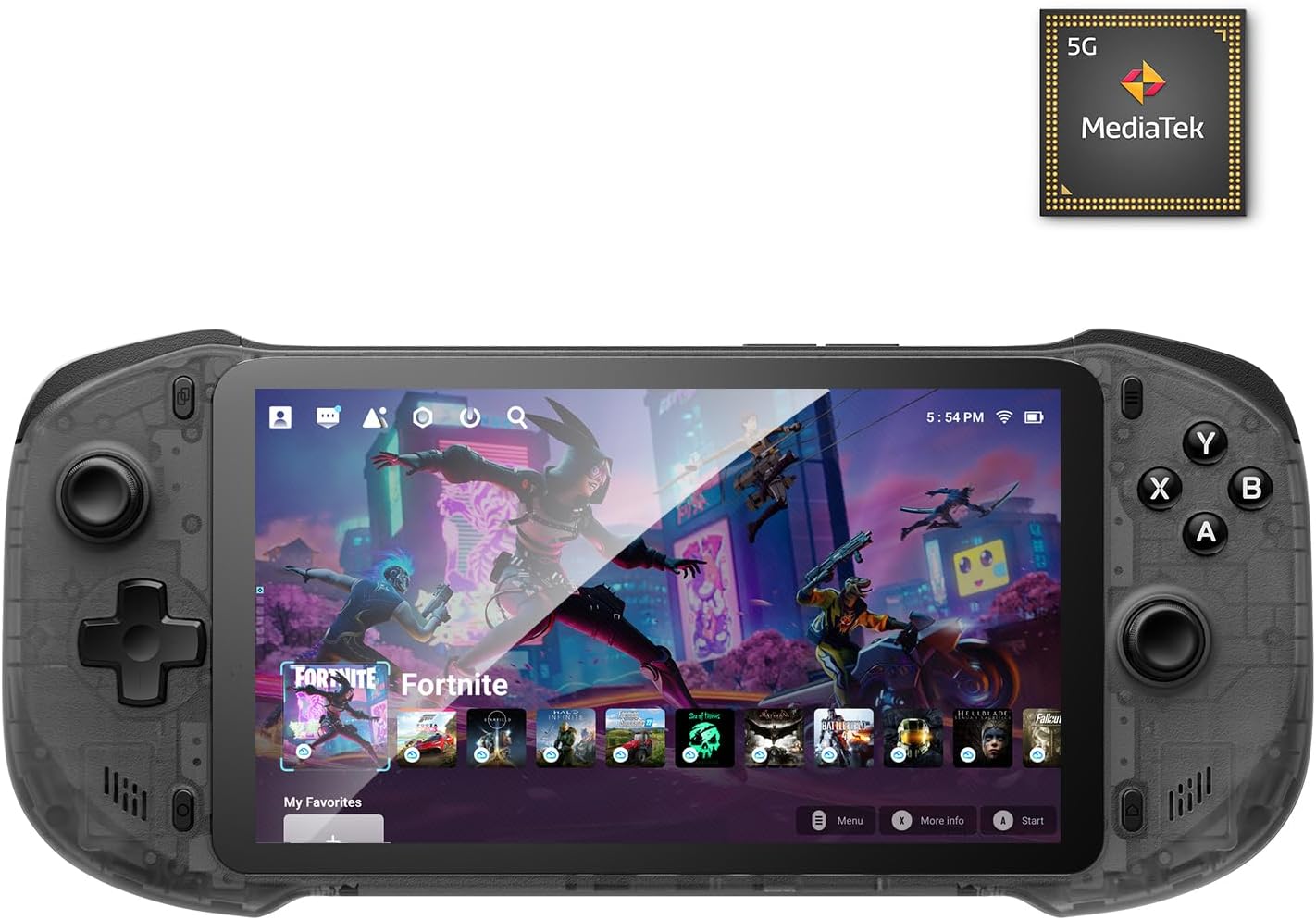
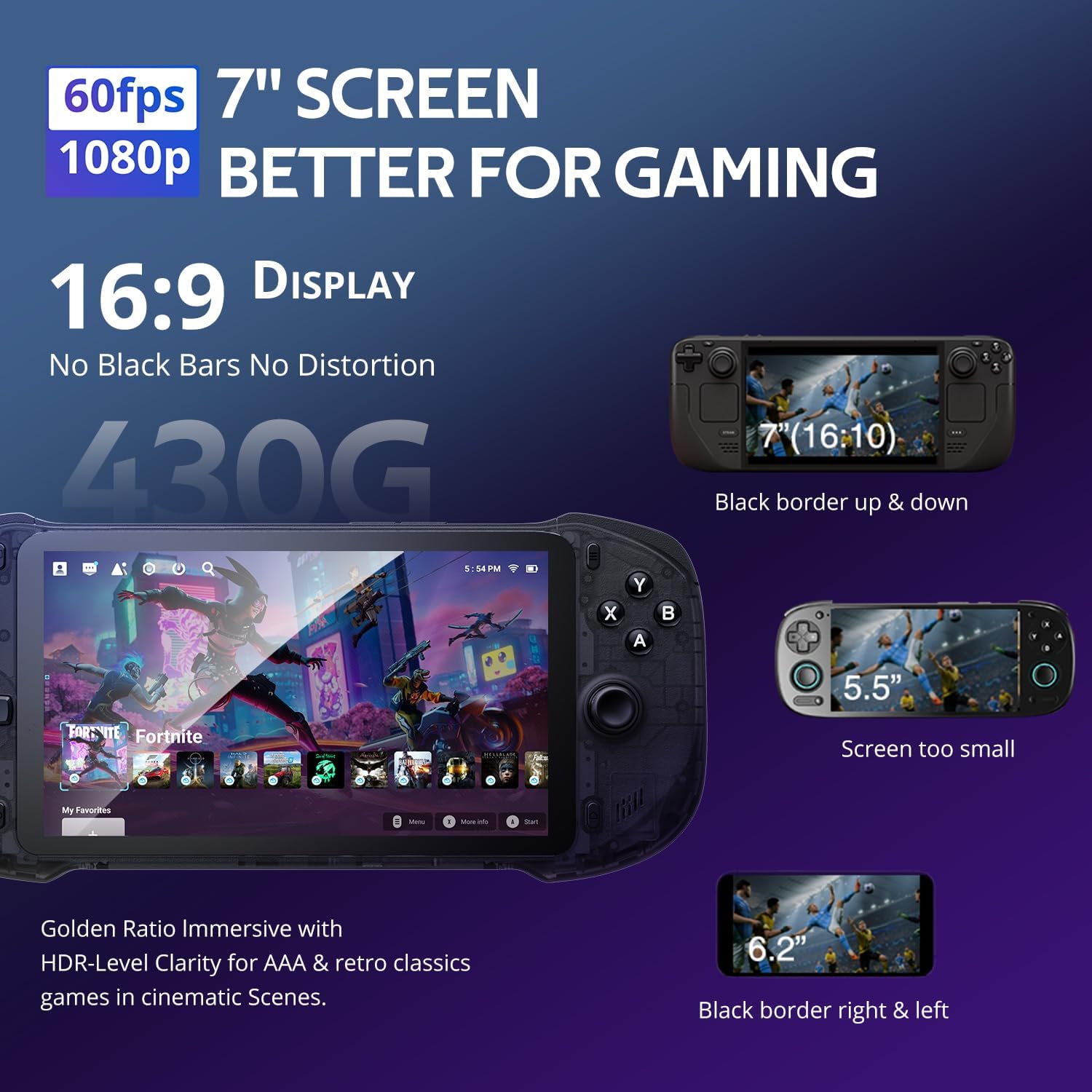
The OnePro Cloud Handheld is a compact, all‑in‑one gaming device designed for cloud gaming, remote play, retro emulation and Android titles. Packing a 7" 1080p touchscreen and lightweight build, it aims to blend couch sessions with on‑the‑go gaming without needing multiple devices.
How it works
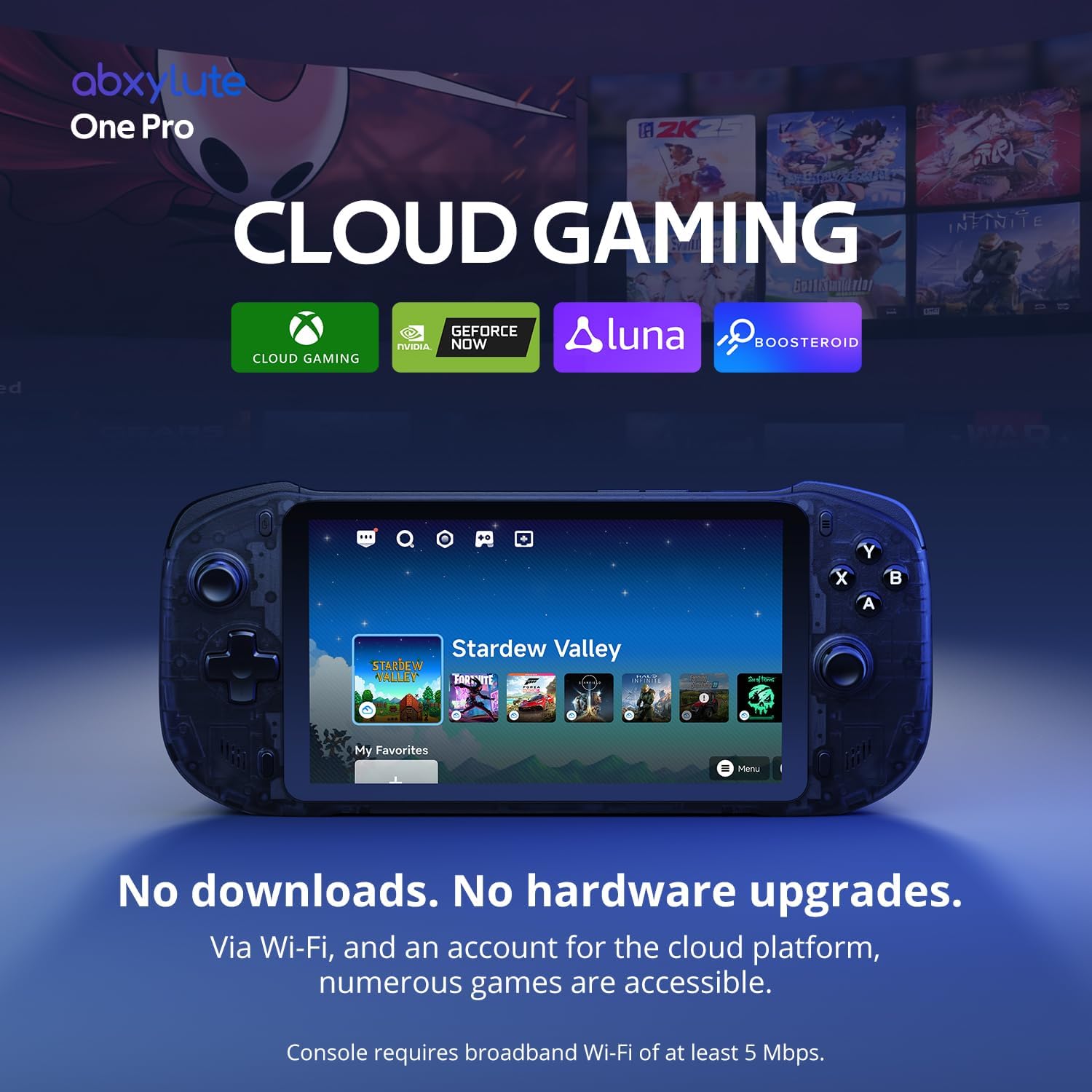
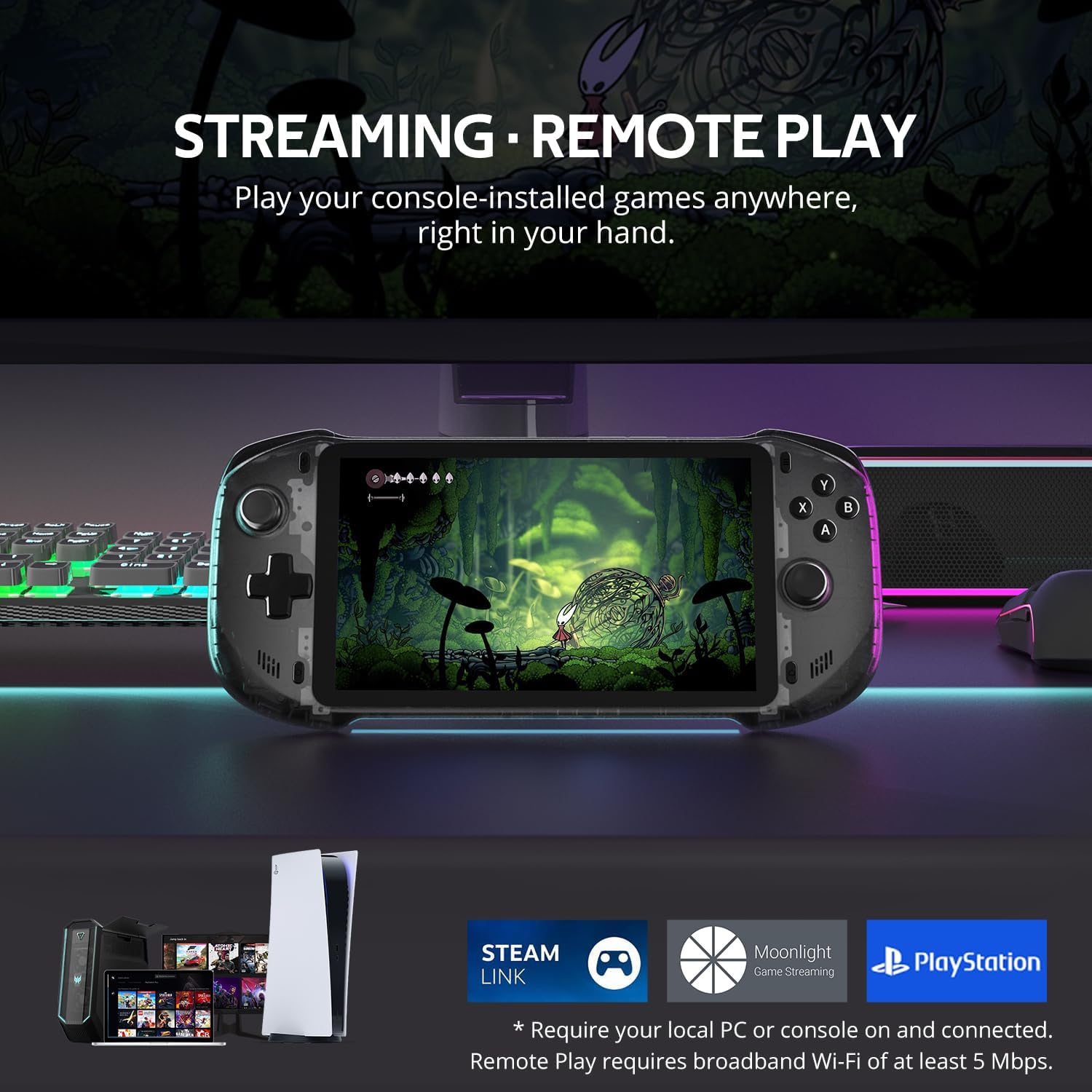
This handheld gives you access to cloud services and remote streaming. You can subscribe to Xbox Cloud Gaming (Beta), GeForce NOW, amazon Luna, PlayStation Plus Premium and Boosteroid to play AAA titles over Wi‑Fi. It also supports Remote Play from your other devices via Moonlight, PlayStation Remote Play or PXPlay. For retro vibes, it includes emulation for consoles such as PS2 and GameCube, plus Android games that run locally on the device.
Design and controls
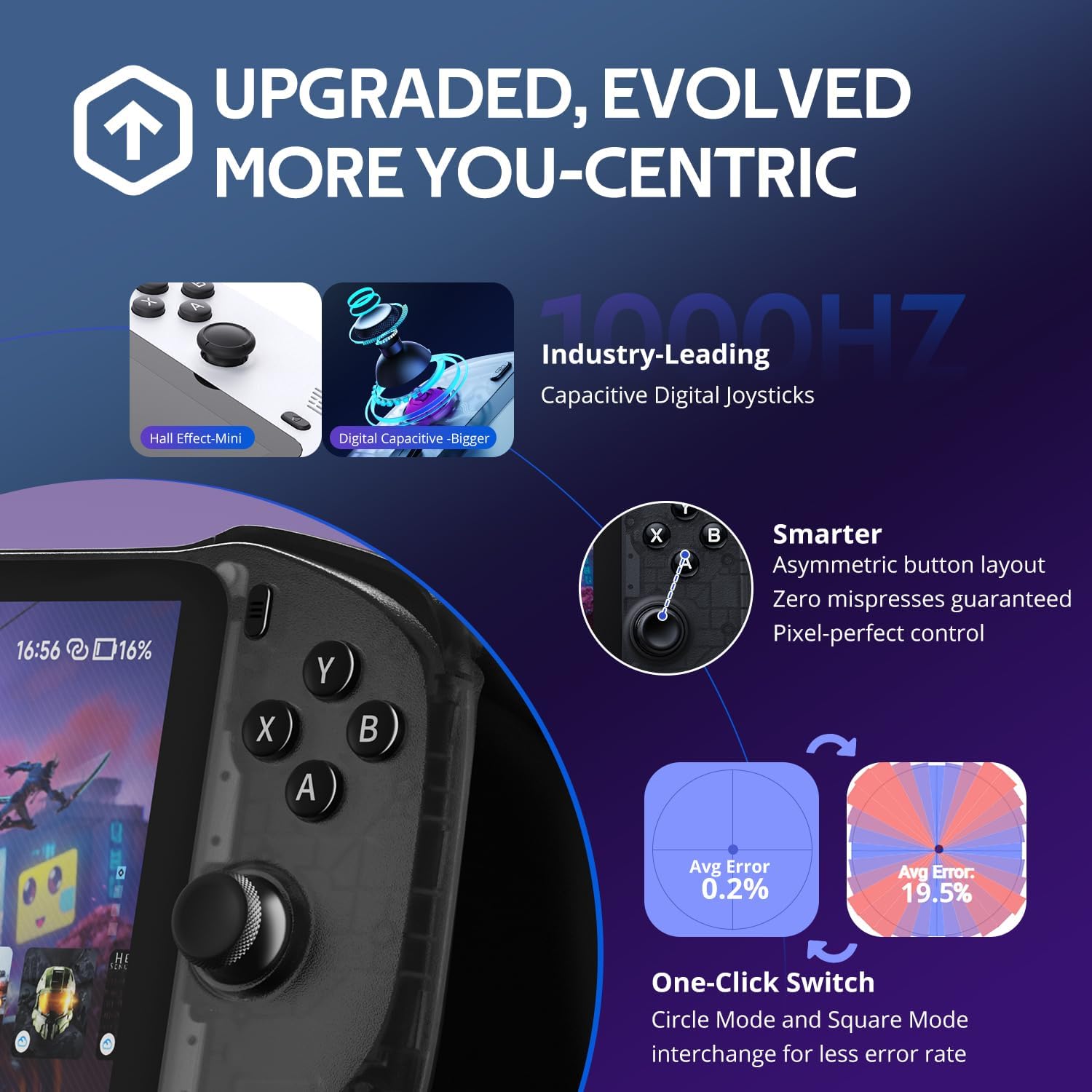
The device is marketed as a portable, light handheld with what it calls pro‑level controls, haptics and a gyroscope. A distinctive feature is its digital joysticks that offer two modes: Circle Mode for precise tracking and Square Mode for broader input. In practice, this means you’ll likely notice differences in how tight or responsive your inputs feel depending on the game type.
Screen and audio
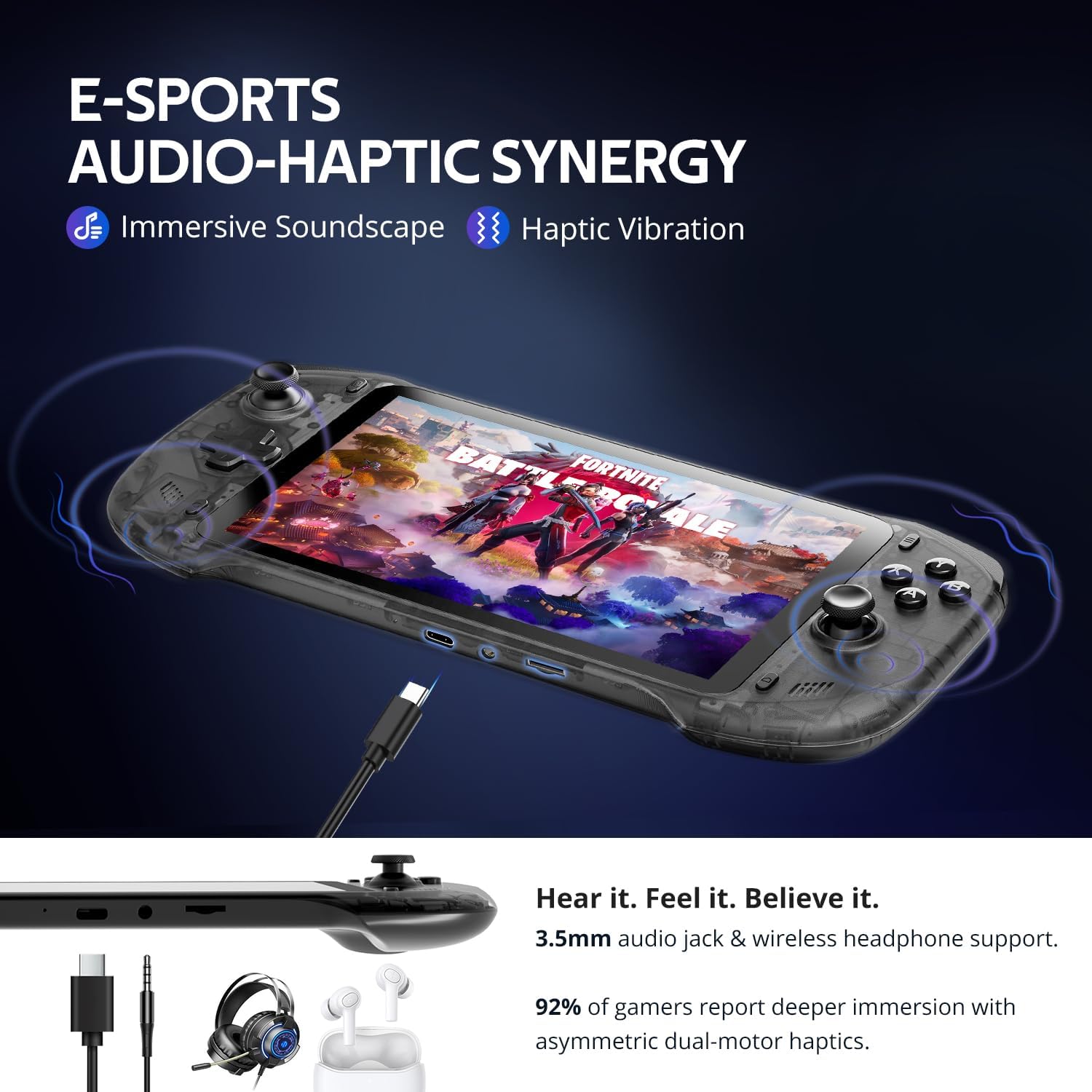
You get a built‑in 7" display with 1080p resolution. For audio, the unit uses upgraded drivers aimed at deeper bass and clearer vocals, which should help immersion when you’re away from a TV. If you want a bigger viewing canvas, there’s 4K output to an external display or AR glasses, but that requires an appropriate connection and compatible display.
Performance and connectivity
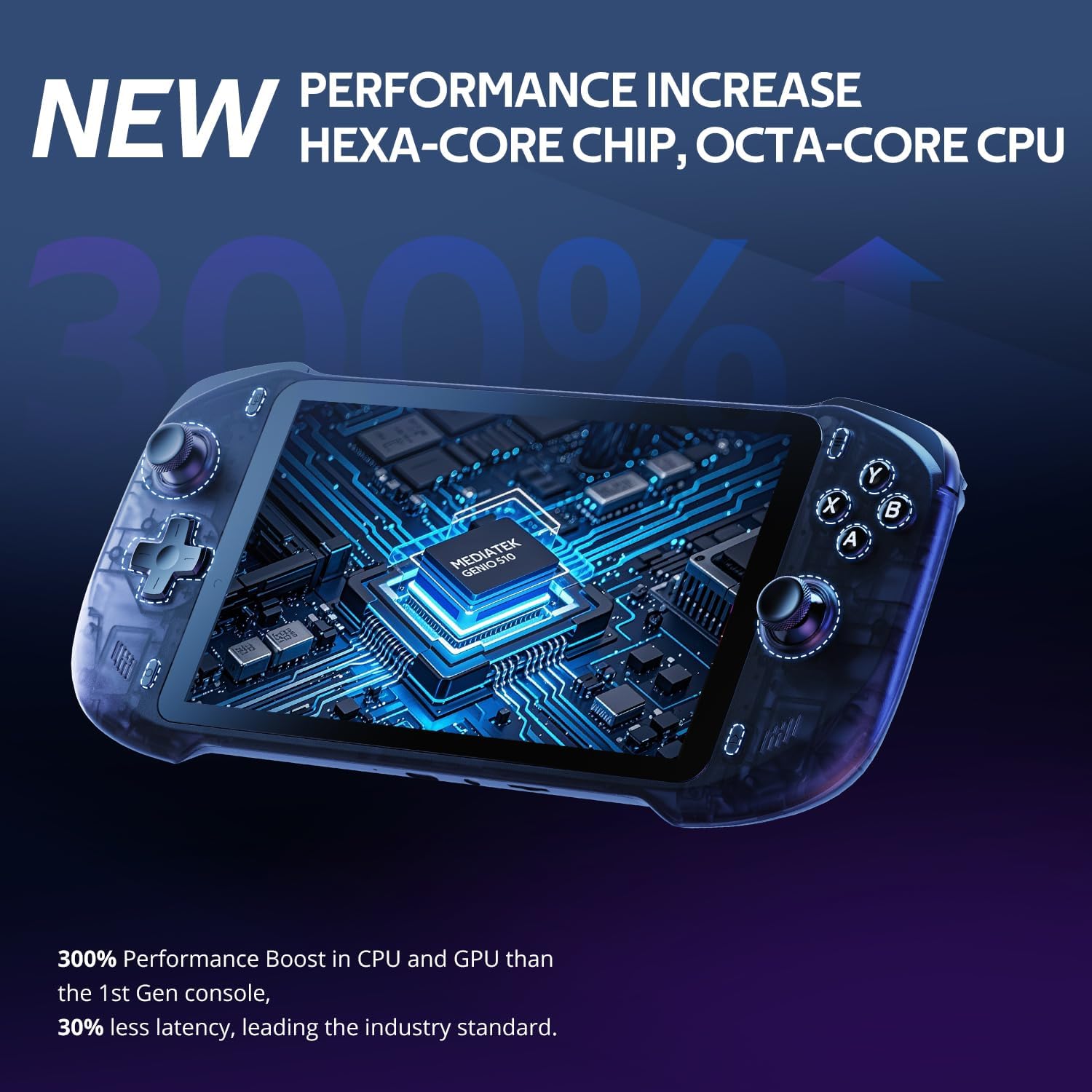
Powering the OnePro is a MediaTek Genio 510 chipset with a 2T2R MU‑MIMO Wi‑Fi module. The manufacturer highlights a substantial performance uplift versus earlier generations, particularly for streaming, emulation and local gaming. Battery life is stated as 8+ hours under typical use, and charging is designed to be fast to minimise downtime.
What stands out and what to watch
On the plus side, it consolidates cloud gaming, remote play and retro/Android gaming into a single device, which could simplify your travel or casual gaming setup. The switchable joystick modes are an interesting design choice that may suit different genres—from precise platformers to more relaxed action titles. On the flip side, relying on cloud services means performance can depend on your network quality, and the experience may vary with each service or title. The 64GB of internal storage is a sensible base, but you might need extra space for larger Android titles or emulated ROMs.
Who it’s for
It’s likely to appeal to players who want a portable, versatile box for cloud and remote play, plus a dash of retro gaming. If you prioritise a single device for couch and travel gaming with wide service compatibility, this could be a practical option. If you mainly want top‑tier local PC or console gaming with no compromises, you might prefer dedicated hardware with more expansive storage or higher‑end performance.
Who it isn’t ideal for
Not the best match if you have spotty Wi‑Fi and you’re aiming for consistently smooth AAA cloud titles, or if you want large, modern local‑only games that aren’t readily streamable or emulated. If portability is absolutely critical and you need ultra‑long battery life or very specific native performance, there might be other devices that suit you better.
What to review before buying
- Check which cloud services you actually use and whether they’re available on the device in your region.
- Consider your typical play sessions: do you play mostly on the move or at home, and is 8+ hours of battery enough for your routine?
- Think about your internet setup at home and away from home, since cloud and remote play performance heavily depends on network quality.
- Confirm expansion needs beyond 64GB storage if you plan to install many Android titles or ROMs.
- Reflect on how important external 4K output is for you and whether you’ll be using it with a monitor or TV.
Use case snapshot
Imagine relaxing on the sofa, streaming a current cloud title directly to the 7" screen, then quickly switching to Moonlight to play a game remotely on your PC. Later, you grab the device in a café and continue a retro session while waiting for a friend. This kind of versatility is what the OnePro is pitched to deliver, albeit with the caveat that cloud performance may vary by location and service.
Alternatives in context
If you’re weighing options, consider whether you want a primarily cloud/remote device or one focused on local gaming with higher performance. This device aims to balance both, offering emulation and Android games alongside cloud streaming. For users who want deeper local storage, higher native performance, or no cloud dependency, a different approach might be more appropriate.
The decision you’ll make
Is it worth it?
Buying it makes sense if you want a single portable hub for cloud gaming, remote play and retro/Android gaming, and you value the convenience of a 7" touchscreen with switchable joystick modes. If your priorities are pristine native performance, vast storage for titles, or top‑tier AAA gaming without streaming, you may want to consider other options.
FAQ
- Can I use it without internet access? Some features rely on cloud services or remote streaming, offline Android/retro titles may be possible, but cloud‑dependent play will be limited.
- How important is the screen size? A 7" display is handy for portability and couch use, but smaller screens can feel restrictive for some modern titles.
- Will it play all my existing games? It supports emulation for several retro systems and most local Android games, plus streaming from cloud services—compatibility depends on titles and services.