

OBSBOT Tail Air 4K NDI Streaming Camera with AI Tracking for YouTube
Product description
What it is
OBSBOT Tail Air is a compact 4K PTZ streaming camera designed for creators, churches, worship teams and esports-style broadcasts. It integrates AI tracking, gesture control and multiple connection options to help you produce smoother, hands-free streams without a full rack of gear.
How it helps you capture better video
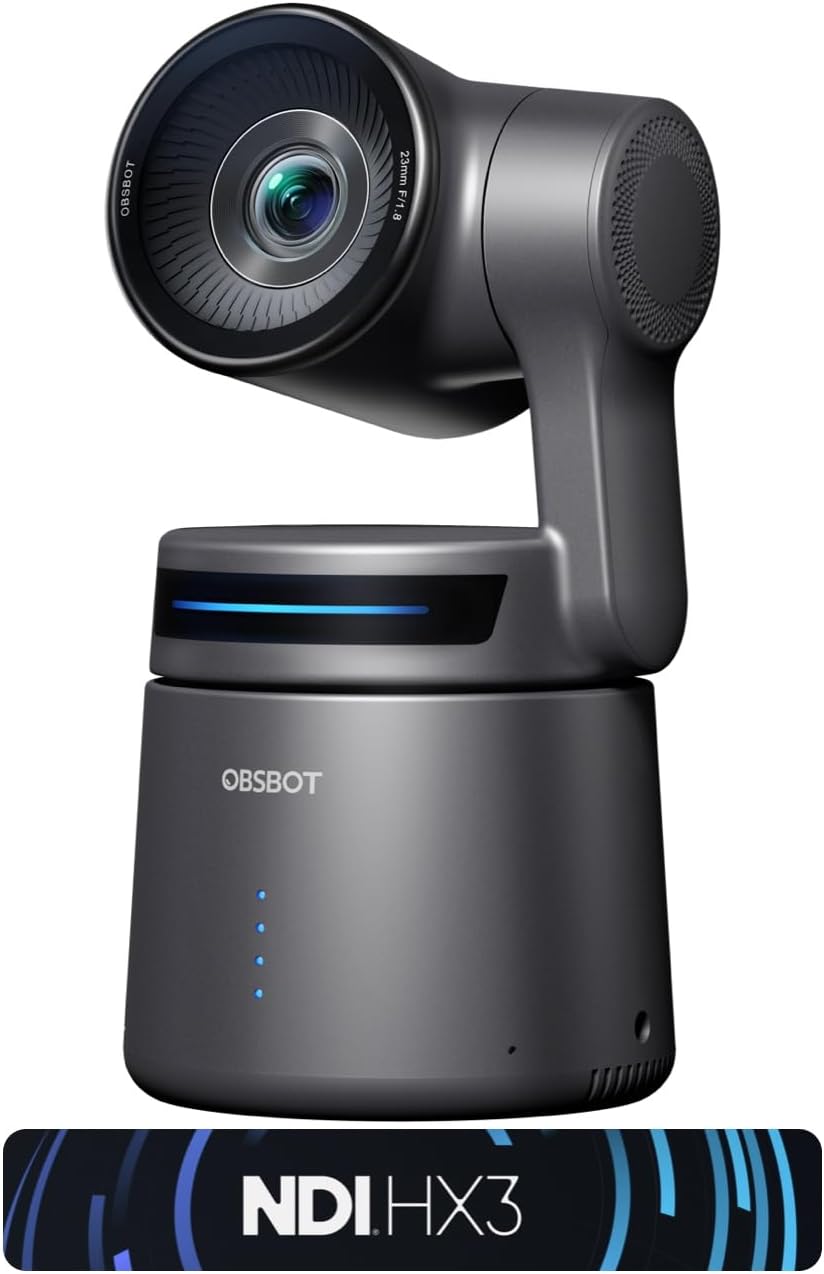
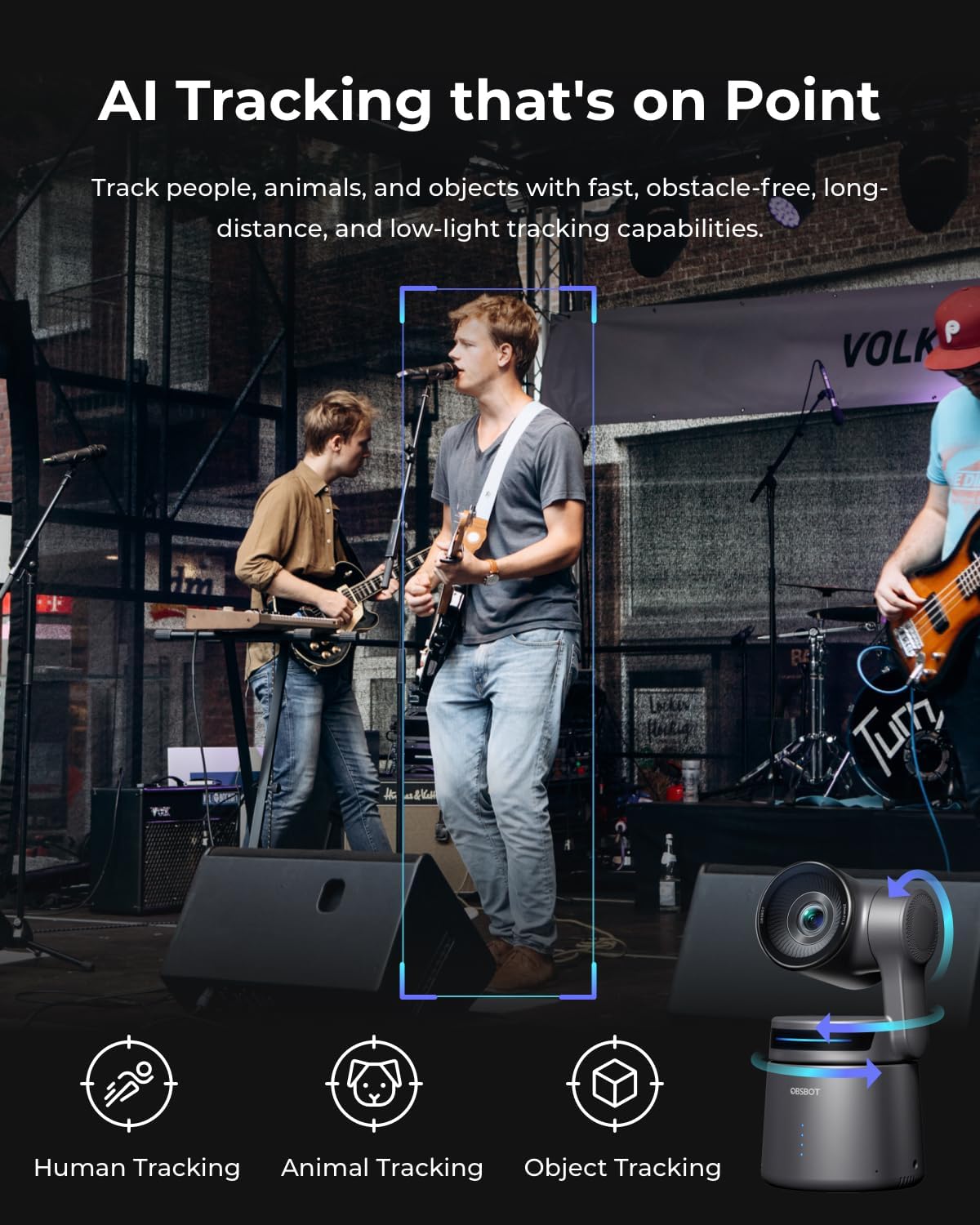
On paper, Tail Air combines portable form factor with a surprisingly wide range of movement. It offers 320° horizontal and 180° vertical rotation, so you can keep a subject in frame as they move. The AI tracking aims to follow people or other targets, which can reduce the need to constantly reframe during live sessions or YouTube streams.
Key features that stand out
- AI tracking across multiple targets (humans, animals, objects) to adapt to different shooting scenarios.
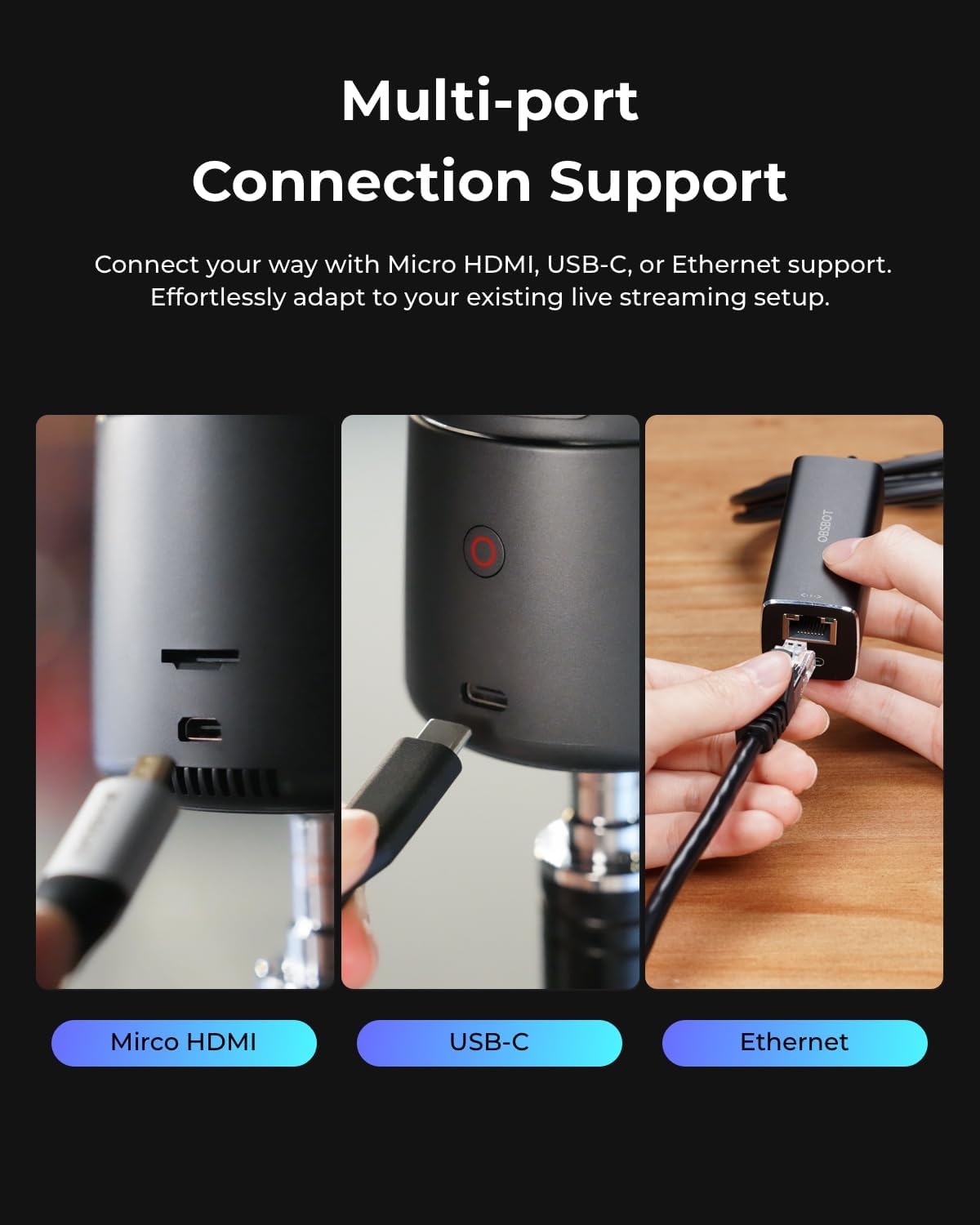
- Four-cold connection options: Micro HDMI, USB-C, Ethernet and wireless, with support for RTMP/RTSP and VISCA protocols for broad streaming compatibility.
- NDI streaming to a local network, simplifying multi-device processing and reducing clutter from cables (note that an NDI license key is an extra purchase).
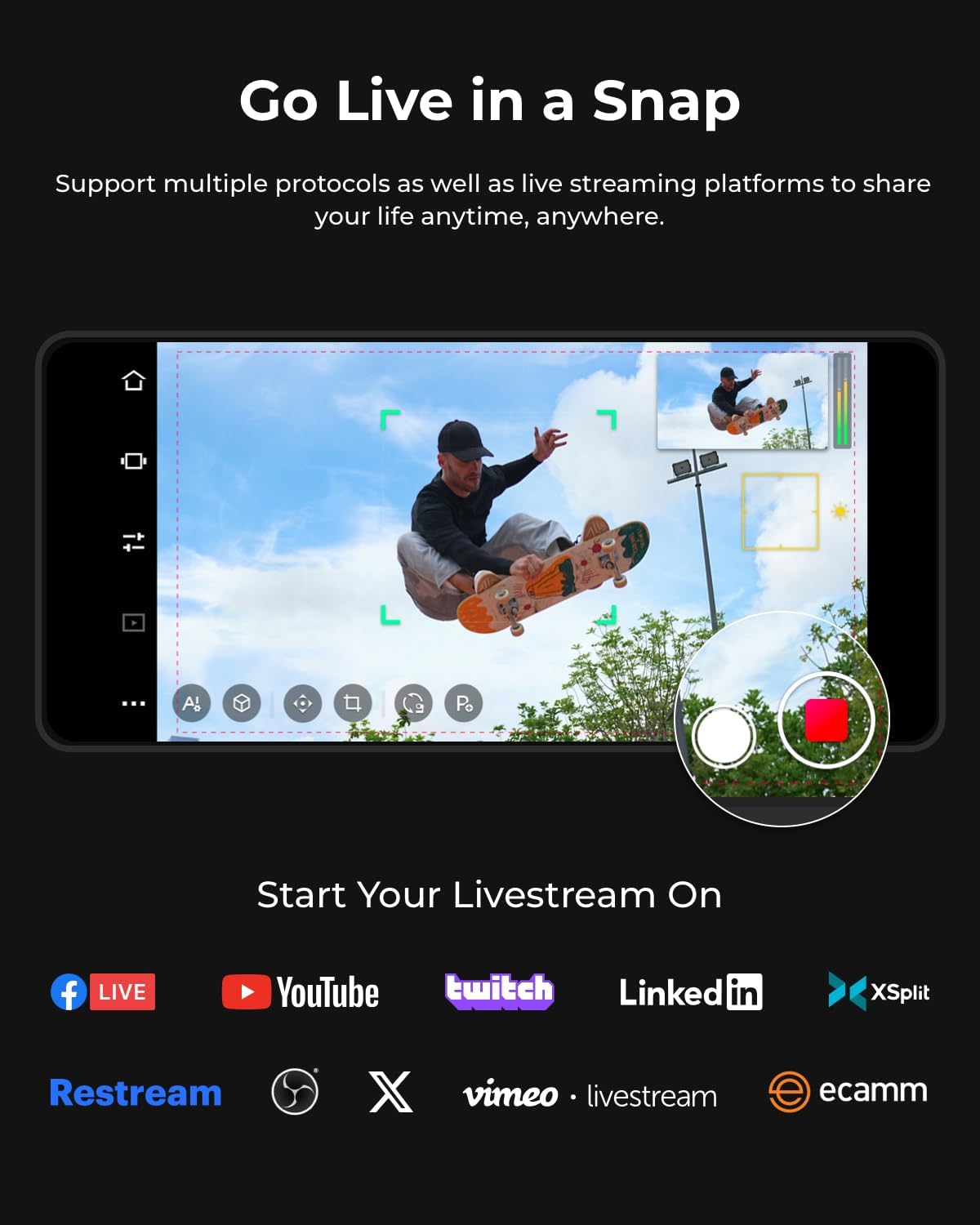
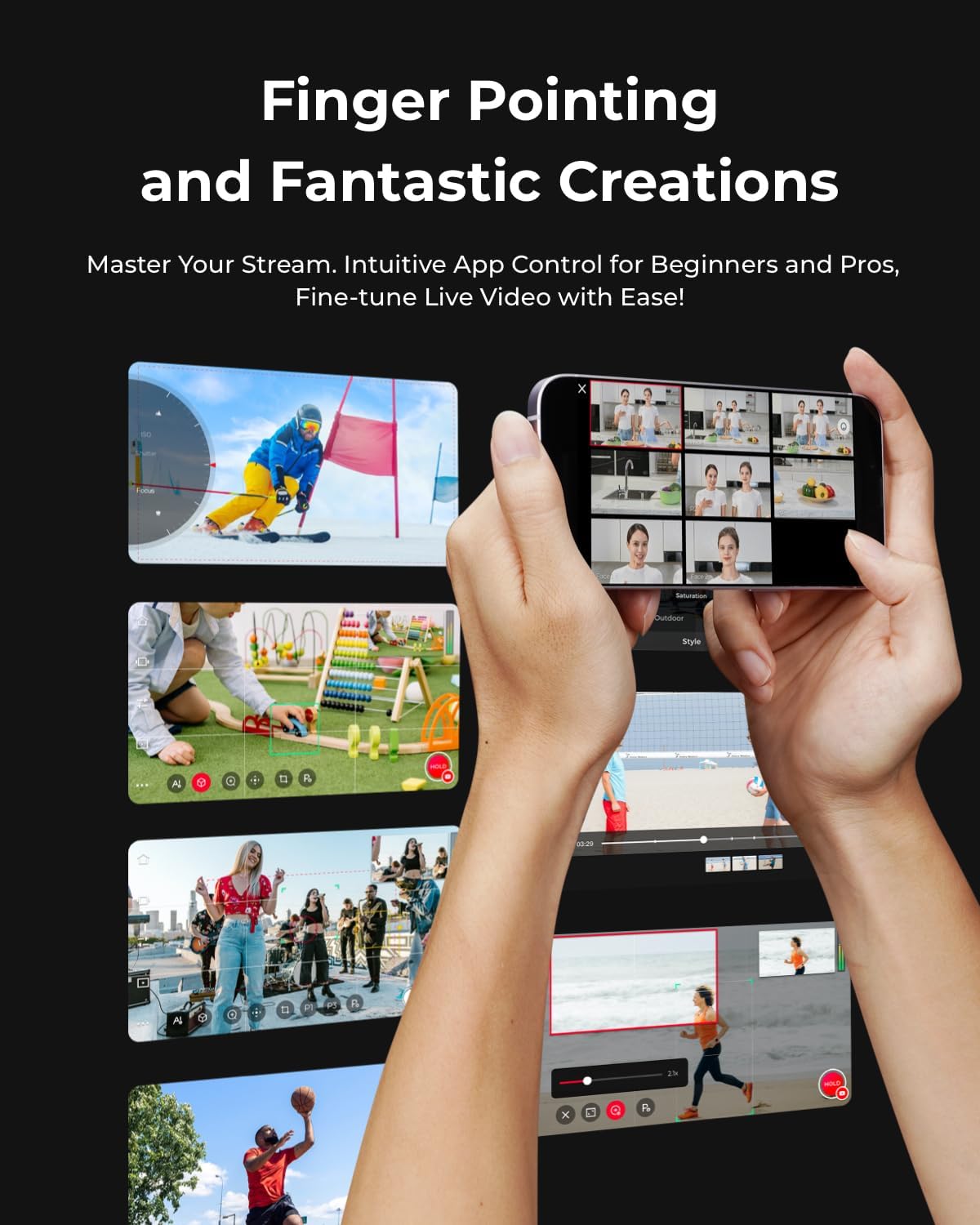
- Companion app Obsbot Start for real-time control of features like Director AI, preset positions and on-the-fly visual adjustments.
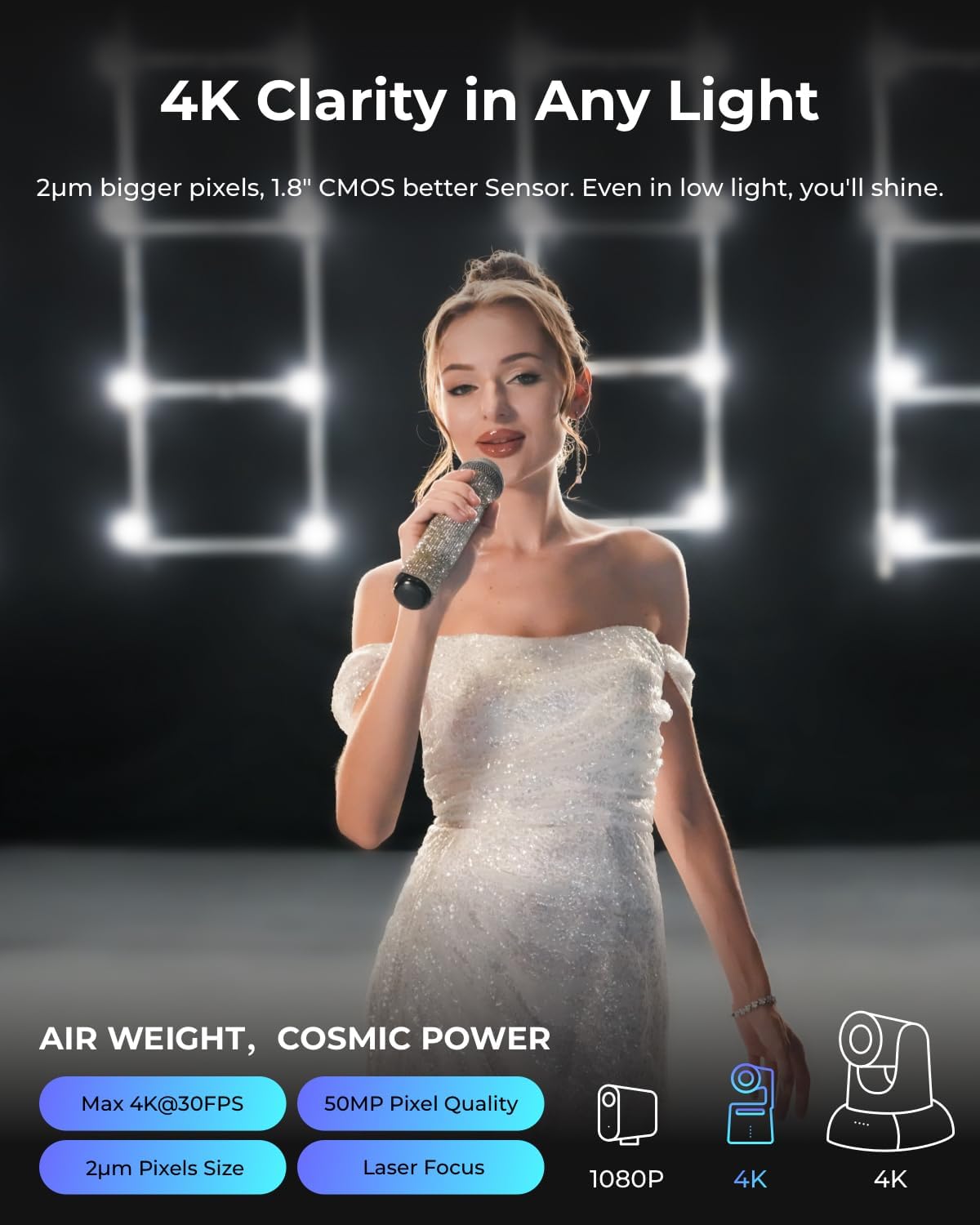
- Compact size (smaller than a cola can) for portability without sacrificing 4K image quality.
What you’ll notice in everyday use
The Tail Air is designed to be easy to deploy in varied spaces—think a small studio, a classroom, a worship setting or a hobbyist creator corner. The gesture control can streamline quick framing tweaks, while the app integration helps you save preferred looks for fast switchovers during a live stream.
Limitations and caveats to consider
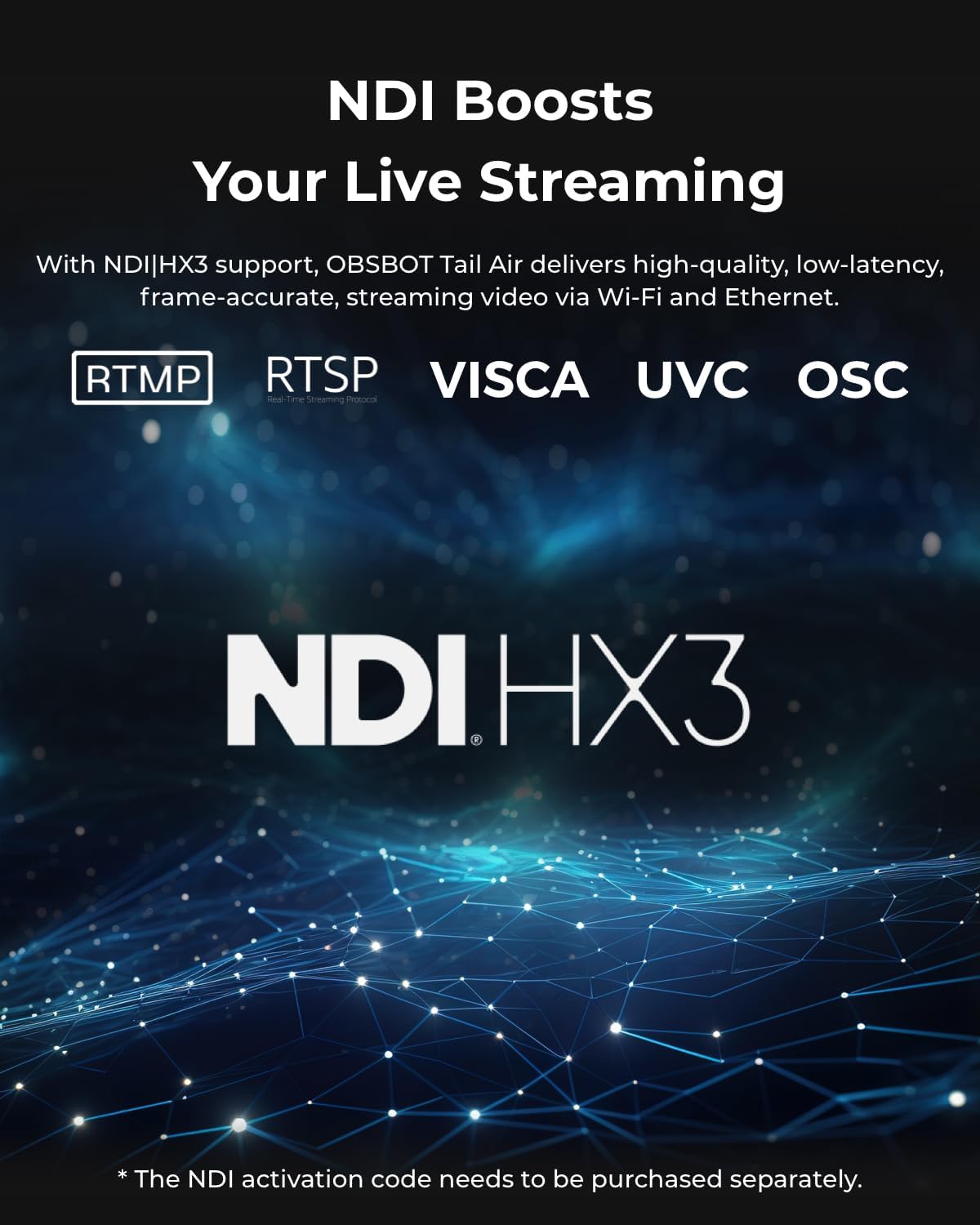
- The NDI license key requires an additional purchase, so the full network streaming capability isn’t free by default.
- Firmware updates may require inserting an U3 micro SD card, which adds a small setup step.
- While the AI tracking is useful, it isn’t perfect in all lighting or motion conditions, you may still need manual tweaks for tricky shots.
Who this is best for
If you’re a content creator who travels light but wants professional framing, Tail Air fits well. It’s also suitable for churches or worship teams needing a discreet camera with reliable streaming options and remote control features. For esports-style broadcasts, the measure of value comes from its portability and AI tracking rather than a fixed, multi-camera studio.
Who it isn’t ideal for
Not the best pick if your workflow relies on a traditional, high-end studio rig with multiple heavy cameras. If you need a plug-and-play, zero-setup solution for a fixed angle, a simpler webcam might suffice. Also, if you require built-in HDMI/SDI without extra licences or accessories, you may run into additional costs for full NDI use.
When it makes sense to buy
Choose Tail Air when you want 4K output with AI tracking in a compact form factor, and you’re prepared to manage optional components (like the NDI license) and firmware steps. It’s a good match if you expect to stream to platforms like YouTube or Facebook and want flexibility across wired and wireless setups.
Before you buy: practical checks
- Confirm your preferred streaming workflow supports RTMP/RTSP and VISCA if you plan remote control via software.
- Consider adding an U3 micro SD card for firmware updates.
- If you plan to use NDI heavily, check the licensing cost and network setup in advance.
Practical usage example
Imagine you’re filming a small church service with one presenter moving across a lectern. Tail Air can follow the speaker while you switch to a second angle using presets, all controlled from the Obsbot Start app. You could broadcast to your streaming platform and monitor the feed on multiple devices over the local network without a tangle of cables.
FAQ (based on available data)
- Does Tail Air work without the NDI licence? It supports NDI, but the NDI License Key requires an additional purchase.
- What connections are available? Micro HDMI, USB-C, Ethernet and Wireless connections are supported.
- Is there a mobile app for control? Yes, Obsbot Start provides control over AI Director, presets and visual settings.
Is it worth it?
Worth considering if you prioritise a compact, 4K PTZ camera with AI tracking and flexible streaming options, and you don’t mind the extra step of obtaining an NDI licence for network streaming.