

Dual-Lens Endoscope Inspection Camera (1920P) by Ferdiiz — 16.4ft Semi-Rigid Snake with 8 Adjustable LEDs
Product description
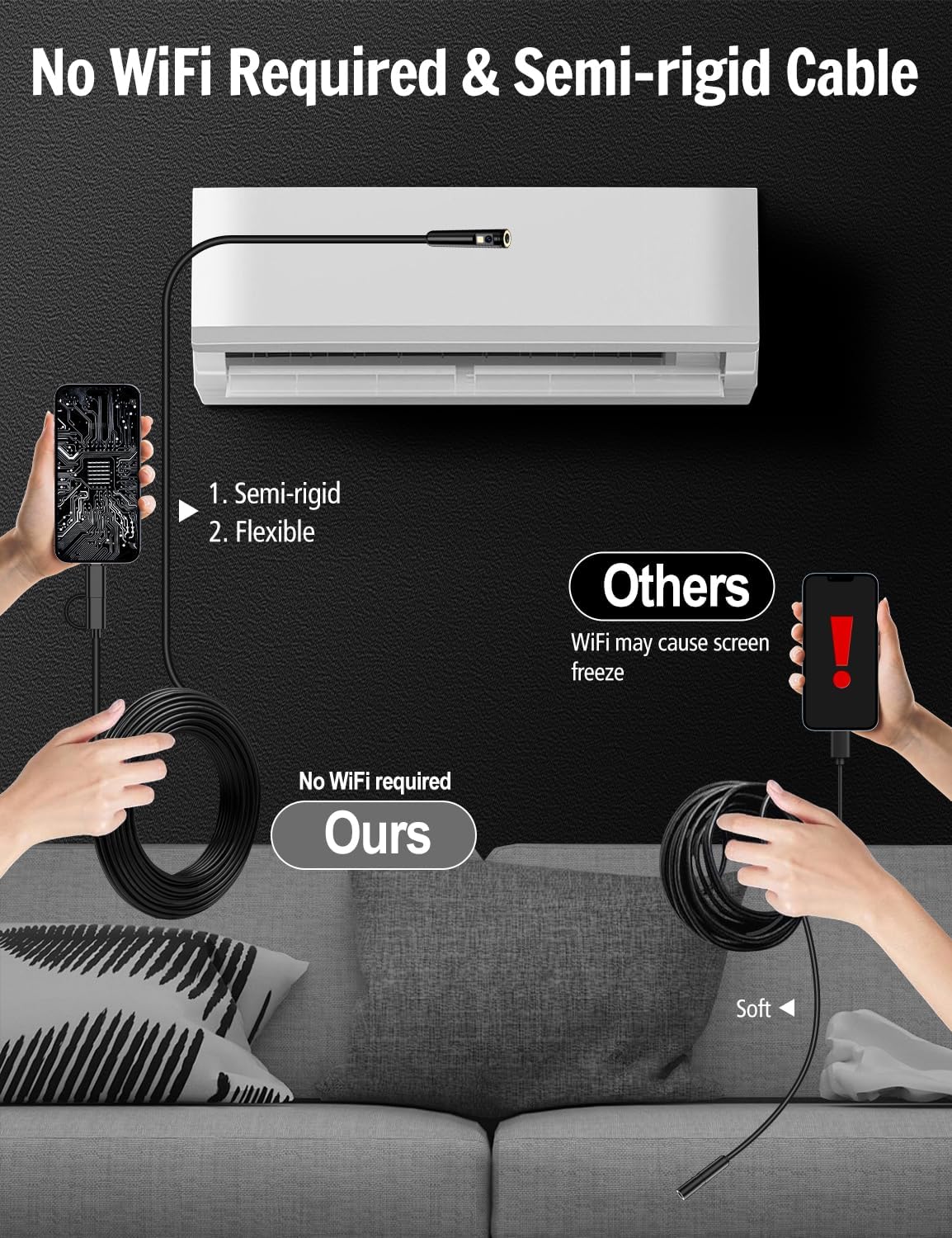
If you need to look inside pipes, drains or tight cavities when the lighting and visibility are the problem, this dual-lens endoscope inspection camera is built around that exact job. It uses a semi-rigid “snake” cable, a camera head with two lenses and adjustable LEDs, and a companion app workflow rather than WiFi or Bluetooth.
It’s not perfect for every scenario though. If you’re expecting a fully wireless, set-it-and-forget-it experience or a cable that behaves like a completely flexible inspection probe, it may feel a bit restrictive. On paper, it sits in the practical, DIY-to-semi-pro category: handy for troubleshooting blockages and checking what’s going on where you normally can’t see.
The essentials (what it is and why you’d buy it)
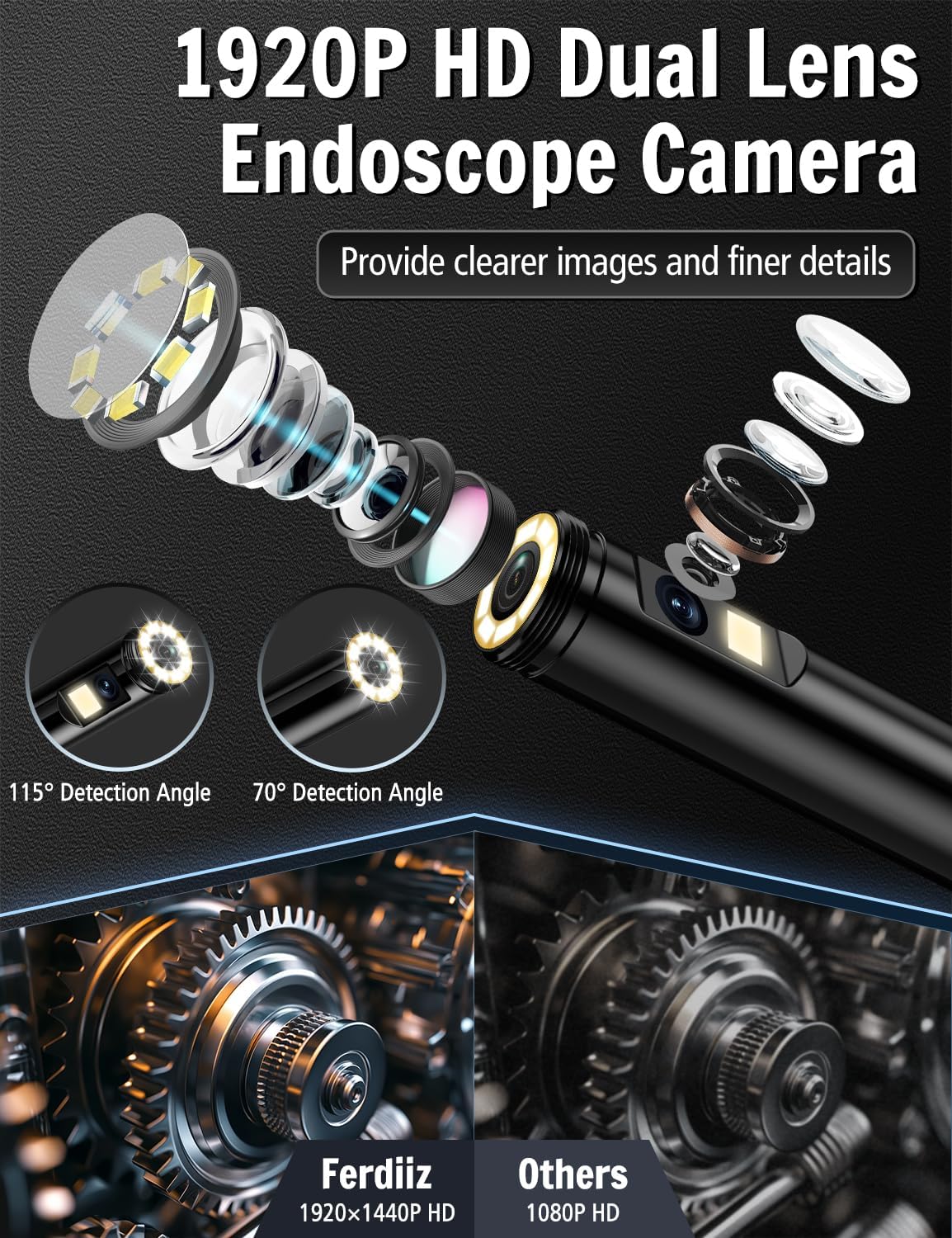
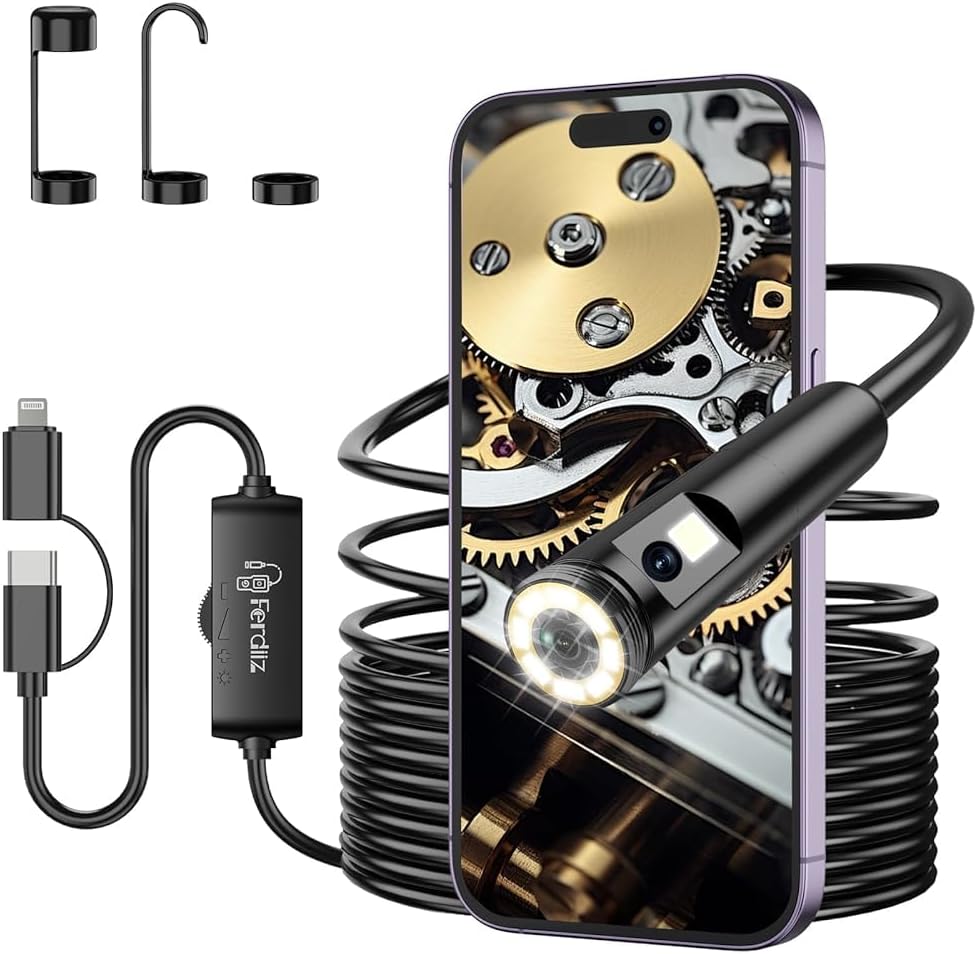
This Dual-Lens Endoscope Inspection Camera is a wireless borescope for inspection and documentation. The key selling points in the spec you’ve got are the dual lenses for different viewing angles, 1920P HD imaging, and 8 adjustable brightness LED lights so you can still see in dark environments.
The camera is designed to help you spot blockage or objects inside drains and similar plumbing runs. With the ability to switch lens views, the side lens is meant to widen the viewing angle, which can make it easier to locate what’s causing the problem.
A practical detail: there’s a “plug and play” approach with the app. The description emphasises no Bluetooth connection, no WiFi and no charging. Instead, you download the app, connect the borescope, and then use the camera from there.
What you’ll notice in use (dual-lens + LEDs + lens switching)
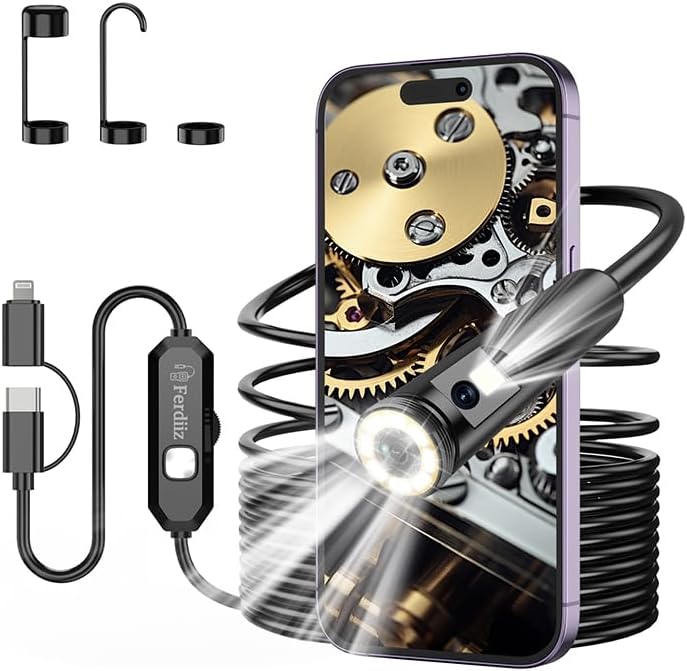
Where this model looks more thoughtful than a basic single-lens borescope is its dual-lens layout. The front and side lenses are intended to support different line-of-sight angles, which matters when you’re trying to understand the geometry of a pipe bend or find an obstruction that isn’t directly in line with the camera head.
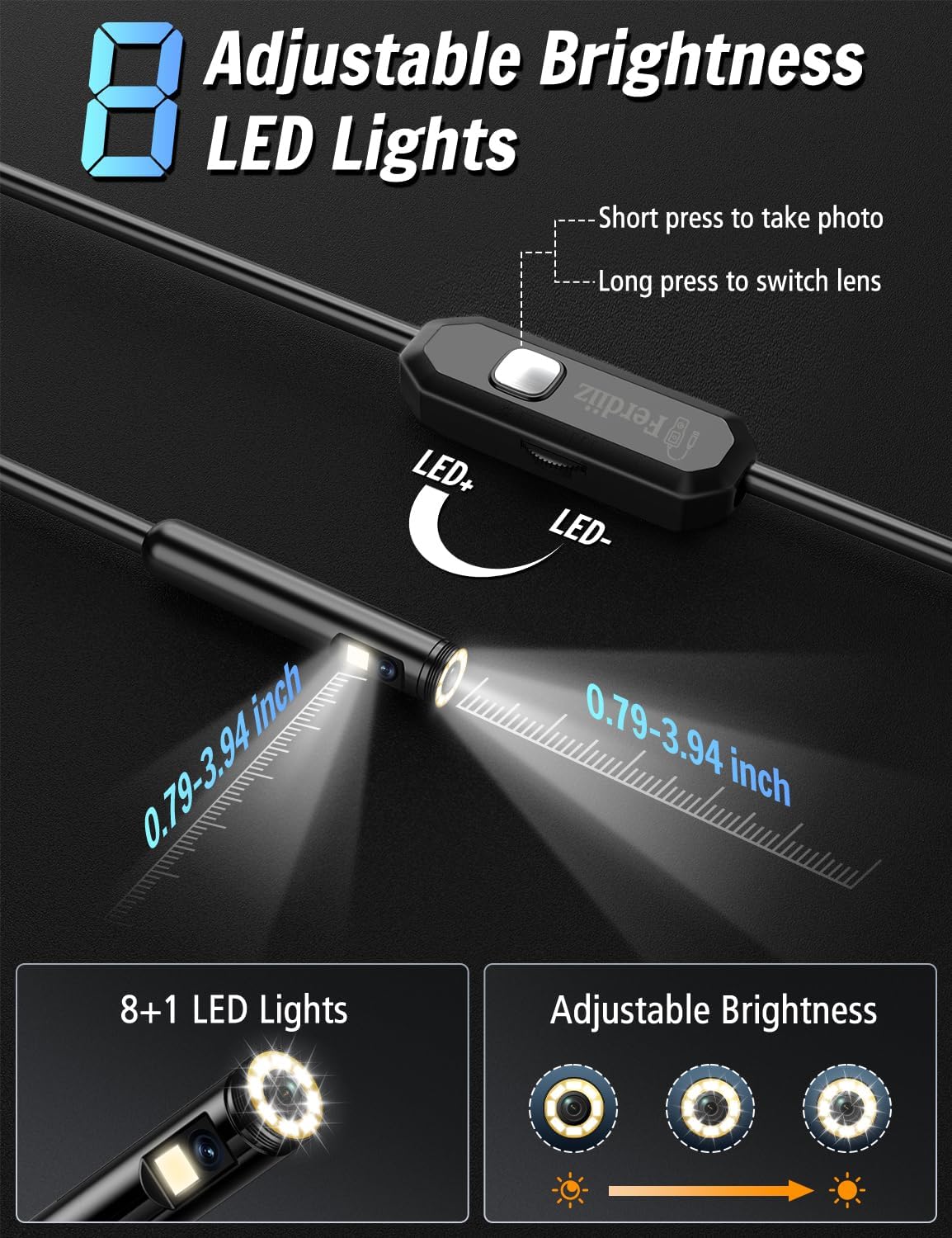
The controls are also described in plain terms: a long press (2 seconds) switches the lens view, while a short press is used to take a picture. The practical value here is that you can adjust your view without stopping to reposition immediately—useful when you’re already wrestling the cable into place.
The LEDs are another day-to-day factor. You get 8 adjustable lights, so you’re not stuck with either “too dark to see” or “too bright and washed out” situations. The limitation to keep in mind: if the obstruction is reflective or very close, changing brightness will help, but it still won’t turn this into a professional-grade imaging system.
The app workflow (no WiFi/Bluetooth, but you need the right phone)
This borescope depends on a mobile app called “Usee Plus”. For iOS devices, it’s downloaded from the Apple App Store (or installed by scanning the QR code shown in the picture). For Android, it’s available on Google Play (or via QR code install too).
The phone compatibility in the input is: Android 6+ and iOS 9+ and above, with “more compatible models being updated”. If your device is below those versions, you may end up with compatibility friction—so it’s worth checking your phone OS before you commit.
A nice practical feature mentioned is picture comparison: the app supports APP split-screen comparison. In other words, you’re not just taking a random snapshot—you can compare views to better judge where a blockage sits or how your troubleshooting progresses.
Cable reach and build (semi-rigid, bendable, and IP67 waterproof)
The inspection cable is described as 5 metre semi-rigid, with the overall product name referencing 16.4ft. Semi-rigid is a compromise: you can bend and shape the cable to guide the camera head, rather than having to fight a permanently stiff probe.
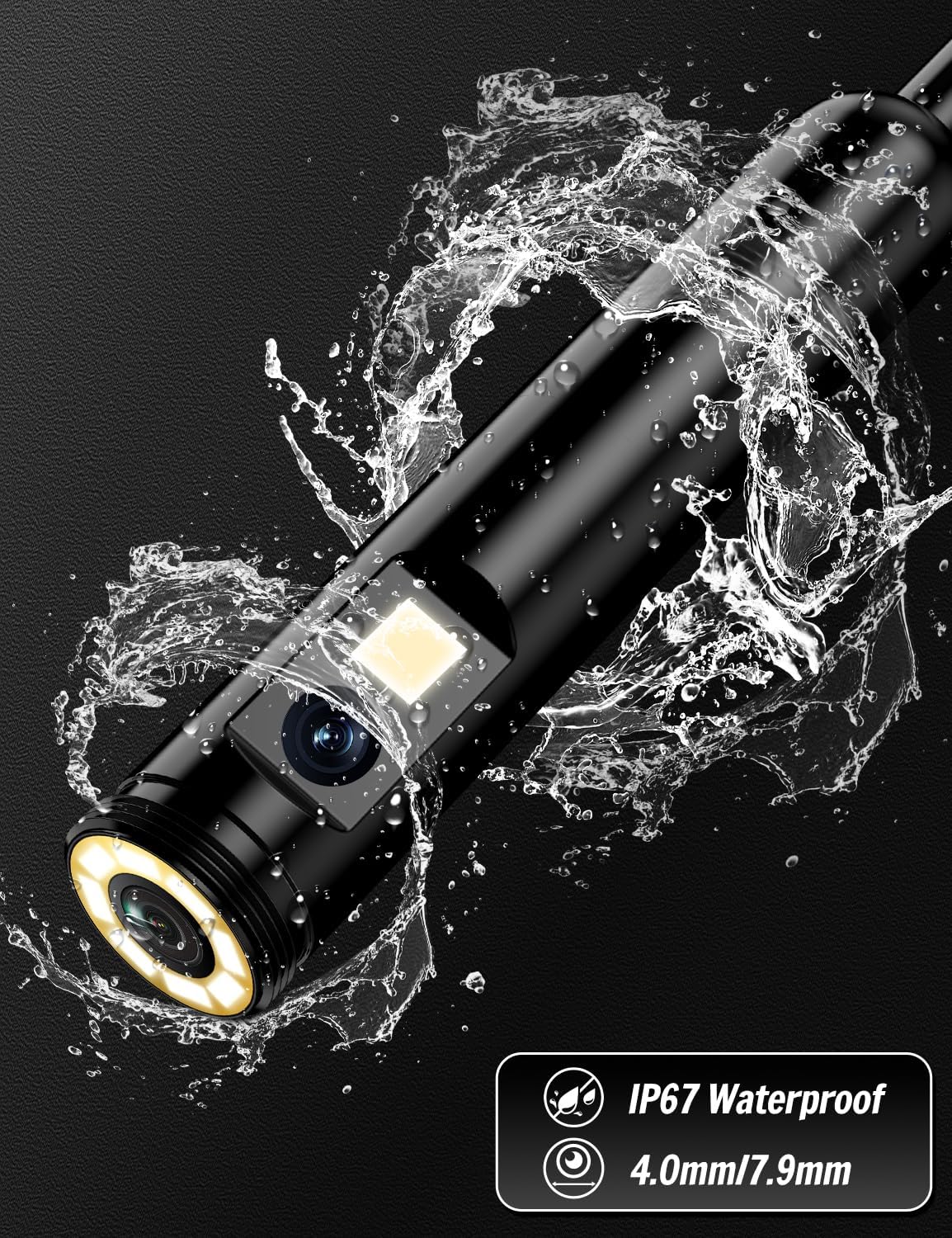
The other build claim to take seriously is IP67 waterproofing. That’s aimed at wet environments and even underwater use as an inspection camera for drains, sewer detection and similar tasks. For anyone who has tried to use an endoscope in a damp pipe and then worries about water ingress, IP67 is at least reassuring on paper.
Still, don’t ignore the reality: semi-rigid cables can be great for guiding, but they may not reach every awkward corner as easily as a fully flexible probe. If your job often involves very tight bends, you may find you need more patience positioning the camera.
Key specifications to pay attention to
The input doesn’t include a complete spec sheet, but it does provide several decision-driving details worth holding onto: it’s a dual-lens wireless borescope with 1920P HD imaging, 8 adjustable LEDs, and a semi-rigid 5 metre cable. It also uses dual lenses with a front lens focal length range listed as 0.79–3.94 inch.
What’s in the box (and what that means for first use)
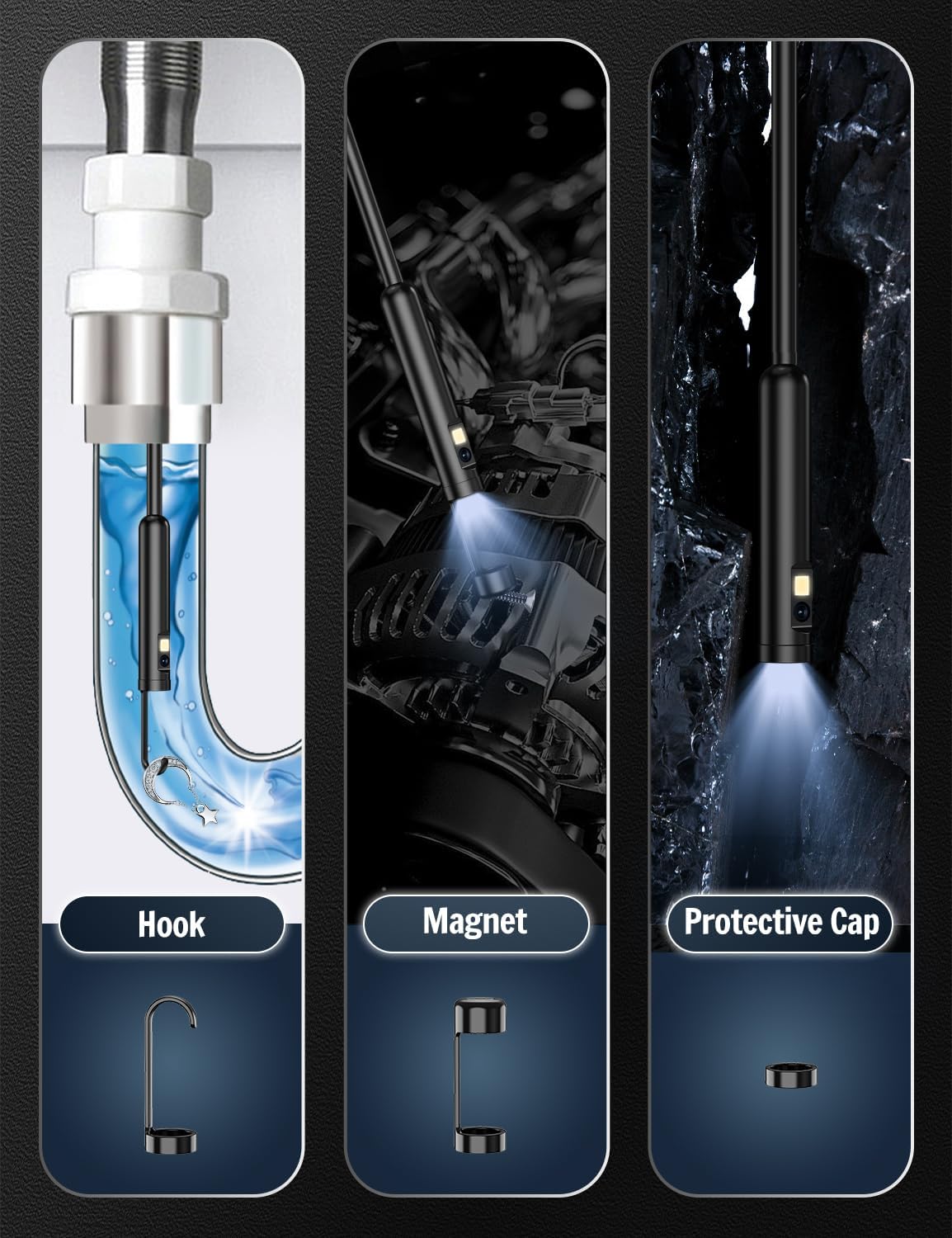
From the package contents, you get the 10m dual lens endoscope camera (quantity 1), a magnet (1), a hook (1), a protective cap (1), and a user manual (1).
That’s a decent starter kit for inspection work because magnet and hook accessories can help you retrieve or test small items once you’ve located them—assuming the problem is something you can physically pull out rather than something deeper in the pipe.
One slight note of caution: the listing mentions both 5 metre semi-rigid cable in the description and “10m” in the package contents. If cable length is critical to your use case, it’s worth checking the exact listing details before you buy.
Pros
- Dual-lens approach with lens switching, designed to widen the viewing angle and help troubleshooting
- 1920P HD imaging (better for evidence and clearer inspection)
- 8 adjustable LEDs for dark environments
- Semi-rigid cable you can shape to guide the camera head
- IP67 waterproof rating, aimed at drains and wet inspection
- App features include picture comparison and split-screen comparison for easier analysis
Cons
- Relies on the Usee Plus app and phone compatibility (Android 6+ / iOS 9+). If your device is older, it could be a blocker
- No Bluetooth/WiFi mentioned, so you’re not getting a self-contained wireless stream
- Semi-rigid cable is helpful, but it may not suit every tight-bend scenario
- Cable length details look slightly inconsistent in the input (5 metre vs 10m). Verify before purchasing if reach matters
¿Merece la pena? (Is it worth buying?)
This Dual-Lens Endoscope Inspection Camera is likely worth your attention if you want a practical way to inspect drains, sewer lines or other hard-to-see areas, and you’re happy to use a phone app for capture and comparisons. The dual-lens view switching and the split-screen comparison are the standout “why this one” ideas in the description, because they help you make sense of what you’re looking at rather than just recording blur.
It’s probably not the best fit if you mainly want a cable that behaves like a fully flexible probe, or if you need a fully wireless, no-app workflow. And if your phone is below Android 6+ or iOS 9+, you may hit compatibility limits.
For day-to-day use, a micro-scenario helps: imagine you suspect a blocked sink or shower drain. You shape the semi-rigid cable, lower the camera head, adjust the 8 LEDs until the pipe walls are clear, switch from the front lens view to the side lens using the 2-second long press, then take pictures and compare them in the app split-screen to confirm where the obstruction sits.
Quick buying checklist (before you press buy)
- Confirm your phone OS matches Android 6+ or iOS 9+ and that you’re comfortable using the “Usee Plus” app
- Check the exact cable length you’ll receive (the input mentions both 5 metre and 10m)
- Decide whether semi-rigid cable guidance fits your pipe layout, especially around bends
- Be realistic about what you can retrieve using the included magnet and hook—some blockages may require different tools
Who it suits (and who should skip it)
It suits buyers who want a clear enough camera (1920P), decent lighting control (8 adjustable LEDs), and an inspection workflow that helps with troubleshooting blockages via lens switching and picture comparisons. It also makes sense if you regularly deal with wet inspection environments and want an IP67 waterproof rating.
You may want to skip it if you require a different style of connectivity, your phone OS is outside the stated range, or you’re expecting a plug-and-play endoscope experience without any app involvement.
FAQ
Does this endoscope use WiFi or Bluetooth?
The input explicitly mentions no Bluetooth connection and no WiFi, and no charging. It’s described as plug and play once you download the Usee Plus app and connect the borescope.
Can I switch between the two camera views?
Yes. A long press for 2 seconds switches the lens view, while a short press is used to take a picture.
Is it safe to use in wet drains?
The camera is described as IP67 waterproof, which is aimed at use as an underwater inspection camera for drains and similar environments.
What app does it use?
The input says the app is called “Usee Plus”, available via the Apple App Store for iOS and Google Play for Android, with QR code installation options.
What accessories come in the box?
You get a magnet and a hook, plus a protective cap and a user manual.