

Ninetom Wireless CarPlay & Android Auto 12.3'' Car Radio for Audi Q5 (2014-2019) with MIB System
Product description
What this is and what it’s for
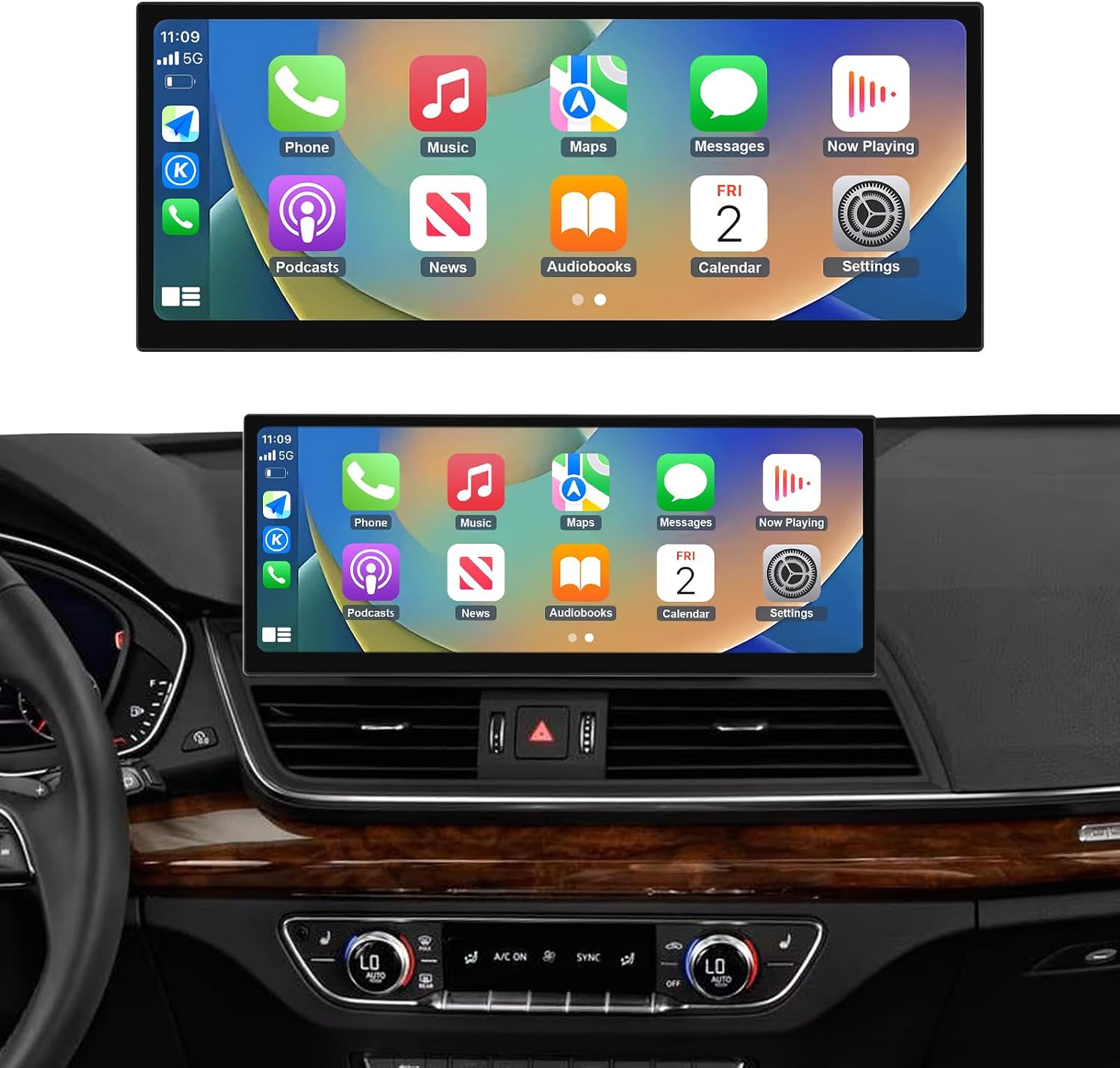
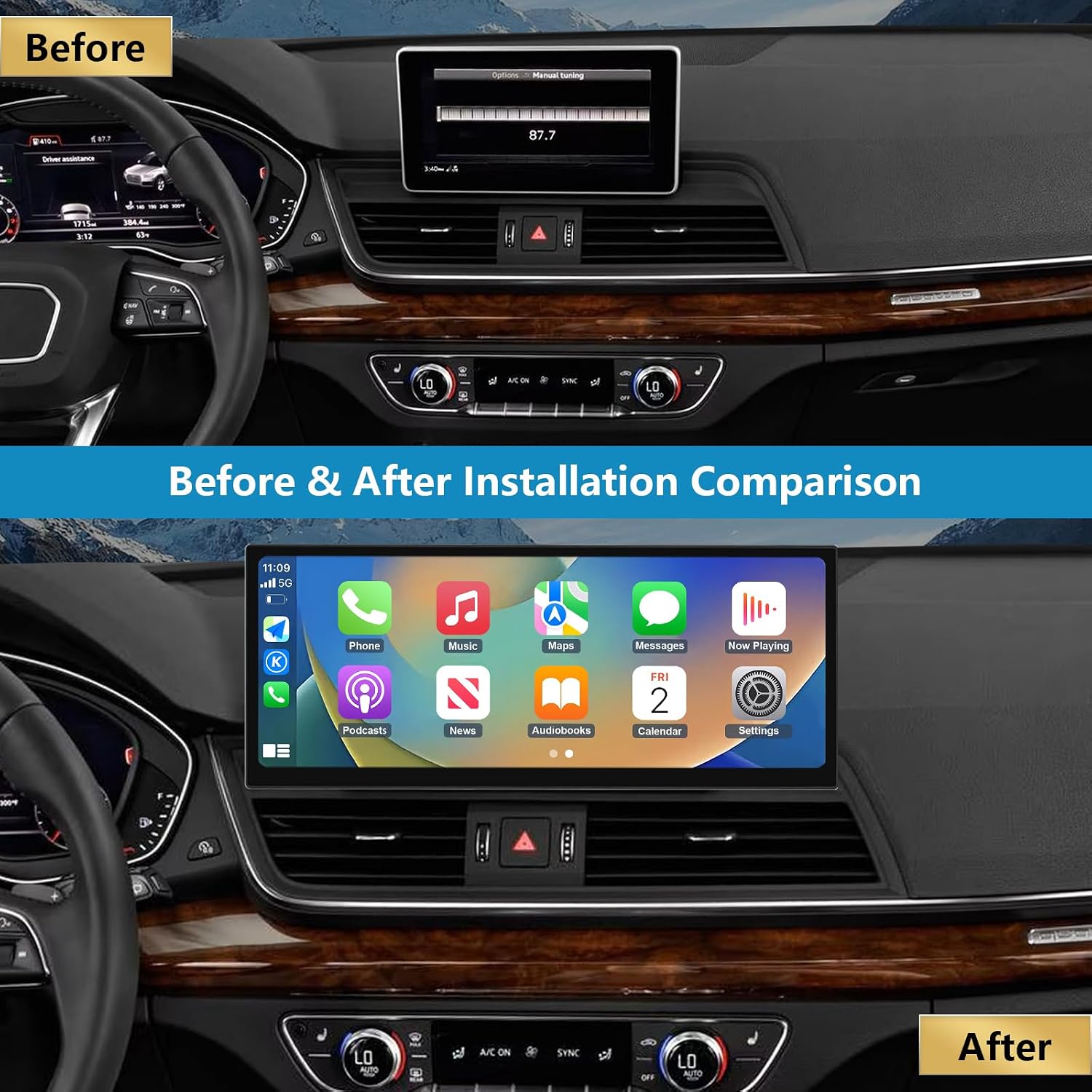
The Ninetom 12.3-inch upgraded car stereo is designed for Audi Q5 models with the MIB system. It brings wireless CarPlay and Android Auto, Mirrorlink, Bluetooth music and multi-language settings to the dashboard screen. On paper, this setup aims to mirror your phone’s maps, messages, calls and music onto the car’s display, while keeping the vehicle’s existing controls intact. If you prioritise a cleaner, more modern infotainment experience without swapping the whole head unit, this model is worth considering.
How it fits your Audi Q5
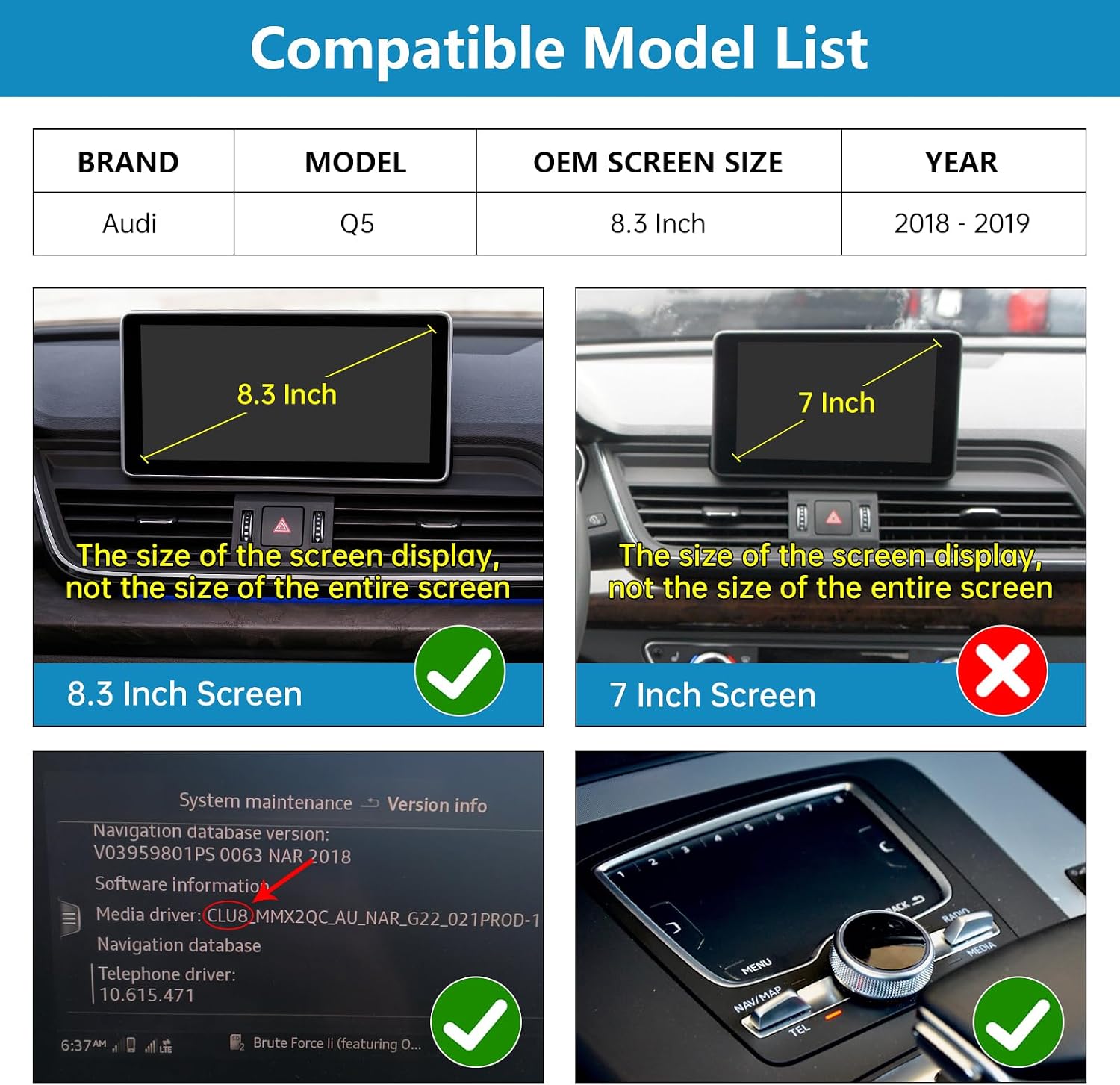
The notes specify compatibility with Q5 models from circa 2018–2019 that run the MIB system. The vendor provides a quick way to check the firmware version (Start Menu → MMI Settings → Version Information). If you’re unsure, they request a photo of the system version. The installer emphasises non-destructive installation, meaning the original dashboard is removed and reassembled without damaging the vehicle’s control units. There is no stated modification to the vehicle’s ECU, which is typical for aftermarket head units that preserve the car’s factory electronics.
What you get and what goes with it
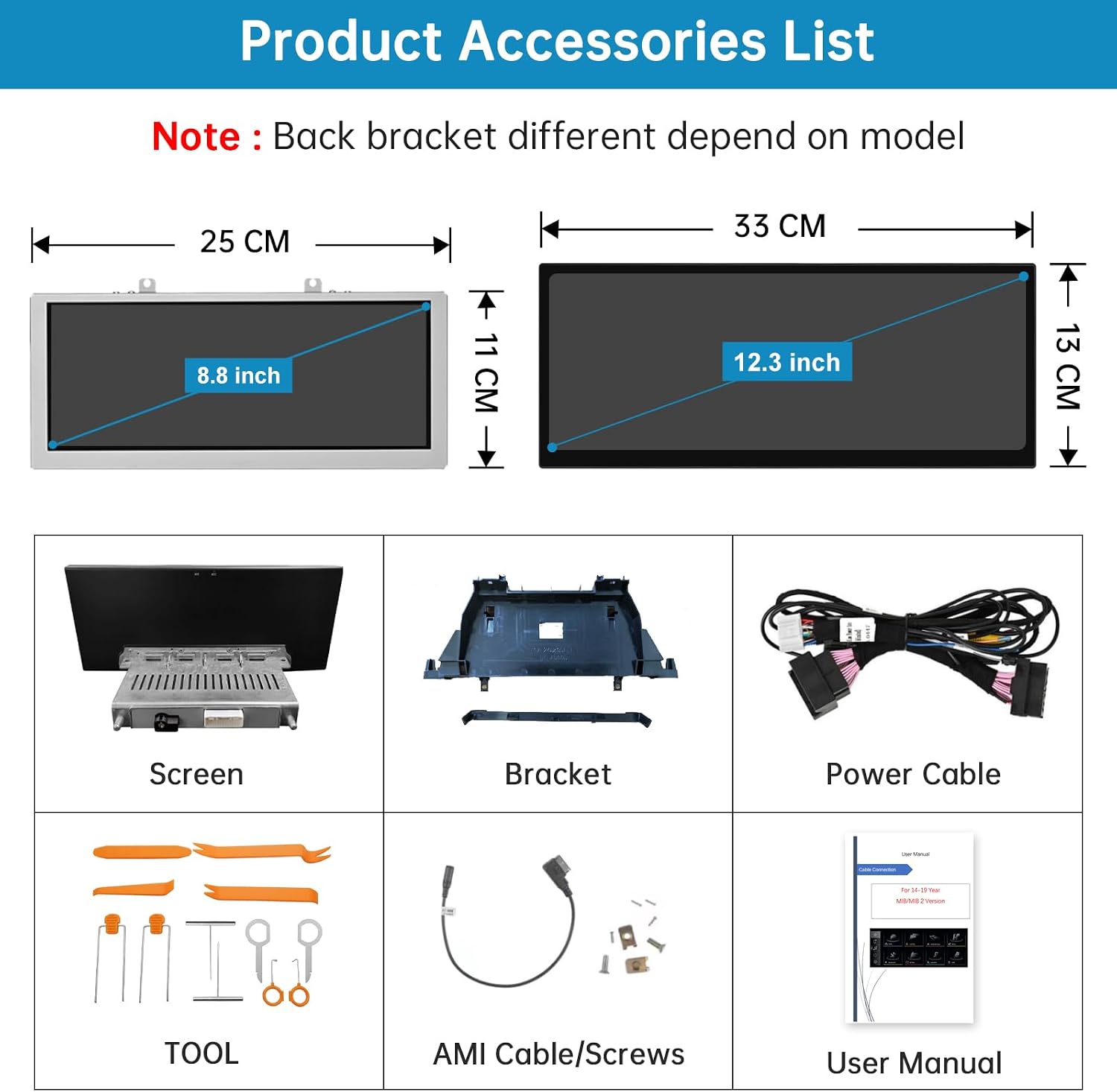
Included in the package is the 12.3-inch upgraded car stereo along with the necessary cables and installation instructions. A 12-month warranty and professional after-sales support are noted, which can be reassuring if you’re investing in a device that will sit at the heart of the dashboard.
Performance and interface on the screen
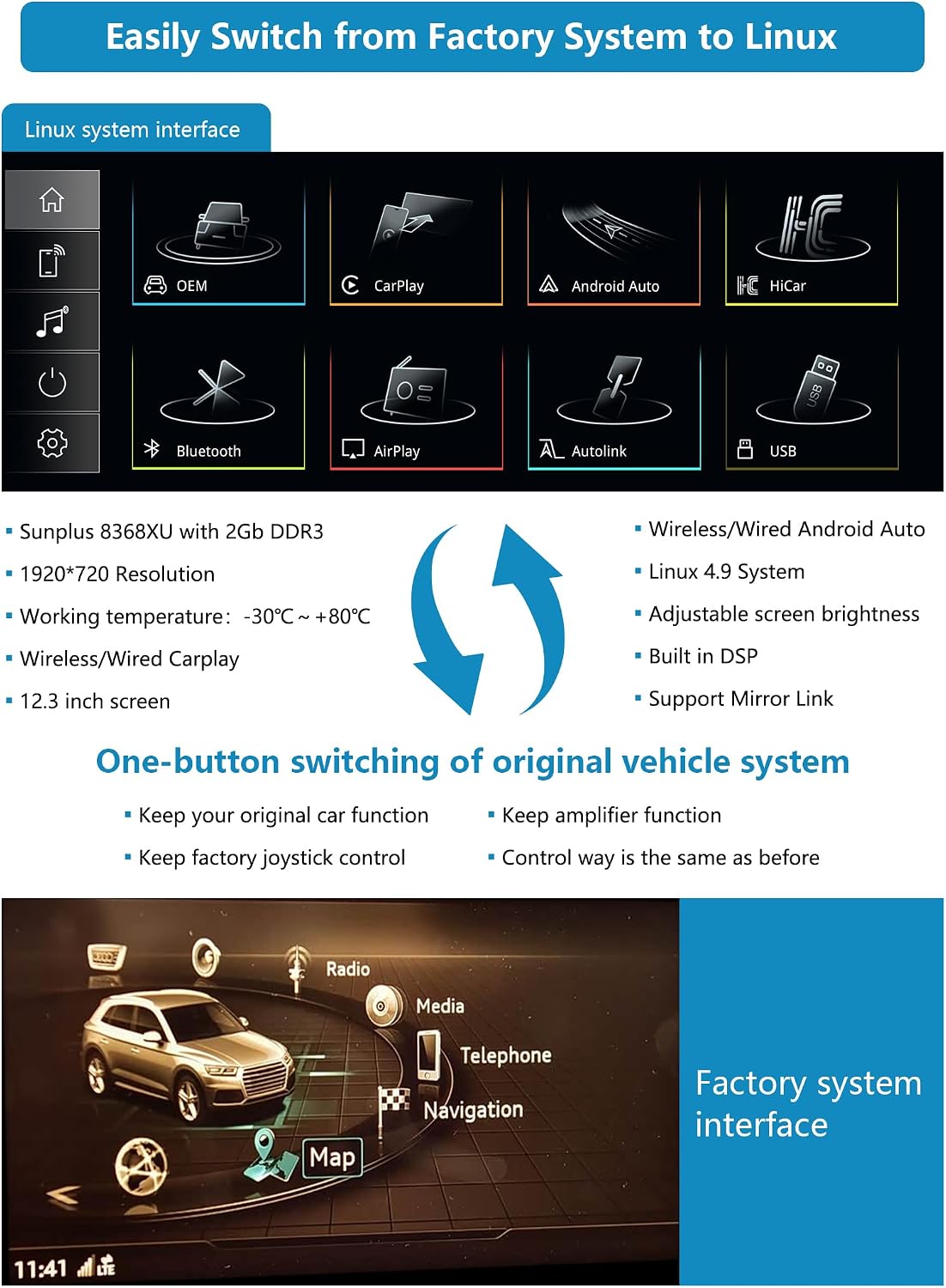
Resolution is listed as 1920x720, which aims to provide a clearer image on the touchscreen. CarPlay and Android Auto work to project compatible apps onto the screen after a successful connection. It’s important to note that this upgrade does not grant the ability to download new apps directly onto the head unit, instead you access apps from your phone and mirror them to the display.
What’s functional and what isn’t guaranteed
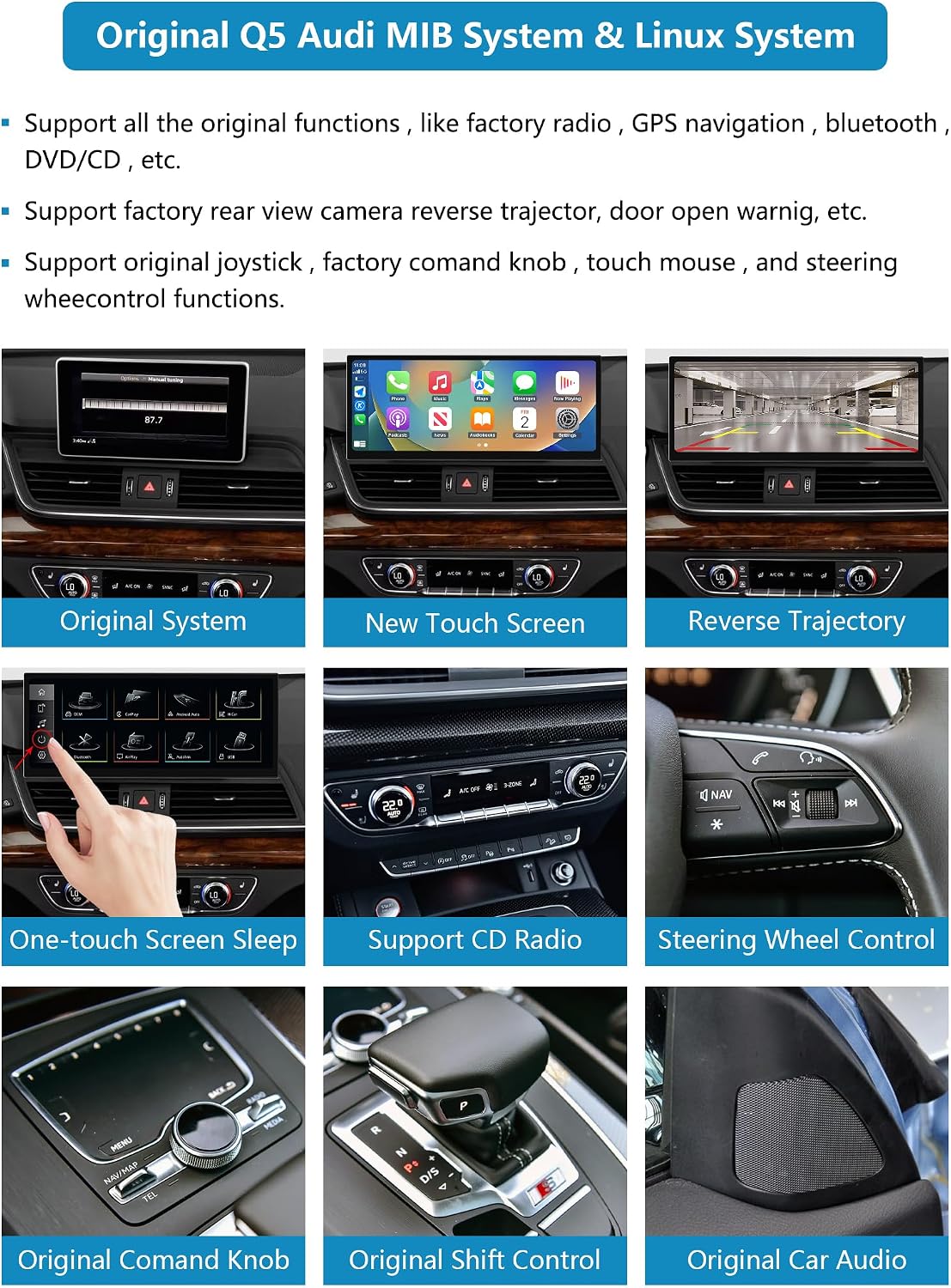
The product advertises continued support for the original car functions—radio, amplifier, steering wheel controls, rearview mirror and reversing camera—without altering the vehicle’s control unit software. In practice, this means you should still be able to rely on existing interfaces while gaining access to modern smartphone features. If you rely heavily on the car’s original integrations, this balance can be a strength. However, variability in installation quality and the user’s technical aptitude may influence the final experience, particularly around button mappings and screen responsiveness during a retrofit.
Pros and cons in real-world terms
- Pros: wireless CarPlay/Android Auto, Mirrorlink, improved touchscreen experience, preserves original car functions, non-destructive installation, warranty and support.
- Cons: you won’t download apps directly onto the head unit, and some users may need to verify exact MIB version compatibility before purchase. The clarity of the on-screen maps and responsiveness can hinge on the vehicle’s existing amplifier and display integration.
Who this is for
This upgrade is potentially a good fit if you want modern smartphone connectivity in an Audi Q5 without a full system overhaul, and you’re comfortable with a retrofit that requires some dashboard work. It may appeal to owners seeking a clearer display and the convenience of CarPlay/Android Auto on their original car screen.
Who it might not suit
If you need a fully independent app ecosystem on the head unit, or you require a guaranteed feature set beyond what smartphone mirroring provides, you might find this option limiting. It’s also worth noting that the practicality of installation depends on your vehicle’s exact MIB version and the installer’s proficiency. If you expect a plug-and-play result with minimal setup, this retrofit could reveal more complexity than a simple swap.
When it makes sense to buy
Consider this upgrade if you value wireless CarPlay/Android Auto, a larger touchscreen, and keeping the existing car controls intact. The 12-month warranty and professional support add a level of reassurance for a retrofit project.
When to skip it
If you require direct access to a broad app store on the head unit, or cannot confirm your MIB software version compatibility from the outset, you may prefer to explore alternatives or request additional confirmation from the seller before committing.
What to check before purchasing
- Confirm your Audi Q5 model year and MIB version using the described settings path. If in doubt, provide a photo as requested.
- Ensure the installation is described as non-destructive and that the wiring won’t interfere with existing electronics.
- Clarify what “Mirrorlink” functionality entails for your phone, and whether you anticipate any latency or compatibility limits with some apps.
- Verify what is included in the box beyond the head unit and what support is offered after installation.
Practical usage example
Imagine you’re navigating to a new café while keeping calls and music under control via the steering wheel. You pair your iPhone and the screen instantly mirrors your Maps, messages and playlist. You can glance at turn-by-turn directions while keeping hands on the wheel, without juggling your phone. The improved resolution helps you read maps more clearly at a glance, and wireless CarPlay means you don’t need a USB cable each time you drive.
FAQ (where data allows)
- Q: Will it affect the car’s original controls? A: The upgrade claims to retain original functions like the radio, amplifier and rearview mirror, no ECU changes are reported.
- Q: Can I download apps on the head unit itself? A: The description indicates you access apps via your phone, apps aren’t installed directly on the screen.
- Q: How long does installation take? A: The notes mention non-destructive installation and a set of included accessories, but no explicit timeframe.
Decision from the buyer
Should you buy it?
It’s worth considering if you want modern smartphone integration on an Audi Q5’s existing display without a full head-unit swap, and you’re comfortable with a retrofit process that preserves original car functions. If your priority is a direct app store on the head unit or you’re unsure about the MIB version compatibility, you may want to reassess or seek further confirmation before purchasing.