

NIIMBOT D110 label printer 1 roll included 📇
Product description
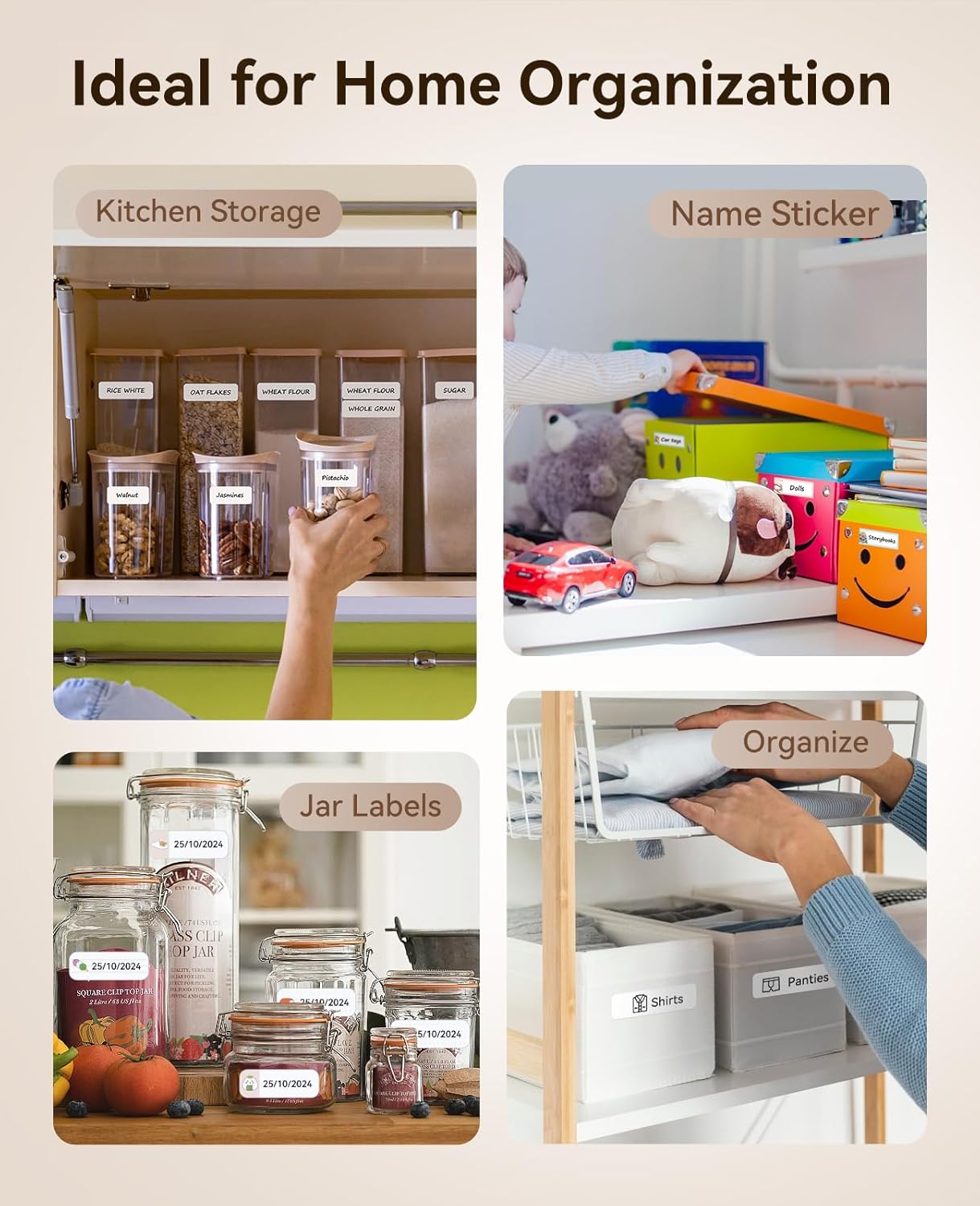
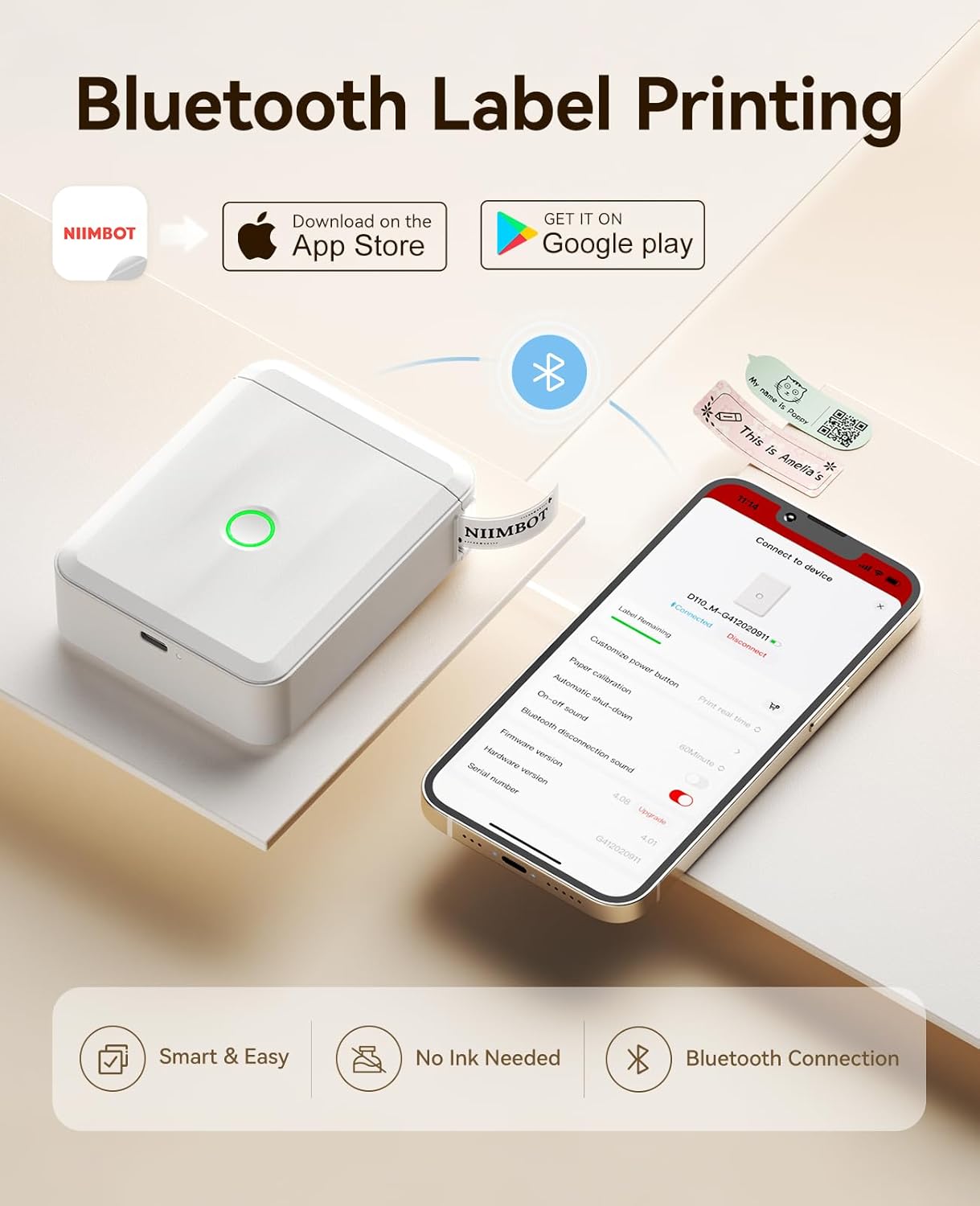
This compact thermal label printer is designed for quick, wireless printing of stickers and tags around the home, office or classroom. It connects to a phone via Bluetooth and works through the NIIMBOT app, making it easy to create address labels, jar tags and organisation stickers with custom fonts and icons.
Key Points
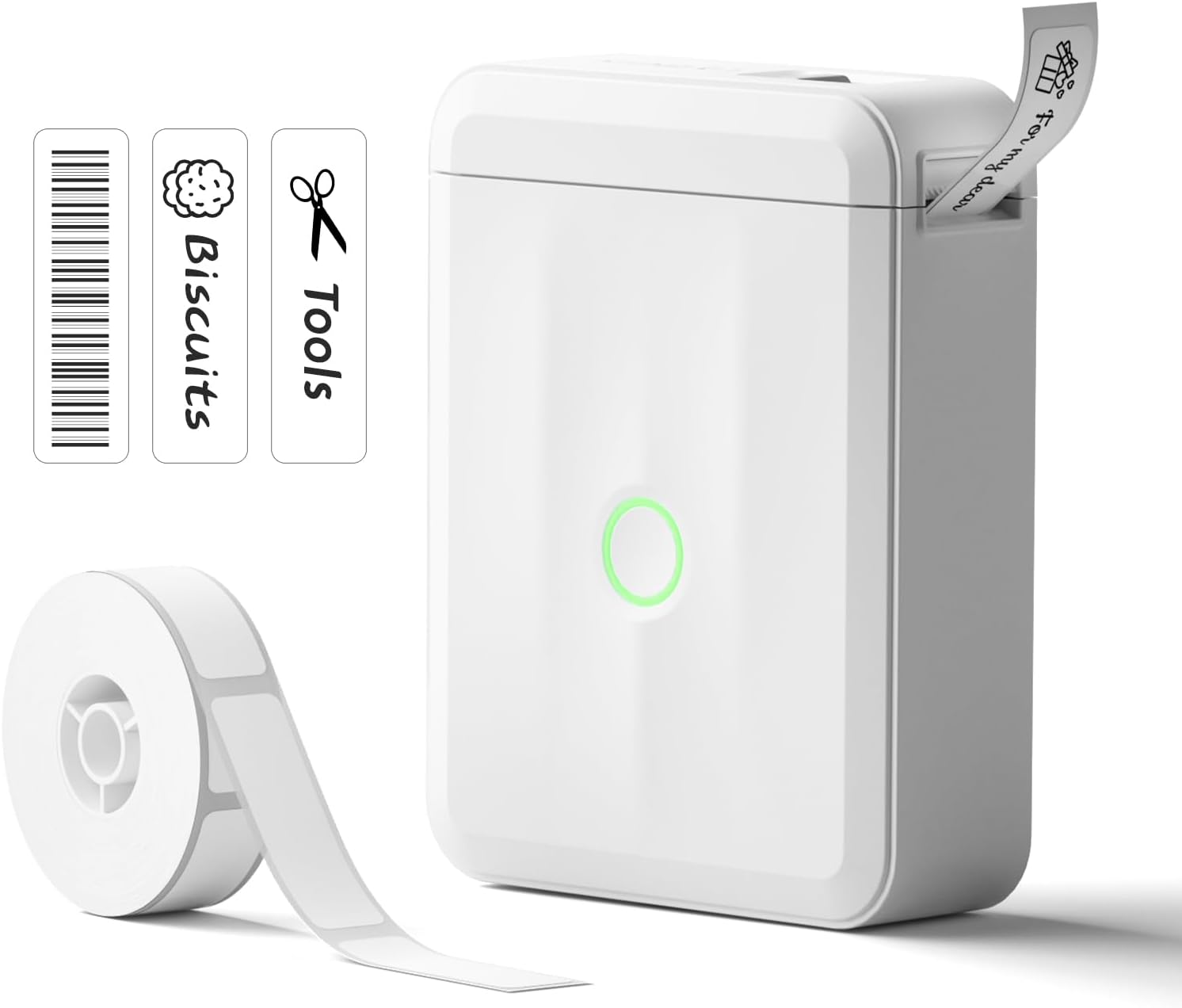
The D110 upgraded label maker is lightweight and rechargeable, so you can carry it between rooms or to different work zones without being tied to a mains supply. The companion app includes a wide selection of templates, fonts and frames, plus icons that help you personalise labels for storage, pricing and identification tasks. 📱
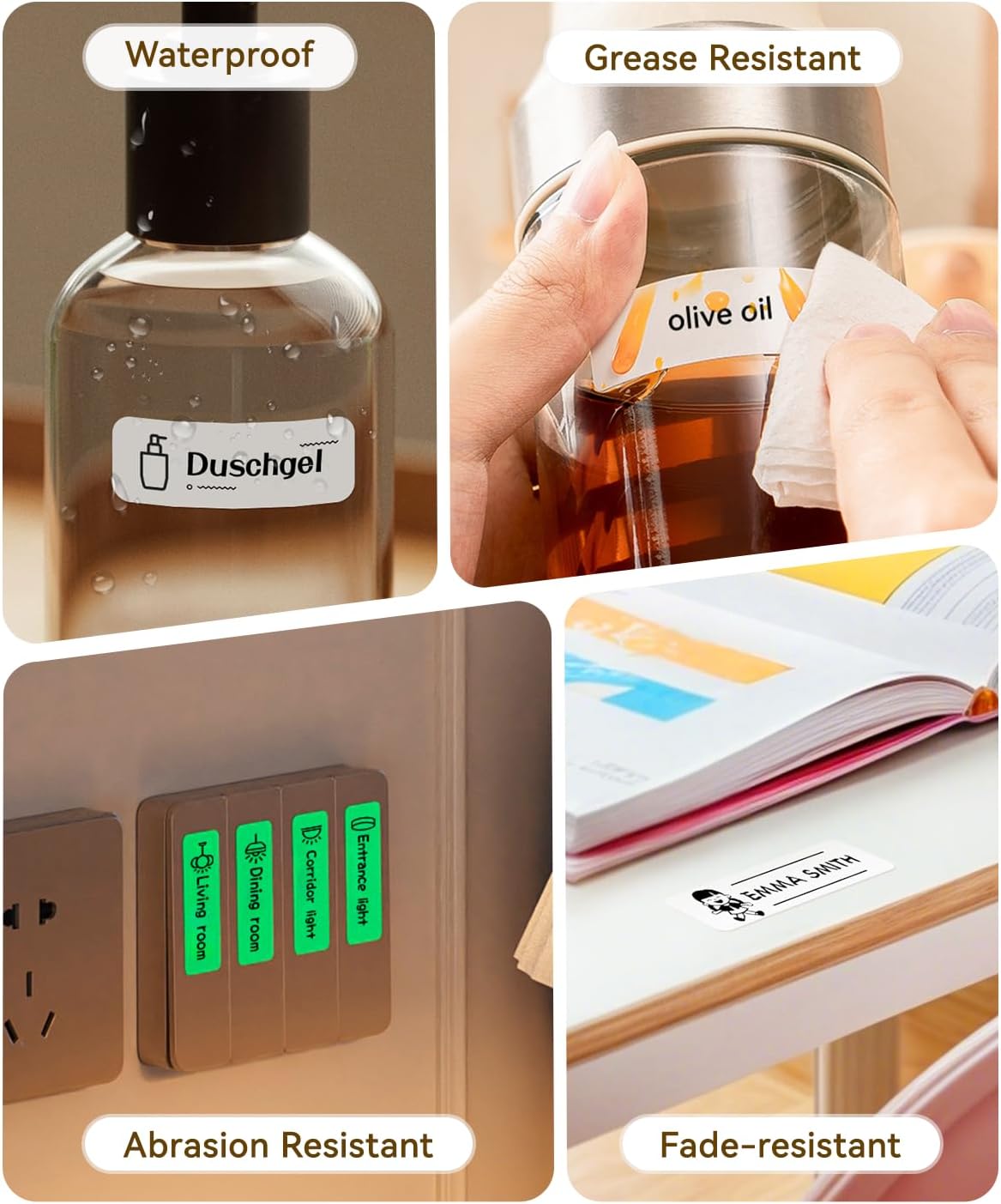
Printing uses direct thermal technology, which removes the need for ink, toner or ribbons and keeps operating costs lower according to the manufacturer. Labels are described as water and oil resistant with good adhesive performance for everyday use, and the built-in template recognition speeds up setup for different rolls of tape. ⚪
The unit also supports barcode and QR code printing, along with serial numbers and timestamps, which makes it useful for light inventory work and document marking. OCR is included to convert text from images into editable content in the app, a time-saver when labelling previously printed material.
Technical Specifications
- Name: NIIMBOT D110 Upgraded Version
- Printing method: Thermal printing
- Connectivity: Bluetooth
- Included consumables: 1 roll white starter label paper
- Power: Rechargeable battery
- App features: 19 fonts, 100+ frames, 1500+ icons
Usage Recommendations
For neat results, ensure the label roll is loaded smoothly and the printer head is free from debris. When working with jars or curved surfaces, press labels firmly for a few seconds to improve adhesion. If you plan to use labels in humid or greasy environments, test a small sample first to confirm the adhesive holds and the printed text remains legible. 🧾
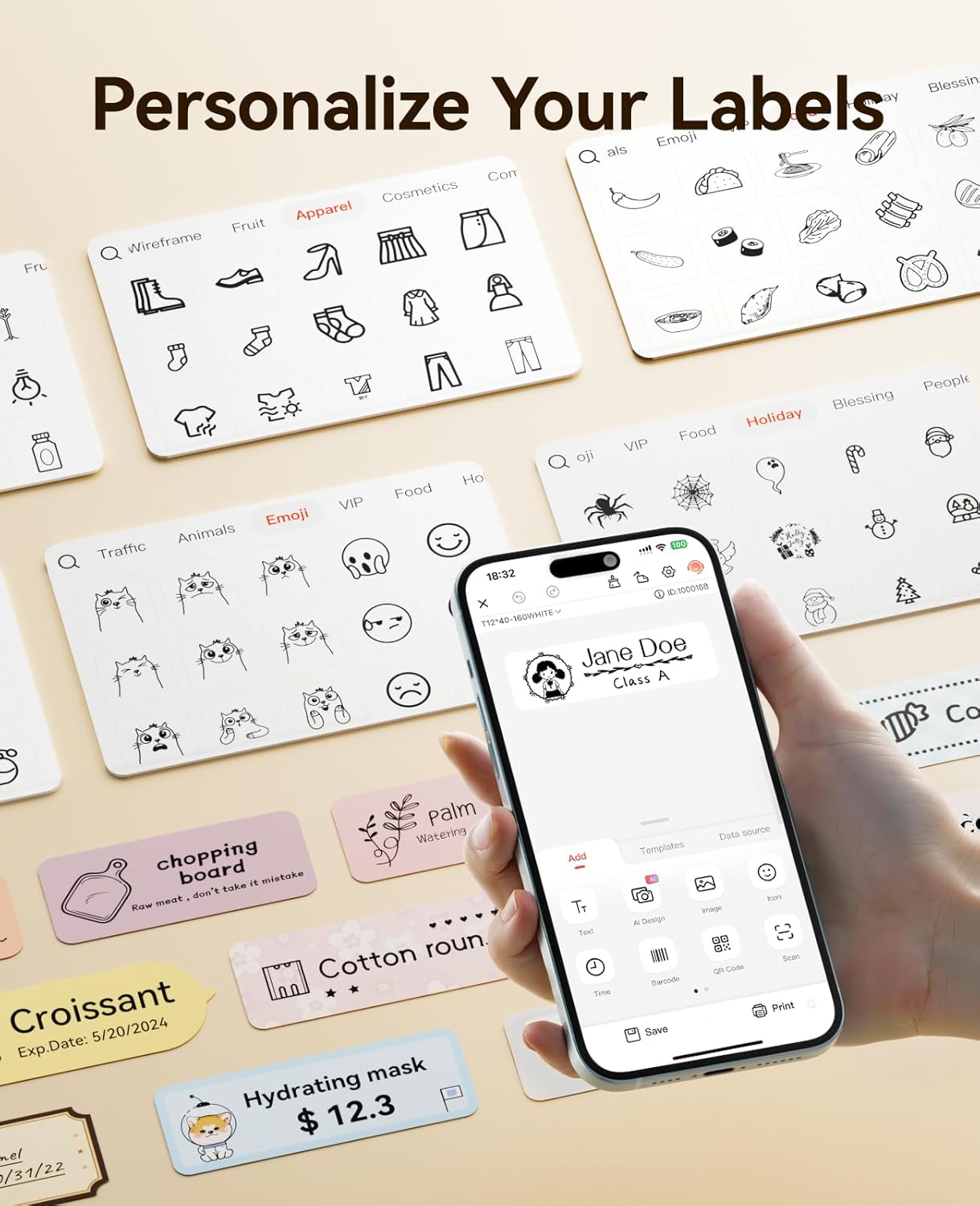
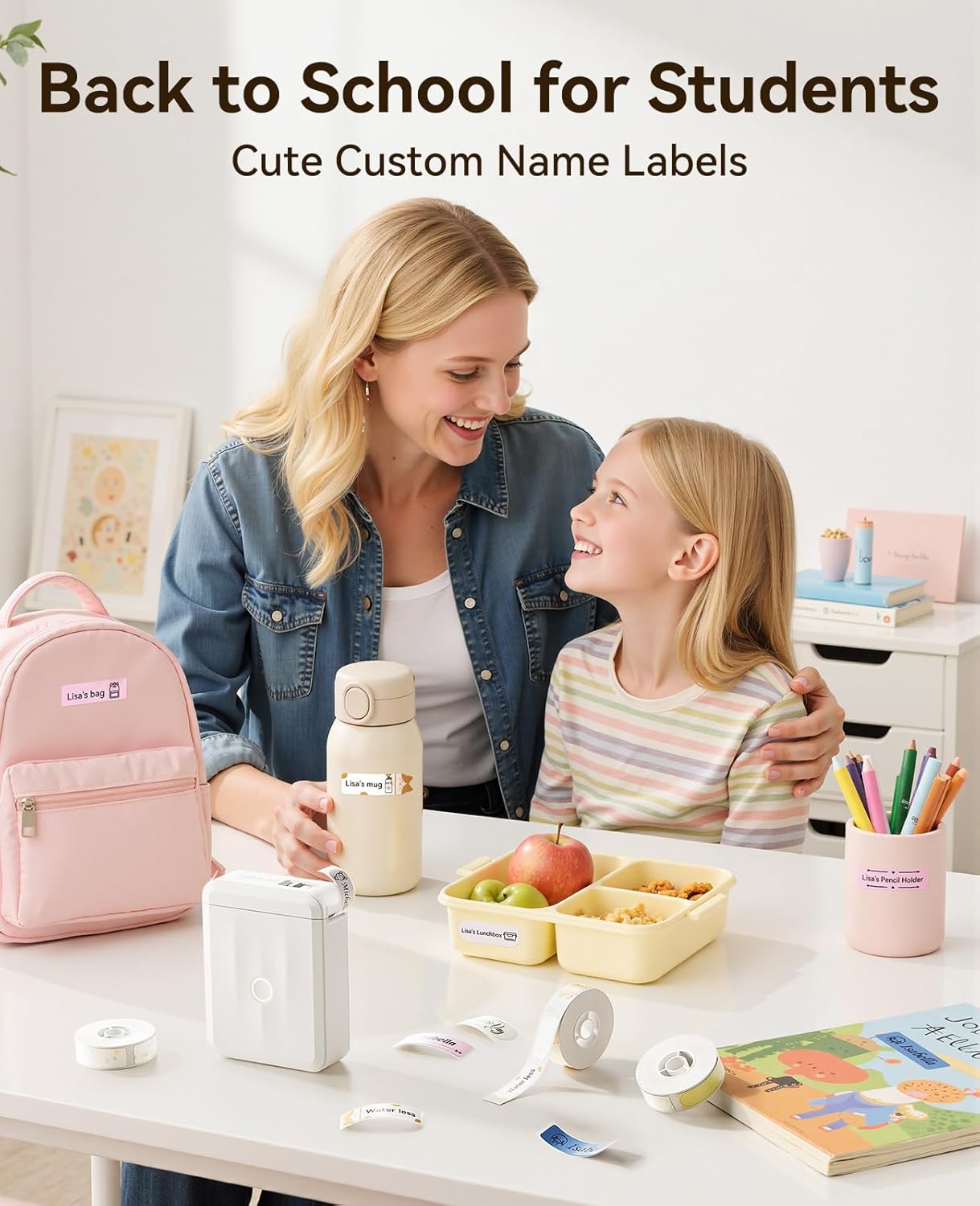
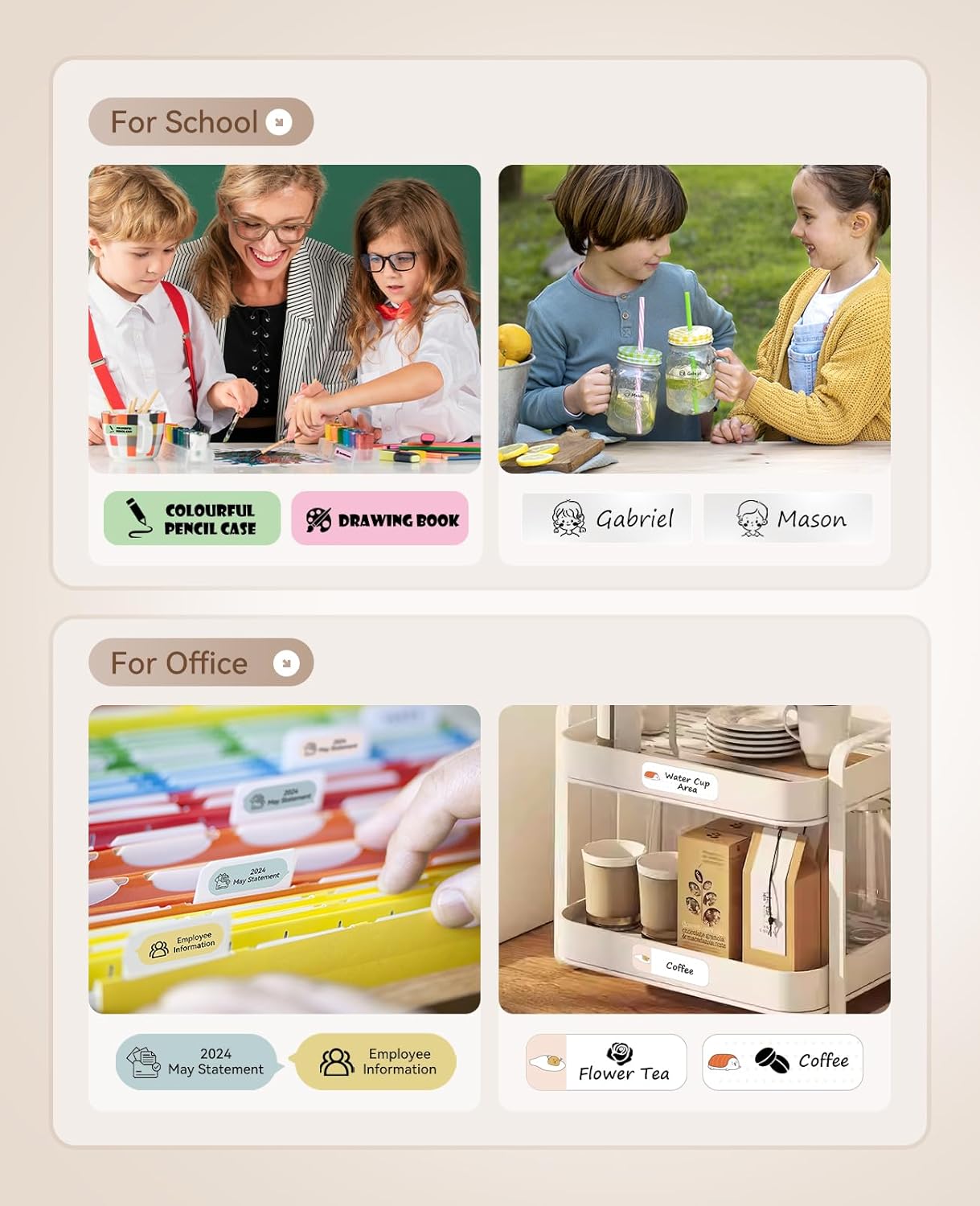
The app guides layout and element placement, so try a few template variations to match label size to the task. For bulk labelling in a classroom or small office, use the serial number and batch printing options to speed up repetitive jobs. OCR works best with clear, high-contrast images, so photograph documents in good light before extracting text.
Benefits
Creating custom stickers from your phone reduces time spent hand-writing tags and makes labels more consistent for storage and filing. The absence of consumable inks lowers long-term costs and simplifies maintenance, while the small footprint means the device is easy to store on a shelf or in a drawer. The D110 can make organisation feel faster and more systematic, particularly where quick, mobile label printing is useful.