

RERLYING Under Desk Cable Management Tray: No Drilling, No Damage, Metal Mesh with Clamp
Product description
What it is
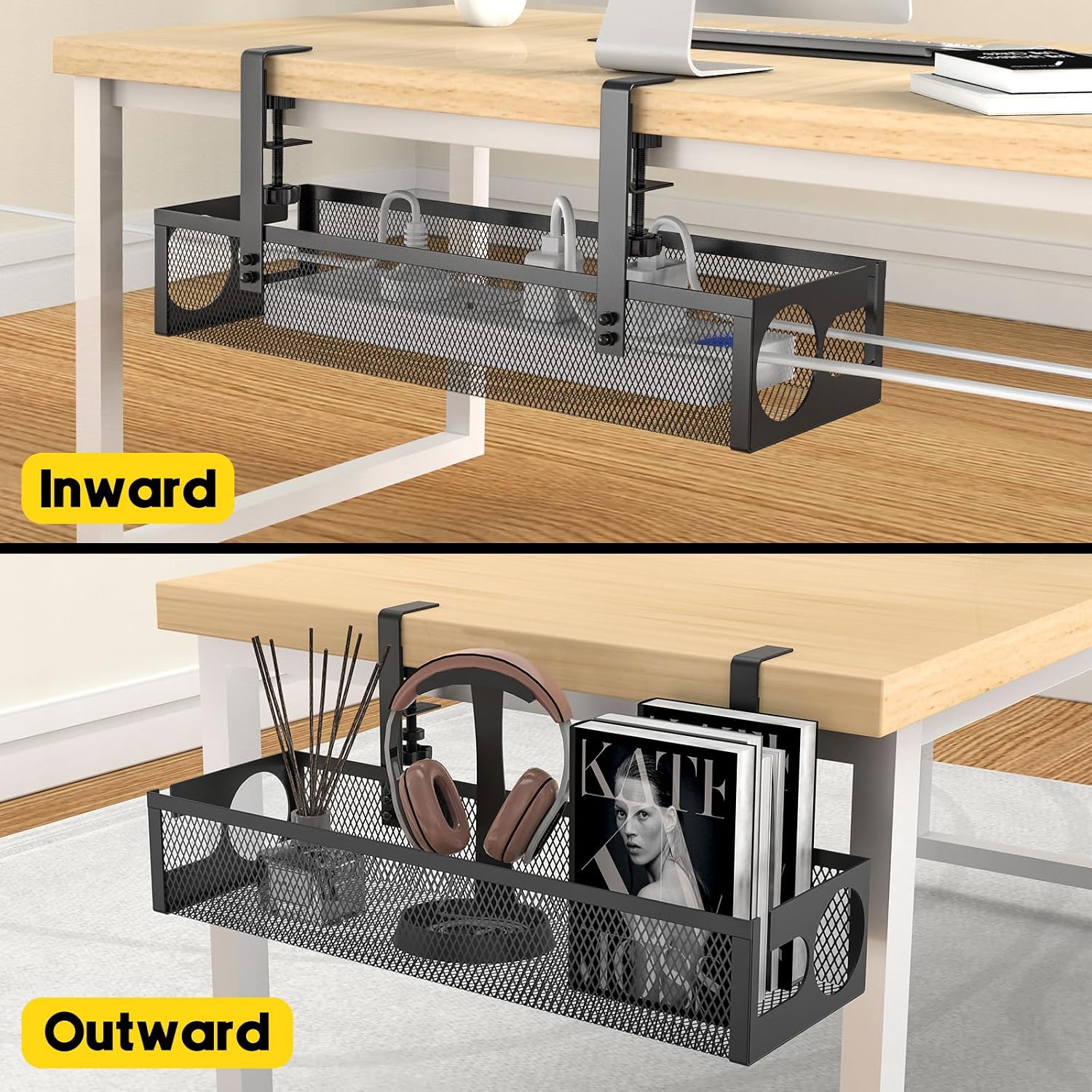
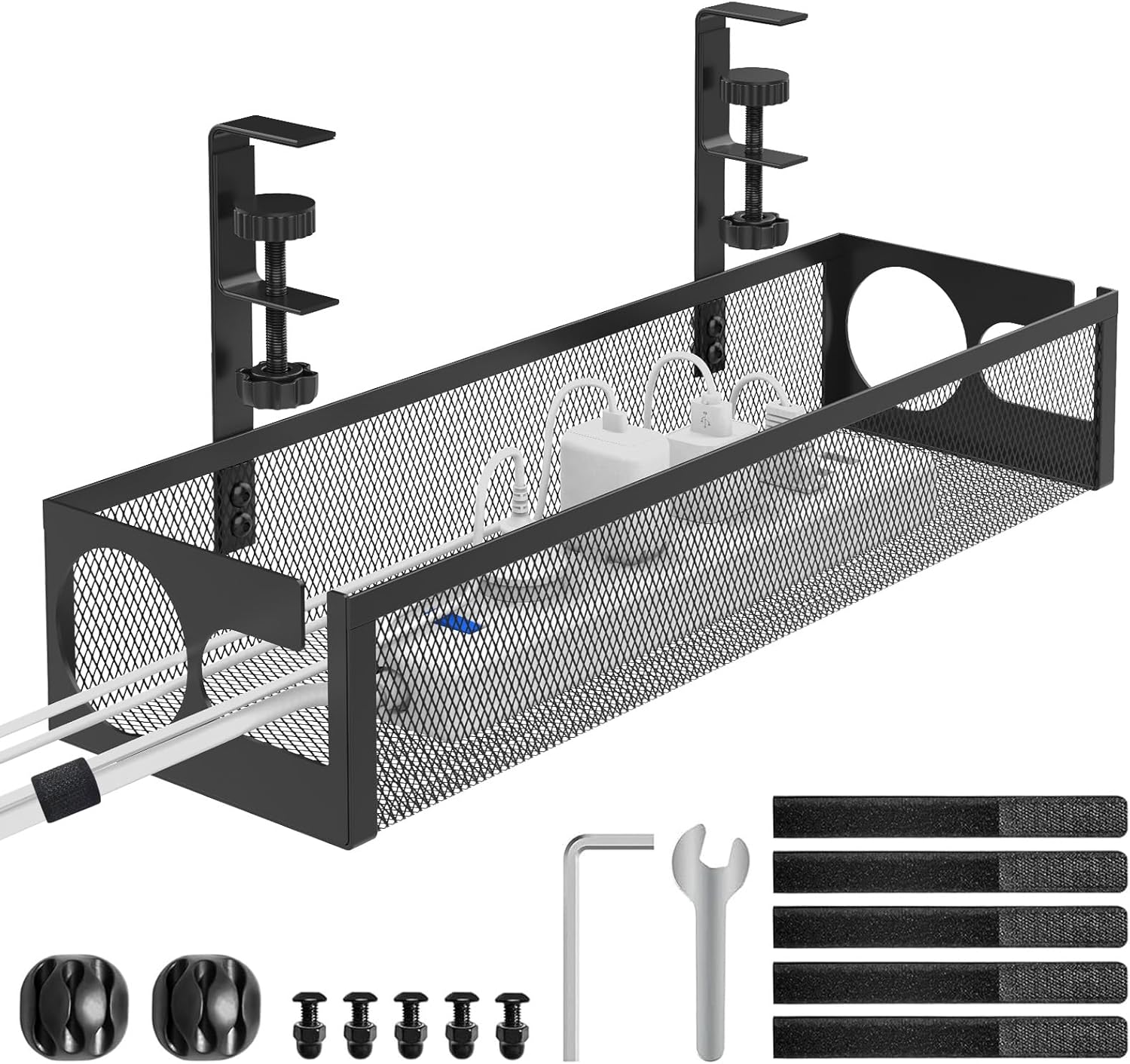
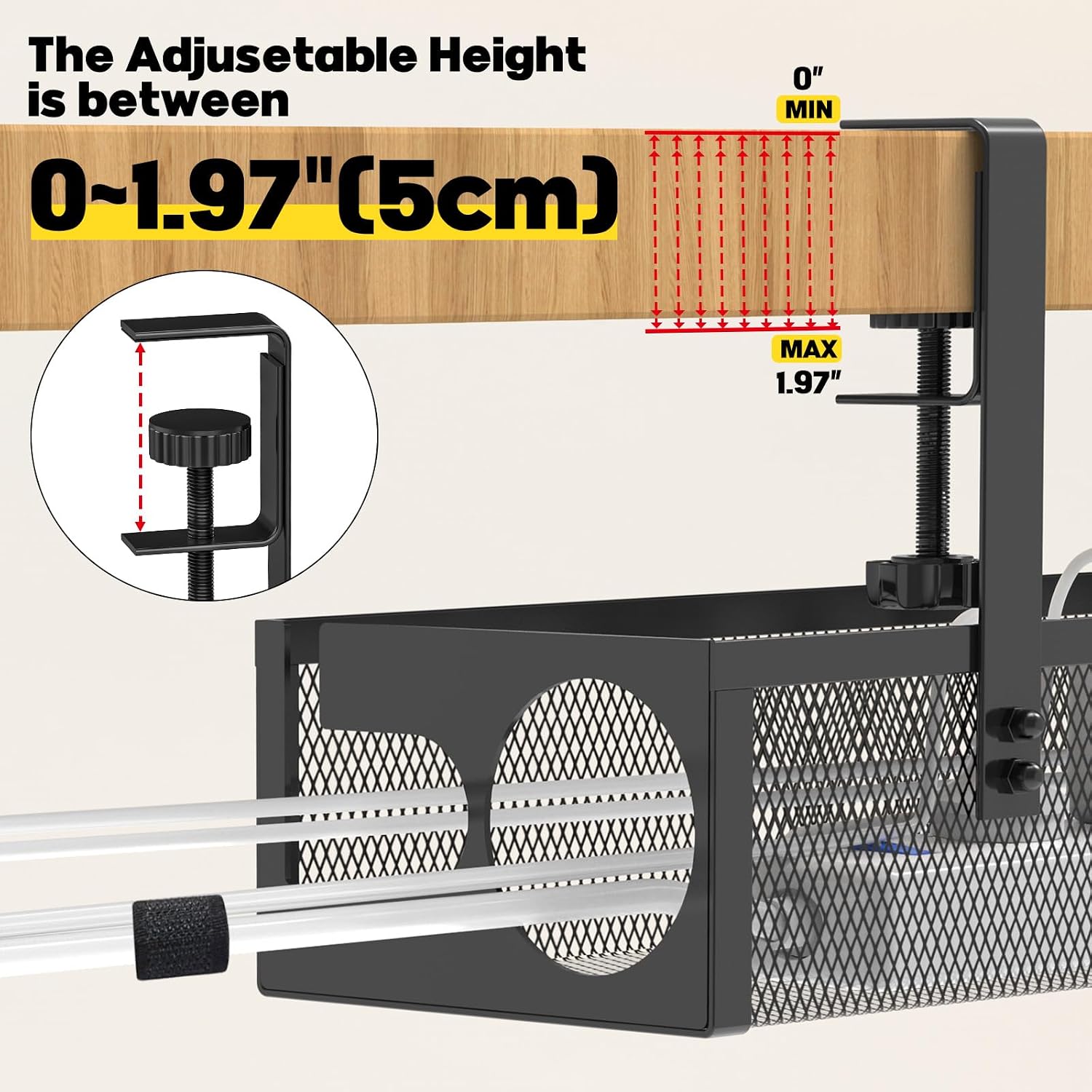
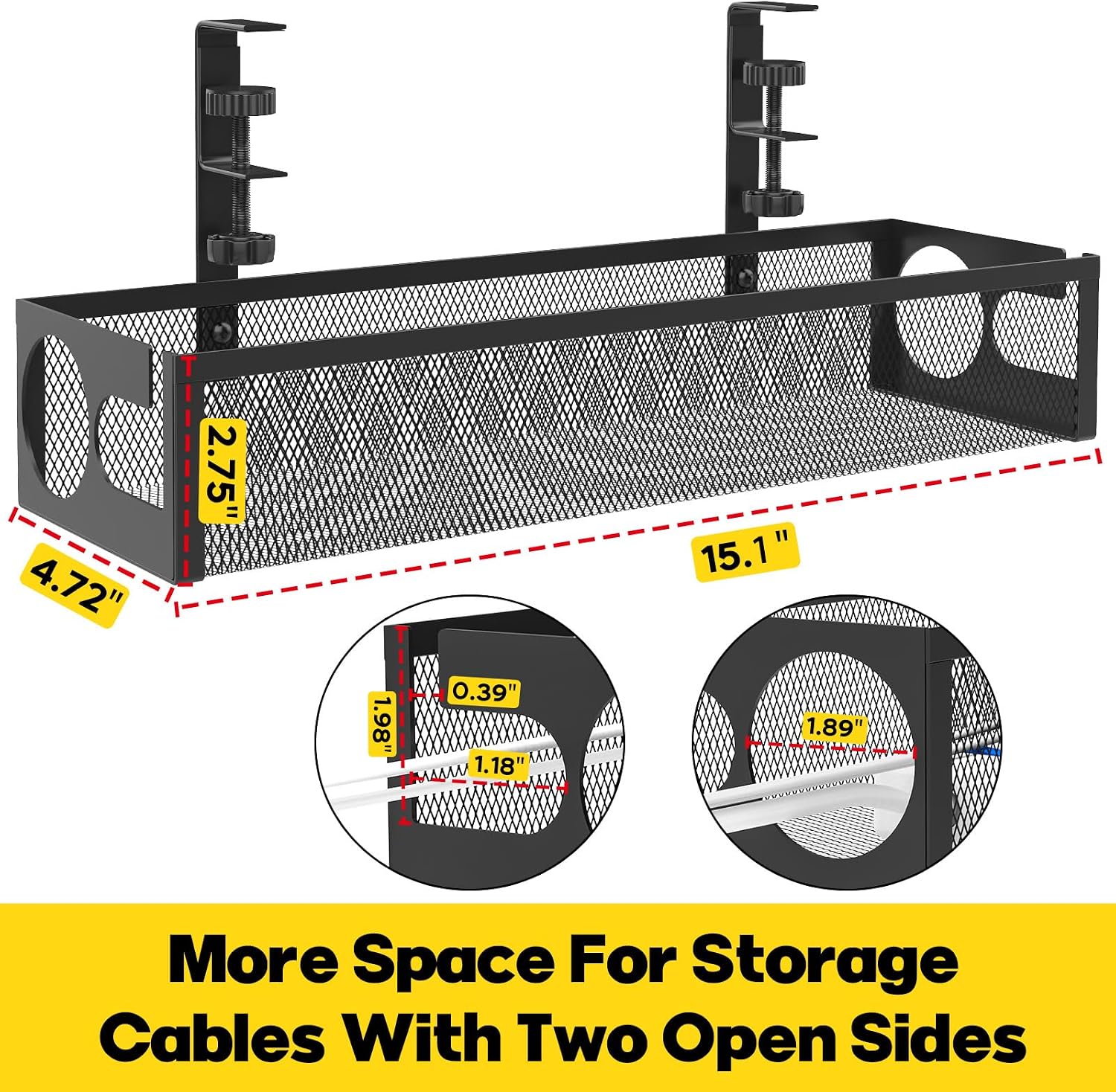
The RERLYING Under Desk Cable Management Tray is a clamp-on metal mesh tray designed to corrall power strips, data cables and chargers discreetly beneath your desk. It’s advertised as a no-drill, no-damage solution that hooks directly onto desk frames with a clamp, making installation straightforward on wood, glass, or other desk materials. The tray measures 40cm by 12.5cm and supports up to 5kg, aiming to keep cables off the floor and out of sight.
What it’s trying to solve
If you’re tired of tangled leads, dust collecting around a power strip on the floor, or fragile cords becoming a trip hazard, this tray promises a cleaner, safer workspace. The mesh design aims to promote ventilation and reduce overheating, while the side-opening feature offers easy access to routing and repositioning cables without removing the tray.
How it works in practice
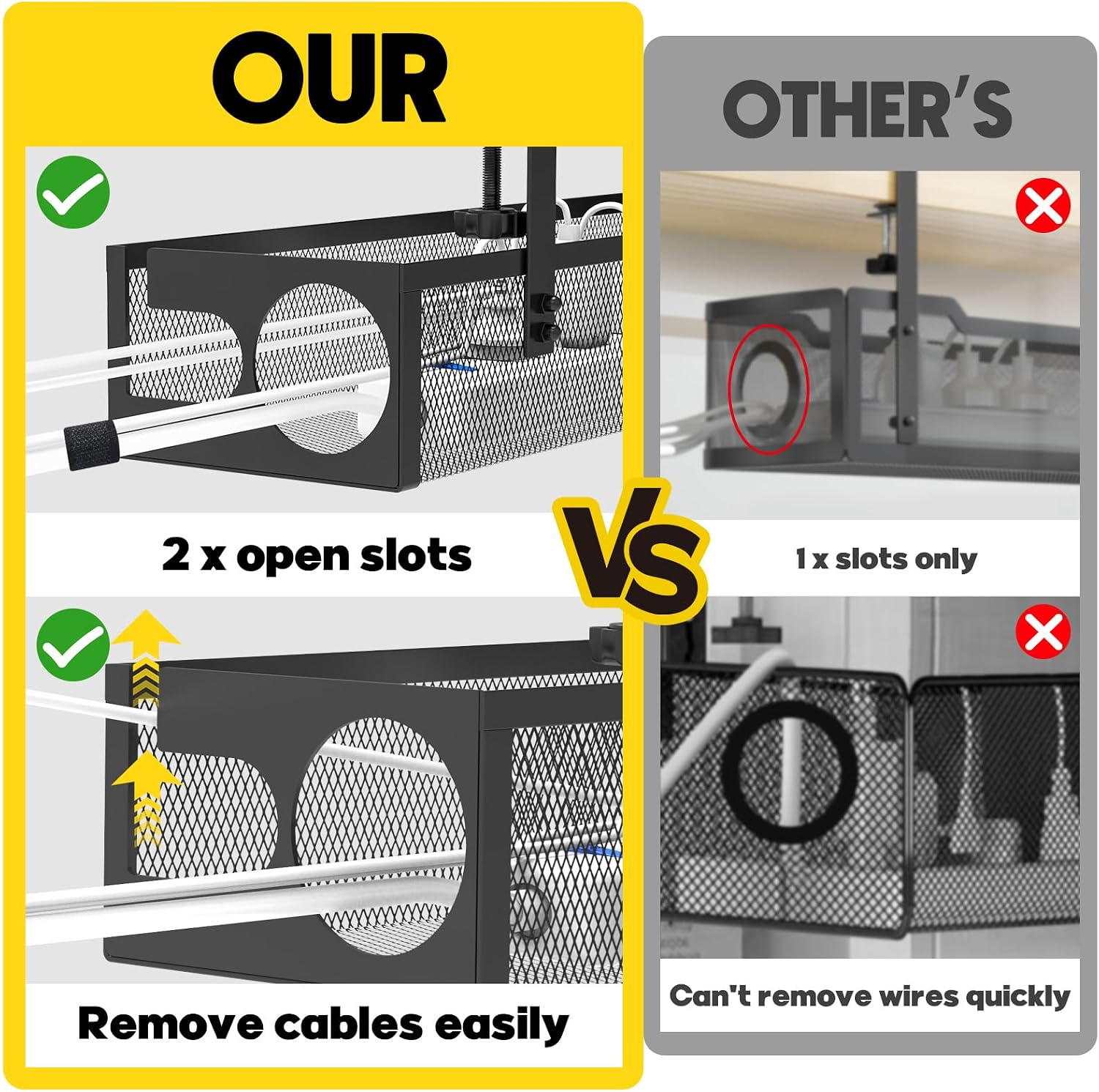
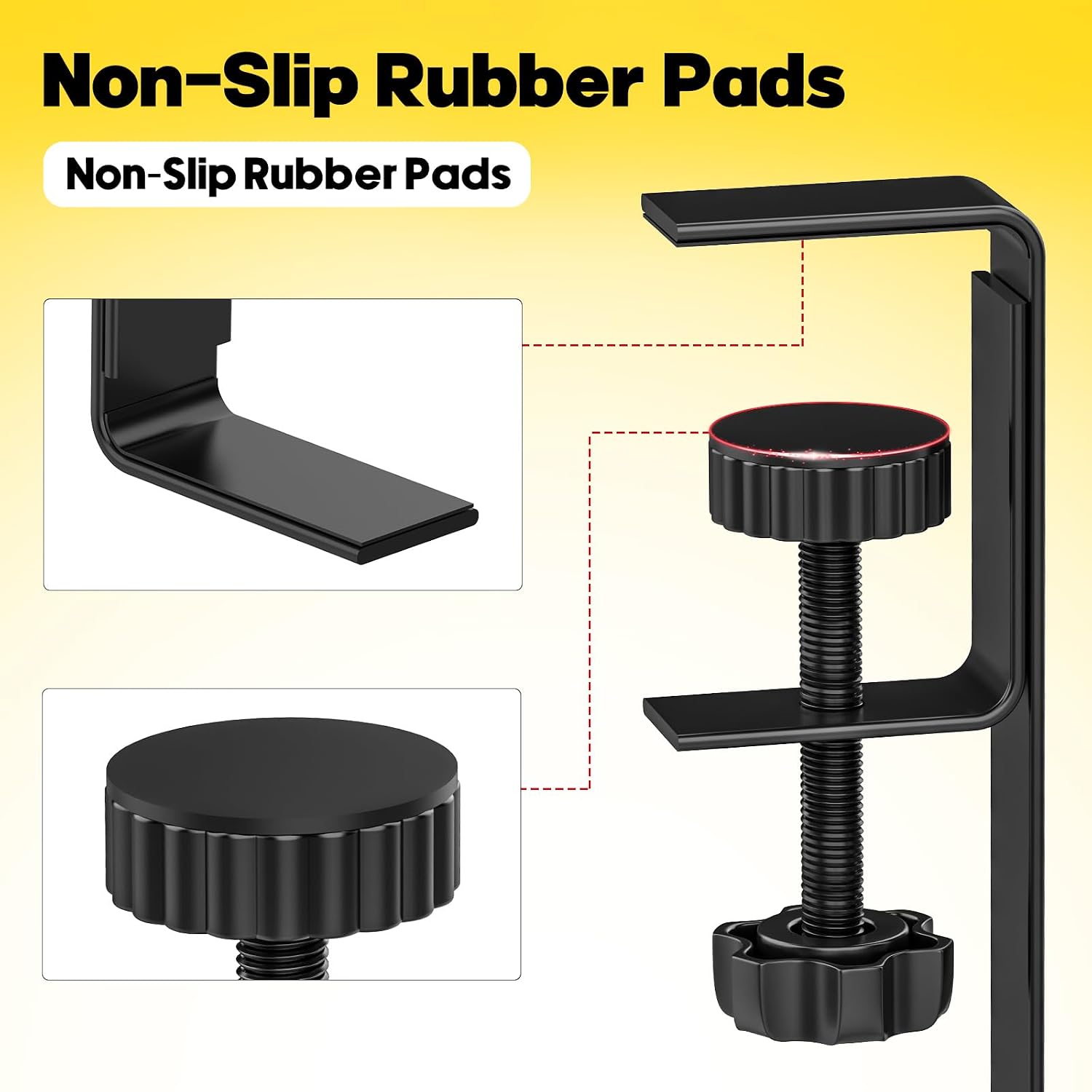
You clamp the tray to the underside of your desk. The anti-scratch pads protect surfaces from marks, and the powder-coated metal adds rust resistance for longer life in busier office environments. The open mesh allows air to circulate around the cables, which can help deter heat build-up around power strips and chargers. The side-opening design lets you slide cables in and out without ballet-level manoeuvring—handy if you frequently add or rearrange peripherals.
What stands out
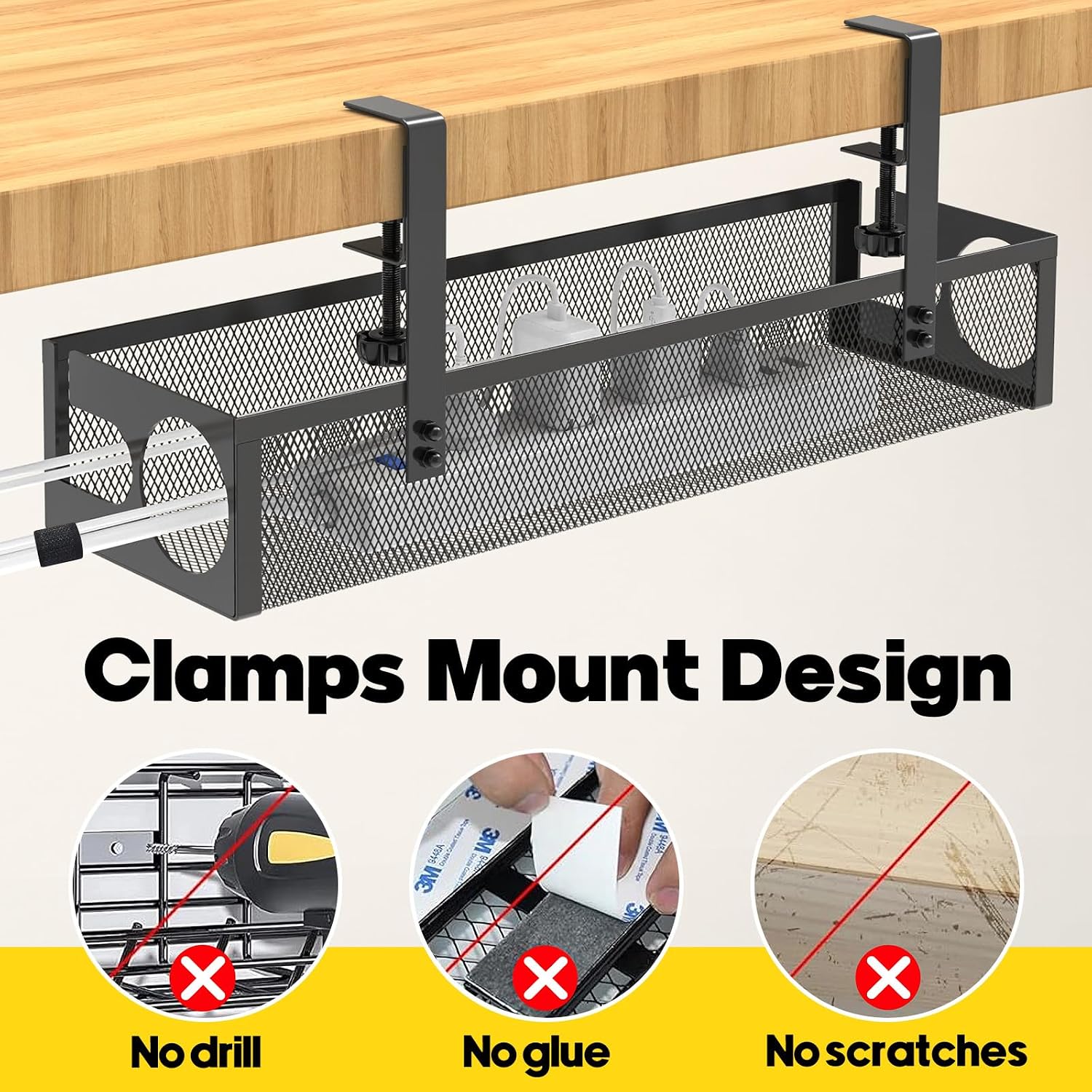
- No drilling needed: avoids desk damage and keeps your warranty intact in many setups.
- Durable construction: powder-coated metal tray that resists rust and deformation under normal office use.
- Practical design: side opening for easy cable access, mesh for ventilation and dust reduction.
- Size and load: a 40cm length with 12.5cm width, rated for around 5kg, which covers most under-desk bundles without being overly bulky.
- Surface protection: anti-scratch pads help prevent marks on your desk surface.
What may not persuade everyone
- If your desk has unusually thick or unusually shaped frames, the clamp compatibility may vary, the product relies on a firm clamp on standard frames.
- Five kilograms is a practical limit for typical office cable bundles, larger power strips or multiple power bricks could push or exceed the rating.
- The design is utilitarian rather than feature-rich, if you’re after integrated cable diagnostics or smart cable management features, this tray won’t provide them.
Who it’s for
- Home offices or small business desks where a quick, drill-free upgrade is preferred.
- Users who want to keep cables tidy and off the floor, especially where pets or children might be nearby.
- People who value ventilation around power devices to help prevent heat buildup.
Who it isn’t the best option for
- Desks that require a high-weight capacity beyond their standard bundles, or setups with unusually bulky power strips.
- Those seeking a premium features set or a more modular, configurable cable management system.
When it makes sense to buy
- You need a straightforward, non-destructive installation that won’t impact the desk’s surface finish.
- Your cables are predominantly within a mid-weight range and you want easy, predictable access to them.
- You’re organising a mixed office/home setup where quick repositioning of the tray is beneficial.
Before you buy: quick checks
- Confirm your desk frame type supports a clamp in the intended area and that the tray clearance doesn’t interfere with drawers or under-desk components.
- Consider your typical cable density, if you routinely manage many large bricks, you may need to verify the 5kg load cap will accommodate them without crowding.
- Assess desk height and leg space, ensure the tray’s underside clearance won’t clash with chair movement or knee room.
Practical usage example
Imagine a small home office with a laptop, monitor dock, and a handful of USB chargers. You snap the RERLYING tray under the desk, route the cords through the side opening, and tuck the bulky power strip inside the mesh cavity. Now the desk surface stays clear, you can slide a laptop in and out without unplugging everything, and you’ve cut down on dust collecting around exposed cables.
Brief comparison approach
If you’re choosing between under-desk cable trays, you’ll often balance installation effort, surface protection, and access. This tray prioritises non-destructive installation and ease of repositioning, at the expense of not being modular or feature-rich. It sits well for straightforward, pragmatic setups where the goal is tidy cables and a lower risk of desk damage.
FAQ (where data allows)
- Is drilling required to install this tray? No, it uses a clamp on the desk frame.
- What is the maximum load? Up to 5kg (11lbs).
- Will it protect the desk surface from scratches? Yes, it includes anti-scratch pads for protection.
Final decision
Is it worth it?
Worth considering if you want a non-destructive, simple way to manage under-desk cables with decent airflow and a compact footprint. It suits light to mid-weight cable bundles and desks where clamp installation is feasible. If you need higher capacity or more modular features, this may feel modest, for most standard home or small office setups, it delivers practical value without complicating the workspace.