

MYATOTO Carplay Wireless Adapter with AI Box: 3-in-1 Wireless CarPlay & Android Auto, TF Card, and AI DriveChat
Product description
What it is and what it tries to solve
The MYATOTO Carplay Wireless Adapter is a 3-in-1 device designed to convert a wired CarPlay (and Android Auto) setup into a wireless experience. It aims to remove the fuss of plugging in cables, while adding a small media hub in the car with onboard storage and a TF card slot for offline playback. If your car supports wired CarPlay or wired Android Auto but not wireless, this box presents a pragmatic route to a cable-free interface without needing a new head unit.
How it works in real terms
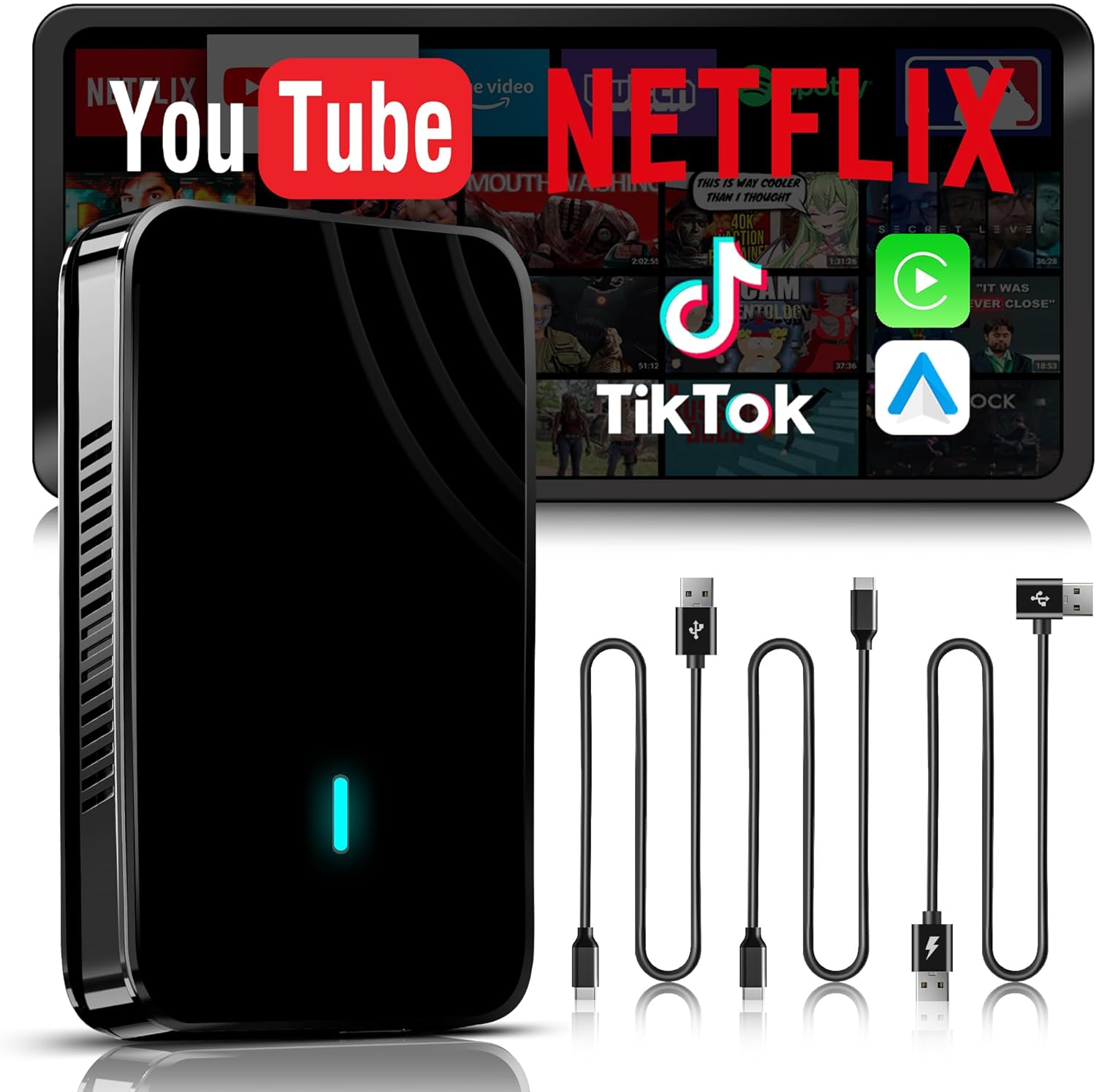
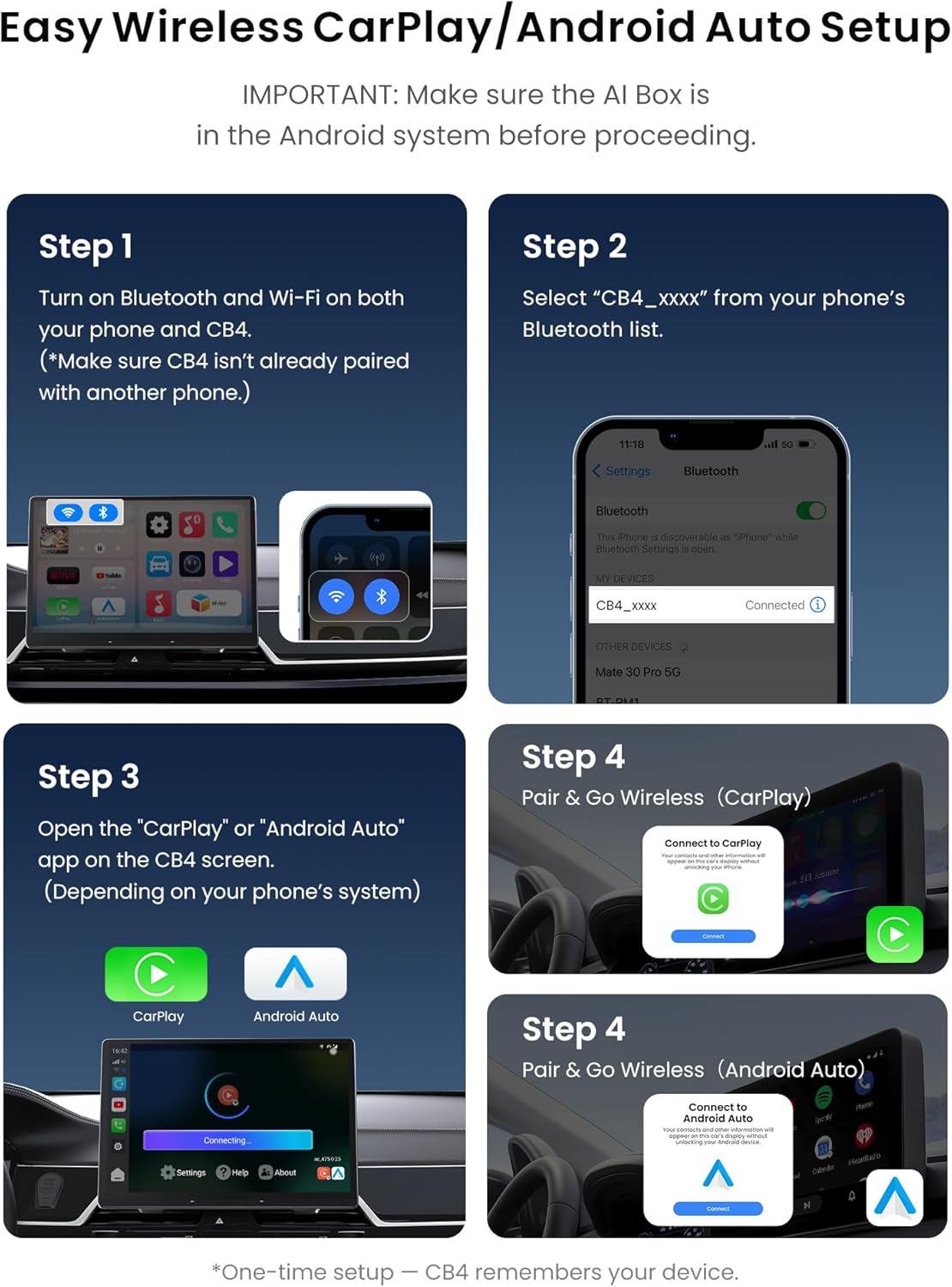
On first set-up you connect via Bluetooth and Wi‑Fi, then use the companion app or “SpeedPlay” to launch CarPlay/Android Auto on your car screen. The process is designed to be plug‑and‑play, taking about 10–15 seconds, and it’s pitched as reducing wear on charging cables while delivering a smoother experience. A note worth keeping in mind: if your car only supports wired Android Auto (or a mix with wireless CarPlay), there may be a specific mode switch required on first use.
What stands out in use
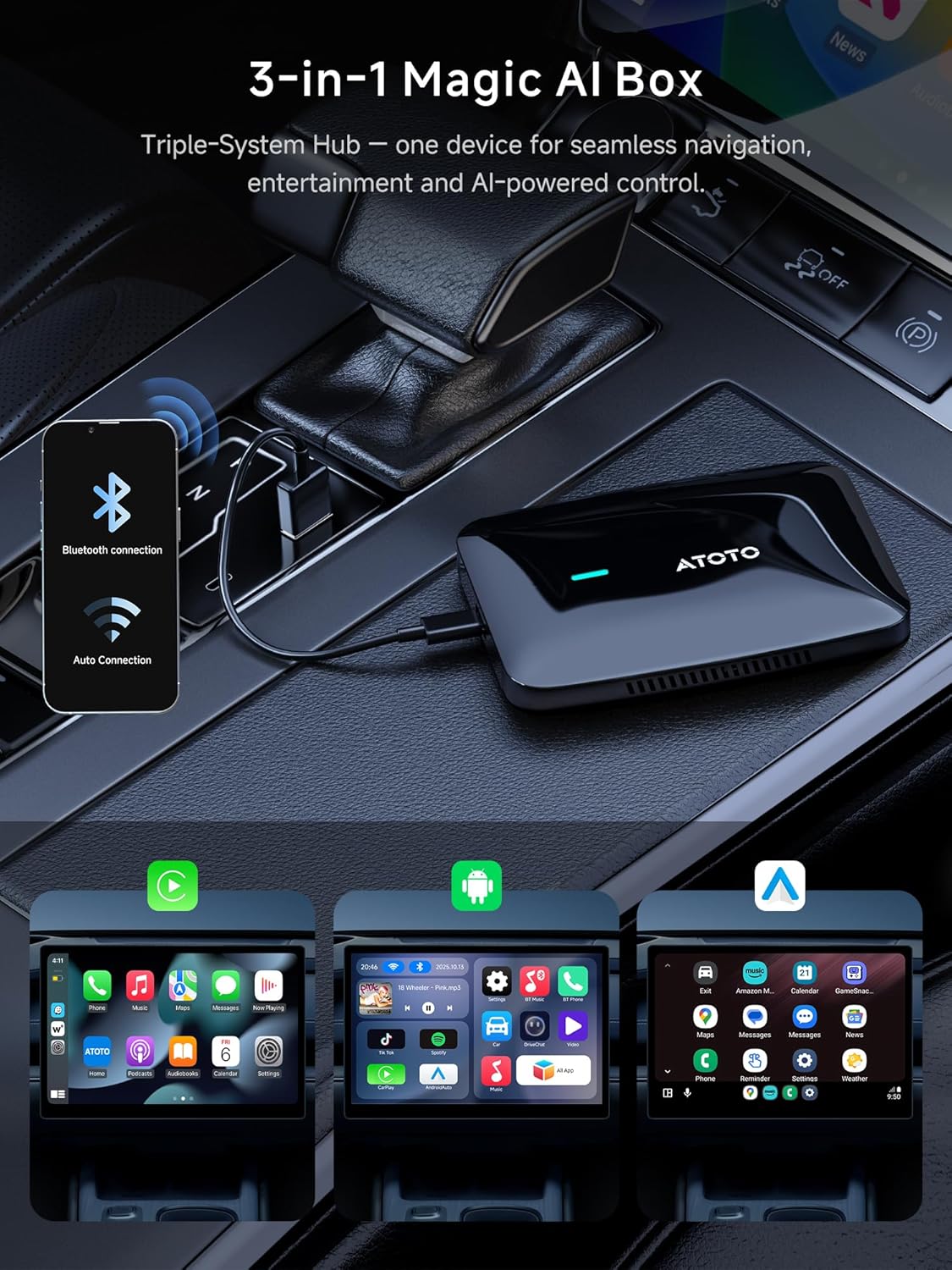
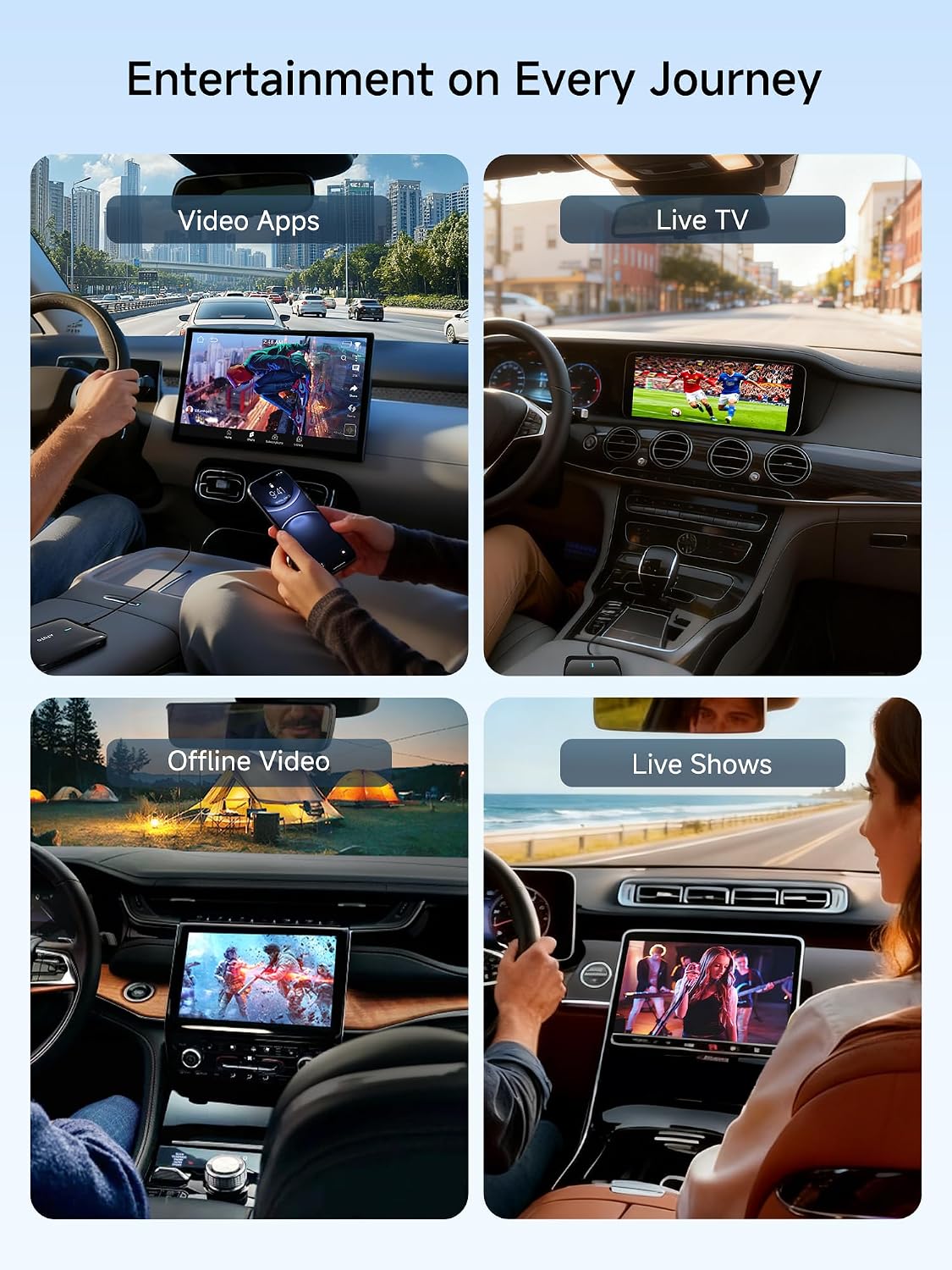
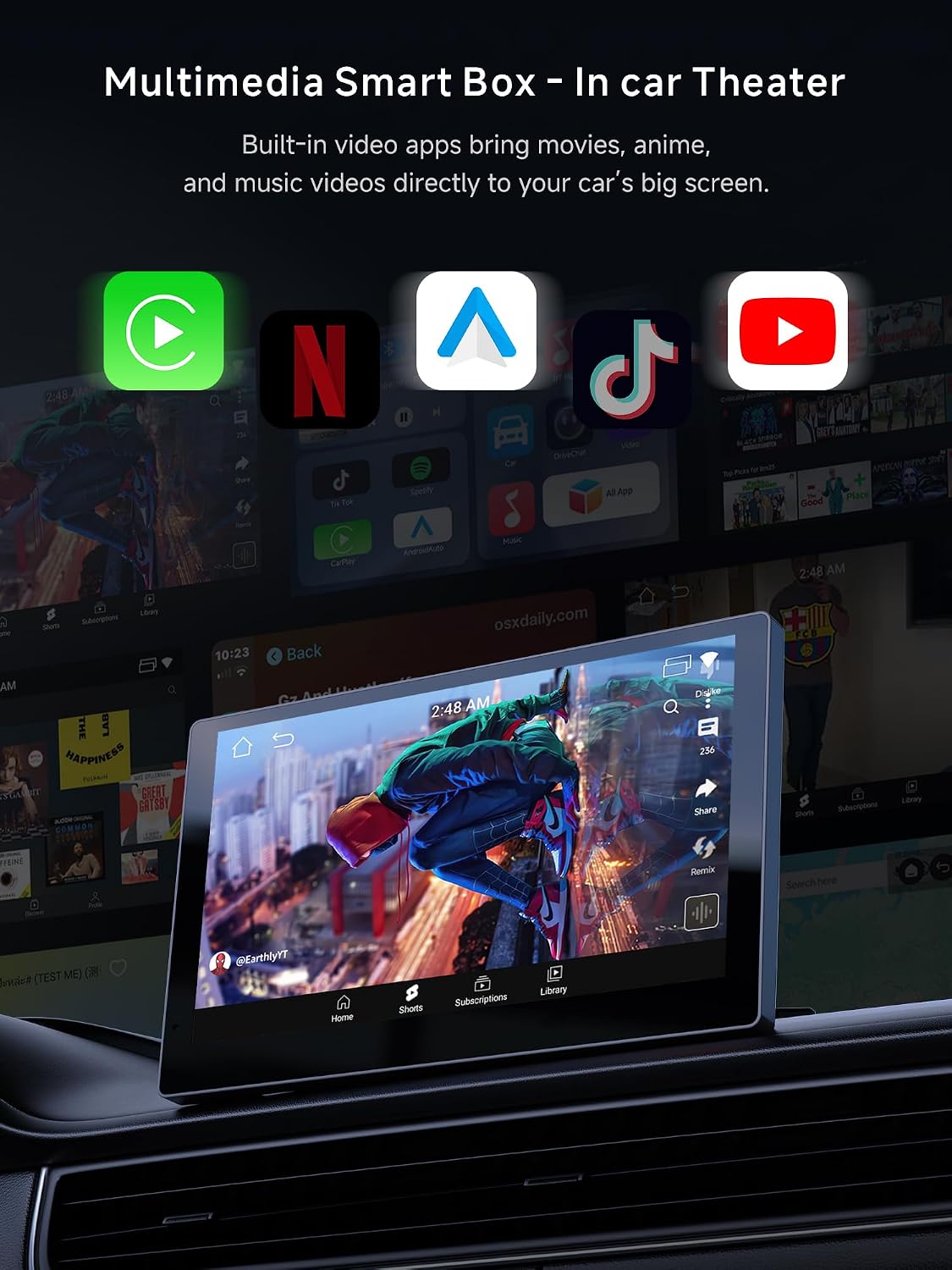
The device positions itself as more than a wireless transmitter. With 2GB RAM and 16GB of storage, plus a TF card slot, you can stream pre-loaded video apps via a hotspot or play local media offline. This creates a small, self-contained entertainment hub in the dashboard. It also functions as a wireless CarPlay adapter for Android Auto, which broadens its appeal if you use both ecosystems in your household. The inclusion of a dual-band Wi‑Fi and Bluetooth setup supports the kind of connectivity you’d expect from a mid‑range streaming box, rather than a bare-bones dongle.
AI assistance and driving aid
A notable feature is DriveChat, an AI voice assistant integrated with the unit. It’s designed to offer hands‑free guidance and task management while you drive, which can be convenient for quick questions or mapping tasks without taking your eyes off the road. That said, it’s wise to remember this is an in‑car system with limited on-device intelligence, the assistant should complement, not replace, standard navigation and safety practices.
Who this is for
If your priority is to preserve or upgrade a wired CarPlay setup to wireless without replacing the head unit, this device is targeted at you. It also appeals to users who want a compact media hub in the car, capable of offline playback via TF card or local streaming through a hotspot. If you primarily rely on the factory wireless CarPlay offered by certain brands, this may feel like adding value rather than a necessity.
What to check before buying
- Ensure your vehicle supports wired CarPlay or wired Android Auto, since the AI Box operates within the factory system.
- Confirm your stereo supports direct on-screen touch control or has a touchpad/remote controller for navigation.
- Be aware that models from some brands (for example certain B‑M‑W and Subaru variants) or aftermarket head units may not be compatible.
- Understand that the unit expects a wired start point and may require a mode switch for Android Auto in some configurations.
Practical use and daily practicality
In everyday driving, you’ll notice a cable‑free setup that reduces wear on charging leads and keeps your screen experience consistent. The box is described as stable and smooth in operation, but, as with any plug‑in gadget, performance can depend on the car’s existing head unit, its firmware, and how the wireless link behaves in your environment. A micro‑experience: streaming a video offline from the TF card can be handy on longer journeys or when data is limited, while the AI DriveChat can help with quick reminders or notes during a trip.
What you might miss or where it may fall short
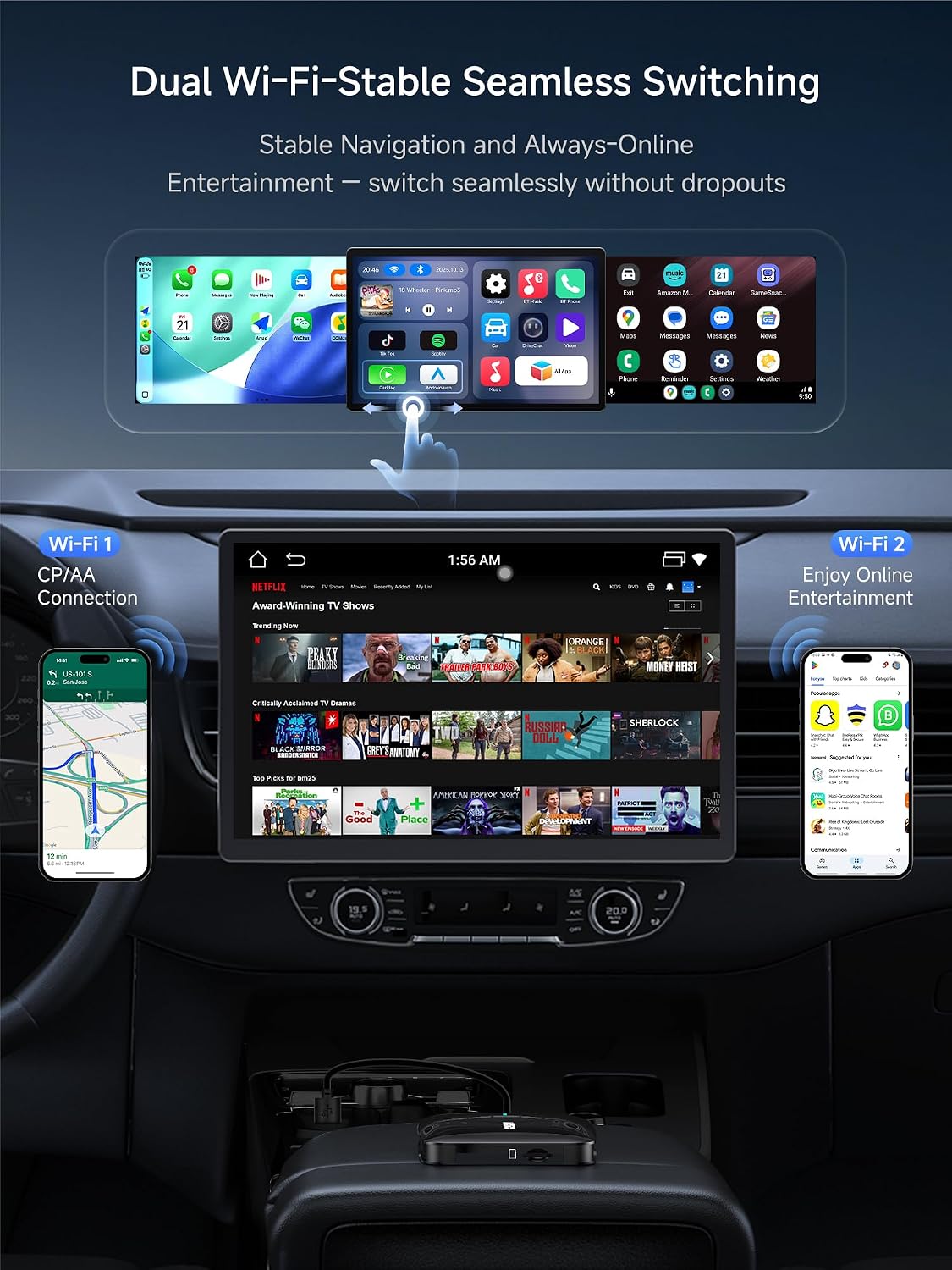
The device is not a universal fix for all CarPlay scenarios. If your car’s OEM system already offers robust wireless CarPlay, this may feel redundant. If you frequently rely on high‑demand apps or rely on wireless Android Auto in a tough signal environment, there could be occasional buffering or connection quirks, as with other wireless adapters. The box emphasises built‑in apps are supported, otherwise, functionality depends on the apps present on the connected device.
Tech at a glance (brief but useful)
- 2G RAM, 16G storage, TF card slot for offline media
- Dual Wi‑Fi and Bluetooth for connectivity
- Wired CarPlay/Android Auto to wireless CarPlay/Android Auto as a 3‑in‑1 solution
- AI DriveChat for voice‑assisted guidance
- Plug‑and‑play setup, designed for quick installation
Final thoughts: who should consider this
Worth considering if you want to keep a wired CarPlay setup but crave wireless convenience, plus a compact media hub for offline playback. It’s probably not the best choice if you already have reliable wireless CarPlay from your OEM system, or if your car falls into the explicitly non‑compatible categories listed by the manufacturer. If you prioritise a straightforward, pragmatic upgrade to wireless CarPlay with a dash of extra media flexibility, this box could fit your needs.
FAQ (quick answers)
- Can I use it with any car? It works best with cars that support wired CarPlay or wired Android Auto and whose head unit supports on‑screen touch control or navigation via remote/touchpad.
- Will it play Netflix or YouTube directly? It can stream pre‑loaded video apps via hotspot or play media offline via the TF card slot, only built‑in apps are guaranteed.
- Do I need to keep it plugged in all the time? It’s designed for plug‑and‑play use, but as with any car device, heat, power cycling and firmware updates can affect long‑term reliability.
- Is DriveChat always listening? DriveChat is part of the system for hands‑free assistance, but it should be used in conjunction with safe driving practices and within the limits of in‑car voice assistants.