

meatanty meaty Metal Tiny Mouse Jiggler (USB) with LED screen, 3 movement modes – Pink
Product description
The essentials
A USB mouse jiggler is one of those tools you don’t think about until you need it: you want your PC/laptop session to stay “awake” and avoid an unwanted screen lock, especially during desk-heavy work, telework or long admin tasks.
The meatanty meaty Metal Tiny Mouse Jiggler is built around that idea, with a metal casing for extra day-to-day durability, an on-device screen to show whether it’s running and which mode is selected, and three movement modes to vary how noticeable the cursor motion is.
In practice, it’s a small USB device you plug in and leave running. The appeal is simplicity: no software install and a straightforward set of controls, which is handy if you just want something that works without tinkering.
What it does (and what it’s for)
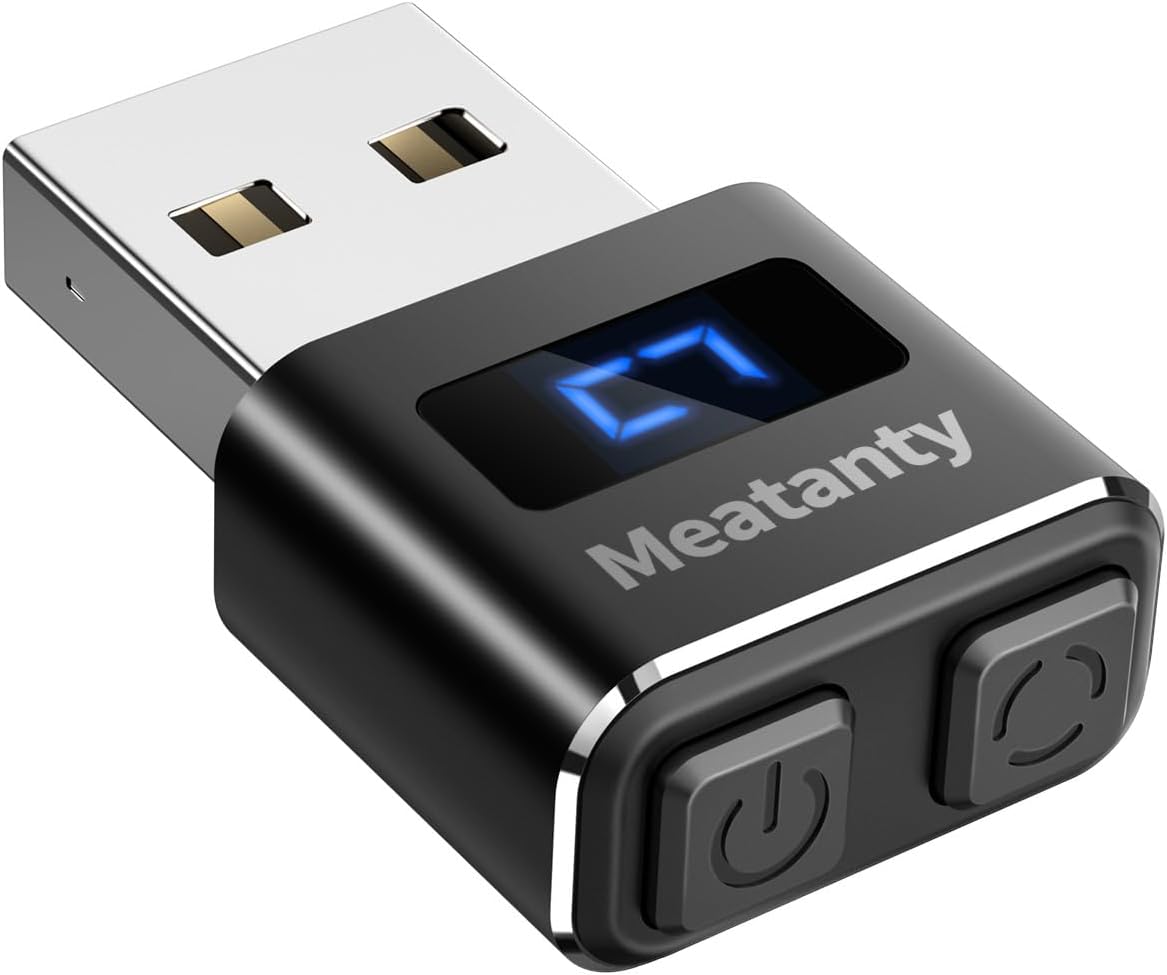
On paper, this jiggler is designed to keep a computer awake by producing mouse movement patterns. The brand positions it as a device that is recognised as a “USB optical mouse” when connected, so you’re not staring at prompts or treating it like a suspicious gadget.
You can think of it as a way to reduce the chance that your screen locks while you’re away from the mouse, or while you’re doing tasks that don’t require constant pointer interaction.
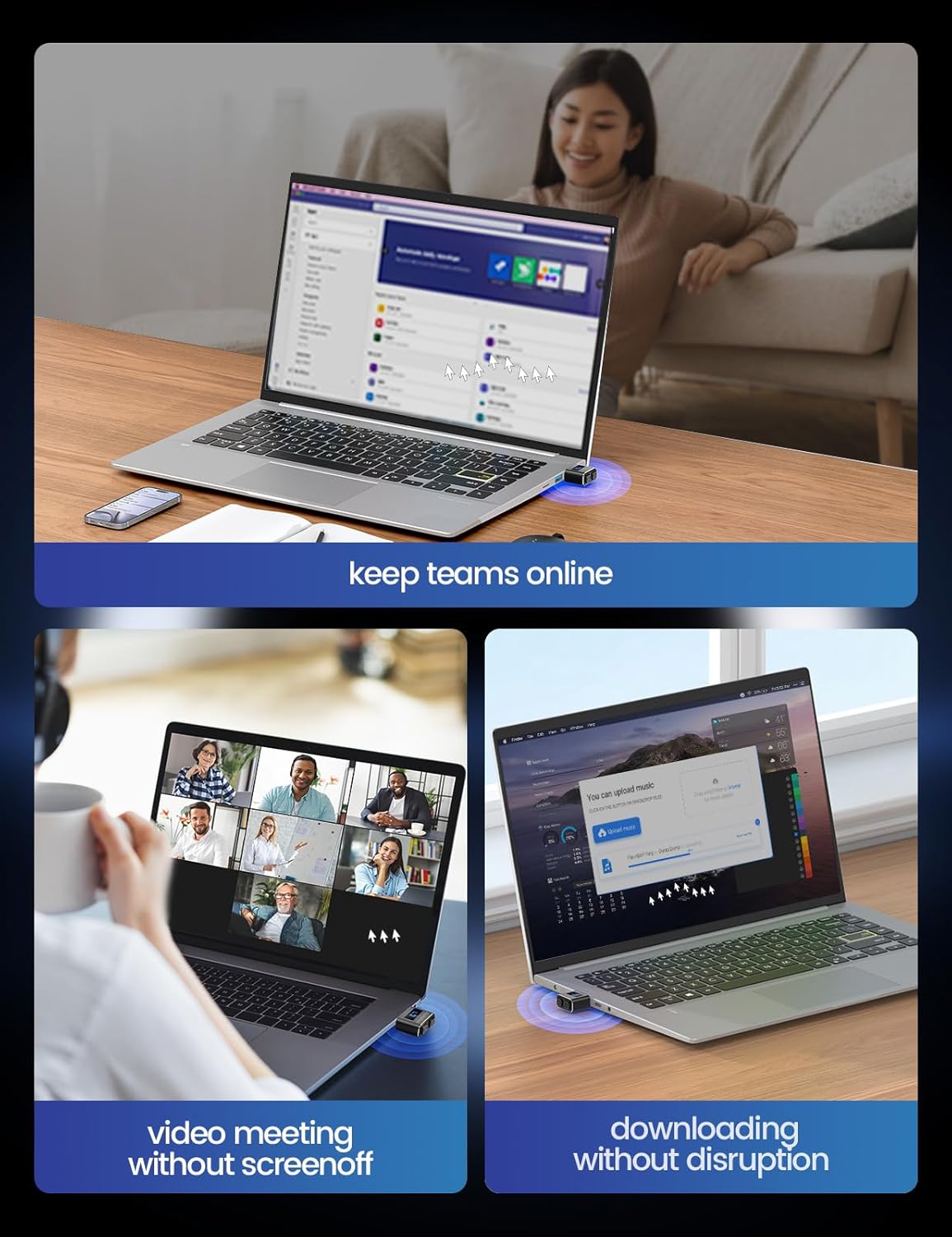
A small example: if you’re on a Teams/Zoom meeting plus spreadsheet work and you know you’ll take a break from the mouse (or you’re entering data slowly), you can plug this in, pick a mode, and let the cursor movement happen in the background while you focus on the job.
Where it stands out: metal build, LED mode display, and 3 modes
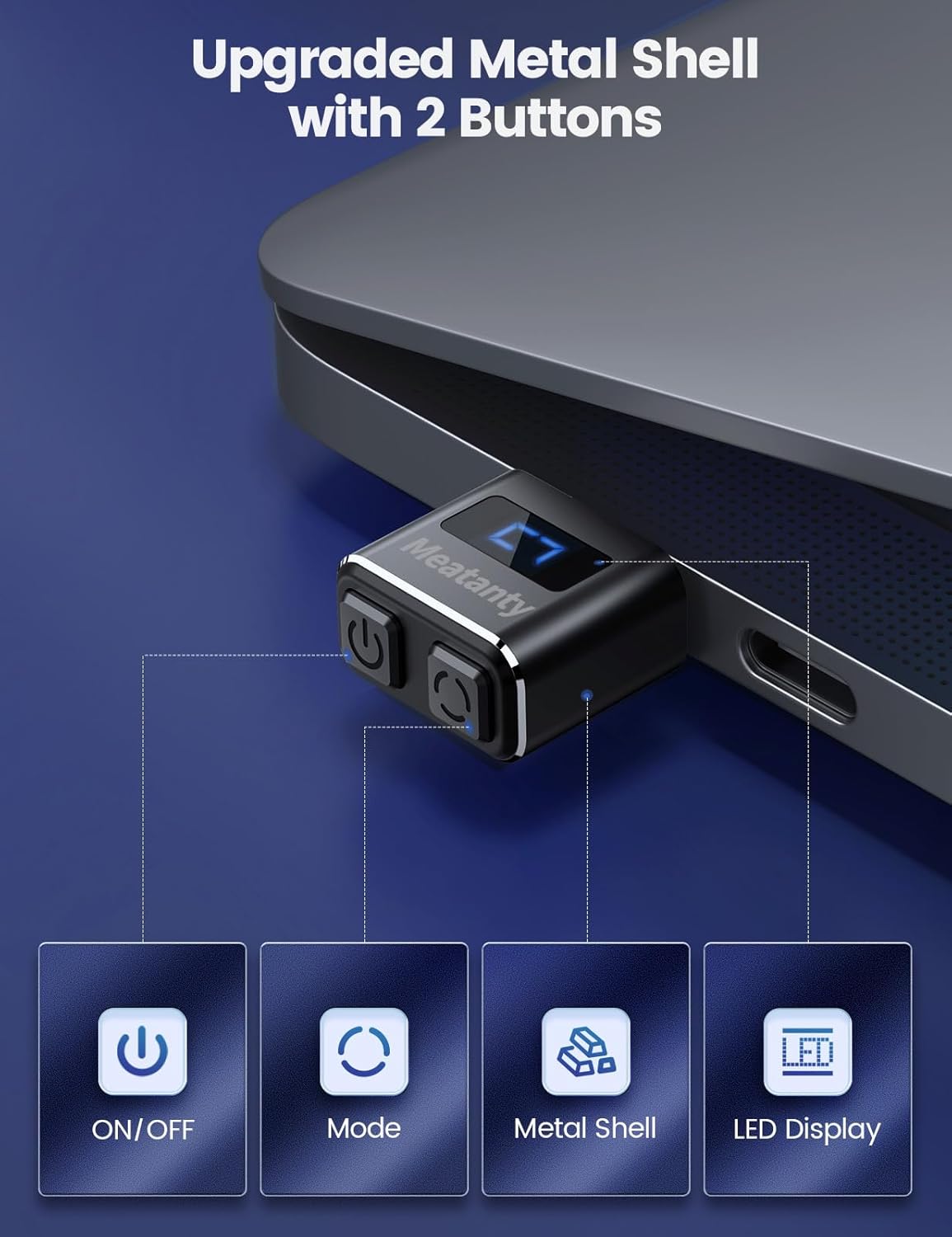
The most noticeable differentiator here is the metal casing. Many mouse jigglers are made with lightweight plastic, this one leans more towards toughness, which can matter if it’s going to live in a laptop bag or be handled often. It also claims improved longevity against everyday wear.
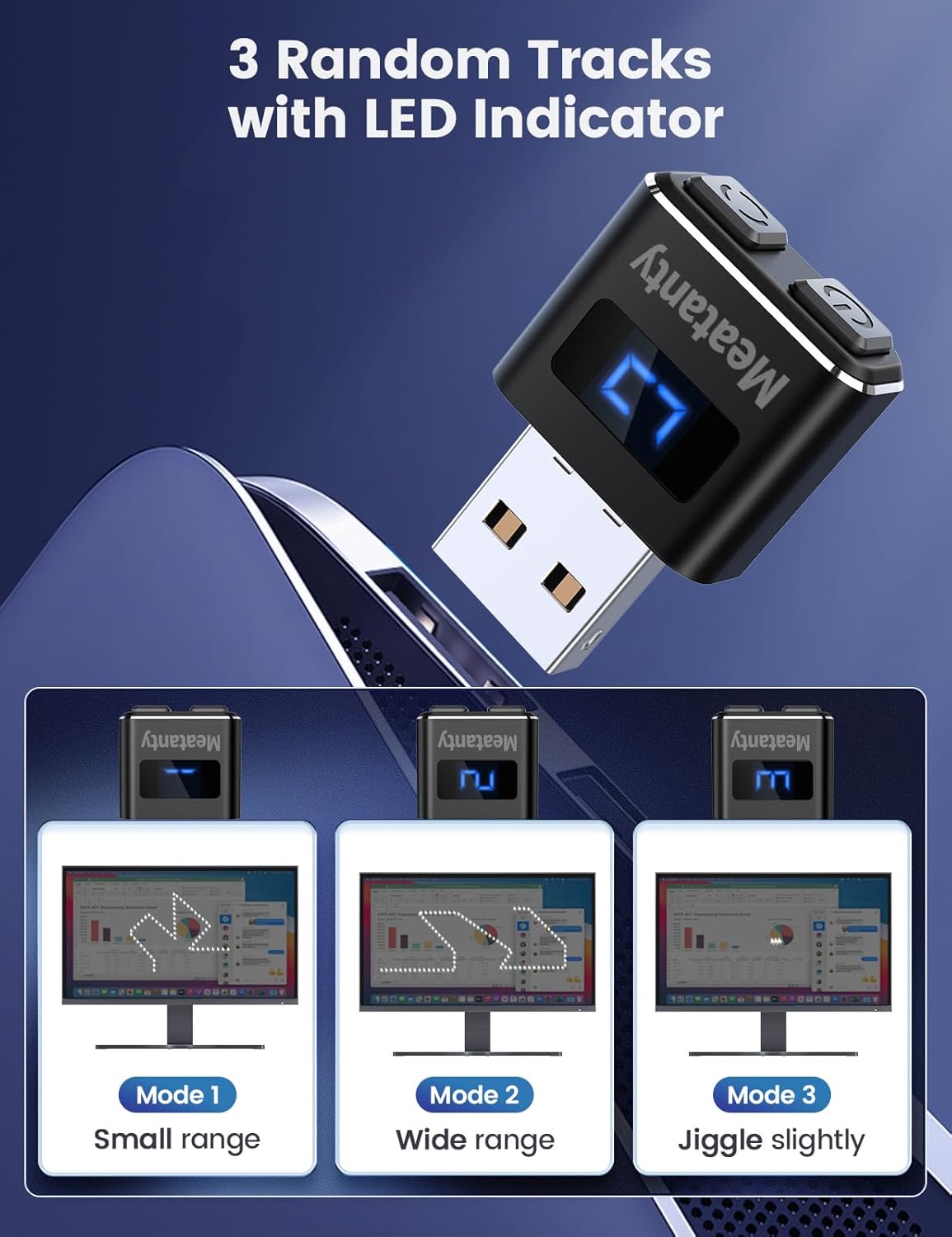
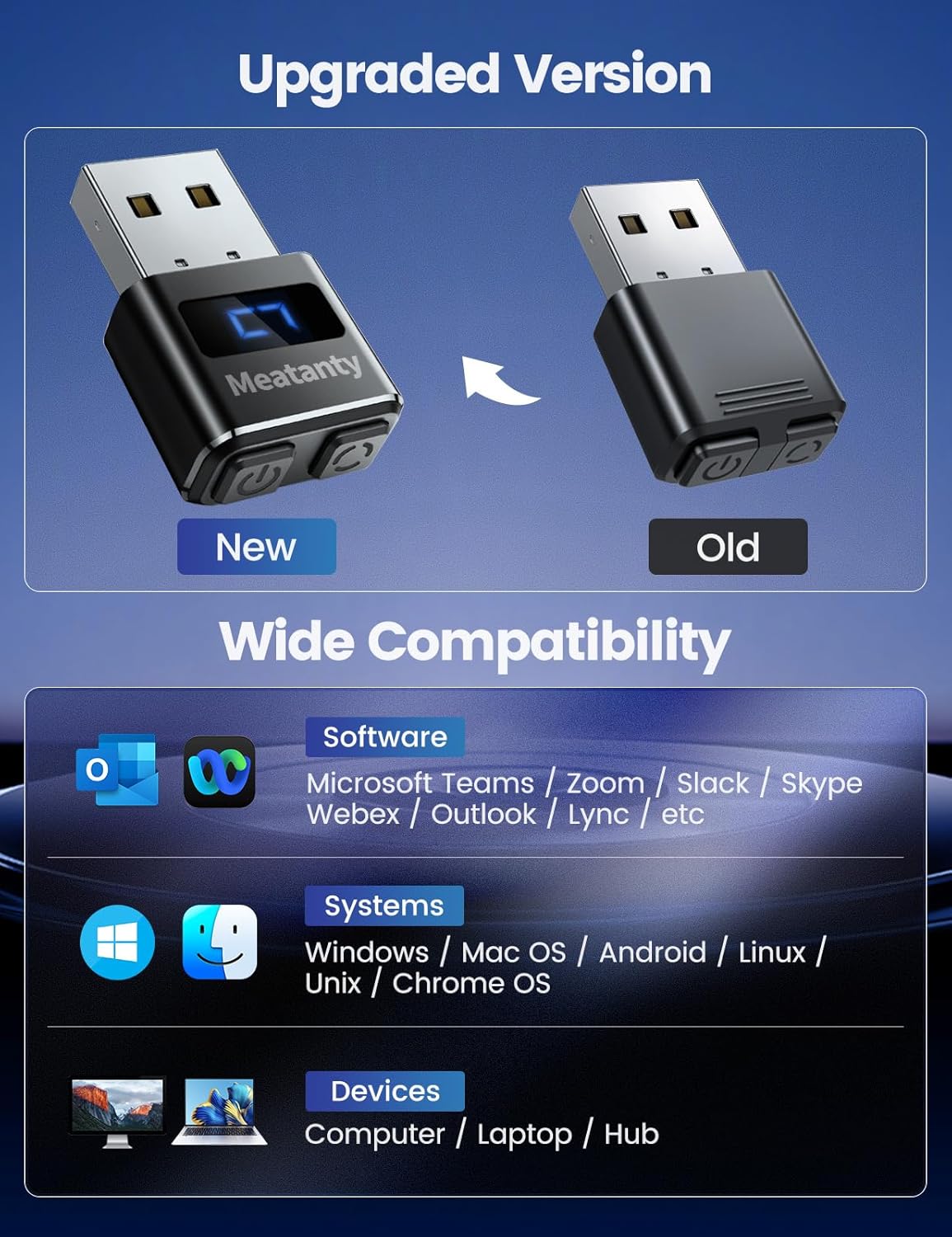
Then there’s the LED screen. It’s not just a gimmick on the spec sheet: it helps you confirm whether the device is operating and which of the three movement modes you’re currently using. That can save guesswork compared with plain indicator lights.
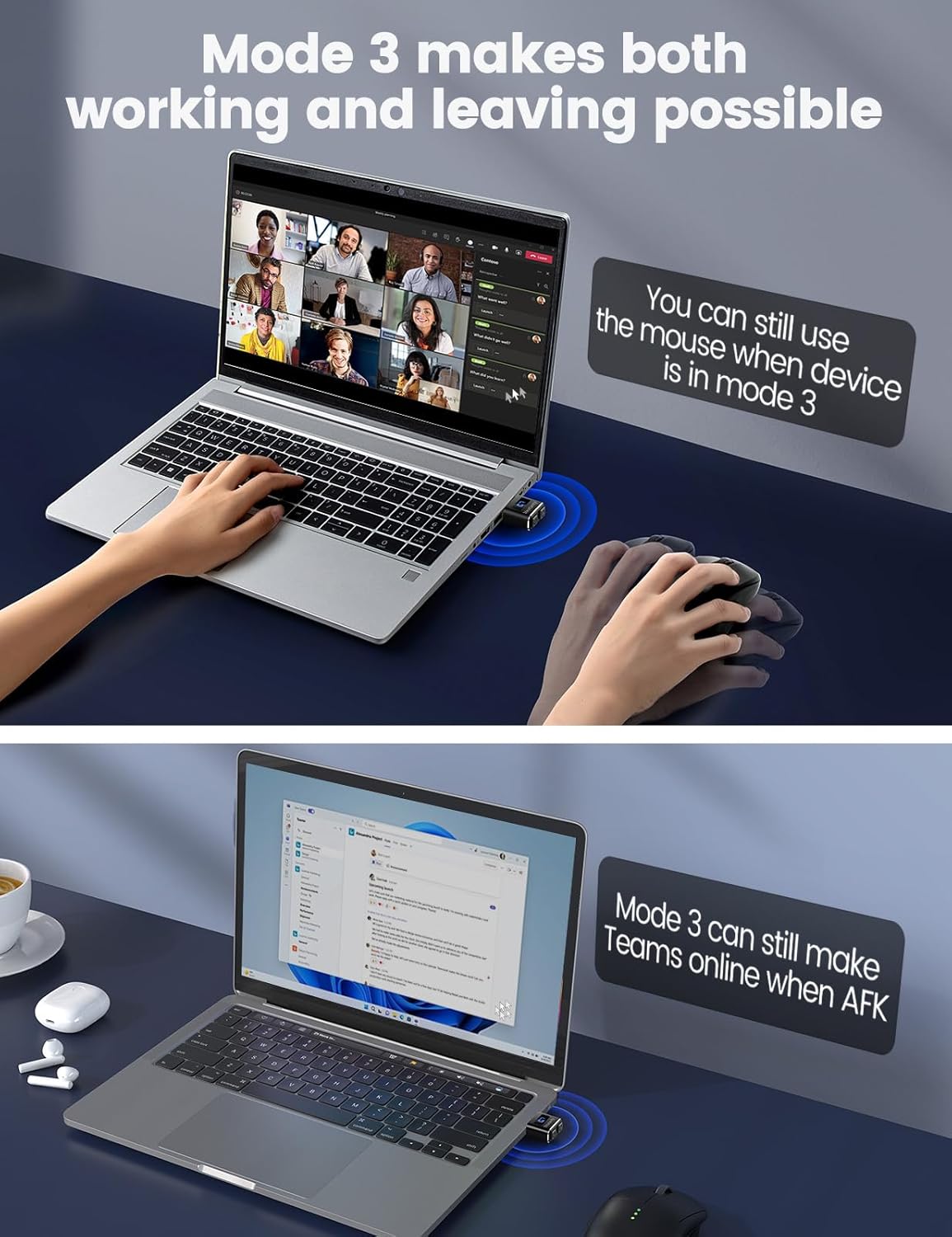
The three modes are also thought through: - Mode 1 uses a smaller movement range. - Mode 2 uses a wider movement range. - Mode 3 moves the cursor slightly so it “should not affect normal mouse use” as much as the other modes.
This matters because one-size-fits-all cursor jiggling can be distracting. Having a lower-impact mode gives you something to fall back on.
Key takeaways for buying decisions
It’s easy to overlook that most of the usability comes down to how you control and verify the device while it’s running. Here you get two buttons for ON/OFF and mode selection, so you don’t have to unplug and replug the unit constantly.
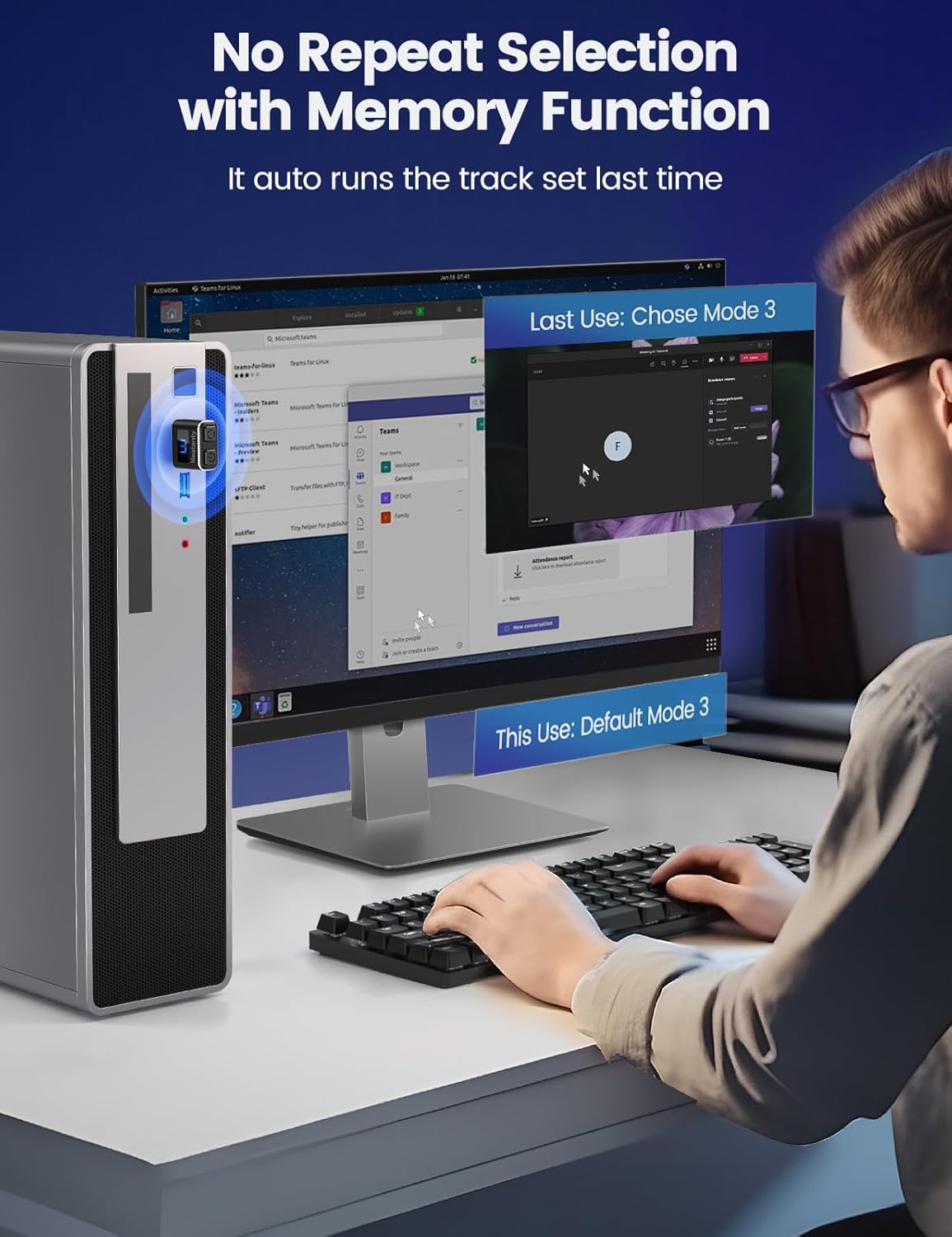
The other practical feature mentioned is a memory function: when you switch it back on, it resumes the last set of movement patterns. That’s a small convenience, but it’s the sort of thing that makes repeated use less annoying.
If you need something that can be left connected and started/stopped with minimal effort, it ticks a lot of boxes.
Things to be cautious about
A quick limitation to keep in mind: the product description leans on being “100% indetectable” and “absolutely safe”, but real-world acceptance depends on how your specific computer and policies handle USB peripherals. The listing also notes recognition as an optical USB mouse unless your device doesn’t allow mouse access.
So, it’s not the best bet if you’re buying for a tightly locked-down work environment where USB devices are restricted, or where policies aggressively limit what can be connected.
Also, while Mode 3 is positioned as the least disruptive, any automated cursor movement can still be noticed if your workflow is very sensitive—think screen share controls, precision work, or situations where accidental movement would be problematic.
Compatibility and setup feel
The listing claims no software installation: you simply plug it into a USB port and it should start working.
Compatibility is stated broadly across Mac OS, Windows XP/7/8/10/11, Android, and Linux. That breadth is helpful, but “most systems” still means it’s worth sanity-checking your own setup—particularly on managed corporate laptops.
If you’ve used a basic USB mouse before, the setup experience should feel familiar: it’s essentially treated as an optical mouse device, with the LED screen confirming status.
Is it worth it?
Worth considering if you want a simple USB mouse jiggler for keeping a computer awake, and you care about having a visible LED indication for the running status and selected mode. The metal casing and the on-device ON/OFF + mode selection buttons are the kind of everyday details that can make it less fiddly.
You may want to skip it if your device policies block USB peripherals or restrict mouse access. It’s also not the best choice if your work setup is extremely sensitive to any cursor movement, even in the lowest-impact mode.
Mini FAQ
How do I know the jiggler is running?
The device includes an LED screen that (as described) shows whether it’s operating and which of the three modes is selected.
What are the three movement modes for?
Mode 1 uses a smaller range, Mode 2 uses a wider range, and Mode 3 is intended to move the cursor slightly so it interferes less with normal mouse use.
Does it need software installation?
No. The description states it does not require software—just plug it into a USB port.
Will it remember the last mode I used?
Yes, the listing mentions a memory function so it continues with the last set of patterns when turned back on.
Is it compatible with Windows and Mac?
The listing states compatibility with Mac OS and multiple Windows versions, along with Android and Linux, but it still depends on whether your device allows mouse access.