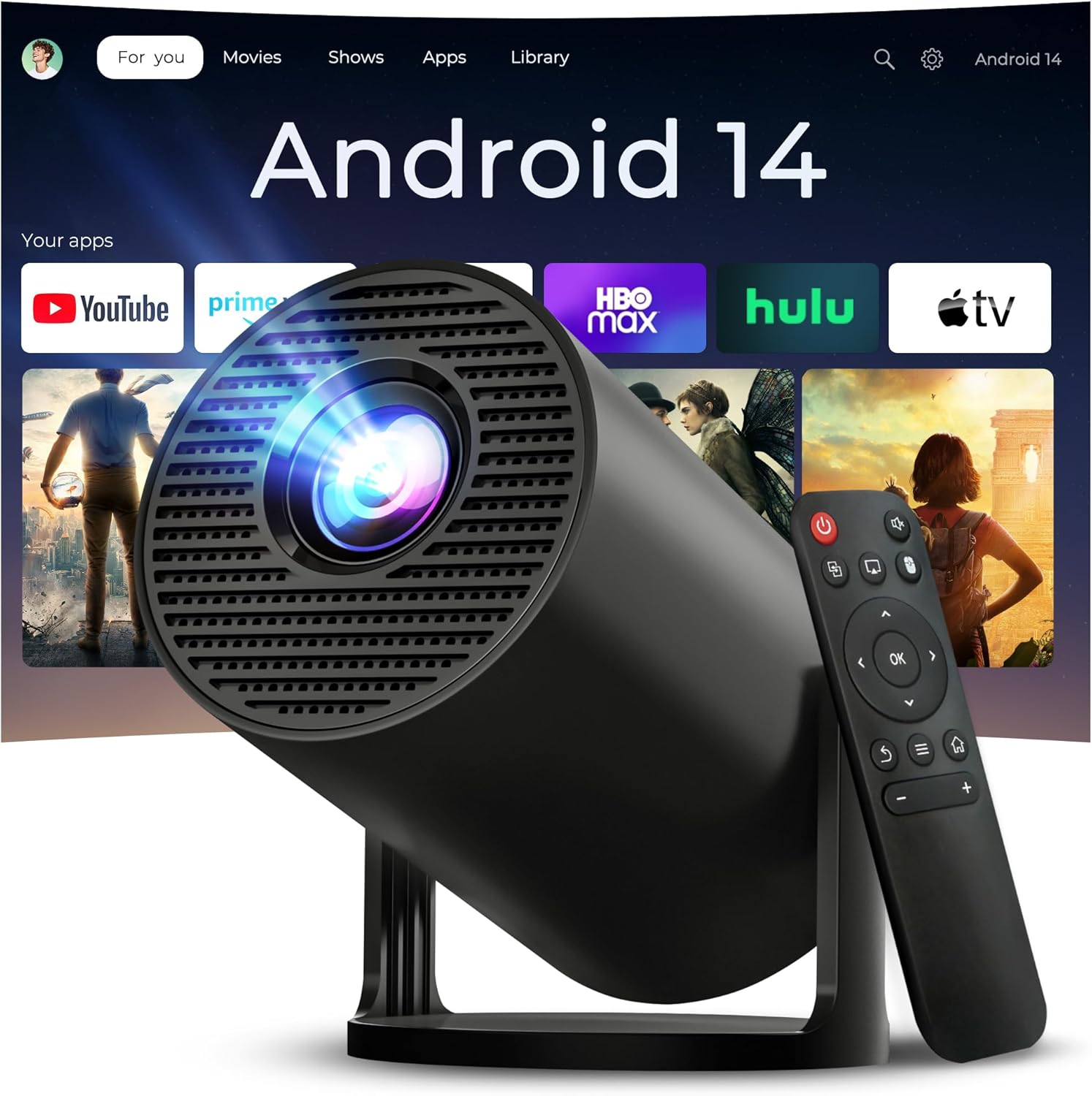
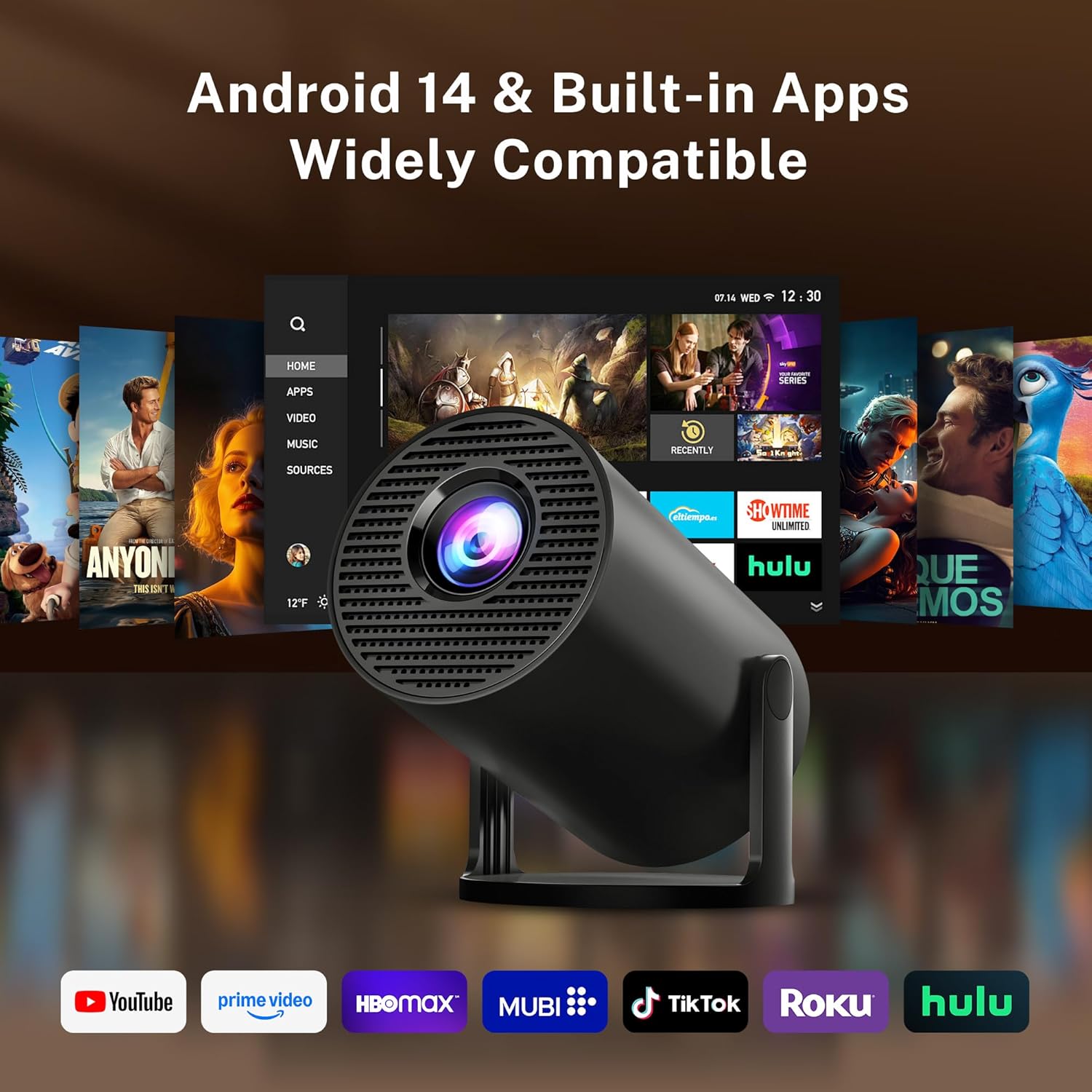
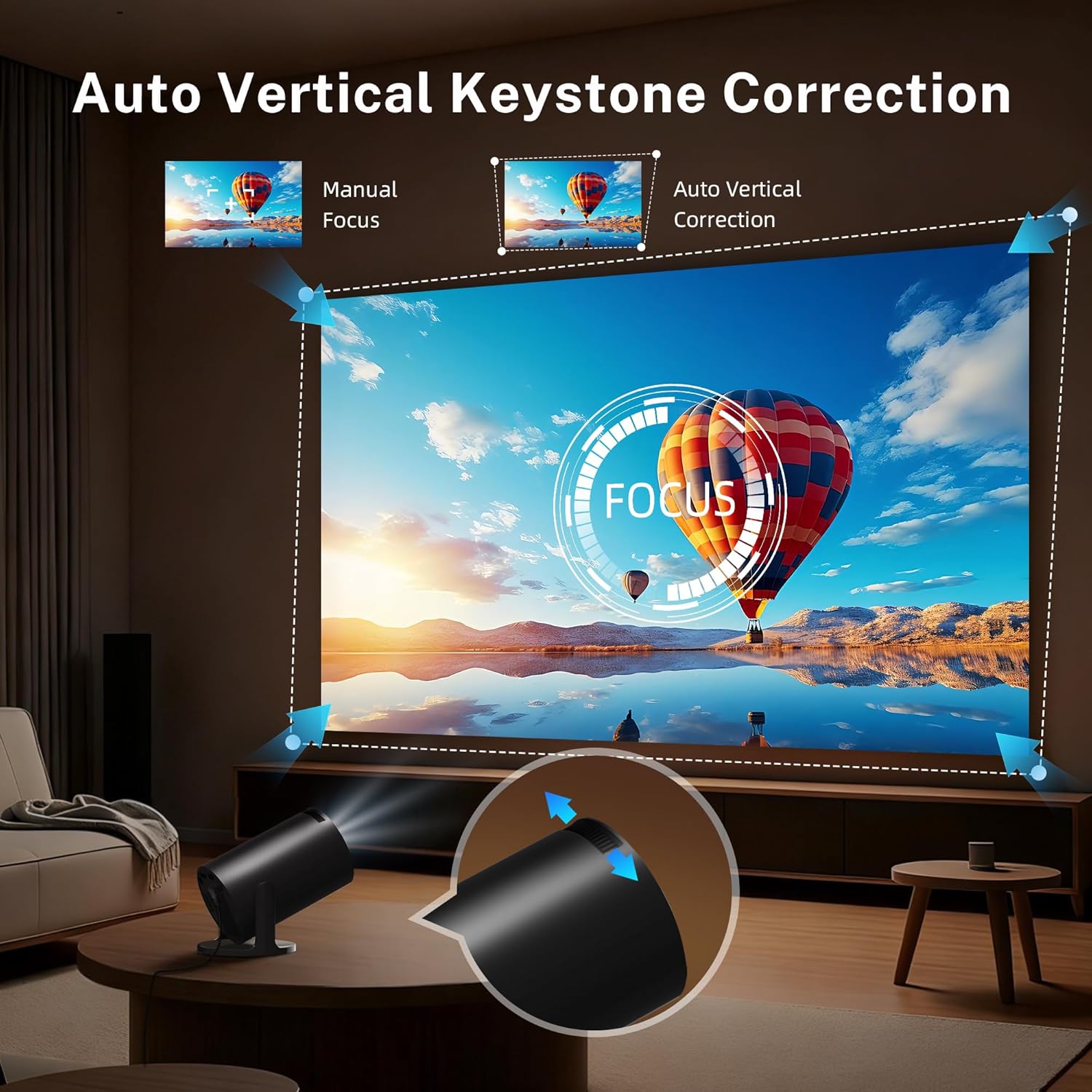
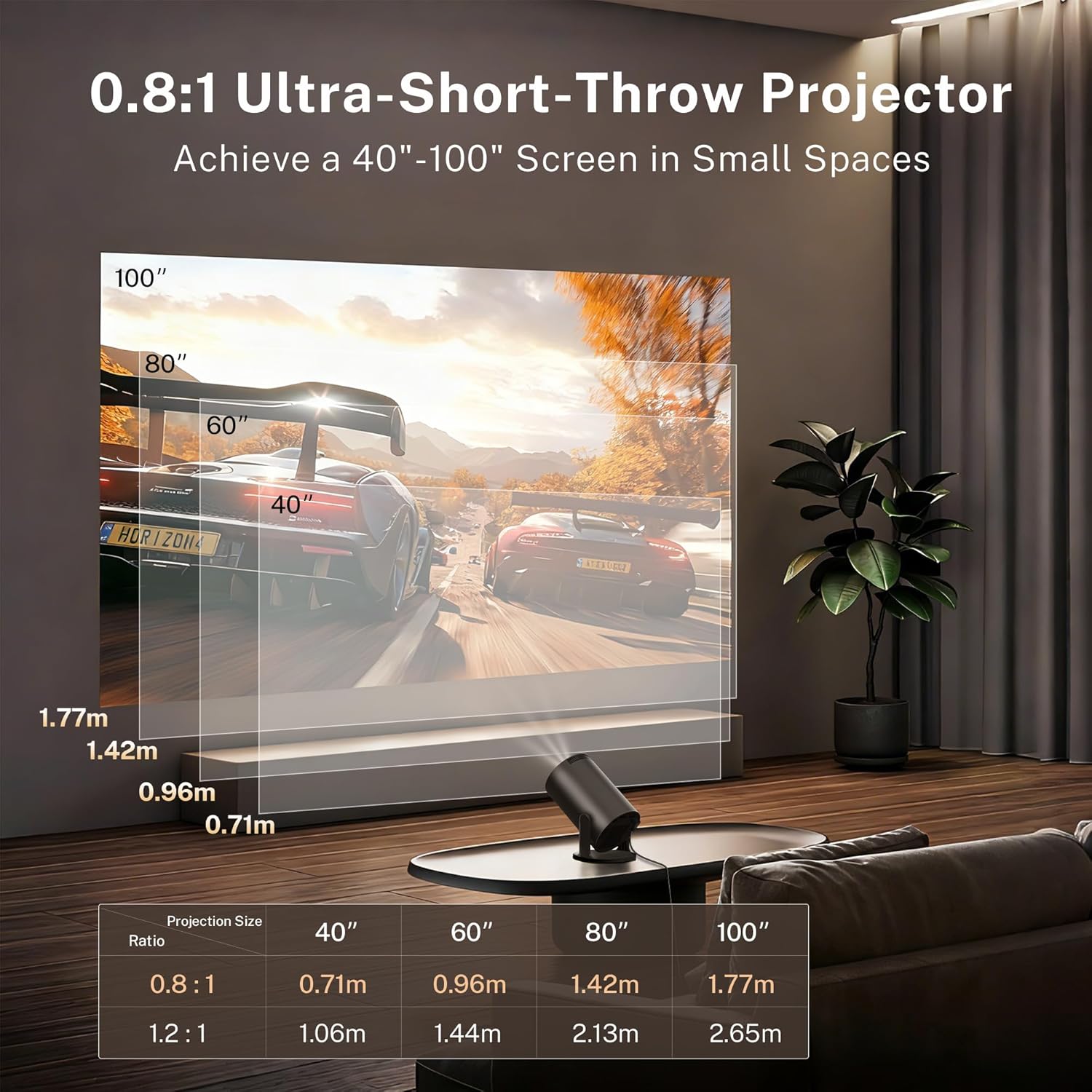
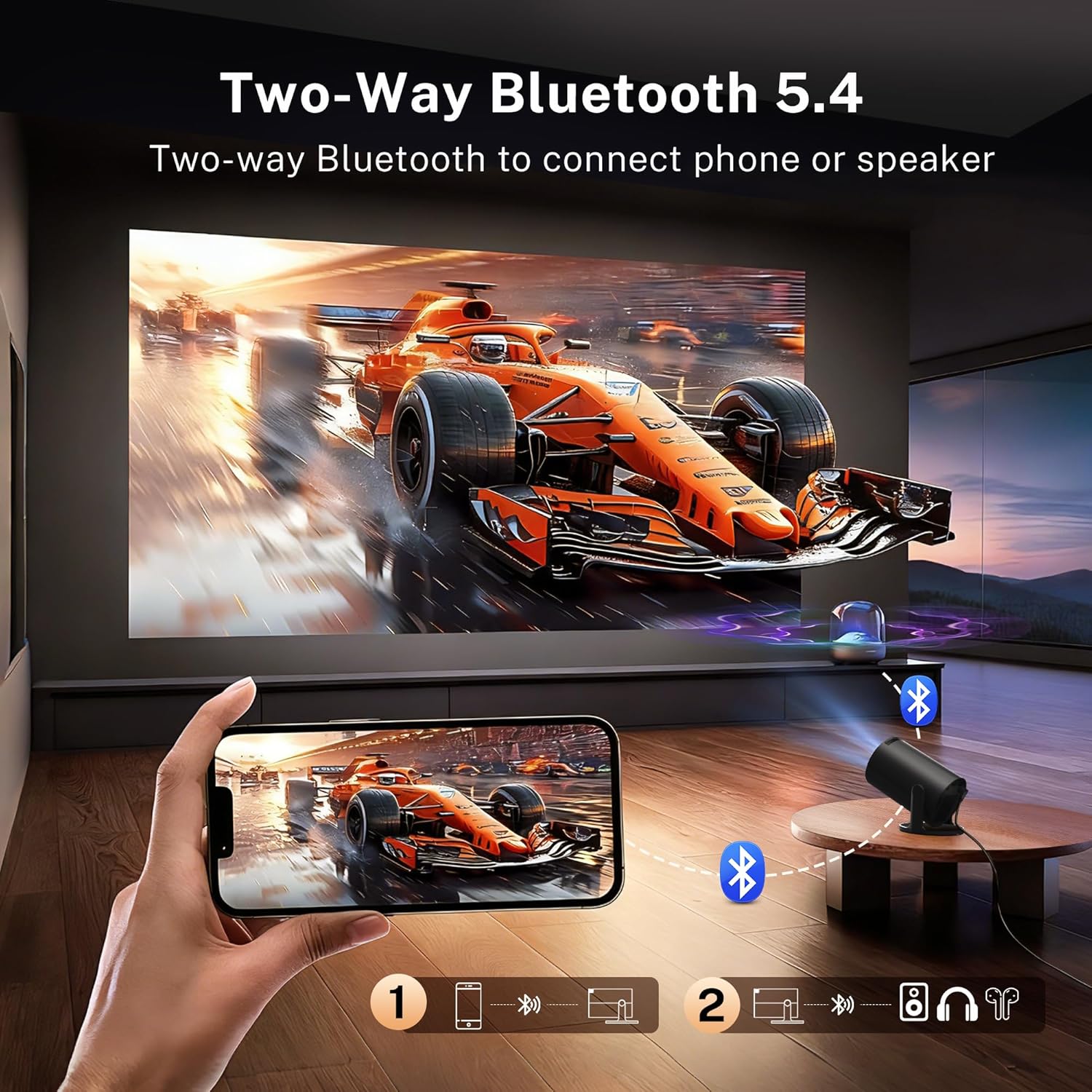
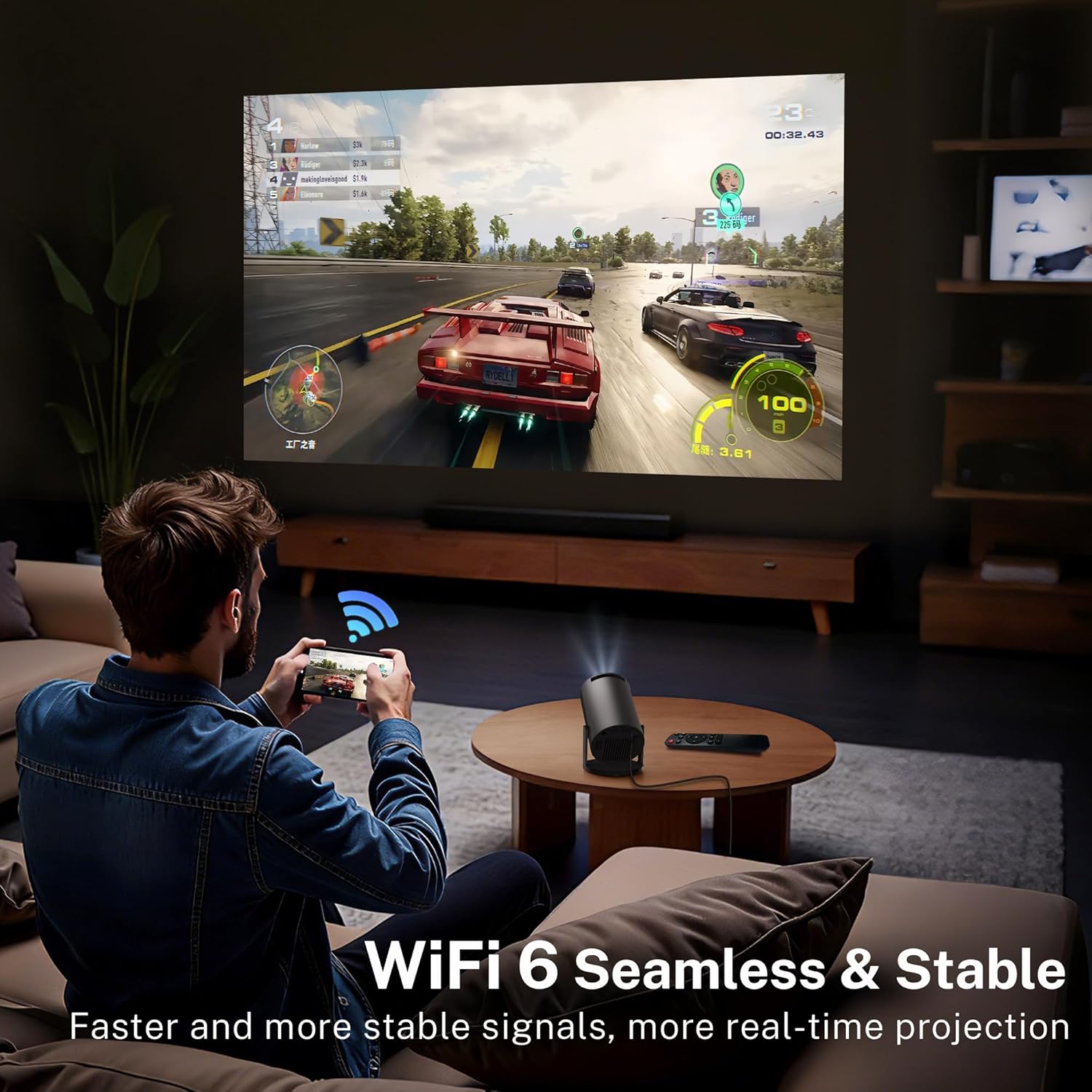
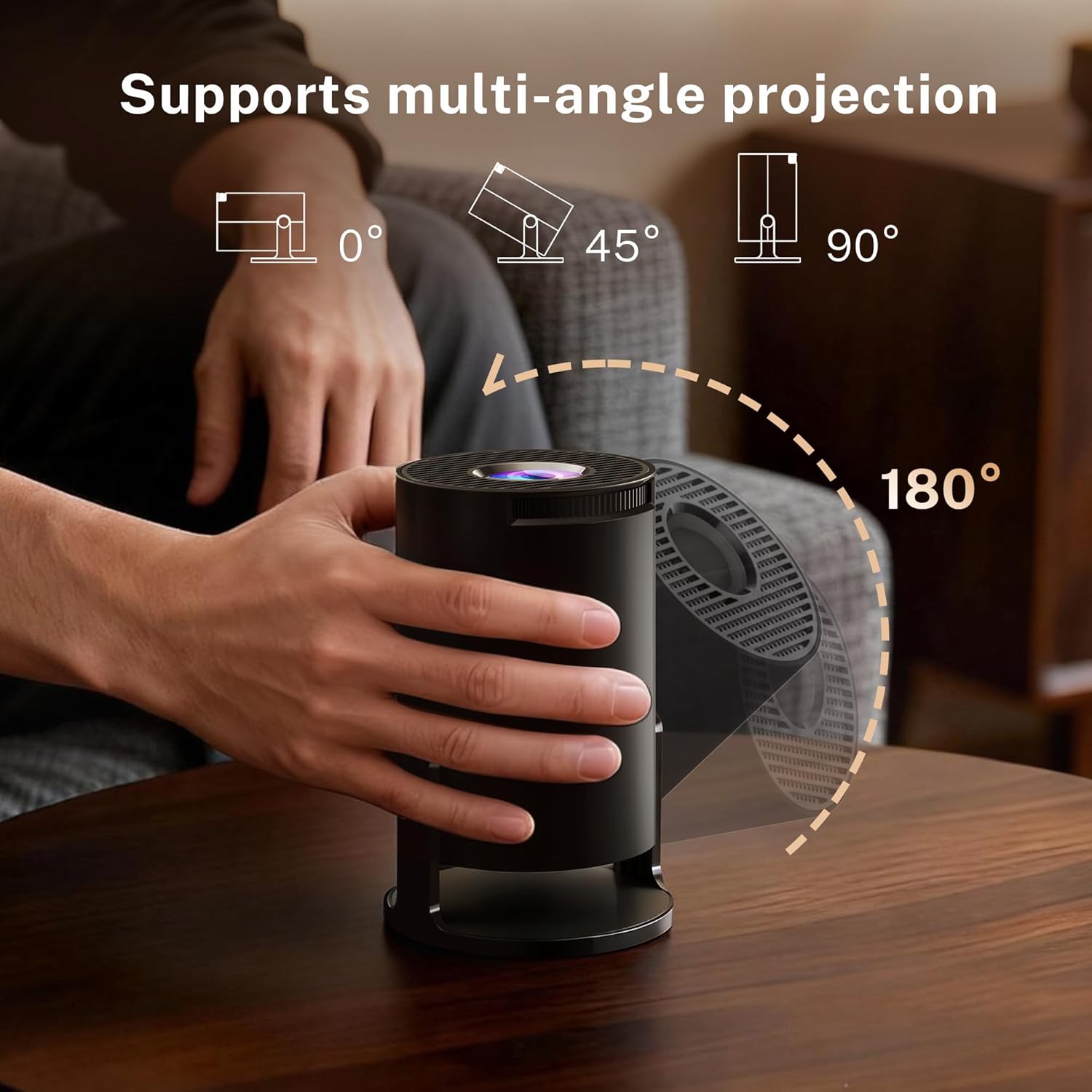
What it is and who it’s for\nThe LYNCast Mini Projector 300Pro+ is a compact, lightweight projector designed for bedrooms, dorms and travel. At roughly 350 g, it aims to combine portability with practical features like Android 14, Wi‑Fi 6 and Bluetooth 5.4, plus multiple input options to connect laptops, consoles or media players. It’s aimed at viewers who want easy streaming for casual movie nights, gaming sessions or presentations without dragging a larger device into the room.\n\n## What stands out in use\nOn paper, the bright‑looking upgrade to 300 ANSI brightness and the 0.8:1 throw ratio enable a sizeable image from a short distance, with a 100‑inch screen possible as close as 6 feet. The 180° rotatable stand adds flexibility for ceiling, front or rear projection, and automatic keystone correction plus manual focus help keep the image square with minimal fiddling. A 5W speaker provides built‑in audio, which is convenient if you’re not hooked up to external speakers.\n\n## What to weigh up (pros and cons)\nPros: compact, easy to move between rooms, built‑in Android 14 with app support, fast Wi‑Fi 6 for smoother streaming, Bluetooth 5.4 for audio devices, flexible projection angles, eye‑friendly LED optics.\nCons: the description does not specify native resolution beyond 1080P with 4K support, so some content may still be sourced at lower resolutions, image quality will depend on room lighting and screen size, as a compact model, it may not replace a dedicated home theatre projector for demanding video work.\n\n## Tech specs (brief overview)\n- OS: Android 14\n- Connectivity: WiFi 6, Bluetooth 5.4, HDMI/USB/Audio ports\n- Brightness: 300 ANSI\n- Weight: about 350 g\n- Throw ratio: 0.8:1, screen sizes from 30‑inch to 150‑inch achievable with zoom adjustment\n- Lens: OptiBarrel design with three optical glass lenses\n- Projection: 180° rotation and auto keystone correction, manual focus\n- Audio: 5W speaker\n- Eye protection: blue light filtering via lens design\n\n## Practical usage and who it fits\nIf you want a quick setup for movie nights in a small room, or a screen for mobile gaming with basic streaming apps, this model could be a sensible pick. It’s well suited for a user who prioritises portability and convenience over a truly cinema‑grade lumen output. It may appeal to students, renters, or anyone who wants a lightweight device for occasional use without investing in a larger projector.\n\n## Watchouts and limits\nIf your goal is ultra‑high brightness or a dedicated home theatre experience, you may find the compact brightness and throw distance less than ideal in bright rooms. Also, firmware limitations or app availability in Android 14 on a budget projector might affect future app compatibility or performance. Consider whether you’ll consistently use a screen or wall with controlled lighting to get the best results.\n\n## Before you buy: what to check\n- Confirm the size of the screen you realistically want and whether the throw distance fits your room.\n- Check what apps you’ll actually use and whether they are available on the built‑in Android environment.\n- Think about sound: if you’re serious about audio, plan to connect external speakers or a soundbar.\n- Consider the room’s lighting and whether blackout options are practical in your bedroom.\n\n## A practical comparison in context\nThis compact projector sits between basic portable projectors and larger, dedicated home‑theatre devices. If you prioritise portability, smart features and ease of use over absolute brightness or premium optics, it offers a compelling balance. If you value cinema‑grade brightness or very large screen sizes in bright rooms, a larger, higher‑luminosity option could be a better match.\n\n## Is it worth it?\nYes, for someone prioritising portability with integrated Android streaming, simple setup and flexible projection angles for casual viewing. It may not be the best choice if you need the brightest image in a well‑lit living room or if you want advanced picture calibration for professional media work.\n\n## Frequently Asked Questions\n- Can it handle 4K content? It mentions 4K support, but native resolution and upscaling quality will depend on input and processing, 1080P is the common baseline for most content.\n- Do I need external speakers? The built‑in 5W speaker is usable for casual viewing, but external speakers will improve sound significantly.\n- How easy is setup? With auto keystone, 180° rotation and a short throw, setup is designed to be straightforward for quick viewing.\n- Is it good for gaming? Low latency Wi‑Fi 6 and Bluetooth 5.4 help, but graphical fidelity and input lag also depend on the connected device and content.