

ZDK WiFi & Bluetooth Projector
Product description
What it is (and what it’s for)
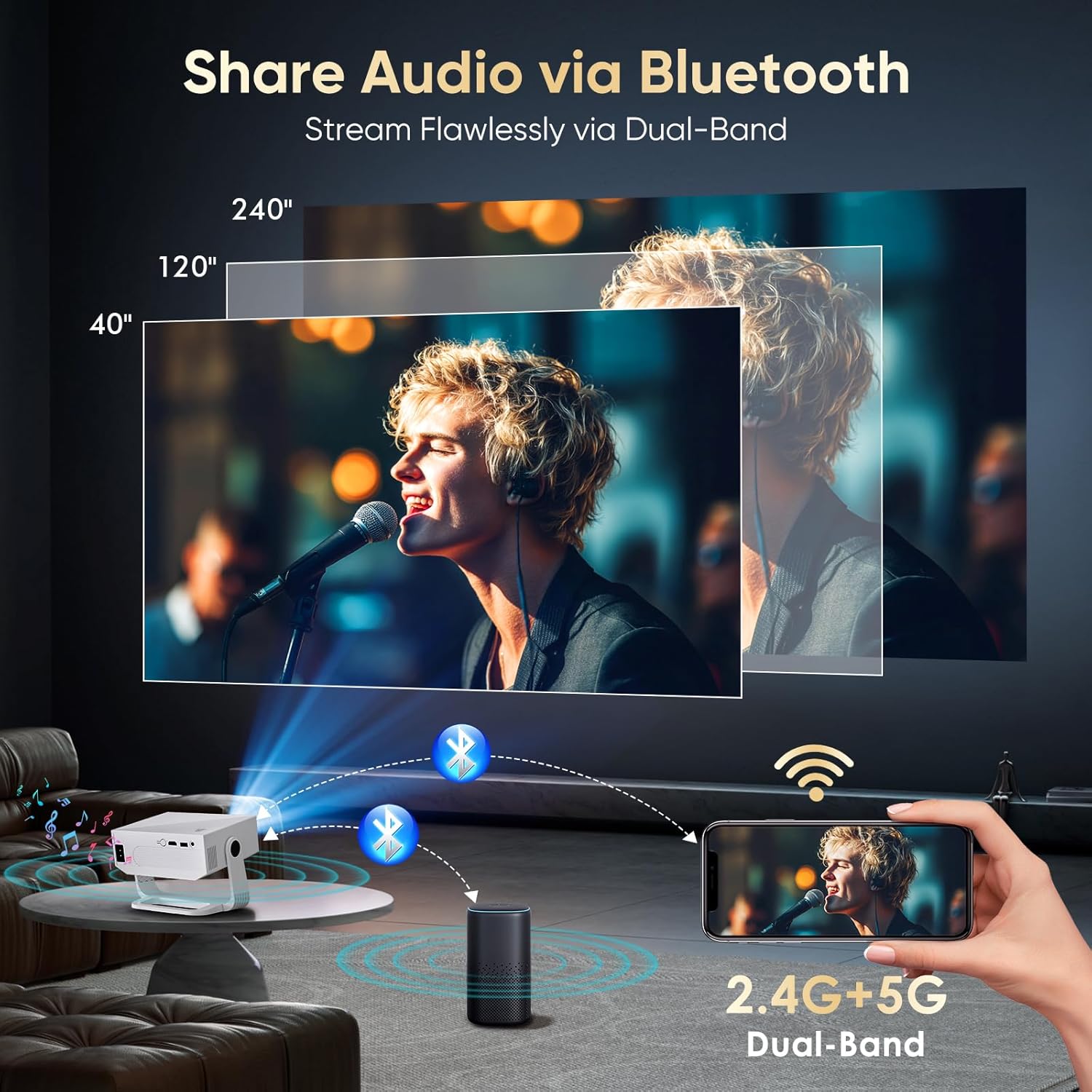
A ZDK projector with WiFi and Bluetooth is aimed at simple, everyday viewing where you don’t necessarily want to run cables everywhere. On paper, that combo usually means easier screen sharing from a phone or tablet and the option to pair audio over Bluetooth rather than relying only on built-in speakers.
In practical terms, you’re looking at something that can support movie nights in a living room, casual TV catch-up, or presentations at home—provided the room conditions suit a projector. Projectors are a bit more forgiving for entertainment than for precision work, and this kind of model typically fits the “good enough for most evenings” bracket rather than demanding specialist performance.
The essentials
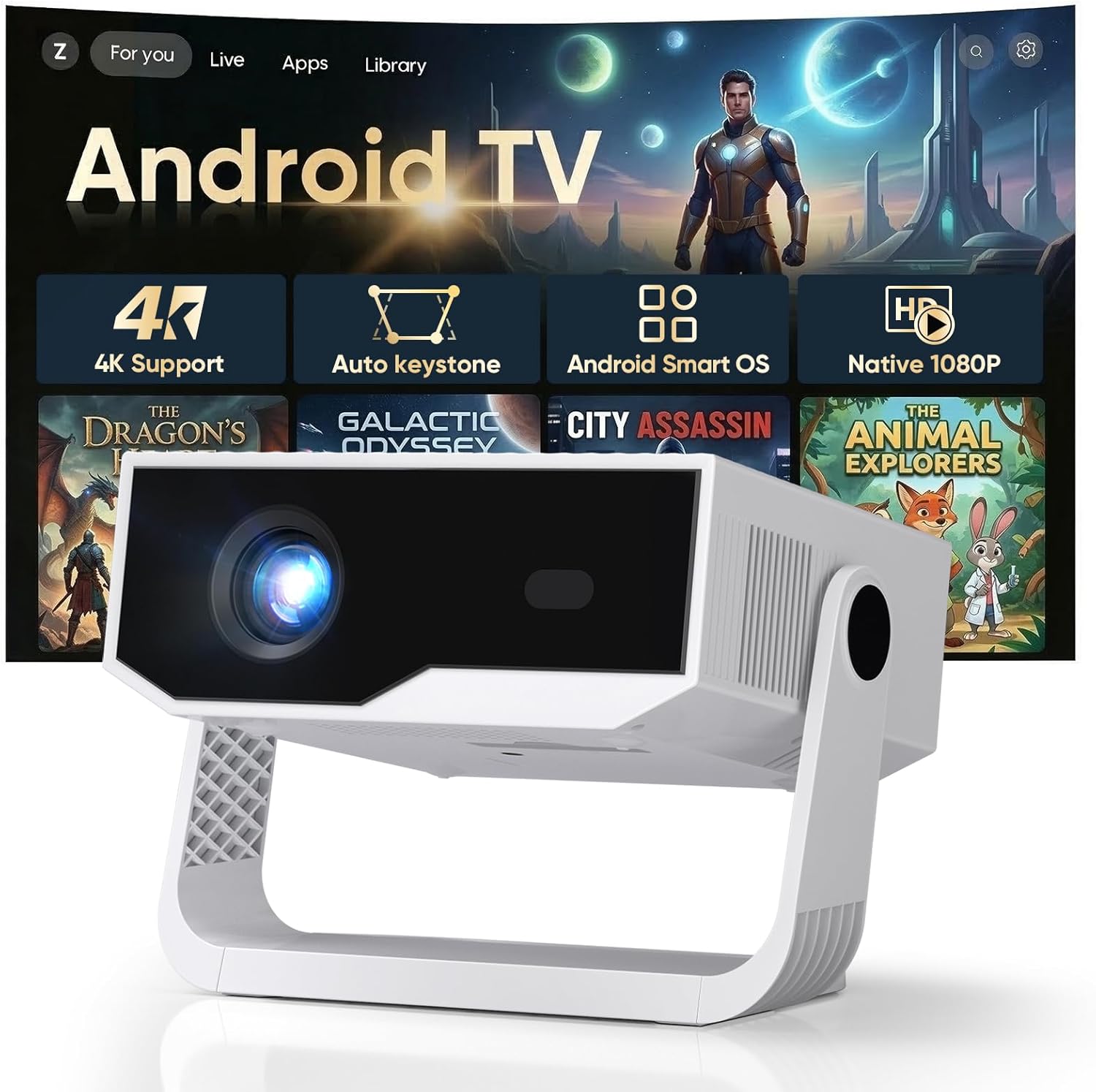
The big differentiator here is the inclusion of WiFi and Bluetooth. That matters because it changes how you connect:
- With WiFi, you can usually stream from compatible devices without always needing physical connections.
- With Bluetooth, audio can be routed to a Bluetooth speaker or headphones if you want something louder (or more private).
It’s worth noting, though, that “WiFi projector” doesn’t automatically guarantee the smoothest streaming experience for every app or every phone model. Depending quite a lot on the devices you use and the way the projector’s wireless features are set up, you may still end up using a cable occasionally—especially for the most reliable playback.
What you’ll notice day to day
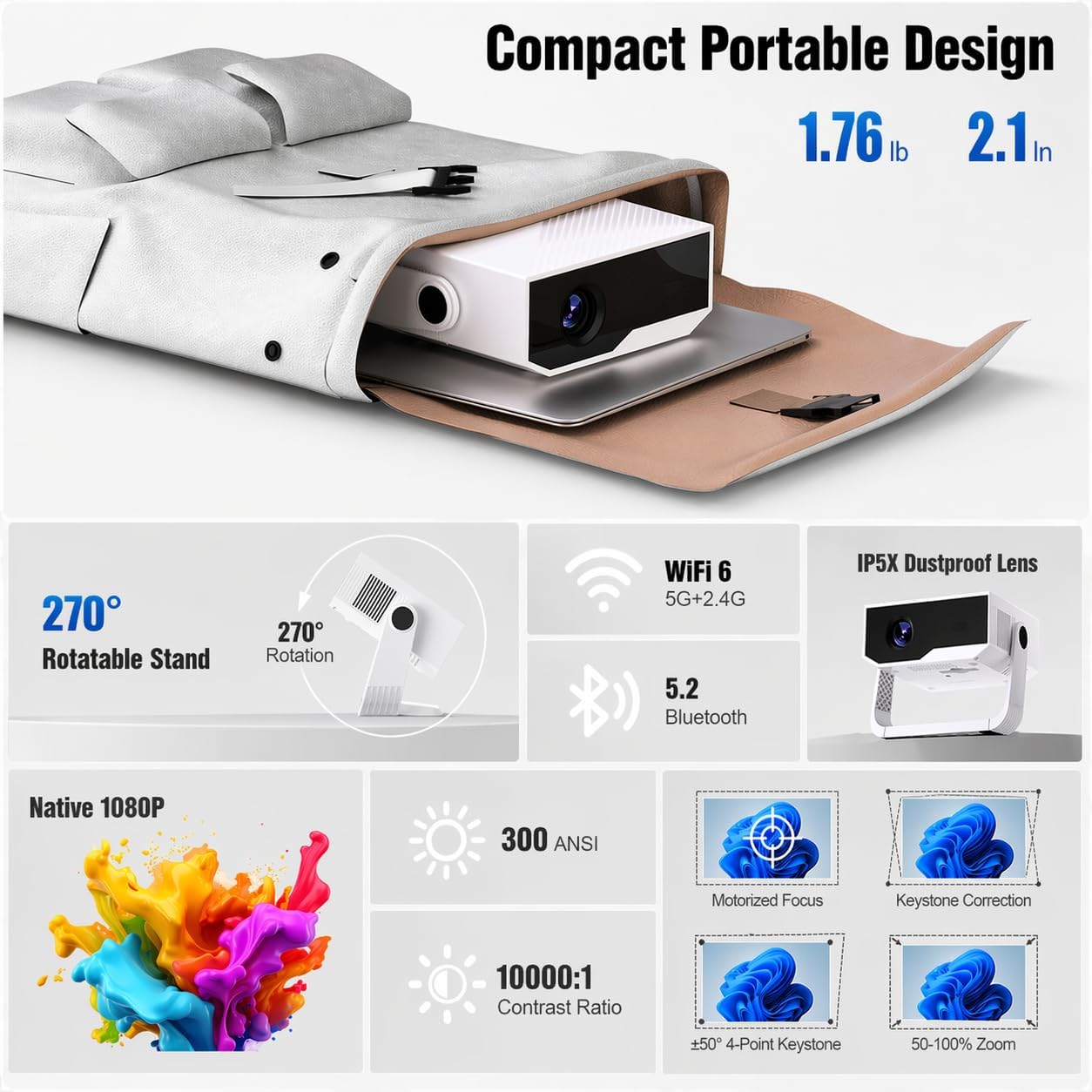
The day-to-day experience with a WiFi/Bluetooth projector tends to come down to three things: how quickly it connects, how consistently it streams, and whether the audio setup is convenient.
For example, a realistic micro-scenario: you’re in the kitchen, you’ve got a playlist ready on your phone, you get the projector running, then you pair a Bluetooth speaker. Once the pairing is done, you can start a film without digging out extra cables. It’s exactly the kind of friction-free setup many people want—until the first time it fails to reconnect as expected.
So, if your priority is “turn it on and go”, it can make sense. If your priority is “always flawless streaming with zero tinkering”, you may want to temper expectations.
Where it shines (and where it may feel limited)
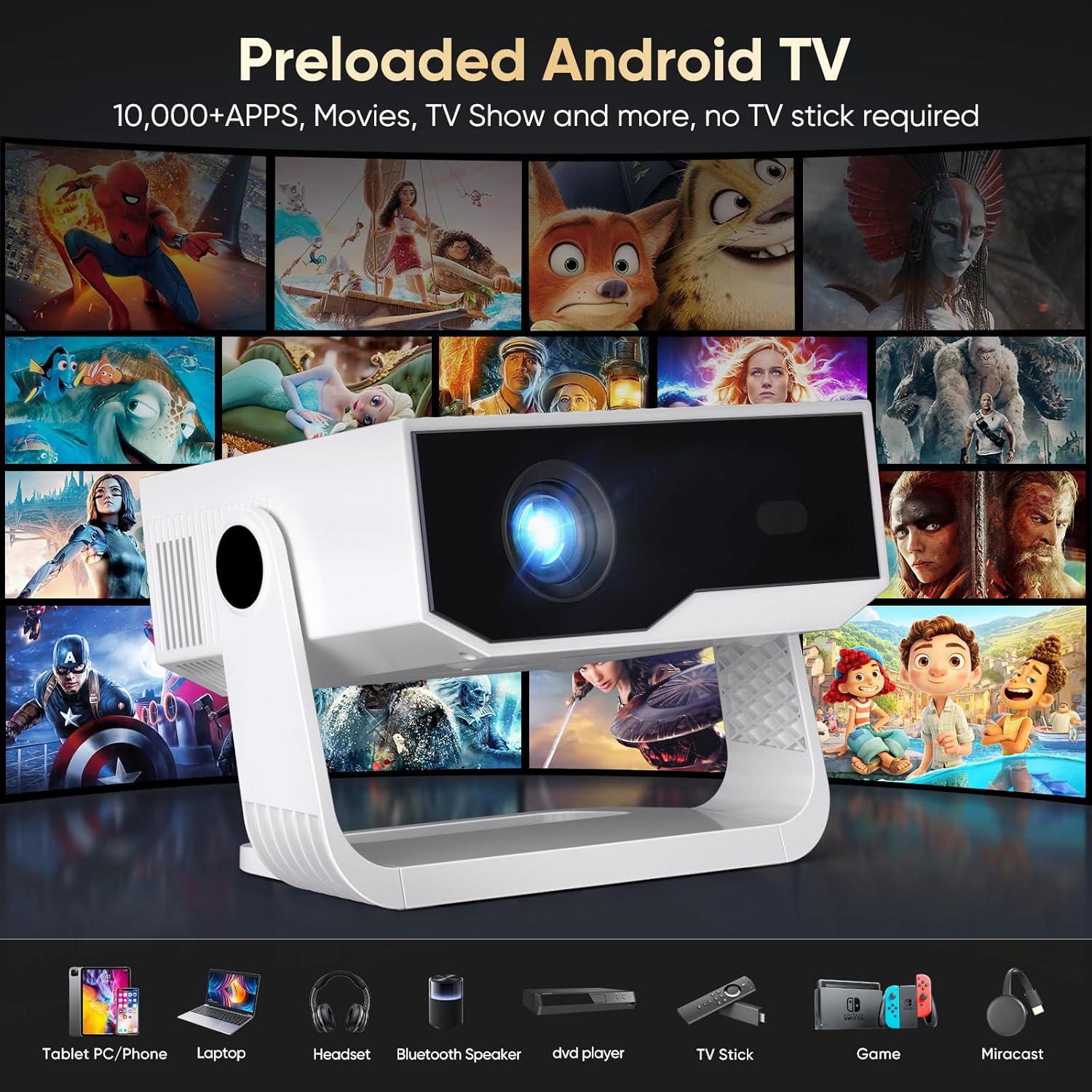
This ZDK projector is most compelling if you want wireless convenience as part of your setup. In a typical home environment, WiFi and Bluetooth reduce the hassle of switching sources.
Where it may feel more in the middle of the market is if you expect consistently bright images in fully lit rooms or very refined control for detailed work. With only the general product info available, you can’t assume it will compete with higher-end models on brightness or advanced picture processing. That doesn’t make it a bad choice—it just means you should match it to your use case.
Key specs
- Product type: Projector
- Brand: ZDK
- Wireless options: WiFi and Bluetooth
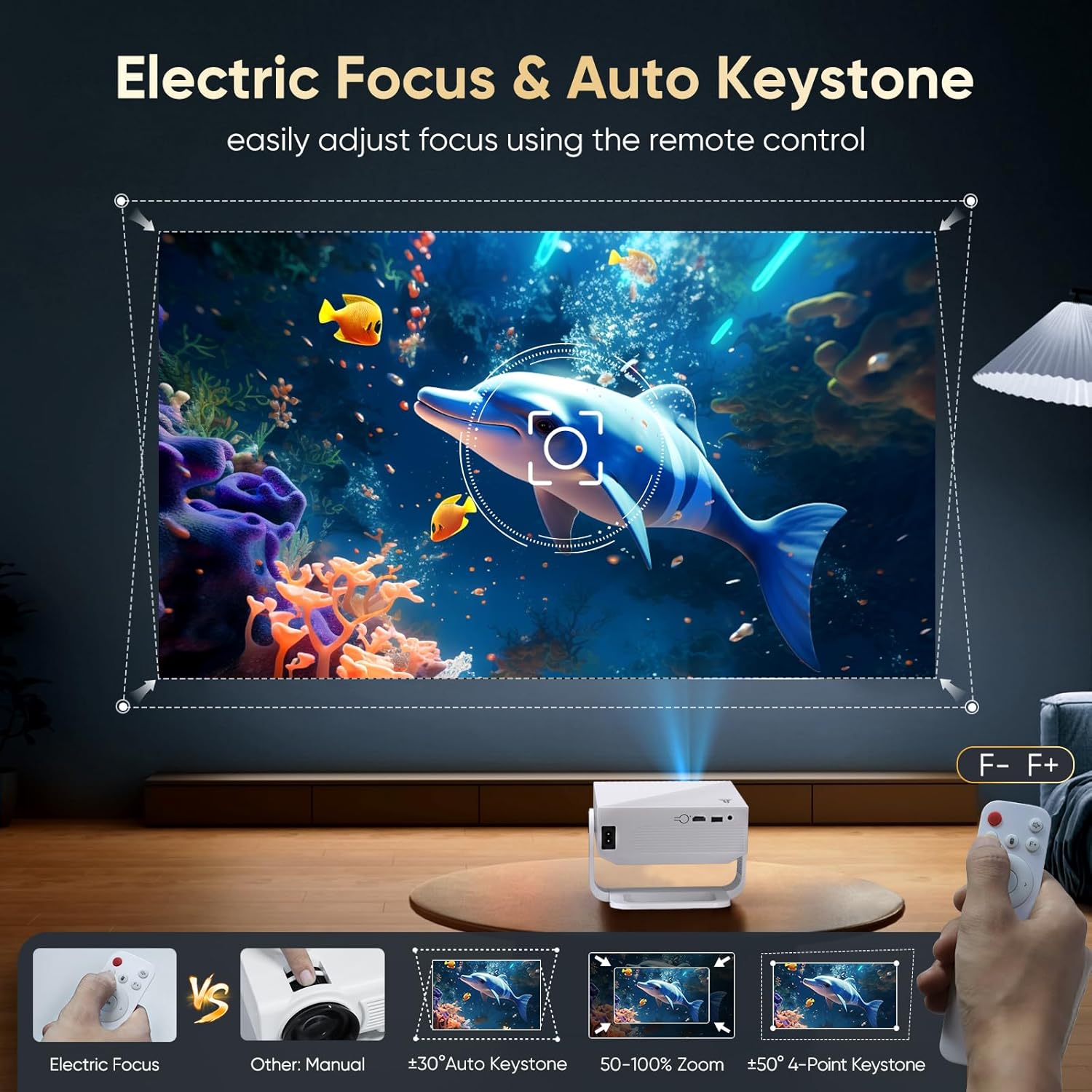
Because the listing details provided here are limited, you’ll want to double-check anything that affects real viewing, such as supported connection methods and how well the wireless features work with the devices you already own.
Who it suits best (and who should be cautious)
It makes sense if you’re buying a projector mainly for casual entertainment and you value wireless convenience. If you plan to use it in a home setting—dim lights, sofa viewing, and occasional phone-to-projector streaming—this kind of feature set is often the sweet spot.
It might not be the best match if you’re expecting “set-and-forget” performance with every streaming app, or if your viewing happens in bright rooms where a projector may struggle regardless of WiFi/Bluetooth.
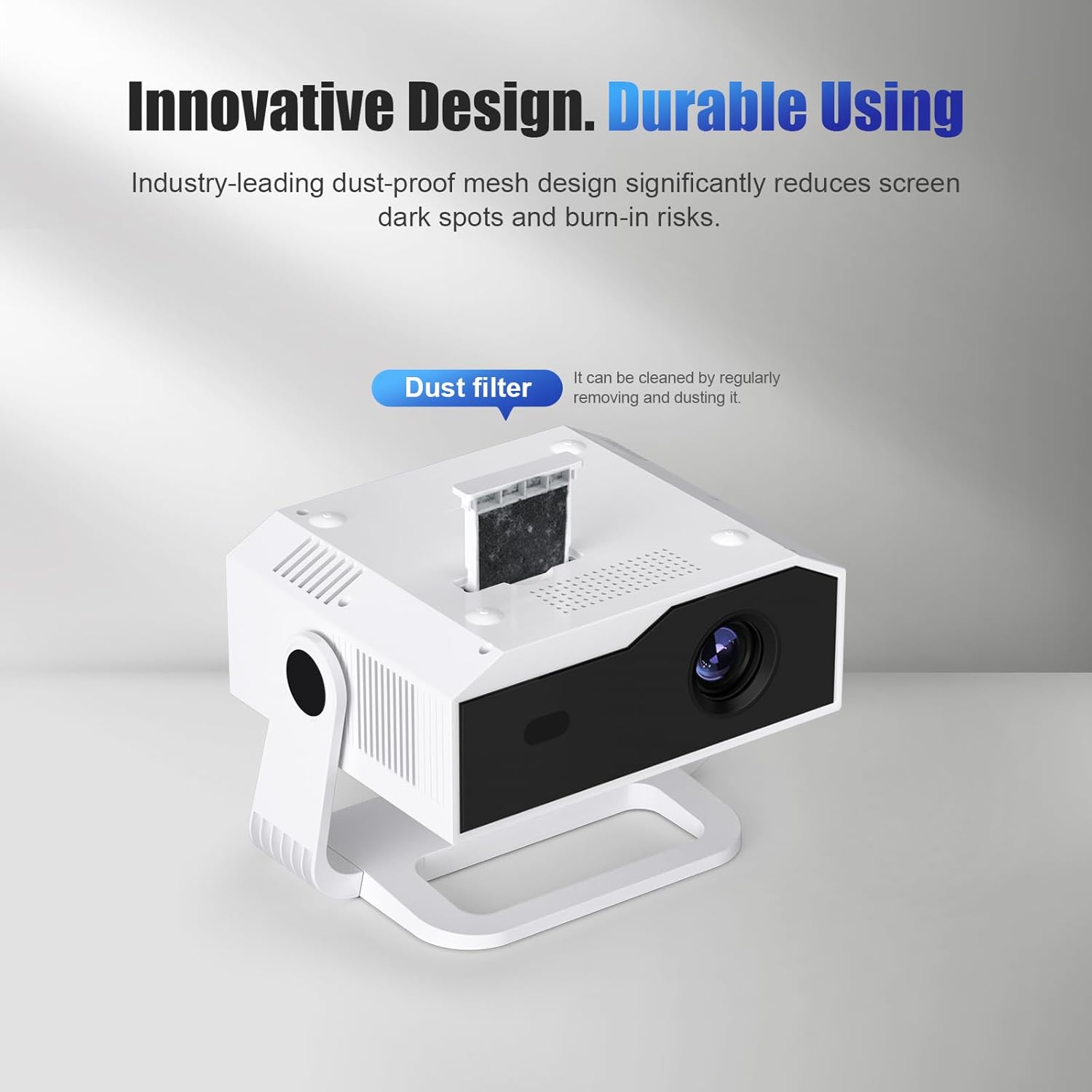
Buying verdict
If you want an uncomplicated projector setup with the option to stream over WiFi and send audio over Bluetooth, the ZDK projector with WiFi and Bluetooth is a reasonable purchase to consider—especially for home film nights and everyday viewing.
But don’t buy on wireless features alone. Before you commit, check what connection methods it supports in practice and whether the wireless experience matches your actual devices. If you tend to watch in well-lit rooms or need consistently dependable playback without any troubleshooting, you may want to look at alternatives with more clearly detailed performance and connection specifics.
Mini FAQ
Does WiFi and Bluetooth automatically mean easy streaming?
It can, but “easy” depends on setup and device compatibility. Even with WiFi, you may still find some sources more reliable than others.
Can I use Bluetooth for better sound?
That’s the usual idea. If your setup includes a Bluetooth speaker or headphones, Bluetooth audio can be a practical way to improve comfort and volume.
Is it suitable for parties or casual use?
Often yes for casual viewing, since wireless connection can be quicker for switching between guests’ devices. Still, it’s worth expecting a bit of setup during the first few uses.
What should I check before buying?
Focus on how the projector handles wireless connections with your phone/laptop, and confirm supported connection options beyond just WiFi/Bluetooth.